All categories
Business & Offices
Electronics & Media
Fashion & Accessories
Groceries & Essentials
Health & Personal Care
Home & Living
Kids & Family
Sports & Outdoors
Search in ZoneOffer

Loading...
Great audio doesn’t happen by accident—it’s crafted with the right gear around your mic. Whether you’re podcasting at home, streaming live, recording vocals, or capturing sound on the move, microphone accessories can make or break your sound. The right pop filter cuts plosives, a shock mount kills desk rumble, and a windscreen tames breezes that would otherwise ruin takes. If you’re browsing popular offers or comparing a price list for microphone accessories in the UK, you’ll quickly see there’s a lot to consider. Let’s simplify it so you get clear, consistent audio without overspending.
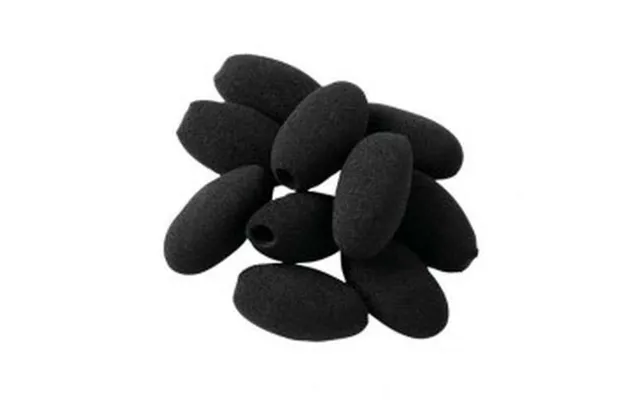
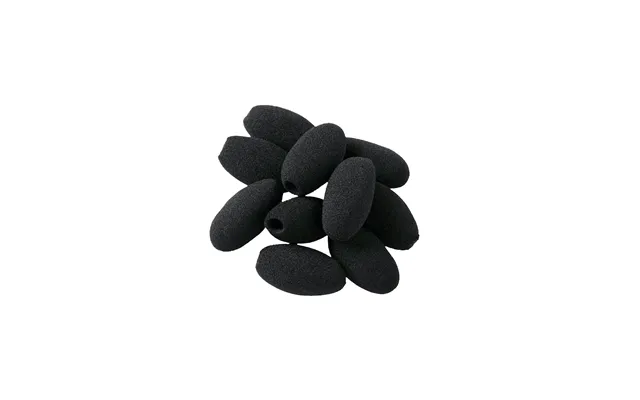
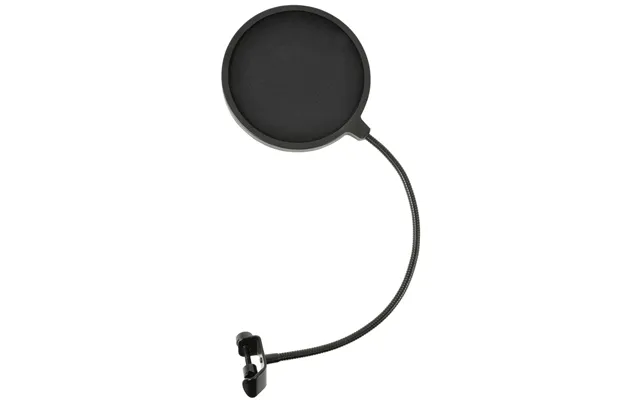
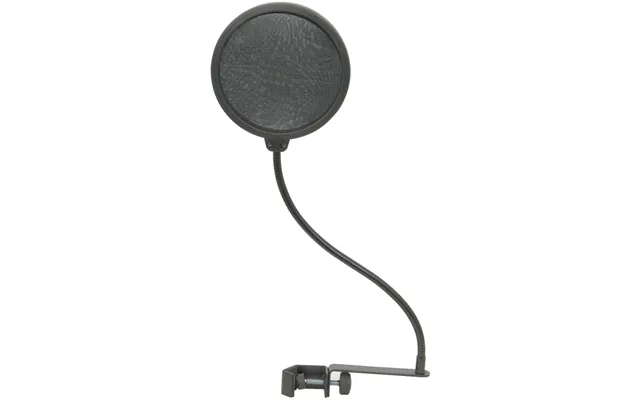
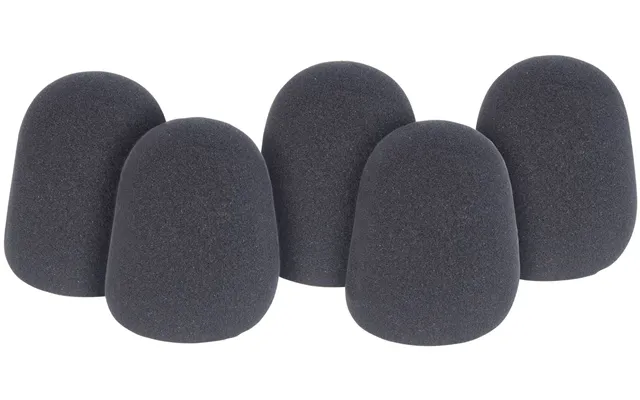
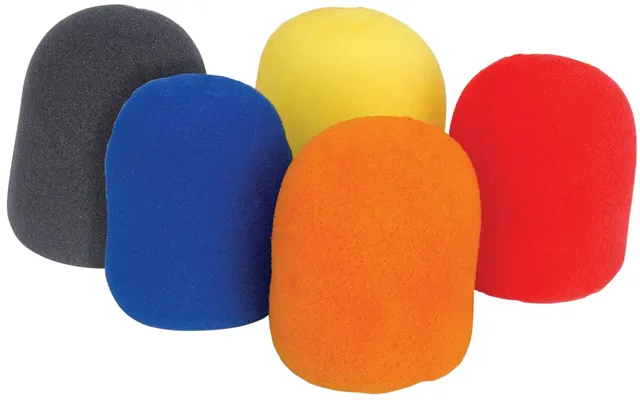
Pop filters and windscreens are your first line of defense against mouth noises and breath blasts. A pop filter sits a few inches in front of the mic and diffuses strong air from “P” and “B” sounds. Nylon mesh options are affordable and flexible, while metal mesh models are more durable and easier to clean. Foam windscreens slide over the capsule and help with gentle airflow; they’re great for indoor voice work. Recording outdoors or near a fan? Consider a furry windshield (often called a “deadcat”) designed to tame wind without smothering your tone. Look for pop filters with adjustable goosenecks and clamps that open wide enough for your stand—around 1 to 2 inches of clamp clearance usually covers most desks and stands.
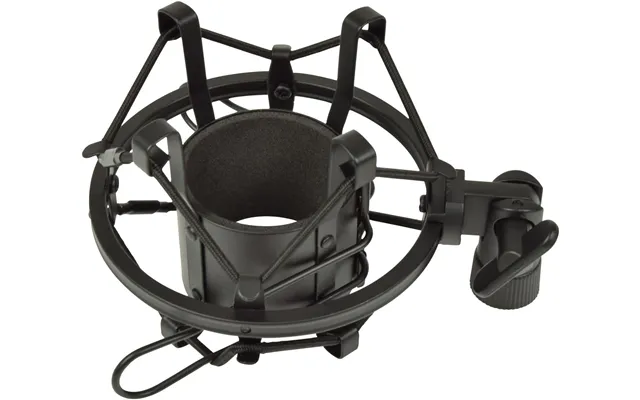
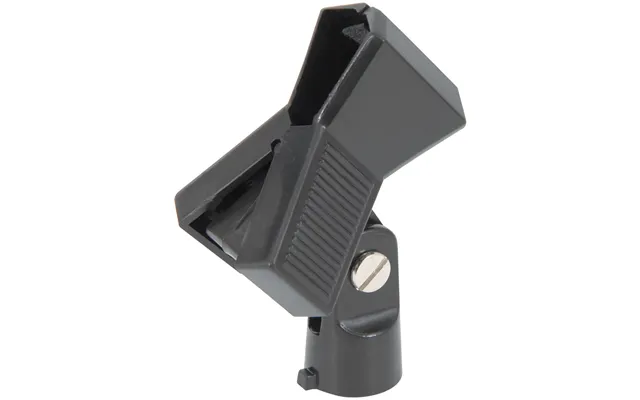
Unwanted thumps and rumbles often travel up your stand into the mic. That’s where shock mounts shine. They suspend the microphone in elastic bands or silicone supports, isolating the capsule from vibrations caused by typing, tapping, or moving the boom arm. For large-diaphragm condenser mics, grab a mount matched to the body diameter and threading; for broadcast dynamics like the popular end-address models, look for brand-specific mounts or universal cradles with adjustable rings. Bonus tip: pair a shock mount with a desk isolation pad to reduce low-end rumble from your work surface.
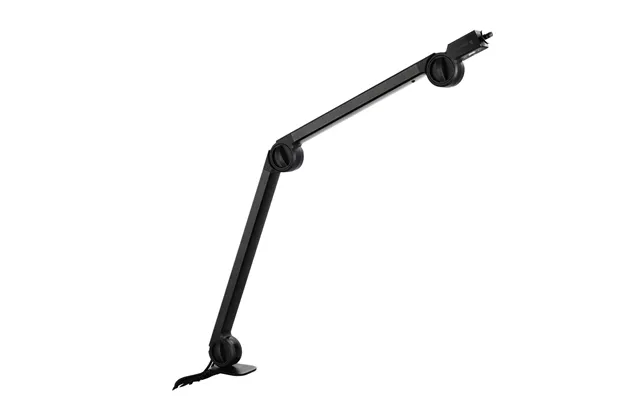
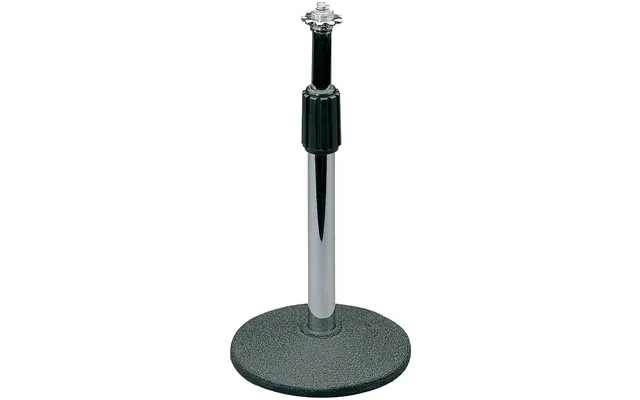
A stable, quiet stand is the unsung hero of any setup. Desktop boom arms are ideal for streamers and podcasters who need the mic floating just out of camera shot. Prioritize arms with internal springs or concealed cable channels to keep things tidy and silent when moving the mic. If you’re using a floor stand, a solid base and telescoping boom help with precise placement. Check reach measurements—arms offering roughly 18 to 35 inches of horizontal extension cover most desk scenarios. Need overhead placement for drums or foley? A heavy-duty boom with counterweight gives you reach without sag.
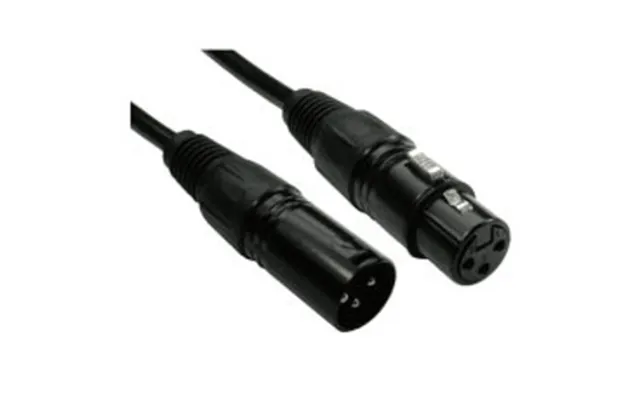
Cables affect noise, flexibility, and durability. For XLR, go with balanced cables featuring sturdy connectors and good strain relief. Length matters: too long and you risk signal degradation with lower-end gear; too short and your rig becomes a tangled headache. For most home studios, 6 to 15 feet hits the sweet spot. On bigger sets, 25 to 50 feet offers flexibility without turning your bag into a cable bin. If you’re using USB mics, consider high-quality USB cables with ferrite cores to fight interference. A right-angle connector can help manage tight desk setups and avoid stress on ports.
Why do two pop filters that look similar cost different amounts? Materials and build quality. Sturdy metal frames, high-tension goosenecks, reliable clamps, and premium mesh increase cost—but they also last longer and hold position better. With shock mounts, thicker elastics or silicone webbing, robust threaded adapters, and precise machining drive price. With stands, it’s all about rugged construction, smooth joints, and weight that keeps things steady. You don’t need to chase the top price bracket, but avoid disposable-feeling gear that loosens or squeaks after a few sessions.
Established audio brands invest in tighter quality control, better materials, and more reliable hardware, which can influence the price list you see when comparing offers. Warranties also matter—an extra year of coverage can effectively lower your long-term cost. That said, there are fantastic budget-friendly accessories from newer brands; check reviews that focus on noise reduction, clamp strength, and durability.
Sometimes the cheapest accessory becomes expensive if you need extra adapters. Microphone threads can vary, and some mounts or arms include multiple thread options; others don’t. Keep an eye out for 5/8-inch to 3/8-inch thread adapters in the box. For windscreens and pop filters, confirm diameter compatibility so you’re not forcing a tight fit or dealing with a baggy cover. Saving a few pounds up front is great—unless it costs you in time and returns later.
If you’re streaming or podcasting in a typical room with fans, keyboards, and the occasional door slam, a dynamic mic can be more forgiving. Pair it with a sturdy boom arm, a shock mount, and a pop filter for crisp, close-mic’d sound. Condenser mics capture brilliant detail but also room noise; if you choose condenser, add a reflection filter behind the mic and prioritize a quiet stand. Either way, make a pop filter non-negotiable. It’s a tiny cost for a huge leap in professionalism.
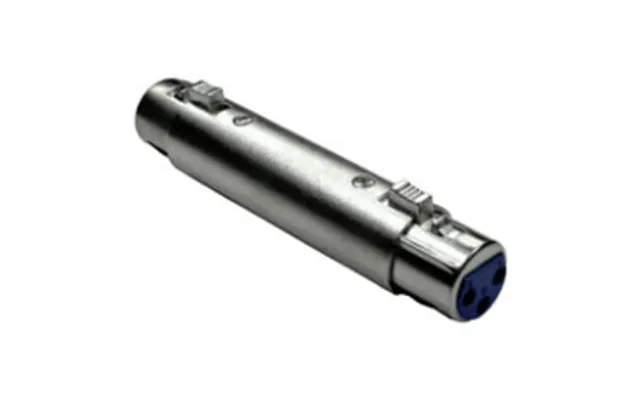
Got a quiet dynamic mic? An inline gain booster—like those well-known inline preamps—can add clean gain before your audio interface, helping you avoid cranking preamps and inviting hiss. These compact devices slip between your mic and XLR cable, and many require phantom power to operate. They’re not accessories you will always need, but if you find yourself maxing the gain knob, a booster turns a good mic into a confident mic. When comparing price lists, check whether the boost suits your mic’s output and your interface’s headroom.
Nothing kills a podcast vibe like low thumps from every keystroke. Layer your defense: a decent boom arm, a shock mount, and an isolation pad under the desk clamp. If your desk is hollow or extra resonant, consider adding a small weighted plate between the clamp and the surface to spread pressure and dampen vibrations. Tiny tweaks, big impact.
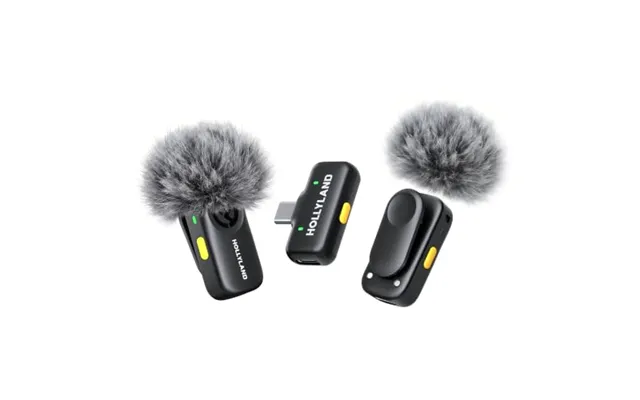
Outdoor audio fights wind, period. Foam is the first step; furry windscreens are the solution when breezes kick up. For shotgun mics, a full blimp system—an enclosure that surrounds the mic with a fur cover—offers the best wind protection while preserving tone. The trade-off is bulk and cost, but if you film outdoors often, it’s worth it. For compact on-camera mics, a snug furry cover gives you major protection with minimal size penalty.
If you’re mobile, a lightweight boom pole saves your back and keeps the mic where it belongs—just out of frame. Look for sections that lock tightly and don’t twist. Folded length is key: something around 20 to 30 inches collapsed fits in many backpacks, while extending to several feet for reach. Add a coiled XLR routed along the pole with clips or low-profile straps to avoid cable noise.
Loose cables are noise magnets. Use Velcro ties or small reusable straps to keep slack in check. Coil cables in large, gentle loops to avoid kinks. If interference becomes an issue near phones or wireless packs, add ferrite beads to your cable ends. They’re tiny, cheap, and can save you from mystery buzz.
Can’t treat your whole room? A reflection filter behind the mic reduces room reflections and focuses your sound. Pair it with a thick pop filter and a dense rug under your feet to tame early reflections. For voice-over and vocals, a portable vocal booth around the mic can be a game changer, cocooning the capsule while you keep the rest of the room untouched. No hammer, no drywall—just smarter positioning.
Nylon filters are budget-friendly and do the job. Metal filters last longer, are easy to sanitize, and often have a finer diffusion pattern that maintains articulation while cutting plosives. If you move a lot or share gear, metal can be the safer long-term bet. Either way, keep that filter about 2 to 3 inches from the mic and your mouth another few inches beyond that for a natural tone.
Hearing faint radio chatter or a mosquito-like whine? You might be picking up interference. Snap-on ferrite cores near the ends of your USB or XLR cables can choke out high-frequency noise. Keep power cables separate from audio lines and avoid bunching everything together behind your desk. A humble ferrite bead often solves issues that feel like black magic.
Harsh “S” sounds (sibilance) and explosive “P” sounds (plosives) often come down to mic placement. Angle the mic slightly off-axis, keep a pop filter in place, and maintain a comfortable distance—around 6 to 8 inches for many voice recordings. If sibilance persists, try a dual-layer pop filter or a metal screen; they can smooth out those edgy transients before you ever reach for software.
When you’re scanning popular offers or a microphone accessories price list on a comparison site, zero in on details: included adapters, clamp range, max load, and confirmed compatibility. Read user reviews that mention handling noise, screw threads, and long-term wear. Don’t forget the bundled value—some stands ship with cable clips or pop filters, which can save you a few extra pounds. A comparison site helps you scan multiple retailers at once, so use filters for type, brand, and price range, then sort by rating to surface the best performers fast.
Ask yourself: is the mic the weak link, or is it the environment? If your recordings are noisy or boomy, accessories like reflection filters, shock mounts, and pop filters often fix the issue without replacing the mic. If your sound is too quiet even with a solid interface, an inline preamp may be smarter than a new microphone. Save mic upgrades for when you’ve already squeezed the most from placement and accessories.
Foam windscreens can collect moisture and dust. Wash them gently with mild soap and warm water, then air-dry completely before reuse. Metal pop filters and mounts wipe clean with a lightly damp cloth. Periodically check screws, clamps, and joints for tightness—they loosen over time with use, and a quick quarter turn can prevent creaks and droops during recording.
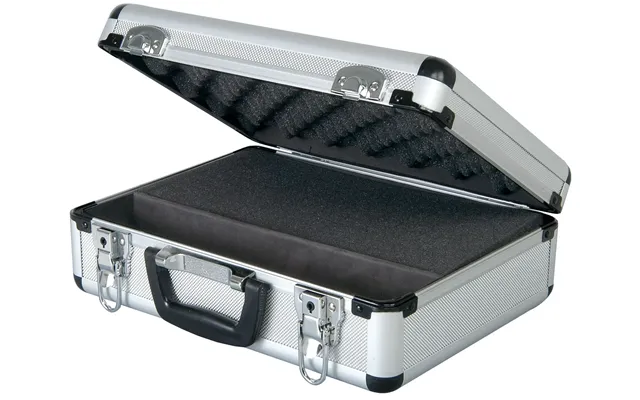
Don’t toss accessories into a drawer. Use small pouches for windscreens, zip cases for adapters, and cable ties for XLRs and USB leads. Coil cables in large loops—think the size of a dinner plate or bigger—to avoid stress. If you’re traveling, a compact hard case can protect shock mounts and pop filters from getting crushed in your bag.
Keep it simple: a compact boom arm, a foam windscreen, and a basic pop filter. Add a low-profile shock mount if your desk wobbles. With a few pieces, your meeting audio jumps from muddy to confident, and you won’t have a mic stand hogging the frame.
Go for a smooth-swing boom arm with internal springing, a reliable shock mount, and a metal pop filter. If you use a dynamic broadcast mic, an inline preamp can give your voice more presence without pushing your interface into noisy territory. Clean cable management keeps your setup pro and your camera shot uncluttered.
Prioritize a reflection filter, a dual-layer pop filter, and a sturdy stand with a wide base. For condensers, a brand-matched shock mount ensures proper fit and isolation. Keep your mouth 6 to 10 inches from the mic, adjust your angle slightly off-axis to smooth sibilance, and watch your levels for consistent delivery.
Outdoors, wind is your main enemy. Pack a furry windshield or a full blimp for shotguns, a compact shock mount to kill handling noise, a collapsible boom, and coiled cables. Keep a handful of Velcro ties in your pocket—nothing saves a take faster than quick cable control.
Before you choose from a list of popular offers, run this quick mental checklist. Does it fit? Confirm thread sizes, clamp openings, and mic diameter. Does it function as promised? Look for real-world reviews that mention noise reduction, stability, and ease of adjustment. Is it future-proof? If you might switch mics later, universal mounts and adjustable pop filters protect your investment. Finally, does the price align with build quality? Bargains are great, but durability and quiet operation are worth a little extra when you’re recording regularly.
Microphone accessories are the quiet champions of great audio. From pop filters and windscreens to shock mounts, boom arms, and reflection filters, each piece solves a specific problem so your voice can shine. If you’re scanning popular offers and comparing a microphone accessories price list in the UK, focus on build quality, compatibility, and the real-world issues you need to solve: wind, rumble, plosives, or room reflections. Start with the essentials—a pop filter, a good stand or boom arm, and a shock mount—and expand as your needs grow. With the right accessories in place, your recordings sound clear, confident, and professional, whether you’re in a spare bedroom or out on a windy sidewalk.

| £ 154,64 |