All categories
Business & Offices

Electronics & Media

Fashion & Accessories
Groceries & Essentials
Health & Personal Care
Home & Living
Kids & Family
Sports & Outdoors
Search in ZoneOffer

Loading...
A conference phone is the unsung hero of smooth meetings—whether you’re dialing into a client call, running a sales update, or coordinating a hybrid workshop. Unlike a laptop mic, these devices are purpose-built for voice clarity, full‑duplex conversations (so no more awkward talk-over), and room-wide pickup. In short, a quality conference phone makes you sound professional and keeps conversations flowing. Considering UK teams are spread across offices, home workspaces, and coworking hubs, having the right device is a quiet game-changer.
Hybrid work is here to stay, which means you need dependable audio that doesn’t make people repeat themselves. A strong conference phone bridges the gap between in‑room and remote participants with smart microphones, acoustic echo cancellation, and background noise suppression. Think of it like upgrading from a tinny radio to a tuned sound system—only for your voice. If your meetings matter (and they do), your audio matters even more.
Conference phones come in a few flavors, and your ideal type depends on how you meet. Analog models plug into traditional phone lines. IP or SIP phones connect over Ethernet to your VoIP provider. USB speakerphones plug into laptops for softphone apps like Teams and Zoom. Bluetooth speakerphones add wireless flexibility. Many modern devices combine two or more options, giving you a “no-worries” setup no matter how your team likes to call in.
If your team lives in Microsoft Teams or Zoom, a USB or Bluetooth speakerphone certified for those platforms keeps things plug‑and‑play. If you use a cloud PBX or on‑prem IP telephony, a SIP conference phone is the straightforward route. Need both? Some devices support USB, Bluetooth, and SIP simultaneously, letting you join a VoIP call while a laptop is also connected for a web meeting. The best choice is the one that fits your exact calling stack.
Start with audio quality—wideband audio, full‑duplex, and beamforming microphones are must-haves. Next, check coverage radius (how far mics can pick up voices), noise reduction tech, and echo cancellation. Then look at connectivity—USB-C, Bluetooth, Ethernet with PoE, or Wi‑Fi, depending on your setup. For usability, seek simple controls, clear status lights, and a readable display. Finally, consider power options, battery life on portable units, and management tools for IT oversight.
Here’s the heart of the matter: You want everyone heard clearly without “can you repeat that?” moments. Multiple microphones arranged in a 360‑degree array ensure voices are captured around the table. Full‑duplex audio lets people interrupt naturally without cutting each other off. Echo cancellation stops your voice from bouncing back as a distracting reverb. And noise suppression filters out clatter—from keyboard taps to office chatter—so your message stays front and center.
Room size dictates the device. A small huddle room needs a compact unit that sits on the table and “just works.” Mid‑sized rooms often need stronger mic pickup and possibly expansion mics. Boardrooms with long tables benefit from daisy‑chaining or satellite microphones so voices remain balanced across the room. When you match the phone to the space, you get a natural, in‑person feel—even when half the attendees are remote.
As a rule of thumb: small rooms (around 8 x 10 ft) are perfect for portable USB or Bluetooth speakerphones. Medium rooms (about 12 x 18 ft) need a conference phone with a larger mic radius or optional expansion mics. Large rooms (beyond 18 x 24 ft) benefit from devices that support daisy‑chaining or multiple satellite mics positioned along the table. Also consider ceiling height and hard surfaces—more on acoustics shortly.
While dozens of models exist, a handful of product lines consistently win in UK meeting rooms for reliability, clarity, and value. Look for lines with proven audio processing, flexible connectivity, and strong software support. Models from Poly, Yealink, Jabra, AnkerWork, Cisco, and Konftel are frequently considered by teams who want predictable, professional results without fiddling. Shortlist a few, compare features and price, and you’re halfway to confident buying.
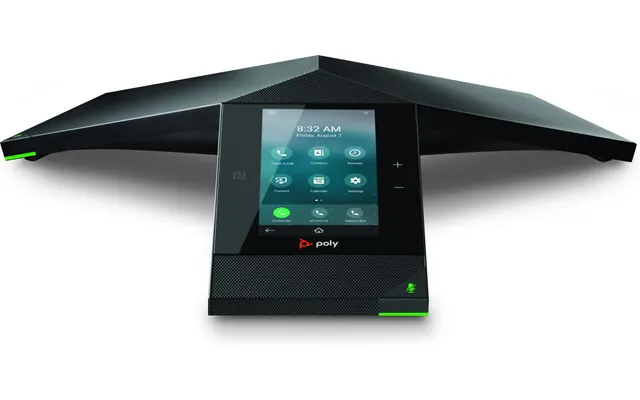
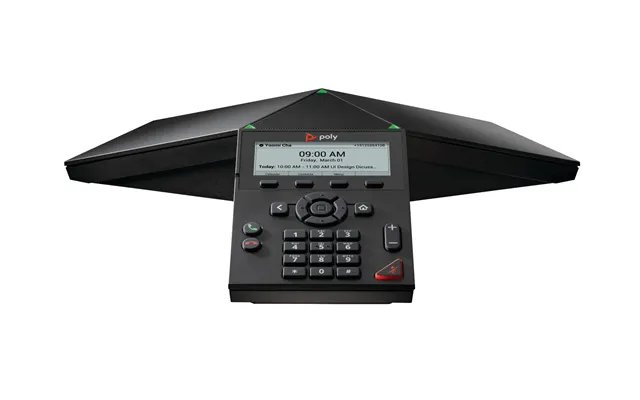
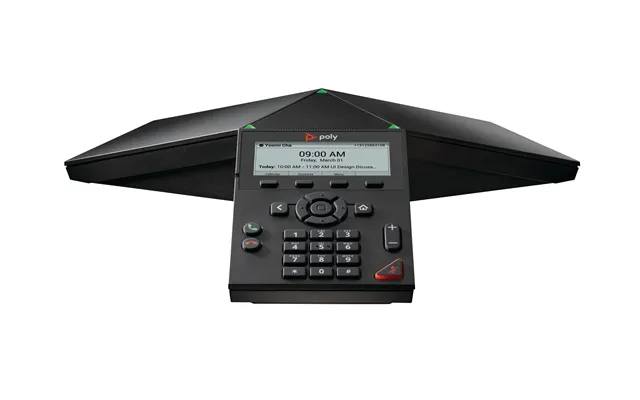
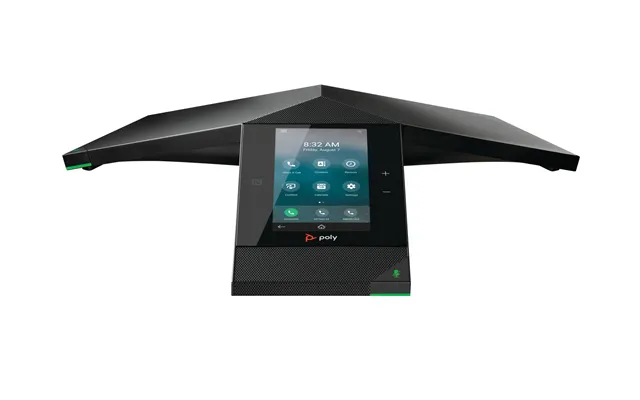
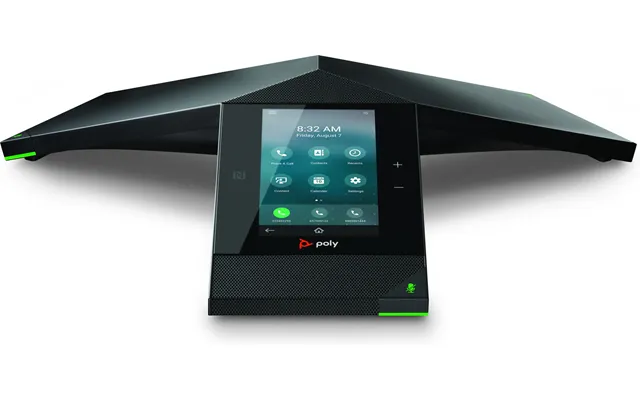
Poly’s Trio line is built for SIP and hybrid environments, with excellent full‑duplex audio, expansion options, and broad platform support. They’re a staple in boardrooms. The Poly Sync range, on the other hand, delivers portable USB/Bluetooth speakerphones ideal for huddle spaces and hybrid desks. Think of Trio as the room anchor and Sync as the flexible sidekick. Many teams pick one of each to cover fixed rooms and ad‑hoc collaboration spots.
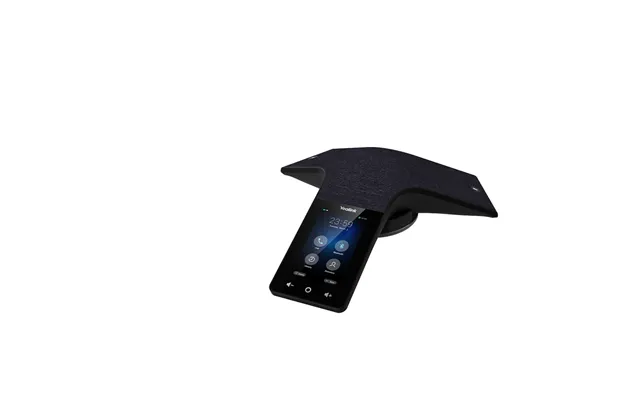
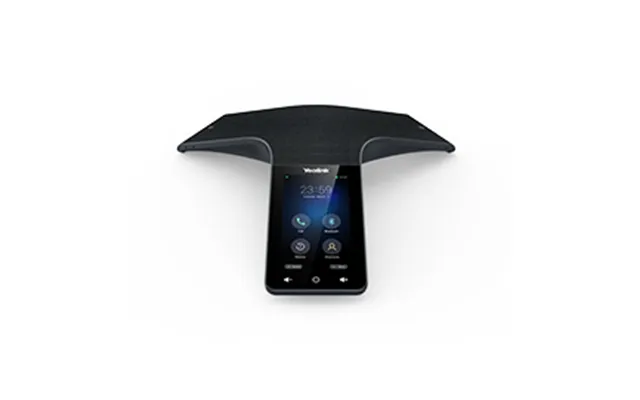
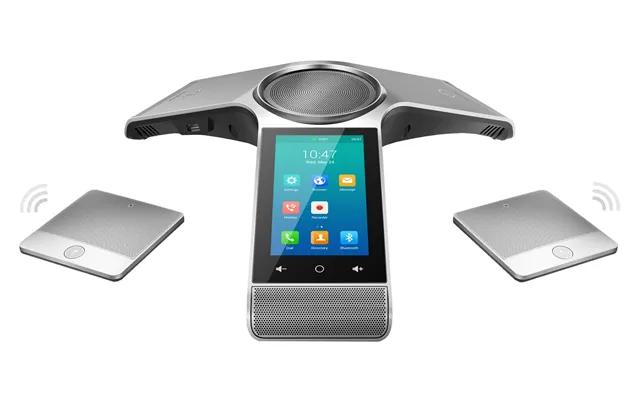
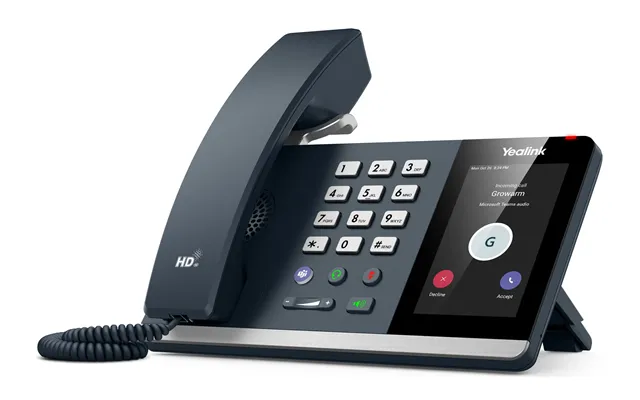
Yealink’s CP series offers compelling value with models that scale from compact huddle devices to powerful boardroom units. You’ll find solid noise reduction, wide pickup ranges, and expansion options on higher-end models. Yealink typically leans into ease of use—simple controls, clear LED indicators, and compatibility with popular platforms. If you want an IP-first approach with modern audio and approachable pricing, Yealink is a strong contender.
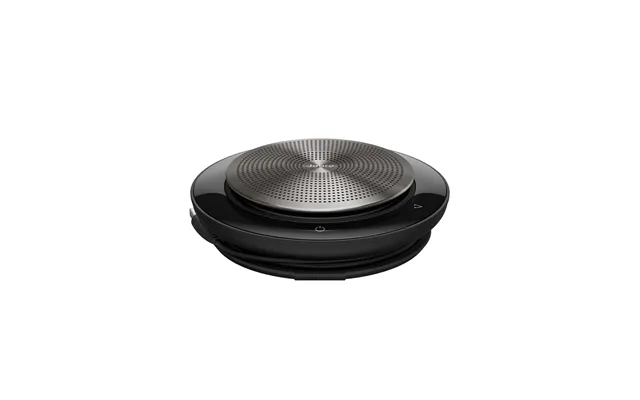
Jabra’s Speak series is a go‑to for portable, USB/Bluetooth speakerphones with voice clarity far beyond a laptop mic. They shine in small and medium rooms, especially for Teams and Zoom call-ins from laptops. Newer options in the Evolve2 lineup deliver premium microphones, improved duplex performance, and tuned sound profiles. If you’re outfitting hybrid staff who jump between desk and room, Jabra’s simplicity and certifications cut friction to nearly zero.
AnkerWork PowerConf devices punch above their weight for mobile and small-room conferencing. With multiple mics, voice leveling, and travel-friendly designs, they’re great for consultants, sales teams, and remote-first setups. Battery-powered options and Bluetooth mean fewer cables, while USB keeps things reliable when needed. If you need good audio in a device that slips into a bag, the PowerConf range earns a spot on your shortlist.
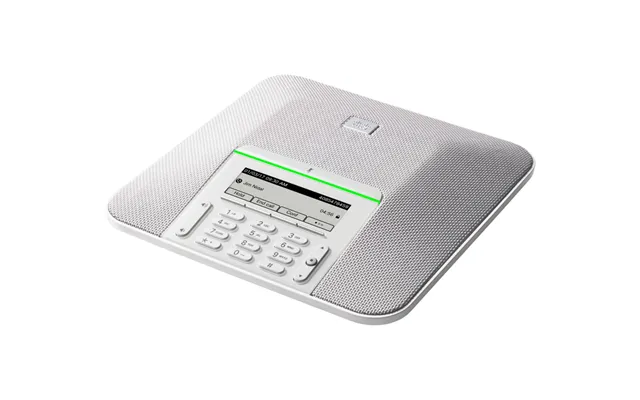
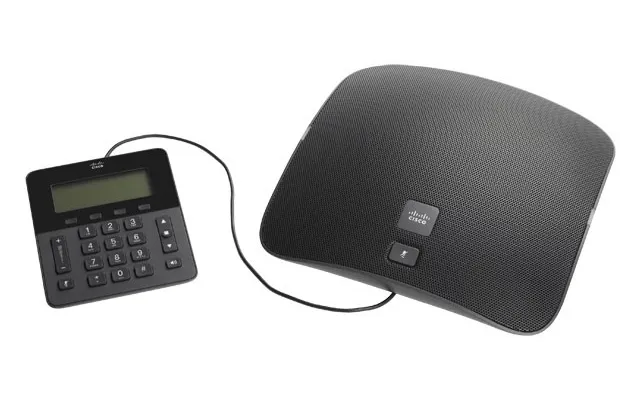
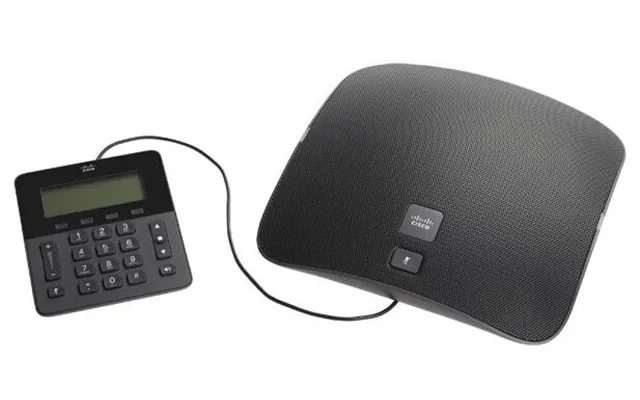
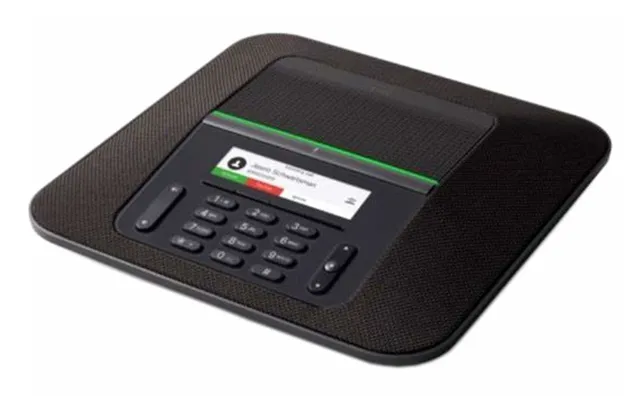
Cisco’s 8832 focuses on IP telephony with enterprise-grade audio, expansion microphone support, and the build quality you’d expect in larger rooms. For organizations deeply embedded in Cisco and Webex ecosystems, these devices slide into existing infrastructure neatly. The payoff is predictable performance, network management tools, and the ability to scale rooms with add‑on mics positioned along the table for even voice pickup.
Konftel is known for its OmniSound technology—clear, natural audio that keeps meetings flowing. The 300 series spans analog, USB, and IP options with expansion mic support for larger rooms. The Konftel Ego is a portable unit that’s surprisingly capable for its size—handy for huddle spaces and on‑the‑go calls. If you value a focus on sound quality paired with flexible connectivity, Konftel deserves consideration.
Let’s keep it simple: choose a device that “just connects” to what you already use. If your team lives in Teams or Zoom, certified USB/Bluetooth speakerphones streamline setup. If your backbone is a hosted VoIP or on‑prem PBX, an IP/SIP conference phone with PoE reduces clutter and increases reliability. Dual‑mode options let you bridge softphone meetings and SIP calls without swapping gear—ideal for multi-platform organizations.
Platform certifications aren’t just stickers; they save time. Certified devices typically auto‑optimize audio profiles, map buttons (like mute and answer) correctly, and support updates for long-term reliability. Look for Microsoft Teams, Zoom, Google Meet, and leading UC certifications. On the telephony side, check interoperability lists with popular VoIP providers. Fewer surprises mean fewer “sorry, hold on while I fix this” moments during important calls.
Start with placement: position the device at the center of the table to keep mic distances consistent. Keep it away from fans, open windows, and projectors that add noise. Manage cabling to avoid trip hazards and interference. If your room is echo‑prone with glass walls and hard floors, add soft elements—carpet tiles, curtains, or acoustic panels. Even a few canvas prints can tame reverb. Small tweaks can make a huge difference in clarity.
Target a mic-to-speaker distance that keeps everyone within a reasonable radius—roughly 5 to 8 ft for compact devices and up to 12 ft with larger units or expansion mics. Run Ethernet or USB cables along the table edge or under covers. If you daisy‑chain mics, keep cable lengths tidy and avoid crossing power bricks. And don’t ignore firmware—updates often improve echo cancellation and noise control, especially in lively rooms.
When you’re comparing closely matched models, small features tip the scales. Look for voice level normalization to avoid sudden volume jumps, AI noise filtering for clacky keyboards, and full‑duplex improvements that keep interruptions natural. Hot desking? A built‑in battery or USB‑C power can be a win. For larger rooms, support for expansion mics or wireless satellite mics ensures far-end participants hear the person at the head and the person at the back equally well.
Daisy‑chaining lets you link multiple units across a long table so pickup is even front to back. Expansion microphones extend coverage for participants seated beyond the main mic ring. Some systems support wireless mics you can place up to 30 ft away—handy in wider rooms or flexible training spaces. The goal is simple: every voice should land at roughly the same loudness for the far end, no matter where someone sits.
Budget speakerphones are fantastic for huddle rooms and hybrid desks. You’ll get clean audio, easy USB/Bluetooth, and quick setup. Premium room systems add richer processing, stronger mic arrays, expansion options, and better build quality for daily use in larger rooms. If you run high‑stakes calls or client demos, paying for top‑tier duplex and noise handling can be worth it. The sweet spot is choosing the simplest device that meets your real room needs—no more, no less.
Consider more than sticker price. Factor in power (PoE vs power bricks), potential expansion mics, mounting kits, and management software. Warranties add peace of mind—especially for boardroom hardware used all day. Refurbished, certified units can stretch budgets without sacrificing performance, particularly for smaller meeting rooms. The best spend is the one that aligns with your actual usage patterns, not just the spec sheet.
When you’re ready to narrow choices, a comparison site streamlines the process by letting you filter by room size, connectivity, platform support, and price. You can quickly spot which models offer expansion mics, which are portable, and which are SIP-centric. Seeing multiple offers in one place gives you the big picture—features, value, and current deals—so you choose a device that hits your needs today and scales tomorrow without guesswork.
Use a comparison site like ZoneOffer to scan popular conference phones side by side. Filter by small, medium, or large rooms; pick USB/Bluetooth for laptop-led meetings or SIP for VoIP; and check certifications for Teams or Zoom. Compare prices, read summaries, and shortlist two or three contenders. From there, consider expansion needs and accessories, then decide. The goal isn’t just finding a low price—it’s matching the right device to your real-world meeting style.
Conference phones are workhorses, but they appreciate a little care. Keep firmware updated for audio improvements and security patches. Clean microphones and surfaces with safe wipes to prevent grime from dulling speaker grills. If the device has a battery, avoid leaving it at 0% for long stretches. Store portable units in a case to protect them in transit. A few simple habits keep audio crisp and your investment working like day one.
Schedule quarterly checks for firmware across rooms—many updates boost echo cancellation or add platform optimizations. For portable units, calibrate batteries occasionally by cycling from near full to low and back. Use non-abrasive cloths and electronics-friendly wipes to keep mic ports clear. If you share devices, add a small sanitation routine at the end of meetings. It’s the easiest way to avoid muffled sound and keep equipment looking professional.
Choosing the right conference phone is less about chasing specs and more about fitting your spaces, platforms, and people. Start with room size, decide on connection types (USB/Bluetooth vs SIP), and prioritize audio features like full‑duplex, beamforming mics, and strong noise control. Shortlist reputable lines from Poly, Yealink, Jabra, AnkerWork, Cisco, and Konftel, then compare offers through a reliable comparison site. Do that, and your meetings will sound as focused as your team feels—clear, confident, and truly collaborative.
| Conference Phones | Price | |
|---|---|---|
| Snom C52 Uk Psu | £ 11,84 | |
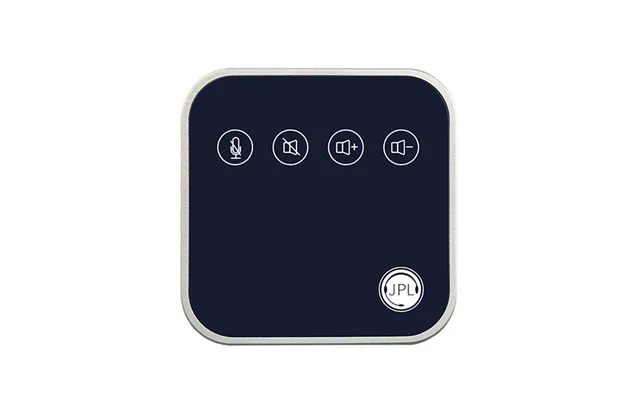
| Jpl Convey Speakerphone Mobile Phone Pc Usb 2.0 Blue. Silver | £ 58,14 | |
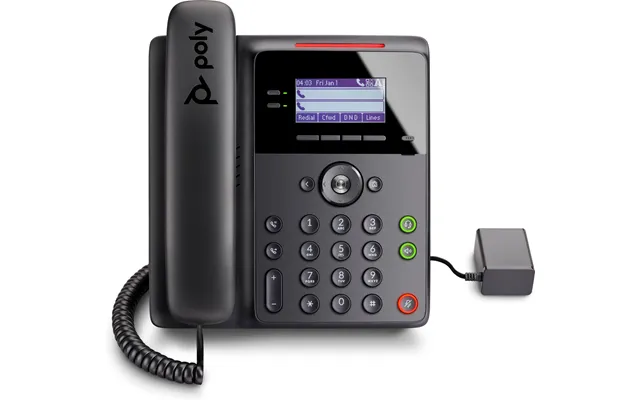
| Poly Edge B10 Ip Phone With Power Supply Prc | £ 67,90 | |
| Yealink Mp52 Cedition | £ 152,28 | |
| Cisco Unified Ip Conference Phone 8831 Daisy Chain Kit Ip Phone Black | £ 205,03 | |
| Snom C520 Ip Conference Phone | £ 220,72 | |
| Yealink Cp925 Ip Conference Phone | £ 313,- | |
| Grandstream Networks Gac2500 Ip Phone Black 6 Lines Lcd Wi-fi | £ 313,40 | |
| Yealink Cp935w-base Ip Conference Phone | £ 505,57 | |
| Wyrestorm Apo-210-uc Conference Phone Analogue Ip Conference Phone | £ 811,81 |