All categories
Business & Offices
Electronics & Media
Fashion & Accessories
Groceries & Essentials
Health & Personal Care
Home & Living
Kids & Family
Sports & Outdoors
Search in ZoneOffer

Loading...
Audio converters bridge the gap between the gear you love and the sound you want. Whether you’re upgrading a TV with no analog outputs, breathing new life into headphones, digitizing vinyl, or building a small studio, the right converter makes it all click. In simple terms, digital-to-analog converters (DACs) turn ones and zeros into music you can actually hear, while analog-to-digital converters (ADCs) capture microphones, records, or instruments and translate them into clean digital recordings. If you’ve ever wondered why some setups sound dull or noisy, chances are a better converter could be the quiet hero behind a huge upgrade.
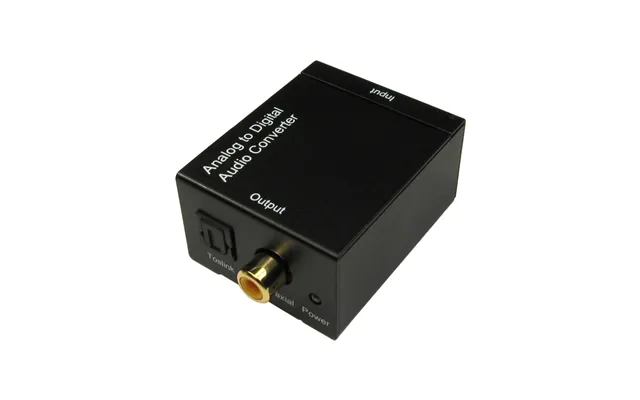
Think of a converter as a translator. Your TV might “speak” digital-only, while your trusty amp understands analog. Or your laptop could be stuck with a basic audio chip that turns great headphones into meh headphones. Add a converter and suddenly the conversation flows. Still unsure? Picture swapping a foggy glass window for a crystal-clear one—you’ll see (and hear) more detail instantly.
A good DAC can transform your daily listening. From compact dongles to desktop units with premium components, DACs clean up noise, improve dynamics, and reveal details that stock audio outputs miss. They pair perfectly with laptops, phones, tablets, TVs, game consoles, and streamers. If you’ve invested in quality headphones or speakers and don’t use an external DAC, you’re likely leaving performance on the table.
Small enough to pocket, dongle DAC/amps plug into a phone or laptop and deliver cleaner output plus more power for demanding headphones. Look for a 1/8-inch headphone jack, a durable cable, and enough output power for your headphones’ impedance. Bonus points for volume buttons and an inline mic pass-through if you take calls on the go. These are clutch for travel, commuting, or working from a café.
Desktop units often feature a beefier power supply, richer sound, multiple inputs (USB, optical, coaxial), and controls you’ll actually want to touch—think smooth volume knobs and selectable filters. Many include a headphone amp and line outputs for powered speakers or an amplifier. If you listen for hours at a desk, this is the smart, set-and-forget route to a more engaging soundtrack.
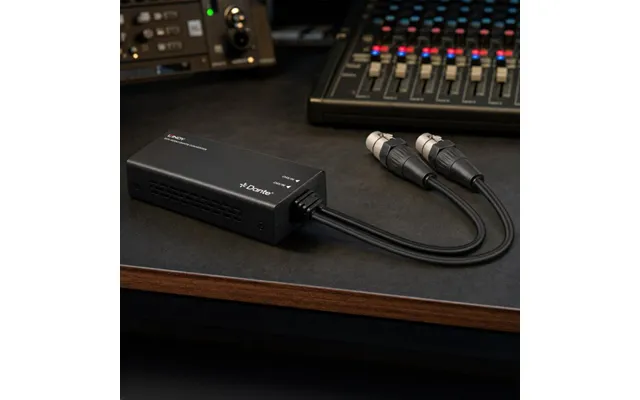
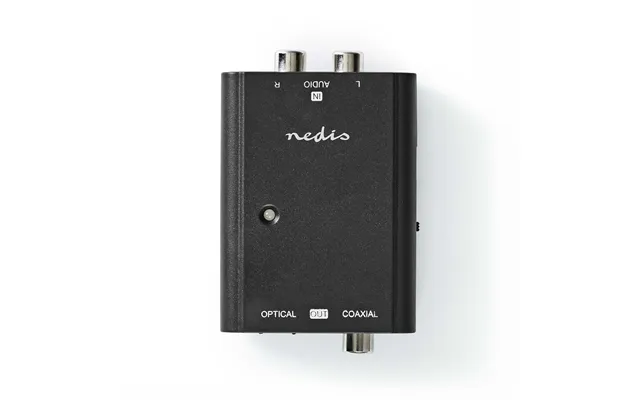
ADCs shine when you want to capture analog audio with precision. Digitizing vinyl or tapes? Recording a podcast? Streaming instruments? An ADC ensures a clean, correctly leveled signal reaches your software with minimal noise and distortion. Choose the right inputs—RCA or 1/4‑inch line inputs for decks and synths, and XLR mic inputs with proper preamps for vocals and voice-over work.
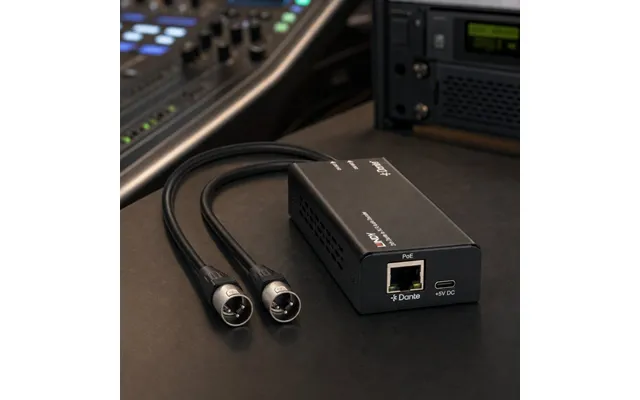
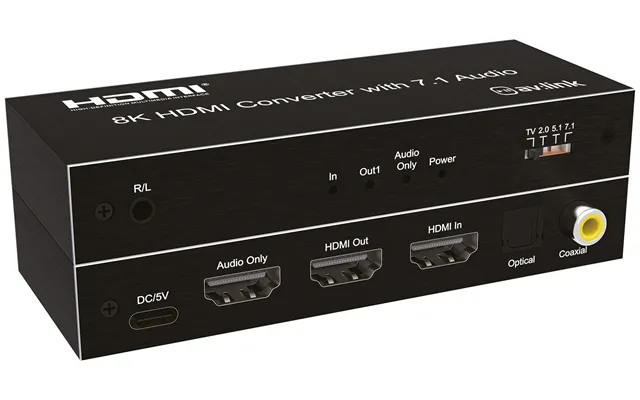
USB audio interfaces bundle ADCs, DACs, mic preamps, headphone amps, and monitor controls in one box. Expect XLR mic inputs, 1/4‑inch line/instrument inputs for guitars, phantom power for condenser mics, and low-latency monitoring so you can hear yourself in real time. For podcasting, voice chat, or music production, an interface is a painless way to sound professional without breaking the bank.
Phono cartridges output a low-level signal and need proper equalization (the RIAA curve) and gain before hitting an ADC. That’s where phono preamps with built-in ADCs shine—connect your turntable on one side, your computer on the other, and archive your collection in full detail. Look for adjustable gain, switchable cartridge settings, and a clean USB connection.
Modern TVs and consoles love digital outputs. Legacy amps and powered speakers often prefer analog. No need to replace your entire system—add a converter that speaks both languages. You’ll unlock better clarity from films, dialogues that pop, and surround effects that feel more immersive.
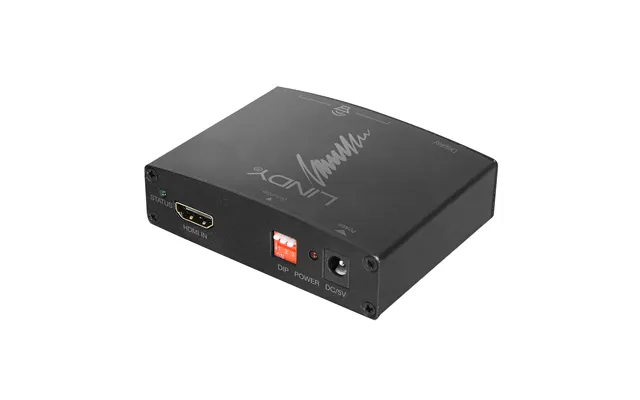
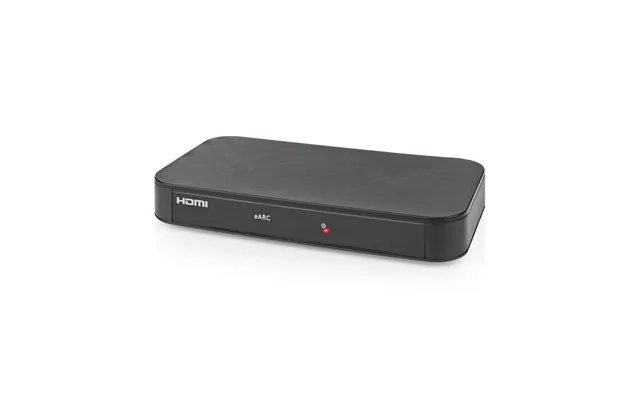
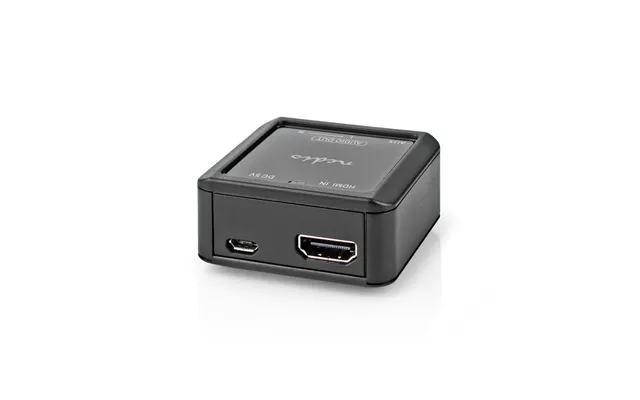
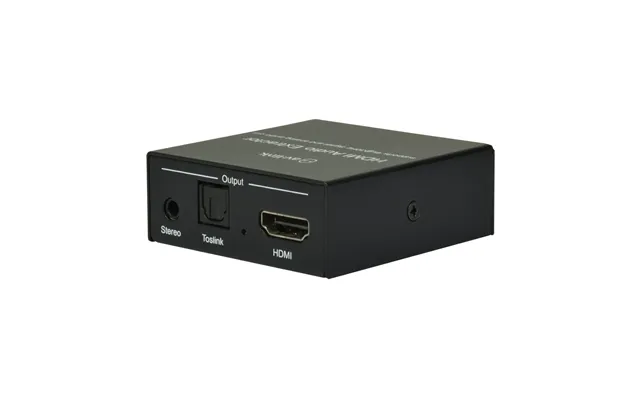
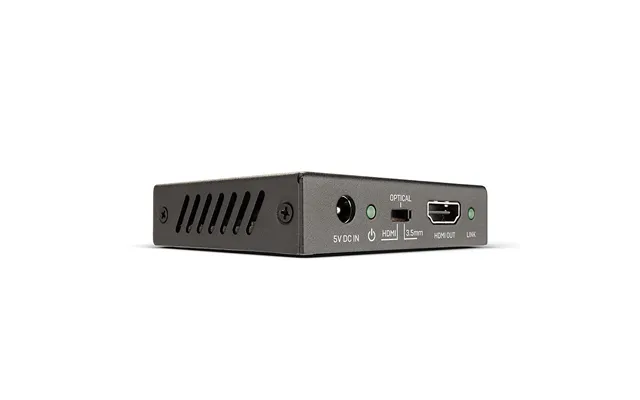
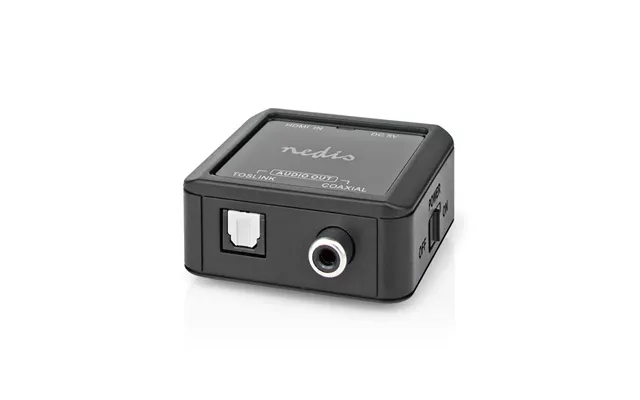
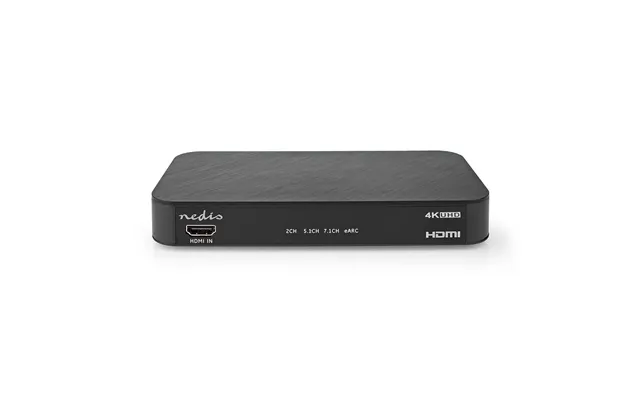
When your TV or console provides audio over HDMI but you want to feed a soundbar, stereo amp, or headphones, an HDMI audio extractor can split the audio signal into optical or analog outputs without touching the video. They’re lifesavers for older receivers that don’t handle newer video formats but still sound great.
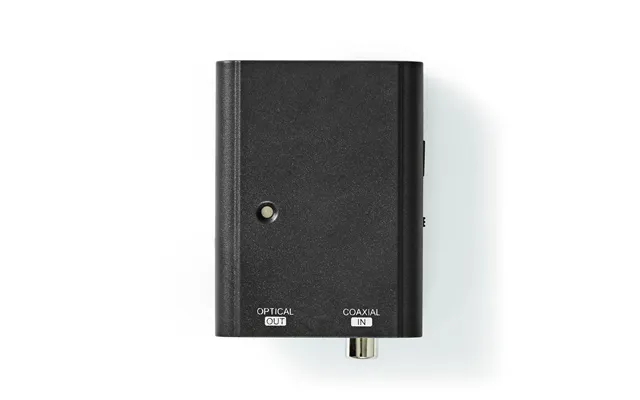
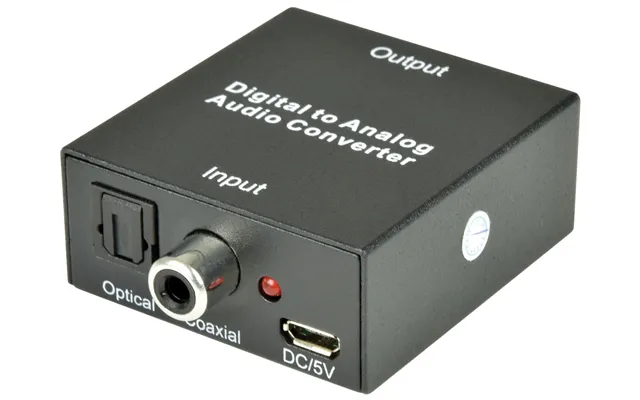
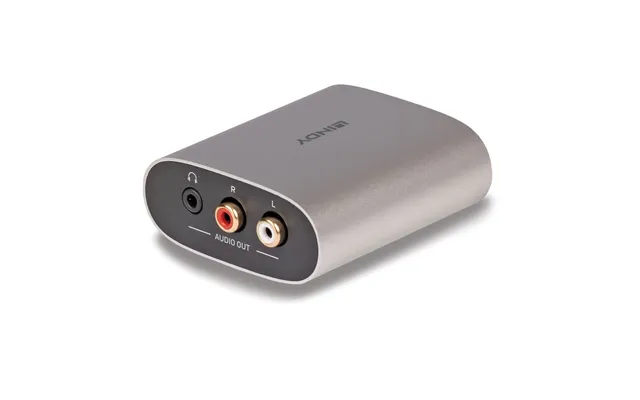
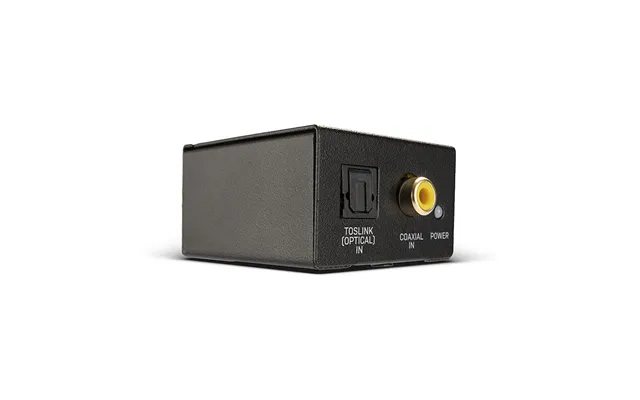
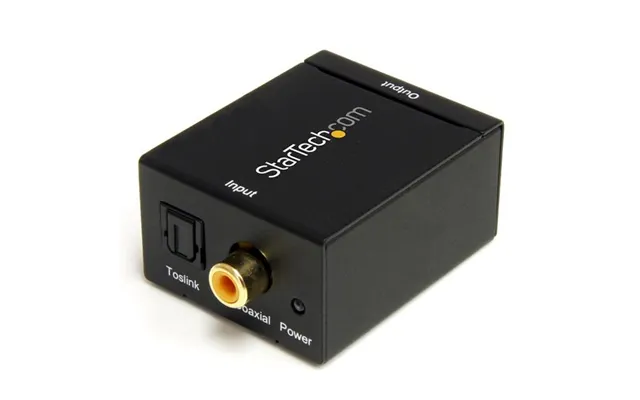
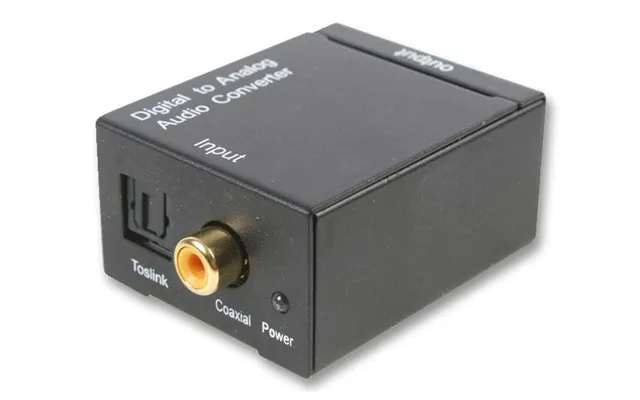
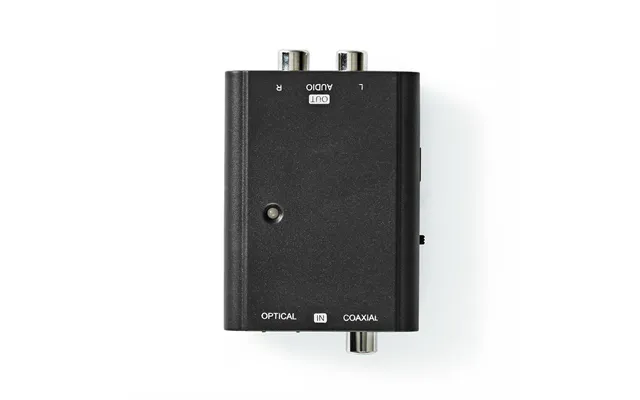
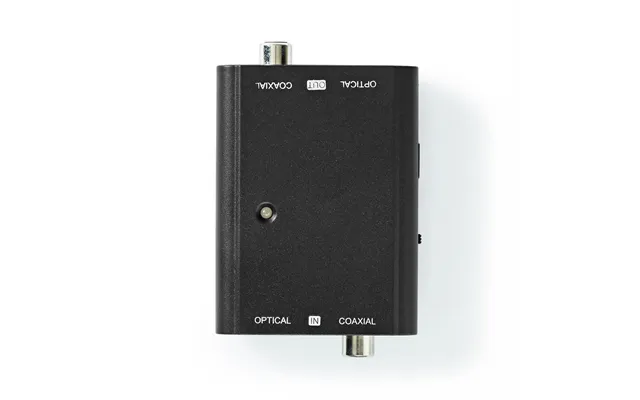
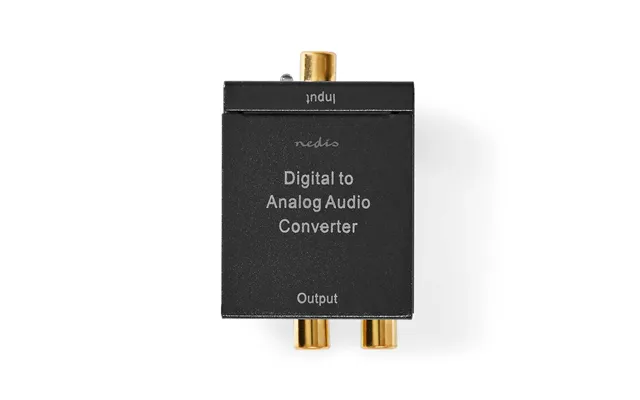
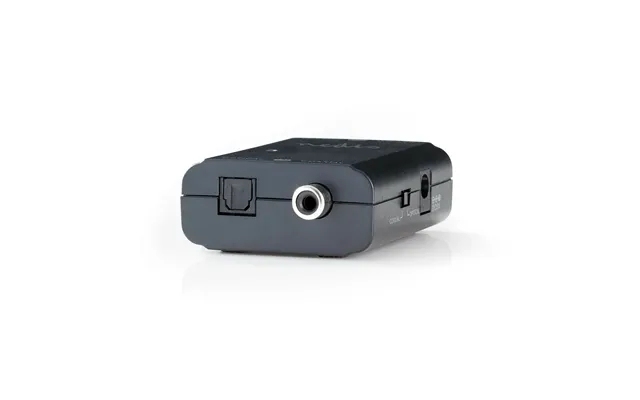
If your TV only has optical out and your amp only accepts analog RCA, an optical-to-analog converter closes the loop. Look for stable power, low noise, and an input switch if you plan to hook up multiple sources. Many users report instant improvements in dialogue clarity and background detail just by deploying this simple box.
Prefer private listening? A headphone DAC/amp connected to your TV’s optical output lets you enjoy blockbuster sound without waking the house. Features like crossfeed and gain control help dial in comfort and realism. Add a long 1/8-inch extension cable for couch-friendly convenience, or go wireless with a low-latency transmitter and receiver pair.
Balanced connections (like XLR or TRS 1/4‑inch) reduce hum and interference across longer cable runs, while unbalanced (like RCA or 1/8‑inch) is fine for short distances. If your gear doesn’t match, line-level converters and DI boxes can translate between balanced and unbalanced, tame ground loops, and protect tone. The result? Less noise, more music.
Need to feed a balanced mixer from an unbalanced source, or vice versa? A good converter or DI box works like a diplomat—matching levels, balancing signals, and isolating grounds. Pick one with switchable attenuation, lift options for ground loops, and sturdy jacks. Your ears will appreciate the blacker background.
Cables aren’t always practical. Bluetooth receivers and Wi‑Fi streamers inject convenience into hi‑fi rigs and older speakers. The best models carry robust codecs, strong antennas, and stable apps so your music arrives intact and on time. When convenience meets quality, you’ll use your system more—simple as that.
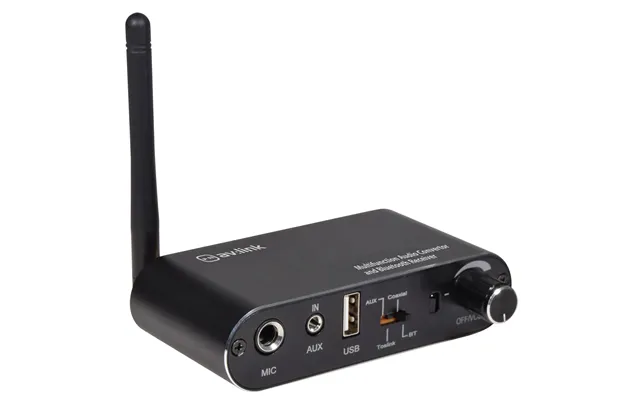
A Bluetooth receiver plugs into your amp or powered speakers and receives audio from phones or laptops. A transmitter does the opposite, beaming TV or console audio to Bluetooth headphones. To cut lip-sync issues, pick low-latency support. For richer music, look for higher-quality codecs and a clean analog stage. Some units combine both roles, which is handy for flexible setups.
Want app control, multiroom audio, and a clean digital pipeline? Network streamers with onboard DACs serve lossless audio to your amp or active speakers. You’ll find Ethernet or Wi‑Fi, optical and coaxial outputs, and often integrated services. Verify the control app is stable and updates regularly—firmware support is your friend.
Spec sheets can feel like alphabet soup. Focus on what changes the experience: clean power, low noise, solid connectivity, and a layout that fits your life. Still, a few numbers do a lot of heavy lifting when comparing audio converters.
Bit depth affects dynamic range; sample rate covers frequency response. For casual listening, 16‑bit/44.1 kHz is already great. For meticulous archiving or production, consider 24‑bit/96 kHz or higher to keep noise low and headroom high. Don’t chase numbers for their own sake—chase audible improvements.
Higher dynamic range and signal-to-noise ratio (SNR) mean a quieter background and more detail. Lower total harmonic distortion (THD) means cleaner tone. Well-designed budget units can measure impressively well today, so read measurements and trusted reviews rather than assuming price equals performance.
Match inputs and outputs to your gear: 1/8‑inch or 1/4‑inch for headphones, RCA for consumer line level, XLR for balanced pro audio, optical (Toslink) and coaxial for digital connections, and USB for computers and mobile devices. Extras like a physical volume knob, gain switches, and remote control make daily use much nicer.
Great sound starts with a clean, correct connection, not guesswork. Before you buy, map your signal path from source to destination, then pick the converter that joins the dots with zero drama. If you hate adapter spaghetti, choose a unit with native ports for your needs.
Keep it simple. For headphones, 1/8‑inch to 1/4‑inch adapters are cheap and reliable. For RCA to 1/8‑inch connections, a short, well-shielded cable reduces noise pickup. For long runs to speakers or mixers, balanced XLR or TRS 1/4‑inch cables help banish hum. Avoid daisy-chaining multiple adapters if you can.
Many converters run on USB power, while others rely on wall adapters. If you hear noise, try a different USB port, a powered hub with clean regulation, or a better wall adapter. Keep power bricks away from signal cables and avoid tight coils that act like antennas. A little tidiness goes a long way.
Hum often points to a ground loop—use an isolator designed for audio, or shift to balanced connections. Hiss can come from too much gain; lower input gain and raise output volume instead. Dropouts? Check cable seating, shorten cable runs, and confirm your device sample rates match. Simple fixes solve most gremlins.
The “best” converter depends on how you listen. Let’s narrow it down by use case so you can feel confident hitting the buy button when you spot a compelling offer on a comparison platform.
If your TV has only optical, an optical-to-RCA converter can feed your amp or powered speakers. Need to route audio from a modern console to older gear? An HDMI audio extractor splits sound cleanly while leaving video untouched. Prefer private listening? Add a low-latency Bluetooth transmitter or a dedicated headphone DAC/amp with a comfy 1/8‑inch jack.
A desktop DAC with a smooth volume knob, multiple digital inputs, and a robust headphone stage is a treat. Pair it with powered monitors via RCA or balanced outputs if available. If you’re on the move, a pocketable USB DAC/amp dongle beats built‑in laptop sound every time—more punch, more clarity, more smiles per track.
Look for a USB DAC/interface with mic input, sidetone (so you can hear yourself), and a clean headphone amp. Virtual surround can help with positional cues, but prioritize low latency and mic quality first. A solid interface also doubles as a podcasting hub, making it a great value.
Choose an ADC or USB interface with quiet inputs and, for turntables, a proper phono preamp stage. Record at 24‑bit for comfortable headroom, normalize later, and tag your files well. You’ll future‑proof your archive and make it easier to stream your collection throughout the house.
Prices swing, bundles change, and a “deal” isn’t a deal if it misses a must‑have feature. Use a trusted comparison site like ZoneOffer to line up models side‑by‑side, filter by inputs, and spot genuine discounts. Cross‑check recent user feedback and look for patterns: recurring praise is good; recurring issues are red flags.
Start with must‑have connectivity, then scan noise and distortion figures, power output for your headphones, and supported digital formats. Skip marketing fluff and focus on how you’ll use the device daily—input switching, volume control, remote, or app support may matter more than an exotic filter mode you’ll never touch.
Factor in cables, stands, or mounts you might need. Firmware support and a responsive manufacturer support page add real value. A mid‑priced converter with reliable updates can outlast a flashier box that’s abandoned after launch.
The smartest upgrades click together. If you think you’ll add powered speakers later, buy a DAC with line outs today. If you might record vocals, get a USB interface with a good mic preamp instead of a DAC‑only unit. Plan two steps ahead and you’ll avoid re‑buying gear in six months.
Some headphones need more current or voltage than a tiny dongle can deliver. Check sensitivity and impedance, then make sure your DAC/amp has the muscle to drive them. If you’re unsure, pick a unit with gain settings so you can scale up as needed.
Converters are solid‑state and generally robust, but a little care keeps them humming for years. Give them airflow, dust them occasionally, and don’t yank cables by the wire. Keep firmware current and you’ll fix bugs before you ever notice them.
Manufacturers often release firmware to improve stability, broaden compatibility, or add features. Check occasionally and update when it’s convenient. If your device uses an app, skim recent reviews to confirm it’s still maintained—stale software can sour an otherwise great product.
Don’t sandwich your converter under a hot amp. Leave a bit of breathing room, especially for units with vents. In a rack, allow space above and below if possible. A cheap dust cover or a quick wipe‑down keeps jacks clean and static low.
Don’t panic—most hiccups have simple fixes. If there’s silence, verify input selection and volume on both the source and the converter. If you hear distortion, reduce digital volume on the source and raise analog output instead. For clicks and pops over USB, try a different port, shorten the cable, or change the USB power source.
Strip the chain to source‑converter‑headphones or source‑converter‑speakers. If it works, add one component at a time until you find the troublemaker. It’s like solving a puzzle—remove pieces until the picture is clear, then rebuild the image carefully.
Buying the right converter can extend the life of gear you already love—vintage amps, solid speakers, even classic headphones. Instead of a full system overhaul, a small, well‑chosen box unlocks modern connectivity and better sound. That’s kinder to your budget and the planet.
Want Bluetooth now and multiroom later? Start with a DAC and add a wireless receiver down the road. Planning to move from a desktop setup to a living‑room rig? Choose a converter with both headphone and line outputs. Flexible gear adapts as your needs evolve.
Audio converters are the quiet MVPs of great sound. Pick the right DAC or ADC and everything clicks—music gets livelier, dialogue gets clearer, recordings get cleaner. From HDMI audio extractors and optical‑to‑RCA boxes to USB interfaces and portable DAC/amps, there’s a perfect fit for every system and budget. Compare features, focus on the connections you need, and prioritize reliable performance over hype. Do that, and the next time you press play, you’ll hear exactly why the right converter was worth it.
| Audio Converters | Price | |
|---|---|---|
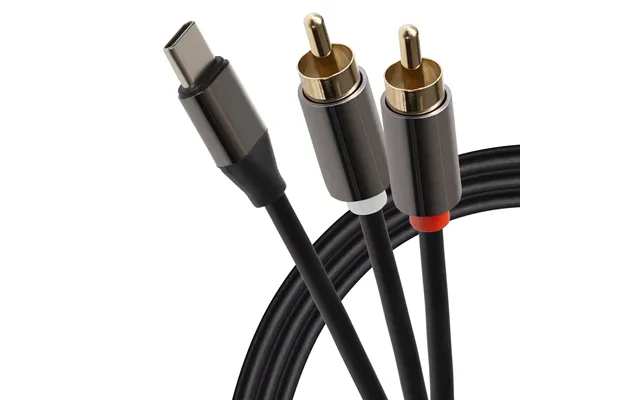
| Maplin Usb-c To Twin Rca Jack Cable 2m | £ 21,41 | |
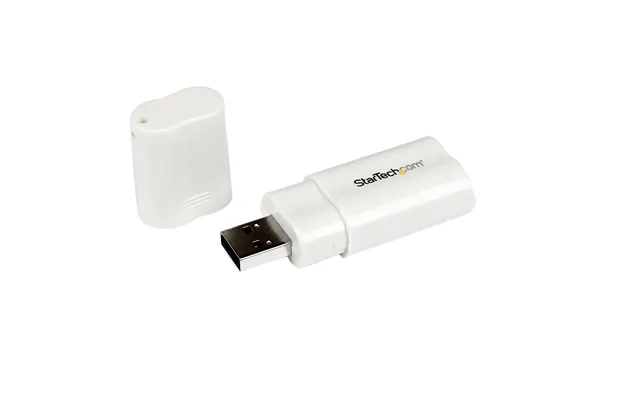
| Startech.com Usb To Stereo Audio Adapter Converter | £ 22,39 | |
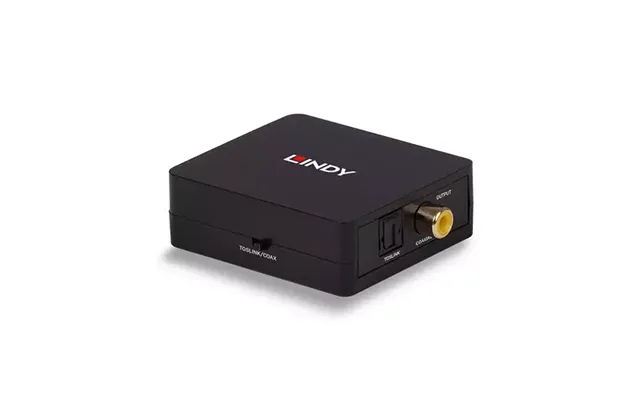
| Lindy 2-way Digital Spdif Coaxial Toslink Audio Converter | £ 26,86 | |
| Manhattan Usb-c Dock Hub Ports X4 Displayport Dvi-i Hdmi Or Vga Note Only One Port Can Be Used At A Time External Power | £ 26,99 | |
| Startech.com Spdif Digital Coaxial Or Toslink Optical To Stereo Rca Audio Converter | £ 47,84 | |
| Lindy Hdmi Arc Audio Extractor | £ 53,22 | |
| Lindy Hdmi 4k30 Audio Extractor | £ 54,06 | |
| Lindy Hdmi 18g Audio Embedder | £ 72,49 | |
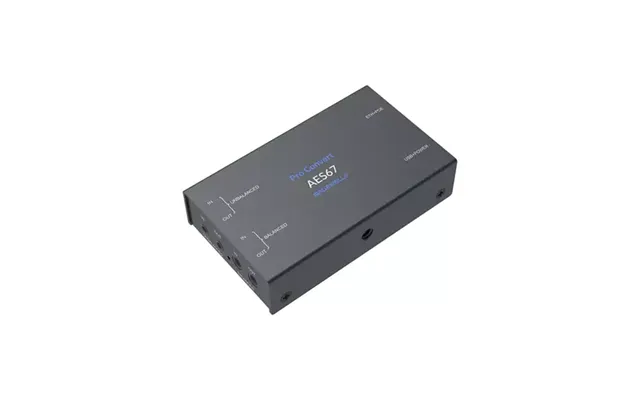
| Magewell Pro Convert Aes67 Black | £ 335,18 | |
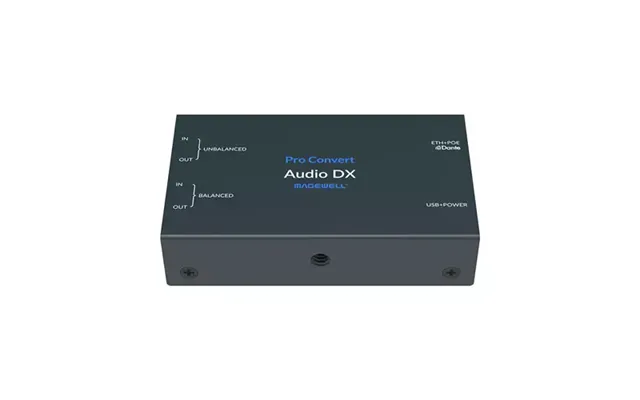
| Magewell Pro Convert Audio Dx Black | £ 428,79 |