All categories
Business & Offices
Electronics & Media
Fashion & Accessories
Groceries & Essentials
Health & Personal Care
Home & Living
Kids & Family
Sports & Outdoors
Search in ZoneOffer

Loading...
Think of a barebone computer as a partially assembled puzzle: the case, power delivery, and sometimes the motherboard are ready, but you add the missing pieces—CPU, memory, and storage—to complete the picture. These kits are ideal for people who want more control than a ready-made mini PC but less work than building a full desktop from scratch. They come in sizes from palm-friendly boxes to compact cubes that slide behind a monitor, giving you a versatile middle ground between DIY and convenience.
Why go barebone instead of buying a prebuilt or a full DIY desktop? Because barebone kits blend customization, compactness, and often cost savings. You get the freedom to select the exact CPU and storage you want, avoid bloatware, and upgrade certain parts later. They’re great if you want a quiet home theater setup, a sleek home office machine, or a small workstation packed into a footprint often smaller than a paperback book.
There are a handful of well-regarded lines that consistently show up in comparisons. Each has strengths—some prioritize ultra-compact designs, others expandability or thermal headroom. Let’s run through the usual suspects so you know what to look for.
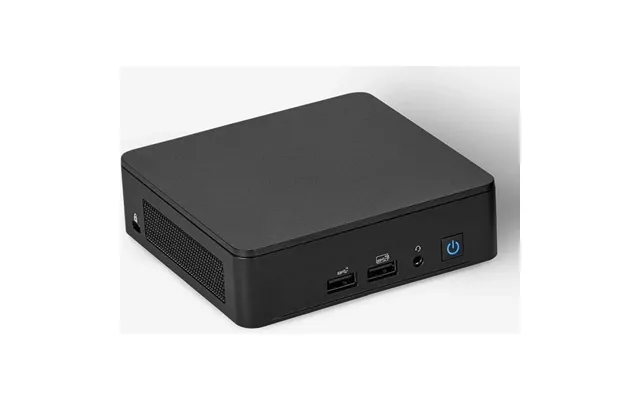
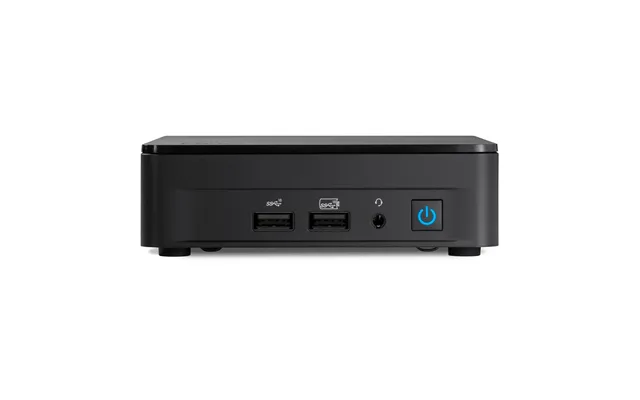
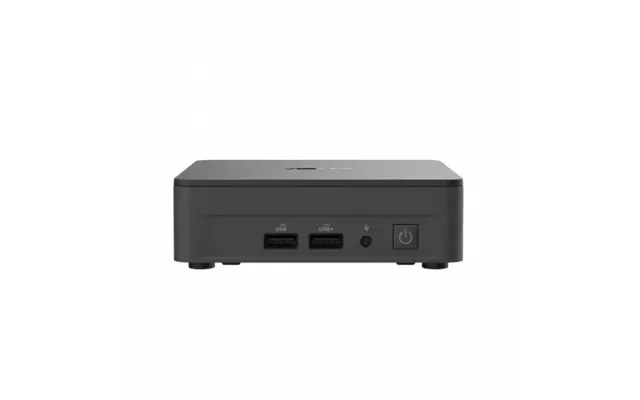
Intel’s NUC (Next Unit of Computing) family set the standard for miniaturized PCs. Sizes vary, but many NUC chassis measure around 4 x 4 x 1.5 inches and weigh a few pounds, making them ideal for desks or VESA mounting. Many NUC kits come with the motherboard and power delivery, leaving you to add RAM and storage. Newer NUCs also offer options for discrete graphics modules if you need more GPU power.
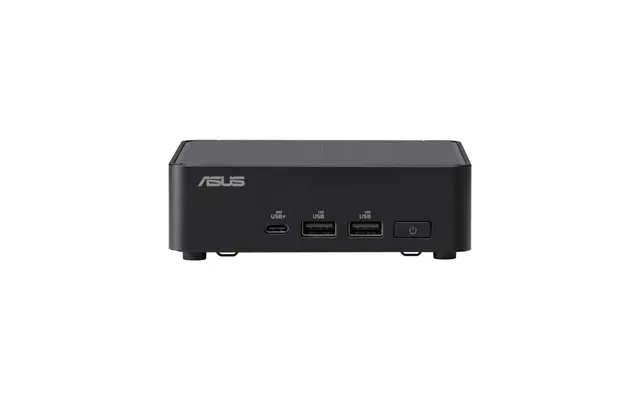
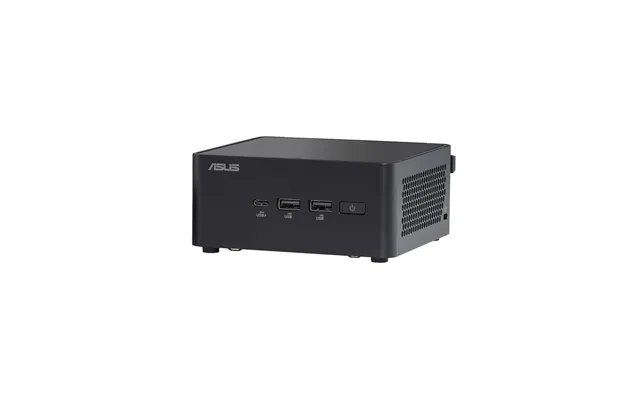
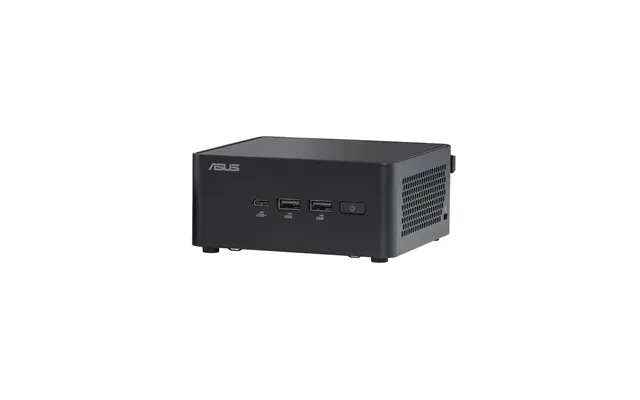
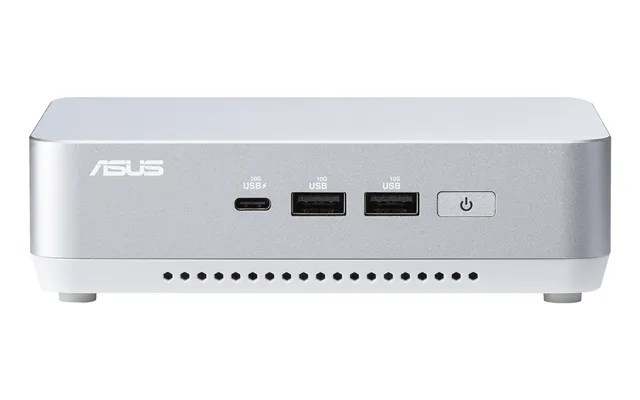
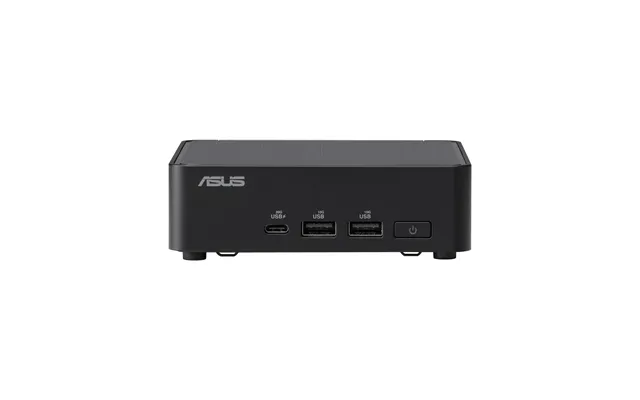
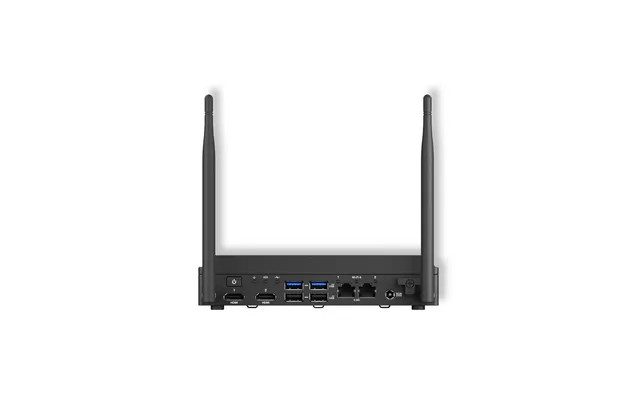
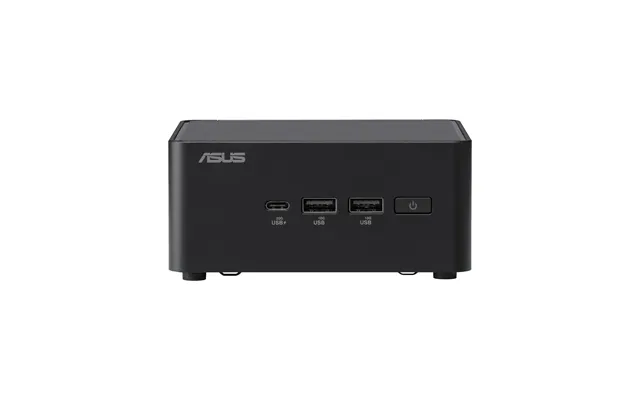
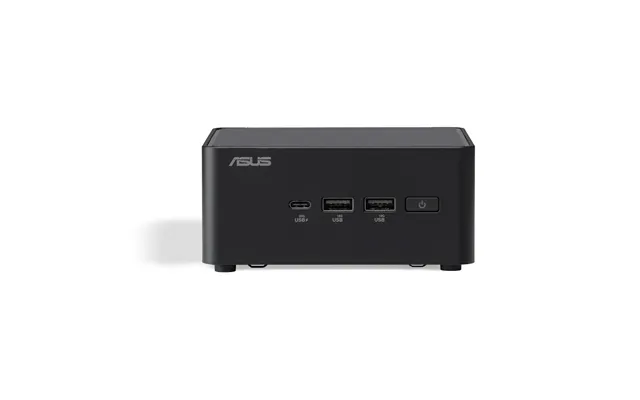
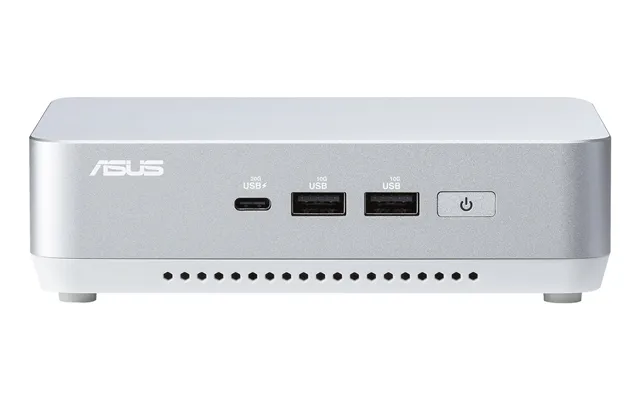
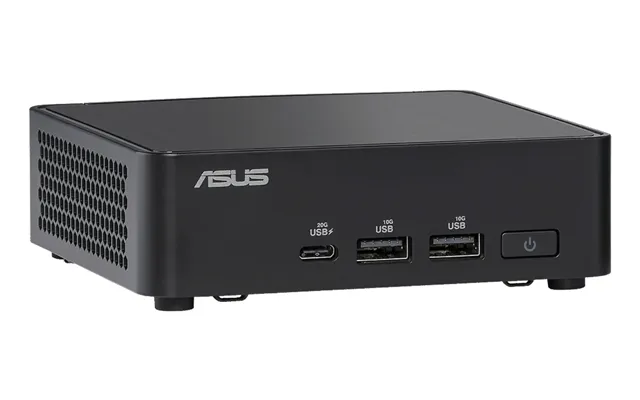
ASUS offers compact barebone kits in its PN series that balance ports and small size. These units often include multiple USB ports, HDMI or DisplayPort outputs, and modern wireless options. Expect footprints similar to a paperback book—roughly 7 x 5 x 2 inches—so they tuck neatly under monitors or on crowded desks.
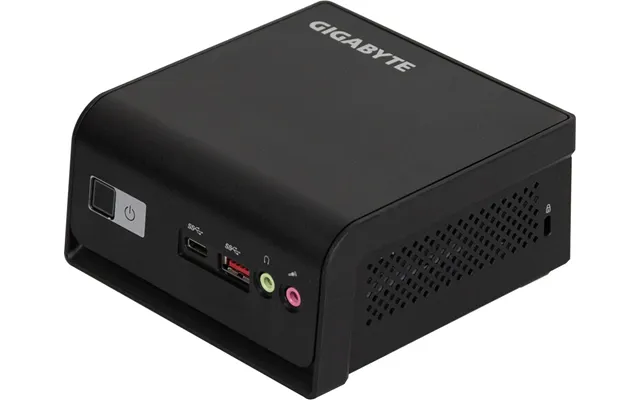
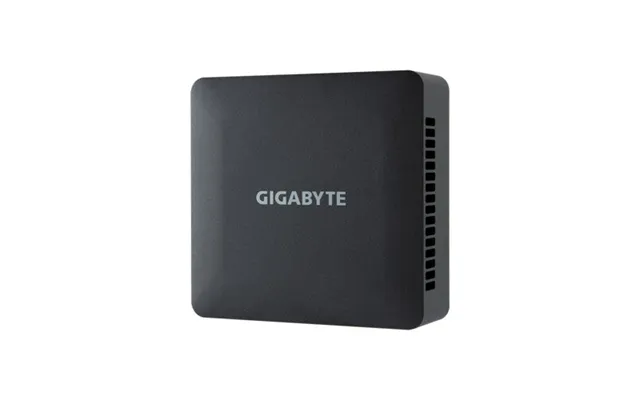
Gigabyte BRIX models are another popular choice. They’re built for flexibility, with some SKUs offering support for both M.2 NVMe drives and 2.5-inch drives. BRIX cases tend to be cube-like, often around 4 x 4 x 2 inches, giving a balance of space and cooling potential for everyday tasks and media playback.
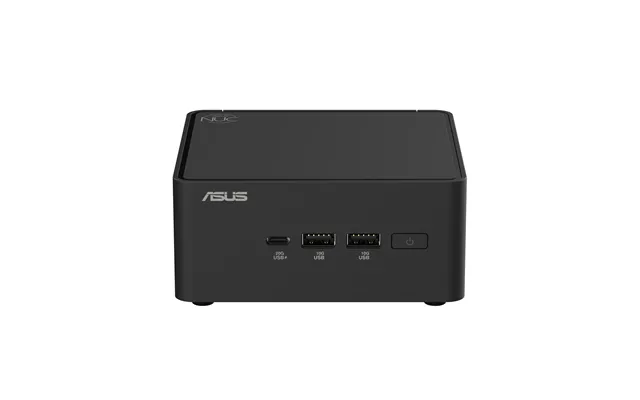
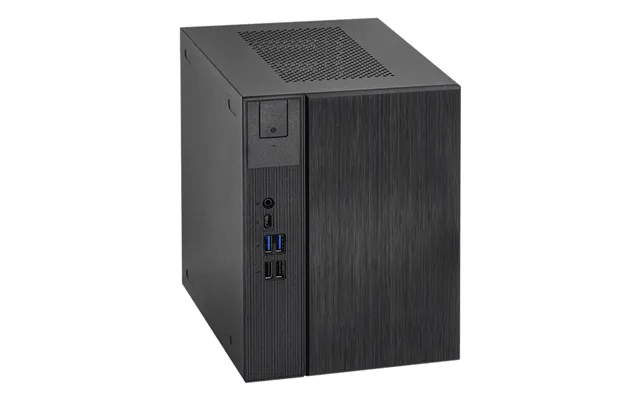
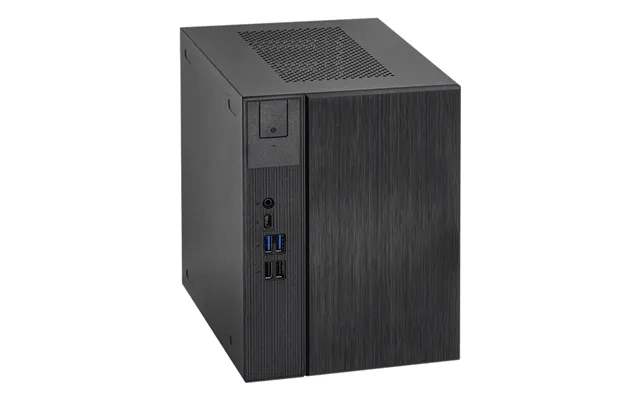
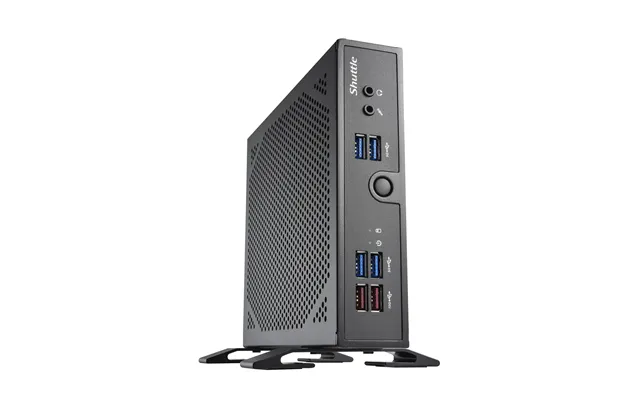
If you want more of a barebones desktop feel—think socketed CPUs and real upgrade pathways—ASRock’s DeskMini line supports standard desktop processors in a small chassis. These tend to be larger than ultra-compact NUCs but still far smaller than a tower, typically measuring around 8 x 4 x 3 inches. If you plan to switch CPUs or add significant storage, this is a sweet spot.
Smaller brands like MINISFORUM have been pushing the envelope with powerful mini kits that sometimes include integrated high-performance CPUs. These are worth watching if you want compact computing without compromising too much on performance.
Barebone kits save time, but you still have to pick and install a few essentials. Here’s a clear checklist of what you’ll normally choose and why it matters.
The CPU choice defines what your mini PC can do. Some barebones accept laptop-style BGA CPUs soldered in place, while others have socketed desktop CPUs. If you’re going socketed, match the cooler clearance; many compact cases allow only low-profile coolers around 1.5 to 2.5 inches tall. Pick a CPU that fits your tasks—efficient quad-core chips do wonders for office use and media tasks, while 6- to 8-core options benefit content creation and multitasking.
Memory is usually one of the easiest upgrades: most barebones accept SO-DIMM laptop RAM. Aim for 16 GB as a sweet spot for general use; 32 GB or more is better for heavy multitasking or editing. Check the maximum supported memory—some kits cap at 32 GB, others at 64 GB.
NVMe M.2 SSDs deliver the best speed and smallest footprint, and many barebones include an M.2 slot for that reason. If you need more capacity, pick a 2.5-inch drive if the chassis supports it. For fast responsiveness, use an NVMe boot drive (256 GB or 512 GB), plus a larger 1 TB or 2 TB 2.5-inch drive for mass storage if needed.
Most truly tiny barebones rely on integrated graphics, which are fine for streaming, light editing, and productivity. For gaming or GPU-accelerated workflows, consider kits that support an external graphics module or a small discrete GPU. Some mini-ITX-based barebones can handle compact GPUs up to certain lengths—double-check clearances (often limited to around 6 to 8 inches).
Small form factor is more than aesthetics—it dictates thermal performance, upgradeability, and where the machine can live. Let’s unpack dimensions and where those inches matter most.
Ultra-compact models often sit around 4 to 7 inches in width and depth, and 1.5 to 3 inches tall. Slightly larger SFF barebones (like DeskMini) may be close to 8 x 4 x 3 inches. If you plan to mount the unit behind a monitor, verify the depth and VESA compatibility—thin models are easiest to hide, while deeper boxes might sit on a shelf or under the desk.
Many compact barebones are VESA-mountable so you can attach them to the back of a monitor using a standard bracket. That’s a neat way to save desk real estate—imagine a full PC that fits behind a display like a second layer of armor. Just ensure the mounting screws match and that the unit has ventilation to avoid heat buildup when tucked away.
Ports and expansion options decide how future-proof your build is. A good barebone offers a mix of USB, video outputs, networking, and internal slots to grow with your needs.
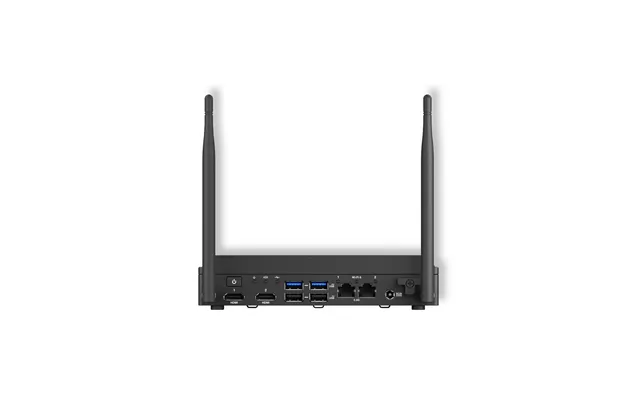
Prioritize USB 3.x Type-A and Type-C ports (Thunderbolt 3/4 if you need external GPU support), HDMI or DisplayPort for monitors, and at least one Gigabit Ethernet jack for stable wired connections. Built-in Wi‑Fi 6 and Bluetooth are handy for wireless peripherals. If you rely on many devices, check for four or more USB ports on the back plus one on the front for easy access.
For those planning to add faster NVMe drives or small PCIe cards, verify the number of M.2 slots and whether the board supports PCIe x4 lanes. Some systems offer an M.2 slot plus a 2.5-inch bay, striking a good balance between speed and capacity.

Barebone systems shine across many scenarios. Which one fits you depends on how you’ll use the machine—here are common setups and what to pick for each.
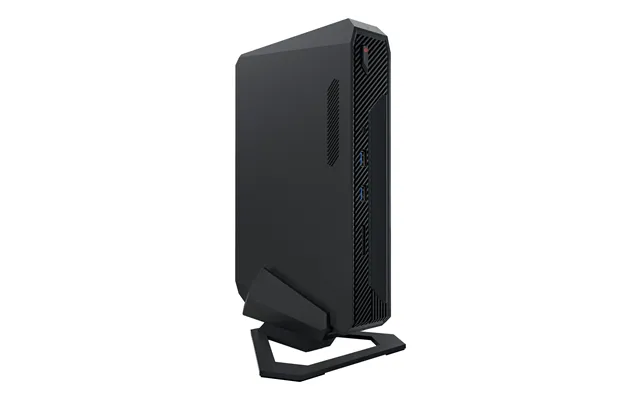
Want a silent, compact media center hooked to your TV? Choose a unit with HDMI 2.0 or DisplayPort, support for 4K playback, and hardware video decoding. Low-profile cooling and a slim chassis help keep noise down—ideal if you don’t want a fan drowning out movie soundtracks.
For productivity, prioritize dual-monitor outputs, ample RAM, and a reliable Ethernet port. A 16 GB configuration with an NVMe boot drive will breeze through spreadsheets, video calls, and multitasking without hogging your desk.
If you edit photos or videos occasionally, pick a barebone that supports higher-core CPUs and fast NVMe drives. For light gaming, look for kits that either support a discrete GPU or have strong integrated graphics. If you’re serious about gaming, you may be better off with a small form factor that supports a compact dedicated GPU.
Small doesn’t always mean underpowered, but thermals and power are the trade-offs. A compact chassis has less airflow and smaller coolers, so high-power CPUs may throttle under sustained load. Think of it like a sports car in city traffic: thrilling bursts, but heat builds up quickly. If you need sustained peak performance, look for larger SFF designs with better cooling or choose components tuned for efficiency rather than raw wattage.
Before you click buy, check these practical details so your barebone meets expectations from day one.
Read the spec sheet like it’s treasure map lore: supported CPU families, maximum RAM, number of M.2 slots, and the exact GPU length supported. A kit that accepts future CPU upgrades or extra storage will save you money in the long run.
Some kits include an internal power adapter, others use an external brick. Make sure the wattage covers your planned components—discrete GPUs and higher-core CPUs need more headroom. Also, smaller fans spin faster and can be louder—if silence matters, look for models with larger, slower fans or passive cooling options.
Barebone prices vary widely. Ultra-compact NUCs and BRIX kits often start at a modest price but can climb once you add RAM and NVMe storage. Larger SFF barebones with socketed CPUs and better cooling typically cost more but deliver more upgrade flexibility. Decide whether you value initial savings or long-term expandability.
Putting together a barebone is usually straightforward: install RAM in the SO‑DIMM slots, snap an M.2 SSD into its slot and screw it down, fit a 2.5-inch drive if supported, and install the CPU and cooler if required. Connect power cables, close the case, and attach peripherals. It’s like assembling a piece of furniture, but with thermal paste instead of screws—simple, satisfying, and faster than building a full tower.
Not sure a barebone is for you? Consider fully configured mini PCs if you want a ready-to-go option, or a small form factor prebuilt desktop for maximum performance in a compact package. Full-size desktops still beat barebones on raw expandability and cooling, but barebones hit a sweet spot for most users who need small footprints with a touch of personalization.
Barebone computers offer a compelling mix of customization, compactness, and control. Whether you’re building a quiet HTPC, a neat home office machine, or a small creative workstation, there’s a kit that matches your needs. Pay attention to component compatibility, cooling constraints, and the ports you’ll actually use—those tiny inches and pounds make a big difference in everyday life. With the right choices, a barebone PC delivers a tailored experience that’s greater than the sum of its parts.
| Barebone Computers | Price | |
|---|---|---|
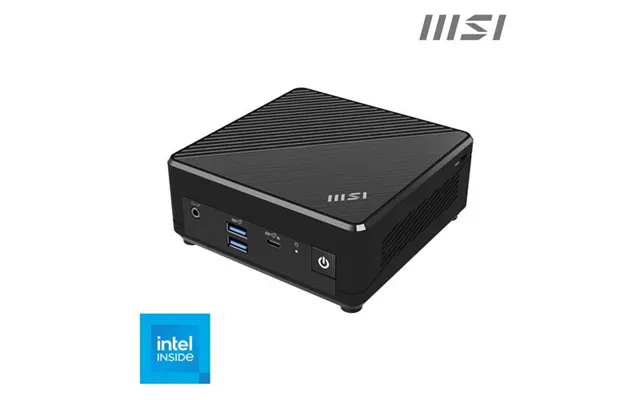
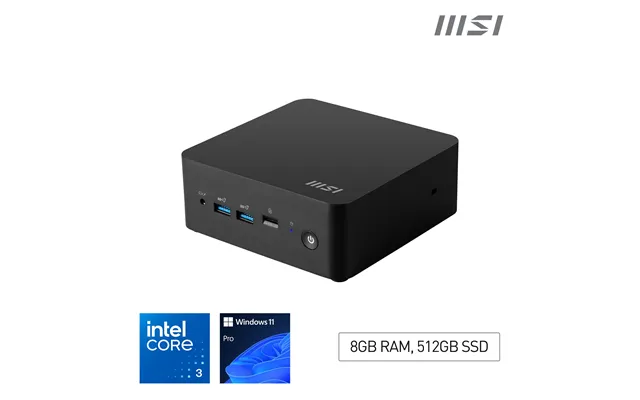
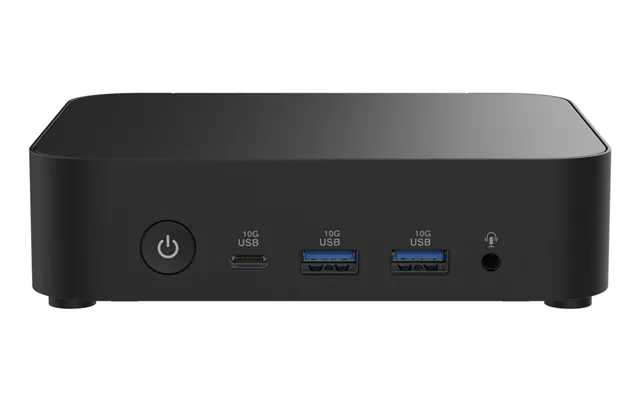
| Msi Cubi N Jsl-028buk Barebone Sff Pc Intel Pentium N6000 Support No Hdd No Os | £ 106,65 | |
| Loop 23 Inch All In One Barebone | £ 231,94 | |
| Loop24 Raspberry Pi5 With Loopsign Software. Complete With All Cables | £ 236,09 | |
| Loop24 Raspberry Pi5 With Loopsign Software. Complete With All Cables | £ 236,09 | |
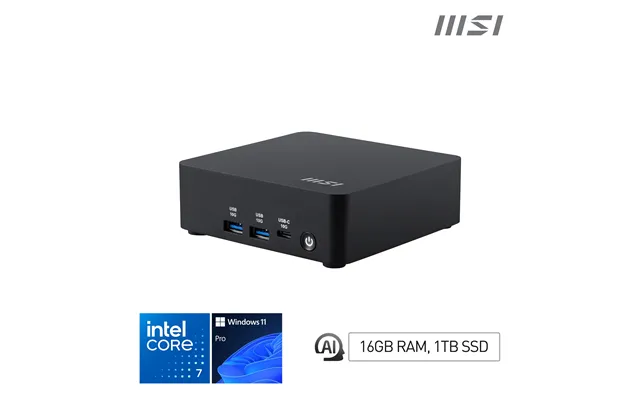
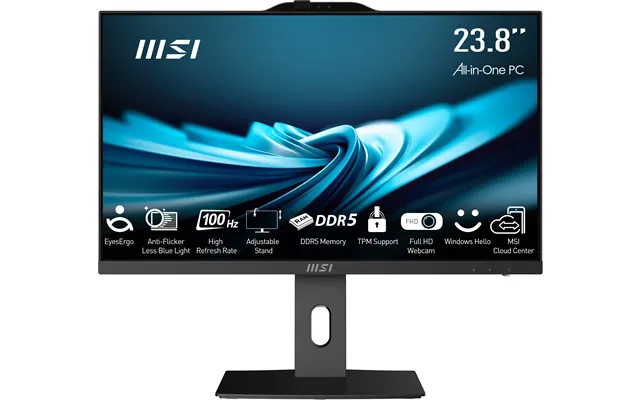
| Msi Pro Ap242p 14m Intel Core I3 14100 All In One Pc Barebone | £ 275,93 | |
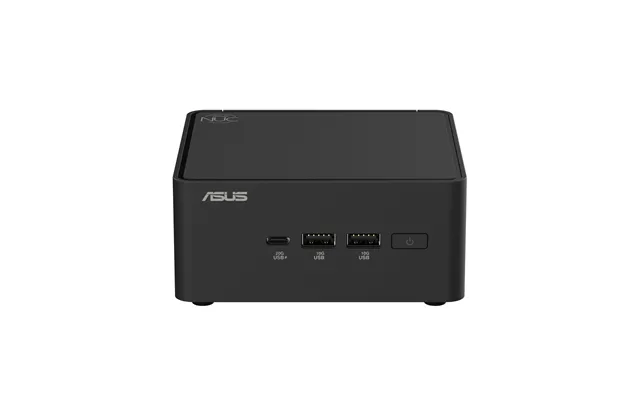
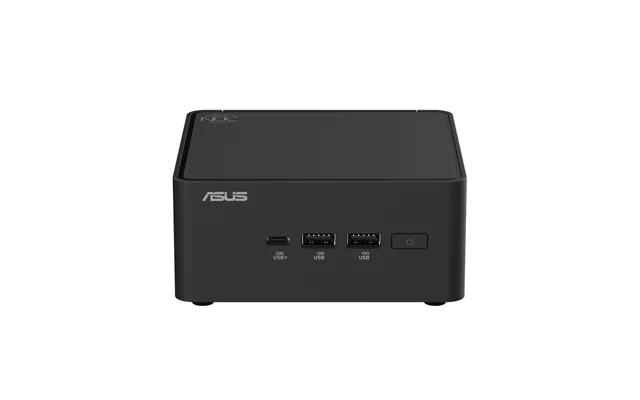
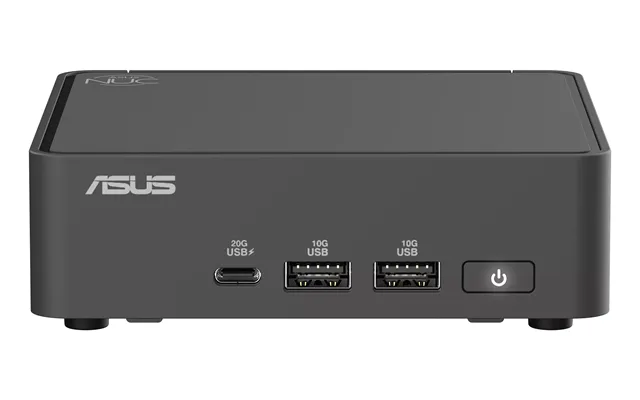
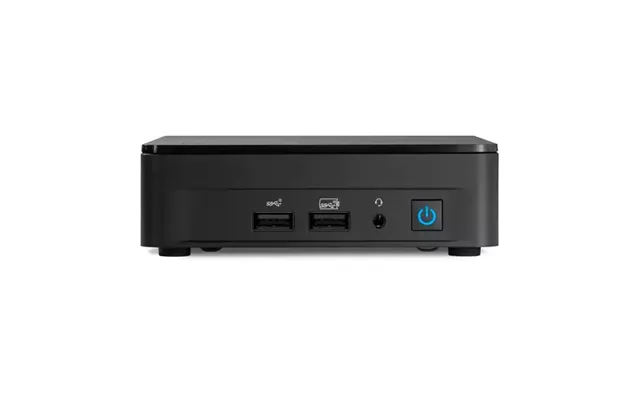
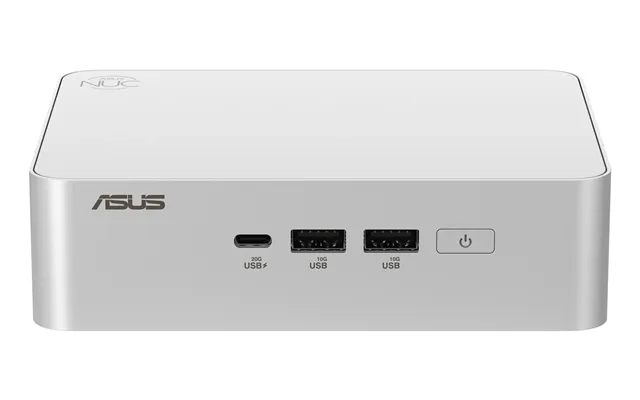
| Asus Nuc 15 Pro Black 225h | £ 433,58 | |
| Shuttle Xpc Slim Barebone Ds50u7. I7-1355u. 2x Lan 1x 2.5gbit | £ 831,- |