

Smart Glasses price list
Last updated Monday, 19 Oct 2026





View 9 Offers



Loading...
Last updated Monday, 19 Oct 2026
Smart glasses are no longer a sci‑fi prop or a niche gadget for tech demos. They’re practical, stylish, and surprisingly useful. Whether you want a private second screen for work, hands-free recording for content, turn‑by‑turn prompts while cycling, or just open‑ear audio in a sleek frame, smart glasses are stepping up. In the UK, popular offers change fast, and comparing features and prices before you buy is the smartest move. The good news? You can scan options across multiple retailers on a comparison site like ZoneOffer and quickly spot the deal that fits your needs and budget.
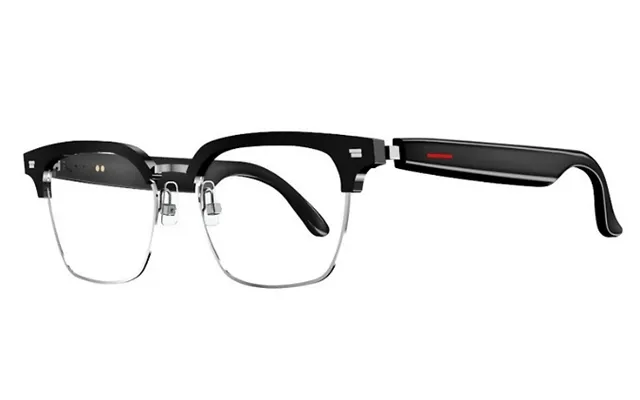
Think of smart glasses as eyewear with brains. Some are true augmented reality (AR) devices that project digital overlays you can see while still looking at the real world. Others function as “display glasses,” acting like a wearable external monitor for your phone, laptop, or handheld console. Then there are camera and audio glasses that look like everyday frames yet record photos or video and pump music or podcasts through open‑ear speakers. Different jobs call for different styles, so the trick is matching what you want to do with the right type of glasses.
On any given day, you’ll see offers on AR viewers, display glasses for movies and gaming, and lifestyle frames with cameras and open‑ear audio. Prices fluctuate based on bundles, seasonal events, and stock. That’s why it pays to compare across retailers before clicking “buy.” Look for special extras such as travel cases, prescription inserts, or companion controllers included in the price. A quick comparison pass helps you avoid paying more than you need while making sure the features actually fit your real‑world use.
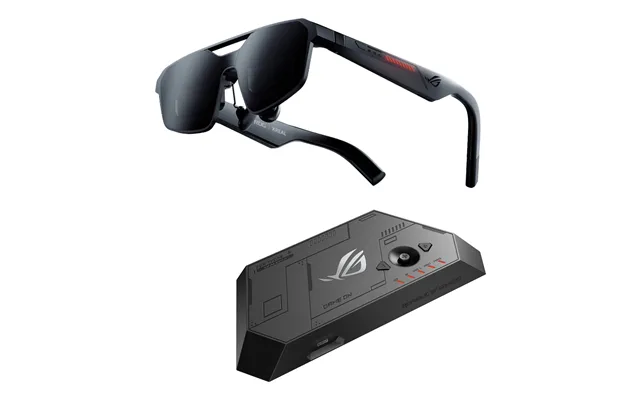
AR viewers and display glasses put a virtual screen in front of you, often equivalent to sitting in front of a big TV from a few feet away. They’re great for movies, gaming, and productivity on planes or trains. Many connect to phones and laptops over USB‑C or via a cast/dongle for wireless use. The best part? They’re typically lightweight, often in the ballpark of just a few ounces, and designed to be worn for a while without feeling bulky. If a private, portable screen sounds appealing, this category deserves a spot on your shortlist.
Some glasses bundle more computing power into the frame, pairing sensors and advanced tracking with rich visuals. They can anchor digital content to your surroundings and support more complex apps. These tend to be heavier than basic display glasses and may live closer to mixed‑reality headsets, but when done right, they unlock hands‑free workflows, spatial notes, and immersive experiences. If you want interactive AR beyond a simple floating screen, explore this tier. Just weigh comfort, battery life, and app support before you commit.
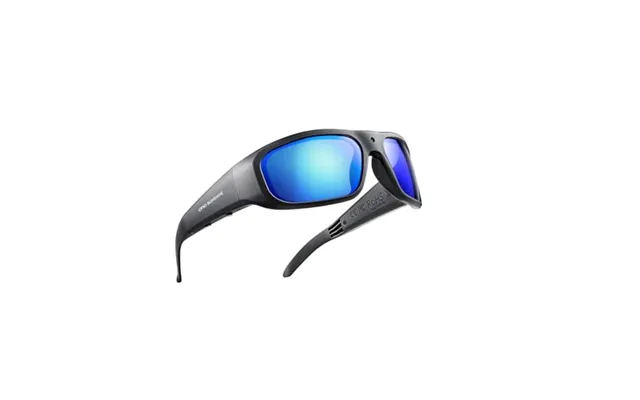
Camera and audio‑first frames look like everyday sunglasses but offer smart features such as voice assistants, hands‑free calls, and quick video capture. They’re perfect for creators, commuters, and anyone who wants discreet tech that blends in. Open‑ear audio lets you stay aware of what’s happening around you while still enjoying music or podcasts. If the idea of recording from your point of view and sharing instantly gets you excited, this category is for you. Just make sure to consider storage, privacy indicators, and stabilization for smoother clips.
When you’re shopping display or AR glasses, the “screen” is everything. You want sharp, clear visuals that look good in different lighting conditions. A wider field of view helps content feel more cinematic and comfortable for long sessions. Because you’re often watching from a few feet away virtually, clarity matters as much as size. If you plan to use the glasses for work, choose a screen that keeps text crisp and easy to read for hours without eye strain.
Comfort is non‑negotiable. Look for lightweight frames, typically around a few ounces, with even weight distribution across the bridge of your nose and ears. Adjustable nose pads and swappable temples can make a huge difference on long flights or marathon work sessions. If you have a smaller or larger head size, check for multiple fit options. A comfortable pair will feel like normal glasses after a few minutes, not like a gadget strapped to your face.
Battery needs vary. Display glasses often draw power from your phone or laptop, which keeps the frames light. Lifestyle camera glasses rely on internal batteries inside the arms, so runtime matters more—especially if you plan to capture lots of video or take calls all day. Look for a realistic number of hours that matches your routine and see whether quick‑charge features or portable charging cases are available for long days out.
Great controls disappear into the background. Touch gestures, physical buttons, and voice commands should feel natural and reliable. For connectivity, you’ll usually see wired USB‑C for display glasses and Bluetooth or Wi‑Fi for camera and audio‑first frames. Check compatibility with your smartphone and laptop in advance. If you’re on iOS, make sure the companion app is polished. If you’re on Android or Windows, confirm that display output and driver support are up to date.
If you wear prescription lenses, ask two questions: Can you insert prescription lenses into the frame? Or do you need clip‑ons or custom inserts? Some brands offer official inserts, while others work with third‑party options. Style also matters—do you want something that looks like standard sunglasses or a futuristic tech piece? Smart glasses you actually love to wear will get more use than a more powerful model that never leaves your bag.
If you want a private cinema and a second laptop screen anywhere, AR display glasses are a thrill. Many models mirror your phone or computer display so you can stream, play, and work in comfort. Look for frames around the 2–3 oz range, adjustable nose pads, and protective cases. In the UK, frequent offers pop up on bundles that add a travel case, a controller, or a casting dongle. These extras sweeten the deal and save you from buying add‑ons later.
Camera‑ready smart glasses are a creator’s dream for capturing moments from your perspective. The latest styles keep controls simple, include clear privacy lights, and add excellent microphones for on‑the‑go clips. If you’re into cycling, dog‑walking vlogs, or quick travel reels, look for stabilization and easy sharing to social platforms. Battery life in the range of several hours is ideal, especially with a charge case you can slip into a jacket pocket for top‑ups between takes.
Enterprise‑lean smart glasses target productivity with features like remote assistance, QR scanning, and hands‑free checklists. If you need step‑by‑step workflows, annotation tools, or live support for complex tasks, this category can be a real time saver. While many enterprise units focus on industrial use, some models also appeal to solo professionals and small teams in fields like field service, retail, and logistics. Keep an eye on comfort and app availability when evaluating this segment.
Imagine turning any seat—train, plane, or sofa—into a private office. Display glasses mirror your laptop so you can knock out slides, review documents, or manage your inbox without peering at a tiny phone screen. Because the “screen” hovers at a comfortable distance, text is easier on your eyes than you might expect. Add a compact keyboard and you’ve got a travel‑friendly workstation without the bulk of a second monitor.
Open‑ear audio is a game changer for runners and cyclists who want music and awareness at the same time. Some camera glasses include subtle prompts for navigation and quick clip capture during workouts. For hikers and travelers, the ability to film without pulling out your phone keeps both hands free and your focus on the path ahead. And when the sun’s blazing, optional shaded lenses help you see clearly without losing the smart features.
Want to show life from your point of view? Smart glasses with cameras let you film naturally while staying in the moment. Vloggers love the stability improvements and decent microphones many frames now provide. Short‑form content feels fresh when your camera sees what you see, not just your face. If livestreaming is your thing, look for reliable connectivity and clear status lights so bystanders know when you’re recording—good etiquette goes a long way.
Display glasses shine for gaming. Pair them with a handheld console, phone, or laptop, and you’ve got a massive virtual screen without hogging the living room TV. Long battery life on your source device combined with glasses that stay cool and comfy turn trains and flights into playtime. Movie lovers also get a portable cinema that doesn’t bother seatmates. Toss a case in your backpack and you’re ready for marathons wherever you land.
For some users, smart glasses aren’t just fun—they’re enabling. Voice control, large floating displays, and hands‑free calls can make daily tasks easier. Even without advanced AR, a clear, private screen can help with reading, navigation, and communication. If accessibility matters, prioritize easy‑to‑use controls and clear audio. The right pair can quietly streamline your day in ways you didn’t expect.
iOS users should verify app quality and wireless casting options. If you’re eyeing display glasses, consider how you’ll connect—some workflows may benefit from a small adapter to mirror your screen cleanly. For camera and audio frames, prioritize strong Bluetooth performance, quick media transfer, and reliable Siri support. The smoother the pipeline, the more you’ll actually use your glasses daily.
Android fans have plenty of display and AR choices. Many phones support wired video out over USB‑C, which is a huge plus for display glasses. Look for models that plug in and just work. For camera‑centric frames, check app ratings and permissions, plus integration with Google Photos or your editor of choice. The right combo turns your glasses into a friction‑free companion for work and play.
Traveling with a laptop? Display glasses double as a portable second monitor. Verify whether your laptop supports video out over USB‑C or if you’ll need an adapter. On Mac, check mirroring and extended display options; on Windows, ensure drivers are current for the smoothest experience. With the right cable and case, your glasses become a lightweight screen you can set up in seconds, even in cramped airplane seats.
Gamers should confirm compatibility with handhelds and consoles. Check latency, comfort over long sessions, and whether the glasses maintain a steady image when you move. For streamers, reliable audio pickup and minimal fan noise from your source device matter more than you might think. Consider a dedicated dongle if you want wireless freedom without sacrificing quality.
Smart glasses pricing can vary widely. The trick is focusing on value, not just the sticker number. Compare like for like—don’t weigh a basic display pair against an enterprise AR unit. Look for bundles that include protective cases, nose pad kits, or lens inserts. Check warranty terms and repair options too. Seasonal events and flash sales can shave a significant chunk off the price, but only if the model actually suits your needs. A quick comparison sweep will show you where the real value sits.
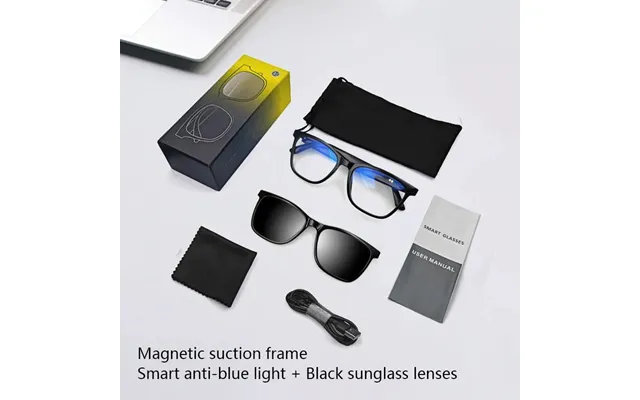
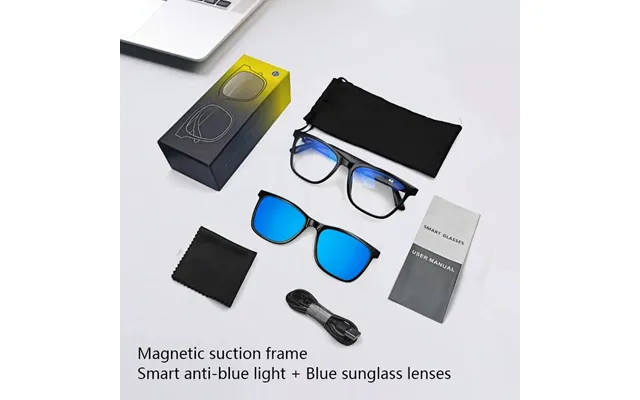
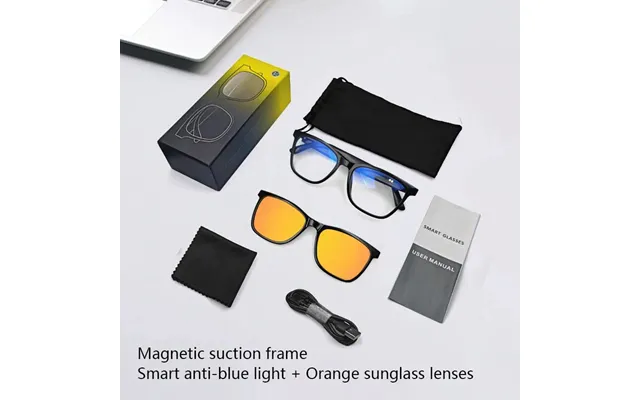
If you need vision correction, make sure the path is clear. Some brands sell official inserts. Others work with third‑party labs. Clip‑ons can be a practical solution if you alternate between indoor and outdoor use. Budget for this upfront so the total cost doesn’t surprise you.
A sturdy case is essential. You’ll be slipping your glasses into backpacks, handbags, and jacket pockets, so give them a safe home. Look for a hard shell with space for cables and adapters. A good case keeps your investment looking new and prevents accidental damage on the move.
Display glasses may need specific cables, and some models shine with a dedicated controller or wireless dongle. Before you buy, check what’s in the box. Spending a little more on the right accessory can save you headaches later. If you’re planning to connect to multiple devices, consider a compact cable kit so you’re always ready.
Unbox, charge, update, and fit—those are your first steps. Charge your glasses fully and install the companion app. Run firmware updates right away. Then take a few minutes to tweak the fit: adjust nose pads, test different temple tips if provided, and settle on a comfortable angle. Calibrate display settings for your eyes and the lighting in your room. Try a short movie clip or document session to make sure everything feels natural before you take your glasses out into the world.
Smart glasses should be fun and respectful. If your frames have a camera, keep privacy indicators on and be mindful in public spaces. Ask before filming people up close, and avoid sensitive areas. For audio, open‑ear is great for awareness, but keep volume at a level that won’t bleed and annoy neighbors. When walking or cycling, prioritize safety—if a feature distracts you, turn it off. Good habits make smart glasses welcome everywhere.
Expect lighter frames, better displays, and smarter software. Developers are building apps that make AR feel more useful at home and at work. We’ll see improved voice control, better stabilization for video, and more subtle designs that look like regular eyewear. Battery life and heat management will get better too. As prices become more competitive, the sweet spot between function and fashion will get easier to hit—and the wave of compelling offers in the UK will only grow.
Smart glasses can change how you work, play, travel, and create. The hard part is picking the right type: a sleek display pair for movies and productivity, a lifestyle frame for hands‑free capture and audio, or a more advanced AR unit for interactive apps. Start with your use case, check comfort and compatibility, and compare offers from multiple retailers so you know you’re getting solid value. With a clear plan and a quick comparison pass, you’ll land a pair that feels tailor‑made for your everyday life.