All categories
Business & Offices
Electronics & Media
Fashion & Accessories
Groceries & Essentials
Health & Personal Care
Home & Living
Kids & Family
Sports & Outdoors
Search in ZoneOffer

Loading...
If your PC is the brain of your setup, then your cooling system is the heartbeat that keeps everything steady. Whether you’re building a new rig, upgrading an older machine, or trying to squeeze more frames out of a gaming session, choosing the right computer system cooling parts can be the difference between buttery-smooth performance and thermal throttling. In the UK, it’s easy to browse a computer system cooling parts price list or compare popular offers side by side, but it’s even better when you know exactly what to look for and why. Let’s break down the essentials—from air coolers and liquid loops to case fans, thermal paste, and smart fan control—so you can buy with confidence and keep your system cool, quiet, and fast.
It’s the classic choice: air cooling or liquid cooling? Both can keep your CPU and GPU at healthy temperatures, but they shine in different scenarios. Air coolers are simple, proven, and easy to maintain. Liquid cooling, especially all-in-one (AIO) units, offers excellent heat dissipation in a compact footprint and can be surprisingly quiet. Your best pick depends on your case size, noise tolerance, performance goals, and budget. Not sure where to start? Ask yourself how hard you plan to push your system and how much room you’ve got to work with.
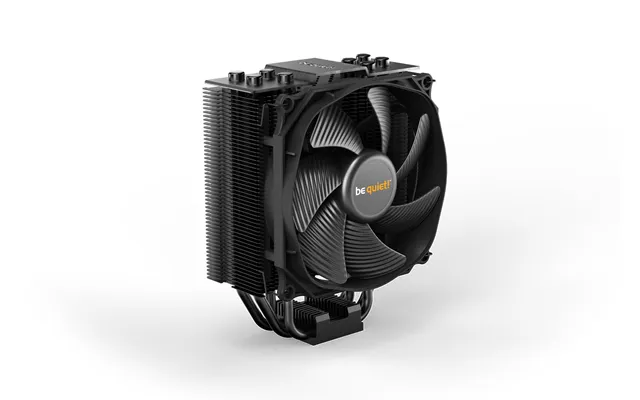
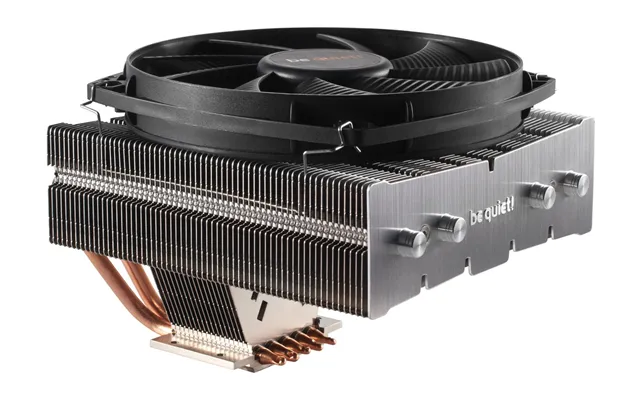
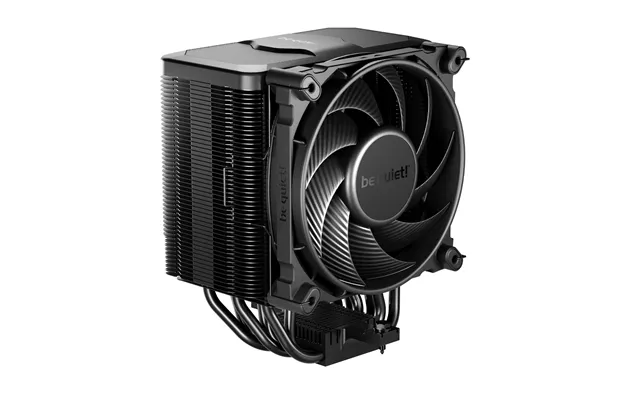
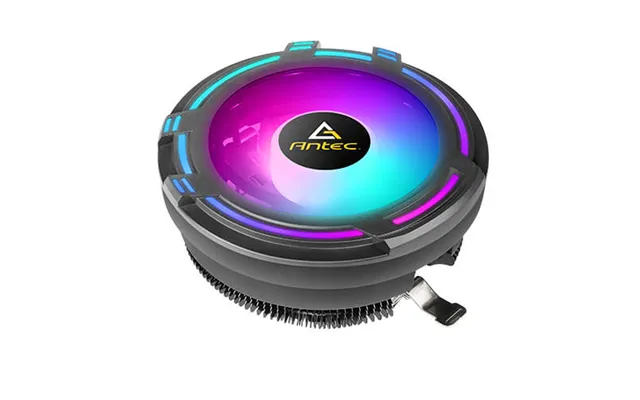
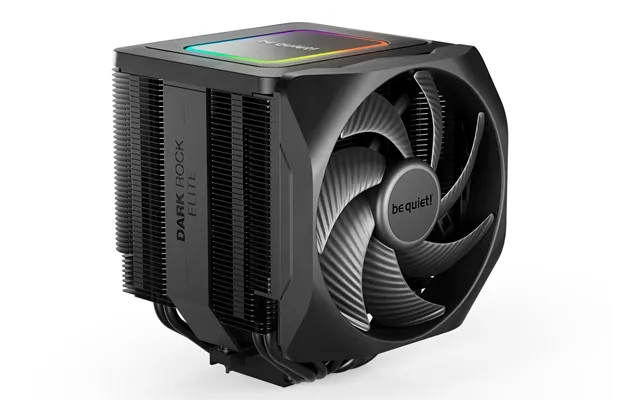
Air coolers are the no-fuss heroes of PC builds. A quality tower cooler with a sturdy heatsink and a good fan can handle hefty processors while staying reliable for years. They’re perfect for budget builds, compact setups, or anyone who values low maintenance. Fans around 4.7 inches or 5.5 inches often strike a sweet balance between airflow and noise. Top-down air coolers can also help cool motherboard components around the CPU socket. If you’re not overclocking aggressively and your case supports taller coolers, air cooling is a smart, cost-effective choice.
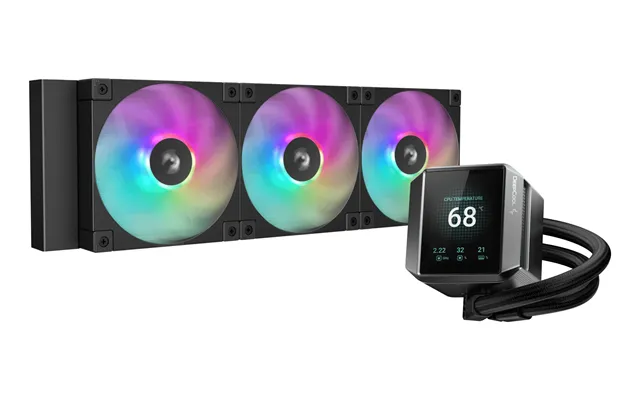
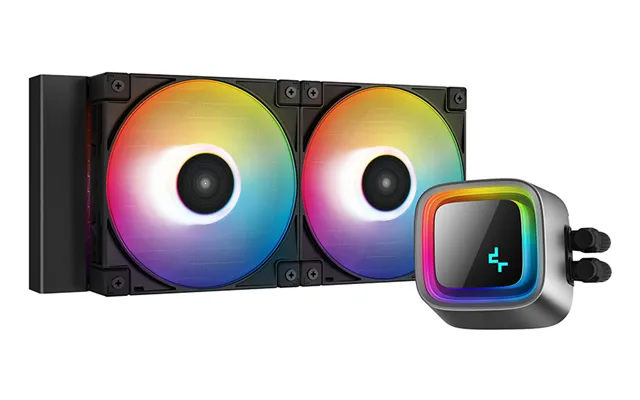
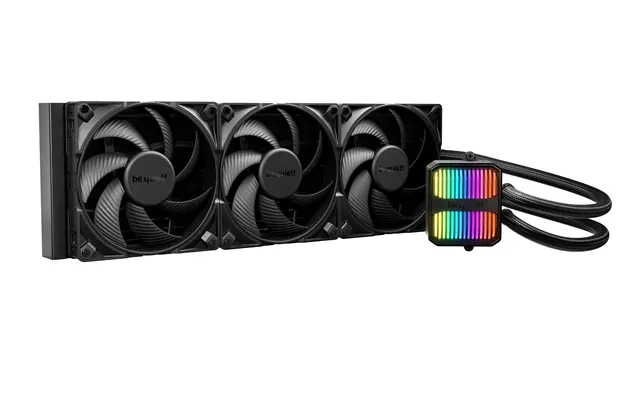
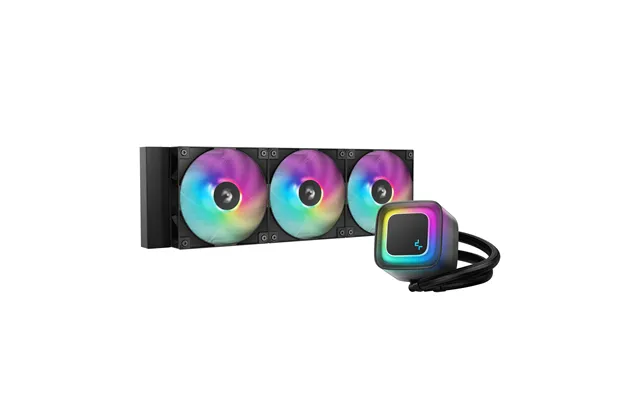
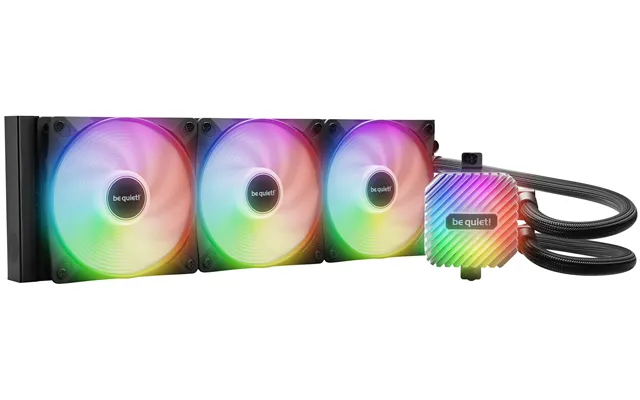
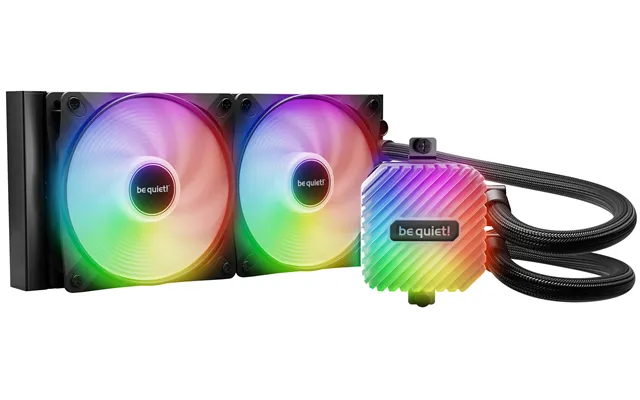
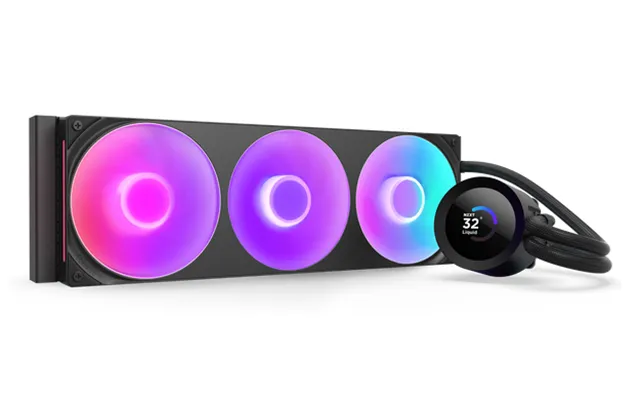
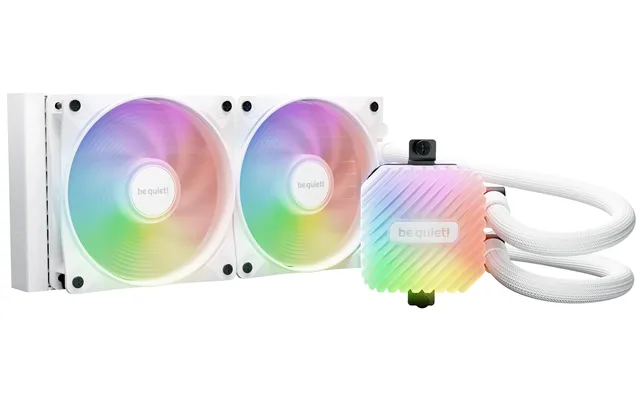
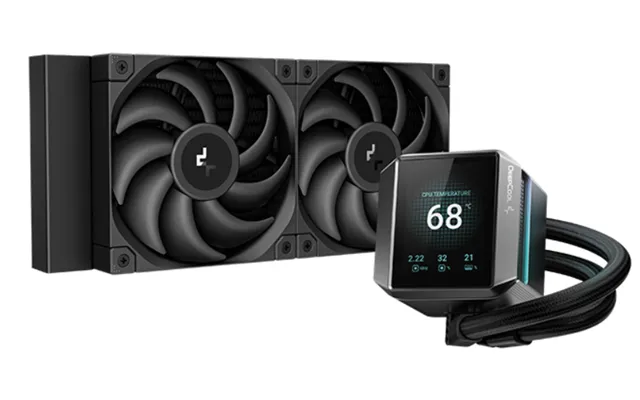
Liquid cooling steps in when you want top-tier temperatures, clean aesthetics, or better performance in a tight space. AIO radiators around 9.5 inches, 11 inches, or 14.2 inches are common picks, with larger models typically handling higher heat loads. The benefit? Heat gets whisked away from the CPU and spread across a radiator, where multiple fans can disperse it efficiently. If you’re chasing quiet, a well-tuned AIO with low-RPM fans can be whisper-quiet under load. Enthusiasts may even explore custom loops with separate pumps, reservoirs, and radiators for next-level control and GPU cooling.
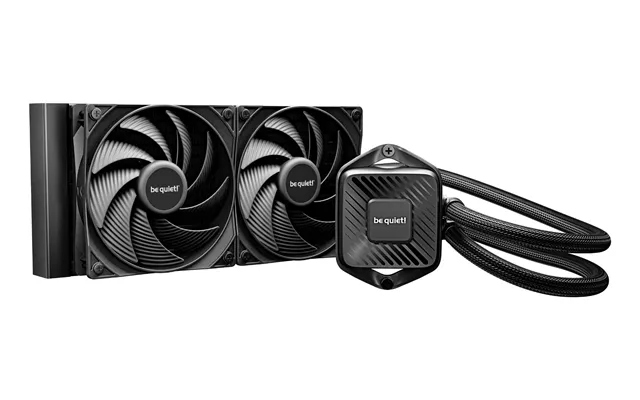
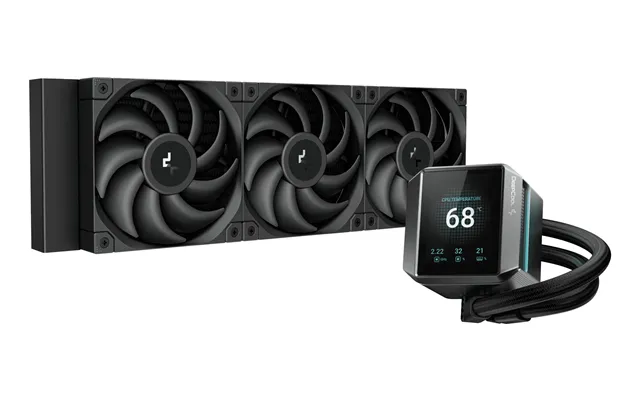
Your CPU cooler is the frontline defense against high temps and throttling. Whether you’re choosing an air tower or an AIO, match your cooler to your CPU’s power draw and your case’s clearance. Pay attention to warranty, mounting hardware, and stated noise levels. And don’t forget: a well-applied thermal compound can swing temps by several degrees. A solid cooler keeps clocks high, fans calm, and your PC stable through long gaming or rendering sessions.
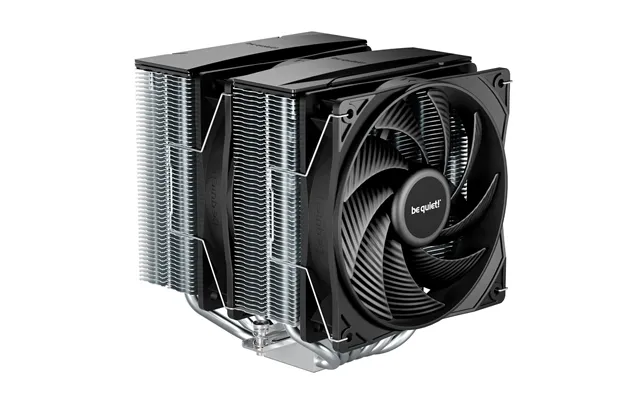
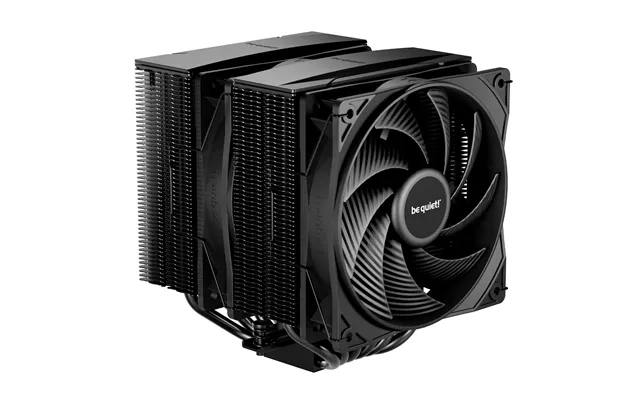
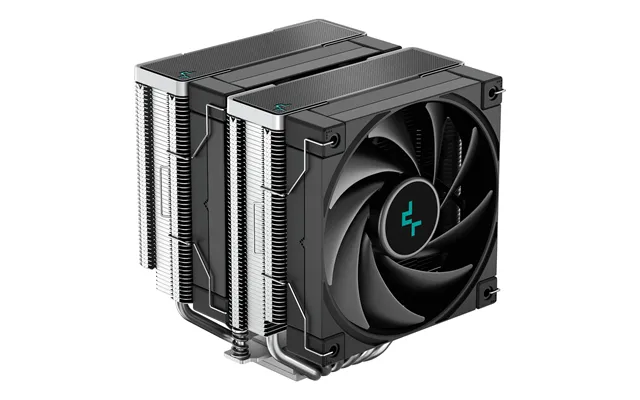
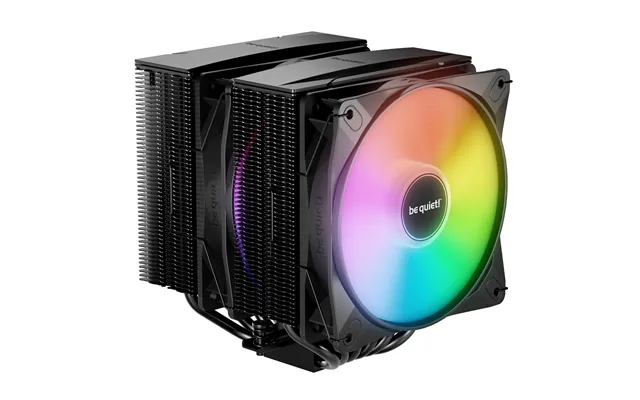
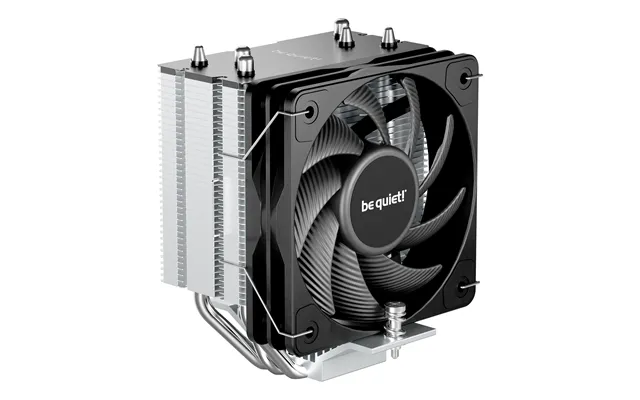
Tower coolers pair a dense fin stack with heat pipes and one or two fans to pull heat off the CPU. Look for models with efficient fin spacing and smooth base plates. Fan size matters too—4.7-inch and 5.5-inch options typically move more air at lower RPMs, which helps with acoustics. Check for RAM clearance and case height limits before buying. Premium models may use fluid dynamic bearings for quieter, longer-lasting performance, while budget models often deliver fantastic value if you don’t mind a little more fan noise under full tilt.
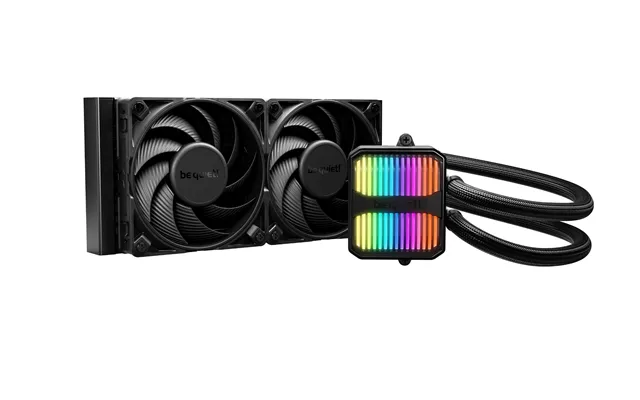
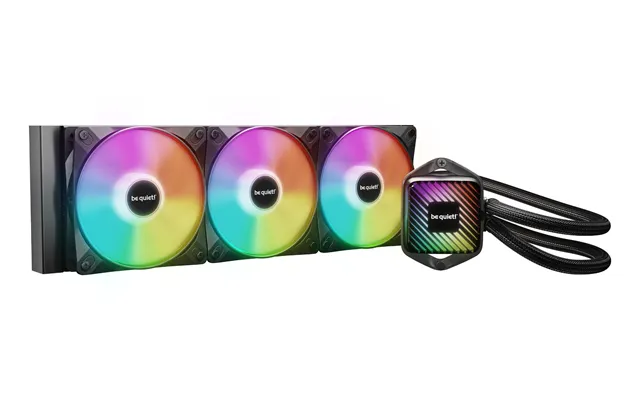
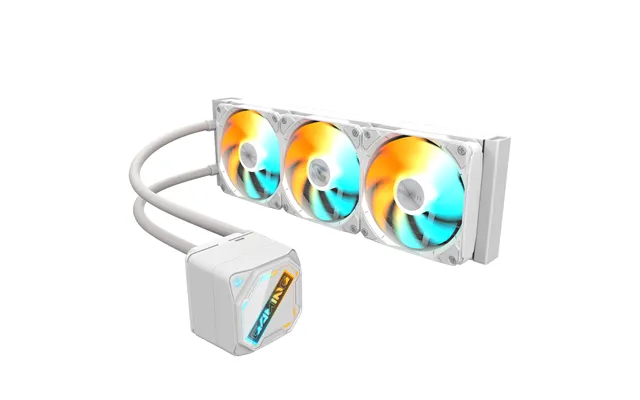
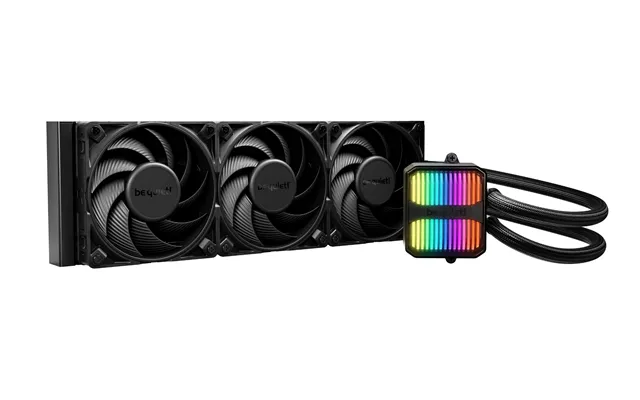
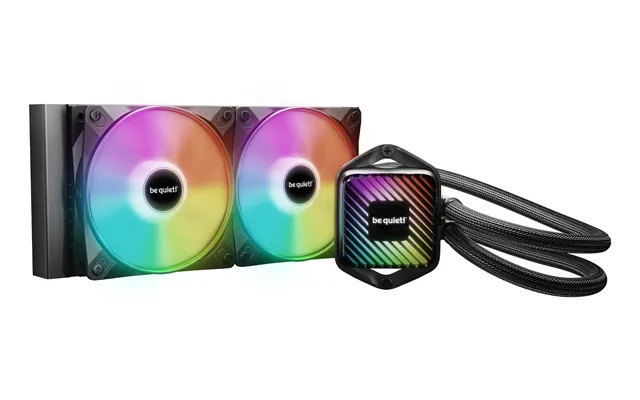
AIOs combine a pump, a cold plate, tubing, and a radiator into a tidy package. The radiator size often dictates performance: roughly 9.5-inch radiators are great all-rounders, while 11-inch and 14.2-inch versions offer more surface area for tougher workloads. Pay attention to pump reliability, fan quality, and tubing flexibility. If you can fit it, a push-pull fan setup on the radiator can improve cooling at the same RPMs. Make sure your case supports the radiator length and thickness, and verify fan placement for clean intake and exhaust paths.
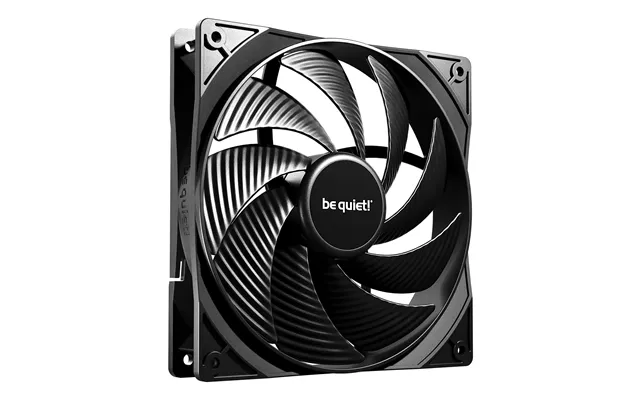
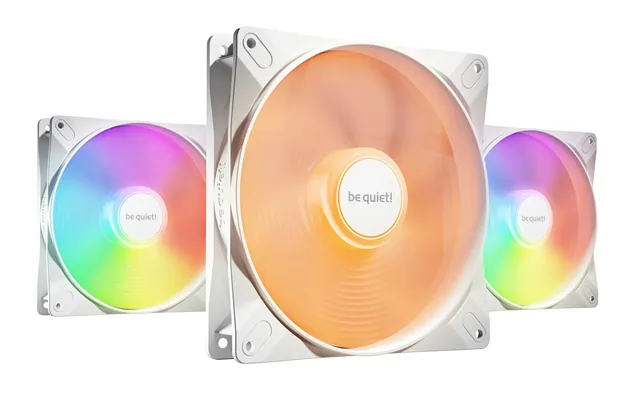
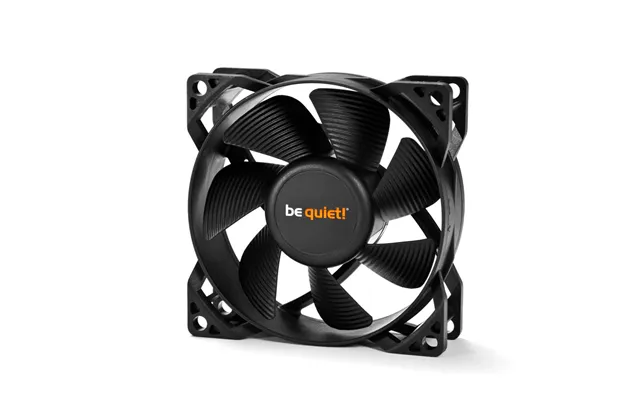
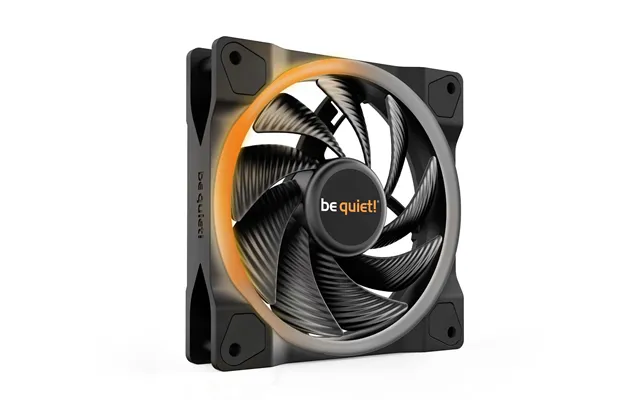
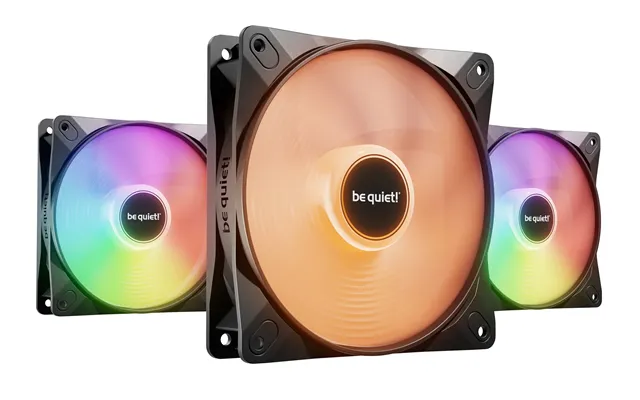
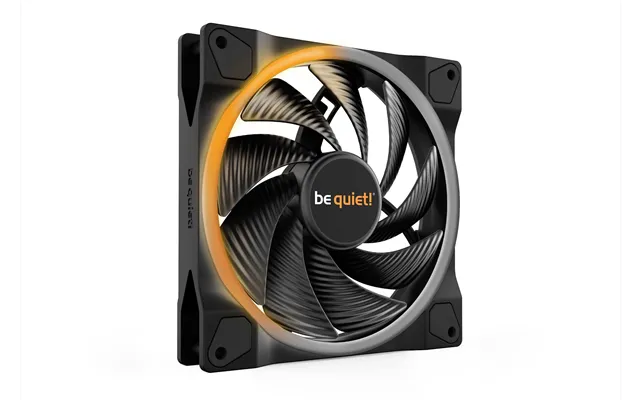
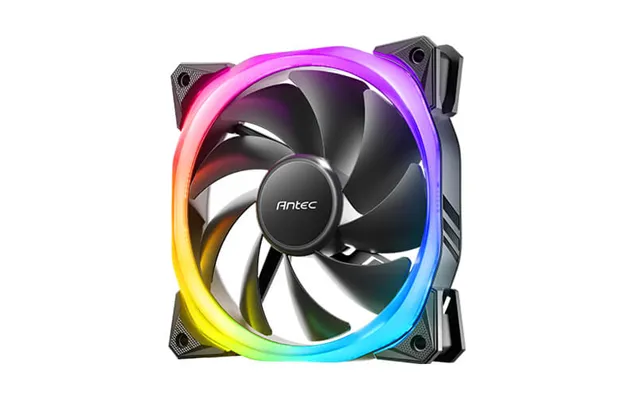
Case fans are the unsung champions of a cool and quiet PC. They move air through your chassis, feeding fresh intake to your CPU and GPU while venting hot exhaust. Picking the right mix of sizes and types really matters. Larger fans can push more air at lower speeds, and static-pressure fans are ideal for radiators or dense front panels. Don’t forget the basics: balanced intake and exhaust, clean filters, and clear air channels.
Airflow fans are designed to move lots of air in open spaces, making them ideal for unrestricted intakes or exhaust spots. Static-pressure fans, on the other hand, are specialists for pushing air through resistance—like radiators, tight mesh, or dust filters. If your case has a dense front panel or you’re mounting a radiator, static-pressure fans are your friend. Mixing both types thoughtfully can deliver a cool, quiet system that breathes easily.
As a rule of thumb, a simple setup with two front intakes and one rear exhaust works wonders for most builds. Bigger cases might benefit from an extra top exhaust, especially if you have a radiator up there. Aim for slight positive pressure (more intake than exhaust) to reduce dust. Not sure if your airflow is working? Check temps while gaming and pop the side panel off; if temps drop significantly, you may need more intake or better cable management.
Common fan sizes include about 3.6 inches, 4.7 inches, and 5.5 inches across. Bigger usually means quieter for the same airflow. Standard thickness is around 1 inch, while some high-performance fans are closer to 1.5 inches for improved acoustics and pressure. Use intake fans at the front and bottom to pull in cool air, and place exhaust fans at the rear and top to remove heat that naturally rises. PWM control (4-pin) lets you fine-tune curves for silence when idle and power when gaming.
Modern graphics cards can run hot when you’re gaming or rendering, so airflow around the GPU is crucial. Many cards are built to handle the heat, but better case ventilation and smart fan curves can lower temps and noise. Targeting a load temperature under about 185°F is a good starting point for comfort and longevity. Don’t forget about sag brackets and spacing; a little extra clearance helps your GPU breathe.
If you’re pushing a high-end card or want to reduce noise, aftermarket GPU coolers can be transformative. Some solutions replace the stock cooler with larger heatsinks and multiple fans, while others use brackets that let you mount an AIO radiator to your GPU. The payoff can be substantial—lower temps, fewer hotspots, and quieter operation. Make sure your case can handle the extra radiator (around 9.5 inches or more), and choose static-pressure fans for dense fins.
Good airflow strategy helps the GPU as much as the CPU. Think of cool air entering low at the front and rushing over the card, then venting out the top and rear. If your case allows it, adding a fan near the bottom intake can feed your GPU directly. Watch out for vertical GPU mounts that choke intake; if you go vertical, ensure there’s generous space between the card and the glass side panel.
Thermal compound fills microscopic gaps between your cooler and the chip, ensuring efficient heat transfer. Traditional pastes are easy to apply and safe, while liquid metal compounds can deliver outstanding performance but require caution because they’re conductive. If you want a set-and-forget approach, high-quality paste can last years under normal use. As for application, a small pea-sized dot or a thin line usually spreads evenly under mounting pressure. Thermal pads are handy for VRMs and memory chips—just match the thickness and cut cleanly for full coverage.
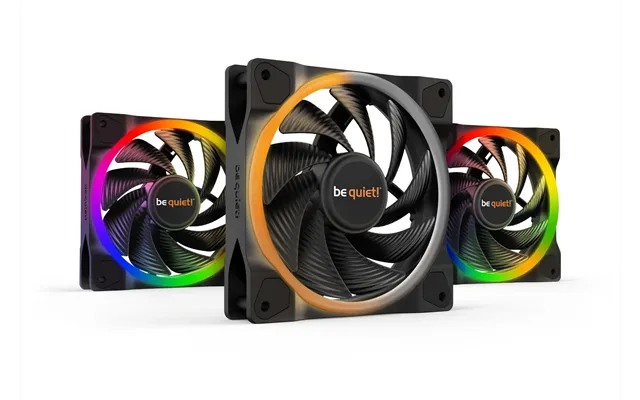
Fan control is where comfort meets performance. Motherboards often include multiple PWM headers, but if you’re running lots of fans or a radiator in push-pull, a powered hub can simplify wiring and deliver steady voltage. RGB or ARGB controllers keep lighting tidy and synchronized if that’s part of your build. The best part? Intelligent fan curves can keep your system nearly silent at idle and only ramp up when the heat is on.
Motherboard BIOS control is stable, lightweight, and always-on, making it a great default. Many boards let you tie fan curves to CPU or motherboard sensor readings. Software control, meanwhile, can unlock advanced profiles and link fans to GPU temperatures—perfect for gaming-heavy rigs. If your GPU drives most of your heat, a curve that responds to GPU temps can shave several degrees off load temps and reduce noise spikes.
Want a quiet PC without sacrificing performance? Start by lowering your idle fan speeds and smoothing your ramp curves so fans don’t constantly surge. Use rubber grommets or pads to reduce vibration. Choose fans with fluid dynamic or magnetic bearings for lower hum at a given speed. And remember: larger fans spinning slowly can move the same air with less noise than smaller fans whirring away. Keep an eye on dBA ratings, but trust your ears—real-world acoustics depend on your case and desk setup.
Dust is the silent performance killer. It clogs fins, throttles airflow, and makes fans work harder. The fix is simple: keep filters on intakes, clean them regularly, and maintain slight positive pressure. Every few months, power down, remove panels, and blow out dust with short bursts of compressed air. Wipe fan blades and radiator fins gently to prevent bending. Consistent maintenance keeps temps lower and fans quieter, and it helps your parts last longer.
Custom liquid cooling is the playground of enthusiasts who want the coolest temps and the cleanest builds. Radiators come in lengths like roughly 9.5 inches, 11 inches, and 14.2 inches, and thickness varies. Thicker rads need stronger fans to push air through, so plan accordingly. Pumps should be reliable and quiet; pairing them with a reservoir helps bleed air and maintain a steady flow. Stick to compatible metals—mixing aluminum with copper can cause corrosion. Add biocide or a silver coil to keep growth at bay, and route tubing to avoid kinks and tight bends. It’s more work, but the payoff is jaw-dropping temps and visuals.
Nothing kills build momentum like discovering your shiny new cooler doesn’t fit. Measure case clearance for CPU cooler height, GPU length, and radiator mounting points. Typical air coolers can be tall, so check your case spec sheet carefully. For radiators, confirm top, front, or bottom mounting options and ensure the length—9.5 inches, 11 inches, or 14.2 inches—won’t collide with your motherboard heatsinks or RAM. Verify socket compatibility (e.g., mounting bracket kits for your CPU platform), and double-check fan headers for the number of devices you plan to run.
Budget cooling parts can deliver incredible value. A well-reviewed tower cooler and a trio of balanced case fans might be all you need for a midrange gaming PC. Premium gear typically buys you better acoustics, longer warranties, stronger mounting hardware, and extras like daisy-chainable fans or elegant cabling. With fans, the bearing type matters—sleeve bearings are affordable but wear faster, while fluid dynamic and magnetic levitation bearings run quieter and last longer. Spend where it counts for your use: if silence is your priority, invest in fans; if thermals are your limit, go bigger on the cooler or radiator.
Want actionable wins? Here’s the short list. Keep cables tidy to remove airflow obstacles. Use two intake fans and one rear exhaust as a baseline. Choose static-pressure fans for radiators and dense panels, and airflow fans for open intakes. Set fan curves that stay quiet at idle and respond briskly to load. Replace aging thermal paste if temps creep up. Clean filters and internals regularly. If your case temps spike during gaming, add a bottom intake to feed the GPU. And finally, when shopping, compare the computer system cooling parts price list and the most popular offers so you can grab the best value while staying within your budget.
Cooling isn’t just about numbers—it’s about how your PC feels to use every day. With the right mix of CPU cooling, case airflow, quality fans, and smart controls, your system will run cooler, quieter, and faster, whether you’re gaming, streaming, or crunching data. Air cooling delivers simplicity and reliability, while liquid setups can unlock stellar temps in tight spaces. Add in fresh thermal paste, clean filters, and a sensible fan layout, and you’re golden. Take a moment to measure, plan, and compare popular offers across the UK, and you’ll land the right computer system cooling parts at the right price—no sweat.

| £ 223,93 |
| Corsair Icue Link Titan 360 Rx Lcd Processor All-in-one Liquid Cooler 12 Cm White 1 Pc S | £ 234,38 |