All categories
Business & Offices
Electronics & Media
Fashion & Accessories
Groceries & Essentials
Health & Personal Care
Home & Living
Kids & Family
Sports & Outdoors
Search in ZoneOffer

Loading...
If you’ve ever caught someone sneakily glancing at your screen on a train or in a café, you already know why privacy filters are a must-have. They’re the simplest way to keep prying eyes off your emails, spreadsheets, and messages—without changing how you work. In this guide, we’ll break down how privacy filters work, what to look for, which brands are worth comparing in the UK, and how to choose the right size for your device. You’ll leave with everything you need to pick a great privacy screen for your laptop, desktop monitor, tablet, or phone—and to find a deal that makes sense for your budget.
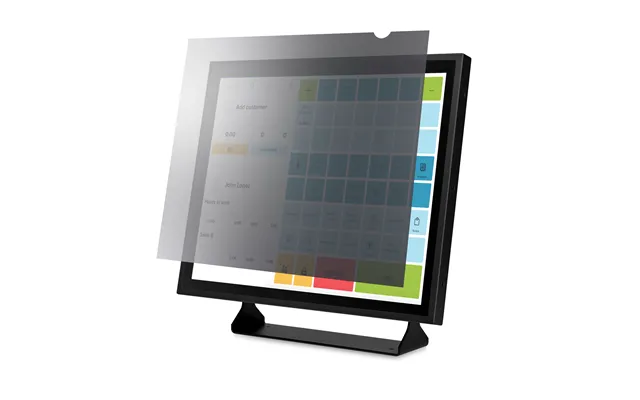
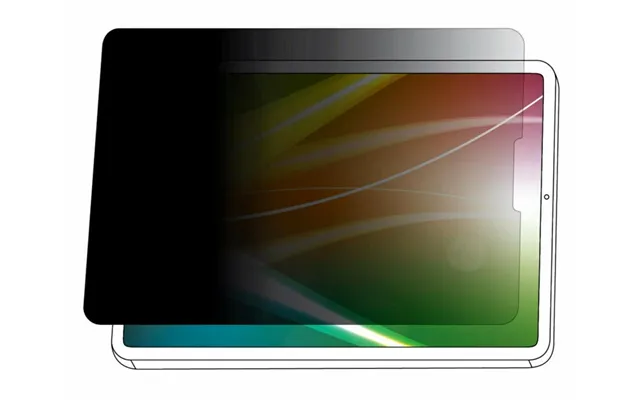
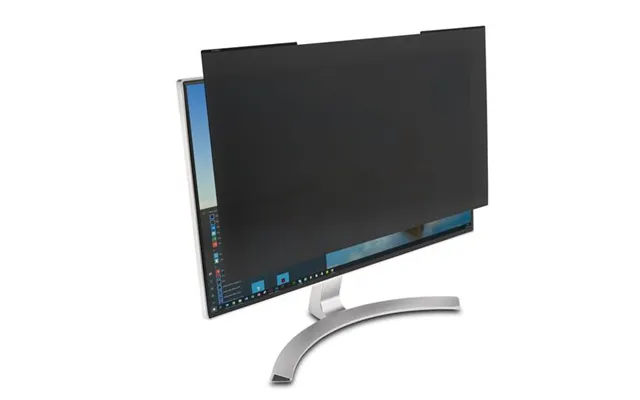
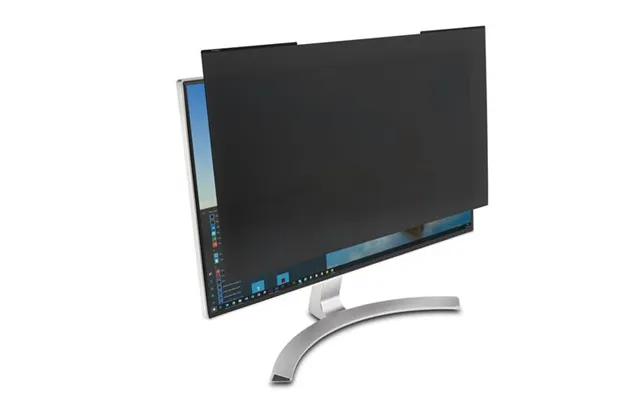
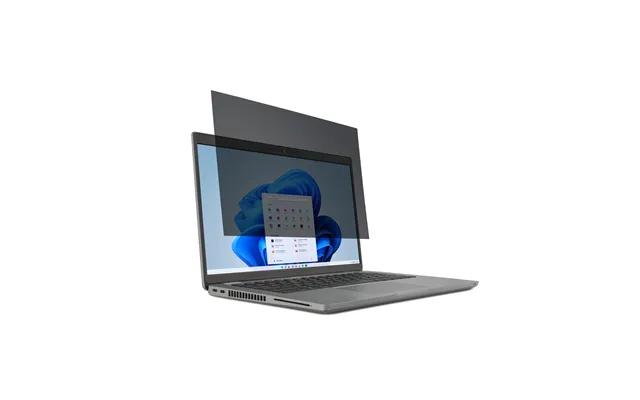
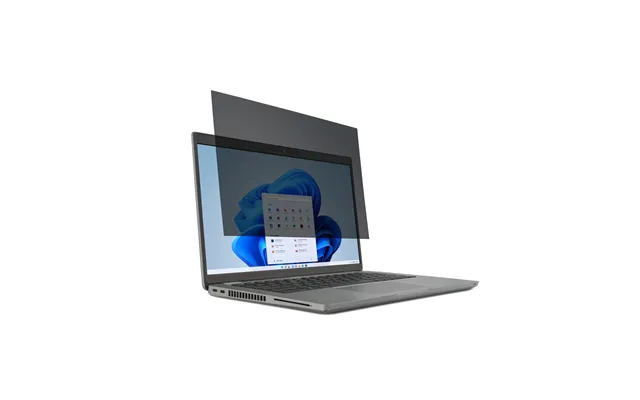
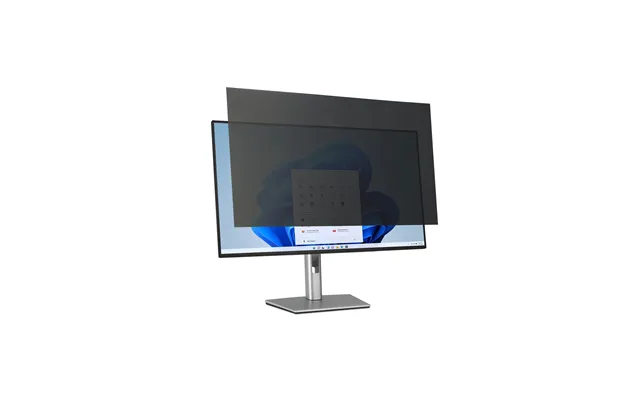
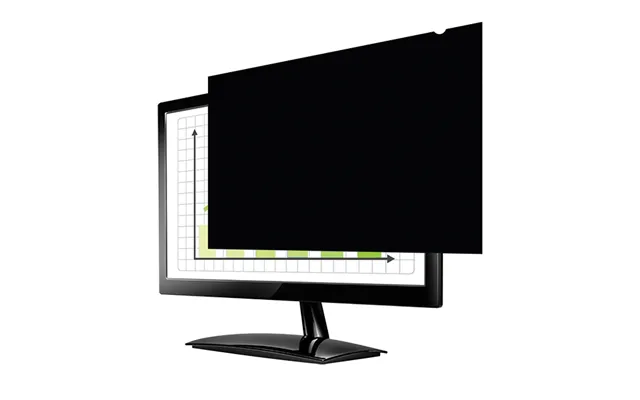
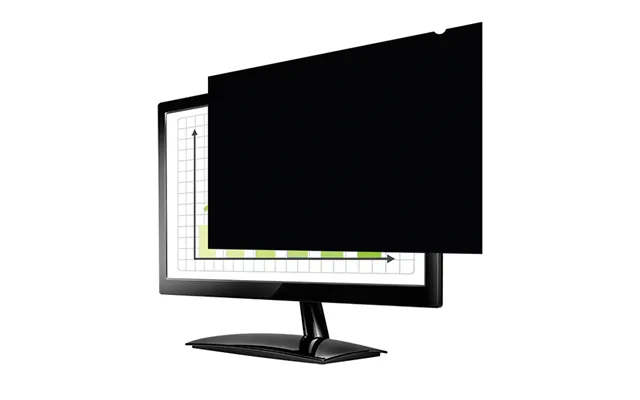
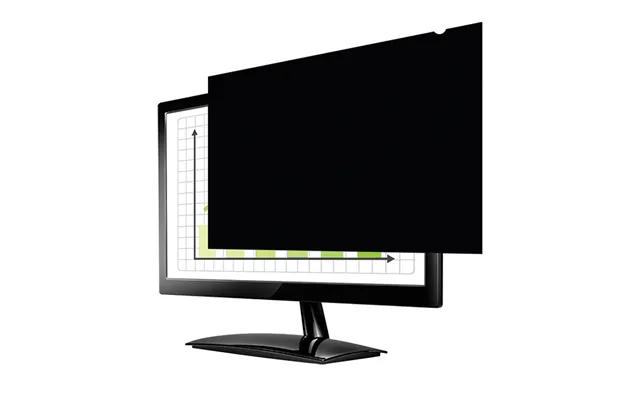
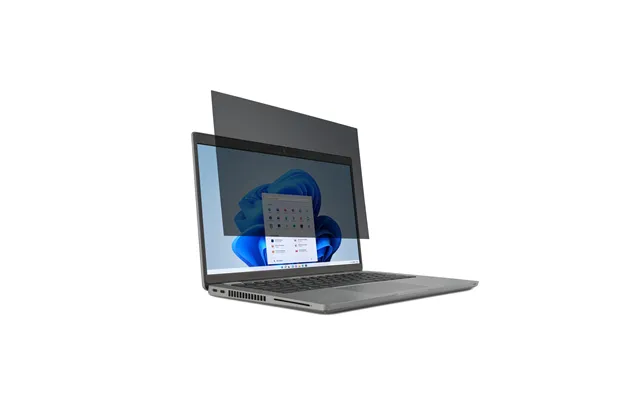
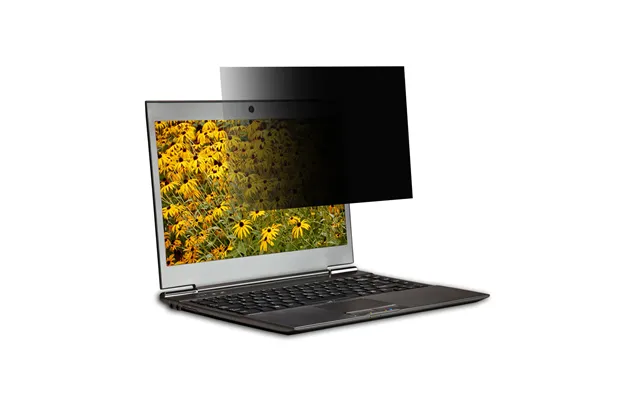
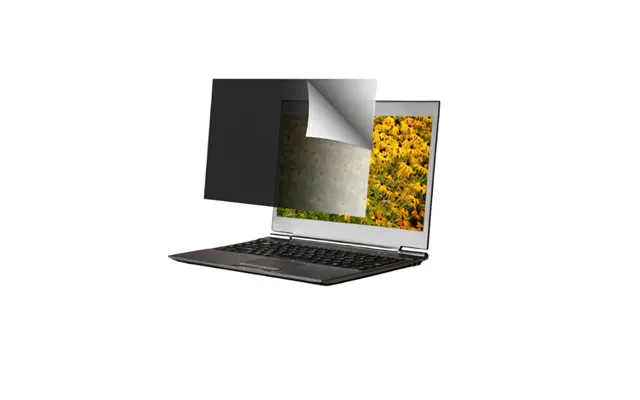
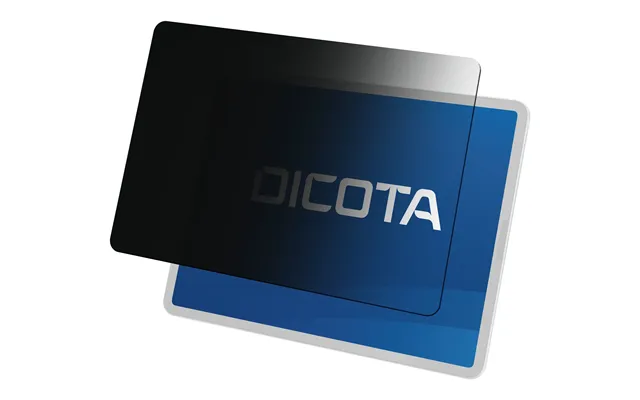
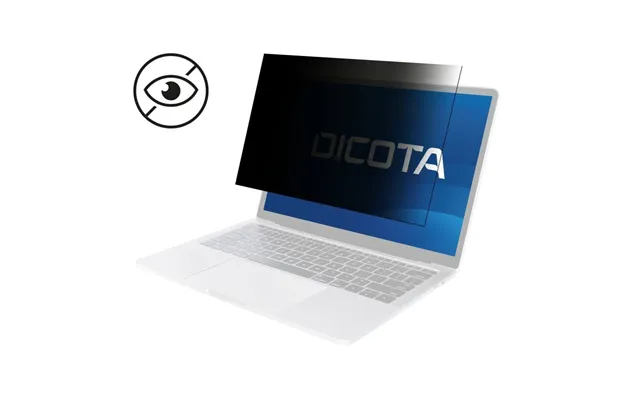
A privacy filter (also called a privacy screen) is a thin layer placed over your display that dramatically narrows the viewing angle. Straight on, you see your screen clearly. From the side? It looks dark or completely blacked out. That’s the magic that stops shoulder surfers from seeing your private content. Whether you’re working in a co-working space, traveling, or just want peace of mind at a coffee shop, a privacy filter is a low-fuss way to keep your data to yourself.
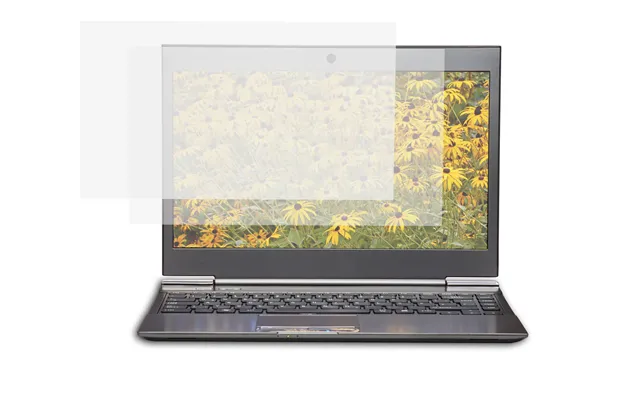
Beyond privacy, many filters offer extra perks: anti-glare to tame reflections, blue-light reduction to ease eye strain, and scratch protection to keep your display looking fresh. Think of it like sunglasses and armor for your screen—subtle, protective, and surprisingly effective.
Most privacy filters use microlouver technology—a grid of ultra-fine blinds built into the film. When you’re centered in front of the display, the louvers line up so light reaches your eyes. Move off to the side and the louvers block that light, so the screen dims or goes black. You keep clarity; onlookers get nothing. It’s science doing the social favor of saying, “No peeking.”
Different filters tune their viewing angles and light transmission differently. Some prioritize maximum privacy with very aggressive cutoffs, great for open-plan offices. Others balance privacy and brightness for a lighter, more natural look—perfect if you’re frequently moving between bright and dim environments.
Choosing a privacy filter is easy once you know your device size, how you’d like it to attach, and what finish you prefer. If you’ve been avoiding the decision because it feels fiddly, don’t worry—we’ll make it simple and quick.
Start with the basics: your screen size in inches and its aspect ratio. Popular laptop sizes include 13.3", 14", and 15.6". For monitors, 21.5", 23.8", 24", 27", and 34" ultra-wide are common. If you’re unsure, measure the viewable diagonal of your screen (just the lit area, not the bezel). Also note whether your display is standard, widescreen, or ultra-wide—filters are designed to match these shapes so they fit edge to edge.
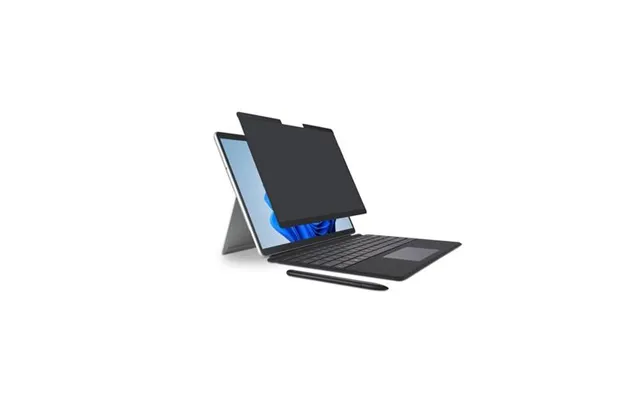
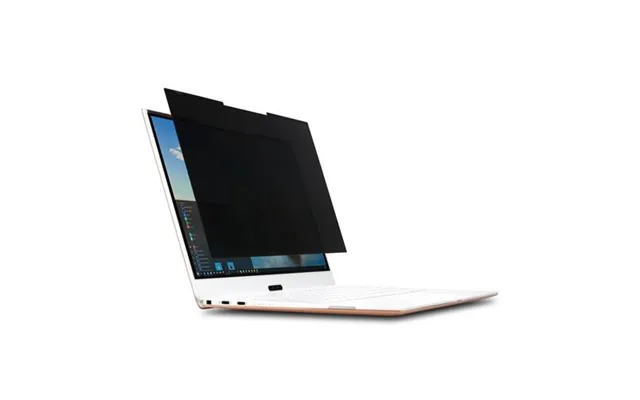
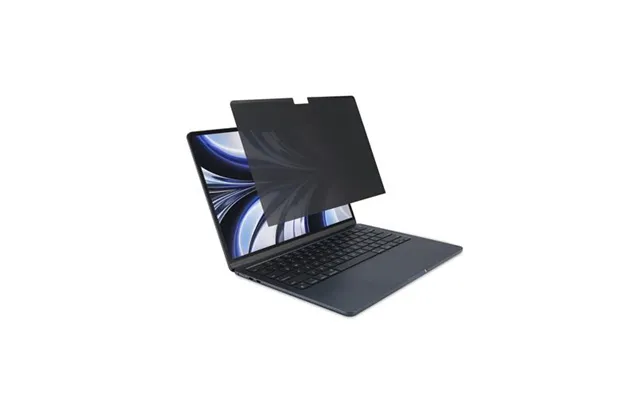
Bezel type matters too. If your laptop or monitor has a raised bezel, most filters will sit neatly inside it. If your display is edge-to-edge glass (common on modern laptops and touchscreens), you may want a magnetic or frame-style filter that gently attaches without adhesives.
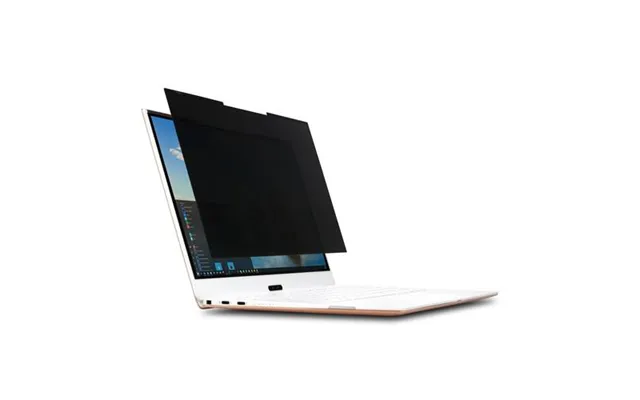
You’ve got four main ways a privacy filter attaches: adhesive, slide-in, magnetic, and frame-mount. Adhesive filters use small tabs or full-surface adhesive for a secure fit—great if you plan to keep the filter on full-time. Slide-in filters use side tabs so you can remove the filter quickly without residue. Magnetic filters snap on and off in a second, making them fantastic for on-the-go professionals. Frame-mount filters are common for desktop monitors, attaching around the edges for a clean look.
If you travel a lot or present frequently, magnetic or slide-in designs are the most flexible. If you’re setting up a workstation in a shared office, adhesive or frame-mount options give you a dependable, permanent feel.
Matte filters cut reflections, tame fingerprints, and give your screen a soft, low-glare look that’s easier on the eyes in bright spaces. Glossy filters preserve punchy contrast and color but can reflect overhead lighting. If you work under bright lights or near windows, matte is usually the safer bet. If you’re in a controlled lighting environment—or you simply love vibrant visuals—glossy might be your pick.
Many options now include blue-light reduction to help with eye comfort during long days. If your job involves color-critical tasks like photo editing or video grading, look for filters that explicitly promise high color fidelity and neutral color temperature so your edits still look the way you expect.
The UK market is rich with solid choices—from premium stalwarts to budget-friendly standouts. If you’ve ever wondered where to even start, here are names you’ll see often when comparing models and prices.
3M is a go-to for consistent privacy performance, durable coatings, and a wide device fit range. They offer gold privacy screens (for maximum darkening at angles) and classic black options. If you need robust protection that’s been tested endlessly in offices and airports, 3M is a high-confidence pick.
You’ll find models tailored to popular laptop sizes like 13.3", 14", and 15.6", as well as monitor sizes up to 34". Premium pricing, yes—but reliability and clarity are often worth it, especially for professional use.
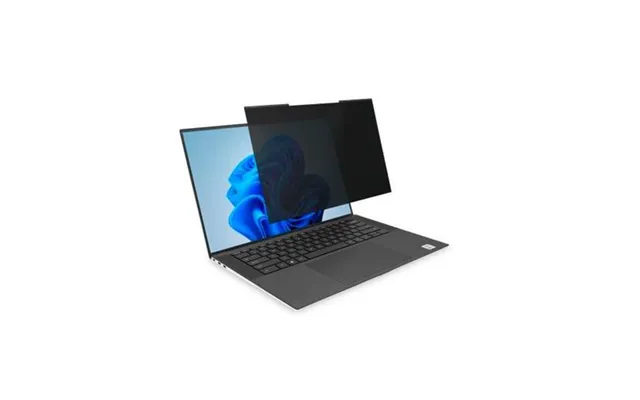
Kensington balances strong privacy with smart attachment methods. Their magnetic laptop screens are especially popular for quick on-off use, and you’ll see a lot of matte, anti-glare finishes in their lineup. Kensington’s monitor filters cover common office sizes (24", 27") with both standard and widescreen aspect ratios.
If you commute, present, or collaborate often, Kensington’s removable designs make daily switching painless.
Targus and Fellowes offer dependable mid-range choices with practical features: reversible matte/glossy surfaces, simple installation kits, and wide device compatibility. They’re usually priced competitively and are easy to recommend for remote workers setting up home offices or hot-desking teams who need reliable privacy across multiple stations.
Expect coverage for laptops across 13" to 17" and monitors from 21.5" to 27". If you need to kit out a team without overthinking it, these brands keep things straightforward.
On a tighter budget? You’ll find solid privacy screens from Tech Armor, Amazon Basics, and generic brands that still deliver meaningful privacy. The trade-offs are often thinner materials, slightly less precise fits, or fewer frills (like premium coatings). For occasional travelers, students, or a secondary screen that doesn’t need a flagship filter, these can be great value.
Just double-check sizing and attachment style before you buy to avoid corner gaps or tricky installs. Measure twice; order once.
Privacy needs vary by device. A sales rep on a 14" laptop has different priorities than a designer on a 27" monitor. Here’s how to dial in your choice based on what you use.
Laptops move, and that means constant exposure to prying eyes. Look for a removable solution—magnetic or slide-in—so you can pop it off during presentations or when you want maximum brightness. If your laptop is a 13.3", 14", or 15.6", you’ll find tons of options from 3M, Kensington, Targus, and more. For ultrabooks with edge-to-edge glass, magnetic designs are especially convenient and won’t leave residue.
If your device has a touch display, make sure the filter explicitly supports touch. Good ones won’t hinder taps, swipes, or stylus input—and they’ll resist smudges a bit better too.
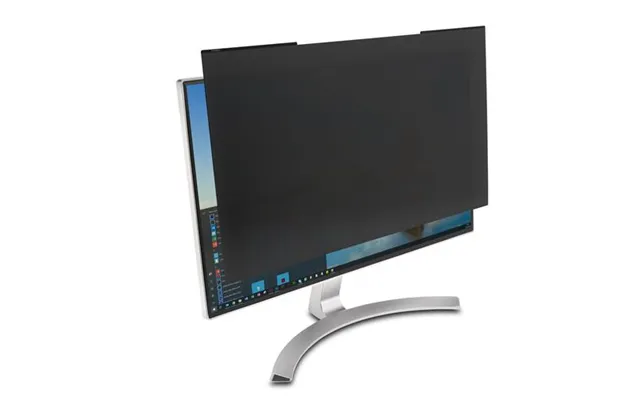
Desktop monitors are privacy hotspots in shared offices. A frame-mount or adhesive solution works best here—install it once and forget it. Common sizes like 24" and 27" are well-supported. If you use dual monitors, plan to get matching filters for both so your privacy and brightness feel consistent across your setup.
For sensitive work—finance, HR, healthcare, legal—consider a filter with a tighter viewing angle and an anti-glare finish. It reduces casual observations and helps keep text crisp under overhead lighting.
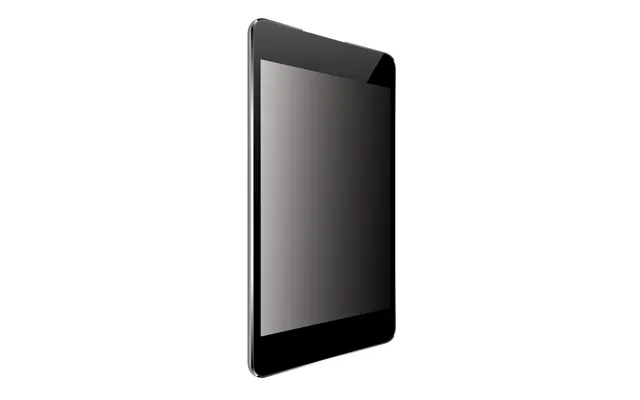
Tablets and phones carry your most personal data, and they’re out in public all the time. Look for case-friendly filters that don’t lift at the edges. Many phone privacy screens now come with tempered glass for extra scratch resistance, plus oleophobic coatings to keep fingerprints in check. If you watch videos or edit photos on your tablet, choose a filter that balances privacy and clarity so your media still looks great head-on.
Because phone screens are bright, choose a filter that doesn’t cut too much light. You want privacy without constantly cranking your brightness and draining your battery faster than necessary.
Got a 34" ultra-wide or a curved monitor? Good news: more brands now offer compatible privacy screens. Fit is key here—make sure the filter is designed specifically for curved glass and your exact diagonal. Curved-friendly filters hug the display to keep consistent privacy across the entire arc, avoiding those awkward edge leaks where onlookers can peek in.
If you can’t find a perfect match, consider a monitor hood as a supplementary tool. It won’t replace a privacy filter, but it can reduce side glare and help limit off-angle views.
Installing a privacy filter isn’t hard, but a few tricks make it look and feel pro. A careful setup means fewer bubbles, less dust, and a crystal-clear view.
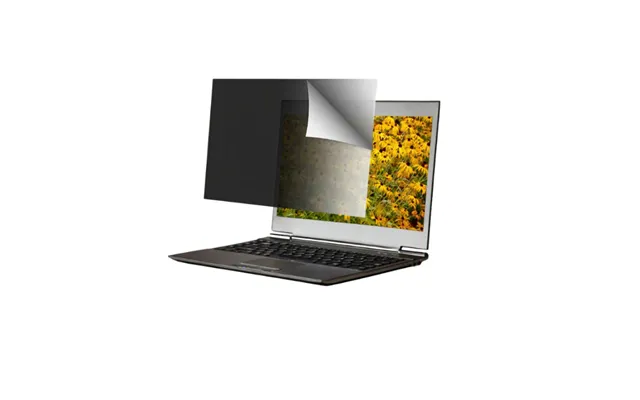
First, power down your screen and clean it thoroughly with a microfiber cloth and a screen-safe cleaner. Dry it completely. If you’re using adhesive tabs, place them precisely where the instructions indicate, then align the filter carefully with the top edge of the display before laying it down gently. Press from the center outward to smooth it onto the screen. Magnetic filters are even simpler—just align and snap into place.
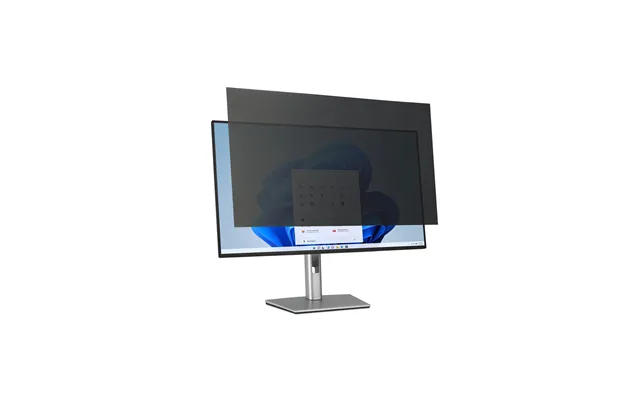
If your filter is reversible (matte on one side, glossy on the other), test both finishes in your lighting environment. A minute of testing now can save you a week of glare regrets.
Dust is the sworn enemy of a clean install. Work in a room with minimal airflow. If a speck sneaks in, lift the filter gently from the nearest corner and use a dust-removal sticker or a piece of low-tack tape to dab it off. For small bubbles, a credit card wrapped in a microfiber cloth can help push air to the edges without scratching the filter.
Take your time—slow and steady beats redoing the whole thing. If you’re installing on multiple devices, set up a clean “staging” area for the best results.
For removable filters, use the protective sleeve they came with. Slide the filter in when you don’t need privacy (like at home) to keep it dust-free and reduce scratches. If you often toss your laptop into a backpack, consider a hard sleeve for the filter so it doesn’t flex or bend in transit.
When flying, removable filters make security checks easier—pop them off if asked, then reattach in seconds at your gate.
Different filters have different viewing angles, which is the range from center where the screen remains readable. Tighter angles mean better privacy but can slightly reduce brightness or introduce more aggressive darkening at the edges. If you’re often surrounded by people, tighter is better. If you mostly work alone but want occasional protection, a moderate angle can feel more natural.
Brightness trade-offs are real. Most privacy filters reduce brightness a bit, so you may need to bump your display a notch. Choose a filter known for good light transmission if you work on battery power often. And don’t overlook anti-glare coatings—they can make a bigger difference to everyday comfort than you think, especially under bright office lights.
Privacy filters aren’t just about comfort or convenience. For many roles—finance, healthcare, legal, government—they’re a part of broader data protection practices. If you routinely handle personal or sensitive information, a privacy filter helps ensure on-screen data isn’t visible to unauthorized eyes.
Remote work has blurred the line between home and public spaces. A kitchen table can double as an office, and a train seat can be a mobile workstation. If you’re working with client or customer data in public, a filter is a simple, affordable, and visible step that shows you take confidentiality seriously.
Pricing varies by brand, size, and features. Premium brands charge more for durable coatings, precision fit, and excellent optical quality. Mid-range options deliver strong overall performance for everyday use. Budget filters can be surprisingly capable but may compromise on fit, longevity, or finish.
Here’s a practical approach: decide how often you’ll use it and how critical your privacy needs are. Daily commuters and professionals handling sensitive data should consider mid to premium options for comfort and reliability. Occasional users can save with budget picks without giving up the core privacy benefit. And remember, comparing models side by side helps you spot genuine value—especially across popular sizes like 14", 15.6", 24", and 27".
A privacy filter is the main event, but a few add-ons can elevate your setup. These extras work nicely together to boost security, comfort, and overall usability.
Add a simple sliding webcam cover to block your camera when you’re not on calls. It’s a tiny accessory that delivers huge peace of mind. Many laptop users pair a privacy filter with a low-profile webcam shutter so they’re covered both on-screen and off-screen. It’s the digital equivalent of locking your front door and closing the curtains.
Some monitors include built-in shutters. If yours doesn’t, a stick-on cover takes seconds to apply and stays out of the way until you need it.
People sometimes use “screen protector” and “privacy filter” interchangeably, but there’s a difference. Regular screen protectors shield against scratches and sometimes reduce glare; privacy filters add the crucial side-angle dimming. You’ll find hybrids that do both—tempered glass privacy protectors for phones are a good example. For laptops and monitors, privacy filters are usually separate, designed for better optical performance and removable use.
If you only want scratch resistance and glare reduction (and you work mostly alone), a non-privacy screen protector might be enough. But if shoulder surfers are even a possibility, a true privacy filter pays off instantly the first time someone fails to peek.
Scenario one: You’re a consultant traveling between client sites with a 14" laptop. A magnetic matte privacy filter gives you instant on-the-go protection and low glare under bright meeting-room lights. When you present, it comes off in a snap so you get full screen brightness.
Scenario two: You’re an analyst working on a 27" monitor in an open office. A frame-mount matte filter stays put and keeps your data from the eyes of passersby. Pair it with a webcam cover and a comfortable monitor arm, and your desk becomes a secure, ergonomic hub.
Scenario three: You’re a student working on a 15.6" laptop in the library. A budget filter with slide-in tabs handles occasional privacy needs without straining your budget. It’s easy to share your screen with a study buddy—just remove it when you need to collaborate.
Don’t guess your screen size—measure it. Ordering a 15" filter for a 15.6" display leaves awkward gaps that collect dust. Don’t ignore aspect ratio either; a 24" widescreen filter won’t fit a 24" square display. And don’t overlook finish—glossy can look stunning, but if you sit under bright lights, it can be a mirror at the worst times.
Finally, avoid full-surface adhesives if you plan to remove the filter often. Go magnetic or slide-in to keep things simple. Your future self (packing for a flight at 6 a.m.) will thank you.
A good privacy filter can last for years if treated well. Premium coatings resist scratches and smudges better, so you’ll clean less and see fewer marks over time. If sustainability matters to you, look for brands that document material safety and offer recyclable packaging. Some manufacturers provide details on coatings and durability tests—handy indicators you’re buying something built to last.
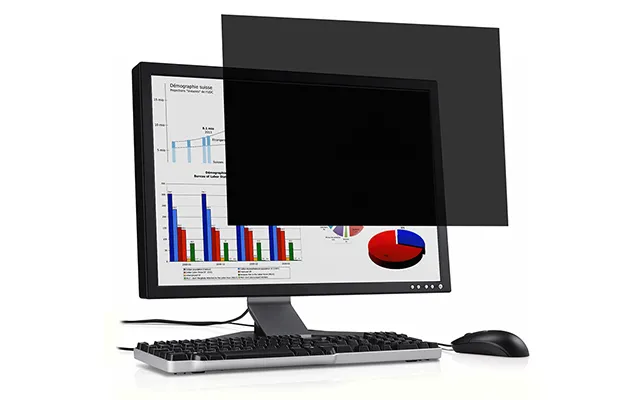
To extend lifespan, always store removable filters in a sleeve, clean them with a microfiber cloth, and avoid harsh cleaners. A little care goes a long way—and keeps your view crisp.
If you want a quick decision: pick your device size, choose matte if you work under bright lights (glossy if you prefer vivid color), and select magnetic for removable use or frame/adhesive for permanent setups. Need pro-grade privacy? Lean toward premium brands like 3M or Kensington. Outfitting a team or a secondary screen? Mid-range options from Targus or Fellowes strike a smart balance. Watching your spend? Budget filters can still deliver solid privacy when sized correctly.
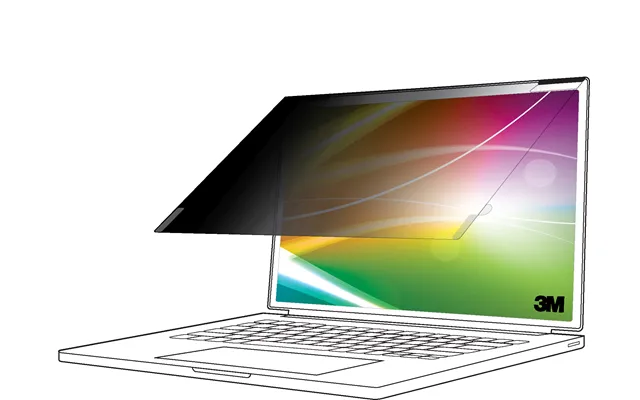
From there, compare prices across the UK market and watch for deals on popular sizes like 14" laptops and 24" monitors. You’ll often find seasonal offers that bring premium features into mid-range budgets.
Privacy filters are a simple, powerful upgrade that protect your on-screen work wherever you are. With the right size, finish, and attachment style, you’ll get a clear view straight on and a blackout for anyone peeking from the side. Whether you choose a premium 3M, a flexible Kensington magnetic screen, a practical Targus or Fellowes option, or a budget-friendly pick, the key is fit and finish. Measure carefully, match your use case, and compare across multiple brands to find the best deal. Your data—and your peace of mind—are worth it.

| £ 81,70 |
| 3m Privacy Filter For 27in Monitor 16 9 Pf270w9b | £ 110,65 |