All categories
Business & Offices
Electronics & Media
Fashion & Accessories
Groceries & Essentials
Health & Personal Care
Home & Living
Kids & Family
Sports & Outdoors
Search in ZoneOffer

Loading...
A video server is the workhorse that captures, stores, processes, and streams video to viewers or client devices. Think of it as a central hub where your video lives and from which it’s delivered—whether that’s movies to your living room, camera feeds to a security station, or live broadcasts to your audience. If you’ve ever used a home media library, watched a church stream online, or reviewed CCTV footage, a video server was likely doing the heavy lifting behind the scenes.
It’s easy to lump them together, but they’re built for different jobs. A video server is a general-purpose system optimized for video workflows—transcoding, streaming, and storage. A NAS focuses on networked storage first; it can stream, but often needs extra apps or power to transcode on the fly. An NVR is specialized for surveillance—ingesting multiple camera feeds, storing footage, and offering quick playback. If you need all-around flexibility for media and streaming, look to a video server. If your mission is pure CCTV, an NVR is a simpler fit.
Short answer: more people than you’d think. From movie buffs building a personal cinema to small businesses running digital signage or educators capturing lectures, video servers cover a lot of ground. The trick is choosing the right class of system for your goals, so you don’t overpay for power you won’t use—or underbuy and run into bottlenecks when it matters most.
If your plan is to centralize films, TV shows, and family videos, a compact server with room for a few 3.5-inch drives and decent CPU headroom will keep streams smooth. With multiple users watching at once, transcoding performance matters. You want a server that can handle several streams without stuttering, especially if your household watches on different devices and formats.
Creators who stream to platforms or run hybrid events benefit from servers that support hardware-accelerated encoding and reliable network throughput. Pairing your camera or capture card with a system tuned for real-time encoding is like giving your workflow a turbo boost—lower latency, fewer dropped frames, and cleaner visuals for your audience.
For offices, shops, and venues, an NVR-type video server designed for multi-channel recording and long-term storage is the practical choice. You’ll want easy channel expansion, motion detection features, and quick export for evidence. If you need analytics—like people counting or smart alerts—look for systems that support those features natively.
Spec sheets can be overwhelming, so let’s translate them into real-world impact. When you compare offers, focus on the parts that directly influence your day-to-day experience: how many simultaneous streams you need, whether you’ll be transcoding often, how quickly you need footage available, and how much room you require for video libraries or archives.
Transcoding is the behind-the-scenes conversion that makes video playable on any device. A stronger CPU means you can convert more streams at once without hiccups. If your household or team watches on phones, TVs, and laptops simultaneously, prioritize a server with enough cores and clock speed to keep everything silky smooth. If you’re mostly direct streaming in compatible formats, you can ease up on the CPU and save money.
For live streaming, multi-channel encoding, or heavy-duty media servers, hardware acceleration is a game-changer. A supported GPU can offload encoding and decoding, freeing your CPU for other tasks. The result? Cleaner live streams, lower latency, and the headroom to add overlays, graphics, or scene switching without sweat.
Video servers juggle a lot—databases, metadata, streaming software, and background tasks. More memory keeps apps snappy, especially when multiple users are browsing your library or pulling files at the same time. If you plan to run virtual machines or several services, give yourself extra cushion so you’re not paging all the time.
Video is hungry. Big libraries and long retention times call for 3.5-inch HDDs in sturdy bays. For snappy navigation and fast boot times, add an SSD for your operating system and caching. If you’ll be editing or frequently scrubbing timelines, a dedicated SSD pool makes everything feel instant. Plan your bays carefully; it’s easier to add drives when your chassis already has room for expansion.
Your network is the highway for video. For small households, standard networking works fine. For offices, schools, or multi-room venues, multi-gig networking reduces congestion and ensures consistent streams for everyone. If you expect a lot of simultaneous viewers or high-bitrate feeds, prioritize a server with robust network interfaces.
Form factor affects noise, maintenance, and where the system can live. A rackmount server slides neatly into an AV rack or server cabinet, while a tower or mini system can hide under a desk. Pick the style that suits your environment and cooling options, and don’t forget about cable management and airflow.
Rackmount servers are built for serious uptime and easy service. A 1U unit is slim and space-efficient but usually louder; 2U and 4U give you more room for quiet cooling and extra 3.5-inch bays. Check depth clearance—some gear needs around 18 to 24 inches, including room for cabling. If you want hot-swap drive trays for quick swaps, rackmount is a natural fit.
Tower and small-form-factor systems are perfect for living spaces and creative studios. They can be whisper-quiet with the right fans, and many support full-size 3.5-inch drives. If you’re building a living-room-friendly media box or need portability between locations, a compact tower is a smart pick.
Browsing offers? You’ll see a handful of recurring categories. Each comes with trade-offs in performance, simplicity, and price. Knowing which bucket your needs fall into helps you spot a genuine deal—and ignore the shiny but irrelevant stuff.
These are purpose-built systems for streaming and switching, great for churches, schools, and event spaces. They simplify your stack, reducing setup time and training. If you want to go live without fiddling with a dozen apps, an appliance with built-in encoding, scene switching, and monitoring is worth a look.
NVR servers prioritize camera channel count, retention, and quick search. If regulatory or insurance requirements matter, look for secure user management, easy export, and reliable motion tagging. Add enough 3.5-inch bays to meet your retention targets so you’re not deleting important footage early.
If you enjoy squeezing value from your budget, refurbished enterprise servers or custom builds can deliver huge storage and horsepower for less. Match your parts carefully—drive cages, fans, and power supplies matter for reliability. With a little planning, you can build a powerhouse that rivals pricier prebuilt options.
While exact prices fluctuate, knowing the general ranges keeps you from overpaying. Compare what features you actually need—drive capacity, hardware-accelerated encoding, and noise profile—against the premium you pay for them. That’s where the real savings live.
Great for single-household streaming, light transcoding, and basic surveillance setups. You’ll usually see fewer 3.5-inch bays, lighter CPUs, and minimal room for add-in cards. Pair with a couple of large-capacity drives and you’re off to the races for home media libraries.
Here’s where you get balanced power: multiple 3.5-inch bays, better cooling, and hardware acceleration options. Ideal for multi-user households, small studios, or small businesses that need reliable performance without enterprise-level complexity. Look for models with hot-swap bays and easy upgrade paths.
If you’re running live events, dozens of camera feeds, or a sizeable media team, high-end systems bring the redundancy and throughput you need. Expect robust drive cages, expansion slots, advanced I/O, and quiet cooling solutions designed for long hours under load.
Video eats capacity fast. A handful of 4K files or a few weeks of multi-camera surveillance can fill drives quicker than you think. Start by estimating your hours of video, average bitrate, and retention goals. Then add headroom—you’ll thank yourself later. For home media, a few large 3.5-inch drives go a long way. For surveillance, calculate per-camera needs times your retention window, then round up with a comfort margin.
Use 3.5-inch HDDs for bulk storage—they’re cost-effective and built for capacity. Reserve 2.5-inch SSDs for your operating system, caching, and scratch space if you edit or move files frequently. That hybrid approach keeps speeds high where they matter without breaking the bank.
Hot-swap bays make maintenance painless: swap a drive without shutting down. Internal-only bays are fine if you rarely touch the hardware, but hot-swap saves time and stress when a drive eventually needs attention. If uptime matters, hot-swap is more than a nice-to-have.
Video streaming loves stable, roomy highways. A congested network means buffering and complaints. If you’re sharing the line with backups, downloads, or camera uploads, give your server a dedicated connection and quality cabling. For busier environments, step up to faster switches and plan your wiring routes to avoid tangles and accidental unplugging.
Check for multiple network ports, USB for peripherals, and expansion slots for capture cards or extra I/O. A single missing port can turn into an unexpected bill later. If you host events, front-access ports and quick-connect options are a big convenience win.
Accessories can make or break your day. The right add-ons reduce friction, boost reliability, and keep your workflow humming. Think of them as insurance for your time and sanity.
Whether you’re ingesting HDMI cameras for a live show or capturing gameplay, a good capture card or external encoder delivers clean input with low latency. If you need multiple cameras, look for multi-channel cards and rock-solid drivers.
On top of your main array, keep a separate backup—external drives or a second server. If anything ever goes sideways, you’ll sleep better knowing your media or footage is safe. Automate backups so you don’t have to remember to run them.
Comparing offers is about more than price tags. Match the spec sheet to your real workload, check upgrade options, and read the fine print on software features. A lower headline price can cost more if it locks you out of easy expansion or lacks the encoding support you need for your streaming platform.
Look for reasonable coverage and component accessibility—especially drives, memory, and fans. If you can access and replace parts without tearing the whole system apart, you’ll save money and time over the long haul. Spare trays, extra cables, and clear documentation are nice bonuses.
Servers can get loud under load. If your system lives near people, favor larger, slower-spinning fans and good airflow. Keep intake paths clear and watch temps—staying under roughly 95°F under load is a good rule of thumb. A tidy cable layout helps air move freely, and dust filters reduce maintenance.
The best setup is the one you’ll actually maintain. Keep it simple, document your steps, and build a workflow you can repeat. Start lean, test thoroughly, then add features once the core is rock-solid.
Choose an OS that supports your apps and is easy for you to manage. If you’re mostly streaming and serving files, a streamlined system with straightforward updates is your friend. For more advanced workflows, pick something with strong community guides and reliable drivers for your capture or GPU hardware.
For home media, popular server apps make library management smooth and user-friendly. For live streaming, pairing broadcast software with hardware-accelerated encoding cuts latency. For surveillance, look for software that integrates recording schedules, motion detection, and quick export. Test your presets and scenes before going live, and build a short checklist for showtime.
A few small tweaks can pay off big. Enable hardware acceleration where supported, keep your libraries organized, and avoid mixing heavy backups with peak streaming times. For storage, set up caching for frequently watched content; for surveillance, prune old footage according to your retention policy to keep free space healthy.
Set up alerts for disk health and temperature so you hear about issues before they bite. A quick weekly glance at usage graphs can reveal bottlenecks early. Remember: prevention is always cheaper than emergency fixes.
When you’re ready to hunt for deals, use a comparison approach to line up specs, prices, and features side by side. That makes it easy to see which options deliver the most storage, the best encoding support, or the quietest cooling for your budget. Since comparison platforms aggregate offers from multiple retailers, you can spot genuine savings without hopping from tab to tab.
Don’t just skim the top row. Compare the fine points—drive bay count, hot-swap access, included accessories, noise ratings, and extendable warranty options. If two models look similar, the one with better expansion and clearer documentation usually wins in the long run.
Let’s get practical. A family of five watching different formats? You need solid transcoding and at least a few 3.5-inch bays for growth. A small business streaming weekly events? Put encoding first and keep backups automatic. A shop with a dozen cameras? Prioritize storage capacity, easy timeline scrubbing, and quick export tools for incidents.
Choose a platform with headroom: extra drive bays, spare expansion slots, and a chassis you won’t outgrow in a year. That way, when your needs expand—more viewers, more cameras, more content—you can scale smoothly with a few smart upgrades rather than a total rebuild.
Video servers power the experiences we rely on—movies with the family, live content for communities, and surveillance that keeps people and property safe. The secret to buying well is simple: match your workload to the right category, focus on the specs that matter for your day-to-day, and compare offers with an eye on real value—drive capacity, encoding support, quiet cooling, and upgrade paths. Do that, and you’ll land a video server that feels effortless, performs reliably, and leaves room to grow. Whether you’re building a living‑room media hub, a creator’s streaming station, or a dependable surveillance backbone, the right choice is out there—and it doesn’t have to cost a fortune.
| Video Servers | Price | |
|---|---|---|
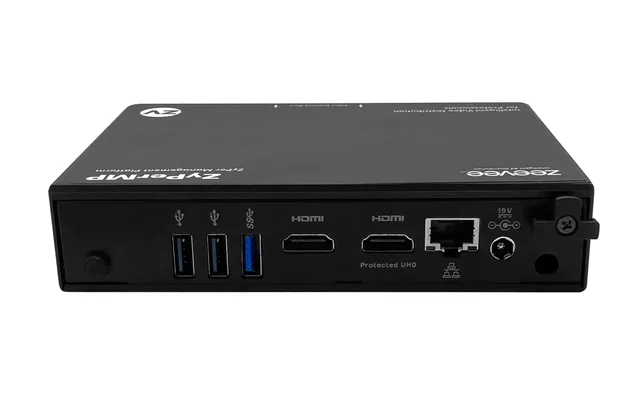
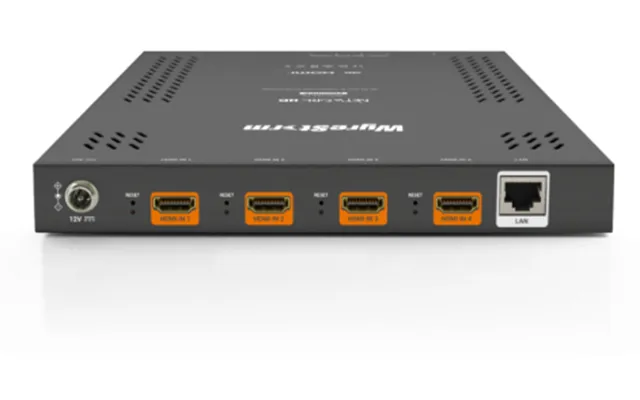
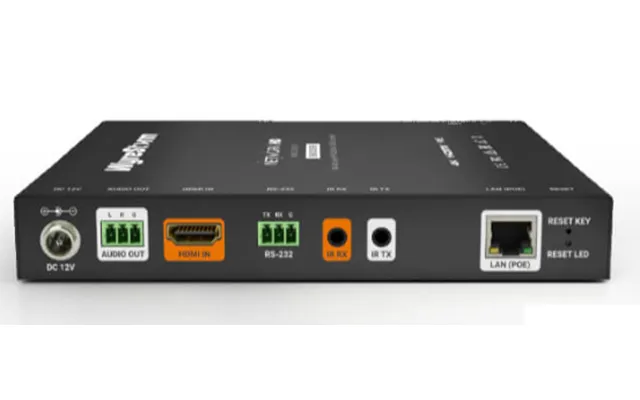
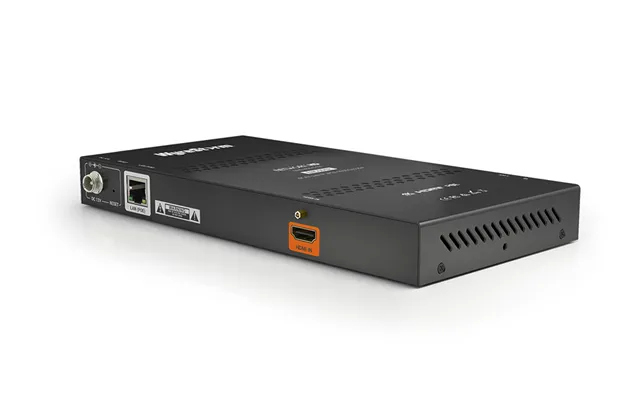
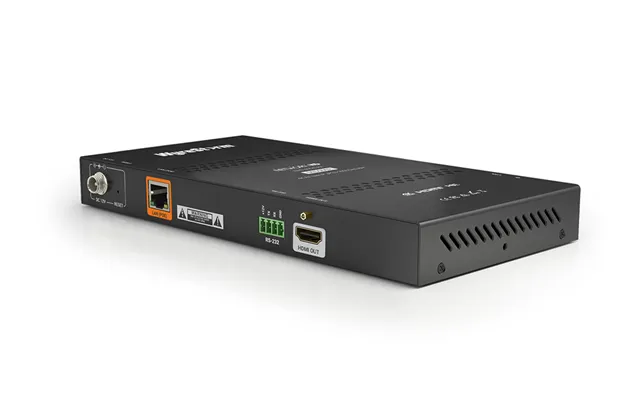
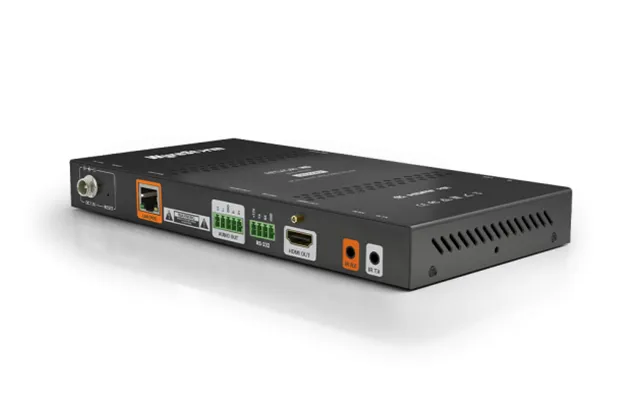
| Wyrestorm Nhd-400-rx Video Servers Encoder 3840 X 2160 Pixels 60 Fps | £ 512,30 | |
| Hanwha Spe-1630 Video Servers Encoder 2560 X 1920 Pixels 30 Fps | £ 710,09 | |
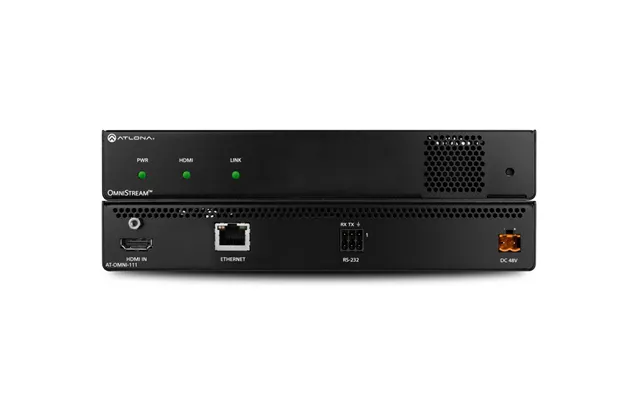
| Atlona Omni-111 Video Servers Encoder 4096 X 2160 Pixels | £ 764,50 | |
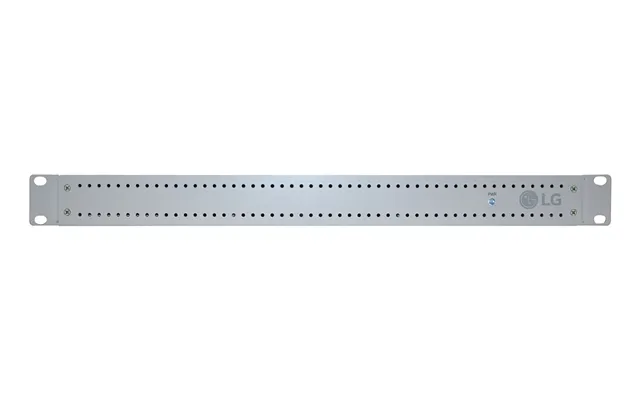
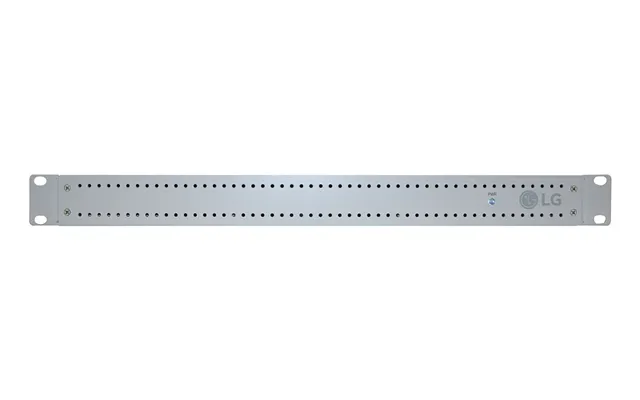
| Lg Pcs500r. Channels Quantity 8 Channels. Internal Memory 16000 Mb Operating System Installed Linux | £ 1.773,61 | |
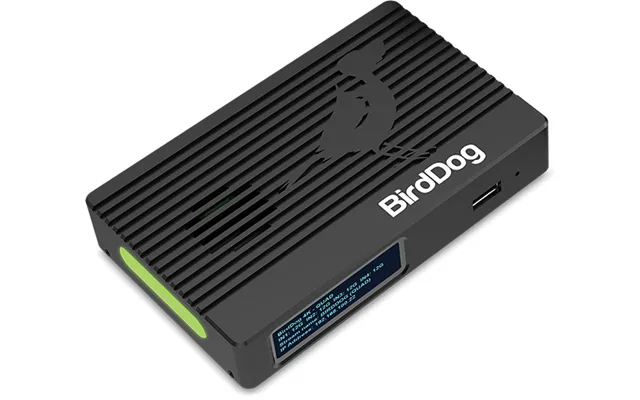
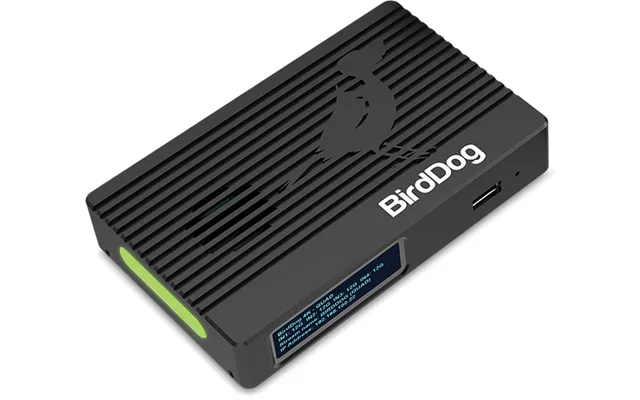
| Birddog Og4 Video Servers Encoder 3840 X 2160 Pixels | £ 2.528,82 |