All categories
Business & Offices
Electronics & Media
Fashion & Accessories
Groceries & Essentials
Health & Personal Care
Home & Living
Kids & Family
Sports & Outdoors
Search in ZoneOffer

Loading...
When you picture office furniture, your mind jumps to desks and chairs. But the magic often happens in the “other” category—those smaller, smarter add-ons that transform a basic setup into a productive, clutter-free, and comfortable workspace. Think monitor arms, cable trays, under-desk drawers, privacy screens, task lamps, and rolling printer carts. These unsung heroes are usually affordable, easy to install, and ridiculously effective. Want faster workflows, better posture, and a desk that looks like a tidy magazine spread? That’s where office “other” products shine.
A single upgrade can create a domino effect. Mount a monitor arm and suddenly your desk surface opens up. Add a standing desk converter and your back thanks you. Install a cable tray and—poof—no more spaghetti wires. This category is perfect for squeezing value out of your current furniture. You don’t always need a brand-new desk; you often need the right add-on that fits your exact setup, whether you’re in a spare room, a compact corner, or a shared workspace at home.

Desks are the cornerstone, but the “other” accessories around them often provide the real upgrade. If your desk is still working, enhancements like risers, converters, and trays can breathe new life into it without a full replacement. The best part? These items are usually compatible with a wide range of surfaces and come in finishes that match classic oak, sleek black, or minimalist white.
A full standing desk is great, but a standing desk converter is the budget-friendly MVP. Converters sit right on top of your existing desk, raising your keyboard and monitor to standing height in seconds. Look for converters with stable Z-lift mechanisms, smooth gas springs, and at least 30 inches of width for a keyboard shelf. If you work with dual monitors, aim for a unit that supports 35 inches or more and at least 30 pounds of weight. Don’t forget edge clearance: if your desk lip is thicker than 1.5 inches, check clamp compatibility before you buy.
Desk risers can add a couple of inches when you need a more comfortable typing height. Under-desk keyboard trays free up surface space and let your shoulders relax. For screen placement, monitor arms are game-changers, enabling precise height and depth adjustment. A good arm should support VESA mounting, handle displays up to at least 27 inches, and offer tilt, swivel, and rotation for portrait mode. Bonus: arms with integrated cable channels help you hide the mess while getting that clean, minimalist look.
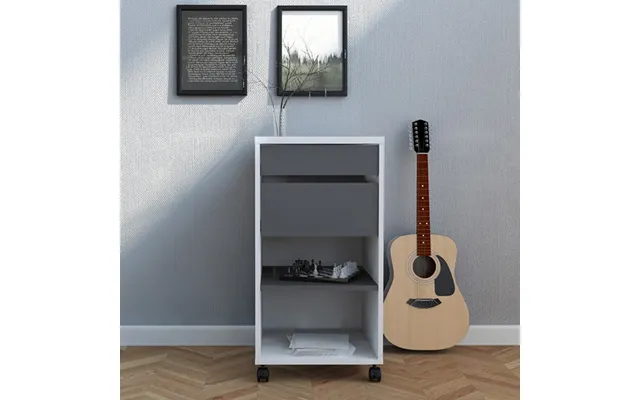
If your desktop is a shifting pile of notebooks, chargers, and files, you’re not alone. But you don’t need a giant cabinet to fix that. Modular, mobile, and under-desk storage solutions keep essentials close without stealing precious floor space. The key is to think vertically, tuck storage under unused areas, and choose pieces on wheels for easy reconfiguration.
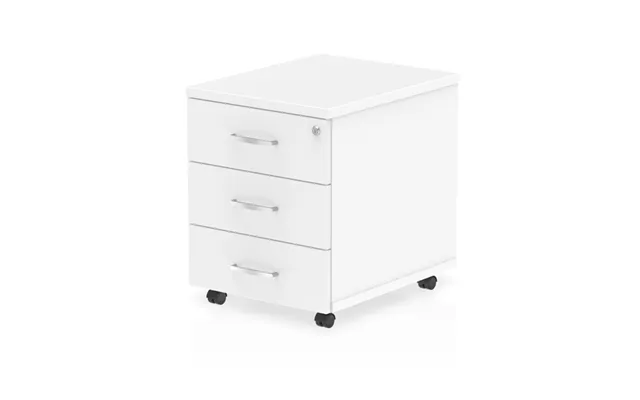
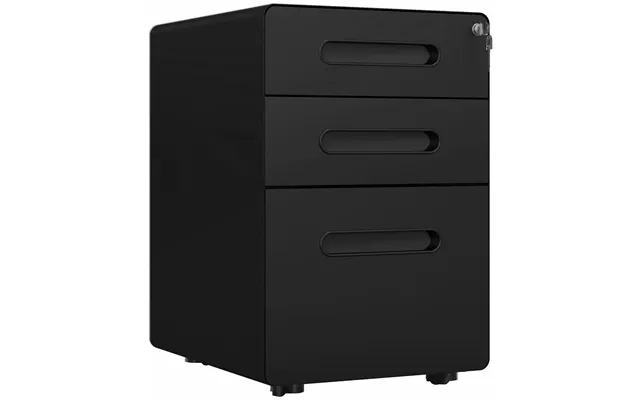
Mobile pedestals are compact filing cabinets on casters that slide right under your desk. They’re perfect for letter-size folders, charging cables, notebooks, and those odds-and-ends that clutter your surface. Look for lockable drawers, smooth ball-bearing slides, and a height of about 23 to 26 inches to ensure they fit under standard desks. For ultra-tight spaces, under-desk drawers that screw into the desk underside can give you a hidden stash for stationery and hard drives.
Go vertical to create breathing room. Slim bookcases can fit in a 12-inch to 16-inch footprint and still hold binders, boxes, and decor. Wall-mounted shelves or metal pegboards turn empty wall space into storage for headphones, cables, and tools. Peg hooks, small bins, and shelves let you customize the layout so every frequently used item has a home. Keep heavy items at shoulder height or below for safety, and anchor tall units to the wall if they’re over 5 feet tall.
The right ergonomic accessories don’t just feel nicer—they help you avoid strain, headaches, and shoulder tension. That means you can work longer, focus better, and actually enjoy your setup. And this category doesn’t have to cost a fortune. The goal is to create neutral body positions: eye-level screens, relaxed shoulders, straight wrists, and feet well-supported.
Can’t plant your feet flat on the floor comfortably? A footrest is your new best friend. Adjustable angles help you keep your knees at roughly a 90-degree bend. If you stand to work, an anti-fatigue mat reduces pressure on your heels and lower back—look for a cushioned mat around 0.5 to 1 inch thick with beveled edges to prevent tripping. For typing comfort, a gel or memory-foam wrist rest can encourage neutral wrist posture and reduce strain during long sessions.
If you work on a laptop, you’ve probably craned your neck downward for hours. A laptop stand elevates the screen so your eyes align with the top third of the display. Pair it with an external keyboard and mouse for best results. For monitors, stands or arms that lift the screen to about eye height—often around 18 to 24 inches from the desktop depending on your height—can be a night-and-day upgrade. If you use multiple screens, match their heights so your eyes aren’t constantly readjusting.
Nothing kills the “new office vibe” faster than a tangle of cables. Fortunately, cable management is cheap, fast, and incredibly satisfying. The trick is to route cables to the back of the desk, bundle them, and give them a single, clean exit point down to your power strip.
Under-desk cable trays screw or clamp to your desk’s underside to hold power strips and adapters off the floor. Pair trays with reusable Velcro ties, adhesive clips, and fabric sleeves to corral individual cords. Leave slack near devices so you can move equipment without unplugging everything. If your desk is 60 inches wide or more, consider two trays to split power and data lines—for example, one tray for charging bricks and another for Ethernet and monitor cables.
A quality surge protector is your first line of defense for expensive tech. Seek units with clearly listed joule ratings, spaced outlets for chunky adapters, and at least one USB port for small devices. If you’re constantly plugging in gadgets, a desktop power grommet or clamp-on power hub places outlets right where you need them—no more crawling under the desk. Just check your desk thickness, typically between 0.75 and 1.5 inches, to ensure a secure clamp.
Bad lighting equals eye strain, headaches, and a drained mood. Good lighting sets the tone for deep work and video calls that don’t make you look like a ghost. Task lighting is a simple fix that pays off immediately.
Adjustable task lamps let you aim light exactly where you need it. Bright, cool-white light helps with focus during the day, while warmer tones are easier on the eyes in the evening. A lamp with brightness controls gives you flexibility for different tasks—editing documents needs more focused light than ambient Zoom calls. Position lamps to the side of your dominant hand to avoid shadows on notebooks or keycaps.
Working with a small desk? Clamp lamps save surface space and can mount on edges up to about 1.5 inches thick. If you prefer portability, a freestanding lamp with a weighted base can move from desk to reading nook in seconds. Either way, aim for a lamp head that swivels and tilts so you can fine-tune the beam without moving the whole unit.
Open-plan at home? Shared workspace? Sometimes you need a visual and acoustic barrier to get in the zone. Privacy and acoustic add-ons are subtle but powerful, turning a noisy corner into a calm focus pod.
Freestanding privacy screens help block visual distractions and create instant “walls” where none exist. Look for panels around 5 to 6 feet tall to reduce sightlines. Acoustic panels absorb echoes and dampen noise—mount them behind your monitor or near hard surfaces for best effect. If wall-mounting isn’t an option, look for desktop acoustic screens that clamp to the back edge of your desk.
Whiteboards and pinboards are brainstorming essentials. A wall-mounted whiteboard as small as 24 by 36 inches can handle daily to-dos, while a rolling partition with a whiteboard surface pulls double duty as both divider and idea hub. Pinboards are perfect for mood boards, reference materials, and scheduling printouts; mount them near eye height to reduce neck strain during quick glances.
Peripherals eat space faster than you think. Dedicated stands and carts get them off the desk and into a smart nook, with proper airflow and easy access for maintenance.
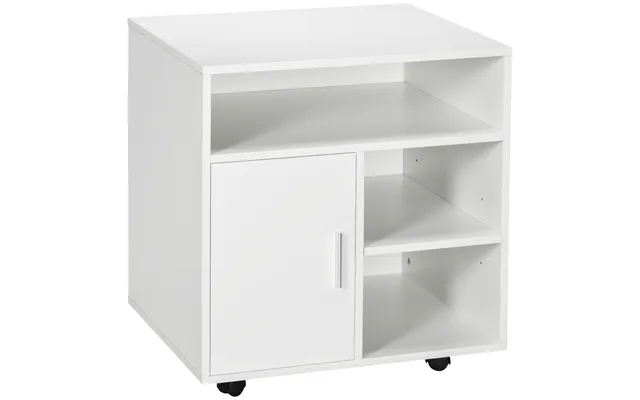
A rolling printer cart keeps your printer accessible and easy to refill, while giving you shelves for paper, labels, and spare cartridges. Make sure the cart can handle your printer’s weight—many mid-size printers fall between 25 and 45 pounds—and that the top shelf is at a comfortable height for swapping ink and clearing jams. Side racks for paper packs are a bonus if you print frequently.
If your tower sits on the floor, it’s a dust magnet. Under-desk CPU holders lift the tower off the ground and free up floor space. Look for holders with adjustable width to fit cases up to roughly 9 inches wide and ventilation gaps so fans can breathe. Swivel mounts are handy for reaching ports without crawling around on the floor.
Durability and finish matter, especially if you want your setup to look cohesive. Materials also affect weight, stability, and maintenance. Before you buy, measure your space carefully—twice. A tape measure and a quick sketch can save hours of frustration.
Solid wood looks premium and feels sturdy, but it’s heavier and pricier. Metal frames are strong and slim, great for monitor arms, trays, and carts. Laminate surfaces offer the best value: they resist scratches, clean easily, and come in finishes that match popular furniture lines. For frequently moved items—like rolling pedestals or carts—powder-coated steel holds up to bumps and scuffs better than painted finishes.
Start with the room: note wall-to-wall dimensions in feet, then map the workspace. Measure your desk width and depth in inches, plus the free space behind and beside it. Check clearance under the desk for pedestals—measure from the underside of the desktop to the floor. If you’re adding mounts or clamps, measure desktop thickness; most sit between 0.75 and 1.5 inches. For wall items like shelves or pegboards, mark stud locations to anchor heavier loads securely.
When you’re hunting for savings, the product page is your friend—if you know what to look for. Whether you’re browsing a comparison site or scanning retailer listings, a few details make all the difference: dimensions, weight capacity, materials, and mounting options. Catch these upfront, and you’ll skip returns and regrets.
Specs aren’t fluff—they’re the truth serum. Does the monitor arm list a maximum screen size and weight? Does the cable tray specify a load rating? Is the keyboard tray compatible with your desk’s thickness and edge style? For mobile storage, confirm caster type and whether at least two wheels lock. Warranty terms also reveal confidence in build quality. Many reputable brands offer at least a 1-year warranty on accessories; premium arms and converters may go longer. If you’re comparing across several retailers or a comparison platform, keep a simple checklist and verify each key spec before you click through.
Prices move. You can often save more by timing your buy around seasonal events—think back-to-school season, late autumn office refresh sales, and year-end clearance. Set price alerts where possible, and compare across multiple UK retailers through a comparison site to spot dips. If a bundle includes add-ons you actually need—like a converter plus anti-fatigue mat—that can beat the cheapest standalone price.
The fastest way for your office to look polished? Consistency. Pick a palette, stick to a finish, and balance form with function. You don’t need an interior design degree—just a plan and a few smart choices.
Choose a dominant tone—warm wood, cool white, matte black—and let accessories follow suit. If your desk is light oak, aim for accessories in white or brushed metal to keep things airy. For darker desks, black metal frames and charcoal panels look intentional and modern. Keep hardware consistent: if your monitor arm is black, consider black cable trays and a black clamp lamp to tie it together. Finally, give yourself a single “statement” piece—a bold task lamp or a patterned pinboard—so the space feels personal, not generic.
Not sure where to begin? Think in kits. A few targeted items tailored to your day-to-day tasks will deliver the biggest boost. Editing photos all day? Prioritize lighting and monitor positioning. Spreadsheet marathoner? Go ergonomic with wrist supports and a footrest. Hybrid worker? Mobility and quick setup win.
A compact keyboard tray, a desk lamp with warm-to-cool dimming, a laptop stand, and a cable sleeve to keep chargers in check. Add a small pinboard within arm’s reach for outlining ideas and a soft wrist rest for marathon typing sessions.
A sturdy dual-monitor arm rated for your screen size, an under-desk cable tray with room for a full-size surge protector, a mobile pedestal for files, and a clamp-on power hub so you can plug in without crawling under the desk. Toss in an anti-fatigue mat if you’re using a standing desk converter.
A standing desk converter to save on replacement costs, a clamp lamp to free surface space, a narrow 12-inch-deep bookcase, and a wall pegboard for vertical organization. Choose an under-desk drawer for essentials if a pedestal won’t fit, and consider a foldable privacy screen you can tuck away after work.
Want to buy once and buy right? Durability is sustainability. Well-built accessories last longer, reduce waste, and often work with new furniture if you move or upgrade. Look for metal frames, replaceable parts, and standard mounting systems. If you can, choose items that are easy to disassemble and recycle down the line. And remember: the most sustainable purchase is the one that truly solves your problem so you won’t replace it in a year.
Modular systems—pegboards with add-on hooks, monitor arms with extra joints, carts with adjustable shelves—grow with you. They make it easy to reconfigure for new jobs, new gear, or a new room layout. That adaptability protects your investment and keeps your space future-ready.
Start with your pain points, not the prettiest product page. Are you uncomfortable after an hour? Fix ergonomics first. Is your desk a mess? Tackle storage and cable management. Do you dread starting work? Improve lighting and add a touch of privacy. With a few targeted “other” office upgrades, you can turn any desk—big or small—into a setup that feels purpose-built for you. Compare options across multiple retailers, zero in on the specs that matter, and don’t be afraid to mix and match until everything clicks. When your space works, you do too.
The “Office – Other” category is where small changes lead to big wins: better posture, more desk space, cleaner wiring, calmer focus, and a workspace that actually makes you want to work. From standing desk converters and monitor arms to cable trays, privacy screens, and rolling printer carts, these essentials are affordable, flexible, and easy to fit into the setup you already own. Measure carefully in inches and feet, match finishes for a cohesive look, and compare deals across trusted UK retailers to get the best value. Upgrade smart, and let your workspace do more for you—every single day.
| Office - Other | Price | |
|---|---|---|
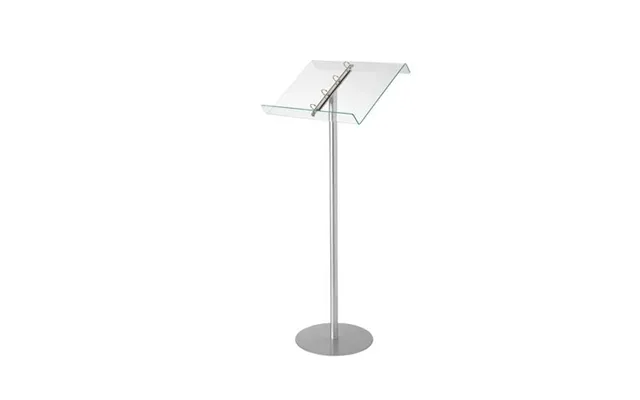
| Deflecto Lectern Floor Stand With Ring Binder - Green Tinted Glass Effect Acrylic Lectern | £ 86,32 | |
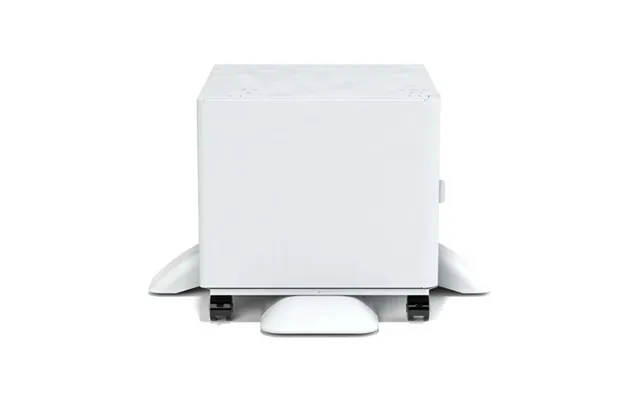
| Xerox Printer Stand | £ 236,95 | |
| Xerox Printer Stand | £ 236,95 | |
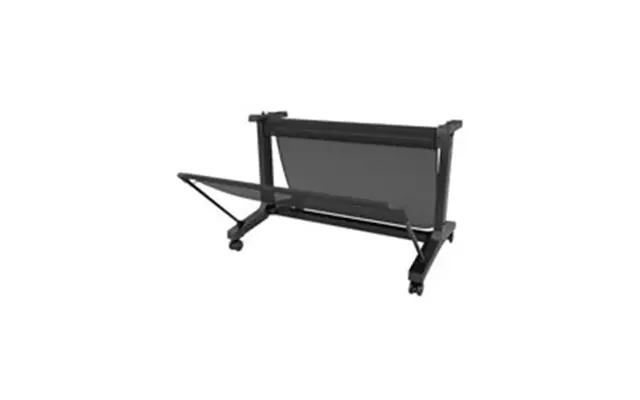
| Epson Stand 36 Lfp Desktop | £ 350,65 | |
| Epson Stand 36 Lfp Desktop | £ 350,65 | |
| String String Office White - Combination H | £ 458,- | |
| Ergonomic Solutions Spacepole Digital Signage Height Adjustable In-window Mount For Portrait Screens Up To 75 Up To Vesa | £ 505,62 | |
| String String Office Ash & White - Combination F | £ 1.912,- |