All categories
Business & Offices
Electronics & Media
Fashion & Accessories
Groceries & Essentials
Health & Personal Care
Home & Living
Kids & Family
Sports & Outdoors
Search in ZoneOffer

Loading...
Ever felt like your home blood pressure monitor isn’t telling the full story? Often, the secret to accurate, stress-free readings isn’t the monitor itself—it’s the accessories. The right cuff, adapter, cable, or carry case can transform your daily routine, making it easier to track your numbers and trust the results. And here’s the good news: you don’t need to spend a fortune to upgrade. With smart comparisons and a little know-how, you can find top-quality blood pressure monitor accessories at prices that don’t sting.
Think of accessories as the pit crew for your monitor. A properly sized cuff keeps readings consistent. A reliable AC adapter saves you from dead batteries. A sturdy case protects your gear on the go. Add a Bluetooth adapter or compatible cable, and suddenly your data sails straight to your phone for trend tracking. If you’re managing health goals or simply staying informed, these add-ons make the whole process smoother, faster, and far more dependable.
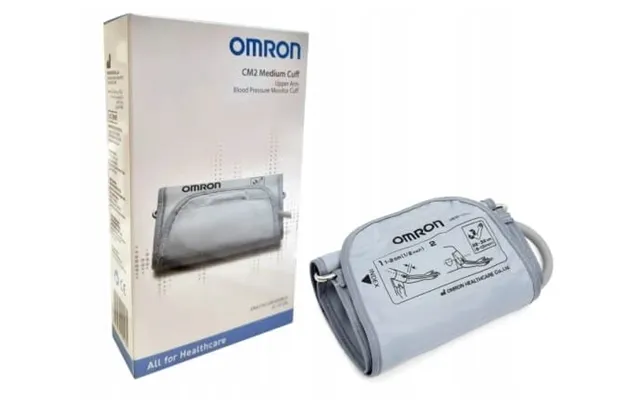
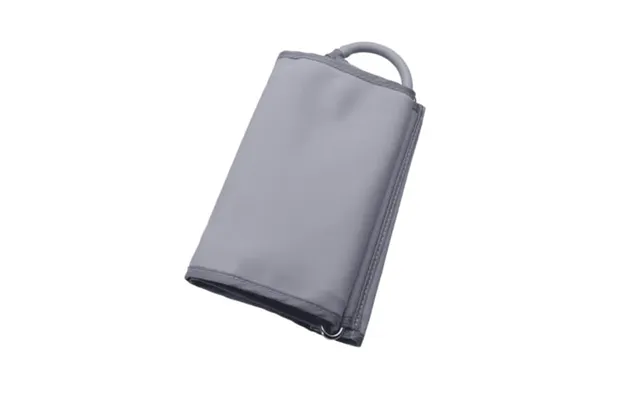
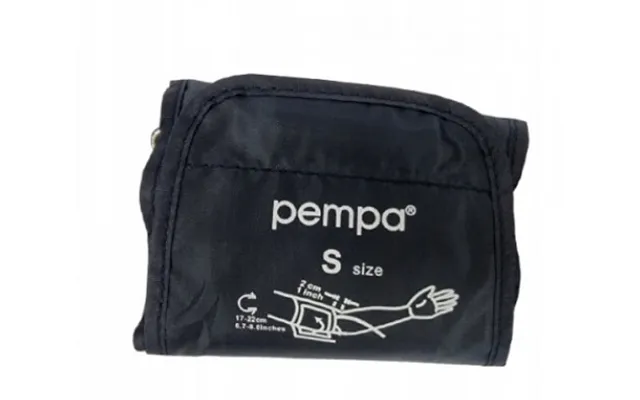
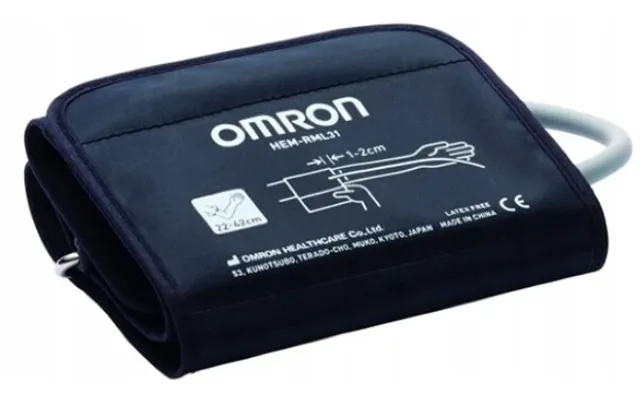
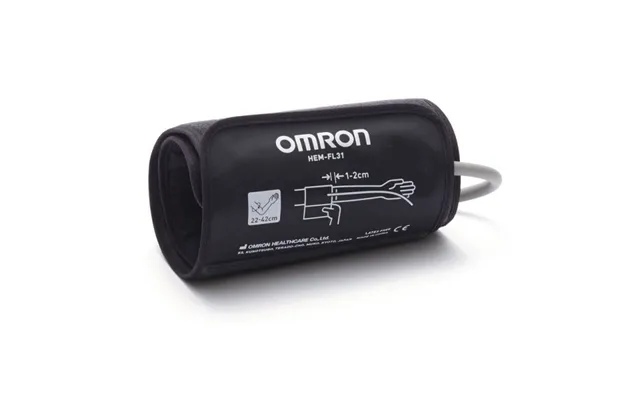
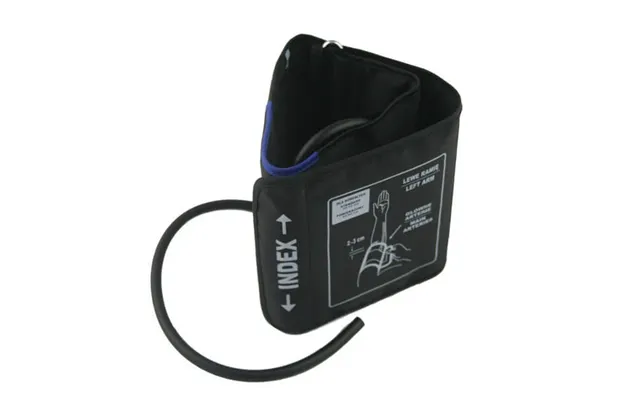
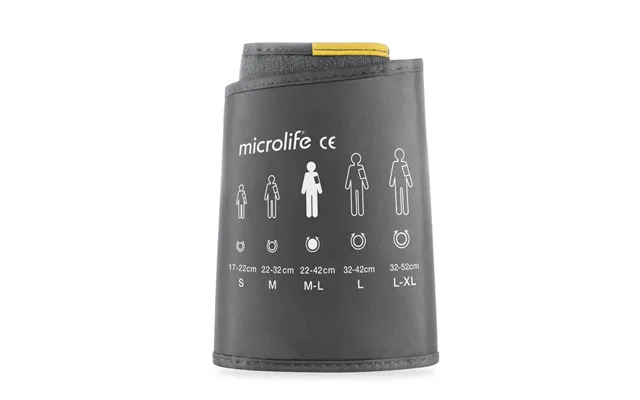
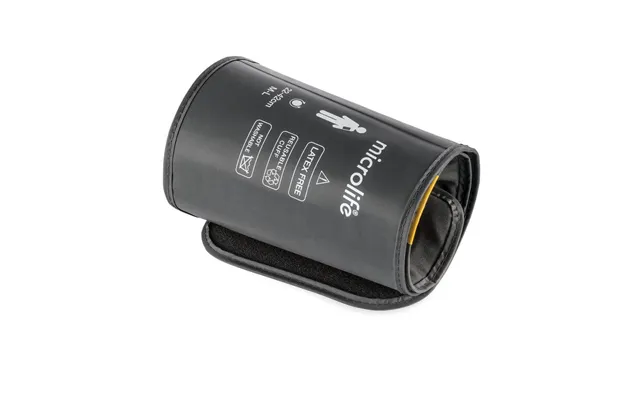
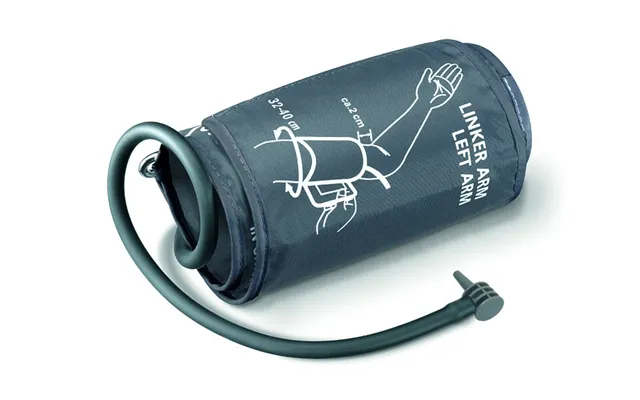
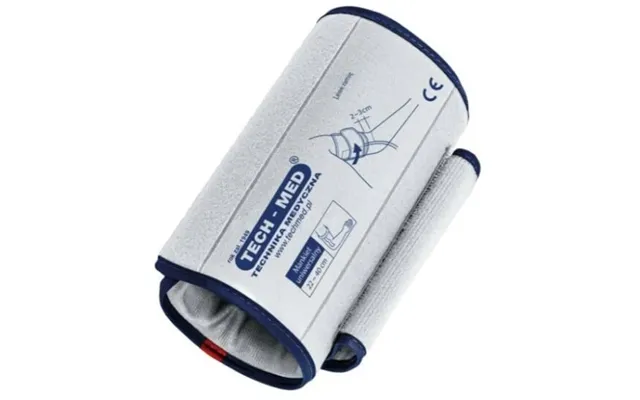
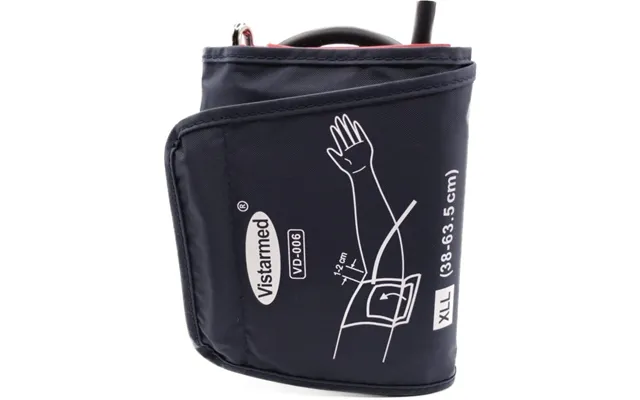
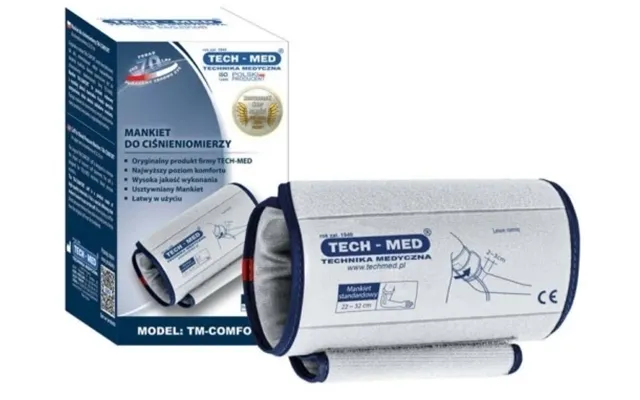
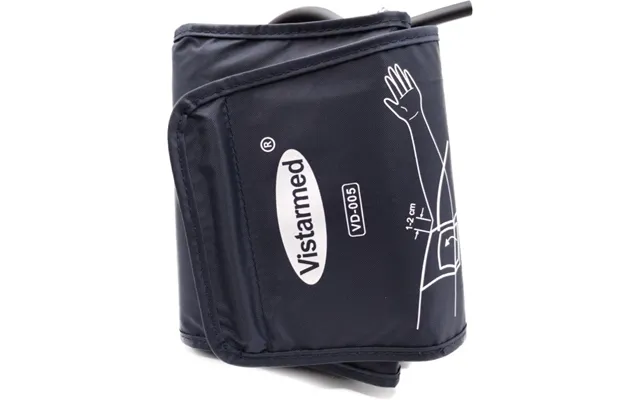
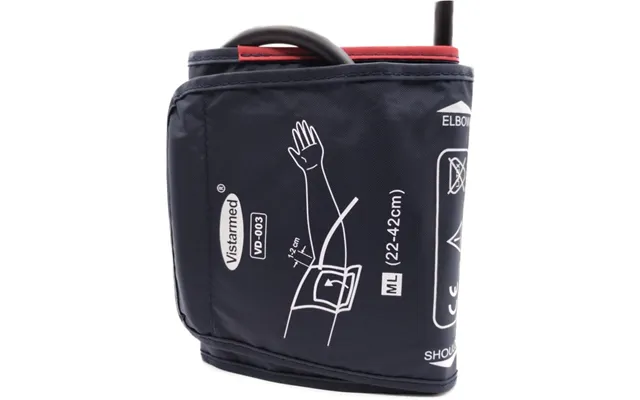
Upper-arm cuffs are the stars of accuracy. They come in multiple sizes—small adult, adult, large adult, and extra-large—measured by arm circumference in inches. A great cuff fits snugly but comfortably, wraps evenly around the upper arm, and aligns with your artery. Materials range from rugged nylon to soft, skin-friendly fabrics, often with latex-free options for sensitivities. Look for clear size markings and a durable hook-and-loop closure that won’t peel after a few months.
Universal cuffs can be a budget-friendly pick, but check connector compatibility and size range closely. If you’ve ever had inconsistent readings or discomfort, your cuff might be to blame. Upgrading to the right size—with a smoother inner lining or a reinforced D-ring—can stabilize measurements and reduce irritation, especially if you measure daily.
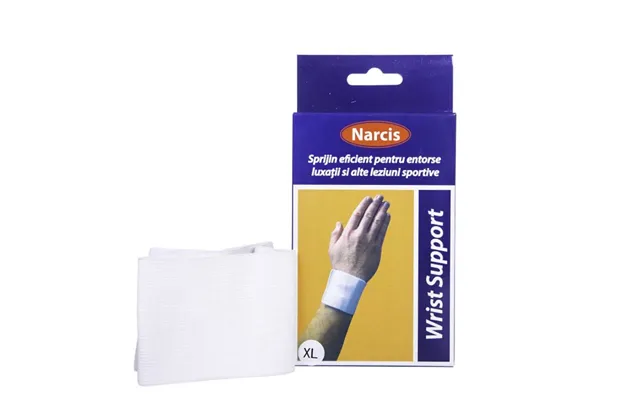
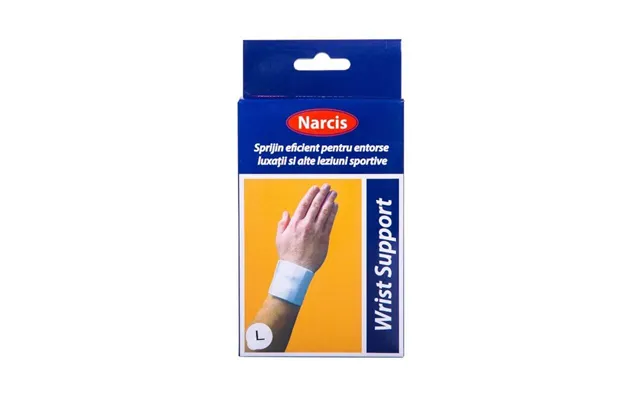
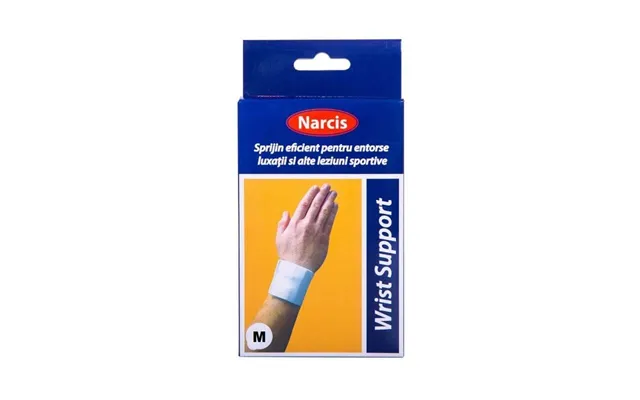
Wrist cuffs are compact and convenient, especially for travelers or folks who struggle to use upper-arm models. They’re lightning quick to put on, and many include auto-inflate functions. The trade-off? Positioning is crucial. Your wrist must be at heart height for consistent results. If you love the small footprint and portability, consider a wrist band with a secure, comfortable strap and clear positioning indicators to keep technique consistent.
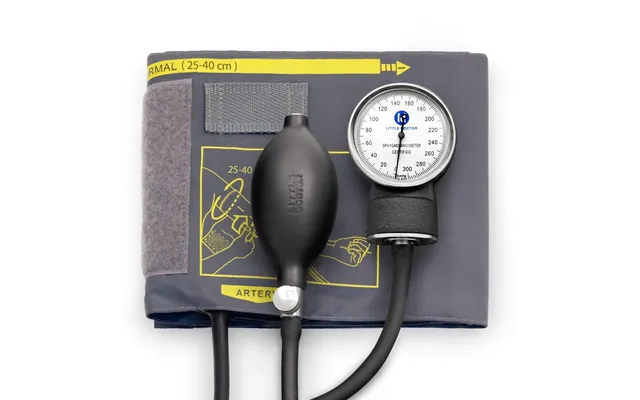
If your monitor uses manual inflation or has detachable hoses, replacement tubing and bulb-and-valve kits are worth a look. Over time, tubing can stiffen or crack, and valves may leak, causing slow inflation or fluctuating readings. Replacing these small parts is an inexpensive way to refresh an older device. Always confirm the inner and outer diameter compatibility, and check whether your monitor uses push-on or screw-type fittings. A snug fit prevents air leaks and measurement errors.
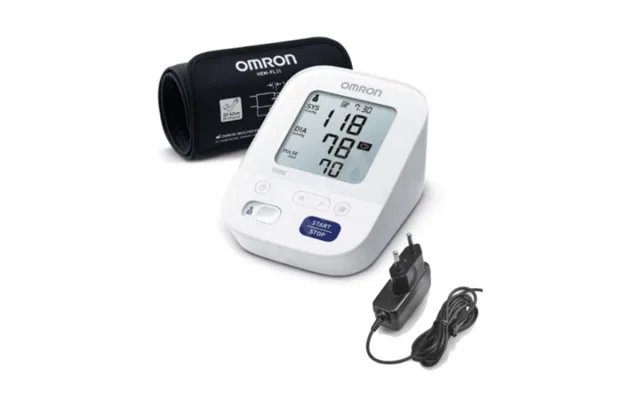
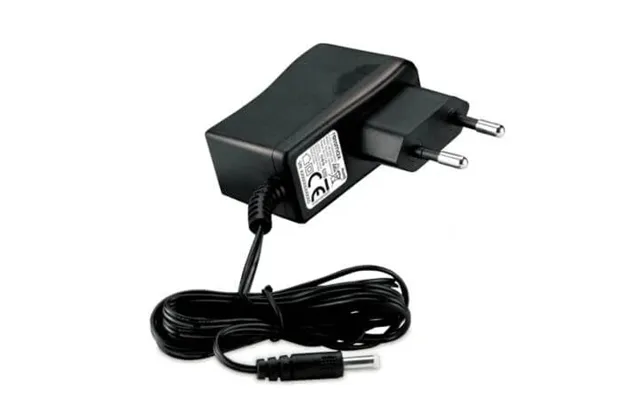
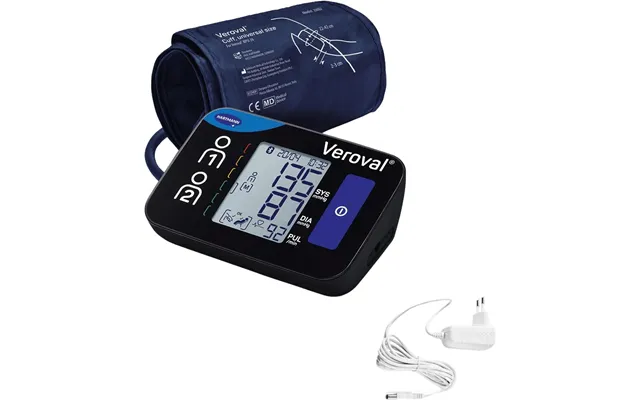
Nothing kills a routine faster than dead batteries. An AC adapter keeps your monitor ready at a moment’s notice and can save money if you measure frequently. Just match the voltage and connector type your device requires. If you prefer the cord-free life, high-quality alkaline batteries or rechargeables with a smart charger are the way to go. Keep a labeled set dedicated to your monitor so you’re never scrambling before a reading.
Whether you travel or just like an organized nightstand, a carry case protects your monitor from bumps, dust, and spills. Look for a hard-shell or padded case with compartments for the cuff, power adapter, batteries, and cables. A good case has a smooth zipper, a wipe-clean lining, and just the right fit—not so tight that you crush the tubing, not so loose that things rattle around.
If your monitor supports data export, a Bluetooth dongle or compatible cable can sync readings to your phone. That means trends, charts, and easy sharing with your clinician if needed. Before you buy, confirm your monitor’s supported protocols and the app you plan to use. Some setups need brand-specific dongles; others accept third-party options. For wired connections, check the exact cable type and length you prefer—long enough to use comfortably, but not so long that it tangles.
Keeping your cuff fresh matters, especially if you measure daily. Alcohol-free wipes can clean the cuff’s inner surface without damaging materials. For accuracy checks, some users rely on calibration kits or professional checkups. While you won’t calibrate at home the way a clinic does, you can compare readings against a verified device periodically. If your readings drift or your cuff looks worn, a replacement is often the simplest fix.
Grab a flexible tape measure and wrap it around the midpoint of your upper arm—halfway between the shoulder and elbow—without pulling too tight. Note the circumference in inches. That number is your guide to cuff size. Measuring takes under a minute and saves you from the two biggest problems in home monitoring: a cuff that’s too small (which can lead to higher readings) or too large (which can lead to lower readings).
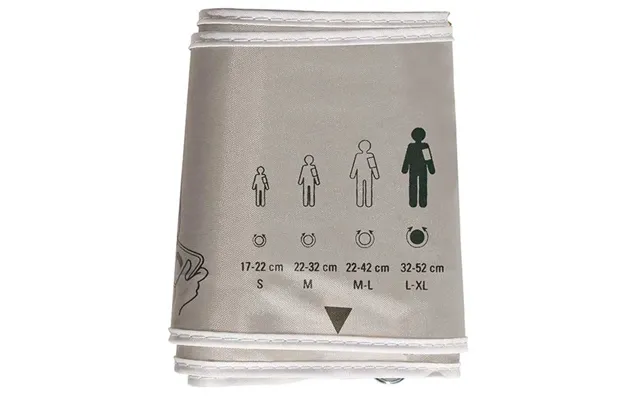
While exact ranges vary by brand, these guidelines will get you close. Small adult cuffs often fit around 7 to 9 inches. Standard adult cuffs typically cover about 9 to 13 inches. Large adult cuffs often span around 13 to 17 inches. Extra-large cuffs may reach 17 to 20 inches or more. If your measurement falls at the edge, size up for comfort, but confirm that the cuff’s inflatable bladder still centers over your artery. A cuff that’s technically “on” but not aligned correctly can still skew results.
Accessory compatibility comes down to details most people never think about—until a new cuff refuses to click into place. Hoses may use push-fit, snap, or threaded connectors. Some monitors use single-hose lines; others split into dual ports. Before you buy, compare the connector on your current cuff or tubing to the accessory photos. If your device’s manual lists connector specs, keep that handy. An adapter can sometimes bridge the gap, but direct fit is always the easiest and most reliable route.
Many popular home monitors have a healthy ecosystem of third-party accessories, which can be a fantastic way to save money. That said, verify compatibility claims and check customer feedback to avoid mismatches. When in doubt, look for accessories described as compatible with your model series, not just the brand in general. A well-matched third-party cuff, case, or adapter can perform just as well as a brand-name option—sometimes better—at a friendlier price.
Nylon cuffs are durable and easy to wipe clean, making them great for daily use. Soft-fabric designs feel more comfortable on the skin, especially if you measure first thing in the morning or late at night. If you have sensitivities, go for latex-free components and breathable linings. Remember: the more comfortable you are, the more likely you’ll measure consistently, and consistency is the secret sauce for reliable trend tracking.
D-ring cuffs make one-handed application a breeze. You thread the belt through the ring, pull, and secure. Traditional hook-and-loop designs are quick too, but can be trickier to position alone if the cuff is large or the fabric is stiff. For caregivers helping others, either design works—choose the one that makes correct placement easiest. Look for printed placement guides on the cuff itself; they’re unbelievably helpful when you’re half-awake and trying to get a reading before coffee.
If you measure at the same spot every day, a wall adapter is simple and cost-effective. No battery swaps, no interruptions. If you prefer to measure at different places—kitchen table one day, bedroom the next—batteries keep things flexible. For mixed use, keep an adapter plugged in at your main measurement spot and a fresh set of batteries in the monitor for backup. It’s a small hack that saves time and avoids the dreaded “low battery” icon right when you sit down to measure.
Rechargeable batteries paired with a smart charger can reduce waste and long-term costs. Label the set you use in your monitor to keep cycles even. Store spares in a cool, dry place, and avoid mixing old and new cells. If your monitor supports it, some users keep a USB-enabled charger in their carry case so travel never derails their routine. Tiny habit, big payoff.
Syncing your readings to an app turns scattered numbers into clear trends. If you’re using Bluetooth, pair once, confirm auto-sync, and test with a few sample readings. For wired connections, use a cable length that suits your setup—around 3 feet works well on a desk without spaghetti-like tangles. When using third-party apps, double-check that time stamps and units display correctly. The goal is simple: open your app and instantly see what’s changed over the past week, month, or season.
Your health data is personal. Choose apps that let you control sharing, export your data when you want, and lock access behind a passcode or biometric. If your monitor uses a companion app, review permissions and turn off what you don’t need. And when you upgrade phones, make sure your readings transfer—export a backup file if the app supports it so your history stays intact.
With daily use, a good cuff can last years, but watch for frayed edges, weakened hook-and-loop patches, stiff tubing, or slow inflation. If your readings become inconsistent and technique hasn’t changed, swap in a new cuff first—it’s often the culprit. Tubing that kinks or cracks should be replaced immediately; even small leaks can throw off results. Consider keeping a spare cuff in your case so you’re never stuck waiting on a replacement.
Wipe the cuff’s interior after use if you sweat or apply lotion. A gentle, alcohol-free wipe keeps the lining fresh and avoids damaging adhesives. Don’t coil tubing too tightly; a loose loop prevents creases and extends its life. Store everything in a cool, dry place. If you use a carry case, ensure it has ventilation or open it periodically so moisture doesn’t linger.
Smart shoppers compare, then click. Start by searching for the exact accessory type and size—“adult upper-arm cuff 9 to 13 inches,” “AC adapter for home blood pressure monitor,” or “hard-shell monitor carry case.” Comparison platforms, such as ZoneOffer, list multiple retailers and deals in one place, making it easy to spot price drops and bundle offers. Filter by compatibility, read user feedback, and check shipping times before you choose where to buy. You get the value of a wide market view without the tab overload.
When a price looks too good, verify the seller reputation, packaging photos, and warranty details. Genuine accessories typically show clear size ranges in inches, compatibility lists, and consistent branding. Avoid listings with blurry images or vague connector descriptions. A reliable comparison page helps you sift the standouts from the questionable in seconds.
Pick a compact wrist cuff or a small upper-arm monitor with a hard-shell case. Add a short charging cable, a fold-flat wall adapter, and a mesh pouch for spare batteries. Keep a 3-foot cable handy for laptop syncing. You’ll be ready to measure anywhere without turning your bag into a cable jungle.
Go straight for an extra-large cuff rated for at least 17 to 20 inches. Choose a design with a sturdy D-ring for easy self-application and a soft inner lining for comfort. Confirm the connector fits your monitor, and buy from a listing that clearly states the size in inches. Accuracy starts with the right fit—don’t compromise here.
Consider a set that includes multiple cuff sizes—small adult through large adult—plus spare tubing and a bulb-and-valve kit if your device supports manual inflation. Keep an AC adapter plugged in where measurements usually happen, and store a labeled battery set as backup. A durable carry case keeps everything organized so you can move room to room without hunting for parts.
If you love a good chart, choose accessories that streamline syncing: a verified Bluetooth dongle or the exact cable your model requires. Look for app features like reminders, tags (morning vs. evening), and export options. Protect your data with app lock and routine backups so your trends stay safe even if devices change.
It’s the number one accuracy killer. Measure your arm, pick the size range in inches that fits, and check that the artery marker lines up when worn. If your numbers swing wildly day to day, start here.
A cuff or hose that almost fits is a headache waiting to happen. Match the connector type first, then the size. If the listing doesn’t show the connector clearly, keep searching until you find one that does.
If you measure often, get an adapter. If you measure on the go, keep fresh batteries in your case. The best accessory is the one that removes friction from your routine.
Discomfort invites poor technique. Choose soft linings, latex-free materials when needed, and designs that you can put on correctly without a struggle. Comfort isn’t a luxury; it’s a prerequisite for accurate home readings.
Invest in the right cuff size, reliable power, and an airtight tubing setup. These three determine the quality of your readings. If your budget is tight, prioritize these before cosmetic upgrades.
Cases, longer cables, and color options can be budget-friendly without compromising performance. Just don’t sacrifice build quality—zippers, stitching, and strain reliefs on cables should still be solid. A well-chosen accessory at a fair price beats a premium look that doesn’t add function.
Start with a correctly sized upper-arm cuff, an AC adapter, and a case that holds everything neatly. Add spare batteries and a 3-foot cable if you sync via USB. This simple kit covers 99% of daily needs without clutter.
If you travel, add a hard-shell case and a compact charger. If you love data, add a Bluetooth dongle or brand-compatible cable and a trusted app. If multiple people measure at home, keep a second cuff in a different size—label each so there’s no confusion. Little choices like these turn “I’ll measure tomorrow” into “I measured today without thinking about it.”
The right blood pressure monitor accessories do more than fill a drawer—they make your health routine feel effortless. From the fit of an upper-arm cuff to the convenience of an AC adapter, from a travel-ready case to a seamless phone sync, small add-ons create big gains in comfort, consistency, and confidence. Compare options, double-check compatibility, and choose sizes in inches that match your arm. With a few smart picks and a quick price comparison on a trusted platform, you’ll save money, cut hassle, and get readings you can rely on every day.
| Blood Pressure Monitor Accessories | Price | |
|---|---|---|
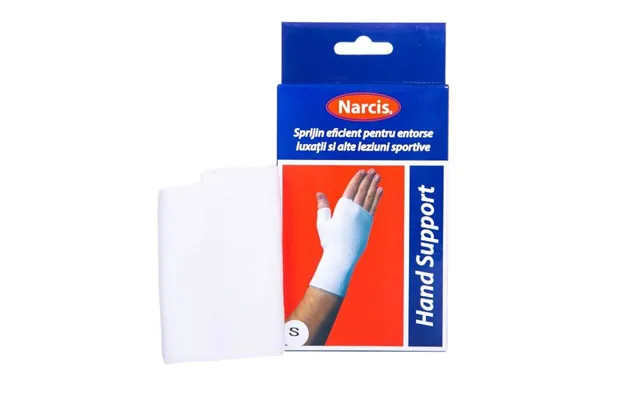
| Elastic Finger Cuff - Size S | £ 3,10 | |
| Elastic Cuff - Size S | £ 3,20 | |
| Elastic Cuff - Size L | £ 3,20 | |
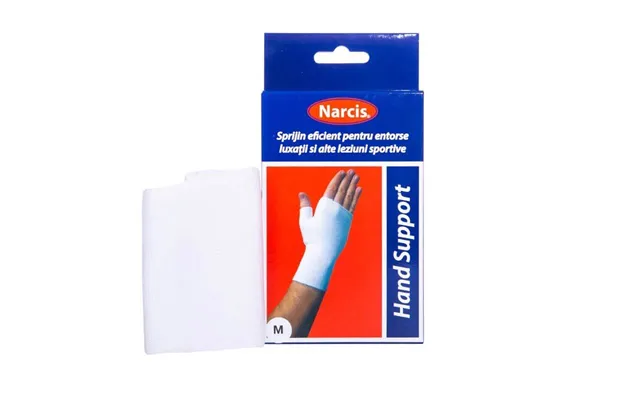
| Elastic Finger Cuff - Size M | £ 4,50 | |
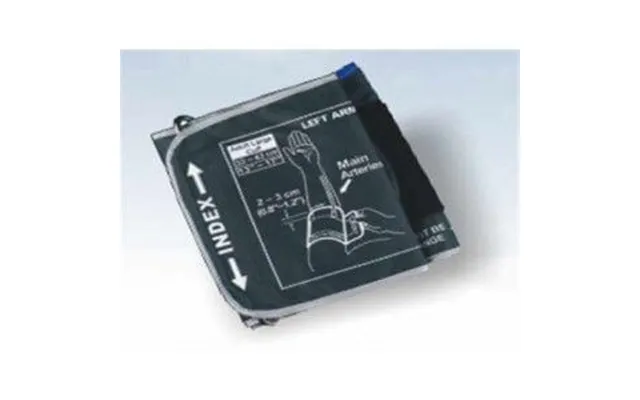
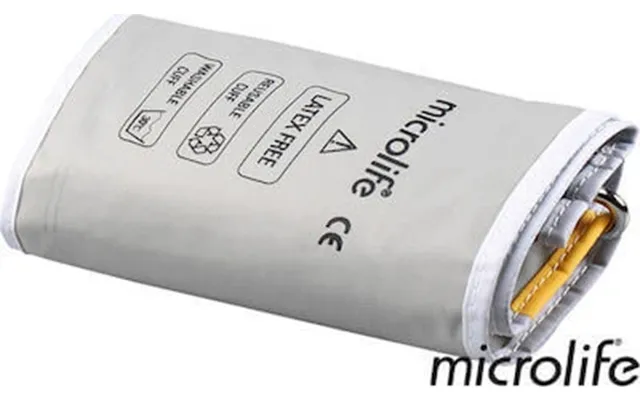
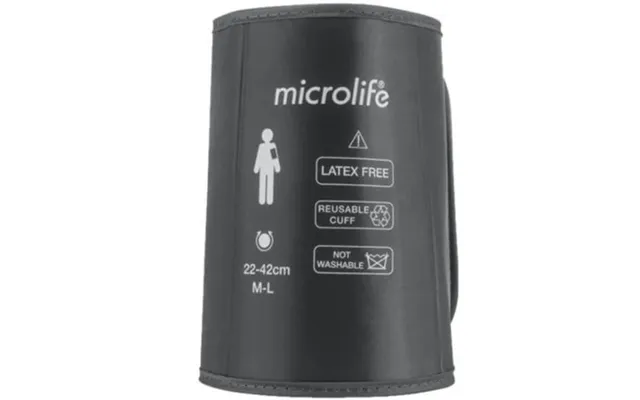
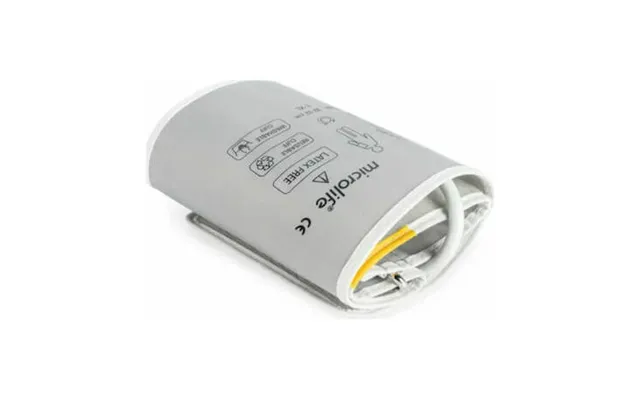
| Microlife Blood Pressure Cuff Series A - Grey | £ 12,90 | |
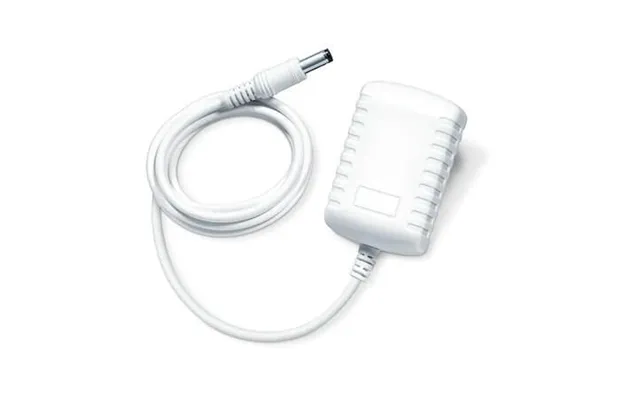
| Blood Pressure Monitor Adapter Bm 28 - 40 | £ 13,20 | |
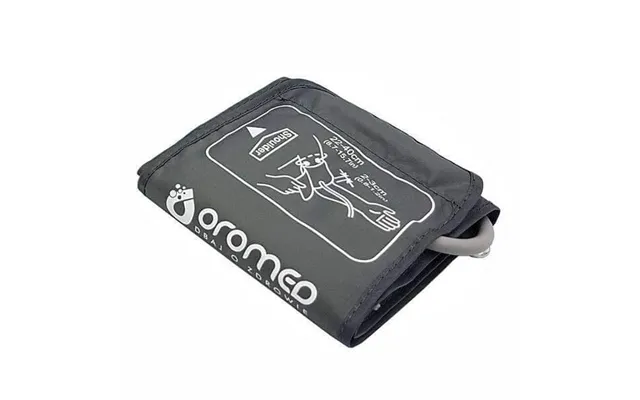
| Oromed - Cuff For Electronic Blood Pressure Monitor | £ 13,40 | |
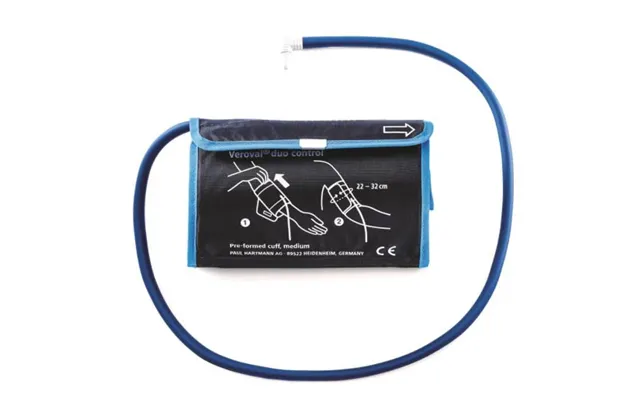
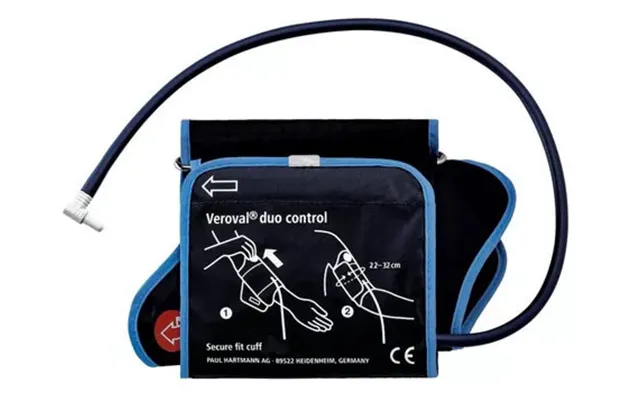
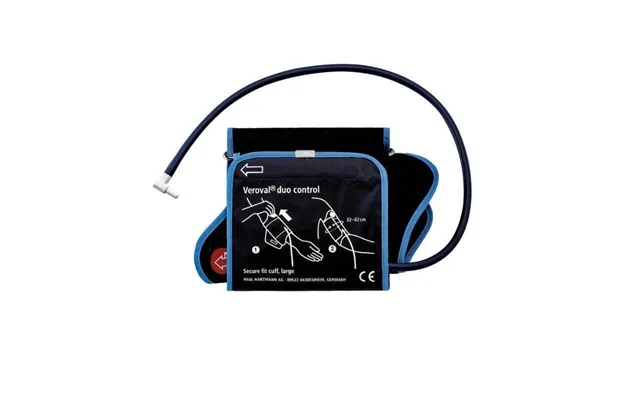
| Arm Blood Pressure Cuff Size M 22-32 Cm 925531 , Veroval Duo Control - Hartmann | £ 14,10 | |
| Blood Pressure Cuff - Intelli Hem | £ 30,60 | |
| M3 Comfort Blood Pressure Monitor Network Adapter C802 C803 - Omron |

| £ 89,40 |