All categories
Business & Offices
Electronics & Media
Fashion & Accessories
Groceries & Essentials
Health & Personal Care
Home & Living
Kids & Family
Sports & Outdoors
Search in ZoneOffer

Loading...
Digital signs are everywhere—on high streets, inside restaurants, across transit hubs, and in corporate lobbies. At their core, they’re screens that display dynamic content: promotions, menus, schedules, safety alerts, you name it. Compared to static posters, digital signage lets you update messages in seconds, tailor content by time of day, and grab attention with motion and color. If you’re exploring offers in the UK, comparing models and bundles side by side helps you understand which options deliver real value, not just flash.
Think of digital signage as your always-on brand ambassador. It doesn’t get tired, it never misses a shift, and it can change its script instantly. The right setup boosts walk-in traffic, lifts average order value, and streamlines customer flows. But with screens, media players, mounts, software, and enclosures to think about, finding the perfect match can feel like sorting a puzzle. That’s where comparison platforms come in handy—they lay out features, price ranges, and promotions so you can make an informed decision without hopping between dozens of sites.
Not all digital signs are built the same. Some shine in sunlit windows; others excel indoors with rich color accuracy. Some arrive as all-in-one packages; others are modular with separate players and mounts. When you compare, you match your goals—footfall, engagement, or menu clarity—to the specs that matter, and you avoid overspending on features you’ll never use. Bonus: you’ll catch time-limited offers and bundle deals that stretch your budget further.
Another big win from comparing is total cost clarity. The headline screen price is only part of the picture. You’ll also weigh software subscriptions, mounting hardware, enclosures for outdoor use, and content creation costs. A side-by-side view makes “best price” obvious and reveals where a slightly higher upfront cost can save you money in maintenance and energy over the long run.
Digital signage isn’t one-size-fits-all. From compact window displays to sprawling video walls, each type is purpose-built. Knowing the landscape helps you filter fast and pick a short list that fits your location, audience, and budget. Below are the most common categories you’ll encounter when browsing offers in the UK.
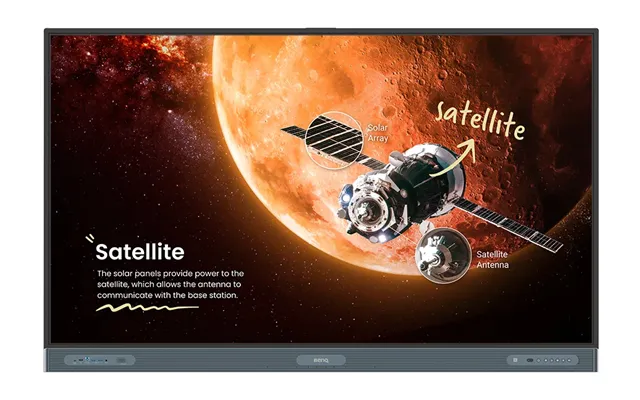
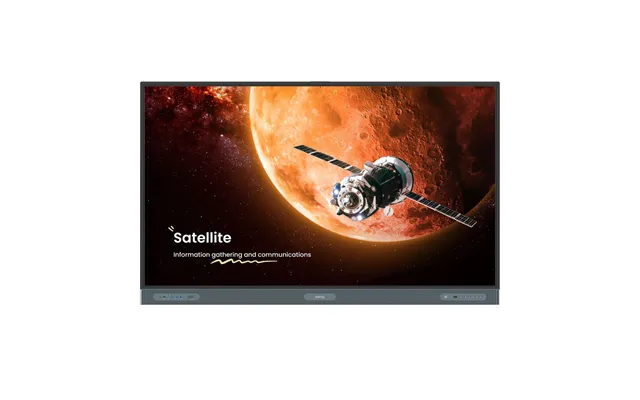
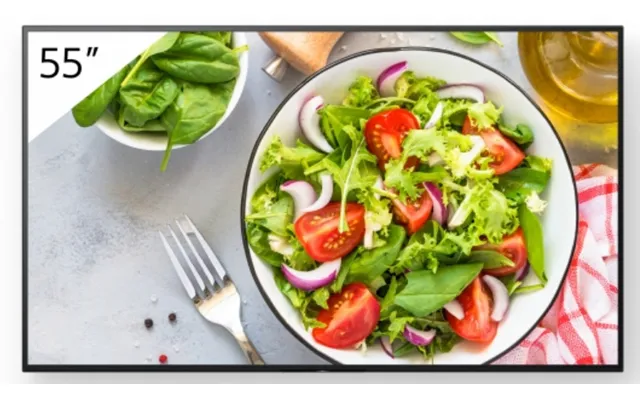
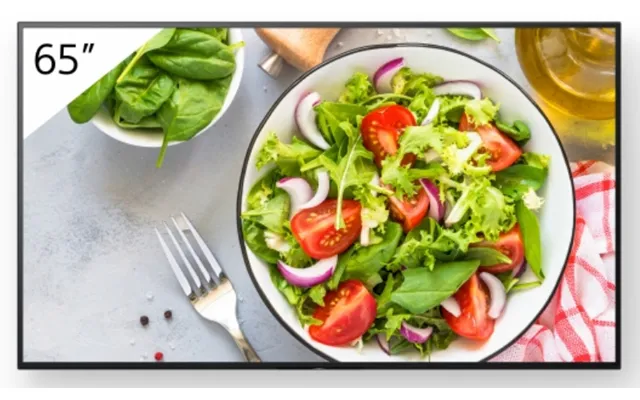
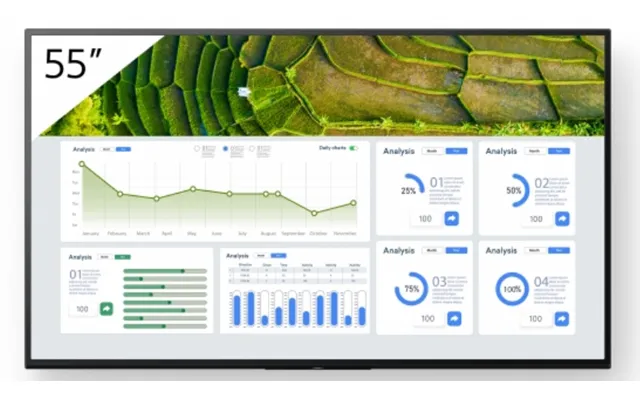
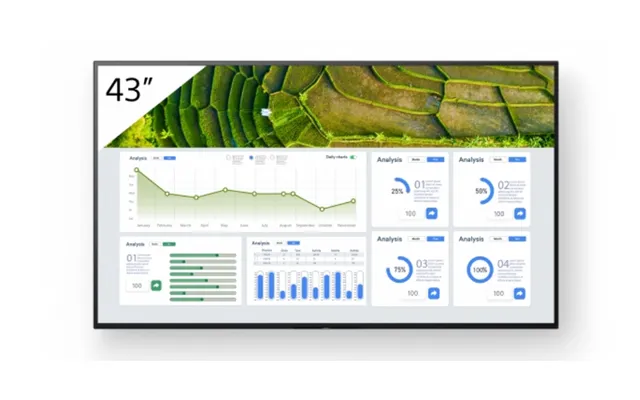
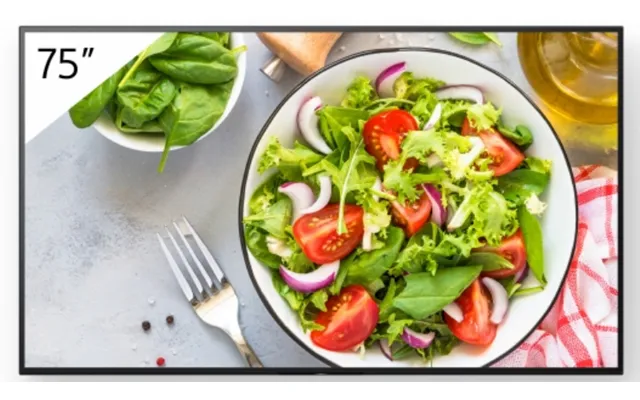
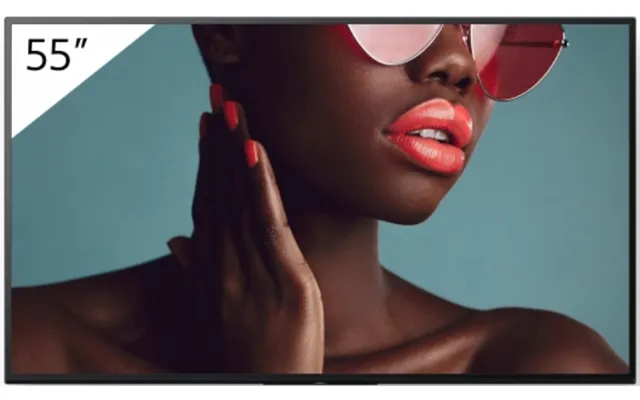
These are your bread-and-butter screens for retail aisles, reception areas, gyms, and offices. Popular sizes range from 32-inch and 43-inch to 55-inch, 65-inch, and 75-inch. Indoor screens prioritize sharp resolution, color fidelity, and slim profiles. If you’re crafting product promos or brand stories, an indoor display is a great starting point. Look for commercial-grade panels designed for extended daily use, and aim for models with built-in media players if you want a clean, cable-light setup.
Outdoor LED signs are designed to punch through daylight and handle the elements. You’ll see them as freestanding totems outside forecourts, as wall-mounted displays on storefronts, or as larger roadside billboards. Weather-sealed housings, anti-glare glass, and sturdy steel mounts make the difference here. If your location faces full sun or frequent rain, prioritize models rated for outdoor duty and wider operating temperature ranges, ideally from cold winter mornings to hot summer afternoons in Fahrenheit scale.
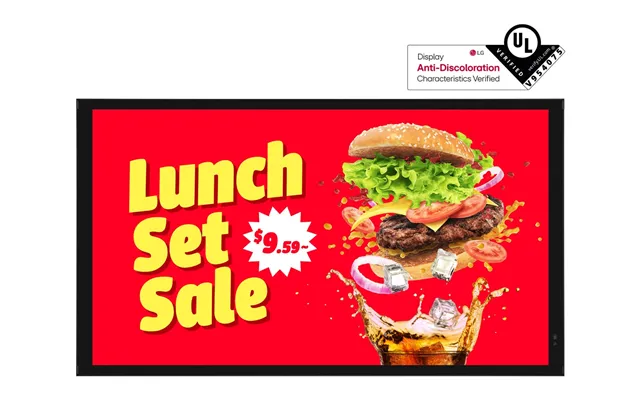
Menu boards transform quick-service and cafes by keeping information up to date and easy to read. Typical layouts involve two to four 43-inch to 55-inch screens side by side above the counter. Dayparting—breakfast, lunch, dinner—becomes effortless, and you can highlight upsells with motion that static print can’t match. For kitchen display systems, durable, grease-resistant enclosures and easy-clean bezels are a smart move.
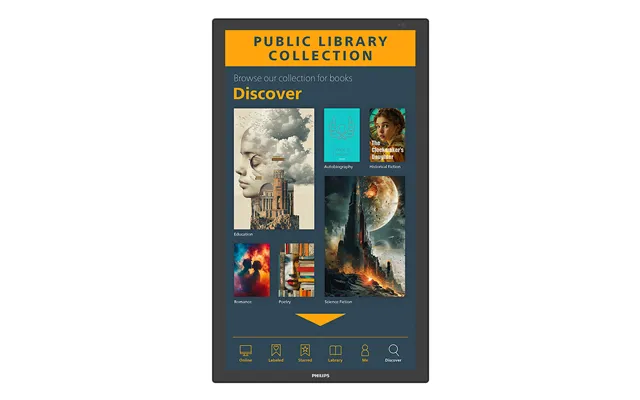
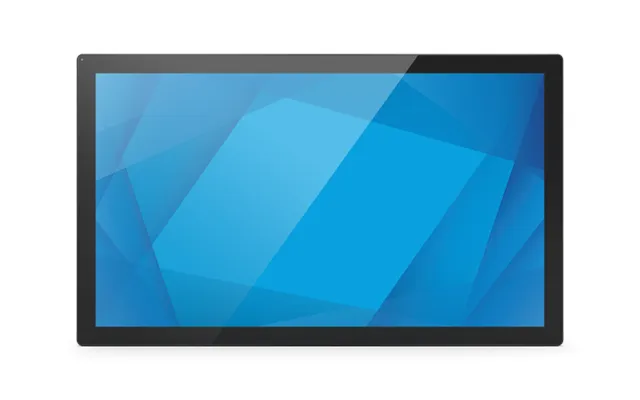
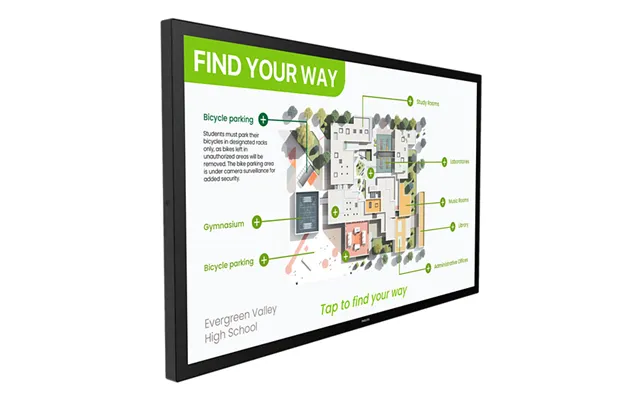
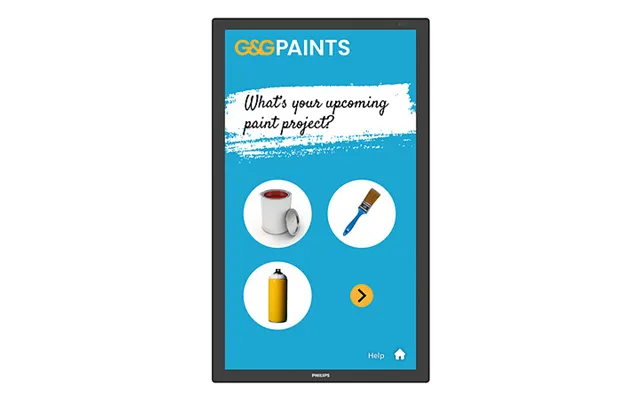
Self-service kiosks reduce lines and increase order accuracy while letting customers browse at their own pace. You’ll find both freestanding and countertop kiosks, often 24-inch to 32-inch for compact spaces, and up to 55-inch for immersive catalogs or wayfinding. Smooth touch response, scratch-resistant glass, and secure payment integrations are must-haves. In busy venues, look for antimicrobial surfaces and designs that support quick wipe-downs.
If you want to pull eyes from the sidewalk, high-brightness window displays are your secret weapon. These specialized screens combat reflections and daylight glare, making offers readable from the street. Sizes commonly run 43-inch to 75-inch. Double-sided window displays—one panel facing outside, another facing inside—let you target passersby and in-store shoppers simultaneously without doubling your footprint.
Digital A-boards bring your message out to the pavement—think of them as the modern chalkboard, but animated. Battery-powered units are popular for pop-ups, events, and restaurants with changing curbside promos. If you need flexibility, consider a portable screen with wheels, sturdy hinges, and a shatter-resistant face. Just verify expected runtime on a single charge and be mindful of total weight in pounds for easy handling.
Compact displays near products—often 10-inch to 27-inch—deliver timely nudges right at the point of decision. They’re perfect for price updates, cross-sells, and limited-time offers. Clip-on mounts and daisy-chain power options keep installs neat. For convenience stores and pharmacies, shelf-edge options make fast work of seasonal changeovers without reprinting shelf strips.
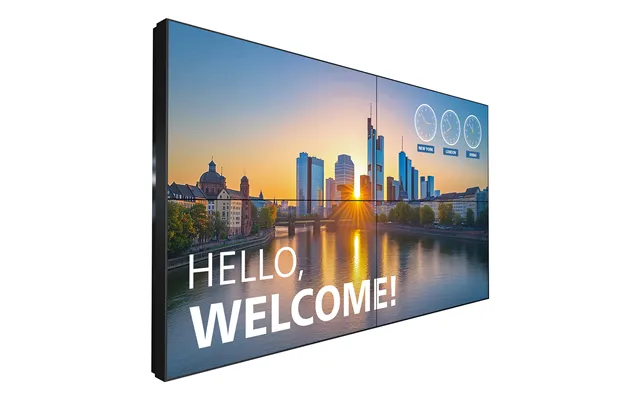
When you need a show-stopper, video walls do the trick. LCD walls stack multiple 49-inch to 55-inch panels with ultra-narrow bezels, while modular LED panels build seamless canvases of nearly any size—great for lobbies, control rooms, or large retail features. Consider serviceability from the front, cable management, and color calibration tools for consistent visuals across the entire wall.
Specs can feel like alphabet soup, but a few core features separate a decent screen from an unforgettable one. Nail these and your content will sing—even from across the room or through a sunlit window.
Visibility is king. For indoor spaces with controlled lighting, standard brightness works well. For bright shopfronts or outdoor-facing windows, opt for high-brightness models that stay readable at midday. Anti-glare coatings and sensible screen placement—avoiding direct reflections—multiply the impact without inflating your power bill.
Resolution should match your viewing distance. If customers stand a few feet away, Full HD on a 43-inch or 55-inch display is often crisp enough. For larger 65-inch to 86-inch screens or closer viewing, higher resolution future-proofs your setup. Always test your actual content at the size you plan to use—logos and fine text can reveal flaws you might miss on a laptop.
Outdoor or semi-outdoor installs need ruggedized builds: sealed enclosures, reinforced glass, and stable mounts that handle wind and bumps. Check operating temperature in Fahrenheit to cover winter lows and summer highs at your site. For indoor kitchens and factory floors, look for grease-resistant or dust-resistant designs and robust metal chassis.
Your content management system is the heartbeat of your network. All-in-one screens with built-in players simplify wiring and reduce points of failure, while external players offer more power and flexibility. Seek playlist scheduling, remote updates, role-based access, and quick content rollback in case of last-minute changes. Templates for menus, promos, and announcements help teams publish faster with consistent branding.
Whether you run a single shop or a nationwide network, reliable connectivity is non-negotiable. Ethernet keeps things stable; Wi‑Fi provides flexibility; cellular backup is a lifesaver for remote kiosks. Integration with POS systems, inventory tools, or calendar feeds unlocks data-driven signage—think automatic price drops, live stock highlights, or real-time queue information without manual updates.
Don’t overlook hardware. Wall mounts with tilt or micro-adjustment make alignment clean and professional. Ceiling mounts free up floor space in narrow aisles. Floor stands help in open lobbies where wall space is limited. For outdoor use, powder-coated steel enclosures with security locks and cable concealment protect your investment and keep everything tidy.
Energy costs add up across a fleet. Look for eco modes, automatic brightness adjustment, and scheduling to power down overnight. If you’re deploying battery-powered A-boards, compare runtime claims, charging times, and battery replacement options. A small bump in efficiency can pay for itself over the lifetime of the signage.
Digital sign pricing depends on size, brightness, durability, and integrated features. Indoor 43-inch and 55-inch displays are generally the most budget-friendly, while outdoor and high-brightness models cost more due to weather sealing and tougher components. Video walls and fine-pitch LED panels sit at the premium end, reflecting their scale and seamless effect. Add in media players, mounts, cabling, and enclosures, plus software licensing if you’re not using a free or bundled platform.
Think total cost over the first 3 to 5 years. A slightly pricier screen with better energy efficiency and longer duty cycles can beat a cheaper alternative once you account for power, maintenance, and downtime. Bundles that include mounts, players, and licenses often deliver strong value—especially if you’re outfitting multiple sites and want consistent hardware across locations for easier support.
Every sector gets unique value from digital signage. Retail uses screen real estate to turn browsers into buyers with in-aisle product stories. Restaurants rely on clear menu boards and daypart swapping to streamline orders. Corporate offices welcome visitors with lobby screens and reinforce culture in break areas. Education deploys wayfinding and emergency notices; health care uses screens for check-in queues and health messages; gyms pump motivation with class schedules and tips. Whatever your space, there’s a signage mix that fits your goals.
Even small businesses see outsized impact. A single 55-inch window display can pull foot traffic from across the street, while a compact 24-inch counter screen can highlight high-margin add-ons at the exact moment customers decide. The trick is tailoring content to context—use bold, simple messages from a distance and detailed storytelling where people linger.
Measure before you commit. Map your wall width and height in feet, minding access paths, fire regulations, and sightlines. For wall mounts, confirm stud locations and weight capacity in pounds. Consider cable runs early—power outlets, network drops, and concealment channels keep the finish clean. In windows, watch for direct sunlight that can cause reflections or heat buildup, and use standoff mounts to improve airflow.
Plan for maintenance. Front-serviceable video walls or hinged mounts save hours during upkeep. Leave clearance around enclosures for airflow. If your site opens early or late, schedule content and power cycling accordingly. And test content on the actual screens before grand rollouts—what looks balanced on a laptop can appear too small or too busy on a 65-inch display from 15 feet away.
Great hardware needs great storytelling. Focus each screen on one goal: drive a visit, explain a product, speed a decision, or entertain during a wait. Use large, legible typography and high-contrast color. Keep motion purposeful—gentle animations draw the eye without overwhelming. For menus, group items logically and highlight bestsellers or bundles. For retail, combine hero imagery with a short, punchy caption and a clear next step.
Refresh cadence matters. Rotate content based on time of day, day of week, and season. Align promos with local events and weather. If you run multiple locations, give each site a localized segment—neighborhood news, staff highlights, or community spotlights—to boost authenticity. Track outcomes where possible: footfall, dwell time, average basket size, and sales of featured items provide feedback loops for smarter content.
First, define your goal: awareness, conversion, speed, or service. Second, map your spaces and viewing distances in feet to guide sizes—32-inch to 55-inch for close quarters, 65-inch to 86-inch for larger rooms, and LED walls for expansive feature areas. Third, decide on indoor vs. outdoor and factor in temperature ranges in Fahrenheit. Fourth, pick a content platform that your team can run confidently. Fifth, compare offers for total cost, including mounts, players, software, and enclosures. Finally, pilot one location before scaling—what you learn in the first month will sharpen your entire rollout.
Digital signs transform spaces into storytellers, guiding customers, speeding decisions, and lifting sales. Whether you’re eyeing a simple 43-inch indoor display or planning a show-stopping video wall, comparing offers helps you match features, durability, and price to your real-world needs. Look at brightness for your environment, size for your sightlines, software for your workflow, and mounting for safety and service. With a solid plan and the right mix of screens, players, and content, you’ll turn passing glances into engaged customers—and do it efficiently, site after site.
| Digital Signs | Price | |
|---|---|---|
| Sony Fw-43ez20l Signage Display Digital Signage Flat Panel 109 | £ 561,25 | |
| Sony Fw-65bz35l Signage Display Digital Signage Flat Panel 165 | £ 1.206,48 | |
| Hikvision Ds-d4280go-2aaa Video Wall Display Led Indoor | £ 1.887,24 | |
| Multibrackets M Pro Series Enclosure 85 Kiosk Slim Black | £ 2.219,16 |