All categories
Business & Offices
Electronics & Media
Fashion & Accessories
Groceries & Essentials
Health & Personal Care
Home & Living
Kids & Family
Sports & Outdoors
Search in ZoneOffer

Loading...
An audio transmitter is a small device that sends sound wirelessly from one source to another—think of it as a bridge between your TV and your headphones, your console and your earbuds, or your old stereo and your new speakers. If you’ve ever wished your favorite gear could ditch the cables, a transmitter is the quiet hero that makes it happen. The best part? Modern transmitters are simple to set up, surprisingly affordable, and packed with features that smooth out common annoyances like lag or limited range.
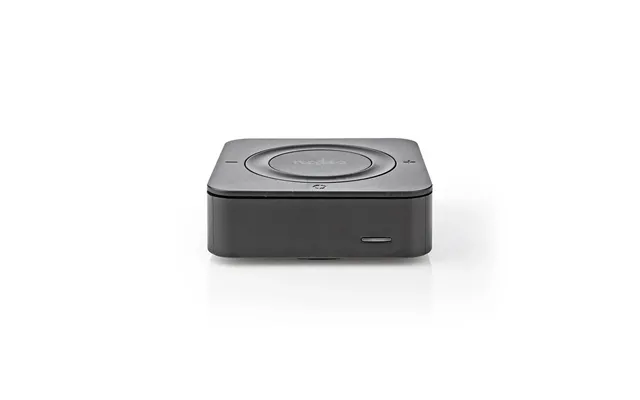
Here’s the gist: a transmitter takes an audio signal from a source (TV, PC, console, turntable, or phone), converts it into a wireless signal, and beams it to a compatible receiver (usually headphones, speakers, or earbuds). Bluetooth is the most popular wireless standard for consumer gear, but you’ll also see RF and even Wi‑Fi based systems in more specialized kits. The magic lies in the codecs and antennas. Codecs compress and transport the audio; antennas determine how far and how reliably it travels.
Not all transmitters are the same, and that’s a good thing. Different designs serve different needs, from late‑night TV watching to serious gaming. When you skim popular offers or a price list, you’ll spot several categories—each with strengths, trade‑offs, and ideal use cases.
These plug into your TV’s optical, RCA, or 3.5 mm output and send audio to wireless headphones or earbuds. If you want to watch a movie without waking the household, this is the go‑to. Look for models with dual‑link support so two people can listen at the same time, and low‑latency codecs for lip‑sync that feels natural.
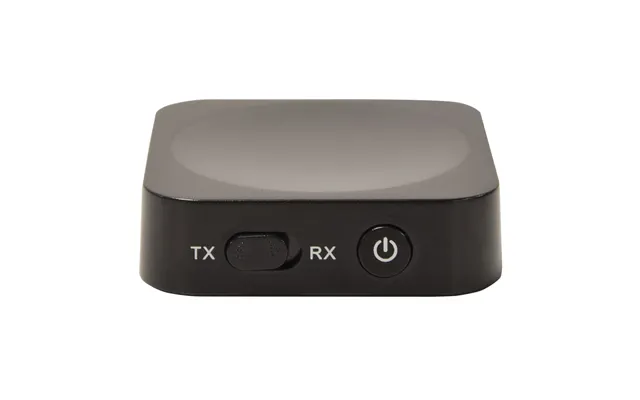
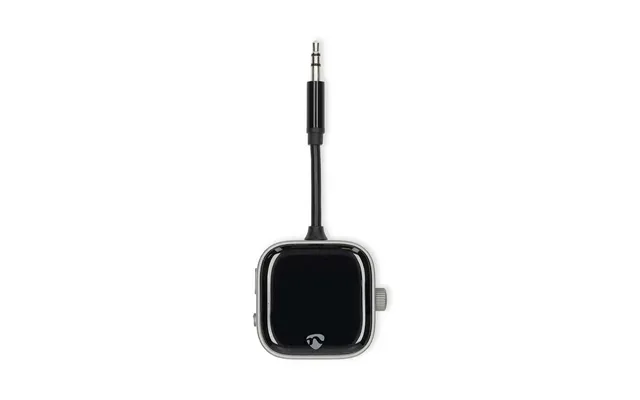
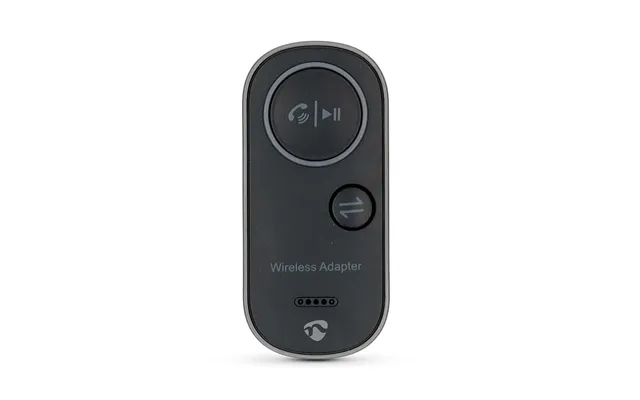
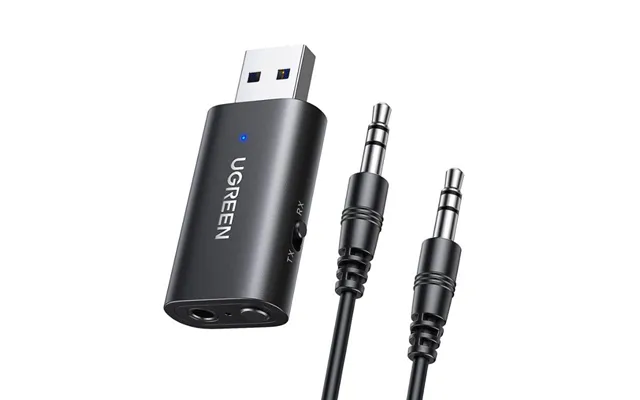
Why choose one direction when you can have both? These compact adapters can send audio to headphones (TX mode) or receive audio to feed a wired speaker (RX mode). They’re handy for connecting a phone to a home stereo, and then flipping modes to watch TV on headphones—all with one pocket‑sized gadget.
Some transmitters sport external antennas and chipsets tuned for distance. If you need audio to reach across a big living room or even to another room, long‑range models can push out to around 150–260 ft in ideal conditions. Just remember, walls and interference can trim that back in real‑world use.

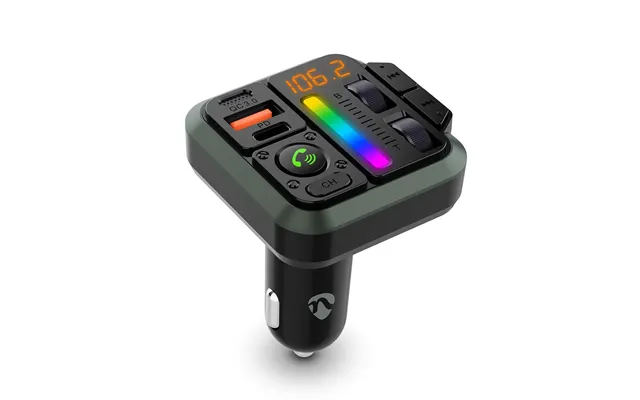
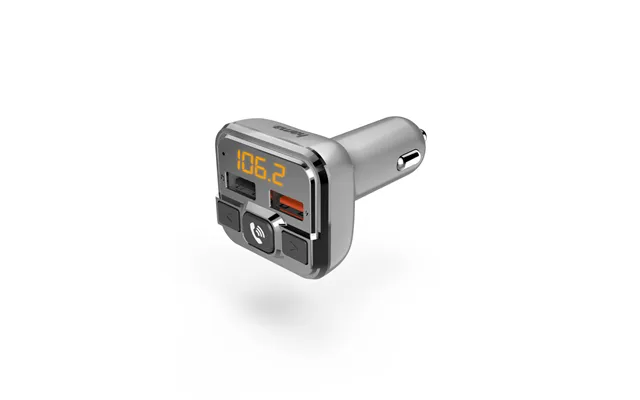
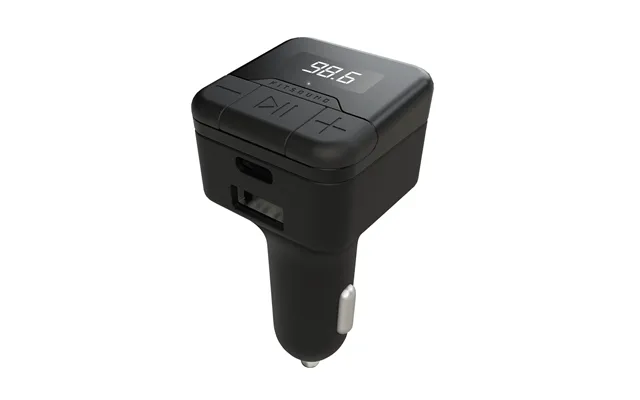
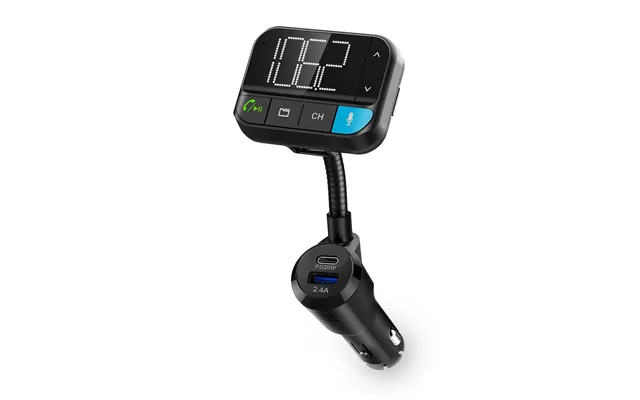
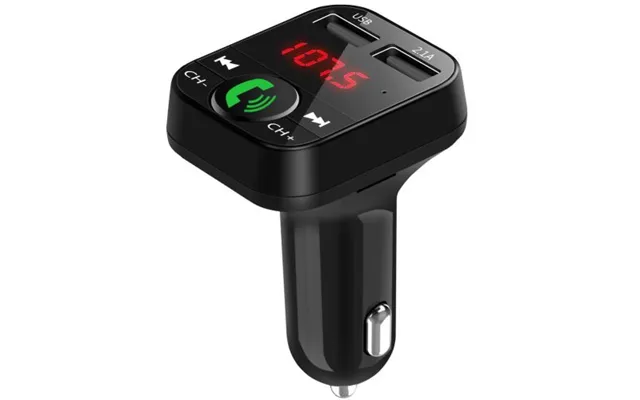
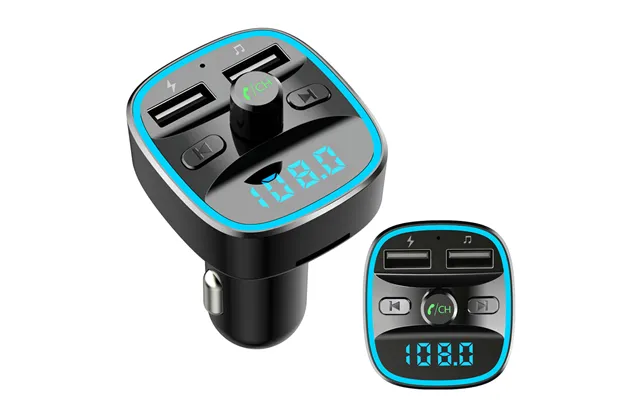
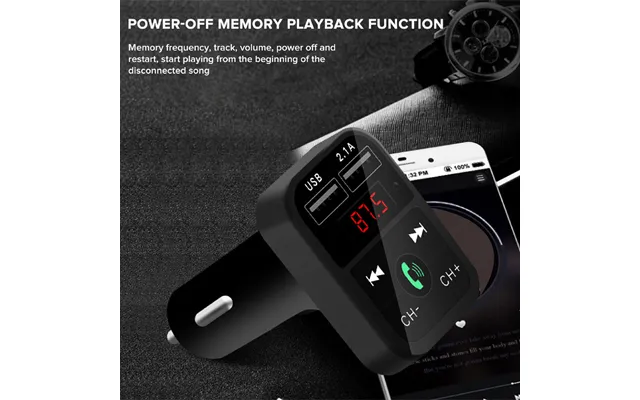
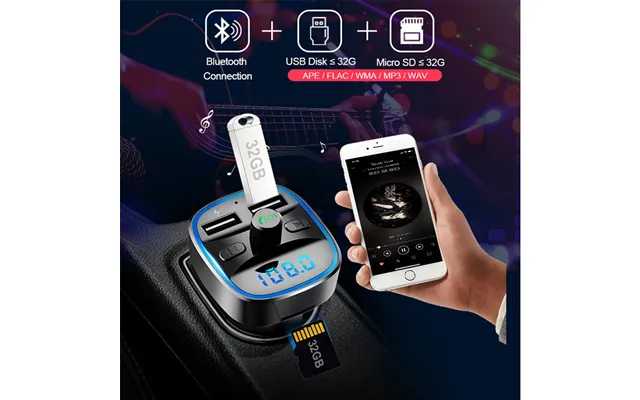
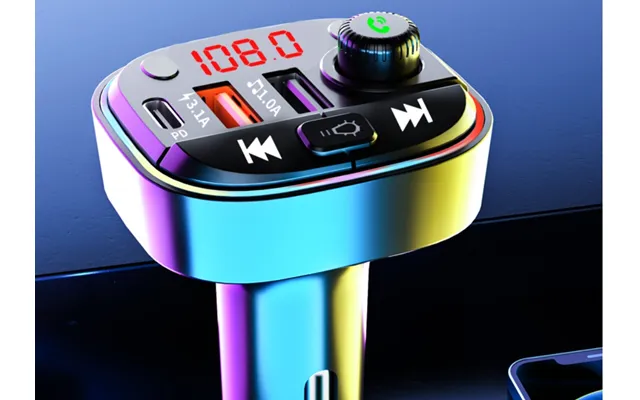
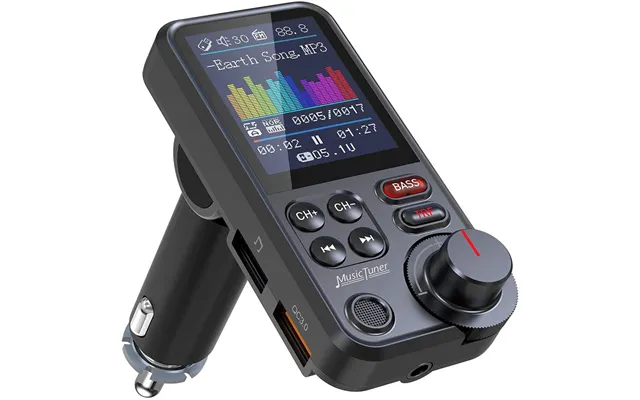
If your car stereo lacks Bluetooth, a compact FM transmitter lets you play music from your phone by broadcasting on an unused FM frequency. It’s not audiophile‑perfect, but it’s a fast, budget‑friendly upgrade for long drives, podcasts, and hands‑free calls.
Some transmitters plug directly into USB‑C ports on handhelds or consoles and use fast codecs or proprietary modes to reduce lag. If you game on a handheld or a console near your TV stand, these are clean, cable‑free solutions that keep the setup neat and the audio synced.
Specs pages can feel like alphabet soup, but a few details make all the difference. If you focus on the features below, you’ll skip the noise and land on a transmitter that fits your setup, your headphones, and your expectations.
Latency is the delay between the picture and the sound. For movies and gaming, aim for transmitters that support aptX Low Latency or aptX Adaptive with low‑latency modes. LC3 (part of Bluetooth LE Audio) is emerging and can be both efficient and clear. If your headphones also support the same codec, you’ll get the best results; otherwise the connection falls back to a common denominator like SBC or AAC, which may add more delay.
Range claims assume clear line‑of‑sight, which isn’t how most homes are laid out. As a rule of thumb, a quality Bluetooth transmitter can cover a typical living room comfortably—call it 30–50 ft—with long‑range models stretching further. External antennas help, and so does placing the transmitter higher and away from thick walls or metal racks.
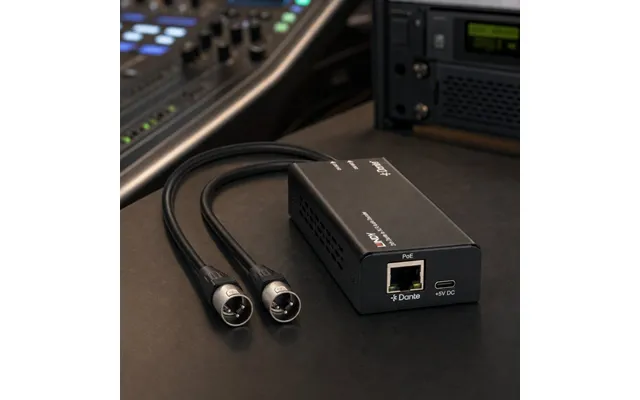
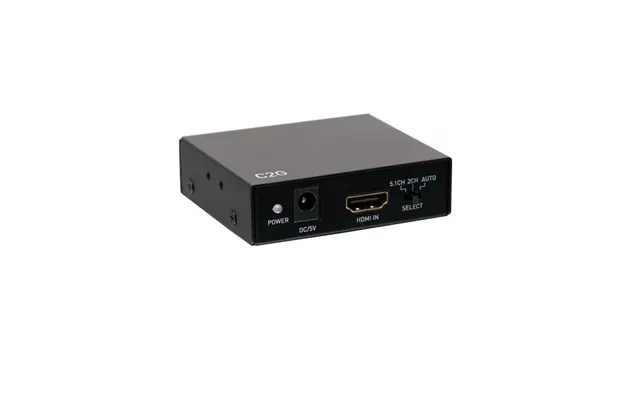
Match the transmitter’s inputs to your source. Optical (TOSLINK) is common on TVs and supports clean digital audio. RCA and 3.5 mm handle analog signals from older TVs, turntables with preamps, or receivers. Some PC‑oriented transmitters use USB audio, which is convenient and can reduce ground‑loop noise. The more inputs and pass‑through options, the easier your setup becomes.
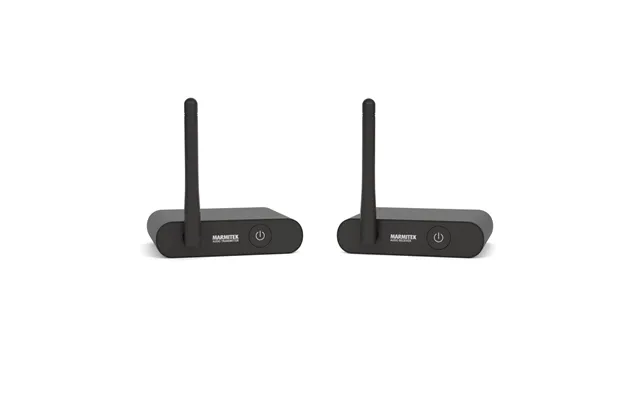
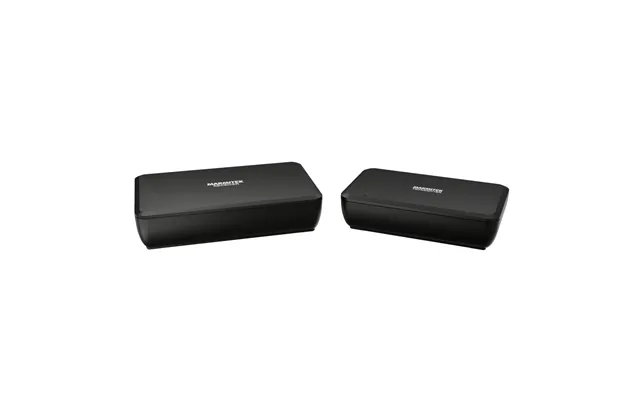
Dual‑link lets you connect two headphones at once—a lifesaver for shared late‑night shows. Multipoint can reconnect to multiple devices, making life easier if you bounce between a TV and a laptop. Optical pass‑through allows a transmitter to sit between your TV and soundbar, sending audio wirelessly to headphones while keeping the soundbar active when you’re not using headphones.
Some transmitters run on USB power from your TV, others on wall adaptors, and a few are battery‑powered for portable use. Think about where it will live; a permanent TV unit benefits from wall power and steady control buttons, while a travel‑friendly adapter is more useful with an internal battery and simple pairing controls.
Looking at popular offers, a handful of models and series keep showing up because they balance performance, price, and reliability. You’ll see picks that highlight low latency for TV, long range for larger spaces, and compact form factors for travel and gaming.
Avantree’s Oasis series is often recommended for TV users thanks to stable low‑latency performance, optical pass‑through, and dual‑link pairing. The Oasis Plus adds strong range and a clear display, making it simple to confirm the codec in use. If you want a set‑and‑forget TV companion, this line deserves a close look.
1Mii’s long‑range models are known for robust coverage—great for open layouts or if your transmitter isn’t right next to the couch. With external antennas and aptX Low Latency support on compatible headphones, they deliver stable, watchable audio even when you’re sitting far from the TV.
AirFly adapters shine when you’re on the move. They plug into 3.5 mm outputs on airplanes, gym equipment, or handheld consoles and beam audio to your Bluetooth earbuds. Many versions support two headphones at once, making in‑flight movie nights actually enjoyable without tug‑of‑war over a cable splitter.
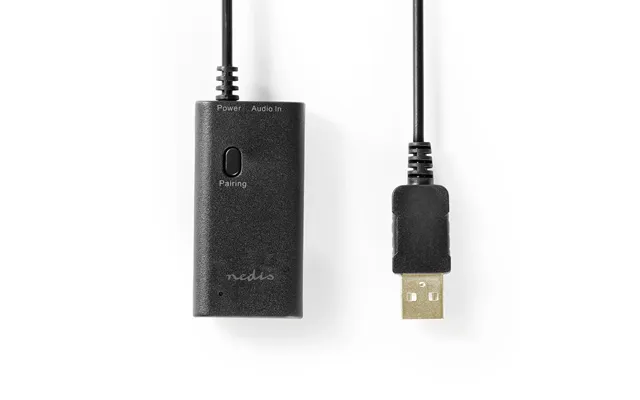
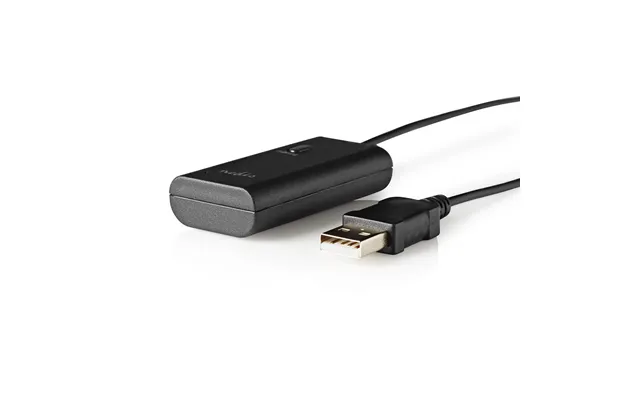
Creative’s USB transmitters slide into a laptop or console and prioritize low‑latency and compatibility. The BT‑W4 is especially slick for PCs and PlayStation consoles because it manages pairing profiles and ensures consistent codec support without juggling system menus.
Prefer something understated and polished? Sennheiser’s BT T100 focuses on clean design and dependable Bluetooth with optical and analog inputs. It’s not loaded with every bell and whistle, but it’s easy to live with and sounds excellent through capable headphones.
Setup is usually quick, but a few smart moves can prevent headaches later. Take a minute to plan connections, power, and placement before you pair your headphones.
Connect your TV’s optical output to the transmitter’s optical input if available. If not, use RCA or 3.5 mm from the TV’s audio out. For receivers or turntables, be sure you’re using a line‑level output or a preamp where needed. If you’re using optical pass‑through to a soundbar, put the transmitter in between: TV → transmitter → soundbar.
Power on the transmitter, switch it to TX mode, and hold the pairing button until it enters pairing. Put your headphones into pairing mode and wait for the connection indicator. If your headphones support multiple codecs, some transmitters let you force a low‑latency codec—do that to keep lips and sound in sync.
No sound? Confirm the TV is set to external speakers and the correct output format. Audio delay? Make sure low‑latency mode is active and that both devices support it. Static or dropouts? Move the transmitter away from routers or metal surfaces, and keep it elevated a few inches so the antenna can breathe.
You don’t have to choose between a great soundbar and private listening. With the right setup, you can keep your daily sound system intact and add headphone magic for late nights and quiet mornings.
Pass‑through lets the transmitter tap audio without stealing it. Run an optical cable from the TV to the transmitter, then from the transmitter to the soundbar. When the headphones are off, your soundbar plays as usual. Turn on your headphones and the transmitter sends audio to both, or just to your headphones depending on your settings.
Dual‑link transmitters pair with two sets of headphones so you and a partner can listen together. Keep in mind that some models drop to a common codec when two headphones are active. If lip‑sync is critical, use two matching low‑latency headphones to keep everything aligned.
The right transmitter becomes a daily sidekick outside the living room. From the treadmill to the airplane seat to the home office, there’s a use case for a compact, reliable wireless bridge.
AirFly‑style transmitters convert the plane’s 3.5 mm jack into a Bluetooth stream. Pair your earbuds once, tuck the adapter by the armrest, and enjoy the movie without clunky airline headsets. It’s a simple luxury that makes long flights feel shorter.
Many treadmills and bikes only output audio through a wired jack. Plug in a tiny transmitter and your favorite earbuds become your workout companions. No dangling wires, no snags—just your playlist and the pace you set.
On calls, reliability beats everything. Use a transmitter that handles multipoint if you jump between a laptop and phone. To keep delays low for video calls, stick with headsets and transmitters that support the same low‑latency codec, and test ahead of time so there are no surprises.
Nothing tanks immersion like sound arriving late. If you game, prioritize transmitters that advertise low‑latency operation with supported headsets. Smooth audio keeps footsteps accurate and cutscenes cinematic.
USB‑C transmitters slot neatly into handhelds and handheld docks, giving you clean, direct audio with minimal fuss. Many include small clip‑on mics or low‑latency modes that make portable gaming and couch co‑op equally satisfying.
For PlayStation and PC, USB transmitters from brands like Creative offer consistent codec support and painless pairing. That consistency matters when you’re swapping headsets or moving from game to voice chat to streaming.
Some Bluetooth profiles trade latency for mic support. If crystal‑clear chat is vital, consider a gaming‑centric transmitter and headset combo designed for low delay with voice, or use a wired mic alongside your Bluetooth headphones.
Shopping smart is about more than chasing the lowest number. It’s about matching features to your life and making sure the promises line up with real‑world performance. A thoughtful comparison saves time and prevents buyer’s remorse.
Look for concrete claims like support for aptX Low Latency, dual‑link capability, optical pass‑through, and stated range in feet. Vague phrases like “premium sound” don’t tell you much. When in doubt, prioritize the inputs you need and the latency features that keep video in sync.
A good warranty and responsive support are worth a few extra dollars. Firmware updates can unlock new features or squash bugs, and brands that update regularly tend to take care of customers longer. Reliable support is especially important if your setup mixes newer TVs with older receivers.
Refurbished units from reputable channels can deliver big savings. Bundles that include quality optical and RCA cables can also be good value, especially if you’re wiring a new space. Always weigh the total package against your actual needs—extras are only valuable if you’ll use them.
Treat your transmitter like a tiny networking device. Good placement, occasional updates, and clean cabling go a long way toward rock‑solid performance year after year.
Some transmitters receive firmware updates that improve stability or add codec support. Check the brand’s site every so often. If the device lets you update over USB, keep a short cable handy and follow the instructions carefully to avoid interruptions during the update.
Use decent optical and analog cables to prevent loose connections and crackle. Keep the transmitter a few inches away from Wi‑Fi routers, hubs, and big metal objects. If you notice dropouts, try raising it higher on the TV stand or moving it forward an inch or two away from the wall.
If your current transmitter can’t match your headphones’ codec capabilities, or you’ve rearranged the room and now sit further away than before, an upgrade may be worth it. Newer models often add better antennas, cleaner pass‑through, and friendlier pairing with multiple devices.
Audio transmitters breathe new life into the devices you already own. Whether you’re solving a practical problem—quiet TV at night, private listening while a partner sleeps—or chasing a better gaming or travel experience, the right transmitter removes friction you didn’t realize you were tolerating. Focus on the essentials: latency, inputs, range, and pairing features. Consider trusted models known for TV and gaming, and match the codec support with your favorite headphones. If you like to compare deals and explore popular offers across multiple retailers, a comparison site like ZoneOffer makes it easy to scan price lists and specs side by side. Pick smart once, and the rest of your setup just clicks.
| Audio Transmitters | Price | |
|---|---|---|
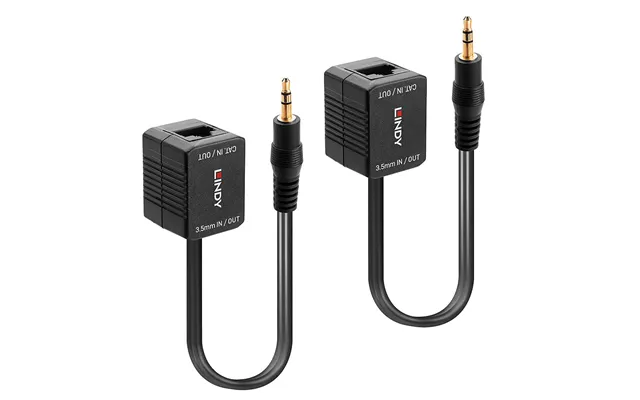
| Lindy 500m Cat.6 3.5mm Analogue Audio Extender | £ 24,84 | |
| Lindy 500m Cat.6 3.5mm Analogue Audio Extender | £ 24,84 | |
| Lindy 500m Cat.6 Phono Analogue Audio Extender | £ 26,53 | |
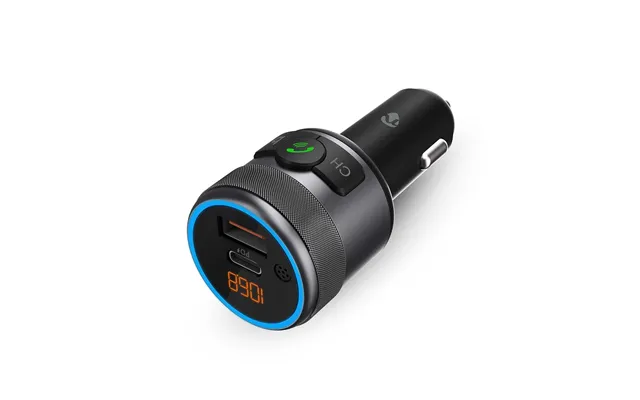
| Hama 00014165 Fm Transmitter 87.6 - 107.9 Mhz Cigar Lighter Silver | £ 26,65 | |
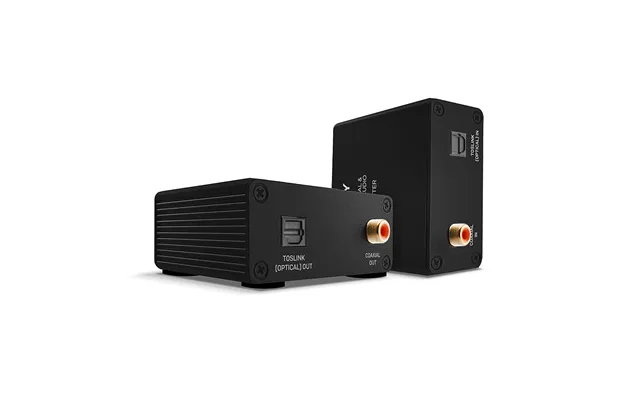
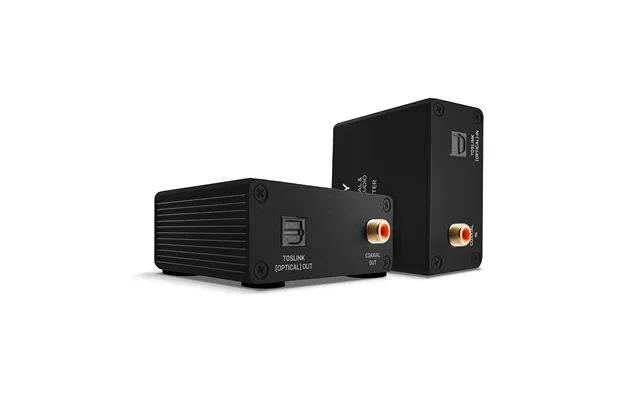
| Lindy 150m Cat.6 Toslink Optical And Coaxial Digital Audio Extender | £ 76,70 | |
| Lindy 150m Cat.6 Toslink Optical And Coaxial Digital Audio Extender | £ 76,70 | |
| Chord Electronics Nu4-c | £ 265,57 | |
| Chord Electronics Nu4-c | £ 265,57 | |
| 2n 9152101w Audio Intercom System Orange | £ 928,26 | |
| 2n 9152101w Audio Intercom System Orange | £ 928,26 |