

Caller IDs price list
Last updated Monday, 19 Oct 2026




View 21 Offers

Loading...
Last updated Monday, 19 Oct 2026
Caller ID, often called “caller display,” shows you who’s ringing before you answer. Simple idea, huge impact. In an age of nuisance calls, doorstep scams, and endless spam, knowing the number (and sometimes the name) gives you control. You can pick up important calls with confidence and ignore the time-wasters. While smartphones have made caller info feel automatic, landlines, home offices, and small businesses still rely heavily on Caller ID hardware to keep communications efficient and safe.
Looking for the best value? That’s where comparison platforms come into play. By viewing popular offers in one place, you can quickly compare features—like call blocking, display size, and compatibility—without hopping from one site to another. The result? Better deals and smarter choices on Caller IDs and related products that match your real-world needs.
“Caller ID” covers more than one type of device. Depending on how you make calls—traditional landline, VoIP, or a multi-handset setup—you’ll find different solutions designed to display numbers, block nuisance calls, and log activity. Here’s a breakdown of the main categories you’ll see when browsing popular offers.
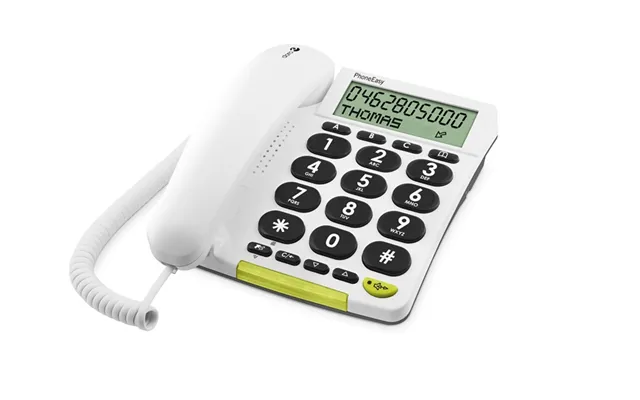
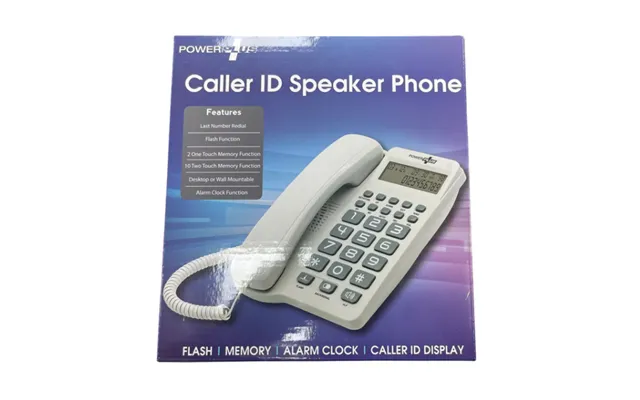
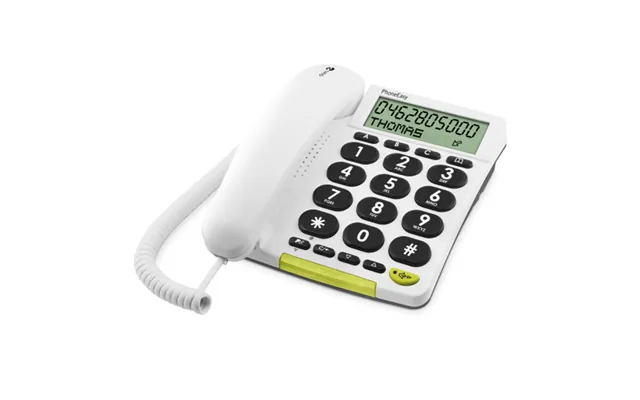
Standalone boxes plug between your phone and the wall socket. They typically show the caller’s number on a small screen, store a log, and sometimes include name display if your provider supports it. These units are ideal if you have a corded phone you love and simply want Caller ID without replacing the handset. Many offer large digits and backlighting to keep things clear across the room.
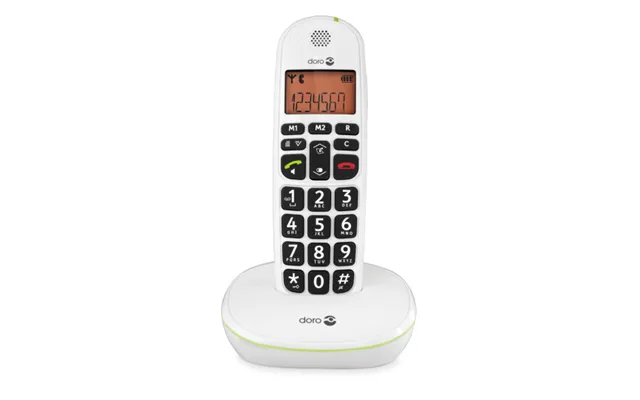
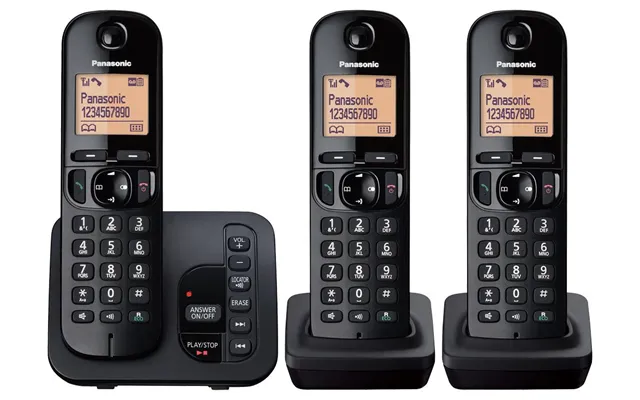
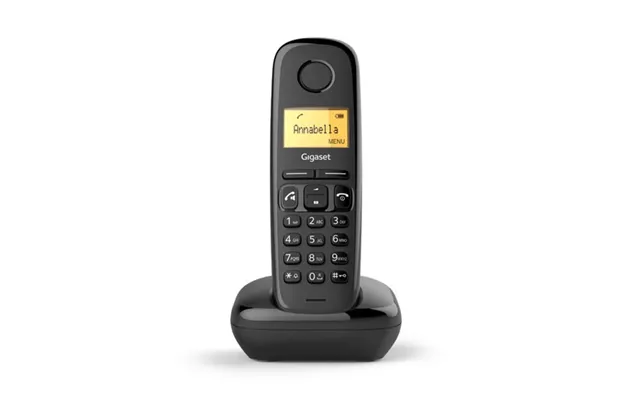
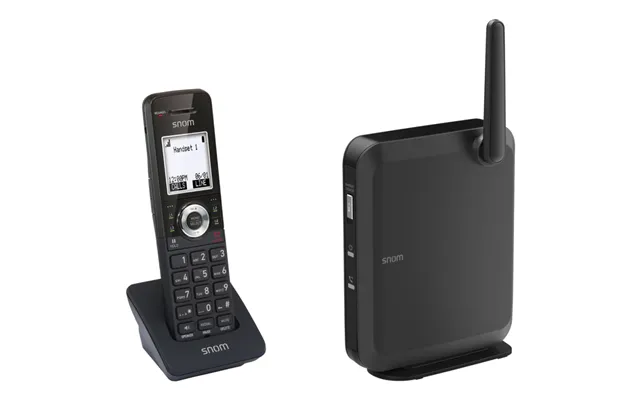
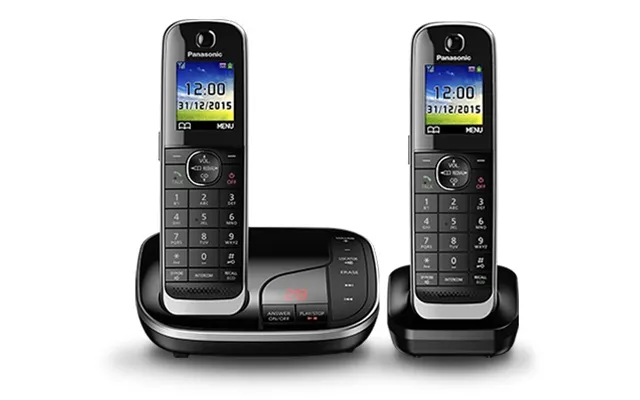
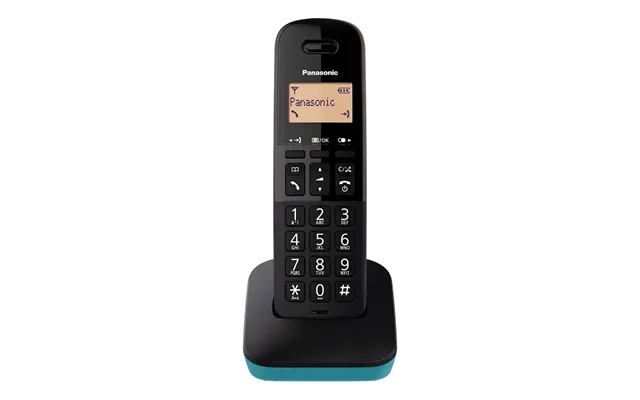
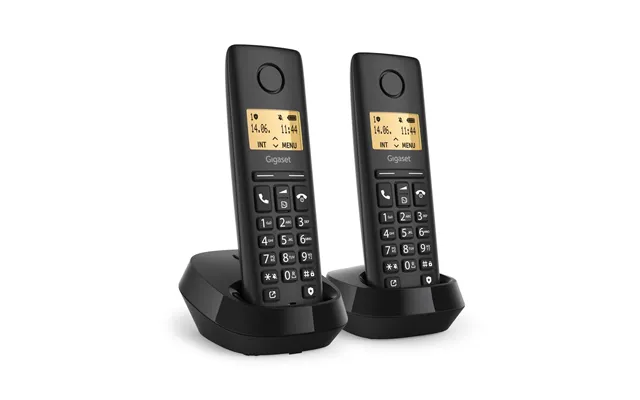
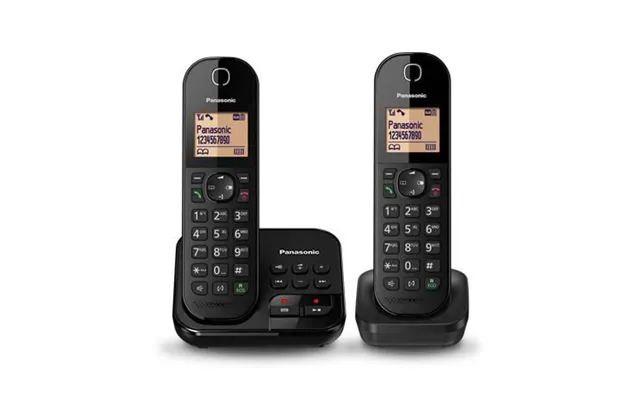
Cordless phone systems with integrated Caller ID are the most popular choice for homes and small offices. You get one base and multiple handsets that all show who’s calling. Look for expandable systems that support extra handsets, long battery life, and clear, backlit displays. Some models add call blocking, VIP lists, and talking caller ID for extra convenience.
If nuisance calls are your top headache, a dedicated call blocker is a game changer. These compact devices sit between your phone and the line, combining Caller ID with powerful blocking rules: block by number, area code, unknown caller types, or even entire ranges. Many include a big “Block Now” button—one press and that number never bothers you again. You’ll see these from specialist brands focused on combating spam calls.
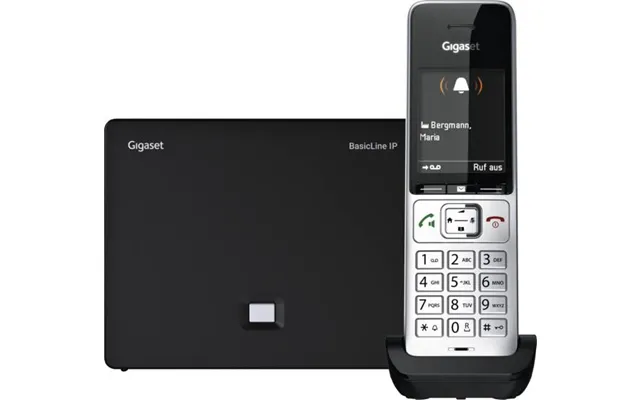
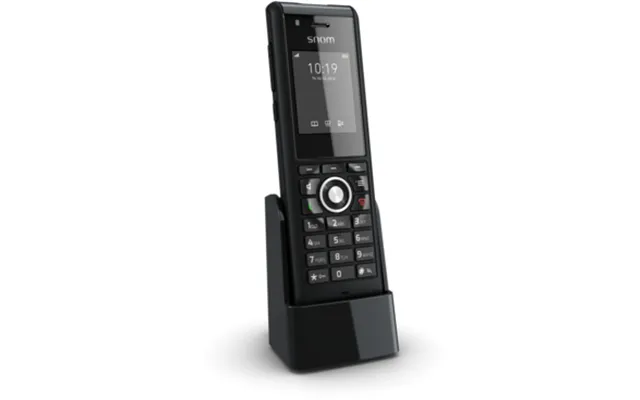
Using internet telephony? VoIP and SIP desk phones usually display caller information and may support advanced directories and logs. If your line comes via a router or adapter, confirm that your equipment passes Caller ID data correctly. Business-grade SIP phones often add multi-line support, big screens, and features like call parking and transfer—great for home offices and growing teams.
Specs pages can feel like alphabet soup. Focus on what makes everyday use easier and safer. The right features not only add comfort but also help you avoid premium price tags for fancy extras you’ll never touch.
A clear screen is a joy, especially in dim hallways or at night. Screens in the 1.6 to 3.4 inch range are common, with bigger digits and bold fonts on higher-end sets. Backlighting keeps names and numbers legible from across the room—no more squinting when the phone rings during a movie.
Look for call blockers that let you block unknown, private, and international numbers, or maintain VIP lists so family and key contacts always get through. Some systems offer “Do Not Disturb” schedules to silence the phone at bedtime while still allowing priority callers to ring through.
A generous call log saves time. Whether you’re screening missed calls or tracking business leads, having 30, 50, or even hundreds of entries can be handy. Some advanced phones also support downloadable phonebooks, so names display alongside numbers where supported.
If your home has multiple rooms or floors, multi-handset systems are a no-brainer. Many bases support up to 6 handsets (and some more), so you can keep one in the kitchen, living room, home office, and bedroom. Intercom and room-to-room calling features can save steps, too.
Cordless handsets rely on rechargeable batteries, usually AAA-style packs. Consider units that offer good talk time and standby time. Some Caller ID boxes and call blockers can run off the phone line itself, while others need wall power. If power cuts are common where you live, keeping a simple corded phone as a backup is a clever move because it can work off the line without mains power.
You’ll spot several trustworthy names when browsing Caller ID offers in the UK. Each brings its own strengths—design, call-blocking brains, or value pricing. While exact model availability changes, these brands consistently deliver solid options.
Well-known across the UK, BT-branded cordless phones often include robust nuisance call protection, intuitive menus, and clearly labeled buttons. Many models integrate “Do Not Disturb,” VIP lists, and talking caller ID. If ease of use tops your list, BT’s interface is one of the friendliest.
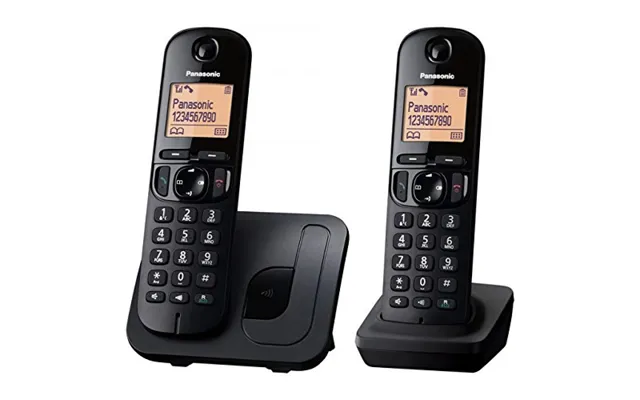
Panasonic cordless sets are prized for build quality and sound clarity. You’ll find bright backlit screens, ergonomic keypads, and reliable range. Higher-end models bundle advanced call blocking and large-capacity call logs, making them great for busy households and home offices.
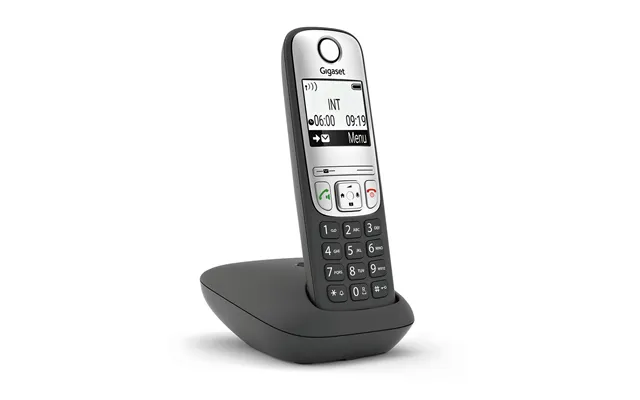
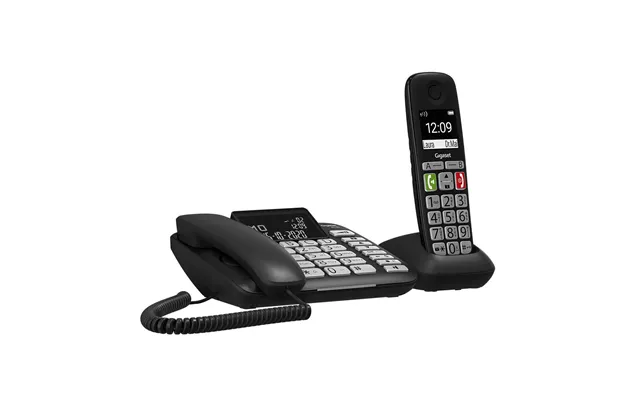
Gigaset (formerly Siemens) offers sleek DECT handsets with crisp audio and strong battery life. Many Gigaset phones support expandable ecosystems, letting you add handsets as your needs grow. If you want modern styling with dependable Caller ID, this brand is a safe bet.
Specialists in nuisance call prevention, CPR focuses on standalone blockers with powerful filtering. Their devices often feature a prominent “Block Now” button and pre-programmed spam lists that update periodically. Pair one with a favorite corded or cordless phone and enjoy peace of mind.
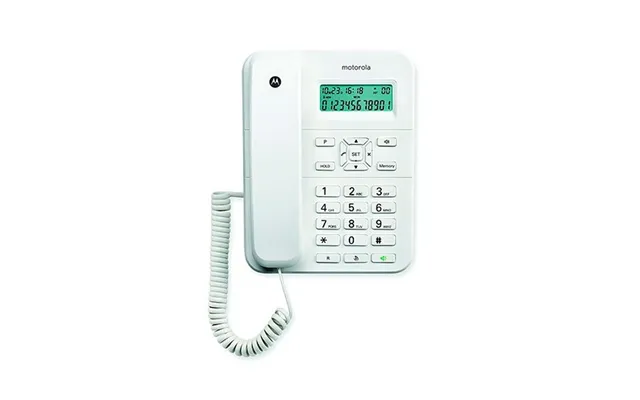
Motorola and VTech cordless phones offer competitive pricing without skimping on essentials like Caller ID, backlit displays, and multi-handset support. If you’re building a starter setup or outfitting a rental property, these deliver strong value per pound.
Caller ID should “just work,” but a few compatibility checks prevent surprises. Before you click buy, match your device to your phone service and home layout. A minute of prep here can save a lot of head-scratching later.
Most Caller ID products in the UK support the standard signaling used by major providers. If you’re on BT, Sky, or Virgin Media, you’ll typically get number display out of the box once Caller ID service is activated on your line. If you also want name display, check whether your provider supports it—name availability varies.
Running a small office with a PBX? Make sure your PBX passes Caller ID to extensions. Some PBX hardware needs specific configuration to preserve caller information. Look for Caller ID support in your PBX manuals, and confirm that your phones or blockers are compatible with multi-line environments.
If your landline runs through a router or ATA (analog telephone adapter), ensure that Caller ID is enabled and that your device passes the data correctly. Many VoIP setups support Caller ID beautifully, but settings can be buried. Firmware updates and the correct regional profile often fix odd display issues.
Good news: most Caller ID gear is plug-and-play. You won’t need a toolkit—just a little patience and a few minutes to follow the on-screen prompts or quick-start guide.
Before blaming your gear, confirm that your phone service includes Caller ID. Many providers offer it as a standard feature; others require activation. If numbers aren’t showing at all, this is the first box to tick.
Unplug your phone from the wall. Plug the wall line into the Caller ID box’s “Line” port, then connect the box’s “Phone” port to your handset. If it needs power, plug in the adapter. Most devices detect the line automatically—no wizardry required.
For cordless systems, charge your handsets fully, then follow the quick pairing steps to register each handset to the base. Many phones let you name handsets (“Kitchen,” “Office”) so you can spot where a call is picked up. If your home is spread out, look for repeaters to extend indoor range up to roughly 160 ft and outdoor range up to around 980 ft in ideal conditions.
Still not seeing numbers? Don’t worry. A few easy checks resolve most Caller ID mysteries. Think of it like tidying a messy drawer—small fixes make a big difference.
Verify Caller ID is active on your line. Try a different phone to rule out handset issues. If you’re using a VoIP adapter, confirm regional settings and update firmware. Swap out old telephone cords—worn cables can cause intermittent data loss.
Numbers usually display more consistently than names. If you want names, check whether your provider supports name delivery, and confirm your phone or box supports it. Some phones match incoming numbers to your stored contacts to display names even when the network doesn’t send them.
Long, low-quality extension cords can degrade signal and Caller ID reliability. Keep cable runs short and tidy. Avoid running phone lines parallel to power cords where possible. If you hear hum or static, try a different socket or filter.
If you love a good bargain, comparing popular offers is the fastest route to savings. You can scan multiple retailers, check price history, and zero in on features you actually need—without paying for bells and whistles that don’t help.
Seasonal promotions—think big shopping weekends or post-holiday clearances—often include home electronics like Caller ID phones and blockers. If you’re not in a rush, waiting for these windows can cut costs significantly.
Buying individual handsets adds up. Multi-handset bundles typically cost less per handset and ensure full compatibility. If you plan to expand, choose a system that supports at least 4 to 6 handsets so you won’t need a second base later.
Caller ID devices are generally reliable, but support is your safety net. Check warranty terms and look for brands known for clear manuals and accessible online help. Replacement batteries and accessories should be easy to find, too.
Caller ID is your first line of defense against spam and scams. Combined with smart call blocking, it turns your phone into a gatekeeper. You’ll spend more time chatting with people you care about and less time hanging up on robocalls.
Many devices let you silence or block calls without a valid number, including withheld or international calls. If you’re worried about missing legitimate international callers, use a whitelist so important contacts still ring through.
Anonymous call rejection screens calls lacking proper Caller ID. Create a whitelist for family, friends, and key clients so their calls bypass filters. This combo preserves access while crushing nuisance calls.
When a spammer slips through, one-touch blocking puts them on your do-not-disturb list forever. Over time, your device builds a tailored shield that mirrors your real calling patterns. It’s like training a guard dog—smarter every day.
Caller ID is evolving beyond a simple number on a screen. Today’s systems blend with smart homes and internet services, shaping a call experience that’s safer, smoother, and more connected.
Some phone systems and VoIP services can announce callers via smart speakers or show them on smart displays. Picture glancing at your living room screen to see who’s calling without reaching for the handset—simple, frictionless, and very modern.
Apps can flag spam on mobiles, but dedicated landline hardware still shines for households and offices that need reliable coverage, long battery life, and loud, clear ringers. For many, the best setup is hybrid: mobiles for on-the-go calls, landlines with Caller ID and blocking for the home base.
Feeling spoiled for choice? Use your calling habits as your compass. Do you run a side business from home? A DECT system with multiple handsets, a big call log, and built-in blocking is a workhorse. Love your corded phone? Add a standalone Caller ID box or a call blocker for instant control. On VoIP? Make sure your adapter and phone pass Caller ID cleanly, then pick a SIP or DECT set that fits your space.
Also consider your layout. In larger homes, prioritize range and extra handsets. If you often take calls after dark, a bright backlit display is a must. And if nuisance calls top your list, invest in a reliable blocker—you’ll get your peace and quiet back fast.
Caller ID isn’t just a number on a screen. It’s clarity, control, and calm—especially when paired with smart call blocking. Whether you want a simple standalone box, a feature-packed cordless set, a specialist blocker, or a VoIP-friendly desk phone, there’s a deal out there that fits your budget and your life. Use comparison platforms to scan popular offers quickly, weigh the features that matter, and buy with confidence. The result? Fewer interruptions, better conversations, and a phone setup that truly works for you.