All categories
Business & Offices
Electronics & Media
Fashion & Accessories
Groceries & Essentials
Health & Personal Care
Home & Living
Kids & Family
Sports & Outdoors
Search in ZoneOffer

Loading...
We’ve all been on that call where somebody’s voice sounds like it’s coming from a tunnel and their video looks like it’s been recorded through a fogged-up window. The right video conferencing gear fixes that fast. A solid camera, a confident microphone, and a few smart accessories can make you look and sound like you belong in the boardroom—even if you’re calling from your spare bedroom.
Think of your setup as a small studio. Your camera captures detail and tone, your microphone carries your voice clearly, your speakers help you hear every nuance, and lighting makes you look vibrant instead of washed out. Good gear respects your time and your audience’s attention. Nail these four and you’ll feel the difference in every meeting, pitch, interview, and training session.
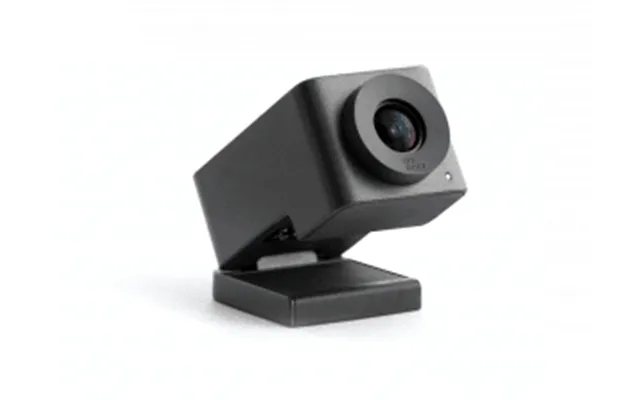
A modern USB webcam is the fastest way to upgrade your calls. From budget-friendly 1080p options to premium 4K models with AI framing, the landscape is packed with choices. Popular lines include Logitech Brio, Elgato Facecam, Razer Kiyo Pro, Microsoft Modern Webcam, and AVerMedia PW series—each with different strengths around low-light performance, color accuracy, and frame rate. The magic is in pairing the right lens and sensor with your lighting and desk layout.
Here’s the truth: 1080p done well often beats 4K done poorly. If you have decent lighting and sit 2–4 ft from the camera, a sharp 1080p webcam with good HDR can look fantastic. Step up to 4K if you crop, demo physical products, or want extra headroom for AI zoom and framing. If your platform compresses hard, prioritize sensor quality, color, and low-light handling over raw resolution.
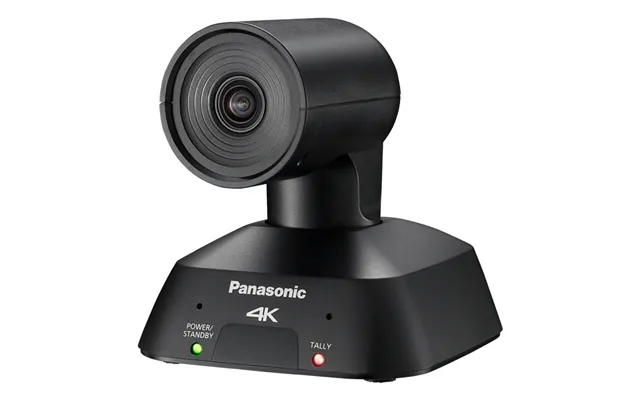
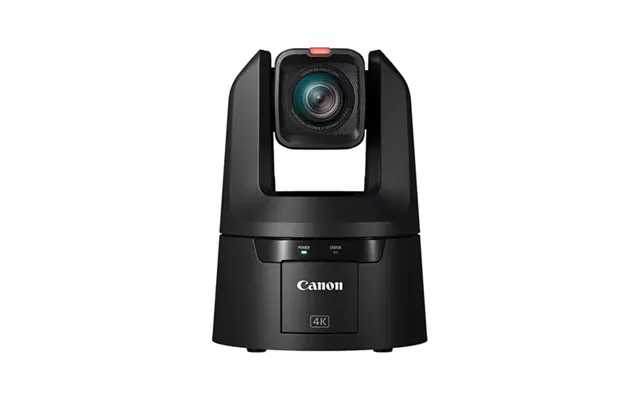
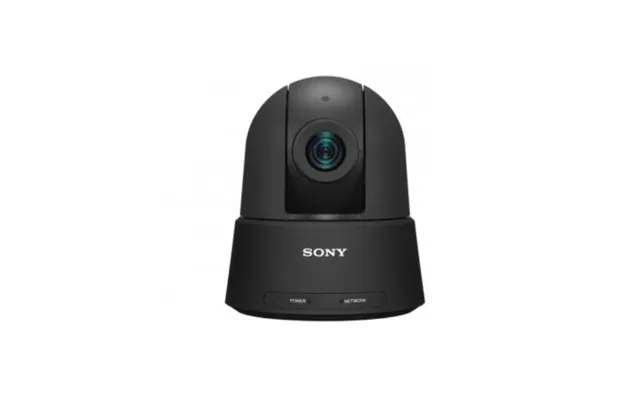
When you’re covering a larger table, a single personal webcam won’t cut it. Dedicated conference cameras widen the field of view, handle tricky lighting, and keep faces sharp across the room. PTZ (pan-tilt-zoom) systems go a step further, letting you smoothly move the frame or zoom in on speakers with optical clarity. These are built for reliability in meeting rooms, training spaces, and classrooms.
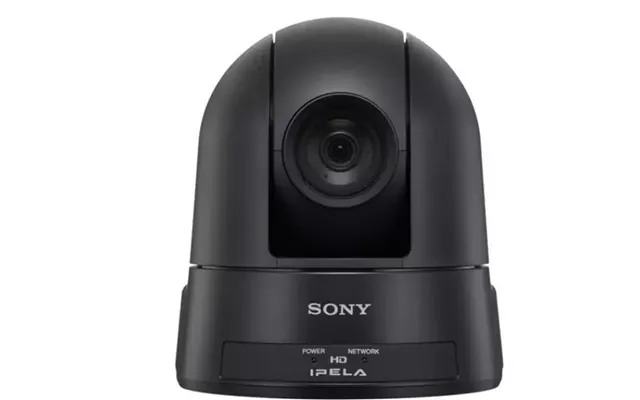
If your participants sit 6–20 ft from the lens, or you need to present a whiteboard across the room, optical zoom becomes essential. USB webcams rely on digital zoom, which can get mushy. PTZ models from brands like AVer, Logitech, Yealink, and Sony maintain detail while reframing. Look for presets so you can jump between “speaker,” “table,” and “whiteboard” views with a single click.
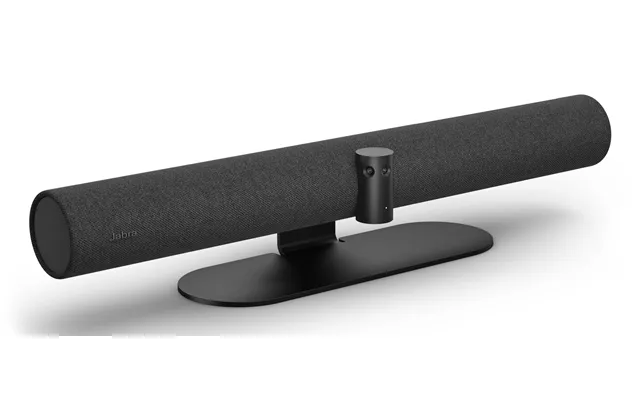
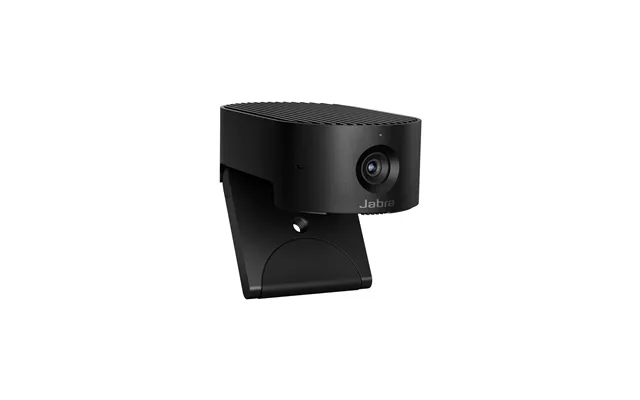
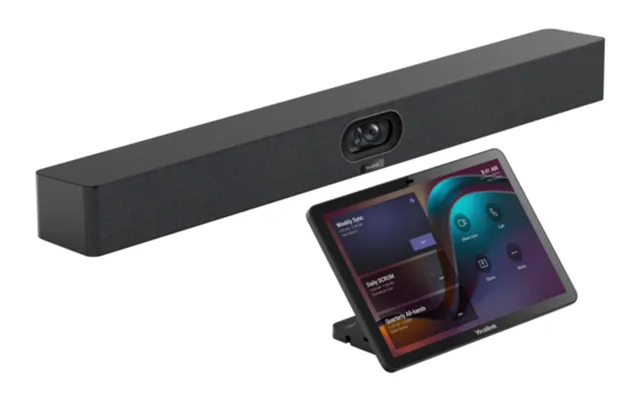
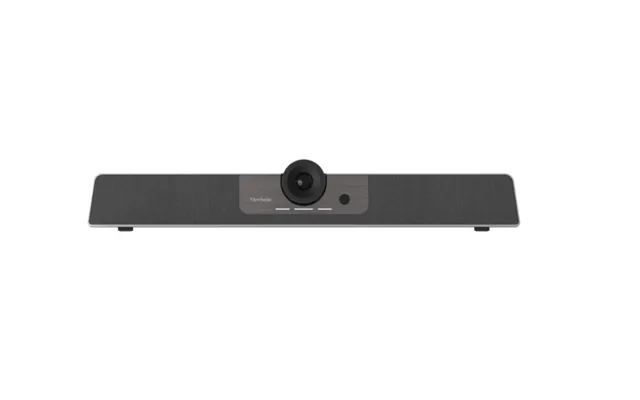
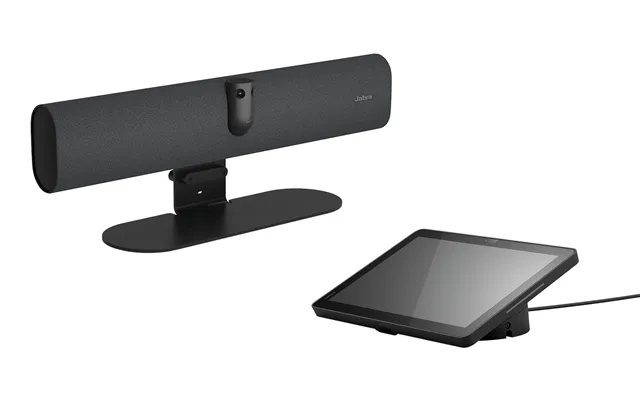
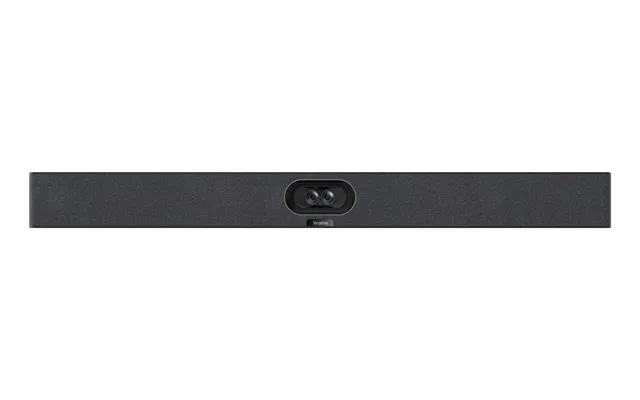
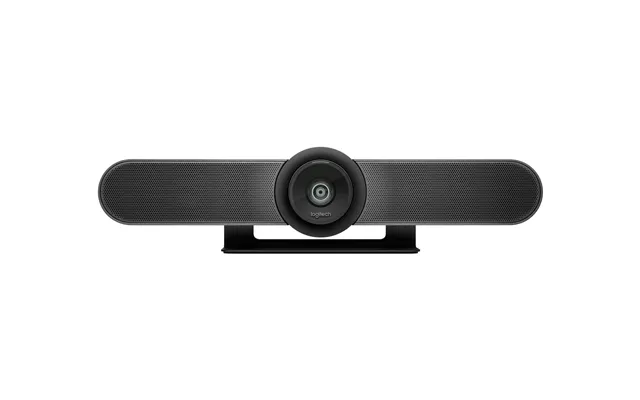
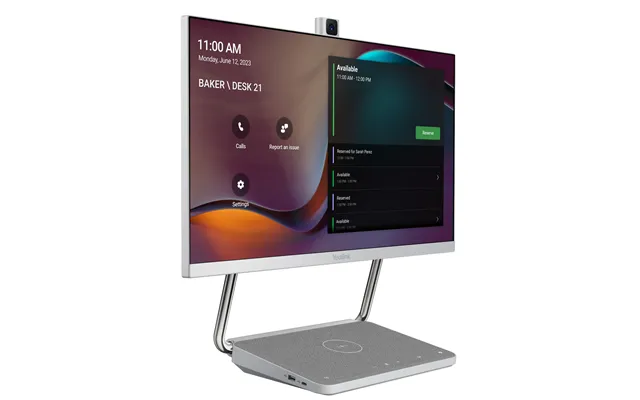
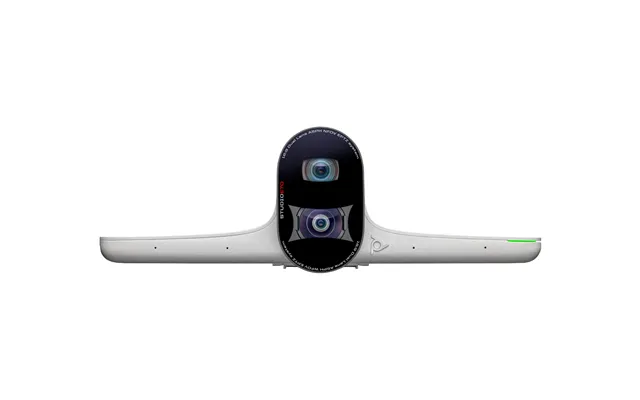
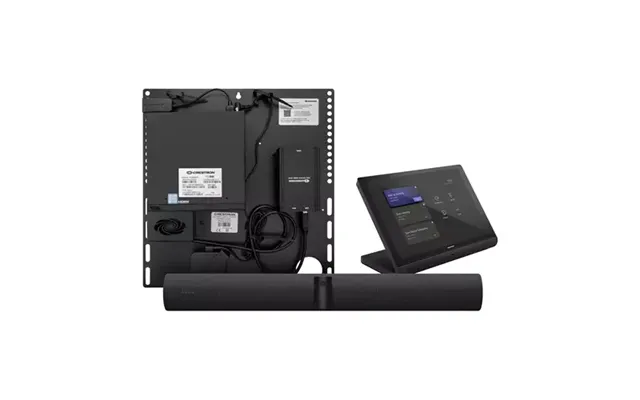
Video bars bundle a camera, microphones, speakers, and often compute into one streamlined unit you mount under a display. They look clean, set up quickly, and can shrink a tangle of cables into a single connection. Great choices include Logitech Rally Bar, Poly Studio P15 and Studio X series, Jabra PanaCast 50, and Yealink A20/A30—each tuned for different room sizes.
For huddle spaces and small rooms, compact bars like Poly Studio P15 or Yealink A20 offer simple mounting and strong voice pickup within 8–12 ft. Medium rooms benefit from Logitech Rally Bar or Jabra PanaCast 50, which add beamforming mics and smarter framing. Larger rooms often need modular kits: separate PTZ camera, table mics, and ceiling speakers for even coverage without clutter.
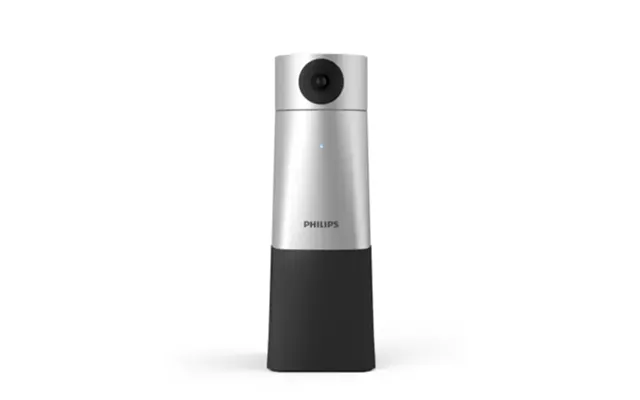
If people ask you to repeat yourself, you don’t have a video problem—you have an audio problem. A good speakerphone or desktop mic removes echo, tames reverb, and lifts your voice above keyboard clatter. Jabra Speak, Poly Sync, Anker PowerConf, and Yamaha models are popular for clear speech and easy connectivity. For individual use, a broadcast-style USB mic can sound rich and professional without much tweaking.
USB speakerphones are plug-and-play and avoid wireless hiccups, making them reliable for desktops. Bluetooth models add flexibility for laptops and phones, handy if you move between rooms or share devices. Many units do both. If your room is echoey—lots of glass or bare walls—prioritize models with strong echo cancellation and consider adding soft furnishings to reduce reflections.
A quality headset is the stealth MVP of video calls. It isolates your voice, blocks distractions, and keeps your audio consistent even if you turn away from the mic. Wireless headsets like Jabra Evolve2, Poly Voyager, Logitech Zone, and EPOS Adapt lines are common picks, with on-headset mute and busy lights to signal “in a meeting” without saying a word.
Active Noise Cancellation (ANC) reduces background rumble so you concentrate longer. Comfort matters, especially for all-day wear—look for plush ear pads, adjustable headbands, and a weight that doesn’t pinch. Battery life of 20–40 hours covers a full week of meetings for many users. If you’re on marathon calls, a charging stand makes topping up effortless between sessions.
Lighting determines whether your camera captures crisp detail or murky blur. If your face is lit from the front and slightly above eye level, almost any camera looks better. Avoid strong backlight from windows; if you can’t, use HDR and add a key light to balance it. For backgrounds, aim for clean and calm. A little depth behind you—say 3–6 ft—adds a cinematic look.
Ring lights are affordable and forgiving for close-up work, while rectangular key lights deliver more directional control and natural catchlights. Mount a light roughly 10–15 inches above eye level and angle it down to flatter facial features. Frame yourself with eyes about one-third from the top of the image, shoulders visible, and a bit of headroom. It reads polished without feeling staged.
Small upgrades stack up. A sturdy mount eliminates wobble. A short boom arm lets you place a mic where it picks up your voice, not your desk. A privacy shutter or lens cap gives you instant peace of mind, and a simple backdrop can clean up a busy room without renovations. These touches help you look consistent, meeting after meeting.
Put your webcam at eye height—usually 4.5–5 ft off the floor for standing or aligned with seated eye level for desk work—to avoid unflattering angles. If your laptop sits low, a clamp mount or mini tripod fixes it. Use a quality USB hub if you’re connecting multiple devices, and keep cable runs tidy with Velcro ties. Shorter, well-routed cables reduce interference and accidental tugs.
Good hardware shines with smart software. Apps from major camera makers let you tweak exposure, color temperature, and background blur. Many devices integrate directly with platforms like Zoom, Microsoft Teams, Google Meet, Webex, and Slack huddles so features like mute sync and call controls just work. Check official certifications if your company standardizes on a specific platform.
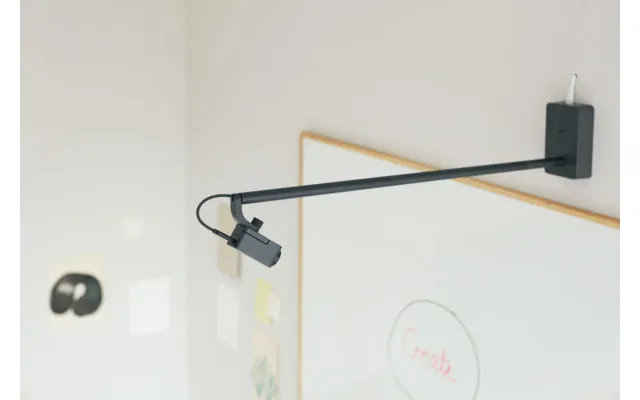
AI tools are seriously useful now. Auto-framing keeps you centered if you move. Speaker tracking jumps to whoever’s talking in a room. Noise suppression reduces keyboard taps and HVAC hum. Some cameras offer whiteboard modes that flatten angled views so remote viewers can read notes clearly. These aren’t gimmicks; used well, they reduce friction and keep meetings focused.
Your video is only as smooth as your connection. A wired Ethernet link beats Wi‑Fi for stability, especially in busy offices or apartment blocks. For USB, USB 3.0 improves bandwidth-hungry 4K streams, while USB-C simplifies cabling. If you’re routing through docking stations, keep camera and mic on ports with adequate power and throughput to avoid dropouts.
Some conference cameras output USB for soft clients and HDMI for in-room displays, which is handy when you need both local and remote audiences. If you split signals, ensure your hub or switch supports the resolution and frame rate you need. For dual-device redundancy, you can connect the same speakerphone to a laptop and a phone via Bluetooth as a backup. It’s a simple insurance policy.
Security isn’t just for IT. It’s for anyone sharing sensitive screens and conversations. Stick with reputable brands that publish firmware updates and security notes. Keep your device app up to date and enable password or PIN protection where available. Good device management today prevents ugly surprises tomorrow.
A physical mute button and camera shutter are tiny features that matter a lot. You can see and feel when your mic is off or your lens is covered, no guesswork. In shared spaces, a lens cover discourages accidental oversharing. If you regularly discuss confidential information, consider headsets and cameras with visible status lights so everyone knows when recording is active.
Match your gear to your space and you’ll get better results. A tight home office behaves differently than a glass-walled meeting room. Treat each environment like a mini project: how far are faces from the camera, how reflective are surfaces, and how many voices need to be heard? Answer those and your shopping list almost writes itself.
For a single desk, use a 1080p or 4K webcam at eye level, a compact USB mic or speakerphone, and a small key light. Huddle rooms seating 3–5 people within 6–10 ft of the camera do well with an all-in-one video bar. Medium rooms up to roughly 15–20 ft deep benefit from a PTZ camera and distributed table mics. Large rooms need ceiling mics, a PTZ with optical zoom, and front-of-room speakers.
Spend first on audio. If people can’t hear you clearly, nothing else matters. Next, fund lighting so your camera can perform its best. Then choose a camera tier that matches your use case—no need to overspend if you rarely share a screen or present. Reliability and support matter; a slightly pricier, proven model can be cheaper than a bargain that fails on a big day.
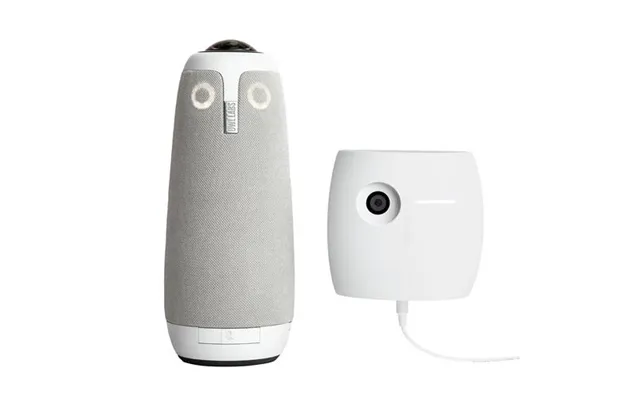
Entry-level webcams like Anker PowerConf C200 or Microsoft Modern Webcam deliver crisp 1080p for everyday calls. Midrange stars include Logitech Brio and Razer Kiyo Pro for better sensors and low-light chops. Premium options stretch to 4K with AI framing and great optics, like Elgato Facecam Pro or enterprise PTZ units. For rooms, consider Jabra PanaCast 50, Poly Studio series, Logitech Rally Bar, or Meeting Owl for 360-degree coverage in collaborative spaces.
Specs alone can be slippery; one maker’s “studio-grade” might be another’s “entry-level.” Compare real features you’ll use: mic pickup range, FOV, optical zoom, AI tools, and platform certifications. Watch for bundles that include mounts or mics you’d otherwise buy separately. Warranty length and software support can turn a good deal into a great one.
A dedicated comparison site like ZoneOffer lets you scan prices, specs, and promotions across multiple retailers without hopping tab to tab. It’s a quick way to narrow options by room size, connection type, or feature set, then jump to the retailer that fits your budget and delivery preferences. Less guesswork, more confidence, and fewer returns.
Even the best gear needs five minutes of tuning. Set exposure so your face isn’t blown out, tweak white balance so you look natural, and set audio levels to avoid clipping. Do a quick test call before big meetings. It’s like a soundcheck before a concert; you catch issues while they’re small, not while your audience is waiting.
Clean the lens with a microfiber cloth. Center the camera at eye level. Set a light to brighten your face, not your background. Mute notifications. Check your mic input in the app, not just the system. Close network-hungry programs. Keep water nearby. These small habits compound into a calm, confident presence on screen.
Video conferencing is moving toward smarter, simpler rooms and more natural conversations. You’ll see better voice isolation, automatic room tuning, and cameras that understand context—like who’s presenting and where content lives in the frame. Devices are also converging, with more compute at the edge to reduce complexity and boost reliability.
Spatial audio helps remote participants feel the room, making it easier to follow who’s speaking. AI will summarize notes, highlight action items, and adjust framing in ways that feel less robotic and more human. Interoperability across platforms continues to improve, so you can join the meeting you’re invited to without juggling extra boxes and cables.
Great video meetings aren’t an accident—they’re the result of choosing the right gear for your space and dialing in a few smart settings. Start with clear audio, add flattering light, and pick a camera that matches your distance and room size. Whether you’re outfitting a home office or a large boardroom, the right combination will make your message land every time. Compare your options, invest where it counts, and enjoy meetings that feel effortless.
| Video Conferencing | Price | |
|---|---|---|
| Creating Lively & Effective Meetings Online Training Course | £ 29,- | |
| Developing Teamwork Video Based Cpd Certified Online Course | £ 35,- | |
| Barco Clickshare Cs-100 Wireless Presenter 1x Button Grade Good Used | £ 163,- | |
| Logitech Group | £ 498,58 | |
| Logitech Group | £ 513,99 | |
| Kindermann Klick & Show K-fx Base Unit. Wireless Conferencing Syst | £ 819,89 | |
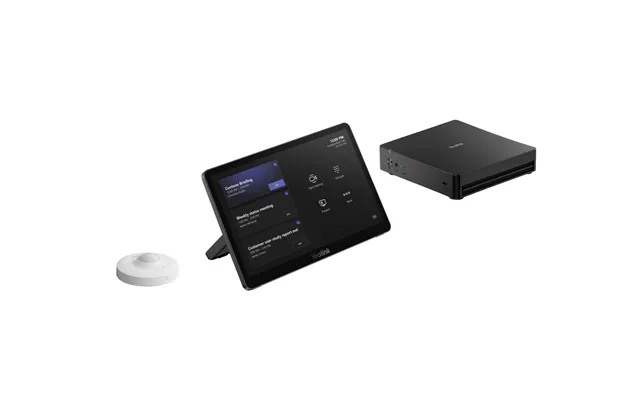
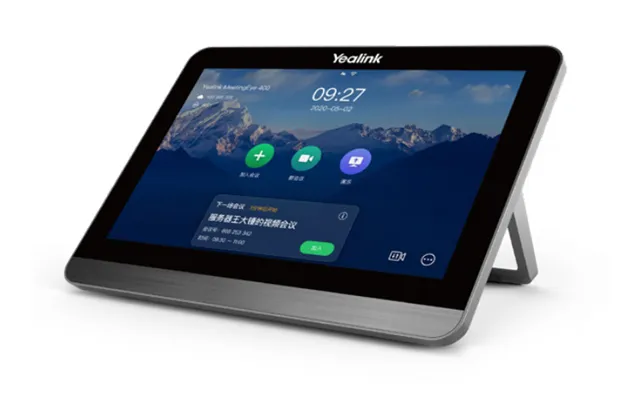
| Yealink Mtouch E2 For Mvc Series Room System | £ 907,99 | |
| Logitech Rally | £ 2.553,62 | |
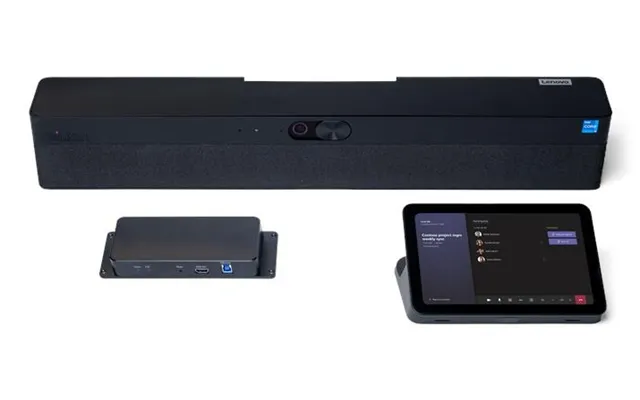
| Lenovo Thinksmart Core Gen 2 For Microsoft Team Rooms Video Conferenci | £ 2.811,99 | |
| Yealink - Mvc S80-c5u-000 | £ 3.953,81 |