All categories
Business & Offices
Electronics & Media
Fashion & Accessories
Groceries & Essentials
Health & Personal Care
Home & Living
Kids & Family
Sports & Outdoors
Search in ZoneOffer

Loading...
Remember when everyone thought laptops would take over the world? Then streaming, remote work, creative side-hustles, and competitive gaming turned the spotlight back on desktop computers. Desktops deliver raw power, silent cool, and easy upgrades without burning a hole in your wallet. You can get a faster processor, a real graphics card, multiple drives, and still keep things tidy on (and under) your desk. If you’re browsing a desktop computers price list and wondering where the real value hides, you’re in the right place. Let’s break down the specs, the models, and the popular offers worth your attention in the UK right now.
Ever looked at a spec sheet and felt like you’re decoding a secret message? It doesn’t have to be that way. A desktop’s “personality” largely comes from five things: the CPU, the GPU, the RAM, the storage, and the connectivity. The CPU is your multitasking brain; the GPU handles visuals and gaming; RAM is your short-term memory; storage is your long-term memory; and connectivity is how everything talks to each other. Once you know which of these matters most for your tasks—gaming, editing video, running spreadsheets, or all of the above—you can scan any price list and immediately spot a deal from a dud.
Choosing between Intel Core and AMD Ryzen is like picking between two excellent coffees—both are great, but your taste and budget matter. For most UK shoppers, an Intel Core i5 or an AMD Ryzen 5 hits the sweet spot for everyday work and light gaming. Step up to a Core i7 or Ryzen 7 if you want serious multitasking or high-frame-rate gaming. Creators who chew through 4K timelines or 3D renders should consider Core i9 or Ryzen 9 for extra cores and headroom. Integrated graphics are fine for office work and streaming, but if you game or edit video, pair that CPU with a dedicated GPU and you’ll feel the difference instantly.
Here’s where many people overspend. If you’re into esports or 1080p gaming, a card like an NVIDIA GeForce RTX 4060 or an AMD Radeon RX 7600 is already impressive. For 1440p gaming with higher refresh rates, look at an RTX 4070 or RX 7700-class card. Want 4K gaming or serious GPU-accelerated creative work? RTX 4080 and RTX 4090, plus AMD’s RX 7900 series, are the heavy hitters. More VRAM helps when you push higher resolutions or detailed textures, and features like ray tracing and AI upscaling can be game changers in modern titles and creative apps.
Think of RAM as your desktop’s working desk space. A clear desk means you’re fast and focused. For Windows machines, 16 GB is a great baseline for mixed use and gaming; 32 GB is comfortable for creators or heavy multitaskers. On storage, a fast NVMe SSD keeps your system snappy. A 512 GB SSD plus a 1 TB or 2 TB secondary drive (SSD or hard drive) balances speed with capacity. If you deal with big media libraries, consider multiple drives: one for the OS and apps, one for current projects, and a larger one for archives. Upgradable desktops let you add more later—always a smart move.
Not all desktop computers are big black boxes anymore. From sleek all-in-ones to tiny minis and RGB-packed gaming towers, there’s something for every space and workflow. Knowing which category fits your life saves time and money—and helps you focus on the right offers when you browse a comparison site.
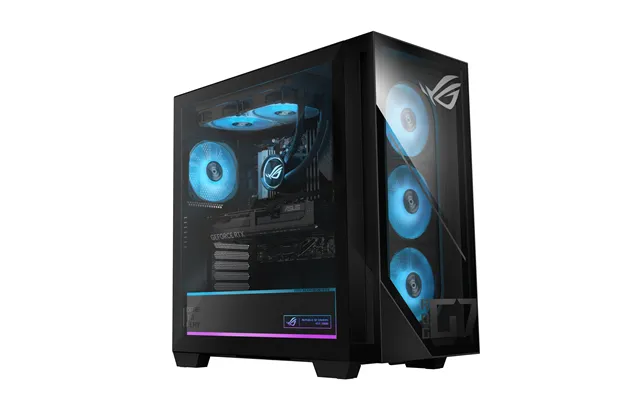
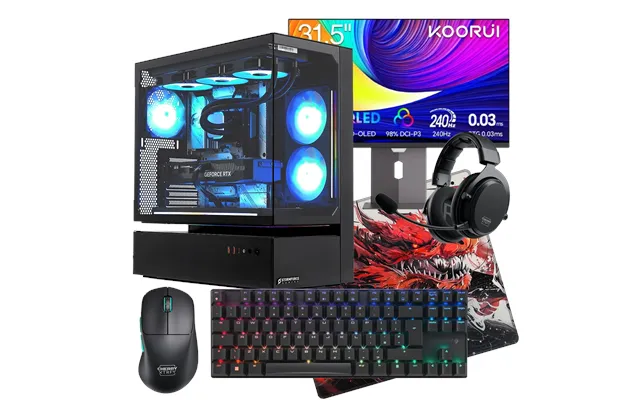
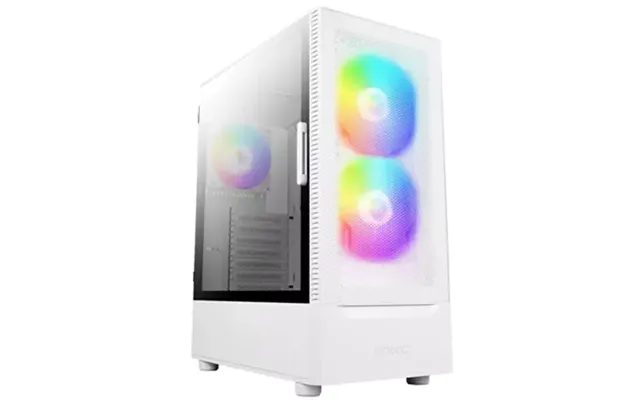
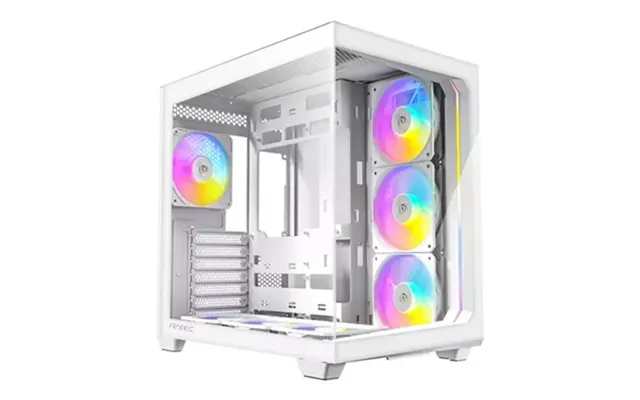
Prebuilt gaming PCs have come a long way. Today’s models often include strong CPUs like a Ryzen 7 or Core i7 paired with GPUs such as an RTX 4070, plus speedy SSDs and better power supplies. The perks? You get warranty coverage, neatly managed cables, and guaranteed part compatibility. Look for cases with good airflow, ideally with intake and exhaust fans around the roughly 4.7-inch size for calmer, cooler operation. Bonus points for tool-less panels that make upgrades painless. While RGB is fun, prioritize cooling, power delivery, and component quality first.
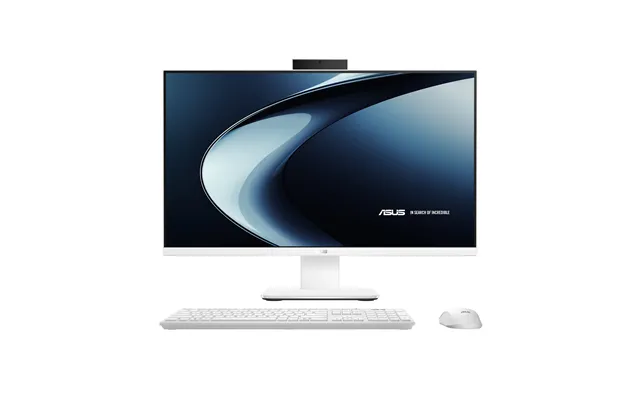
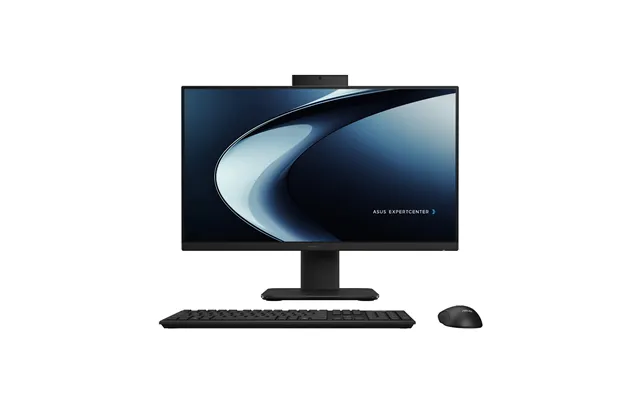
If you love clean desks, an all-in-one gives you a screen and computer in one tidy shell. A 24-inch or 27-inch display suits most home offices, while content creators may prefer 32 inches for extra canvas. All-in-ones excel at space-saving and simplicity, perfect for email, web, docs, and light creative work. They’re not as upgradable as towers, so buy with enough RAM and storage from the start. If you’re eyeing one for family use, integrated webcams and solid speakers are a plus.
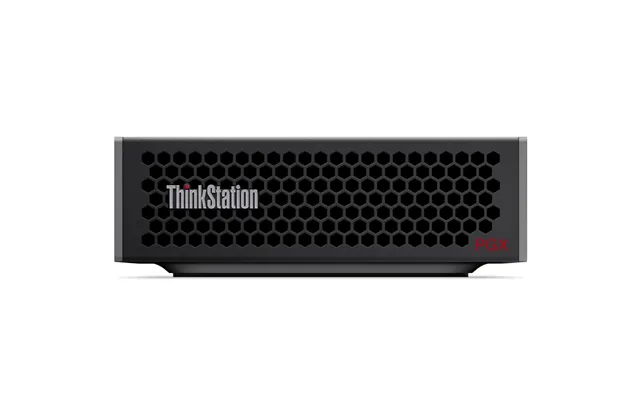
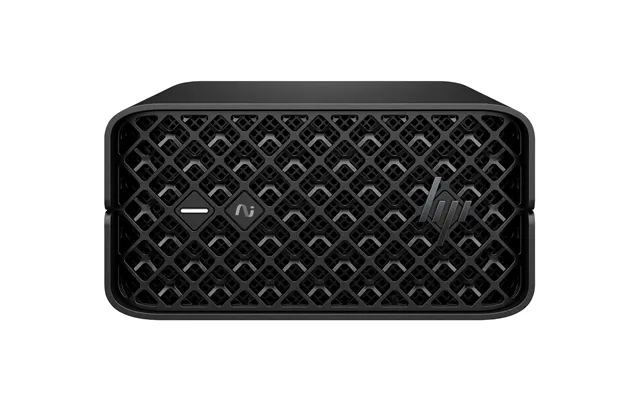
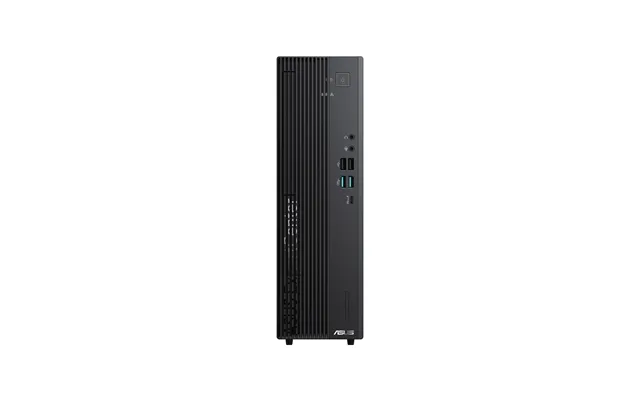
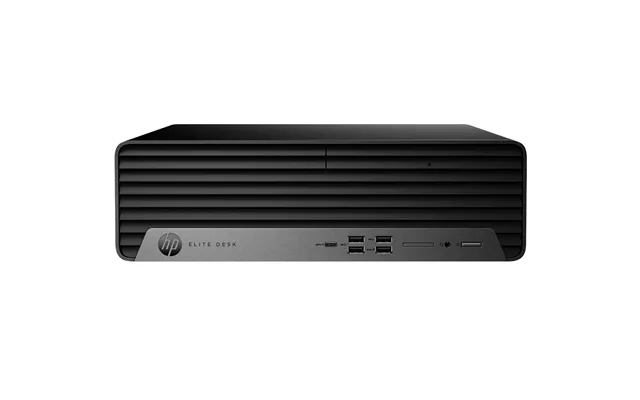
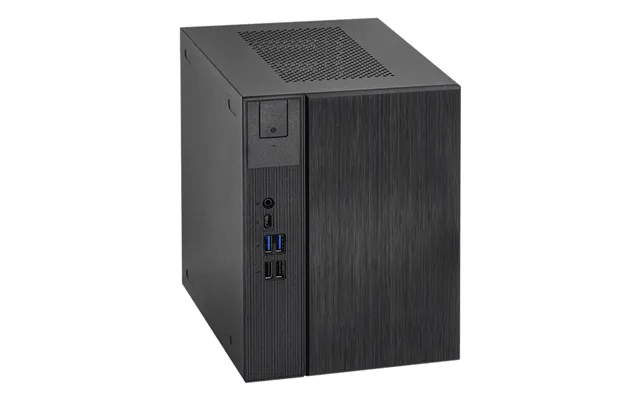
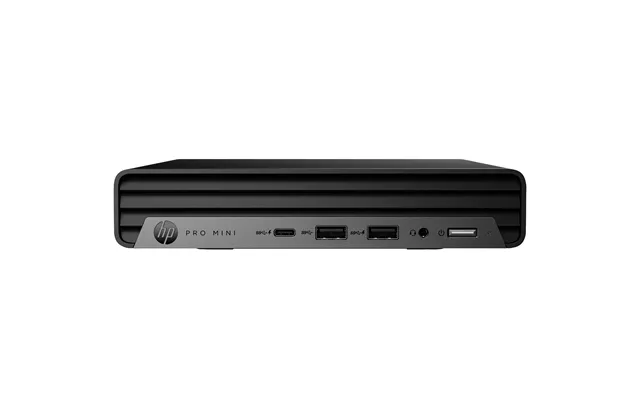
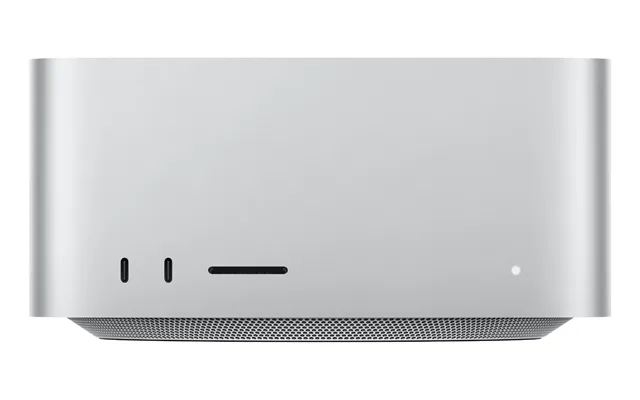
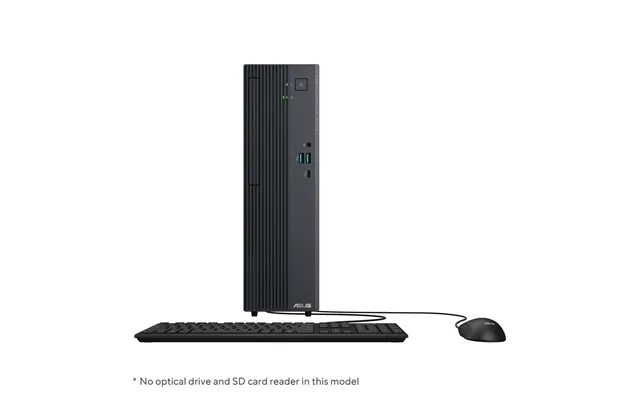
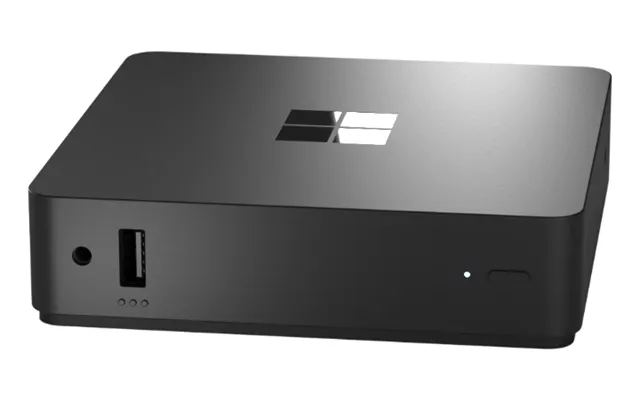
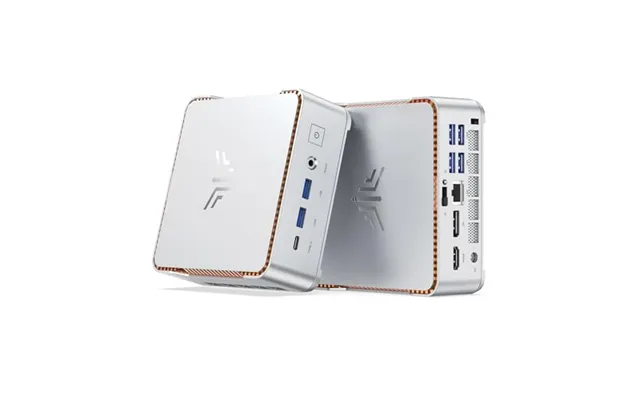
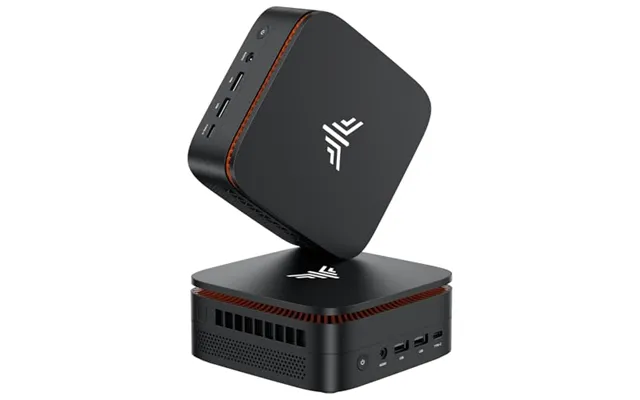
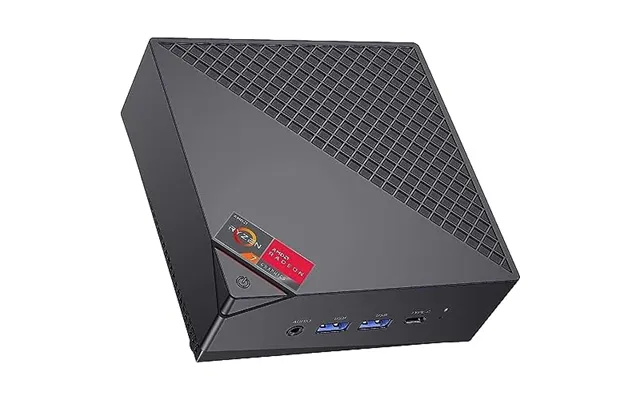
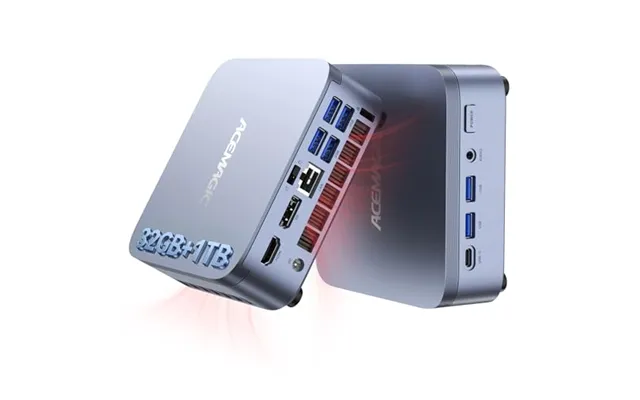
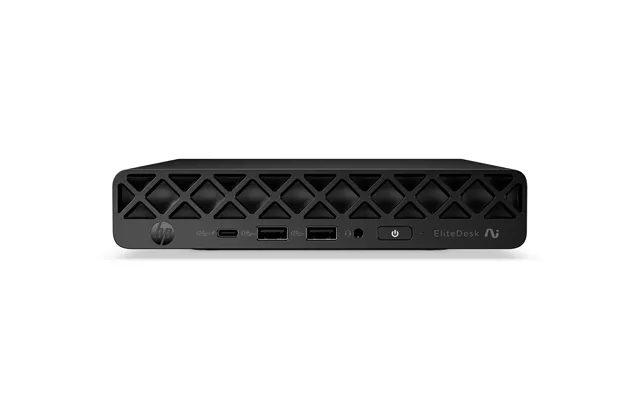
Need power without a giant case? Mini PCs are the stealth heroes of home offices and living rooms. Many attach behind a monitor and disappear entirely. Choose models with modern CPUs, dual-channel RAM support, and room for at least one NVMe SSD. Some small-form-factor towers even fit full desktop CPUs and low-profile GPUs, giving you more punch than you’d expect from a machine that could sit on a bookshelf. They’re great for media centers, coding, light content creation, and casual gaming.
Video editors, designers, 3D artists, and engineers need horsepower and stability. A workstation tower with a Ryzen 9 or Core i9, high-end GPU (RTX 4080 or 4090, or a pro-grade card), 32–64 GB of RAM, and multiple SSDs will chew through demanding timelines and simulations. Quiet cooling and a quality power supply matter just as much as raw speed, especially if you need to rely on the system for client work. If you keep huge libraries, consider RAID or at least a robust backup strategy using a NAS and an external drive.
On a tighter budget? Refurbished ex-business towers can be incredible values, especially when paired with a modest discrete GPU for gaming or creative acceleration. Look for units with SSDs, at least 16 GB of RAM, and a power supply that can handle a mid-range graphics card. Refurbs often come with a warranty from the seller, and you can upgrade storage and RAM yourself to tailor performance without overspending.
Modern desktops have quietly added features that make everyday life better. Wi‑Fi 6E improves wireless speeds and stability, Bluetooth 5.3 lowers latency for peripherals, and 2.5G Ethernet future-proofs your wired connection. USB‑C and USB 4 (or Thunderbolt 4) simplify high-speed transfers and docking. Inside, PCIe 4.0 and 5.0 support lightning-fast SSDs and next-gen GPUs. Don’t sleep on cooling either—well-placed intake and exhaust fans, dust filters, and smart fan curves keep noise down while protecting your investment. If the case has room for a roughly 9.4-inch or 14.2-inch radiator, even better for all‑in‑one liquid coolers.
Benchmarks shouldn’t be mystifying. Cinebench gives a quick look at CPU muscle, 3DMark helps compare graphics performance, and real‑world suites like PugetBench show how systems handle popular creative apps. The secret is to compare like for like. If you’re targeting 1440p gaming, find tests at that resolution. If you edit in Premiere Pro, look for benchmarks in that exact software. Mix that with price checks and you’ll uncover the best price-to-performance sweet spots on any comparison site you use.
Here’s a truth the glossiest ads often skip: a powerful PC that runs hot and loud won’t feel premium. Air cooling with a couple of roughly 4.7‑inch fans can be whisper-quiet with the right case and fan curve. All‑in‑one liquid coolers with roughly 9.4‑inch or 14.2‑inch radiators bring extra thermal headroom for high‑end CPUs. Choose a power supply with enough wattage and an 80 PLUS rating for efficiency and lower heat. If your desk sits in a warm room or a tight corner, prioritize airflow-first cases and consider adding one more case fan to help keep temps in check.
Before you buy, picture your setup. How many monitors do you run—one 27‑inch, or dual 32‑inch panels? Make sure the GPU has the right mix of HDMI 2.1 and DisplayPort outputs. For creators, an SD or microSD reader is a lifesaver. For streamers, front‑panel USB and a 3.5 mm headset jack are priceless. Internally, you want at least one open slot for future storage and a couple of free SATA ports if you keep large media archives. If you might add a capture card or a faster network card, confirm there’s an open PCIe slot. It’s like buying a house—room to grow matters.
Let’s make it concrete. Suppose you want a family desktop for homework, light photo edits, and streaming. A machine with a Core i5 or Ryzen 5, 16 GB of RAM, integrated graphics or a modest GPU, and a 512 GB SSD plus a 1 TB drive is more than enough. You can aim for a compact tower or an all‑in‑one with a 24‑inch display to keep the footprint tidy.
Now imagine you’re a gamer who wants smooth 1440p performance. Look for a prebuilt with a Ryzen 7 or Core i7, an RTX 4070, 16–32 GB of RAM, and at least a 1 TB NVMe SSD. Pair it with a 27‑inch high‑refresh‑rate monitor and you’re set. If you also dabble in streaming or editing, bump RAM to 32 GB for headroom.
Creators working with 4K video or complex motion graphics should target a Ryzen 9 or Core i9, RTX 4080 or 4090, 32–64 GB of RAM, and dual NVMe SSDs—one for projects, one for scratch/cache—plus a large HDD or SSD for archives. A quiet case with generous airflow and a quality 80 PLUS Gold or better power supply keeps the system stable under load. For displays, a calibrated 27‑inch or 32‑inch 4K monitor with good color coverage is a worthy investment.
Names you’ll often see in UK price lists include Dell (XPS Desktop for premium all‑rounders), HP (Omen for gaming, Pavilion for everyday), Lenovo (Legion Tower for gaming, ThinkCentre for business), Acer (Predator and Nitro lines), ASUS (ROG towers), MSI (gaming towers), and Apple (iMac and Mac mini for streamlined setups). Each brand has strengths; what matters most is the specific configuration—CPU, GPU, RAM, SSDs—and the overall build quality. Always cross‑check configurations against your needs rather than chasing the flashiest case or the catchiest model name.
Hunting for a bargain shouldn’t feel like a full‑time job. That’s why comparison sites are so useful: they pull together popular offers across retailers so you can see real differences in price, specs, and availability at a glance. A comparison platform like ZoneOffer helps you filter by CPU, GPU, RAM, storage, and more, then track price drops and new bundles as they appear. Instead of hopping between a dozen tabs, you can shortlist your favourites, compare equivalent builds side‑by‑side, and jump on a deal the moment it pops up.
Want to stretch your budget further? Consider last‑gen GPUs—they often deliver stellar performance for hundreds less once a new model lands. Prioritize the CPU and GPU; you can always add more RAM or storage later. Skip unnecessary add‑ons like excessive RGB or novelty cases if you’re value‑focused. Open‑box or refurbished units from reputable sellers can be gems, especially when they include a warranty. And if you’re comfortable swapping parts, buying a model with a smaller SSD and adding your own larger drive can be a quick win.
Your desktop is only as good as what you plug into it. For most people, a 27‑inch monitor balances space and clarity; creators or spreadsheet warriors might prefer 32 inches for extra room. Gamers should look for a high refresh rate and adaptive sync. A comfortable mechanical keyboard and an ergonomic mouse can transform long workdays. Don’t forget sound—whether it’s a set of compact speakers or quality headphones. A small UPS can protect your system from sudden power cuts, and a decent webcam plus a simple ring light can make remote meetings look ten times better.
Even the best desktops need a little TLC. Keep your OS and drivers updated, clear dust from filters and fans every few months, and set up automated backups to an external drive or NAS. Use a password manager, enable two‑factor authentication, and keep antivirus tools current. Small habits add up to a machine that feels fast and dependable for years, not months.
Future‑proofing isn’t about buying the most expensive build; it’s about choosing the right upgrade paths. Pick a motherboard with spare M.2 slots and enough RAM slots to double your memory later. Get a case that fits another drive or two and has space for extra fans or a larger radiator if you upgrade the CPU. Ensure the power supply has extra headroom and the right connectors for a future GPU. These small choices let you evolve your system instead of replacing it.
A great desktop should feel like it was built for you: fast where it counts, quiet under pressure, and easy to grow into. Whether you’re eyeing a sleek all‑in‑one, a compact mini, or a fire‑breathing gaming tower, the smart move is to match specs to your real‑world tasks—and to compare, compare, compare. Scan those popular offers, read the fine print in every desktop computers price list, and use a trusted comparison site to stack deals side‑by‑side. When you do, the right PC stands out immediately, and you’ll lock in performance that keeps up today and tomorrow.

| £ 2.799,61 |