

Thin Client Computers price list
Last updated Monday, 19 Oct 2026




View 26 Offers



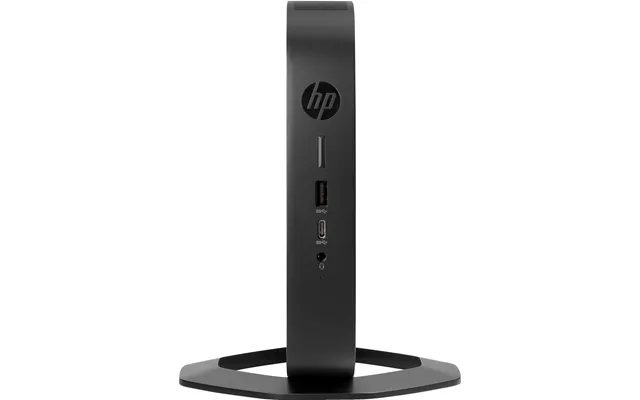
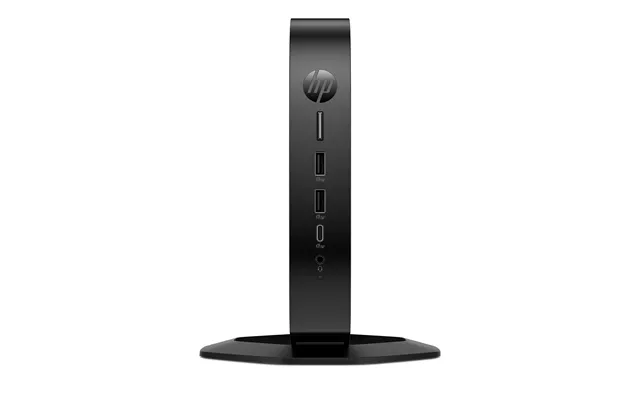
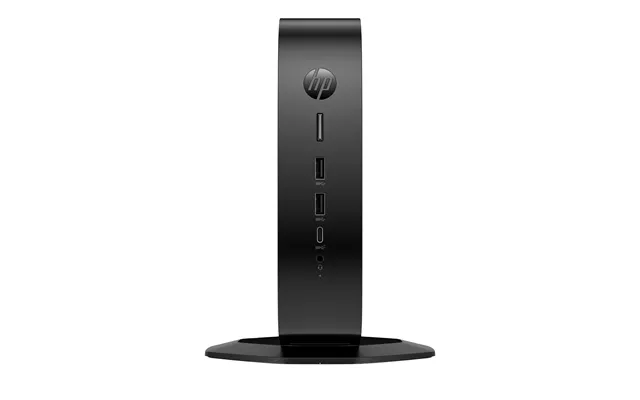
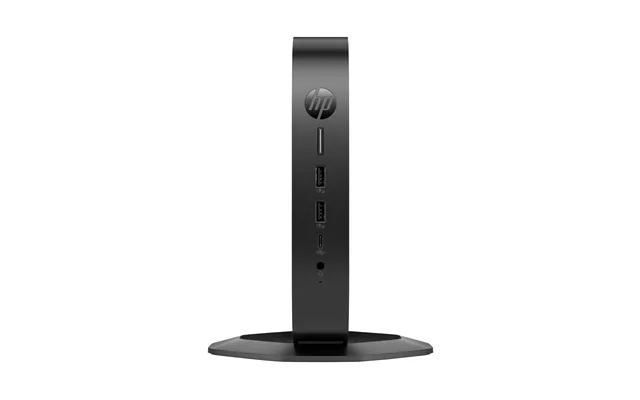

Loading...
Last updated Monday, 19 Oct 2026
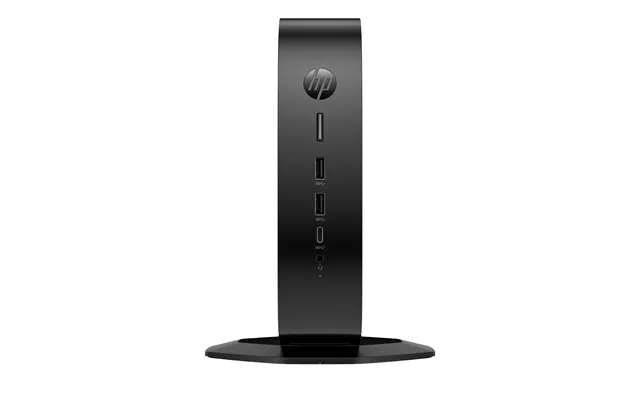
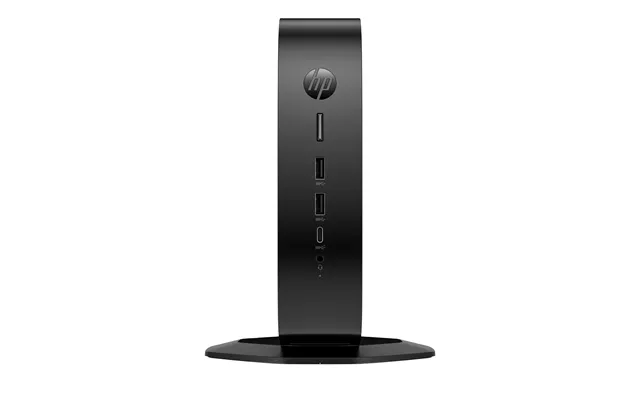
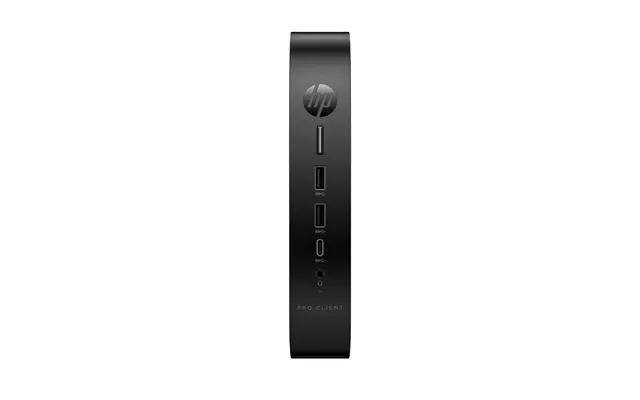
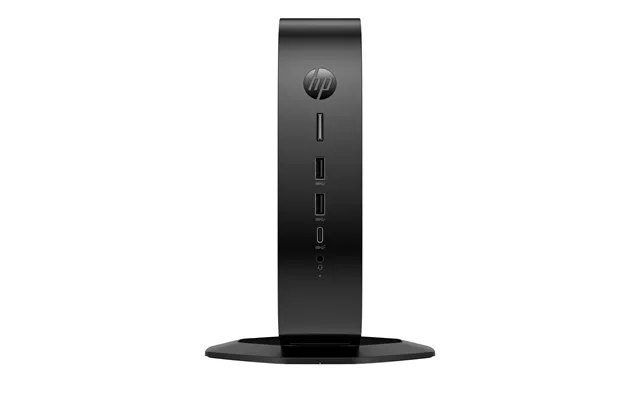
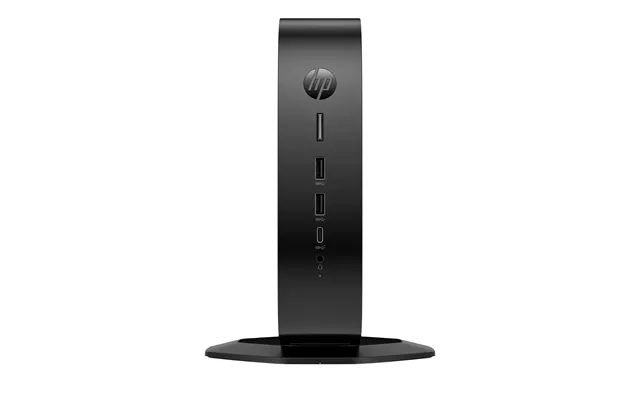
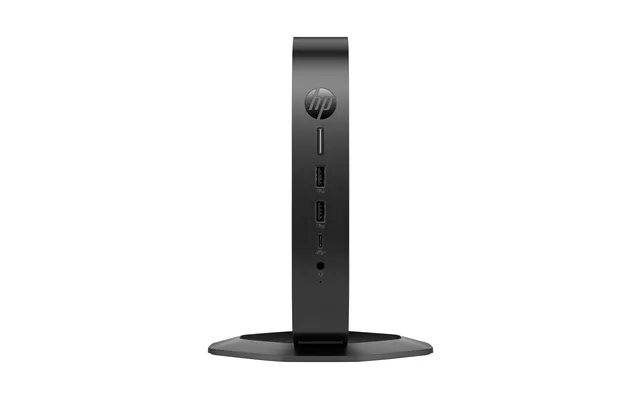
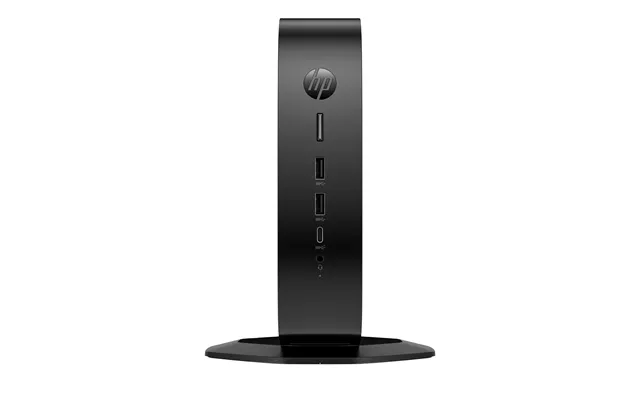
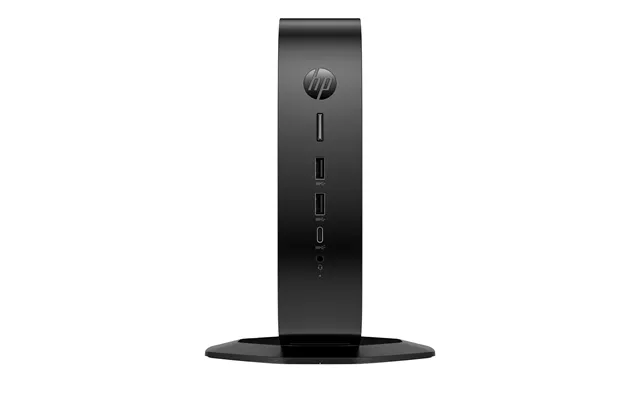
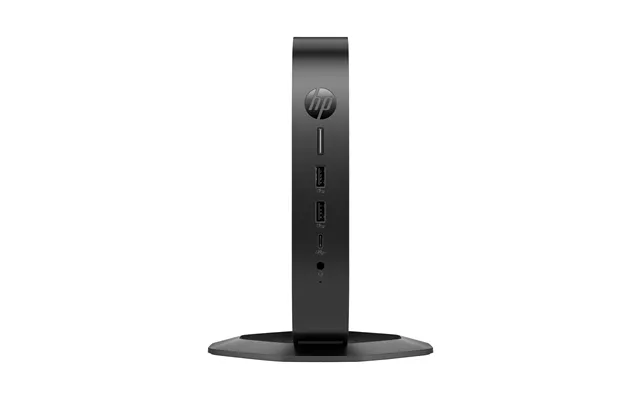
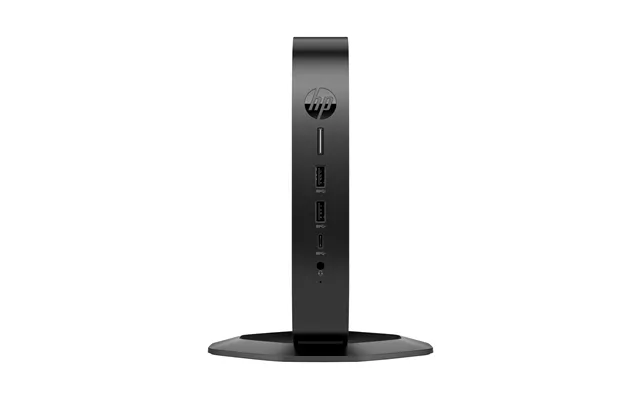
Thin client computers are streamlined desktop endpoints designed to connect you to virtual desktops and cloud apps without the bulk, noise, and upkeep of a traditional PC. Instead of doing all the heavy lifting locally, they act as a secure window to a powerful server, your virtual desktop infrastructure (VDI), or cloud workspace. Think of them as minimalist performers: small footprint, low fuss, and surprisingly capable when paired with the right backend. If you’re tired of fan noise, patch chaos, or desks swallowed by towers, thin clients feel like a breath of fresh air. Add in the surge of remote work and cloud-native tools, and it’s easy to see why these compact endpoints are suddenly headlining “Popular Offers” across comparison sites in the UK.
Let’s keep it simple. A thin client runs a lightweight operating system and connects to remote desktops via protocols like RDP, PCoIP, Blast, or HDX. A zero client is even leaner, often built for a single protocol and near-zero local management—great for tightly controlled environments. A mini PC, on the other hand, is a full PC in a small box. If you need local apps, a mini PC may fit; if you want centralized control and security with minimal local attack surface, thin and zero clients shine. Picture it like choosing a commuter pass: a thin client is your fast lane to a city of apps maintained elsewhere, while a mini PC is your own car—more independence, but more maintenance.
When thin client deals roll across comparison sites, they usually cluster around business refresh cycles, seasonal sales, and product line updates. Expect strong value on models built for dual displays, Wi‑Fi connectivity, and flexible mounting—perfect for open-plan offices and compact home workstations. You’ll often find packed bundles with keyboards and basic stands, plus models optimized for Citrix, VMware Horizon, Microsoft’s cloud desktops, and browser-forward workflows. The best part? With the right comparison tools, you can pit specs side-by-side, slice the market by features, and follow price drops from multiple retailers in one place. That visibility helps you zero in on endpoints that line up with your remote work tools and your budget.
Several established players dominate thin client endpoints. Dell’s Wyse line is famous for tight integration and enterprise-friendly management. HP’s t‑series leans into robust build quality and flexible OS options. Lenovo’s endpoint offerings often mirror the reliability of Think hardware, with thin client editions that slide into existing corporate fleets. Then there’s IGEL, which focuses on a hardened OS and centralized control, and 10ZiG and NComputing, known for dependable VDI endpoints with a keen eye on cost and simplicity. Across these brands, you’ll find options for dual or triple displays, smart card readers for secure access, and energy‑sipping designs that keep noise and clutter low.
On paper, thin clients can look similar. Under the hood, the details make the difference: the chip that handles video decode without stutter, the ports that drive your monitors, and the OS that plays nicely with your VDI platform. Before you jump on an offer, match the specs to your everyday tasks. Are you viewing lots of spreadsheets or dashboards? Driving two large monitors? Using webcams for calls? Plan around that reality, and you won’t fall for shiny-but-pointless extras.
Look for efficient processors from Intel or AMD that handle high‑resolution video decoding fluidly. Even modest chips can feel fast in VDI when the server does the heavy lifting, but the endpoint still matters for decoding video streams, handling peripheral passthrough, and keeping your interface responsive. If you’re aiming for dual displays at crisp resolutions or running collaboration tools all day, make sure the device supports smooth hardware decode and has the outputs you need. You don’t need a gaming rig in a thin client—just the right capabilities for the screens you’ll push and the apps you’ll stream.
Thin clients don’t need massive storage because your apps live elsewhere. A small solid‑state module keeps the OS quick and reliable. For memory, baseline configurations are usually fine for basic office use, but if your team handles lots of concurrent sessions or peripherals, a bit more RAM can smooth things out. Remember, the lighter footprint of a thin client is part of the appeal—less to fail, less to replace, and less to secure locally.
Check for dual-display outputs—often HDMI, DisplayPort, or a mix—and confirm the maximum resolution and refresh they support. Count USB ports for keyboards, mice, headsets, smart card readers, and cameras, plus at least one USB‑C if you like single‑cable convenience. For networking, a wired Ethernet port is your stability anchor; Wi‑Fi is great for flexibility, but a cable still wins for low latency when you can use it. Bonus points if the device supports quick mounting behind a monitor or under a desk to keep your workspace clean.
Thin clients thrive wherever consistency, security, and scale matter. If your company runs standardized apps, needs to simplify support, or operates in regulated environments, centralized desktops make life easier. They’re a natural fit for call centers, healthcare stations, retail points of sale, classrooms, libraries, and kiosk setups. Remote and hybrid workers benefit too: a quiet, dependable endpoint at home that hooks into the same desktop as at the office is a sanity saver. Even for home offices, having a small, cool, near‑silent box you can tuck behind a monitor is a huge win.
With a thin client, your “PC” moves with you—login at home, in a hot desk, or at a satellite office, and you land in the same environment. Need to hand a project to a teammate? IT can grant access on the server side without shipping hardware. For users, this means fewer “It works on my machine” moments and more “It just works” days. For IT, it means predictable rollouts, quick device swaps, and policy enforcement that actually sticks.
Security is a headline advantage. Thin clients reduce local attack surface and keep sensitive data in the data center or trusted cloud. Admins can enforce updates centrally, lock down USB policies, and monitor compliance in one dashboard. Many models support secure boot, TPM, and smart card logins to strengthen authentication. And if a device goes missing, there’s less on it to lose. The ripple effect is calmer support queues, fewer inconsistent builds, and a lot less firefighting.
Getting started is easier than it sounds. Step one: confirm which VDI or cloud workspace you’ll use—Citrix, VMware Horizon, Microsoft’s cloud desktops, or a browser‑based stack. Step two: pick an endpoint OS that’s officially supported and easy to manage at your scale. Step three: match hardware ports to your monitors and peripherals. After that, it’s about profiles and policy. IT can push connection profiles to all devices, pre‑configuring gateways, certificates, and shortcuts so users just log in and get to work. From there, updates and changes happen centrally—no desk‑to‑desk marathons required.
First, verify how many displays the device supports and at what resolution. If you plan to run two 27‑inch screens, make sure both ports can drive your chosen resolution smoothly. If you’re mixing HDMI and DisplayPort, confirm the cable types you’ll need and whether adapters are recommended by the manufacturer. Keep in mind that some models expose multiple ports but limit the total number of active displays, so the fine print matters. When in doubt, check the device’s official spec sheet for concurrent display support.
Your OS choice influences management, security posture, and protocol performance. Windows‑based thin clients offer broad compatibility and familiar admin tools. Linux‑based options focus on security and centralized control with minimal overhead. Dedicated thin client OS platforms from well‑known vendors prioritize ease of deployment and enterprise features. There’s no one-size-fits-all answer—match the OS to your VDI platform, your authentication methods, and your team’s admin skills. If you rely on a specific protocol, confirm it’s natively supported and optimized.
Protocols are the superhighways of your remote desktop: HDX/ICA for Citrix, PCoIP and Blast for VMware, and RDP for Microsoft environments. Make sure your endpoint supports your chosen protocol at full capability, including multimedia redirection, webcam handling, audio devices, and printers. If your staff uses headsets and cameras for daily calls, test a sample device to confirm the experience is smooth—nothing derails adoption like choppy audio or video. Also consider smart card readers, barcode scanners, and specialty keyboards if your workflow depends on them.
Thin clients often cost less upfront than equivalent PCs, but the real savings show up over time. Devices last longer thanks to solid‑state simplicity and minimal moving parts. Centralized management slashes hands‑on support. Standardized images curb software sprawl. And the security posture reduces the odds of costly incidents. For many organizations, the payback isn’t flashy; it’s steady. That quiet reliability translates into predictable budgets and fewer surprise expenses.
Don’t overlook refurbished and off‑lease thin clients, especially from enterprise lines that were built like tanks. These units can be a bargain when you need dozens of endpoints that all behave the same. Check the condition grade, warranty terms, and whether the OS license transfers. If you’re buying for a protocol‑specific environment, make sure the firmware and OS version match your VDI requirements. A quick pilot run with a small batch can confirm everything clicks before you roll out wider.
Thin clients aren’t the only way to get a streamlined desktop. Mini PCs can deliver local compute for teams that still need on‑device apps, while Chromebox‑style devices fit best for organizations leaning hard on browser‑based workflows. Zero clients make sense when you want a locked‑down device for a single protocol and the absolute simplest endpoint. Even low‑power hobbyist boards can serve as endpoints with the right software, though enterprise manageability may be limited. The trick is to pick the tool that matches your balance of control, flexibility, and cost.
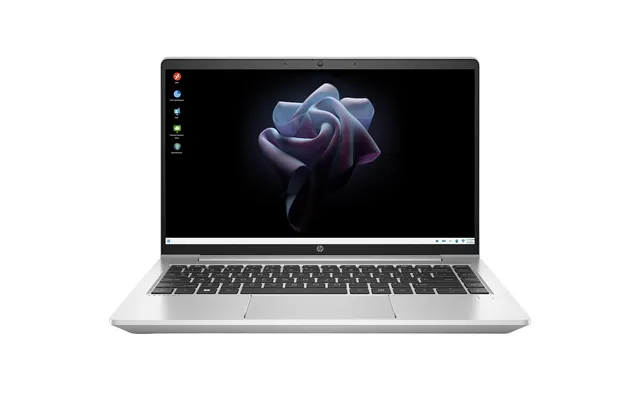
Another path is to use a modern laptop as your “thin client” when docked at the desk. It’s a flexible setup for road warriors who still need a full workstation feel with multiple monitors at home or at the office. The advantage is convenience and offline capability; the trade‑off is higher cost and more local management than a dedicated thin client. If you’re mostly in the cloud but occasionally need local apps, this can be the best of both worlds.
Small tweaks go a long way. Prioritize wired Ethernet for desks to keep latency low. In VDI, enable multimedia redirection where supported to offload video decode to the endpoint. Calibrate display scaling for crisp text across large monitors. Keep firmware and client software current, especially if you use webcams and headsets—those improvements are often in the release notes. And don’t forget user education: a two‑minute primer on logins, profile persistence, and where files live can prevent a lot of confusion.
Modern thin clients handle everyday conferencing tools well when protocol optimization is enabled and peripherals are supported. For best results, test your exact app stack, ensure your VDI platform’s media optimization is switched on, and confirm your headset and camera are on the device’s compatibility list. If calls are mission‑critical, consider models with dedicated optimization packages and validate performance across a few network conditions.
Security should feel invisible to users yet firm under the hood. Use secure boot to prevent tampering, require strong authentication (smart cards or multi‑factor), and apply least‑privilege policies to USB devices. Centralize updates and audit results regularly. If you operate in regulated sectors, pick vendors whose OS and management tools help you align with your compliance frameworks. The goal is to make the secure path the easy path—so users stay productive and policies stay intact.
Thin client environments can bounce back fast after disruptions because user desktops live centrally. If a device fails, swap in a spare and the user logs back into the same desktop. If a site goes down, your VDI or cloud failover plan keeps work moving. That resilience is hard to match with scattered, full‑fat PCs. A modest pool of preconfigured spares can turn bad days into minor speed bumps.
Start with a short list of must‑haves—display count and resolution, protocol support, and key peripherals. Use filtering tools to pare down to models that tick those boxes, then compare prices across multiple retailers. It pays to look at total value: warranty terms, included mounts or stands, and OS licensing. On a comparison site like ZoneOffer, the advantage is clear—broader visibility and faster apples‑to‑apples checks without hopping between tabs for hours. Once you’ve narrowed the field, pilot a sample unit to validate real‑world performance, then commit with confidence.
Great thin client offers often appear around big tech refresh seasons, end‑of‑quarter clearances, and major shopping events. You’ll also see attractive pricing when new generations roll in and previous models slide down in cost. If you’re equipping a team, buying in bundles can sweeten the per‑unit price. Keep an eye on popular offer sections and set alerts where possible—catching a limited‑time drop can make a noticeable dent in your budget.
The same principles work whether you’re setting up a home office or an enterprise floor. Standardize on one or two models, define golden images, and use centralized management to roll out profiles. Inventory your adapters, cables, and mounts to avoid last‑minute scrambles. For larger rollouts, stage devices in batches: image, test, label, and ship. A crisp, repeatable process is worth its weight in gold—your future self will thank you when the next batch arrives.
Even the best hardware falters without user familiarity. Share a one‑page quick start that explains logging in, accessing shared drives or apps, and where to save files. Call out how to connect headsets and cameras, plus a few common fixes like logging off and back on to apply updates. Clear, friendly guidance speeds adoption and keeps the help desk quiet.
Thin clients sip power and generate less heat and noise than traditional desktops, making them kinder to both your electric bill and your workspace comfort. Their compact size also helps with clean cable runs and clutter‑free desks—especially when mounted behind a monitor. If you’re rehabbing an office or building a thumbnail‑sized home setup, this is the hardware equivalent of going paperless: less mess, same output.
Don’t overlook the small stuff. A solid keyboard and mouse combo, a headset that’s comfortable for long calls, and a webcam positioned at eye level make a huge difference. If your thin client supports it, a USB‑C dock can turn a single cable into a fully‑connected workstation. And if you’re mounting your device behind a monitor, make sure the bracket fits and that you can still access the power button and critical ports.
Thin client computers deliver a clean, controlled, and surprisingly powerful desktop experience by shifting the heavy lifting to the data center or cloud. They cut clutter, tame support headaches, and give users the same familiar workspace whether they’re at home or in the office. The best buys combine the right ports, reliable protocol performance, and a management story that fits your team. With comparison tools making it easy to track popular offers across multiple retailers, you can pick the endpoint that matches your workflows and budget—and upgrade your desktop experience without the drama.