All categories
Business & Offices
Electronics & Media
Fashion & Accessories
Groceries & Essentials
Health & Personal Care
Home & Living
Kids & Family
Sports & Outdoors
Search in ZoneOffer

Loading...
Think of a memory card adapter as a translator between your storage card and your devices. It lets a tiny microSD card behave like a full-size SD card, a CFexpress card talk to your computer over USB-C, or multiple formats load through a single hub. If you shoot on a mirrorless camera, fly a drone, record on an action cam, or simply want to move files from your phone to your laptop fast, the right adapter turns a frustrating data bottleneck into a smooth, reliable workflow.
The best gear is only as fast as its slowest link. You might own a blazing-fast SD card and a premium laptop, yet transfers crawl because the reader tops out at older USB speeds. Or perhaps your camera uses UHS-II cards, but your adapter only supports UHS-I, leaving performance on the table. A smart adapter choice preserves speed, safeguards files, and saves time—especially when you’re juggling thousands of photos or gigabytes of 4K footage. For casual users, an affordable multi-card reader can simplify life. For pros, a high-speed dedicated adapter is like moving from a country lane to a multi-lane freeway.
“Memory card adapters” is a broad category. There are simple microSD-to-SD sleeves that come free with many cards, compact USB readers for on-the-go backups, and high-end CFexpress and XQD docks designed for pro cameras. You’ll also find mobile-friendly Lightning and USB-C OTG adapters for quick edits on phones and tablets, and multi-card hubs that read SD, microSD, CF, and more from a single device. The trick is matching the adapter to your card format and your workflow, so you get speed, reliability, and convenience without overspending.
If you’ve ever bought a microSD card, you’ve likely seen the tiny plastic sleeve that converts it into full-size SD. It’s the easiest way to drop a microSD into a camera, camcorder, or card reader that only accepts standard SD. The catch? The sleeve itself doesn’t make transfers faster; it simply adapts the form factor. Your speed still depends on the card’s rating and the reader’s capabilities. Choose a good-quality sleeve and seat the card firmly to avoid intermittent connections, especially when shooting in devices that vibrate, like action cams or drones.
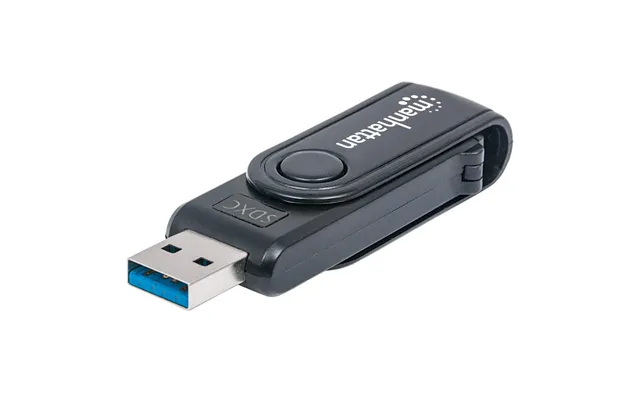
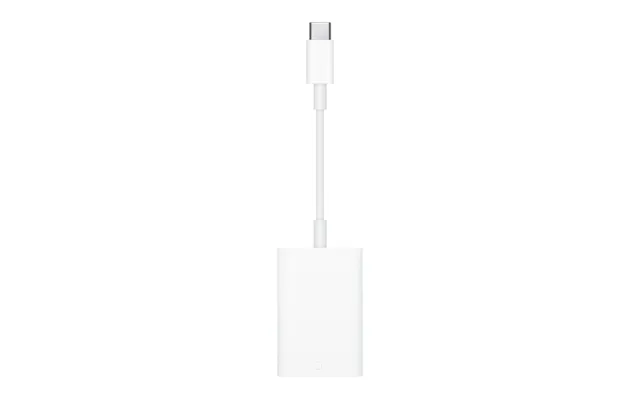
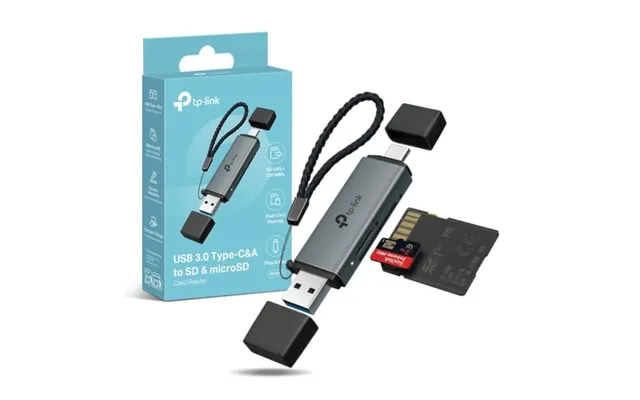
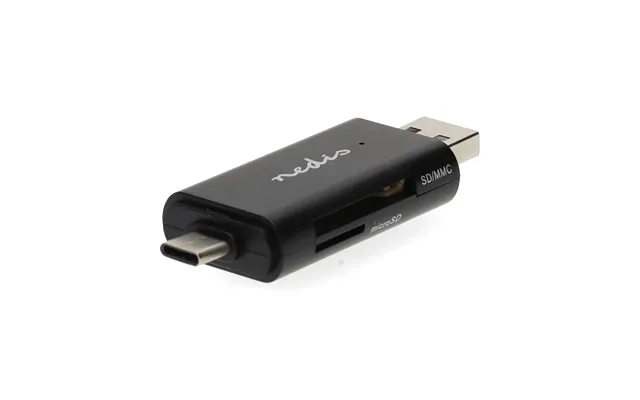
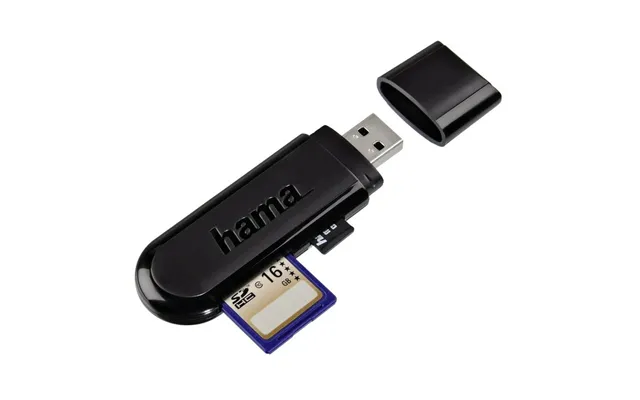
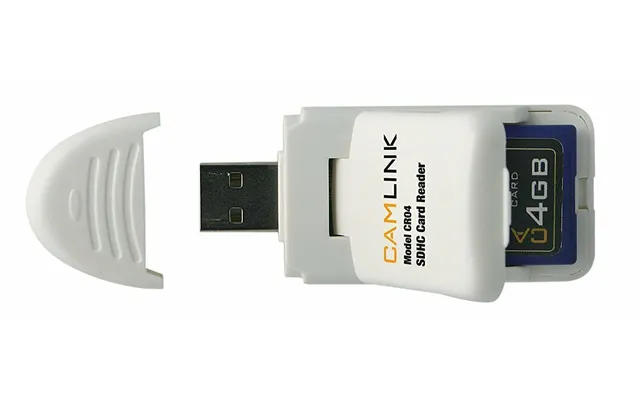
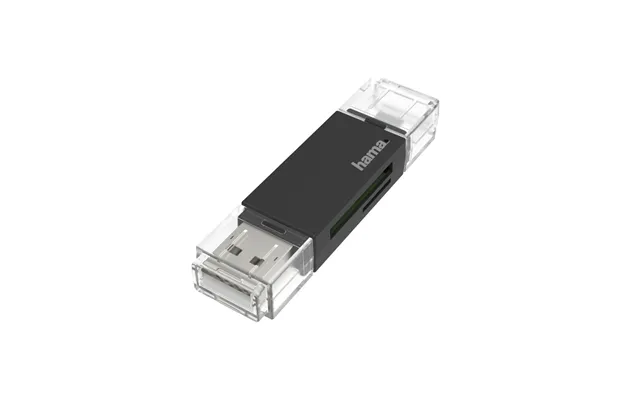
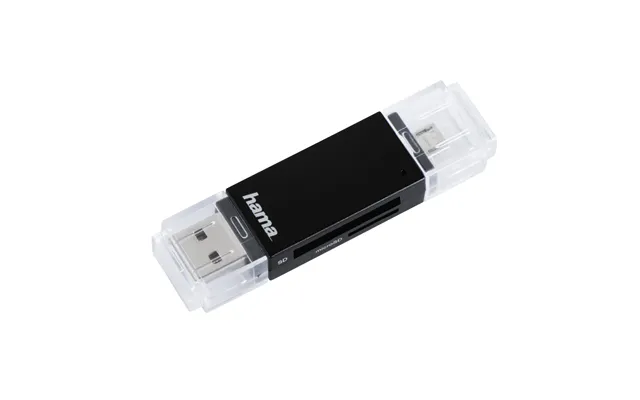
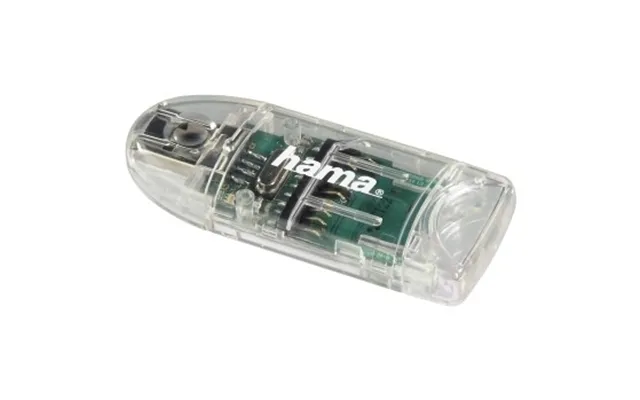
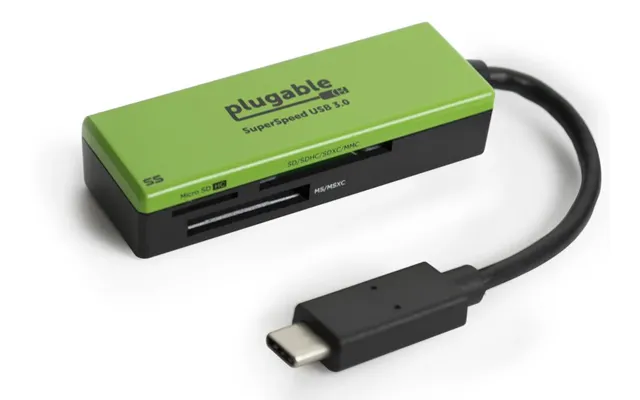
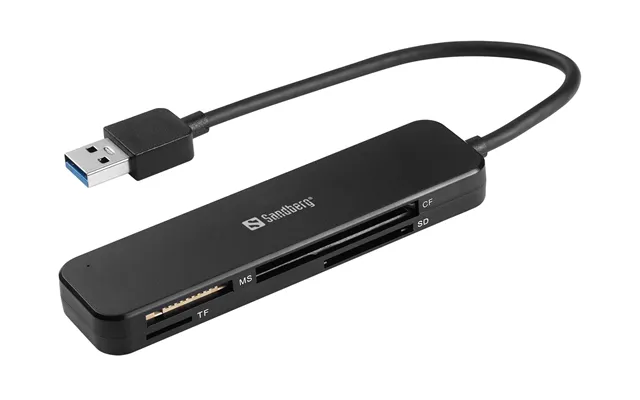
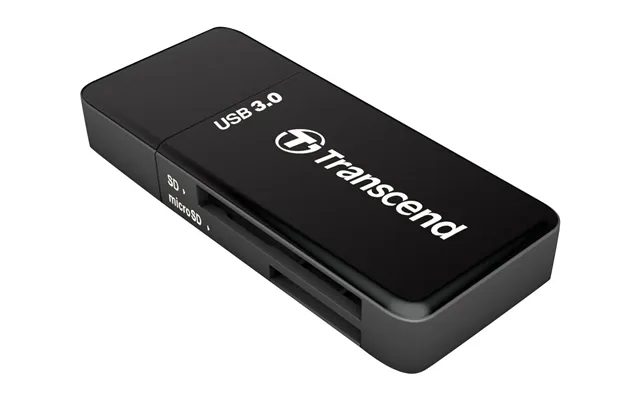
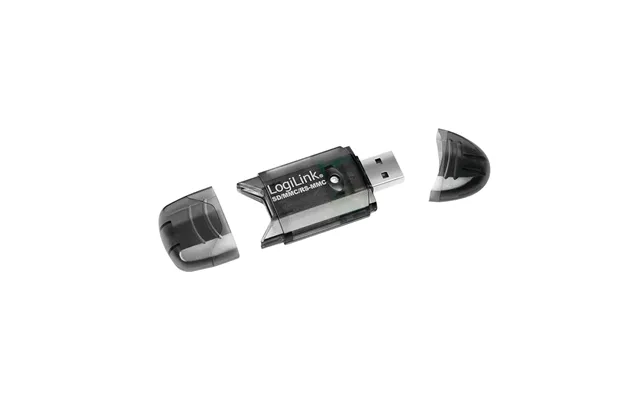
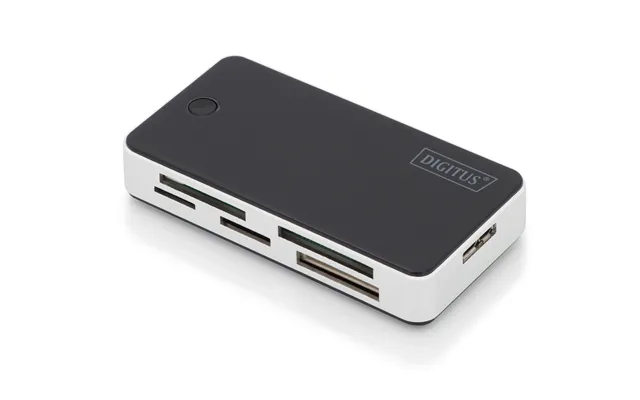
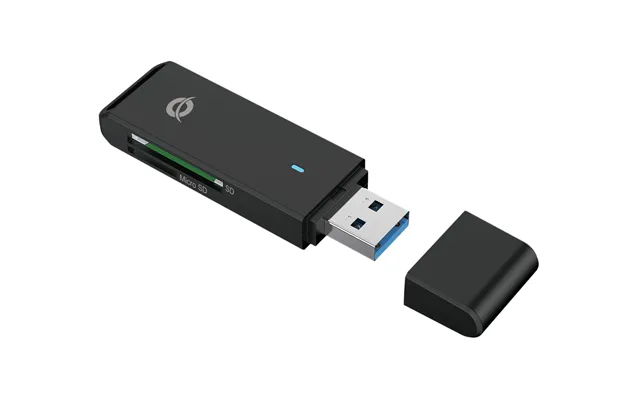
A multi-card reader is a compact, all-in-one solution that reads SD, microSD, and sometimes CompactFlash from a single USB port. Many models offer both USB-A and USB-C plugs or include a short adapter cable to switch between them. If you work across different cards or share media with friends and colleagues who use various formats, a multi-card reader eliminates the cable chaos. Just make sure you pick one with modern USB speeds and good reviews for reliability—cheap options can be finicky and slow.
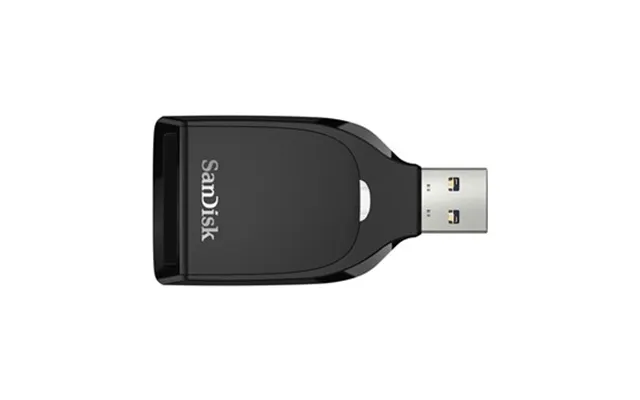
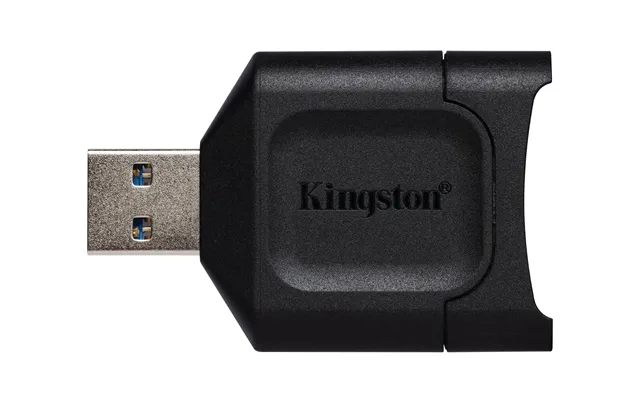
UHS-II SD cards feature an extra row of pins that deliver significantly faster transfers. To benefit, you need a UHS-II capable reader; otherwise, your fancy card behaves like a basic UHS-I. Photographers and videographers shooting burst RAW or high-bitrate footage will appreciate how a proper UHS-II reader slashes offloading times. If you’re working on a deadline, those minutes add up quickly, and the right reader pays for itself by turning waits into wins.
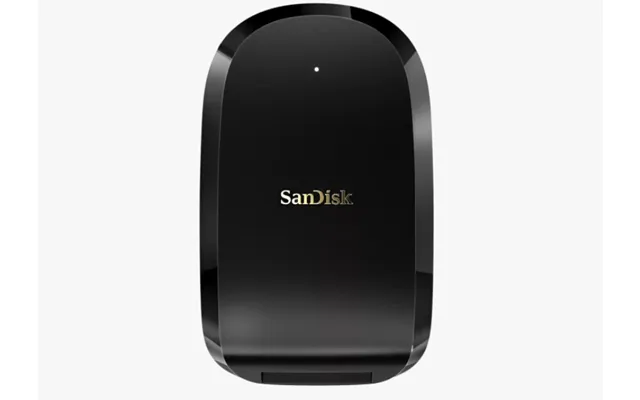
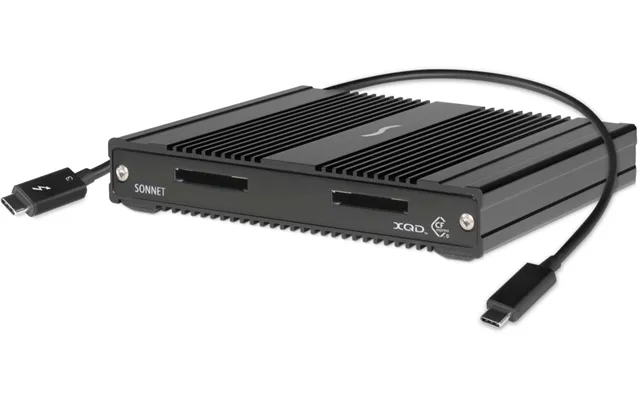
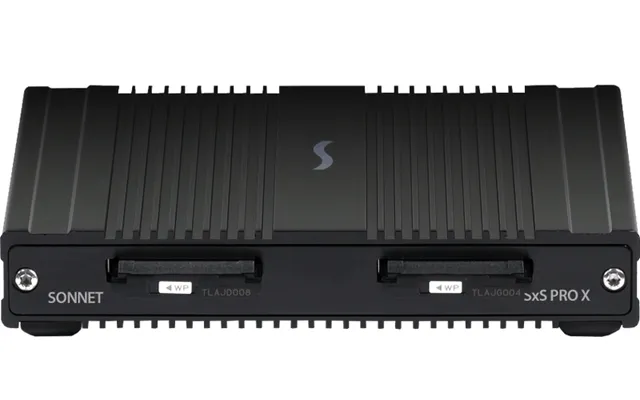
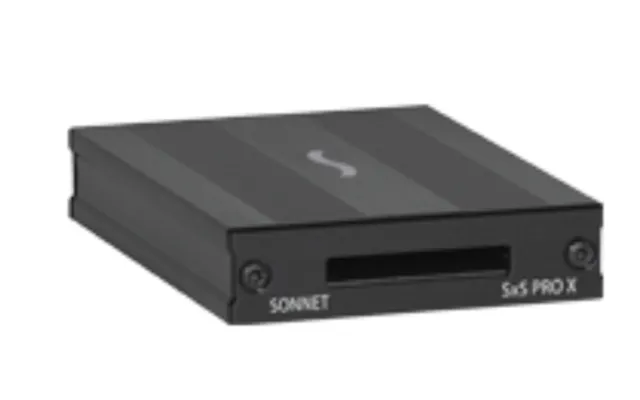
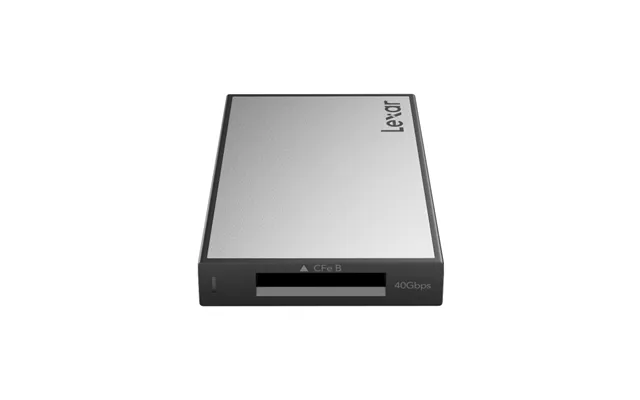
CFexpress Type A and Type B, along with older XQD cards, serve high-performance stills and cinema cameras. These cards can be blazing fast, but only if your adapter speaks their language. Look for well-regarded brands that support the latest firmware and maintain high sustained speeds. A solid CFexpress reader can move massive shoots without throttling, while a poor one can overheat, slow down, or cause file hiccups. If your camera uses CFexpress for 4K or 8K recording, a premium adapter is non-negotiable.
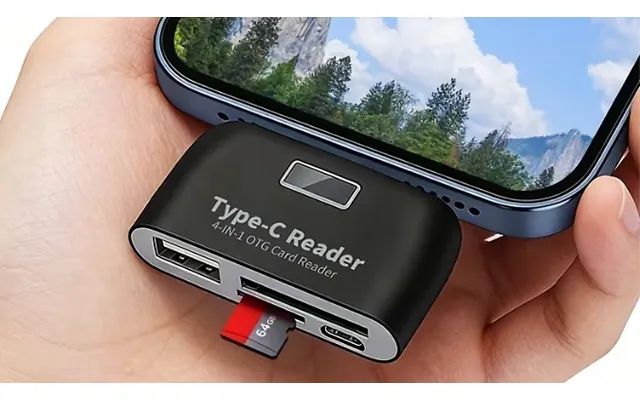
On-the-go creators often want to preview, edit, and share files straight from a phone or tablet. Lightning or USB-C OTG readers plug directly into your mobile device, letting you browse SD or microSD content without a laptop. They’re perfect for travel, quick social uploads, or verifying shots in the field. For iPhone or iPad, choose MFi-certified options; for Android, look for OTG compatibility. You’ll be surprised how much time and battery you save by skipping the laptop boot-up for a simple transfer.
Deals on memory card adapters appear year-round, with spikes during seasonal sales. You’ll find discounts on everyday microSD-to-SD sleeves, premium UHS-II readers, multi-card hubs, and niche CFexpress docks. Because prices shift frequently, it pays to compare options from multiple retailers through UK-based comparison platforms. You can sort by format support, connection type, brand reputation, and user ratings to zero in on the best value rather than just the lowest price. Pay attention to warranty length and bundle extras like cables or protective cases—small perks that stretch your budget further.
Prices vary by format and speed. Basic microSD-to-SD adapters are typically inexpensive, multi-card USB readers sit in the middle, and UHS-II, CFexpress, or XQD readers cost more due to their higher performance parts. Premium brands often charge extra for better heat management and long-term reliability. While it’s tempting to grab the cheapest option, consider total cost of ownership: a faster, sturdier reader can save you hours over a year of heavy use, which is worth far more than the difference at checkout.
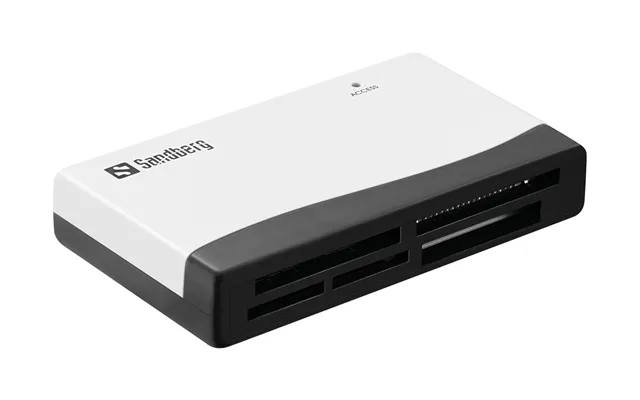
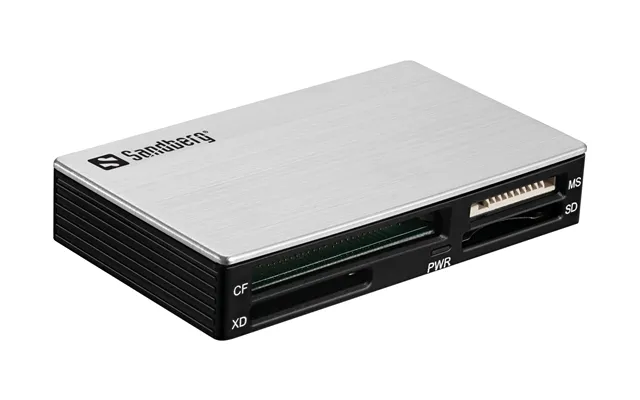
Before you hit “buy,” scan the spec sheet the way a pilot checks the dashboard. Confirm the card formats supported. Check the USB version, connector type, and whether you’re getting a cable or direct-plug design. Look for speed language that matches your cards—UHS-II, V60 or V90 for SD; the appropriate type for CFexpress; clear USB specifications for maximum throughput. Also weigh build quality, heat dissipation, OS compatibility, and warranty. A quick checklist helps you dodge the duds and land the right fit the first time.
USB-C is the modern standard on many laptops, tablets, and phones, while USB-A still dominates lots of desktops and older gear. Some readers provide both, or include a short cable so you can swap ends as needed. Don’t judge by the connector alone—overall speed depends on the USB specification and the reader’s controller. If your laptop has a high-speed USB-C port, pair it with a reader that can actually push those speeds; otherwise you’ll get stuck at legacy performance even if the plug looks new.
Numbers on your SD card aren’t just alphabet soup. UHS-I vs UHS-II indicates the bus type, which directly affects transfer speed. Video speed classes like V30, V60, and V90 reflect sustained write performance for recording; on the reading end, your adapter must support the higher standard to unlock those gains. For CompactFlash, CFexpress, and XQD, look for clear compatibility notes. A well-matched adapter ensures your fast card stays fast, so you don’t watch files trickle across when they should be sprinting.
A reader may look like a simple box, but under the hood are chips that can get toasty under sustained transfers. Good designs use quality components and cases that shed heat efficiently. That means fewer slowdowns, fewer disconnections, and a longer lifespan. Metal housings tend to dissipate heat better than flimsy plastics, though they can be a bit heavier. If you offload long shots from high-capacity cards, a cooler-running reader is worth the upgrade.
Most readers work seamlessly with major operating systems, but it’s wise to double-check drivers and file system support. Cameras often format cards in exFAT for large video files, which modern systems handle well. If you’re moving files to mobile devices, ensure OTG support is enabled and, on iOS, look for MFi certification. Keep your device firmware and OS updated, which helps avoid quirky connection or power issues that masquerade as a “bad adapter.”
The “best” adapter depends on what you shoot, where you shoot, and how you like to edit. A travel creator might want a pocket-size USB-C reader that handles SD and microSD. A wedding photographer with dual UHS-II SD cards will love a dual-slot reader that offloads both at once. A filmmaker capturing 4K or 8K on CFexpress wants a pro-grade dock with rock-solid speeds. And if your life lives on a phone, a Lightning or USB-C OTG reader can be the bridge between camera and social in just a few taps.
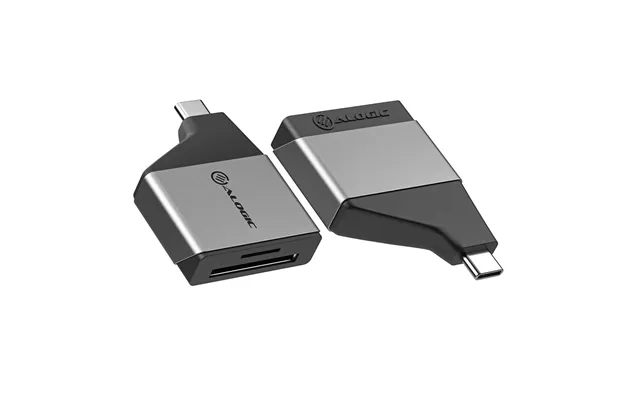
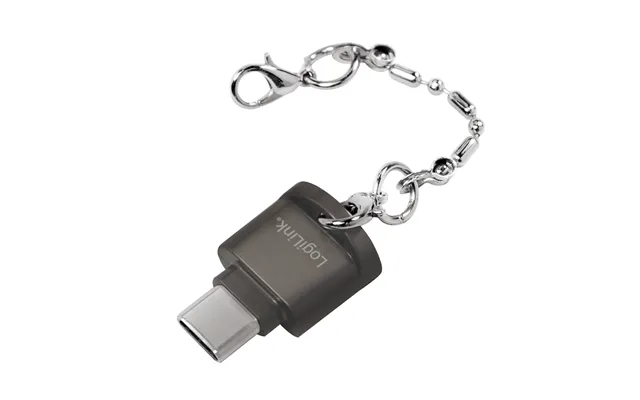
On the road, small and reliable beats big and complex. A compact SD/microSD reader that plugs into USB-C is priceless when you’re copying clips on a train or backing up photos in a hotel room. Choose a sturdy casing that won’t crack in a backpack and a snug card slot that holds firm. If you use both laptops and phones, a dual-connector reader saves space—no extra dongles rattling around at the bottom of your bag.
In the studio, time is money. Dual-slot UHS-II readers let you dump two cards simultaneously, and CFexpress/XQD docks designed for continuous high loads keep pace with heavy projects. Consider a desktop hub with cable management so you aren’t juggling adapters mid-session. Stable power, consistent speeds, and good thermals matter more than shaving a few bucks off the price tag when clients and deadlines are in the mix.
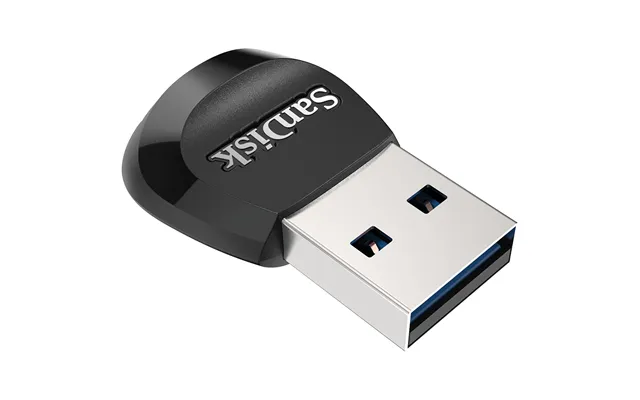
From handheld consoles to retro systems that rely on microSD storage, a simple microSD reader solves everyday tasks like loading firmware, transferring ROMs, or backing up saves. You don’t need a fancy adapter; just make sure the reader handles your card’s capacity and your computer’s ports. For older desktops, a reader with both USB-A and USB-C keeps you covered now and when you eventually upgrade.
Several brands consistently earn user trust for memory card adapters and readers. SanDisk and Lexar are household names for SD and microSD devices. Sony and ProGrade Digital offer excellent CFexpress and UHS-II readers for serious shooters. Delkin, Kingston, and Transcend balance price and performance across formats. On the accessory front, Anker, UGREEN, and Uni make reliable USB-C readers and multi-card hubs with thoughtful designs. Whichever name you choose, scan reviews and user feedback to confirm real-world performance lines up with the spec sheet.
Counterfeits can look convincing but falter under load. Shop through reputable retailers and comparison platforms that highlight verified sellers. Be wary of listings with vague specs, stock photos, or strangely low prices. Real readers list exact formats (like UHS-II SD, CFexpress Type B), OS support, and USB speeds. If an adapter runs hot, disconnects randomly, or refuses to hit expected speeds, return it promptly and try a known brand. Your data is too important to gamble.
When something goes wrong, it’s often a simple fix. Before blaming the adapter, try different ports, swap cables, test another card, and reboot the device. Update drivers and firmware. If only one card acts up, back it up and reformat it in-camera. If multiple cards have problems in the same reader, you might have a compatibility mismatch or a defective unit. A methodical approach isolates the culprit fast—and saves precious time when you’re on assignment.
First, inspect the card’s lock switch if it’s full-size SD; it may have slid to “lock.” Reseat the card with a gentle, positive click. Try another port and disable any low-power USB settings. On mobile, ensure OTG access is allowed or, on iOS, that the adapter is properly certified. If the card mounts as read-only, back up what you can and reformat in the original device. Persistent issues across multiple devices point to a failing card or a worn-out adapter slot.
Speed issues usually come down to a mismatch. A UHS-II card in a UHS-I reader will slow to UHS-I speeds. A fast reader plugged into an older USB port is likewise throttled. Use short, quality cables and plug into the fastest port on your machine. Avoid running through unpowered hubs when moving large files; go direct for the best results. If your reader still lags, check for firmware updates or consider a model known for higher sustained throughput.
Unplugging mid-transfer, power blips, or flaky ports can corrupt files. Always eject cards properly, avoid moving huge folders on a dying battery, and keep backups. If you shoot critical work, adopt a simple rule: copy, verify, then format in-camera. For massive projects, checksum-based copy tools help ensure bit-for-bit accuracy. And don’t forget the basics—good cables, stable power, and readers with steady thermals are your first line of defense.
Prices can swing quickly between retailers, which is why comparison platforms are your best ally. Use a UK-based comparison site to filter by card type, reader speed, connector, brand, and user ratings. Watch for seasonal promotions and bundles that include cables or cases. Sort by total value rather than just price—warranty terms, build quality, and speed support often matter more in the long run. A few minutes of comparing can uncover standout deals on premium readers that would otherwise slip under the radar.
Adapters are small heroes for sustainability. They let you keep using existing cards across new devices and reduce the churn of buying brand-new gear just for a new port or slot. A sturdy multi-card reader can serve you for years, bridging old cameras and new laptops without waste. When you do upgrade, pass working readers along or recycle electronics responsibly. Little choices, big difference.
Dial in your needs before you buy. Confirm your card formats and match them with readers that support the correct standards. Choose the right connection—USB-C for modern devices or a dual-connector model if you straddle old and new. Check real transfer speeds from user tests, not just theoretical numbers. Prioritize build quality and heat control if you move large files regularly. Make sure your OS and mobile devices are supported. Finally, compare UK prices and seller reputations to secure the best deal with peace of mind.
Memory card adapters don’t get the spotlight, but they quietly make every workflow smoother—faster offloads, fewer headaches, more time creating. Whether you’re a weekend traveler, a daily vlogger, or a seasoned pro, there’s a reader designed for your mix of cards and devices. Match the adapter to your format and speed needs, pick solid build quality, and leverage UK comparison platforms to find standout offers. Do that, and you’ll move files like a pro—no drama, just dependable performance every time.

| £ 112,57 |