All categories
Business & Offices
Electronics & Media
Fashion & Accessories
Groceries & Essentials
Health & Personal Care
Home & Living
Kids & Family
Sports & Outdoors
Search in ZoneOffer

Loading...
Blank media might sound old-school, but it’s the quiet workhorse behind backups, music mixes, video projects, and day-to-day data shuffling. From trusty CD‑R and DVD‑R discs to high-capacity Blu‑ray, and from pocketable USB flash drives to rugged SD and microSD cards, the category covers every way to store your files without the cloud. If you’re in the UK hunting for real value, comparing live prices across brands and pack sizes is the fastest way to save—especially when “popular offers” and a clear “price list” help you spot the best deals at a glance.
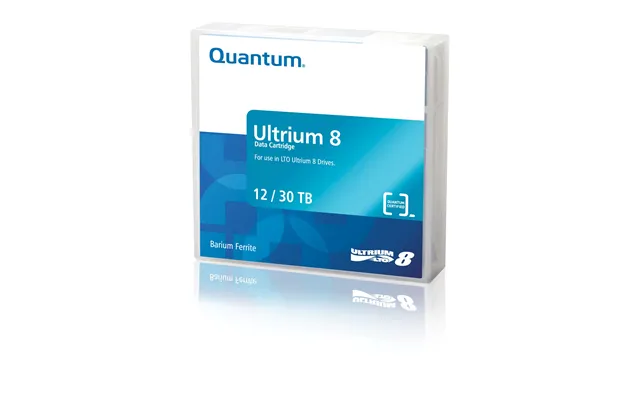
Think of blank media in three big buckets: optical discs (CD, DVD, Blu‑ray), solid-state storage (USB sticks, SD/microSD, CFexpress), and magnetic tape (still used for certain audio/video needs). Optical discs are perfect for projects you want to archive on the shelf. Solid‑state media shines when you need speed and portability for cameras, laptops, and consoles. Magnetic tape—like blank cassettes or VHS—remains relevant for collectors and niche workflows, although it’s less common than it once was.
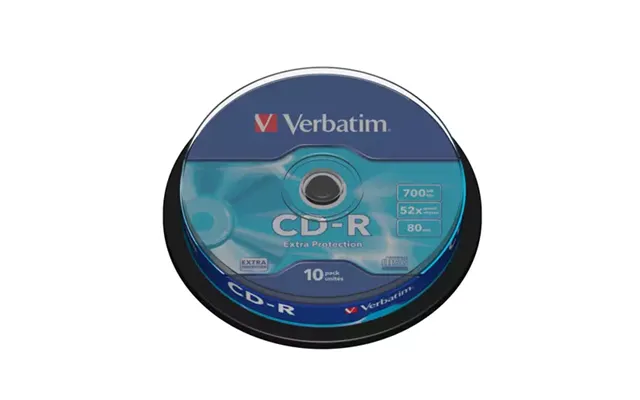
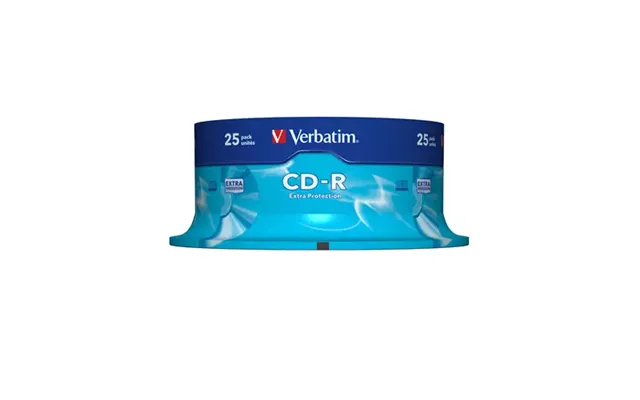
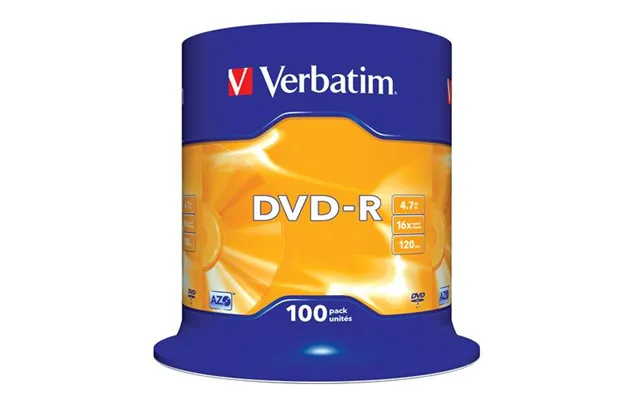
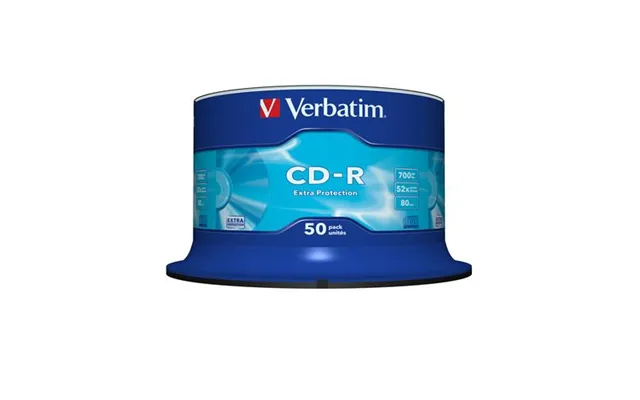
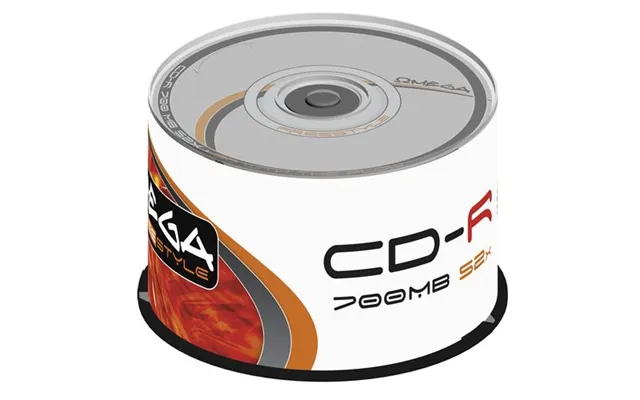
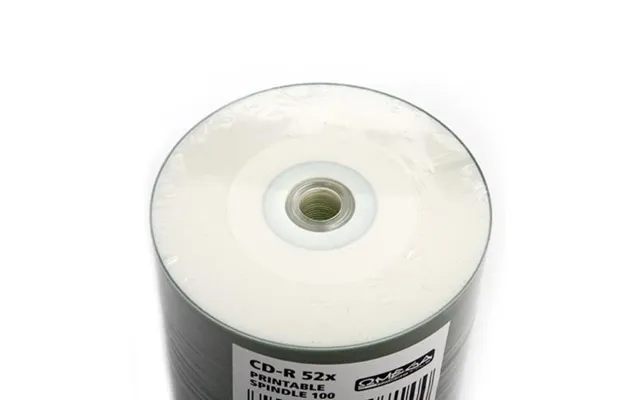
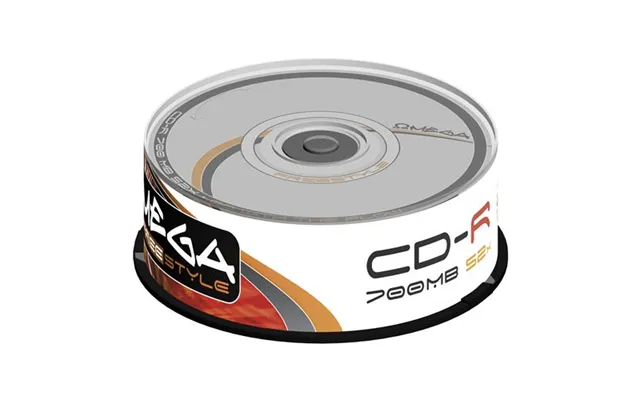
CD‑R discs are simple, cheap, and compatible with a huge range of players and drives. If you still burn audio CDs for older hi‑fi systems or car stereos, CD‑R is your best bet. CD‑RW discs are rewritable and handy for temporary projects, but they’re less broadly compatible with consumer players and often slower to burn. The standard disc is about 4.7 inches in diameter, and while capacity is modest by modern standards, CDs remain a reliable tool for specific tasks that just work, no fancy setup needed.
CD‑R quality varies by the dye and the manufacturing process. AZO‑based discs from well‑regarded brands typically age better than budget alternatives using cheaper dyes. Pay attention to rated speeds—burning at the maximum often isn’t the most reliable strategy. Many enthusiasts burn at a moderate pace for cleaner writes and fewer errors. As for brands, names like Verbatim, Maxell, and TDK often top recommendation lists in the UK, but always compare current user reviews and prices before committing to a spindle.
CD‑R still shines for audio mixes, distributing small projects, and maintaining an offline copy of critical documents. If your car stereo is picky, CD‑R offers broad compatibility. For frequent reuse, CD‑RW might be tempting, but bear in mind slower write speeds and compatibility trade‑offs. When in doubt, CD‑R wins for simplicity and playback success.
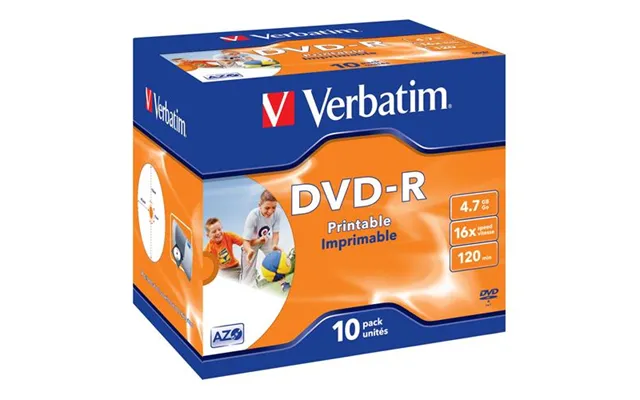
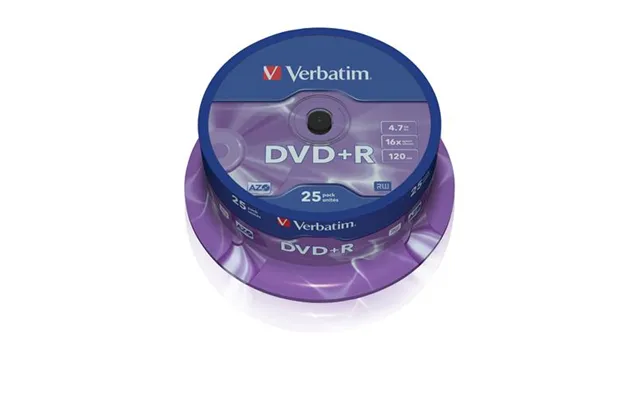
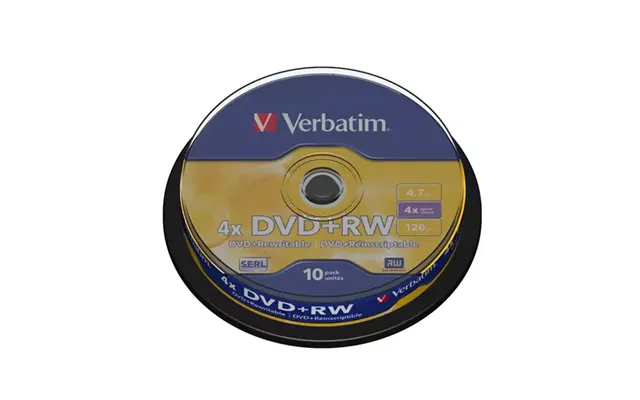
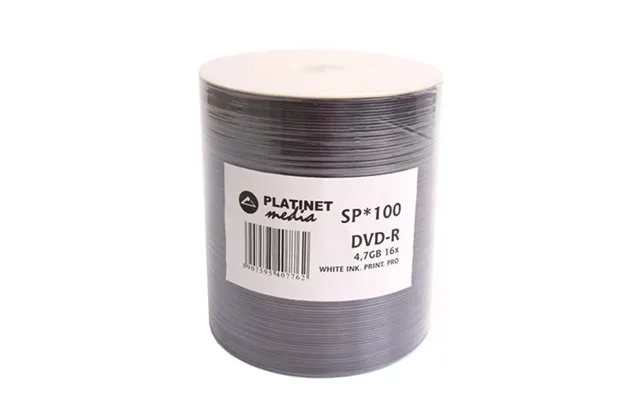
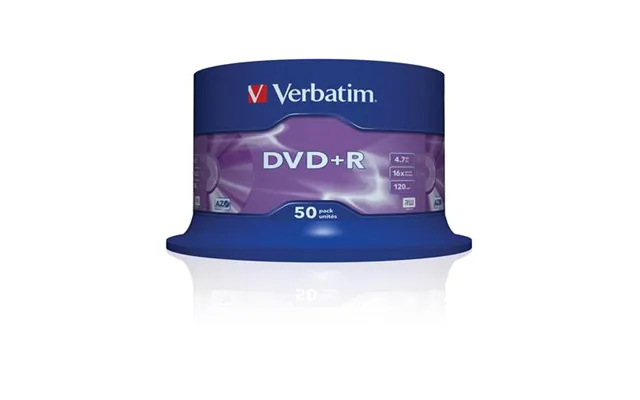
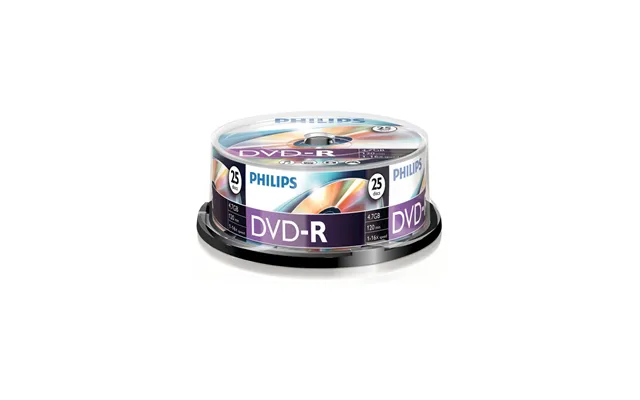
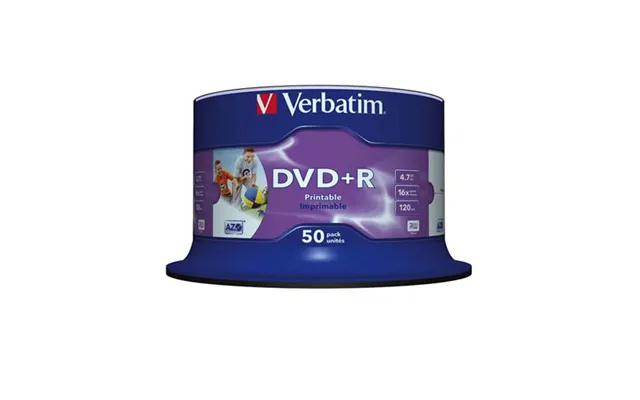
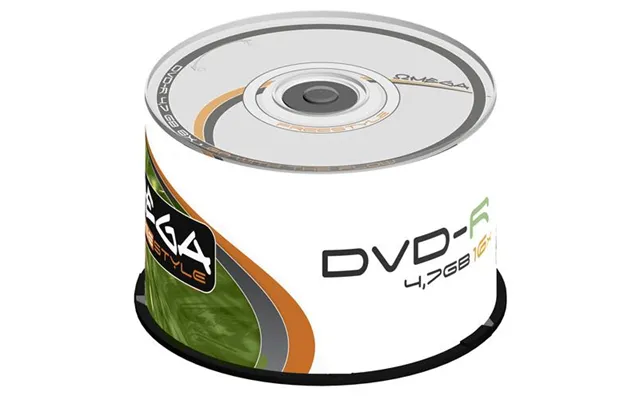
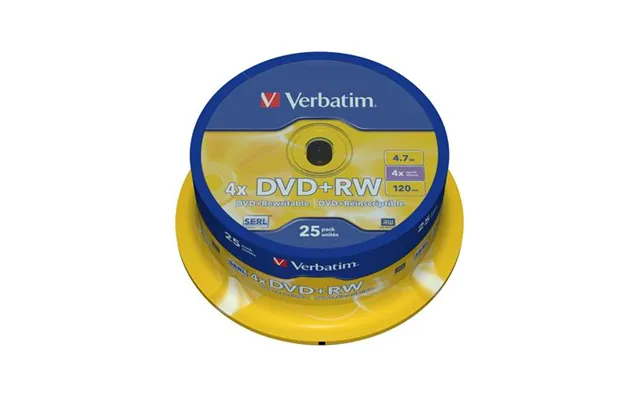
DVDs are the sweet spot for many users: bigger than CDs, cheaper than Blu‑ray, and widely supported by older hardware. Whether you’re authoring home movies, archiving family photos, or handing off a project portfolio, DVD‑R and DVD+R both get the job done. The “dash” and “plus” formats differ subtly in how they handle writing; in practice, most modern drives cope with either. You’ll also find rewritable versions (DVD‑RW and DVD+RW) for when you need to update content frequently.
Single‑layer DVDs provide room for typical video projects, while dual‑layer discs nearly double capacity—handy for longer footage without heavy compression. As with CDs, maximum burn speeds are a guideline, not a mandate. Burning at a moderate rate can improve reliability. Got a fussy DVD player at home? Stick to well‑reviewed media and pair it with an external burner if your laptop no longer includes an optical drive.
If you’re authoring video DVDs, use software that finalizes the disc properly, and try a test disc in your target player before burning a full batch. For data discs, verify files after burning. Storing discs in cases instead of stacking them loose helps prevent micro‑scratches that lead to read errors later.
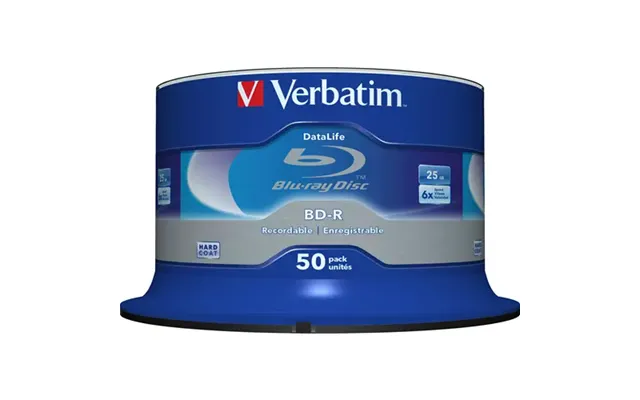
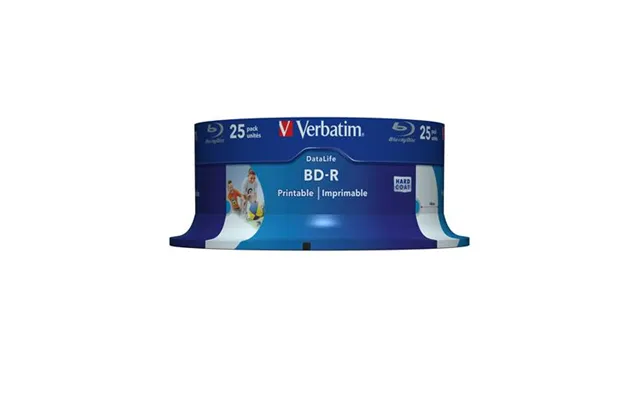
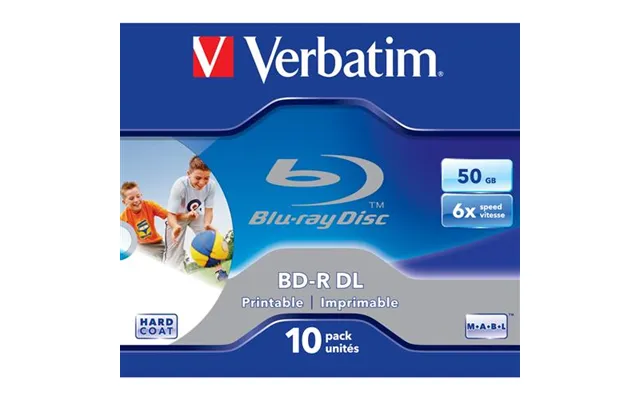
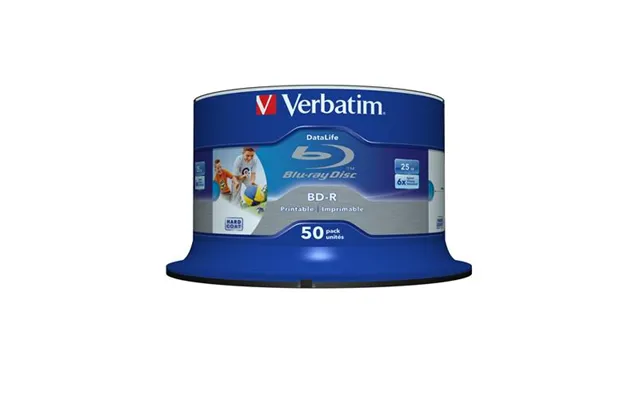
When you need more room, Blu‑ray has your back. BD‑R (write‑once) and BD‑RE (rewritable) discs are excellent for HD and 4K projects, large photo libraries, and long‑term archives. Single‑layer BD‑R typically offers 25 GB per disc, while dual‑layer jumps to 50 GB, and triple‑layer BDXL can push much higher. For creators, the format’s combination of cost, capacity, and shelf‑friendly permanence is tough to beat—especially when you want a physical copy you control.
M‑DISC variants of BD‑R use an inorganic data layer designed to resist heat and light better than standard dyes, making them a favourite for long‑term storage. They usually cost more, but if your goal is to archive irreplaceable content, the premium can be worth it. Whatever you choose, store your discs in cases, keep them upright, and avoid hot, damp locations to preserve data integrity over time.
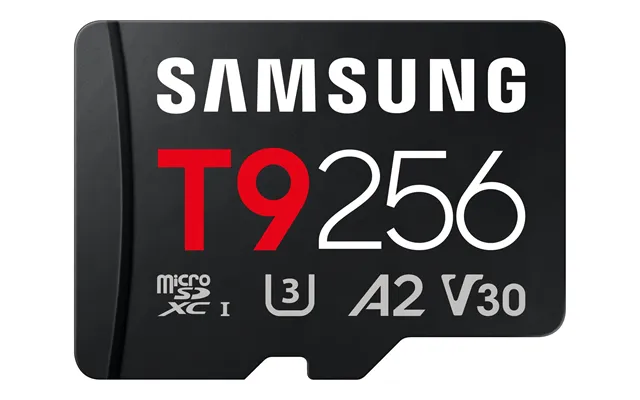
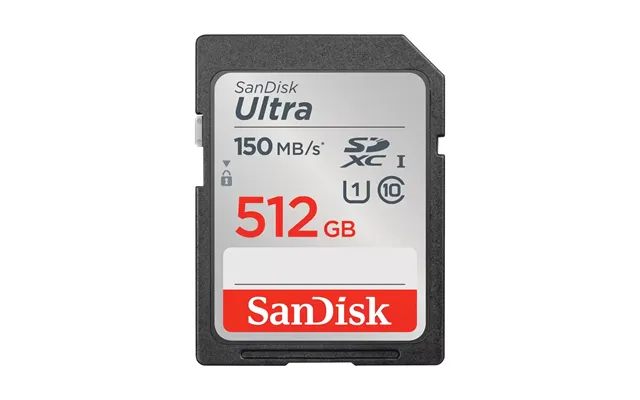
For cameras, action cams, drones, consoles, and phones, SD and microSD cards are the go‑to blank media. They’re tiny, fast, and rugged, with speeds rated by UHS and Video classes. If you shoot high‑bitrate footage or burst photos, you’ll want a card that meets your device’s recommended speed class. For everyday use in phones or handheld gaming systems, mid‑range cards from reliable brands offer a great balance of speed and cost.
Speed classes aren’t just marketing—they signal whether a card can sustain the throughput your device expects. For 4K video, V30 or higher is commonly recommended, while high‑end cinema cameras might call for V60 or V90. UHS‑II cards offer faster interfaces thanks to extra pins; to benefit, your camera or reader must support UHS‑II. If not, a quality UHS‑I card with V30 can still be a solid, budget‑friendly pick.
Memory card counterfeits are a real risk. Stick with trusted brands like SanDisk, Samsung, Kingston, and Lexar, and buy through reputable sellers. After purchase, test capacity and speed with well‑known tools. If a “1 TB” card costs less than a sandwich, it’s not a deal—it’s a red flag. Registering products when the brand offers it can add peace of mind.
USB flash drives remain the easiest way to ferry files between devices. For even faster performance, an external SSD in a compact enclosure brings laptop‑like speeds in your pocket. Modern USB standards can feel confusing—look for USB 3.x markings and real‑world speed tests in reviews. If you routinely move large video projects or game libraries, stepping up to an external SSD is a time saver you’ll notice immediately.
Before you buy, check the ports on your laptop, PC, or console. A speedy drive plugged into an older USB port won’t hit its potential. Conversely, a budget drive will still be slow even in a cutting‑edge port. Balance capacity, rated speeds, and price; then compare deals on multipacks for flash drives if you tend to misplace them (don’t we all?).
To share files across Windows, macOS, Linux, and consoles, format USB drives and memory cards using exFAT unless your device manual suggests otherwise. It avoids the file size limits of older formats. Just remember: formatting erases everything, so back up first.
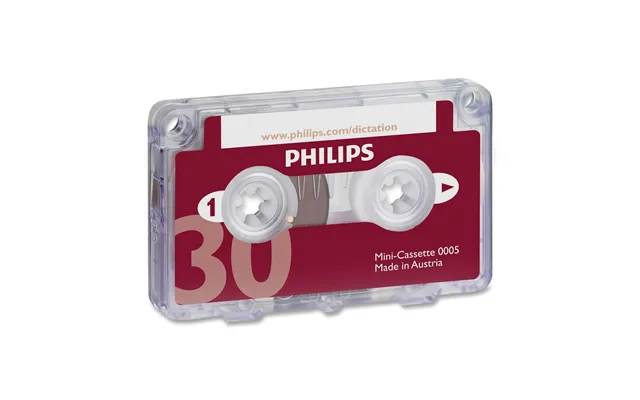
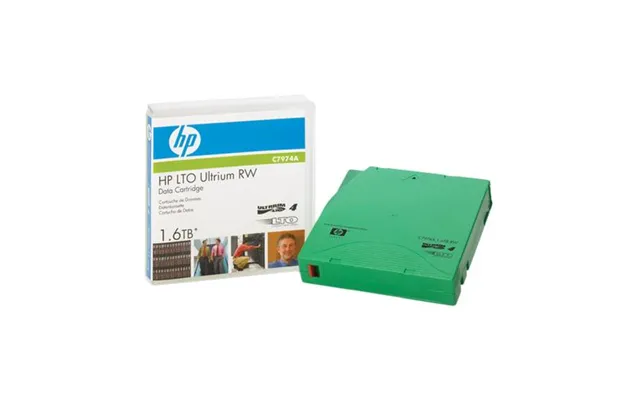
Yes, blank tapes still exist. Collectors, analog lovers, and restoration pros continue to buy fresh audio cassettes and even VHS for special projects. MiniDV and DAT surface for archival transfers and legacy gear maintenance. If you’re buying these today, quality control and storage matter even more than with optical or solid‑state media—go with reputable brands, buy from trusted sellers, and store tapes upright in cases.
Sealed packaging is ideal. Look for clear production markings, avoid sun‑faded boxes, and skip any tapes with signs of warping. If you’re digitizing old footage, consider buying a few extra tapes now—supply can be uneven, and having spares saves panic later.
The right extras make blank media easier to use and safer to store. Consider disc wallets or jewel cases, spindles with dust covers, and archival‑grade sleeves. For labeling, go with water‑based markers designed for discs—no harsh solvents. A gentle optical disc cleaner or microfiber cloth can rescue discs from minor smudges. For cards and USB drives, compact cases with foam inserts prevent dings and dirt in your bag.
Write clear titles and dates, and keep a simple index on paper or in a spreadsheet. For camera media, color‑coded card cases help you separate “shot” from “blank” at a glance. It’s the kind of small habit that saves big headaches when deadlines loom.
Start with your goal. Archiving? Consider Blu‑ray or M‑DISC. Sharing a portfolio? DVD‑R offers broad compatibility. Need speed on location? SD/microSD or an external SSD. Then weigh capacity, sustained write speed, device compatibility, and cost per gigabyte. Add durability concerns if you’ll store the media for years or carry it around daily.
If it must last: pick higher‑quality optical media or reputable brand SSDs and cards with good warranties. If it must be cheap: compare multipacks of discs or flash drives and calculate cost per unit. If it must be fast: prioritize speed classes and real‑world benchmarks. And if it must “just work” everywhere, choose formats your recipients can read without extra software.
For optical discs, use a decent external burner if your built‑in drive is aging. Burn at moderate speeds, enable verification, and handle discs by the edges. Store them vertically in cases, away from heat and sunlight. For cards and USB drives, safely eject before removal, avoid full fills if your workflow allows, and replace aging media proactively—especially if it sees heavy use.
Follow the classic rule of keeping multiple copies in different places. For irreplaceable material, consider one local copy (like Blu‑ray or SSD) and one offsite copy. Periodically test random files to confirm everything still reads cleanly. Backups you don’t test are backups you don’t really have.
Burn failed? Try a slower speed, a different brand of disc, or a newer drive. Read errors? Gently clean the disc and check on a second device. USB or SD acting flaky? Back up immediately, then reformat and re‑test. If errors persist, retire the media. With tape, dropouts can happen; digitize critical recordings right after capture while everything is fresh.
Modern burners usually prevent buffer underruns, but multitasking during a burn can still cause hiccups on older machines. Stick to one brand of disc during a project to reduce variables, and keep firmware and burning software up to date. A little discipline here saves hours later.
Prices on blank media move with demand, supply, and seasonal promotions. That’s where a clear “popular offers” view and a transparent “price list” help: you can quickly scan options, check per‑disc or per‑card pricing, and jump on genuine bargains. Comparison platforms like ZoneOffer make it easy to weigh capacity, speed ratings, brand reputation, and reviews side by side—so you pay for quality, not just a logo.
Multipacks of discs almost always beat single‑disc pricing, but make sure you’ll use them within a reasonable timeframe. For memory cards and USB drives, bundle deals can cut costs significantly—just be sure the exact model and speed are what you need, not an older variant. Always compare the cost per gigabyte to avoid sticker‑price tricks.
In optical media, Verbatim’s high‑grade lines are a consistent favourite, with Panasonic and Sony still respected where available. For SD and microSD, SanDisk and Samsung are safe picks for most buyers, with Kingston and Lexar also popular. In USB and SSDs, Crucial, Samsung, SanDisk, WD, and Kingston deliver dependable performance at competitive prices. Whatever you choose, anchor the decision in up‑to‑date reviews and real‑world speed tests, not just spec sheets.
For mission‑critical archives and professional shoots, premium media is cheap insurance. For casual use—handing off files to a friend or storing a school project—value lines from reputable brands are plenty good. Spend where it counts: archival quality when you need longevity, higher speed when you need throughput, and everyday value when it’s just convenience.
Blank media doesn’t have to equal clutter. Buy what you’ll use, opt for rewritable media where it makes sense, and consolidate archives thoughtfully. When retiring old discs or drives, look for local e‑waste programs and data‑secure recycling. For optical media, physically destroy discs that held sensitive info before recycling cases and inserts separately.
Media that lasts is media that doesn’t need replacing. Choosing higher‑quality discs for archives and proven brands for cards and SSDs cuts waste in the long run. Store responsibly, label clearly, and keep an index so you don’t duplicate projects unnecessarily.
If you’re a videographer, pair high‑speed SD or CFexpress media for capture with BD‑R or M‑DISC for deliverables or backups. Photographers often lean on fast SD cards plus a trusty external SSD for edits on the go. Home users might prefer DVD‑R for family videos, a couple of USB flash drives for everyday file swaps, and an external SSD for Time‑Machine‑style backups. The best mix is the one you’ll actually maintain.
Before buying, confirm: your device’s supported formats and speed classes; your computer’s ports; whether you need rewritable or write‑once media; and how you’ll store the result. Five minutes of checking saves returns, re‑buys, and endless frustration.
Specs tell part of the story; reviews add the rest. For discs, look for comments about successful burns at moderate speeds and longevity. For cards and drives, hunt for sustained write tests, not just peak numbers. Beware listings that bury real model codes—if the code doesn’t match the vendor’s site, think twice.
Consistent positive reviews across multiple UK retailers, clear speed and capacity labels, reasonable pricing relative to competitors, and detailed product pages are all green flags. If the listing is vague or too good to be true, it probably is. Use comparison tools to pressure‑test claims.
Make a quick list of what you need this season: how many discs or cards, which speeds, what capacities. Compare prices across brands, check total landed cost per unit, and skim recent reviews. Toss in the right cases or labels so you’re set from day one. A small plan turns a scattershot shop into a smart, budget‑friendly haul.
When your media arrives, test a sample: burn and verify a disc, run a card speed test, copy a big file to a USB drive and back. Then label everything cleanly and store it properly. You’ll save yourself from nasty surprises when a deadline hits.
Blank media is far from dead—it’s diversified. CDs and DVDs still deliver compatibility, Blu‑ray and M‑DISC give you durable archives, SD and microSD power your cameras and consoles, and USB or SSDs keep workflows nimble. To stretch your budget in the UK, compare current offers and price lists, prioritise quality for mission‑critical jobs, and choose value options for casual tasks. With a clear plan and a few smart checks, you’ll land the right mix of media at the right price—and your files will thank you later.
| Blank Media | Price | |
|---|---|---|
| A Day Without Me | £ 1,81 | |
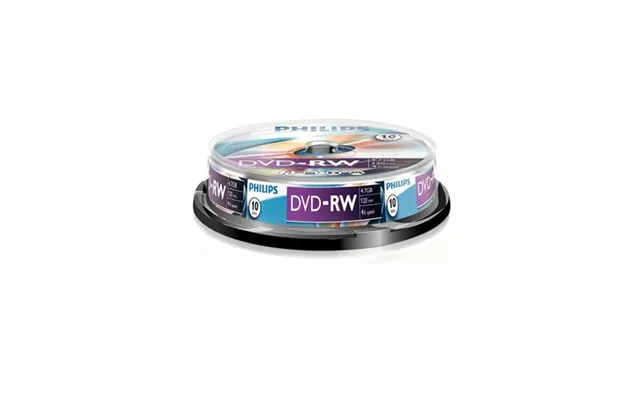
| Philips Dvd-rw Dn4s4b10f 00 | £ 16,61 | |
| Sandisk Extreme 64gb Microsdxc Card Uhs-i U3 V30 Used | £ 23,- | |
| Paxton Net2 Magstripe Cards Pack Of 10 | £ 31,28 | |
| Paxton Net2 Magstripe Cards Pack Of 10 | £ 31,28 | |
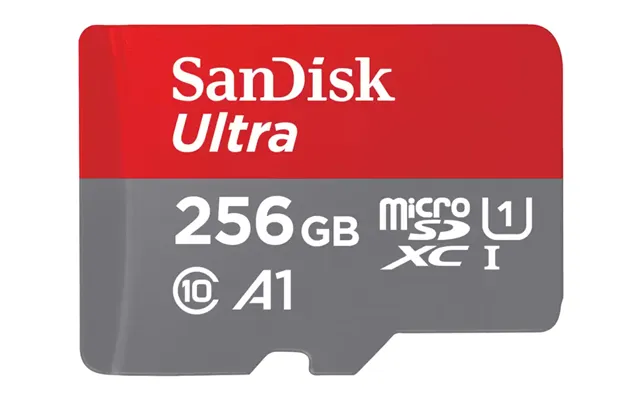
| Sandisk Ultra 256 Gb Microsdxc Uhs-i Class 10 | £ 52,- | |
| Sandisk Ultra 256 Gb Microsdxc Uhs-i Class 10 | £ 52,- | |
| Sandisk Extreme Pro 256gb Microsdxc Card Uhs-i U3 A2 V30 Used | £ 56,- | |
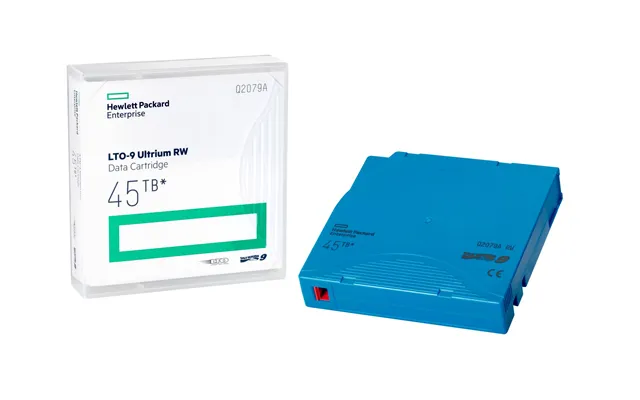
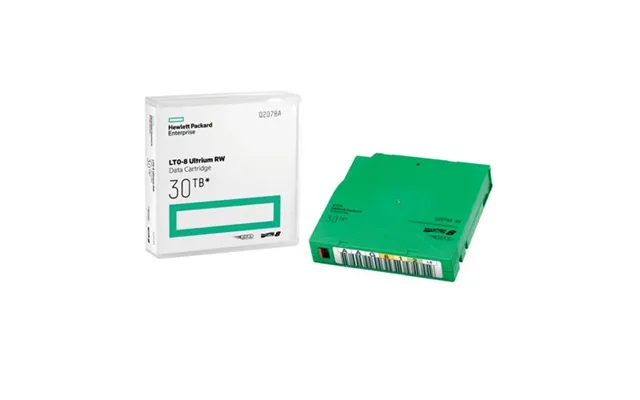
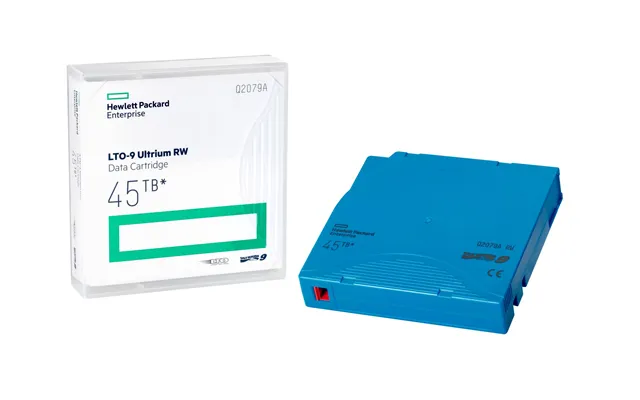
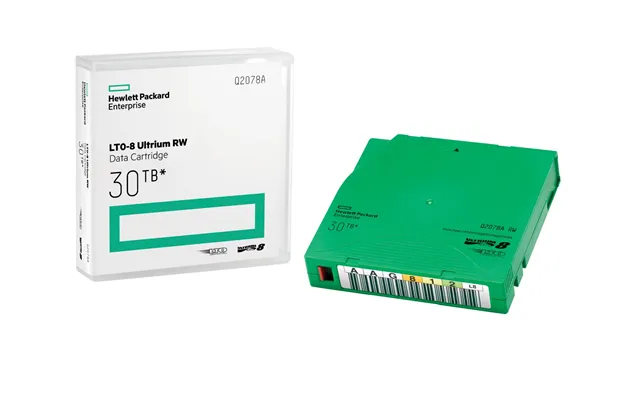
| Hpe Lto-9 Ultrium 45tb Rw Data Cartridge | £ 85,13 |