All categories
Business & Offices
Electronics & Media
Fashion & Accessories
Groceries & Essentials
Health & Personal Care
Home & Living
Kids & Family
Sports & Outdoors
Search in ZoneOffer

Loading...
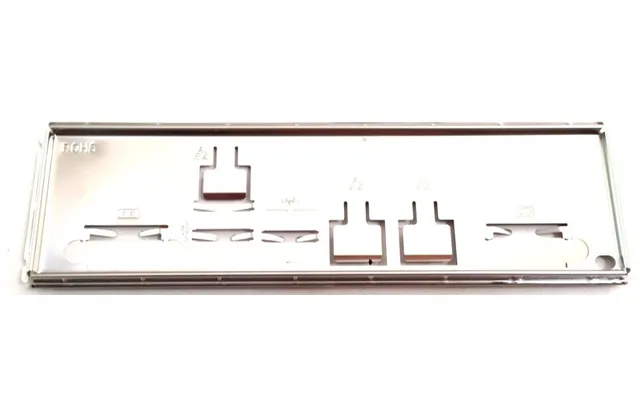
If you’ve ever looked at the rear of a PC case and seen that neatly framed cluster of ports, you’ve already met the I/O shield. It’s the thin metal plate that snaps into the case cutout and perfectly aligns your motherboard’s audio jacks, USB ports, Ethernet, and display outputs. Backplates, on the other hand, are sturdy panels that reinforce components like graphics cards or motherboards, add structural rigidity, and sometimes help manage heat. Both parts might look simple, but they play crucial roles in durability, safety, and the overall feel of a polished build.
Put simply, I/O shields and backplates are the unsung heroes that prevent dust ingress, improve electromagnetic interference (EMI) shielding, protect delicate connectors, and add that professional, finished look to your rig. Whether you’re replacing a lost I/O shield, upgrading to a better-finished backplate, or buying parts for your next build, knowing what to choose makes all the difference.
Let’s be real—when you’re spending time and money on a PC, little details can have big payoffs. A proper I/O shield helps block interference and directs airflow, reducing hot spots around your motherboard’s rear I/O. Backplates can prevent GPU sag, spread heat more evenly, and protect the PCB from accidental knocks during installation. Even if you’re not chasing every last frame per second, who doesn’t want a rig that looks tidy, runs cooler, and lasts longer?
There’s also the aesthetics angle. Modern cases showcase hardware like a showroom window. A brushed aluminum GPU backplate or a clean, pre-labeled I/O shield can elevate your build from “assembled” to “crafted.” It’s like putting a picture in the right frame—the artwork doesn’t change, but the presentation feels premium.
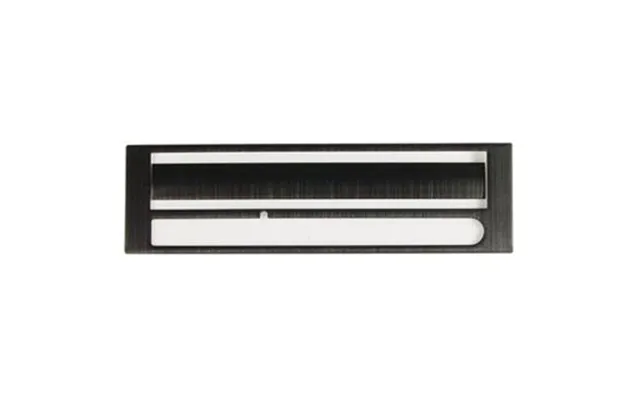
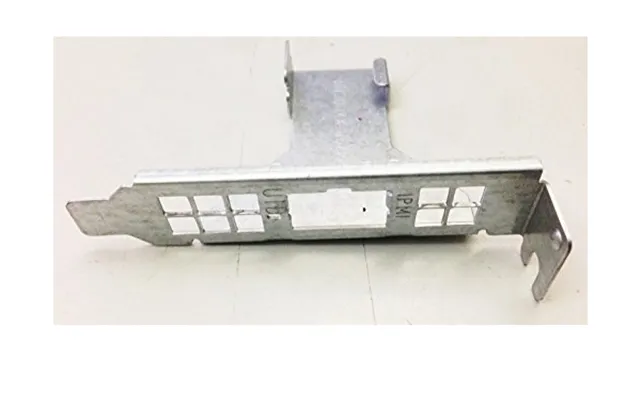
These plates clip into the case’s rear opening to match your motherboard’s port layout. Many newer motherboards include pre-installed I/O shields that are already attached to the board, simplifying installation and improving alignment. If yours doesn’t, you’ll use a separate shield that pops into the case first. Standard ATX-style openings are roughly 1.75 inches by 6.5 inches, but the exact cutouts depend on the board model, so compatibility is everything.
Graphics card backplates mount on the rear of the GPU PCB. They can reduce flex, protect components from static-prone hands, and act as a heat spreader when paired with thermal pads. You’ll find them in powder-coated steel, anodized aluminum, or composite materials. Some are pure cosmetic panels; others are engineered with vents and thermal interfaces to help pull a few extra degrees off hotspots.
Small but mighty, these are the tiny shields and backplates that sit over NVMe drives or chipset areas. They add thermal mass and combine with pads to keep flash memory and controllers within preferred temperature ranges. If you run fast storage or work in a warm room, a simple backplate over your NVMe can reduce throttling and stabilize performance.
Some products market themselves as “universal,” which usually means they fit the standard case aperture or provide a blank panel you can customize. Model-specific options match exact port layouts or GPU hole patterns. If you want drop-in convenience, choose model-specific. If you’re comfortable tweaking, universal can be a budget-friendly route—just measure twice and mod once.
Steel I/O shields and backplates provide excellent rigidity and EMI containment. Stainless steel resists corrosion better than plain carbon steel, making it a safe choice for long-term builds. Galvanized finishes add a protective layer that’s tough against humidity. If your case lives near a window or you move it often, steel can take the knocks without bending out of shape.
Aluminum shines in builds where weight and looks matter. Anodizing adds a durable, scratch-resistant surface and opens the door to darker tones or clean metallic hues. Because aluminum dissipates heat quickly, it’s a popular choice for GPU backplates and small heatsink shields. A brushed finish can hide fingerprints, while a matte coat brings a stealthy vibe.
Not all shields are pure metal. Some include polymer layers, foam gaskets, or composite inserts to absorb vibration and improve fit. These materials help avoid metal-on-metal rattles and create a snug seal around ports, keeping dust out and making alignment feel precise. Don’t dismiss a product just because it isn’t all metal—thoughtful composites can boost comfort and noise control.
Look closely at quality I/O shields and you’ll spot springy metal tabs and foam pads. Those aren’t decorative. Spring fingers press against port housings to create a continuous conductive path, improving EMI shielding, while foam pads prevent gaps and buzzing. If you work near lots of wireless gear or audio equipment, this little detail can keep interference at bay.
Most cases follow a standard rear opening that accommodates typical I/O shields around 1.75 inches tall and 6.5 inches wide. The motherboard’s form factor—ATX, microATX, or mini-ITX—doesn’t change the opening itself, but it dictates the port arrangement inside the shield. That’s why a shield from one model rarely matches another, even within the same brand family.
Each motherboard model has its own cutout pattern for USB, audio, LAN, and video outputs. A shield with the wrong pattern can block ports or leave open gaps. Always match by exact model name, not just brand or chipset. If you lost the original shield and can’t find a precise replacement, consider a blank shield with punch-outs or a custom solution—but be patient and careful when cutting.
Pre-installed shields are a builder’s best friend because they eliminate the classic “I forgot the shield” mistake. If your board has one, you’ll mount the motherboard directly, and the integrated frame will guide alignment. With separate shields, you snap the plate into the case first, making sure all tabs face inward, then install the board. Either route works; integrated is just easier and often looks cleaner.
Before adding a GPU backplate, check your case’s side panel clearance and any tight runs near cables or radiator tubes. Some backplates add a bit of thickness, which can bump into tempered glass or shrouds. If your case is compact, measure the gap you have with the side panel closed and leave a small buffer so nothing rubs or rattles.
You don’t need a workshop to do this right. A magnetic screwdriver set, a clean microfiber cloth, and good lighting go a long way. Keep a small container for screws so they don’t wander off. Power down, unplug, and discharge static by touching a grounded metal part of your case. Take your time—installing shields and backplates is more finesse than force.
Start by orienting the shield correctly—the audio jacks and stacked USB towers are a helpful clue. Press the shield into the case from the inside, working around the edges until you hear small clicks. The spring tabs should sit inside the case facing forward. When you mount the motherboard, ensure ports push the tabs back gently; if a tab blocks a port, nudge it out of the way rather than forcing the board into place.
Remove the GPU carefully, placing it on a non-conductive surface. Follow the backplate’s hole pattern and use the included screws at the recommended lengths—mixing lengths can pierce the PCB, which nobody wants. If thermal pads are included, position them where the instructions indicate, typically over memory modules or VRM components. Tighten screws in a cross pattern with light, even pressure until snug.
Thermal pads are the unsung thermal bridge between a hot chip and a cool plate. Don’t stretch them; lay them gently and keep protective films off the contact faces. For small heatsinks, a pea-sized dab of thermal paste can help, but only where specified. As for torque, hand-tight is the rule—just firm enough to hold, never so tight that you hear creaks or see board flex.
Cheap can be cheerful, but false economy stings. An extra few pounds for stainless steel over thin tinplate can mean fewer bends, cleaner alignment, and better EMI performance. For GPU backplates, a touch more for anodized aluminum with proper pads often results in better temperatures and a nicer finish that still looks great years later.
Not all listings tell the full story. Scan reviews that mention fitment, tab alignment, and port blocking. A short warranty can be fine for an I/O shield, but for backplates with thermal components, some coverage shows confidence in build quality. When comparing across multiple retailers, weigh reputation and stock consistency alongside price.
It’s common to find backplates bundled with screw kits, thermal pads, or matching port plugs. Bundles can save money and time, especially if you’re refreshing an older build. Watch for seasonal sales and clearance events—classic components like I/O shields don’t go out of style, so a discount is a genuine win.
Be cautious with too-good-to-be-true listings, especially when shopping for model-specific shields. Blurry photos, vague model names, or mismatched port diagrams are red flags. Authentic parts align cleanly and often include labeled cutouts. When in doubt, compare images to your motherboard’s official layout and confirm measurements before buying.
Small changes can hush a PC. I/O shields with foam lining and solid spring tabs reduce buzzing and help seal gaps that let noise escape. Pair that with a solid GPU backplate and rubber grommets on fans, and you’ll be surprised how much calmer your system sounds, especially under light loads.
In small form factor cases, every fraction of an inch counts. Slim backplates and low-profile I/O shields prevent clearance conflicts with side panels and cables. If you travel with your PC, the added rigidity of a GPU backplate can protect your card from knocks and flex during transport.
If your build runs big accelerators or chunky coolers, a robust backplate is more than looks—it’s insurance. It spreads mechanical stress, helps prevent PCB bowing over time, and makes handling safer during maintenance. Combine it with a GPU support bracket and your card will sit level and elegant for the long haul.
Backplates come in finishes that match popular color schemes—stealth black, brushed silver, or accented designs with cutouts for subtle lighting. Coordinating your I/O shield’s finish with your case and GPU backplate ties the build together, like matching cufflinks to a suit. It’s a small touch that makes a big statement.
Dust sneaks in wherever it can. A snug I/O shield helps, but regular maintenance keeps things pristine. Use compressed air in short bursts and a soft brush for stubborn debris. For fingerprints on aluminum or steel, a microfiber cloth lightly dampened with isopropyl alcohol brings back the shine. If you spot early corrosion, clean and dry the area, then consider a protective wipe-on coating designed for electronics surfaces.
Hear a buzz from the rear panel? It’s often a loose spring tab or a misaligned corner of the I/O shield. Power down, loosen nearby motherboard screws slightly, press the shield firmly into place, and retighten in a crisscross pattern. For minor rattles, a tiny strip of foam along the contact edge can make the fit whisper-quiet.
Bent tab blocking a USB port? That’s fixable with gentle plier work. Deep scratches, severe bends, or missing EMI fingers are a sign to replace. For backplates, hairline cracks, stripped threads, or warped metal that won’t sit flat are cues that a new part will serve you better and protect your hardware properly.
Love a custom touch? You can add logo cutouts or vents to a backplate with the right tools. Mask the area, mark lines carefully, and use a nibbler or low-speed rotary tool with a fine bit. Smooth edges with a file and finish with a protective coat. Modding is satisfying, but respect the hardware—avoid cutting near sensitive tracer paths or mounting holes.
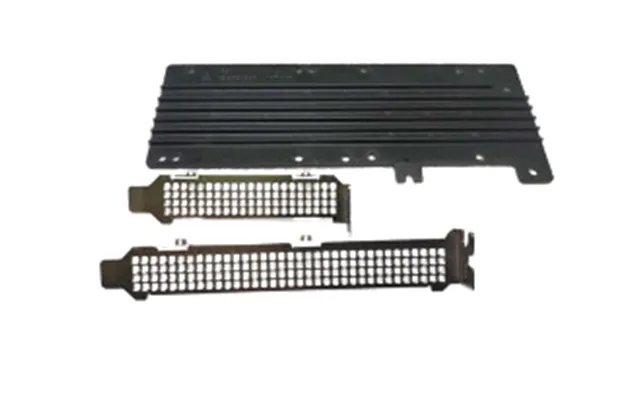
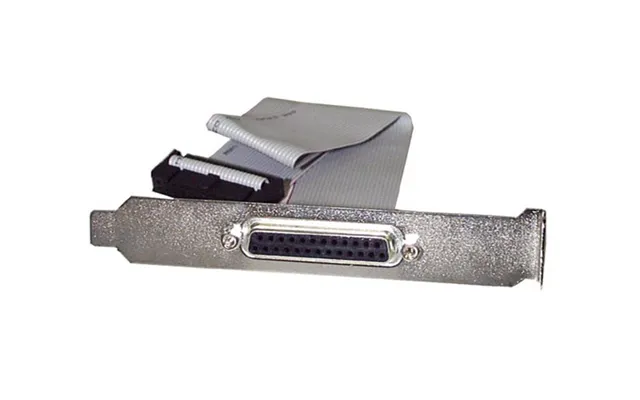
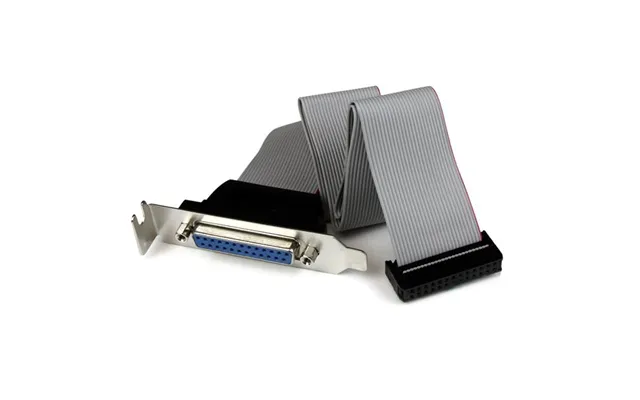
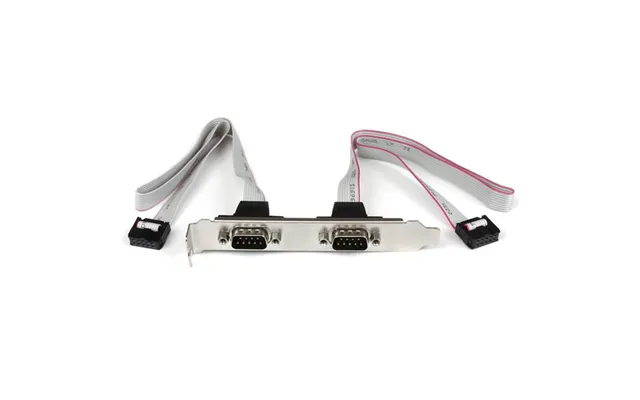
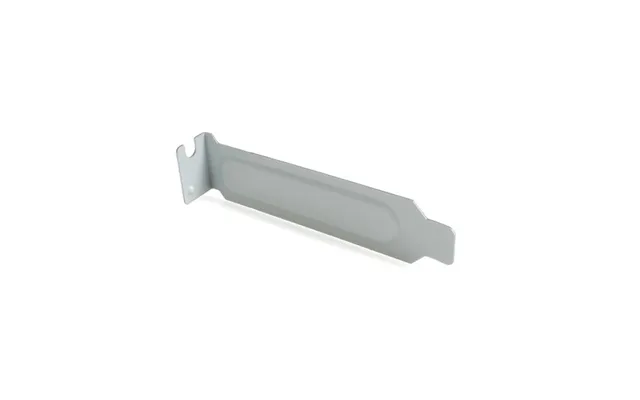
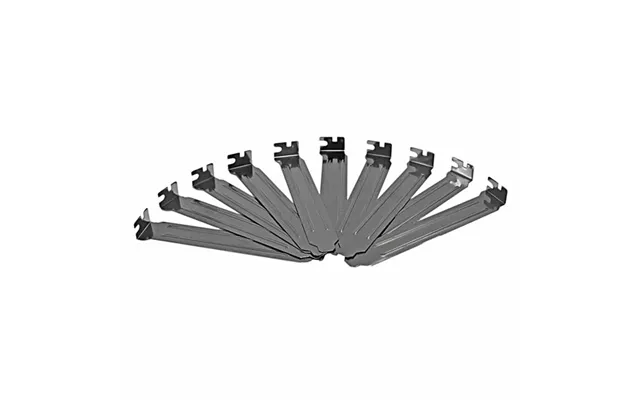
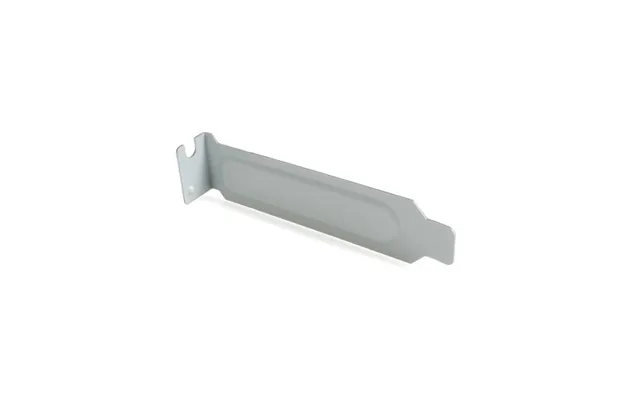
Open PCIe slots are dust magnets. Solid or mesh blanks tidy the rear profile, improve airflow management, and keep debris out. Choose steel for rigidity or mesh for pressure-balanced airflow in exhaust-heavy builds.
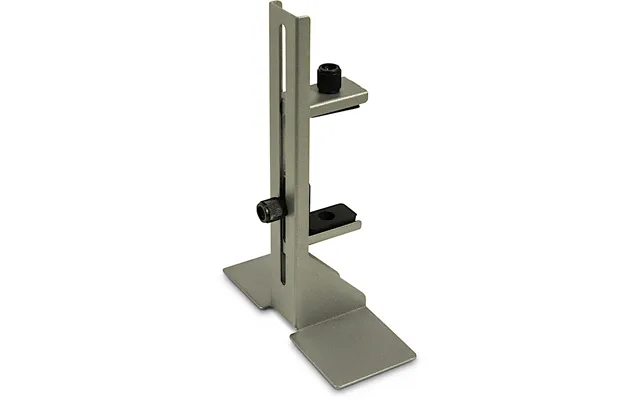
A support bracket pairs perfectly with a backplate to keep large GPUs level. Adjustable designs make setup simple. Think of it as a discreet kickstand that takes the load off your PCIe slot and keeps everything aligned through years of thermal cycles.
If you rarely use certain ports, silicone dust plugs are an easy win. They keep connectors clean and ready for when you do need them. Combined with a snug I/O shield, they help maintain a clean, professional rear panel.
Good standoffs ensure your board sits flat, which is crucial for proper I/O alignment. Some aftermarket kits include reinforcement plates that distribute load across a larger area on the backside of the board, handy for heavy tower coolers or frequent transport.
Start with compatibility. Match the I/O shield to your exact motherboard model or opt for a trusted blank if you’re prepared to customize. For GPU backplates, verify mounting hole patterns, thickness, and thermal pad placement. Consider materials next—stainless steel for durability, anodized aluminum for light weight and better heat spreading. Finally, weigh the finishing touches: foam gaskets for quiet, labeled cutouts for clarity, and a finish that complements your build’s theme.
If you’re comparing offers across multiple UK retailers, keep an eye on stock status, genuine photos, and clear model references. A small patience tax up front saves time, effort, and returns down the road. Aim for the option that balances reliable fit with a finish you’ll be happy to see every time you peek through the side panel.
Lost your original I/O shield? Replacing it improves EMI control and cleans up the rear panel. Running a powerful GPU that sags slightly? A backplate plus a slim support bracket can level it out and drop a couple of degrees under load. Using blazing-fast NVMe storage? A small heatsink backplate with quality pads can reduce throttling during long file transfers. These aren’t flashy upgrades, but they add polish and peace of mind that you’ll feel every day.
Even in budget builds, these parts shine. An affordable steel I/O shield that fits perfectly is a tiny investment for a huge improvement in finishing quality. And a simple, well-made GPU backplate can transform the look of a card that otherwise appears bare from the side window.
Backplates and I/O shields may be small pieces of the PC puzzle, but they have an outsized impact on durability, cooling behavior, and the satisfaction of a clean, professional build. Choose materials that match your goals, verify compatibility by exact model, and install with a light touch. Whether you’re hunting for UK deals on replacements or accessorizing a dream rig with premium finishes, the right shield or backplate turns a good build into a great one—quiet, sturdy, and styled just the way you like it.
| Computer Backplates & I/O Shields | Price | |
|---|---|---|
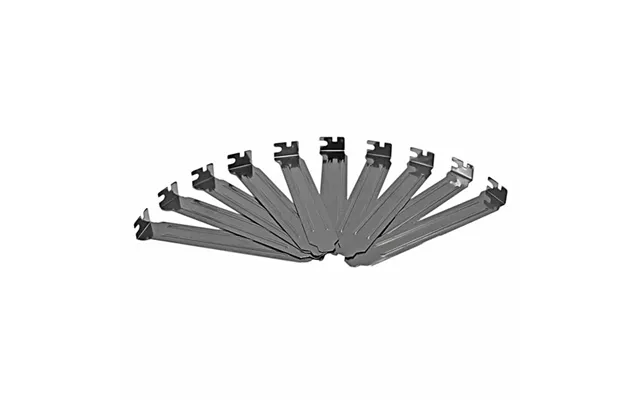
| Startech.com Steel Full Profile Expansion Slot Cover Plate - 10 Pack | £ 12,13 | |
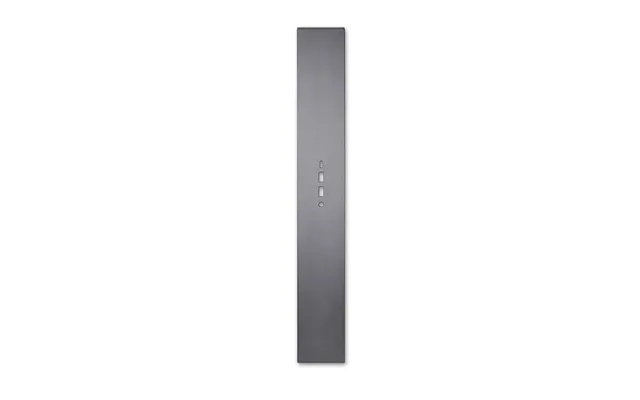
| Lian Li O11de-5g Computer Case Part Full Tower I O Shield | £ 22,31 | |
| Lian Li O11de-5x Computer Case Part Full Tower I O Shield | £ 22,31 | |
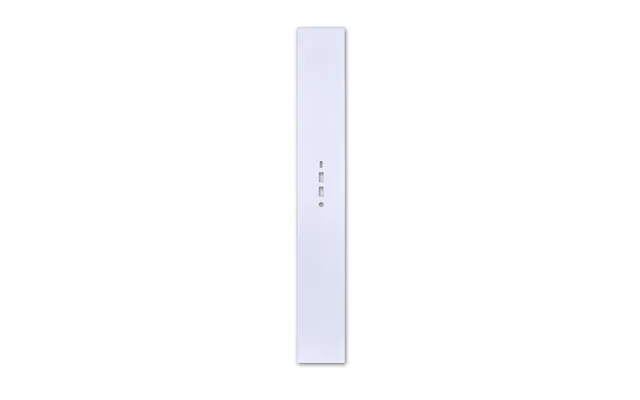
| Lian Li O11de-5w Computer Case Part Full Tower I O Shield | £ 26,30 | |
| Phanteks Ph-neledkt M1 Wt01 Computer Case Part Universal Led Strip | £ 31,31 | |
| Phanteks Ph-hrlcd Wt01 Computer Case Part Universal Lcd Panel Kit | £ 122,39 | |
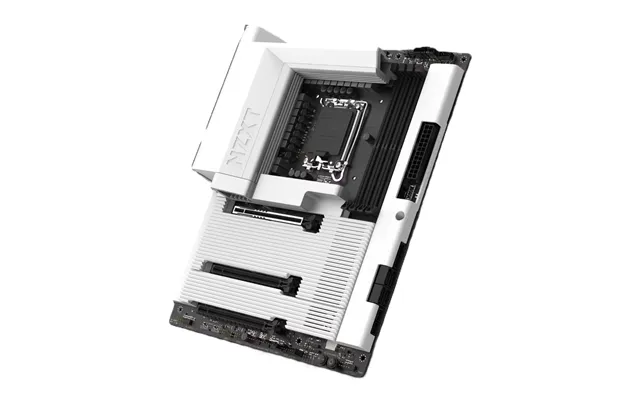
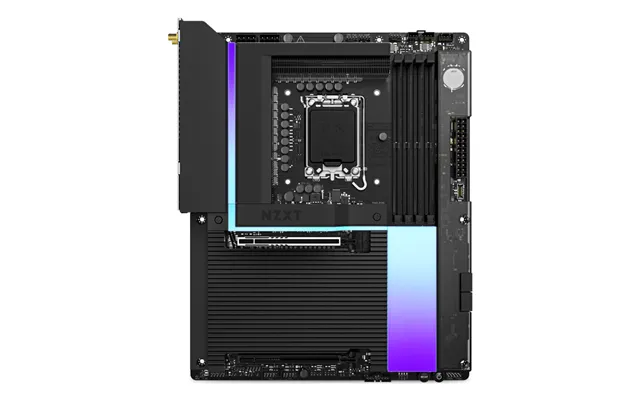
| Nzxt N7 Z890 Intel Z890 Lga 1851 Socket V1 Atx | £ 270,22 | |
| Nzxt N9 Z890 Intel Z890 Lga 1851 Socket V1 Atx | £ 382,- | |
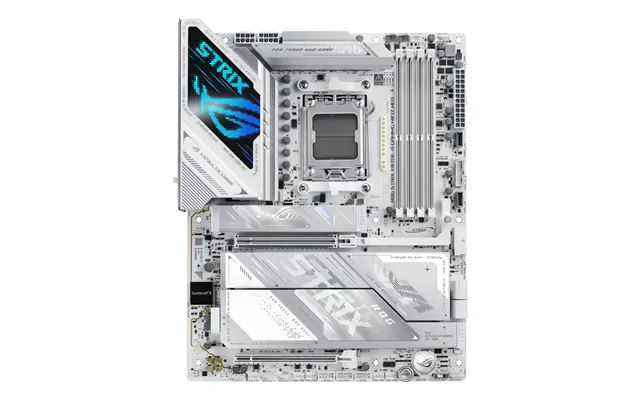
| Asus Am5 Rog Strix X870e-a Gaming Wifi7 | £ 396,07 |

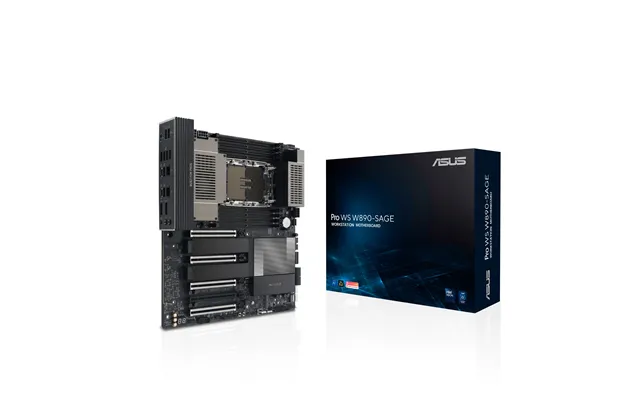
| Asus Pro Ws W890-sage Intel W890 Lga 4710-2 Ceb | £ 838,99 |
Below are quick answers to common questions about computer backplates and I/O shields to help you shop and install with confidence.