All categories
Business & Offices
Electronics & Media
Fashion & Accessories
Groceries & Essentials
Health & Personal Care
Home & Living
Kids & Family
Sports & Outdoors
Search in ZoneOffer

Loading...
Choosing a computer processor isn’t just a checkbox on a parts list—it’s the heartbeat of your entire setup. Whether you’re gaming, editing video, streaming, crunching spreadsheets, or juggling dozens of browser tabs, your CPU calls the shots. It decides how snappy your system feels, how well your graphics card performs, and how long your rig will stay relevant. With so many “Popular Offers” and a steady stream of “Computer Processors price list” pages floating around, it’s easy to feel overwhelmed. The good news? You don’t need to be a hardware engineer to make a smart pick. Let’s break it down in plain English, compare what’s out there, and help you lock in the right CPU at a great price.
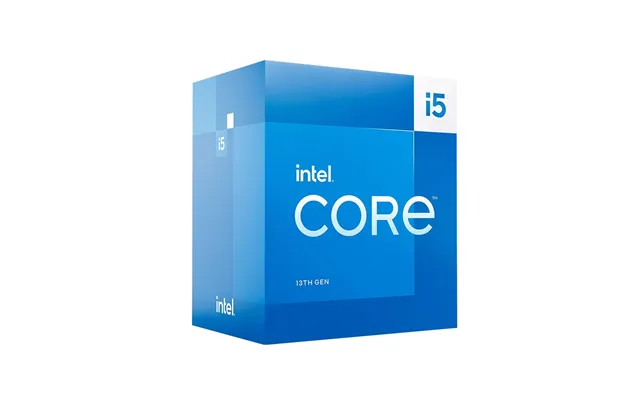
Intel’s Core lineup covers everyone from casual users to power-hungry enthusiasts. Core i3 chips handle the basics and light multitasking. Core i5 sits in the sweet spot, delivering strong gaming and productivity without going over the top. Core i7 ramps things up for creators and heavy multitaskers, while Core i9 is built for the “no compromise” crowd. You’ll also see newer naming like Core Ultra for laptops and certain desktop lines, which pack modern features and smarter efficiency. What does this mean for you? If you’re gaming on a mid-range graphics card, a Core i5 often hits the sweet performance-to-price ratio. If you edit large projects, stream while you play, or manage complex workloads, stepping into Core i7 or Core i9 territory makes sense.
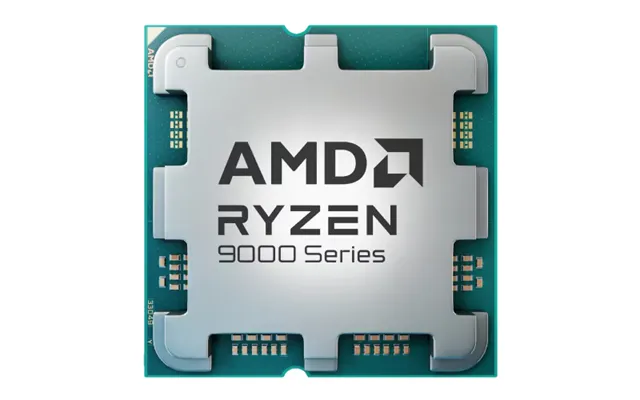
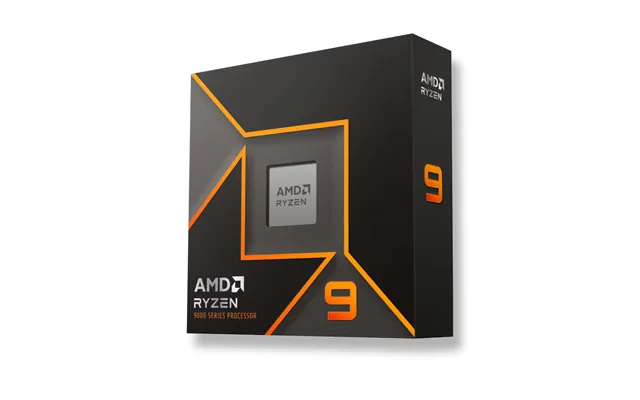
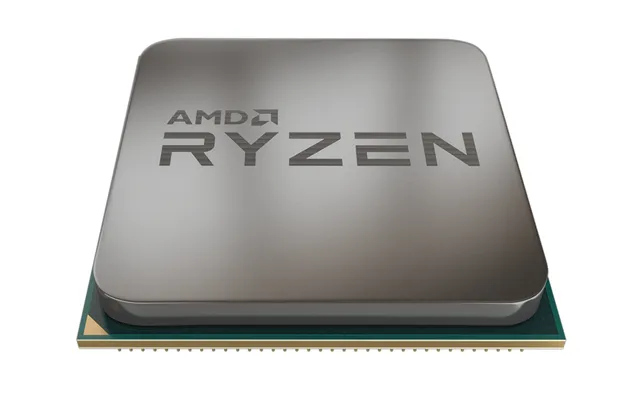
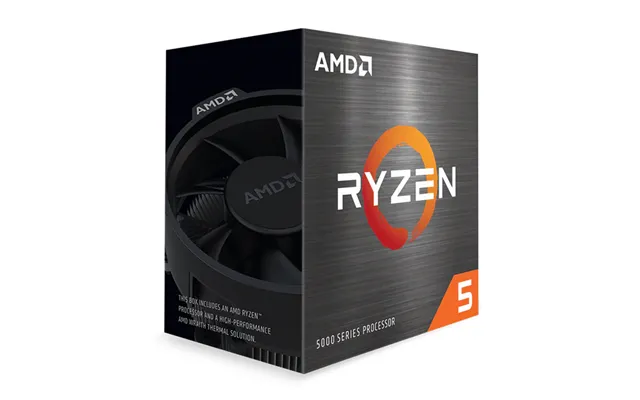
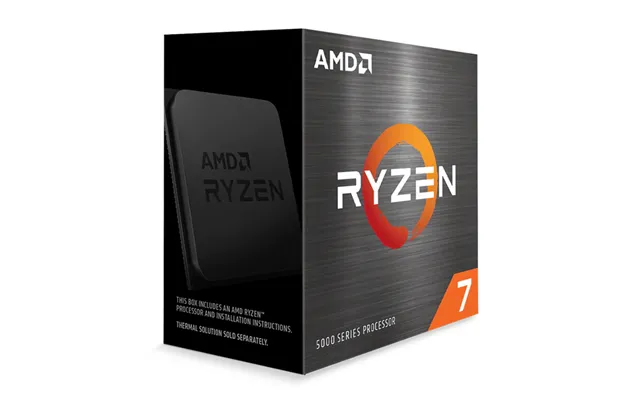
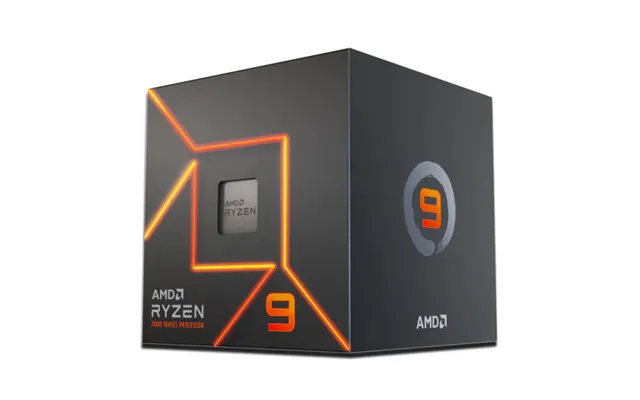
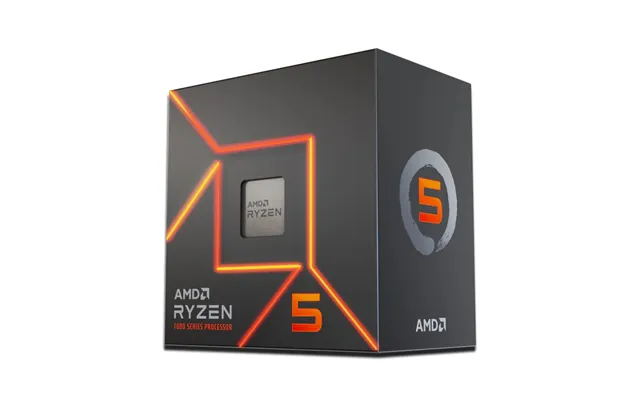
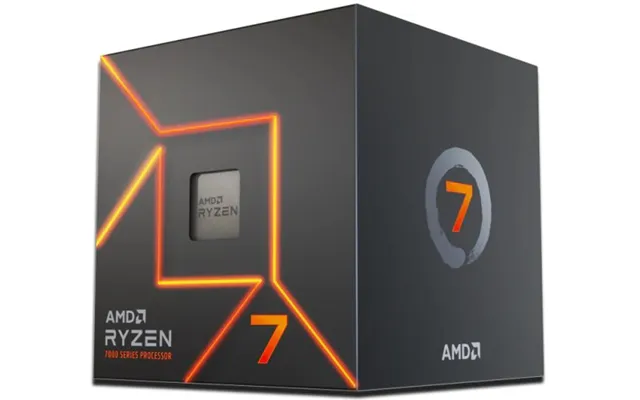
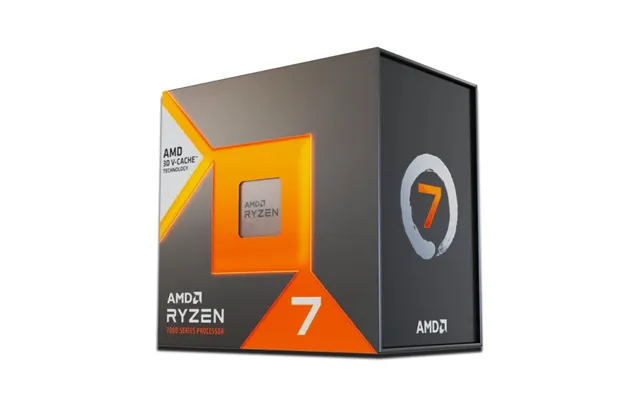
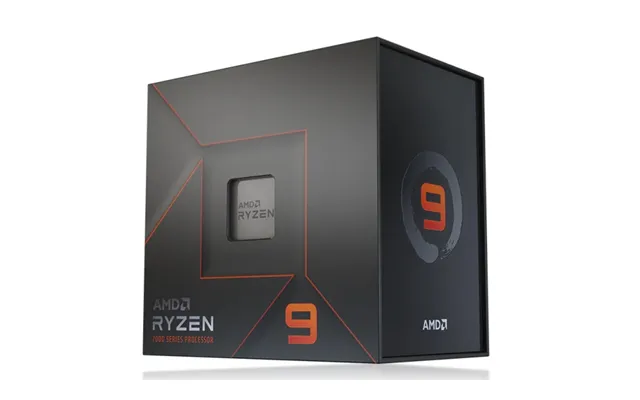
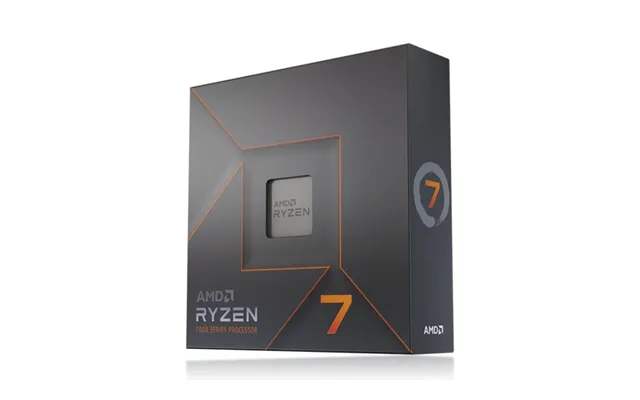
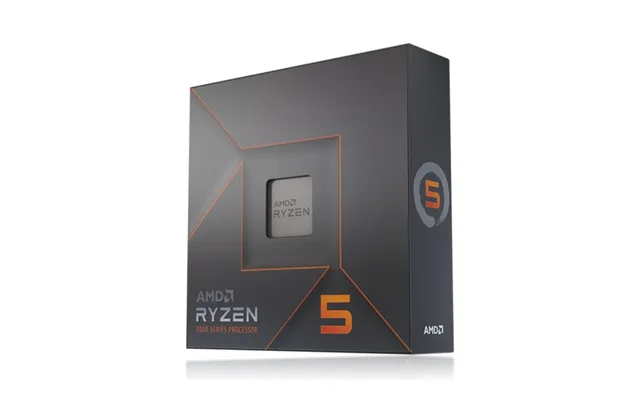
AMD’s Ryzen lineup mirrors the same tiering: Ryzen 3 for essentials, Ryzen 5 for mainstream, Ryzen 7 for more demanding workloads, and Ryzen 9 for top-tier performance. Ryzen chips are known for excellent multi-core strength and solid gaming chops. Many Ryzen processors also come in versions with integrated graphics (more on that soon), making them great picks for compact builds or budget systems without a dedicated graphics card. If you want a system that’s fast today and still feels zippy down the road, Ryzen 5 and Ryzen 7 models often deliver standout value, while Ryzen 9 aims at creators and high-end gamers who want everything turned up to eleven.
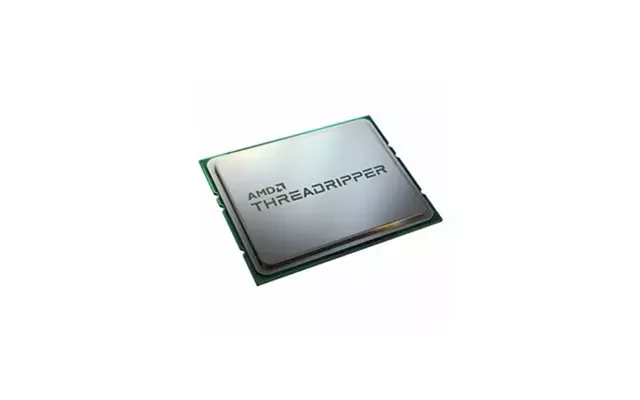
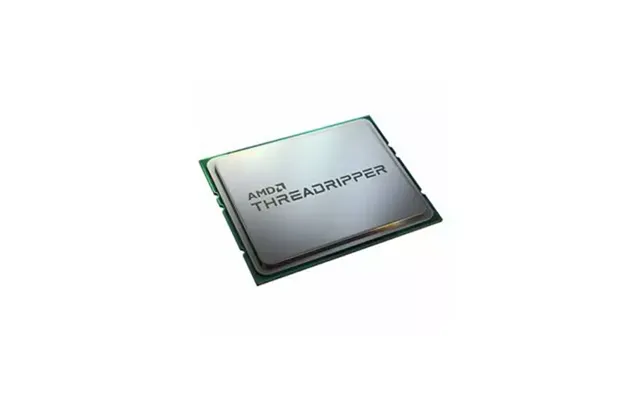
If you’re rendering complex scenes, running hefty simulations, or building a workstation that needs monster multi-threaded muscle, AMD Threadripper and Intel Xeon are the heavy hitters. They’re not for typical gaming builds and can require specialized motherboards and cooling. But if time is money and you live in high-end production tools, these platforms can shave serious minutes off your projects and offer pro features that mainstream chips don’t.
When you browse a comparison site like ZoneOffer, you’ll spot plenty of deals on mid-range favorites. There’s a simple reason: this is where performance and price shake hands. A Ryzen 5 or Core i5 handles modern games, smooth multitasking, and productivity without making your wallet sweat. If you’re matching with a mid-range graphics card, you’ll often get excellent frame rates, quick app launches, and enough cores for background tasks. When a “Popular Offers” banner highlights these models, it’s usually worth a closer look.
If you’re playing at high detail settings with a powerful graphics card, or you create content—think editing high-resolution footage, complex music projects, or code compiling—Ryzen 7 or Core i7 gives you extra headroom. Want to go even bigger? Ryzen 9 and Core i9 ramp up multi-core strength for heavy production work, streaming while gaming, and future-proofing. You pay more, but you also get buttery performance that stays comfortable for longer.
Building a first PC or sticking to a tight budget? Ryzen 3 and Core i3 processors make a lot of sense for everyday tasks, media, light gaming, and schoolwork. They keep costs down while offering enough speed for typical home use. If you pair them with fast storage and enough memory, the overall experience can surprise you—snappy, responsive, and capable of more than you might expect at the price.
Integrated graphics live inside the CPU and can run your display without a separate graphics card. They’re great for office work, media streaming, and light content creation. Many Intel Core models include integrated graphics, as do select AMD Ryzen chips with graphics enabled. If you’re building a compact PC, a quiet office system, or a budget rig, going with integrated graphics can save money and space. You can always add a dedicated graphics card later if you want to step up your gaming or rendering performance.
Serious gaming or heavy creative work will benefit from a dedicated graphics card, no doubt. In that scenario, your CPU still matters—a lot. A stronger processor can unlock more performance from your graphics card, helping you maintain steady frame rates and smooth responsiveness. Pair a mid-range graphics card with a Ryzen 5 or Core i5 for balanced performance, and go for Ryzen 7/9 or Core i7/i9 if you’re using a high-end graphics card or doing heavy creative work alongside gaming.
Before you hit buy, check the processor’s socket and make sure your motherboard matches. Intel’s desktop chips commonly use sockets like LGA1700, while AMD’s current mainstream desktop platform uses AM5, with AM4 still popular in existing systems. If you’re upgrading an older PC, confirm the exact model of your board and its supported processors. Sometimes a simple firmware update opens the door to newer chips—but check that first so you don’t end up with parts that refuse to work together.
Your processor and motherboard will dictate whether you use DDR4 or DDR5 memory. DDR5 is the newer standard, offering higher bandwidth and better future potential. DDR4 is more affordable and still widely available. Pick the platform first, then match the memory. Also, keep an eye on advertised memory support from the motherboard maker; it can influence stability and performance in a real way.
Modern processors are surprisingly efficient, but they still need proper cooling to run at their best. Check the height of your air cooler and the length of any radiator if you’re using liquid cooling. For a common single‑fan radiator size, plan for roughly 4.7 inches, and for dual‑fan radiators, about 9.4 inches. Make sure your case has clearance for the cooler, and that it can handle the airflow your system needs. Pay special attention to compact cases—they can be fantastic, but they demand careful planning so everything fits comfortably.
It’s easy to get dazzled by speeds and marketing terms, but real-world performance depends on more than a single number. Core count matters when you’re multitasking or running software that uses many threads. Cache size can help with responsiveness in games and creative apps. Architecture improvements can speed up how much work gets done per cycle, which often matters just as much as advertised speed. The takeaway: don’t chase a single spec. Look at the whole picture and match it to what you actually do on your PC day to day.
Modern processors dynamically boost their speed when there’s thermal and power headroom. Translation: better cooling keeps performance high for longer. A good air cooler or a well‑sized liquid cooler can help your chip maintain top speed during extended tasks. Think of it like a car engine on a long uphill climb—if it stays cool, it keeps pulling hard. Keep your case fans arranged to bring cool air in and warm air out, and you’ll squeeze more performance out of the same chip.
If gaming is your top priority, aim for a processor that pairs well with your graphics card. A Ryzen 5 or Core i5 nails it for mid-range setups, giving you great performance in popular titles. If you’re chasing high refresh rates or using a top-tier graphics card, a Ryzen 7/9 or Core i7/i9 helps reduce CPU bottlenecks and keeps your frames flowing smoothly. Remember, a balanced build usually beats a lopsided one—don’t spend everything on the graphics card and skimp on the processor, or vice versa.
Editing video, producing music, photo editing, coding, and streaming can push a system hard. This is where extra cores shine. A Ryzen 7 or Core i7 handles these demands with ease, while Ryzen 9 and Core i9 step in for serious production workloads. If you stream while gaming, those extra cores help you encode video without tanking your in‑game performance. Also consider memory capacity and fast storage; a strong CPU deserves equally capable support so it’s not waiting on the rest of your system.
Building a compact or whisper‑quiet PC? Look for processors known for efficient operation and pair them with coolers that fit your case. Integrated graphics can be a big win here, saving space and noise while still handling everyday tasks and light creative work. If you do plan light gaming, choose a chip with strong integrated graphics or a low‑profile dedicated card. Careful component choices will give you a tiny PC that feels big and fast in daily use.
When you scan a “Computer Processors price list,” don’t only sort by lowest cost or highest tier. Consider your use case, the platform you’re buying into, and what you plan to do over the next couple of years. A mid-range chip that perfectly matches your workload can beat a higher-end model that never stretches its legs. Watch for seasonal sales, bundle offers that include coolers or games, and long-term platform value—especially if you expect to upgrade later without replacing your entire system.
Comparison sites like ZoneOffer are perfect for lining up prices, specs, and availability across multiple retailers without jumping tab to tab. You can quickly see which sellers are running limited deals, which versions include integrated graphics, and whether a boxed cooler is included. Use these tools to track price trends over time, so you spot a real deal when it lands rather than guessing. A few minutes of comparing can save you cash and land a better‑matched processor for your build.
It’s not just about the processor—your motherboard and platform determine how easy your next upgrade will be. If you choose a platform with a clear path for future chips, you might stretch the life of your system by dropping in a stronger processor later. That’s especially helpful for gamers and creators who want to grow their system as needs evolve. Before you buy, skim the manufacturer’s guidance on supported processors and expected updates. Future flexibility often turns a good deal into a great one.
Peace of mind matters. Check the warranty length for the processor you’re eyeing and what’s required to keep it valid. If a chip ships without a cooler, budget for a compatible one. Also, check your board maker’s support page for firmware updates that enhance stability or add new processor support. A stable system is a fast system, and solid support helps you avoid downtime.
You’ve got a mid-range graphics card and a modern monitor. A Ryzen 5 or Core i5 brings smooth gameplay and snappy system response without overspending. Add fast storage and enough memory, and you’ll have a machine that feels quick everywhere, not just in games.
You edit video or photos regularly and still love to play. A Ryzen 7 or Core i7 gives you the muscle you need for creative apps while staying fast in games. You’ll appreciate the extra cores when you export footage or layer effects, and your titles will still run beautifully.
You want a reliable PC for school, home, or office use with a little light gaming. A Ryzen 3 or Core i3 makes sense. If you can snag a deal on a chip with integrated graphics, you’ll save on your initial build and still get a responsive system for daily tasks.
You want top performance for high‑end gaming or production workflows. Look at Ryzen 9 or Core i9 and pair it with strong cooling. You’ll get faster project turnaround and fewer slowdowns when you’re running many demanding tasks at once.
Air coolers are simple, reliable, and come in a wide range of sizes. Many perform quietly and fit into compact cases if you choose carefully. Liquid coolers move heat out with a radiator and can be great when space above the processor is tight. If you go liquid, a single‑fan radiator around 4.7 inches is common for smaller builds, while a dual‑fan radiator around 9.4 inches helps tame hotter setups. Choose based on your case, your performance target, and your noise preferences.
A pea‑sized dot of thermal paste and a firm, even mount go a long way. Make sure case fans bring in cool air at the front or bottom and push warm air out the back or top. Good airflow can lower temperatures across your system components, not just the processor, and that can boost reliability as well as speed under load.
Double‑check that your processor and motherboard socket match, your firmware is current, your cooler is compatible, and your memory is the right type. Have a small, clean workspace and the right screwdriver handy. Ground yourself to avoid static, take a breath, and go step by step.
Once your system boots, install chipset drivers and any utilities your motherboard maker recommends. Update firmware if needed, enable the memory profile your board supports, and keep an eye on system stability. If everything runs smoothly, you’re set—fire up your favorite apps and enjoy that fresh‑build speed.
The best processor is the one that fits your workload, your budget, and your platform plan. Aim for balance with your graphics card, memory, and storage. Use a comparison site like ZoneOffer to scan “Popular Offers,” track price dips, and avoid overpaying. When you tune out the noise and match your CPU to your real needs, you’ll end up with a PC that feels fast, stays reliable, and makes every click feel instant.
Picking a computer processor doesn’t have to be complicated. Start with how you use your PC, choose the right tier—Ryzen 3/5/7/9 or Core i3/i5/i7/i9—check compatibility, and plan your cooling and case fit. Then compare deals across sellers using a trusted comparison site so you catch a genuine bargain. Do that, and you’ll get a processor that delivers the performance you want today and the flexibility you’ll appreciate tomorrow.
| Computer Processors | Price | |
|---|---|---|
| Amd Ryzen 7 7700x Processor 4.5 Ghz 32 Mb L3 Box | £ 226,69 | |
| Amd Ryzen 9 7900 Processor 3.7 Ghz 64 Mb L3 Box | £ 301,96 | |
| Amd Ryzen Threadripper 9970x Processor 4 Ghz 128 Mb L3 Tray | £ 3.008,06 | |
| Amd Ryzen Threadripper Pro 5975wx Processor 3.6 Ghz 128 Mb L3 Tray | £ 3.368,03 | |
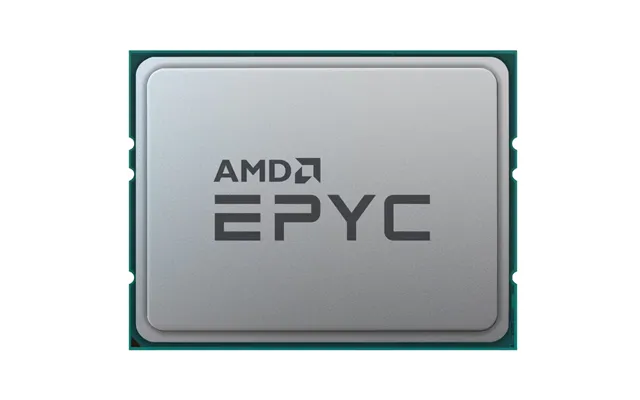
| Amd Epyc 9554 Processor 3.1 Ghz 256 Mb L3 | £ 3.791,49 | |
| Amd Ryzen Threadripper Pro 9965wx Processor 4.2 Ghz 128 Mb L3 Tray | £ 3.948,27 | |
| Amd Ryzen Threadripper Pro 5975wx Processor 3.6 Ghz 128 Mb L3 Box | £ 4.020,53 | |
| Lenovo Intel Xeon Gold 6526y Processor 2.8 Ghz 37.5 Mb | £ 4.503,58 | |
| Amd Ryzen Threadripper Pro 7975wx Processor 4 Ghz 128 Mb L3 Tray | £ 4.948,52 | |
| Intel Xeon Gold 6544y Processor 3.6 Ghz 45 Mb Tray |

| £ 5.404,89 |