





















All categories
Business & Offices
Electronics & Media
Fashion & Accessories
Groceries & Essentials
Health & Personal Care
Home & Living
Kids & Family
Sports & Outdoors
Search in ZoneOffer

Loading...
If you’ve ever tripped a breaker, lost work to a power blip, or stared at a nest of plugs wondering what does what, you’re in the right place. Power control units—often shortened to PCUs—bring order, safety, and smarts to your setup. Whether you’re kitting out a home office, a living room media hub, or a small server rack, the right PCU helps you save energy, protect equipment, and take control of your power with confidence.
A power control unit is a device that distributes, manages, and sometimes automates electrical power to your connected equipment. Think of it as mission control for your outlets. Some models are simple, offering a row of well-spaced sockets with surge protection. Others go further, adding features like energy metering, remote on/off, scheduling, and even per-outlet control. In networking closets and server racks, you’ll often see rackmount PDUs (Power Distribution Units). At home, smart plugs and advanced surge protectors do a similar job, just in a smaller form factor.
Modern electronics crave clean, stable power. A PCU can smooth out your day in ways you’ll notice immediately: fewer crashes from power spikes, quieter cable management, and the convenience of flipping just one switch (or tapping an app) to control a whole cluster of gear. Add automation—like powering up your router and modem at sunrise and shutting down idle accessories at night—and you’ll trim waste without thinking about it. Over time, the energy savings and extended equipment life can more than pay for the unit.
Power control isn’t one-size-fits-all. From rackmount PDUs to compact smart plugs, there’s a device tailored to every space and use case. Here are the most common categories and where they shine.
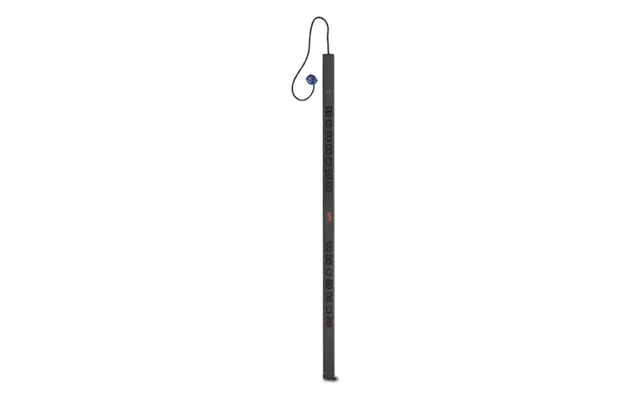
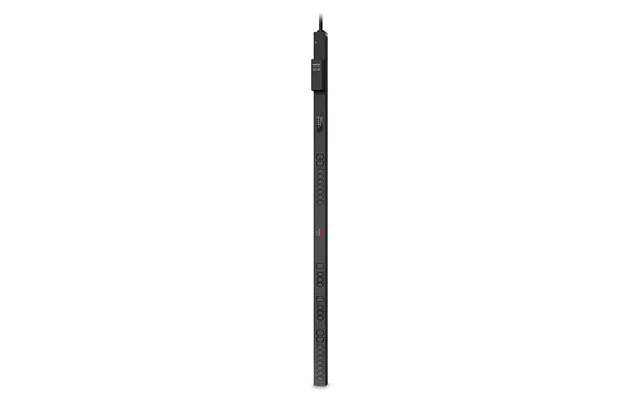
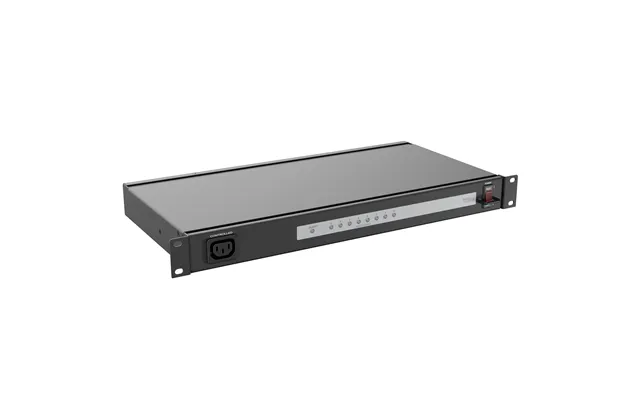
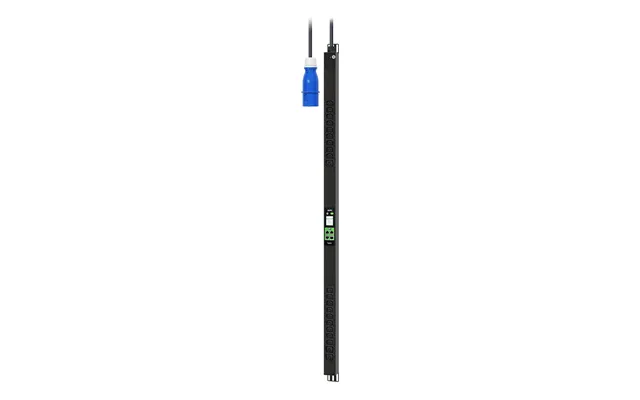
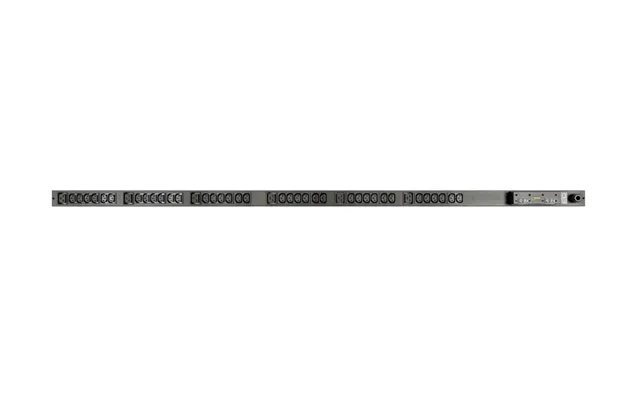
Rack PDUs are the backbone of server rooms and network closets. Sized for standard 19-inch racks, they mount vertically or horizontally and offer multiple outlets with clear labeling. Entry models supply reliable distribution with basic surge protection. Advanced “switched” PDUs add remote outlet control, while “metered” or “monitored” units show real-time amps, volts, and watts so you know exactly how hard each circuit is working. If you’ve got a small rack at home—say for a NAS and switches—a short-depth PDU with a 6 ft cord and a master power switch can bring order and safety fast.
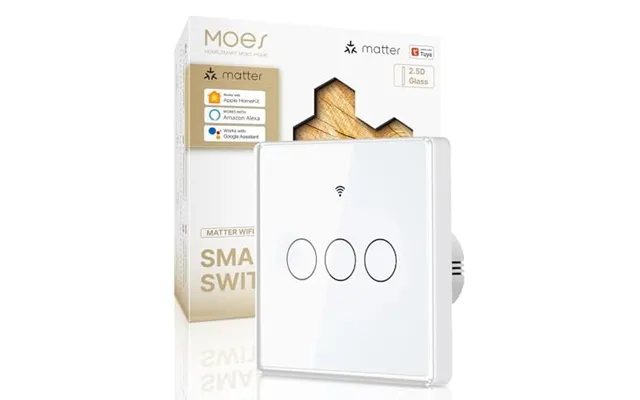
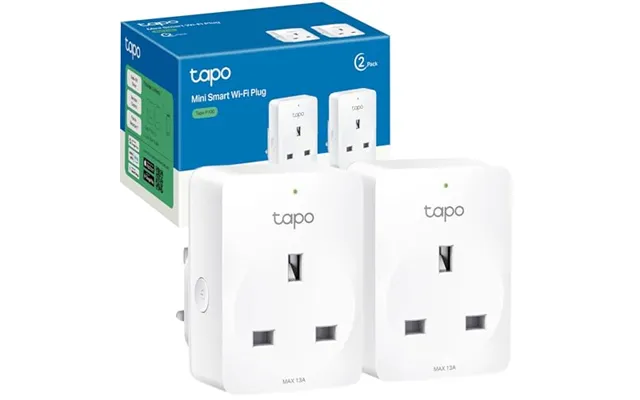
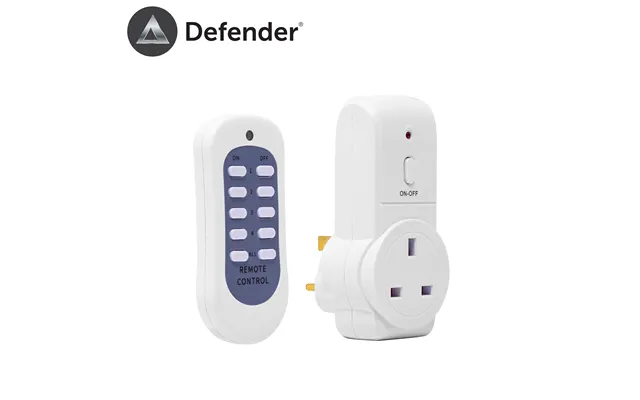
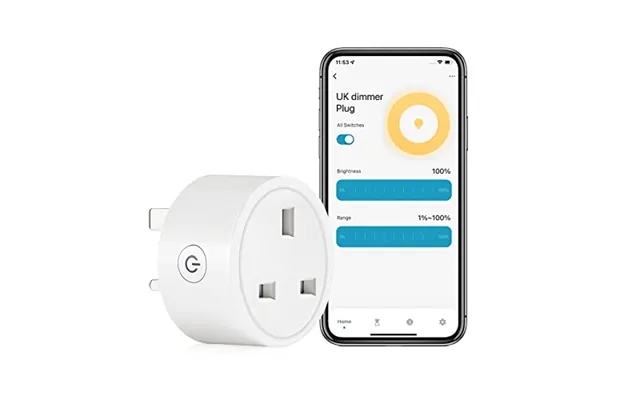
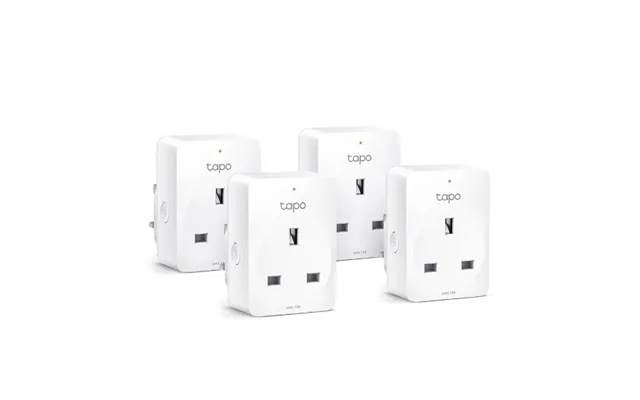
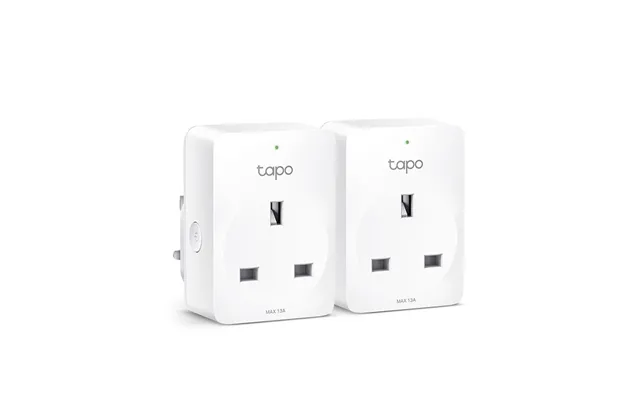
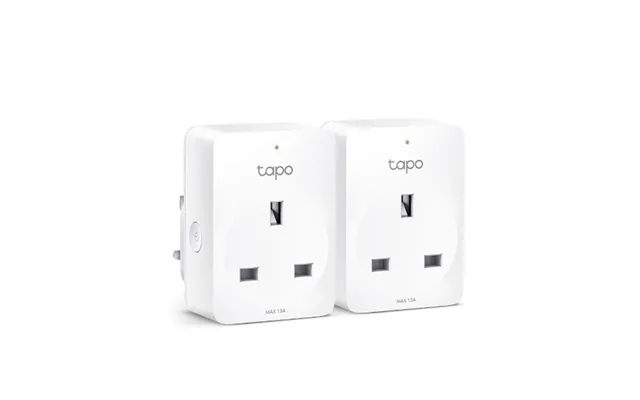
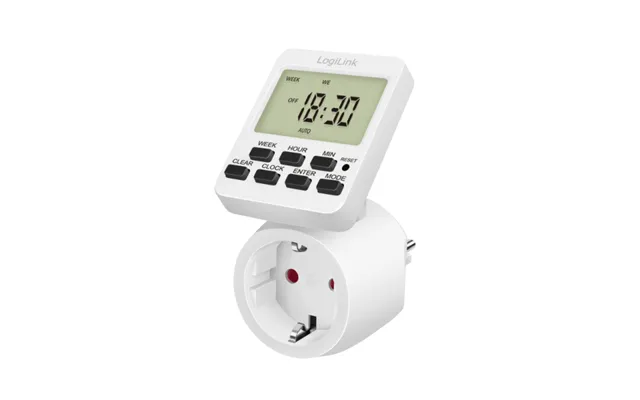
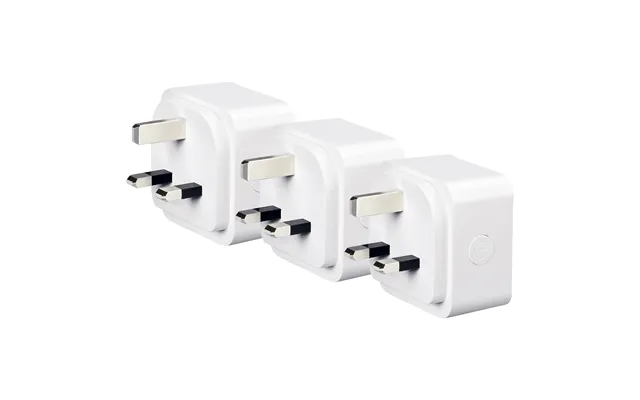
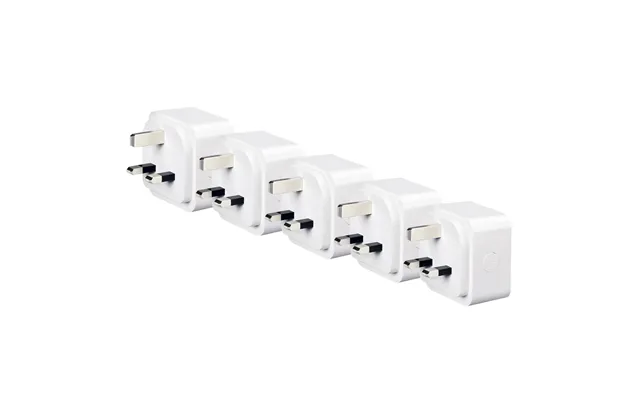
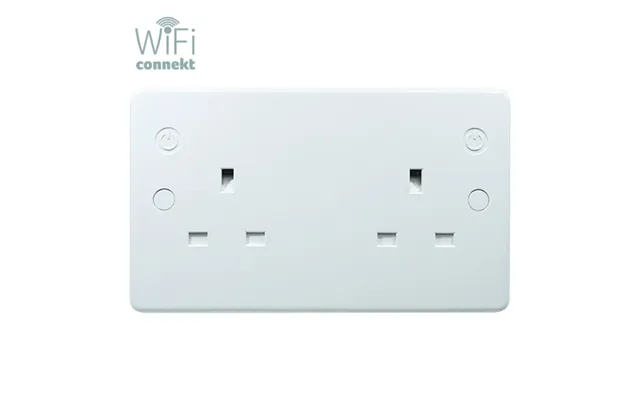
If you want automation without rewiring, smart plugs are your secret weapon. They slot into any standard wall outlet and give you app control, schedules, timers, and voice assistant support. Some provide energy monitoring so you can spot power hogs—great for laser printers, space heaters, or gaming consoles in standby. Need several smart outlets together? Look for a smart power strip with spaced sockets for bulky adapters and USB charging built in. Bonus tip: models with physical on/off buttons are handy when your Wi‑Fi acts up.
In areas where the line voltage can drift, a regulator adds a safety net. It smooths sags and surges to deliver stable power, which sensitive gear like audio interfaces, studio monitors, and AV receivers will thank you for. Many regulators also include surge protection and noise filtering to tame hum and interference. If your lights flicker during storms or heavy appliance starts, pairing a regulator with a surge-protected PDU is like fitting shock absorbers to your electronics.
Classic surge protectors are evolving. Higher-end strips now bundle line filtering, coax/ethernet protection, and “master-controlled” outlets that switch on and off based on a primary device’s state. Picture this: your desktop PC is the “master,” while monitors and speakers sit on “slave” outlets that power down the moment your PC shuts off. You’ll save energy and avoid phantom draw. Check the joule rating for surge absorption and look for a protected/grounded indicator so you know it’s working.
For workshops, aquariums, and fans, motor speed controllers provide precise control over RPM, while lighting dimmers manage brightness and reduce heat. Just match the controller to your load type (AC induction motor, DC, LED, or incandescent) and check the amp rating. A wall dimmer with a proper heat sink and a deep switch box keeps things cool; for bench tools, a freestanding controller with a rugged enclosure and a large dial is easier to use with gloves on.
Two PCUs can look similar and perform very differently. Here are the features that separate a solid buy from a regret.
Start with the basics: amperage, wattage, and outlet styles. Make sure the unit’s total rating exceeds your combined load with headroom to spare. Space between outlets matters, especially for chunky power bricks. Look for right-angle plugs to keep furniture flush to the wall and locking outlets or retention clips if you’re in a rack or a mobile cart. A generous 10 ft power cord can be a lifesaver when outlets aren’t where you want them.
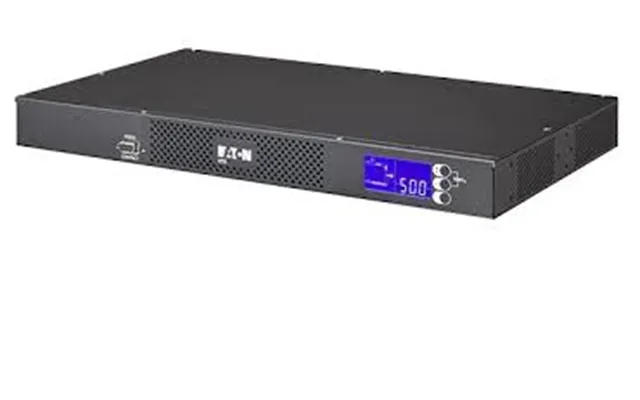
Knowledge is power—literally. Metered PDUs display real-time amps and watts, helping you avoid overloads and balance phases in multi-circuit setups. Smart plugs with energy monitoring reveal idle drain and usage patterns over time. Want to go deeper? Choose models that export data or integrate with dashboards so you can track weekly or monthly consumption and spot trends at a glance.
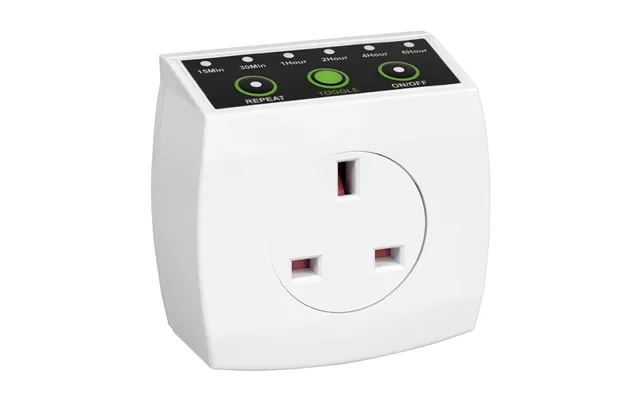
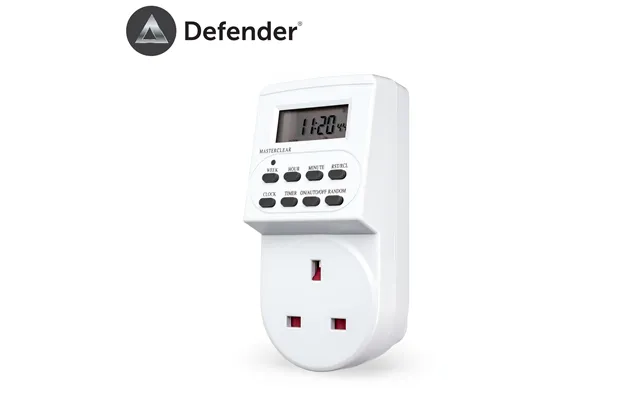
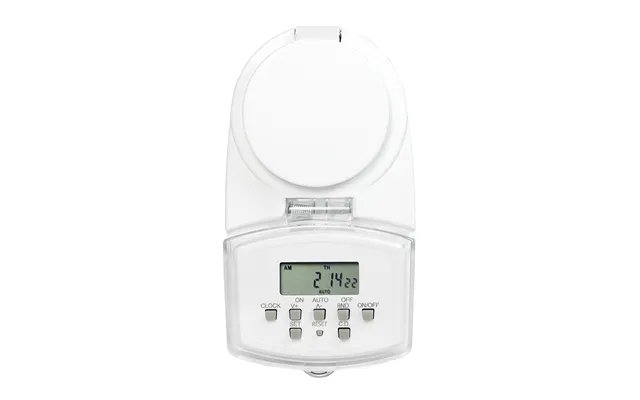
Remote reboot is a dream for network gear. If your router freezes while you’re away, a switched PDU or smart plug with secure remote access lets you power-cycle it in seconds. For routine living, automation rules cut wasted hours—and watts. Schedules, sunrise/sunset triggers, occupancy detection via motion sensors, and voice control all help you make power work around you, not the other way around.
Look for surge protection with a high joule rating and thermal fuses that fail safely. Indicators for protection and proper grounding are a must. In pro environments, certifications and tested clamping voltages matter. Add-ons like overcurrent protection, EMI/RFI noise filtering, and fire-retardant housings offer extra peace of mind. Bottom line: a PCU’s job is to take the hit so your gear doesn’t have to.
Sturdy metal enclosures stand up to heat and handling; heavy-duty cords resist kinks. In racks, shallow-depth units free up space behind. For desks and studios, low-profile strips with mounting keyholes keep surfaces tidy. Check for clearly labeled outlets, illuminated master switches with safety covers, and resettable breakers. You’ll touch this device often—choose one that feels solid and thoughtfully designed.
The “best” PCU is the one that fits your gear, your room, and your habits. Here’s how to think about common scenarios and what features to prioritize.
A surge-protected power strip with at least eight outlets and built-in USB charging keeps laptops, monitors, and accessories in one place. Add a smart plug for your printer so it powers only when needed. If your modem and router sit elsewhere, a small switched PDU or a two-outlet smart plug lets you reboot them without crawling behind furniture.
Media hubs are cable jungles—embrace that and plan around it. Look for wide-spaced outlets for chunky console and soundbar bricks, plus coax/ethernet surge protection if you’ve got cable or over-the-air inputs. A master-controlled strip that sleeps your TV and peripherals when the console is off stops phantom loads. For gaming PCs, consider a unit with EMI/RFI filtering to reduce audio hiss and visual noise.
In a small rack, a metered PDU with a bright digital display helps you see exactly how close you are to limits. If uptime matters, switched outlets give you per-device control and remote reboot. Label everything, keep a spare 6 ft cord handy, and avoid daisy-chaining strips. If you run multiple switches or PoE injectors, plan a little headroom for future gear—power needs tend to creep.
Power tools and dust don’t mix with flimsy strips. Choose a rugged, metal-clad unit with dust caps, widely spaced outlets, and a prominent breaker switch. A motor speed controller for fans or small tools adds finesse. Mount the strip at bench height, not on the floor, and pair it with a cord reel so you’re not dragging cables across the space.
Smart plugs are your glue. Automate lamps, fans, and chargers with schedules and scenes. A smart power strip under the TV cabinet lets you group power for the set-top box, streamer, and sound system, all tied to a voice command. If privacy matters, pick local-control devices that keep automations running even when the internet goes down.
Many devices sip power all day, even when “off.” A PCU with scheduling or a master-controlled design slashes that waste. Turn off monitors at night, hibernate consoles, and cut power to chargers that aren’t charging—little wins add up. Add monitoring and you’ll get a clear picture of where your watts go, which makes choosing what to automate next surprisingly easy.
Here’s a simple routine: every evening, a smart strip shuts down non-essentials—speakers, lamps, and idle chargers. Every morning, it wakes your router and desk gear ten minutes before you sit down. Weekends? Shift the schedule later. It’s the set-and-forget approach to lower bills and longer equipment life.
When you’re ready to buy, start with a checklist: how many outlets you need today, two more for tomorrow, surge protection level, monitoring needs, and cord length. Compare warranties—some include connected equipment guarantees. Read the fine print on joule ratings and clamping voltage. And shop around: using a comparison site like ZoneOffer helps you weigh features and prices across multiple retailers quickly, so you can grab a genuine deal without the guesswork.
A tidy, well-planned install is half the battle. Map your gear, label your plugs, and leave breathing room. Good cable management doesn’t just look better; it’s cooler, safer, and easier to troubleshoot.
List every device and its rough watt draw, then group them by function and location. Keep always-on gear—like routers and NAS—on one unit, and less essential gear on another you can switch off. Leave at least 20% capacity headroom for each PCU.
Velcro ties, adhesive clips, and under-desk trays are your friends. Label both ends of each cord. For racks, use horizontal cable managers and blanking panels to improve airflow and keep things neat.
Don’t bury the PCU behind fabric, foam, or piles of paper. Metal enclosures can run warm under load; give them a few inches of clearance. Avoid coiling long cords tightly—heat builds up and insulation suffers.
One PCU per wall outlet is the safe rule. If you need more outlets, install another properly rated unit on a separate circuit rather than chaining strips. Use the PCU’s built-in breaker as your early warning system: if it trips, your load is too high for that device.
Even great setups need a little love. Make a quick monthly pass: dust the vents, check indicator lights, and re-seat any loose plugs. If something’s off, these quick fixes solve most issues fast.
Loose plugs or overfilled outlets are common culprits. Spread heavy loads across multiple outlets and replace worn cables. If the breaker trips often, you’re over the unit’s rating—step up to a higher-capacity model.
A faint hum can be normal, but loud buzzing suggests a mismatch or failing component. Reduce the load and test again. If noise persists, contact the manufacturer or replace the unit with a better-specified model.
Choose PCUs and smart plugs that keep schedules locally, so they continue to run without internet. Keep firmware up to date and save critical automations on a device that doesn’t rely on a distant server.
If you’ve added more gear, need individual outlet control, or want energy data for better decisions, it’s upgrade time. Modern units offer safer protection components and smarter monitoring that older strips can’t match.
Round out your setup with a few helpers: a separate energy meter for spot checks, color-coded Velcro ties, cable labels, a 10 ft extension rated for the load, and dust caps for unused outlets. If uptime matters, pair your PCU with an uninterruptible power supply so you can ride out short outages and shut down gracefully during longer ones.
Power control units do more than add outlets—they give you command of your environment. From smart plugs that kill phantom loads to rack PDUs that keep servers humming, there’s a perfect fit for every space. Start with safety and capacity, add monitoring and automation to taste, and keep the installation neat. Compare features and prices on a trusted comparison site, then lock in the deal. The result? Safer gear, slimmer bills, and a setup that finally feels like it’s working for you.
