All categories
Business & Offices
Electronics & Media
Fashion & Accessories
Groceries & Essentials
Health & Personal Care
Home & Living
Kids & Family
Sports & Outdoors
Search in ZoneOffer

Loading...
Virtual currency covers everything from platform wallet credit to game‑specific coins and points you spend on skins, passes, add‑ons, and full games. If you’ve ever topped up a PlayStation wallet, grabbed V‑Bucks for Fortnite, or loaded your Steam Wallet before a big sale, you’ve used virtual currency. The big win? Instant access and often a better price when you compare deals across multiple trusted vendors instead of buying at standard rate.
Think of virtual currency as the fuel that powers your gaming life. Platform credit like PlayStation Store wallet top‑ups, Xbox Gift Cards, Nintendo eShop credit, Steam Wallet codes, and Battle.net Balance let you buy anything within those ecosystems. Then you’ve got in‑game currencies—Robux, V‑Bucks, COD Points, Apex Coins, Shark Cards, Riot/Valorant Points—dedicated to specific titles. Different needs, same goal: more value for your budget.
Because codes are delivered digitally, you get what you paid for fast. No shipping, no waiting, no hassle. When you compare prices across trusted sellers, you’ll often spot small but meaningful percentage savings. Over time, those add up—especially if you top up regularly for season passes, cosmetics, or new releases. Why pay full price if you don’t have to?
Getting the best deal takes about a minute if you know what to check. Don’t just jump at the lowest price; make sure the code fits your account, gives real value, and comes from a reputable vendor. A quick checklist can save you cash and headaches.
Always choose codes that match your account’s region and platform. UK accounts typically need UK codes denominated in pounds. A PlayStation code won’t work on Xbox, and a US region code won’t redeem on a UK account. If a listing doesn’t clearly show UK compatibility, skip it.
Deals vary by denomination. Sometimes the best discount sits on mid‑range credit (say, £20 or £35) rather than the biggest card. Calculate the effective price per pound of credit by dividing the cost by the face value. A slightly better percentage on one denomination can beat a larger headline discount elsewhere.
Console players can stretch their budget by topping up with discounted wallet credit and then buying games, DLC, or subscriptions during platform sales. It’s a simple stack: save on the top‑up, then save again during a sale. Double win.
PlayStation wallet codes are perfect for buying new releases, indie hits, PS Plus memberships, and DLC. Watch for deals on specific denominations like £10, £25, or £50 codes. Combining discounted wallet credit with PlayStation Store promotions can shave a tidy amount off big purchases or annual subscriptions.
Xbox Gift Cards fund game purchases, DLC, and in‑game currency across titles. They also help with Game Pass memberships. If you’re committing to months of Game Pass, look for bundle promos or slight under‑face‑value cards that reduce your overall spend while keeping your subscription active.
Nintendo deals can be quieter, but they’re well worth hunting down—especially around first‑party game launches and holiday sales. eShop credit works across Switch titles, DLC, and microtransactions in supported games. Spot a discount on eShop cards? Grab it before the price reverts.
PC gamers have a rich mix of platform credit and game‑specific currencies. If you’re hunting for big savings on AAA games or seasonal events, PC deals can be especially sharp—particularly when you pair discounted credit with store‑wide sales.
Steam Wallet credit is the go‑to for the famous seasonal sales. Scoring £20 or £50 worth of credit at a discount means more room for wish‑listed titles when prices drop. If you know a sale is coming, top up ahead of time to make checkout painless and cheaper.
Whether you’re into Call of Duty content via Battle.net, World of Warcraft, Overwatch, or Diablo, discounted Battle.net Balance is a tidy way to stretch your spend. Keep an eye on offers tied to big content drops or season launches—demand often spikes then, but so do the best comparison‑worthy deals.
EA Sports FC Points, Battlefield content, and other EA titles occasionally see bundle or denomination‑specific savings. If you’re looking to load up for Ultimate Team content, compare prices on FC Points and consider pairing with discounted platform credit if your purchase route allows it.
In‑game currencies are the fast lane to skins, passes, and seasonal goodies. Timing and denomination choice make a real difference, especially for regular top‑ups.
V‑Bucks drive battle passes, item shop skins, and limited‑time cosmetics. The sweet spot? Grab discounted top‑ups near the start of a new season so you’re covered for the whole run. Always match the platform: some versions tie currency to a specific ecosystem.
Robux fuels avatar items, experiences, and private servers. Deals fluctuate, but the principle remains: compare the effective cost per Robux after fees or currency conversion. Some gift cards also add bonus Robux during occasional promos—worth watching for.
COD Points are essential for bundles, operators, and seasonal content. Prices can be tightly aligned across vendors, which makes comparison vital. If you play across seasons, consider buying ahead when you catch even a small discount, then redeem when the new pass lands.
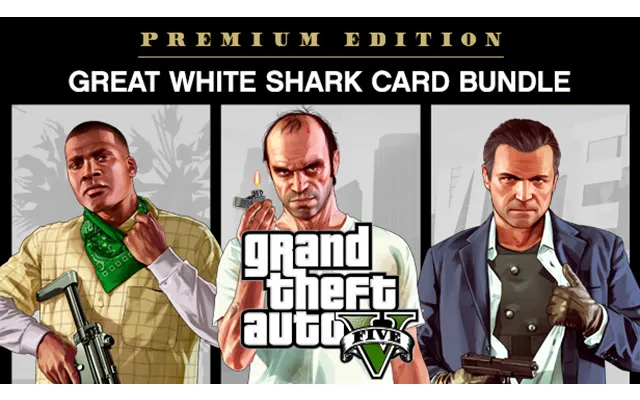
Shark Cards convert to GTA$ and can accelerate your progress if time is tight. Look for bundled bonuses tied to special events or updates. If the effective price per million GTA$ improves with a particular denomination, that’s your cue.
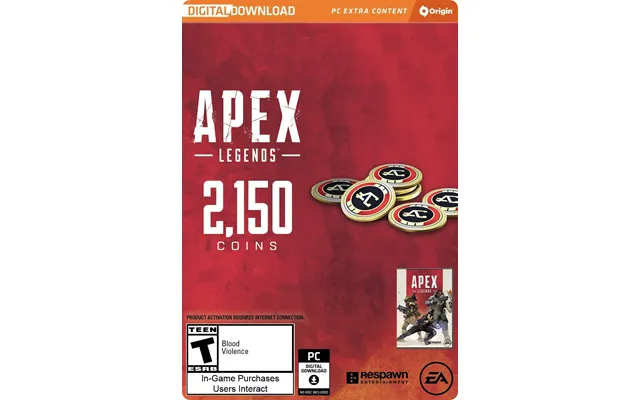
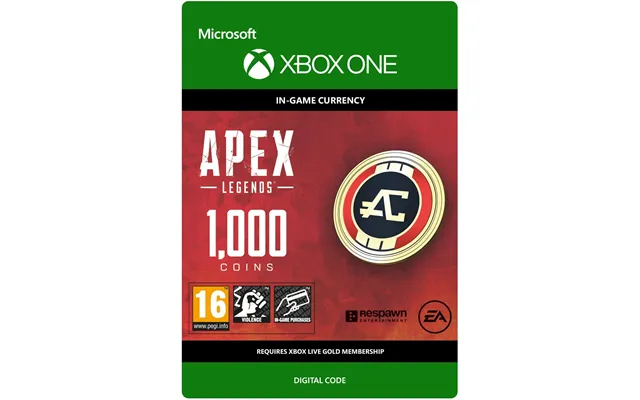
Live‑service shooters thrive on cosmetics and new content, and these currencies are your ticket. Apex Coins and R6 Credits often track similar deal patterns: reliable pricing most weeks, with better promos around new seasons. Compare denominations and buy once rather than topping up multiple times at weaker prices.
Riot’s ecosystem includes League of Legends RP and Valorant Points for agents, skins, and passes. Watch out for region‑specific deals and platform restrictions. When the cosmetic you want drops, a pre‑bought, discounted top‑up means you can grab it immediately without paying the sticker price.
Minecoins, ESO Crowns, and similar currencies shouldn’t be overlooked. Even a modest percentage saving on smaller top‑ups adds up if you buy frequently. If your game runs time‑limited events, buy currency during a discount window and redeem when the content hits.
Digital gift cards aren’t just for consoles and PC. Mobile ecosystems and subscription services offer frequent chances to save if you top up smartly.
App Store credit covers apps, games, in‑app purchases, and subscriptions. If you make recurring IAPs in mobile games, discounted credit beats paying full price every time. Just ensure the card is UK region and denominated in pounds.
Google Play lets you fund premium apps, mobile games, movies, and books. For gacha or live‑service mobile titles, pre‑buy discounted credit when you see a good rate, then spend strategically during banner events or pass refreshes.
While not strictly in‑game currency, streaming gift cards for services like Spotify or video platforms are close cousins in the digital‑goods family. If you’re already renewing monthly, discounted top‑ups make your entertainment budget friendlier without changing your habits.
When you buy can matter as much as what you buy. Certain periods reliably bring better prices—mark them on your calendar and pounce when the stars align.
The big retail events often include digital card discounts, especially across gaming platforms. Don’t wait until the day of; vendors sometimes roll out early‑bird promos in the lead‑up. If you know your spend for the season, stock up in one go to lock in the rate.
Plenty of vendors rotate weekly promos or push limited‑time coupon codes. Comparison platforms make these easy to spot at a glance. If a coupon brings a specific denomination below your target price per pound, that’s your green light.
Peace of mind is non‑negotiable. A great price is pointless if the code doesn’t work or violates platform terms. Stick to reputable sellers surfaced by comparison sites and read the small print before you checkout.
Always confirm the code is UK‑compatible and suitable for your account. Age‑rated games and DLC sometimes have regional quirks. If a listing is vague about region or terms, treat that as a red flag and choose another vendor.
Legit vendors deliver codes to your account dashboard or email, often within minutes. After purchasing, redeem straight away so you can resolve any issues quickly. Secure your platform accounts with strong passwords and two‑factor authentication to keep your credit safe.
Price isn’t just about a single code—it’s about your overall strategy. Smart stacking, bundles, and cashback can compound savings over time.
Plan your spend and pick denominations that line up with your purchases. If you’re buying a £69.99 game, stacking a £50 and £20 top‑up might be smarter than a £100 card that leaves unused balance. The best deal is the one that fits your basket perfectly.
Some vendors offer bundles (for example, buy two cards, save more) or loyalty points that translate into future discounts. If you top up regularly, loyalty programs can quietly trim your yearly spend. Just make sure the base price is still competitive after you factor perks in.
Shopping in the UK has its own nuances. Stay UK‑region, pay in pounds, and keep fees in check to protect your savings.
Choose UK listings in pounds to avoid surprise conversion fees at checkout. If a vendor lists a price in another currency, compare the final charge in pounds—including any processing fee—before you buy. The best deal is the one with the lowest final cost to you.
Use secure payment methods that offer buyer protection. If a deal looks too good to be true, compare it against multiple sources. Trust signals like clear contact details, verified status on comparison platforms, and consistent reviews help separate real deals from risky ones.
Redemption is easy once you know where to click. The key is using the official storefront or launcher tied to your platform and double‑checking the code format if you hit a snag.
On consoles, redeem through the account’s store section. Look for “Redeem Code” within the PlayStation Store, Microsoft Store, or Nintendo eShop. Enter the code exactly as shown (hyphens included if provided) and confirm the credit or item appears before leaving the screen.
For Steam, open the client, go to “Games,” then “Activate a Product” and follow the prompts. On Battle.net, use “Add Balance” or the relevant game’s “Redeem a Code” option. Other launchers offer similar flows under account or store settings. If a code fails, verify region and character spacing.
On Apple devices, open the App Store, tap your profile, choose “Redeem Gift Card or Code,” and add it. On Google Play, open the Play Store, tap your profile icon, then “Payments & Subscriptions” and “Redeem code.” The balance should update instantly for purchases.
Comparing prices across multiple trusted vendors takes seconds and can save real money over a year of gaming. Platforms like ZoneOffer surface live deals for UK gamers, showing you where the price sits right now without hopping between dozens of tabs. Less time hunting, more time playing—and usually for less.
Have a plan. List the games or subscriptions you’ll fund this month, pick the denominations that match, and buy during the strongest promos you can find. Stick to UK‑region codes, pay in pounds, and redeem promptly. If you keep it simple and consistent, you’ll build a habit of saving on every top‑up.
Virtual currency is the simplest way to unlock more gaming for less—whether you’re topping up a platform wallet, grabbing in‑game coins, or renewing a subscription. Compare deals, check the region, pick smart denominations, and time your purchase around promotions. From PlayStation, Xbox, and Nintendo credit to Steam Wallet codes, Robux, V‑Bucks, COD Points, Shark Cards, and beyond, the UK market is packed with opportunities to save. With a quick comparison and a clear plan, you’ll keep your library growing and your budget in check—no compromises, just better value.
| Virtual Currency | Price | |
|---|---|---|
| Microsoft Minecraft & 3500 Minecoins | £ 33,55 |