All categories
Business & Offices
Electronics & Media
Fashion & Accessories
Groceries & Essentials
Health & Personal Care
Home & Living
Kids & Family
Sports & Outdoors
Search in ZoneOffer

Loading...
If you’re cutting footage, grading colors, or producing social clips, your hardware choices can make or break your workflow. Choppy timelines, laggy previews, and painfully long exports? No thanks. The right gear turns editing from a slog into a smooth, creative ride. Whether you’re just starting out or building a pro suite, this guide walks you through the essential video editing hardware and production equipment—plus smart tips for finding the best deals in the UK through comparison sites rather than guessing in the dark.
Choosing between a laptop and a desktop is like choosing between a sports car and a pickup truck. Laptops are portable powerhouses that let you cut on the road, on set, or at the coffee shop. Desktops, on the other hand, deliver raw performance and better thermals for heavy renders and long-form projects. If you’re primarily on location, a creator-class laptop with a high-end processor, strong graphics, and plenty of memory will keep your timeline moving. If you’re cutting large, multicam projects at home or in a studio, a desktop workstation offers better upgrade paths and quieter cooling.
For editors, high core counts and fast single-core performance both matter—more cores chew through exports and effects, while strong single-core speed keeps the UI and timeline snappy. Aim for at least 32 GB of memory for 4K workflows; bump to 64 GB or more if you juggle multiple apps or complex effects. Working mostly with short-form content? You can start with 16 GB and upgrade later, but you’ll feel the difference as your projects grow.
Modern editors lean heavily on GPU acceleration for color grading, effects, and AI features like noise reduction and auto reframing. A strong GPU keeps playback smooth and renders brisk. If you’re in Resolve or Premiere Pro, a mid to high-tier dedicated GPU is a must-have. Pair it with good cooling and a roomy case on desktop, or choose a laptop with a dedicated performance mode so you don’t watch your frames vanish under thermal throttling.
Your monitor is your window into the story. A sharp, color-accurate screen saves time and helps you nail skin tones and brand colors. For most editors, a 27-inch 4K panel hits the sweet spot for detail and desk space. If you’ve got room, a 32-inch 4K monitor gives you more timeline real estate and larger UI elements that reduce eye strain on long days. Dual displays are fantastic: one for your timeline and tools, the other for full-screen playback.
Want colors that match across devices? Look for displays that support common editing color spaces and come factory-calibrated, then keep them tuned with a reliable calibration tool. Even the best panel drifts over time. Calibrating on a regular schedule gives you consistent results, fewer client revisions, and confidence when delivering for broadcast or brand work.
Editing speed depends on storage. A fast solid-state drive for your active project files keeps scrubbing smooth and imports quick. Then, for long-term storage, a multi-drive array gives you capacity and protection against drive failure. The winning formula? Keep your current project on a speedy internal or external solid-state drive, and back up to a larger external or networked array when you wrap up for the day.
Divide your storage by job: a scratch drive for caches and previews, a project drive for media and project files, and a backup solution that mirrors your work automatically. Follow a 3-2-1 backup plan: three copies of your data, on two different types of media, with one copy offsite or in the cloud. It’s simple insurance that saves you from heartbreak when a drive fails right before delivery.
Speed matters in post, and your input devices are your secret weapon. Editing keyboards with labeled shortcuts reduce menu-diving and help you fly through rough cuts. Control surfaces put wheels, knobs, and buttons under your fingers for precise trimming and grading. The more you touch the timeline without reaching for a mouse, the faster your cuts get—and the more energy you save for creative decisions.
If you grade regularly, a compact panel with three trackballs and customizable knobs is a game-changer. You’ll make cleaner, faster adjustments to lift, gamma, and gain, and you’ll feel more connected to your image. Panels pair perfectly with Resolve, but many also work well with other major editors. Even a small, entry-level panel can transform a clunky grading session into a silky workflow.
Great video needs great sound. A solid pair of closed-back headphones isolates you from room noise and lets you catch clicks, pops, and hums before your client does. If your space allows, compact studio speakers with a flat response reveal issues that laptops and TV speakers won’t. Keep a reference pair of consumer earbuds nearby to check how your mix translates to everyday listening.
Recording voiceover? A simple USB audio interface paired with a dynamic microphone gives you clean results with minimal room echo. Add a pop filter, a boom arm, and basic acoustic treatment around your mic position, and you’ll get clear speech without harshness. If you’re narrating often, a small desktop preamp with onboard processing adds polish with noise reduction and gentle compression.
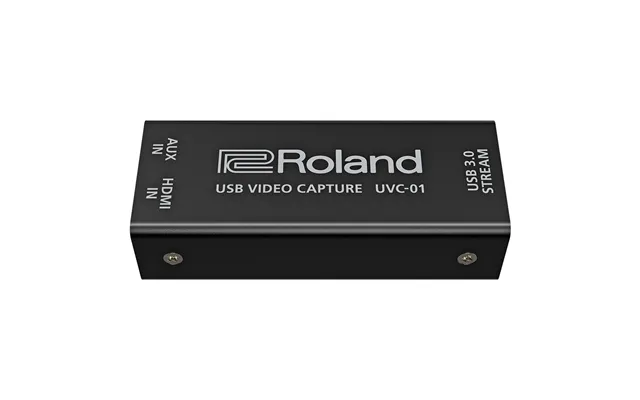
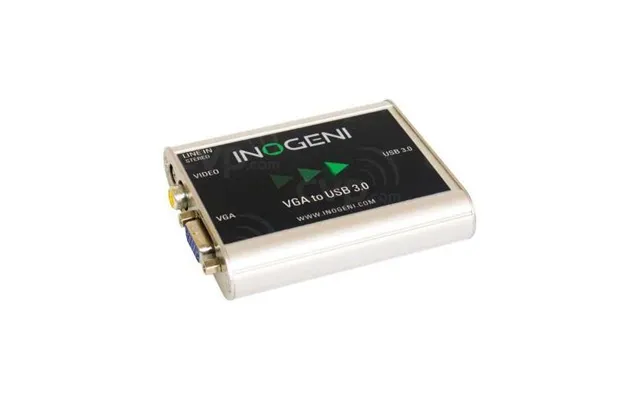
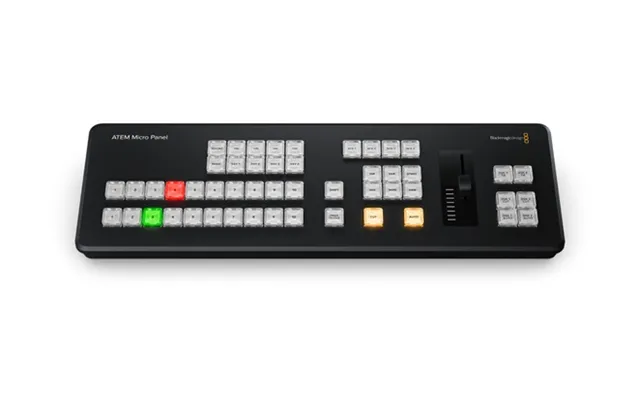
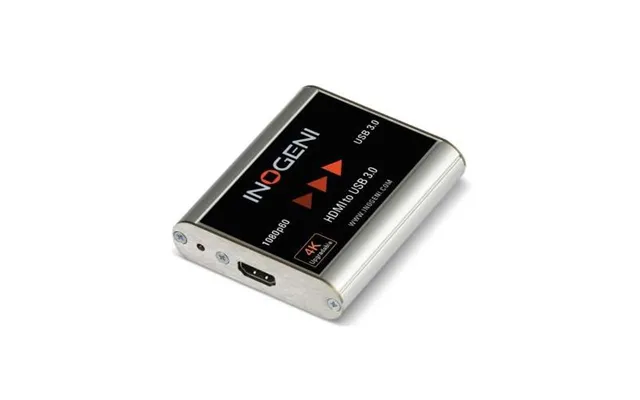
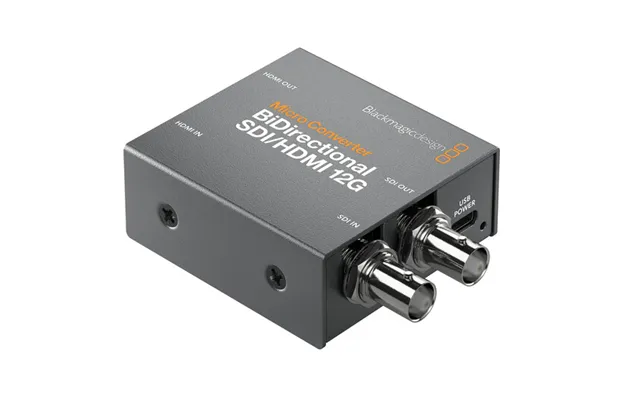
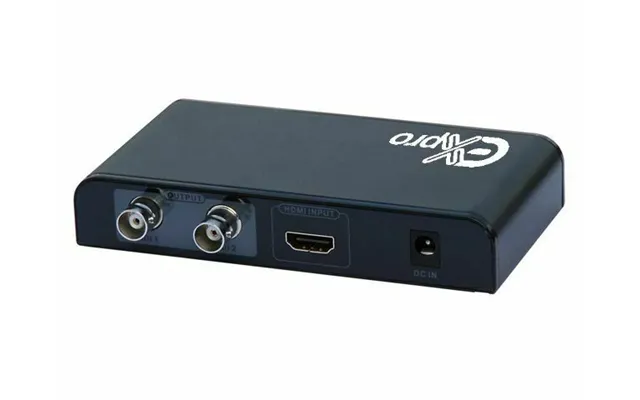
If you’re editing live shows, webinars, or gameplay, a reliable capture device is essential. It bridges your camera or console to your editing system with low latency and high compatibility. For multi-camera work, look for compact switchers that can handle several inputs and send a clean program feed straight into your editor or streaming software.
Fast, reliable memory cards and a high-quality card reader speed up your ingest routine. Label your cards, keep a rotation, and never wipe a card until you’ve verified your backups. Build a simple checklist—offload, verify, back up—and stick to it on every shoot. It’s the kind of boring discipline that keeps your heart rate low when deadlines loom.
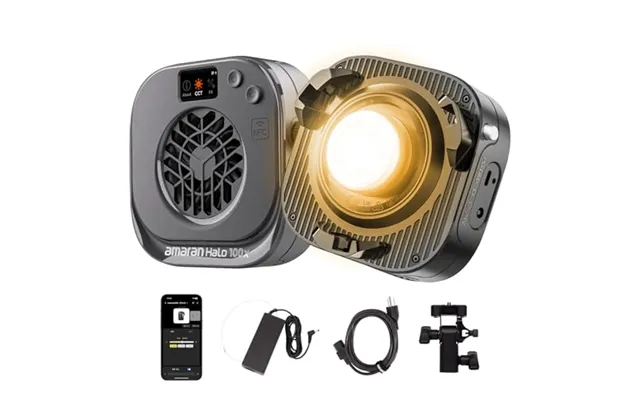
Even if most of your work happens in the timeline, odds are you’re filming interviews, B-roll, or thumbnails. A couple of LED panels with soft modifiers create flattering light without turning your space into a sauna. Add a practical lamp in the background and a subtle edge light, and your setup suddenly looks intentional, professional, and on-brand.
Stable footage is easier to cut and easier to watch. A sturdy tripod that reaches about 6 feet makes interviews and product shots simple and repeatable. For motion, compact gimbals deliver buttery movement without the bulk. Keep a lightweight slider or monopod on hand for quick, elegant shots when space is tight.
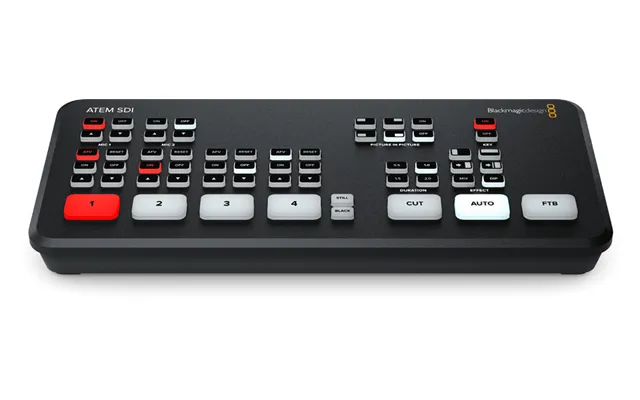
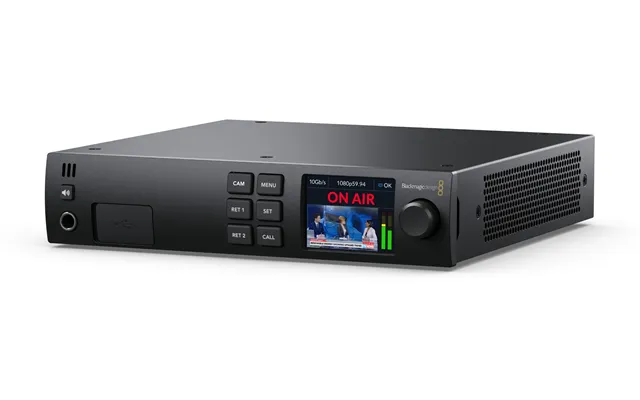
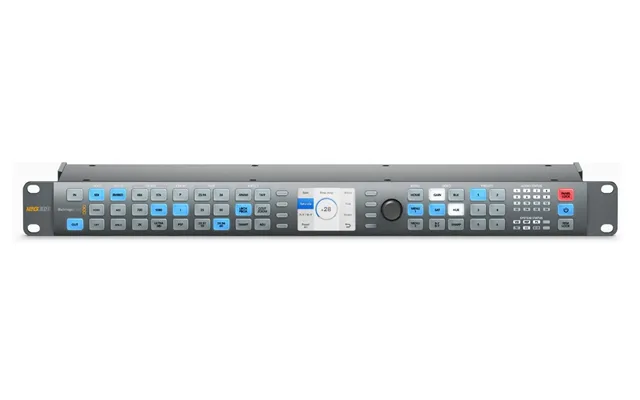
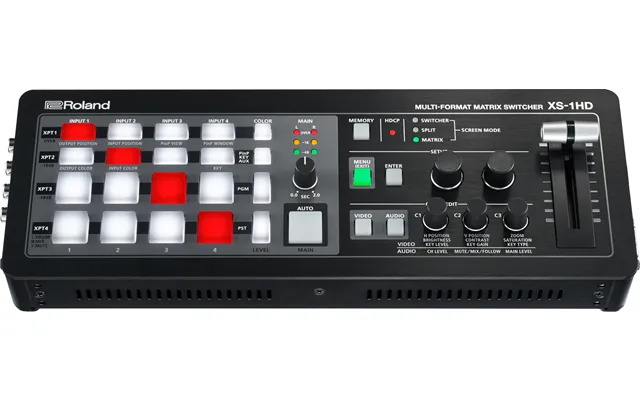
Producing live or hybrid events? Hardware switchers let you cut between cameras, graphics, and screens in real time. Pair a switcher with a stream deck for one-touch control over scenes, stingers, and audio. Want everyone on-script? A compact teleprompter mounted in front of your lens keeps eye contact locked while your talent reads naturally.
Need clean keys for product explainers or social promos? A wrinkle-free green screen and even, soft lighting do the trick. Keep your subject a few feet off the backdrop, light it evenly, and avoid shadows. It’s a little setup work for a massive payoff in post when your key pulls clean without edge chatter.
Modern edit bays are cable-heavy, so invest in a reliable dock or hub to connect monitors, fast storage, and accessories without juggling ports. Keep short, high-quality cables at your desk and longer backups in a drawer. For power, a battery backup unit protects your work from sudden outages and gives you time to save and shut down gracefully.
Long edits take a toll. A supportive chair, a desk at a comfortable height, and a monitor raised to eye level reduce fatigue and keep your focus on the timeline instead of your neck. Add a compact control surface near your dominant hand and a large mouse pad to cut down on wrist strain. Comfort might not seem like “gear,” but it pays off on every project.
Prices move fast, especially around seasonal sales. Comparison platforms like ZoneOffer help you track price drops across multiple retailers, compare specs side by side, and find bundles that include useful extras. Set alerts for the gear on your shortlist, and you’ll catch discounts without refreshing pages all day.
Don’t sleep on manufacturer-refurbished or open-box deals—they can be a budget-friendly path to pro-level gear. Just make sure you get a valid warranty and confirm return terms before you buy. For mission-critical equipment, consider extended coverage so a single failure doesn’t derail your delivery schedule.
Building from scratch? Start simple and upgrade as you grow. For entry-level editors, a creator laptop or compact desktop with a midrange GPU, 16 to 32 GB of memory, a 27-inch 4K monitor, and a fast external solid-state drive makes a huge difference. Add closed-back headphones, a USB microphone for voiceover, and a basic LED kit for clean talking heads.
Tackling high-bit-depth 4K or multicam edits? Step up to a workstation-class desktop with a high-core processor, a powerful GPU, 64 GB or more of memory, and multiple internal solid-state drives. Pair it with a 32-inch 4K reference-class monitor, a compact grading panel, a multibay storage array, and a reliable battery backup. This setup chews through long timelines and delivers repeatable, accurate results.
Before you throw money at the problem, optimize what you’ve got. Keep your cache on a fast drive, purge old cache files, and transcode heavy camera formats to optimized intermediates when your timeline stutters. Use proxies for the heaviest footage. Close extra apps, keep your drivers and software current, and organize media with a simple folder structure so you don’t lose time hunting for clips.
Shortcut muscle memory is real. Customize your editor’s keyboard layout to suit your style, and practice until common actions are second nature. Build templates for timelines, titles, and exports so you don’t reinvent the wheel for every project. And when you find gear that genuinely speeds you up—like a labeled editing keyboard or a small control surface—lean into it. Your future self will thank you.
Technology moves fast, but good choices last. Spend where performance and reliability matter most: your CPU, GPU, memory, monitor, and storage. Choose gear with room to grow—extra ports, upgrade paths, and accessories that work across multiple cameras or computers. Aim for tools that solve problems today and won’t hold you back tomorrow.
There’s no one-size-fits-all rig. A travel editor needs different tools than a studio colorist or a live producer. Map your real-world projects to your gear, buy strategically using comparison tools to catch the best UK prices, and focus on the fundamentals: speed, accuracy, reliability, and comfort. When your hardware disappears into the background, your creativity takes the spotlight—and that’s the whole point.
From workstations and monitors to storage, audio, capture, lighting, and live production tools, the right video editing hardware and production equipment turns a choppy, stressful process into a confident, creative flow. Start with what matters most for your projects, upgrade in stages, and use comparison platforms to find the best value without compromising on performance. Build a setup that fits your space, your clients, and your goals—and watch your edits, your efficiency, and your business all level up.
| Video Editing Hardware & Production Equipment | Price | |
|---|---|---|
| Ex-pro Av-pro Hdmi To Hd Sdi Converter Switcher - Convert Hdmi To Hd-sdi Extended | £ 24,92 | |
| Amaran Halo 100x 100w Bi-color Cob Video Light - 4,890 Lux 1m | £ 170,- | |
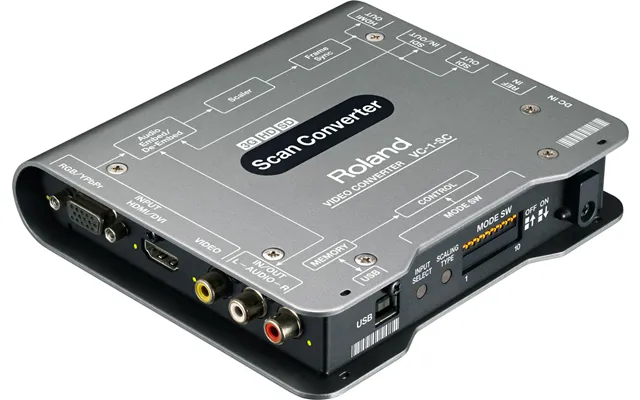
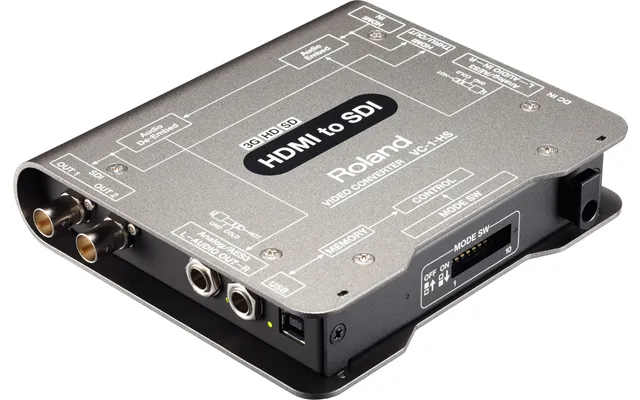
| Roland Vc-1-hs Video Signal Converter 1920 X 1080 Pixels | £ 411,49 | |
| Blackmagic Design Hyperd St Dahm Digital Video Recorder Dvr Black | £ 453,18 | |
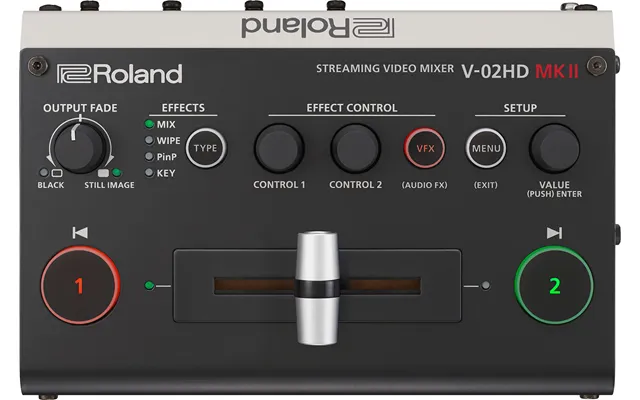
| Roland V-02hd Mk Ii Video Mixer Wuxga | £ 456,36 | |
| Roland V-1hd Video Mixer Wuxga | £ 941,41 | |
| Roland Xs-1hd Video Mixer Full Hd | £ 3.242,02 | |
| Bundle 3x X4e Ultra Blacks1x Kbd | £ 6.596,67 |