All categories
Business & Offices
Electronics & Media
Fashion & Accessories
Groceries & Essentials
Health & Personal Care
Home & Living
Kids & Family
Sports & Outdoors
Search in ZoneOffer

Loading...
If you’ve ever built a home cinema, upgraded a gaming rig, or launched a streaming setup, you’ve probably discovered that the magic isn’t only in TVs and cameras. It’s in the unsung heroes that tie everything together: HDMI switches, capture cards, converters, lights, microphones, gimbals, tripods, cables, and more. That’s exactly what the “Video – Other” category is about. It’s the place where you find the practical tools that make your entertainment and content creation smoother, cleaner, and frankly more fun. Using a UK price-comparison platform like ZoneOffer means you can line up specs and offers side by side and pounce on the best value without guesswork.
Think of this guide as your friendly roadmap. We’ll unpack what matters for everyday viewing, competitive gaming, and streaming, and we’ll flag the features that turn a good deal into a great one. Ready to save serious cash while levelling up your setup? Let’s dive in.
“Video – Other” gear fixes bottlenecks you don’t notice until something glitches: a TV that won’t switch inputs quickly, a console that loses HDR, or a stream that looks soft and sounds tinny. The right accessory can unlock a smoother 4K experience, make multi-device setups painless, and help creators produce cleaner, more professional content. Whether you’re running a projector with a 100-inch screen, juggling two consoles and a set-top box, or capturing gameplay for YouTube, these tools do the heavy lifting in the background so you can just enjoy the show.
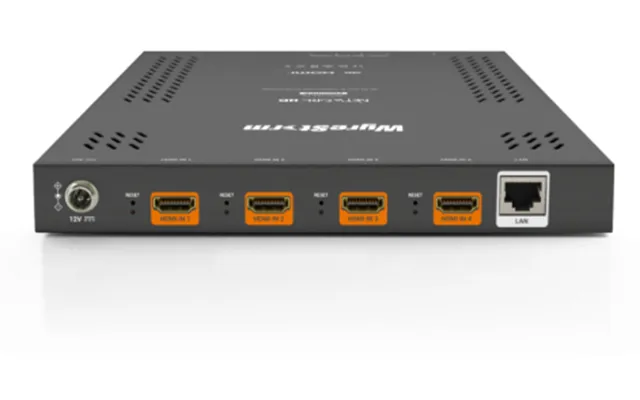
HDMI switches let you plug several sources into one display and toggle between them. Splitters do the opposite, feeding one source to two displays at once. That simple difference is easy to overlook, but choosing the right device is key. If you’re running a 4K TV and a console like a PS5 or Xbox Series X, look for HDMI 2.1 compatibility so you keep features like 4K at high frame rates, HDR, and variable refresh. Auto-switching is handy when you power on a device and want it to take over without hunting for the remote. For living rooms with long cable runs—say 25 feet across the room—look for active or externally powered options to keep the signal stable.
Splitters are brilliant for sending the same source to a TV and a projector or mirroring a display to another room. But here’s the catch: the chain is only as strong as the weakest link. Pairing a high-spec splitter with a low-spec cable or an older input can force the whole setup to negotiate down. If you want vibrant HDR and smooth high frame rates, make sure your cables, switcher, and display all match the standards you need, and keep those cable lengths sensible—under 15 feet is the sweet spot for most passive HDMI runs.
When you compare HDMI switches or splitters, prioritise the number of ports, the HDMI version, audio features like ARC or eARC, and support for gaming extras like VRR and ALLM. A physical remote is underrated until you need it; an on-device button is a must-have backup. External power often equals better reliability, especially for longer cables. And don’t forget EDID controls if you’re mixing displays with different capabilities—these let you set how the source “sees” your system so you don’t lose features you care about.
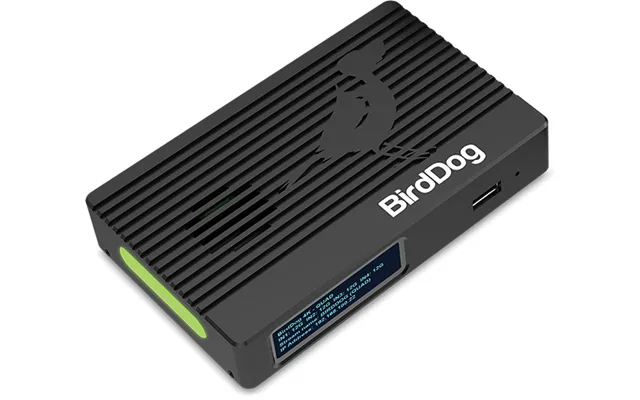
A capture card lets you bring console or camera footage into your computer for livestreaming or recording. If you’re producing gameplay content, look for pass-through that keeps gameplay buttery smooth on your TV while the capture happens in the background. For example, 4K pass-through with high frame rates ensures your own viewing isn’t compromised, while the card captures in the resolution your workflow needs. Support for OBS and popular editing tools is essential, and low-latency encoders help prevent that awkward delay between your commentary and what viewers see.
For camera users, capture cards turn your mirrorless or DSLR into a crisp webcam, giving you a far more cinematic look than most standard webcams. If your camera has clean HDMI out, you’re in business. Pair it with a sturdy tripod and a soft light and your stream or Zoom call instantly looks more polished.
External capture cards connect via USB and are dead simple to set up, travel well, and work with desktops and laptops. They’re perfect for creators who want to keep things flexible or switch between computers. Internal cards live inside a desktop tower and typically offer higher sustained bandwidth, lower latency, and additional inputs. If you’re building a permanent studio or you demand top-tier performance for high-resolution recording, internal makes sense. If you’re a hybrid creator who edits at a desk but streams from the sofa, external wins on convenience.
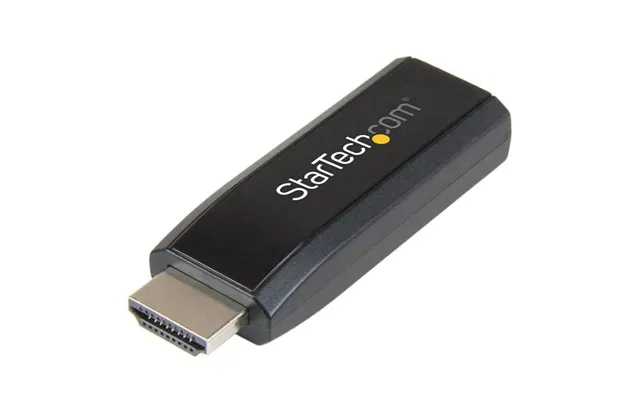
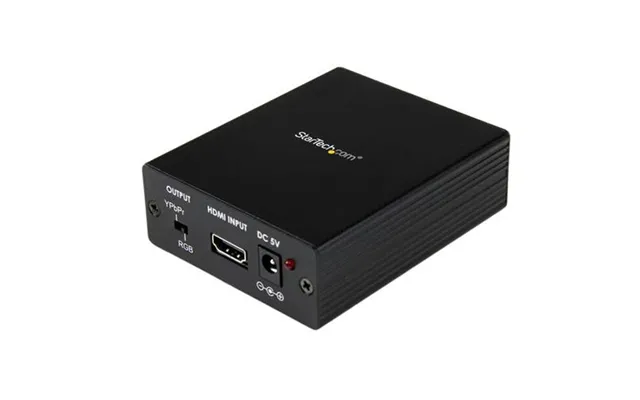
Converters translate one video format to another—think HDMI to SDI, or analogue to digital—so you can mix older gear with modern TVs, projectors, or capture devices. Scalers up- or downscale the signal to match your display’s sweet spot, which is a lifesaver if you still love retro consoles or have legacy corporate equipment to present from. A quality scaler can clean up the image, reduce noise, and minimise the stretching or blurring you often see when older content hits today’s sharp panels.
For home cinema fans, a converter can save a beloved legacy player from retirement, while creators can feed cameras and mixer outputs into modern streaming setups. Look for sturdy metal housings, external power, and clear status LEDs. Cheap dongles can work in a pinch, but if you rely on this gear for events or paid work, step up to pro-leaning models that lock and hold signal under pressure.
Analogue-to-digital adapters are the unsung heroes for digitising family footage or archiving old projects. The best ones keep colours reasonably accurate and audio in sync. If you’re feeding into a capture card, set a consistent output resolution to avoid handshake wonkiness. For long runs across a room, consider SDI-based solutions with converters on both ends; SDI is built to travel farther and stay stable, while HDMI excels for shorter, plug-and-play distance.
A good webcam is the easiest way to sharpen your image. Look for sensors that stay clean in low light, dependable autofocus, and flexible mounting so you can place it right above your monitor or on a tripod. If you’re eyeing a mirrorless upgrade later, a solid webcam still earns its keep as a second angle or as your travel camera. Pair it with a ring light around 10 to 12 inches or a small panel light on an adjustable stand, and you’ll go from flat to flattering in seconds.
Audio is half the show, so a USB microphone is worth it. Condenser mics are sensitive and detailed, while dynamic mics reject more room noise. If your space has fans or echoes, a dynamic mic might be your safer bet. Add a pop filter and keep the mic about 6 to 10 inches from your mouth, angled slightly off-center to tame plosives. You’ll sound more professional without spending studio money.
Place your light slightly off to one side and just above eye level for soft, natural shading. If you can, bounce light off a wall or use a diffuser to avoid harshness. For audio, turn off noisy gear and keep the mic close. A simple foam cover reduces hiss and mouth noise. If your webcam tends to clip highlights, dial down brightness on your light and lift it a few inches higher—small tweaks make big differences on camera.
Projectors are more versatile than ever for films, sports, and gaming. When you compare models, resolution and brightness are the big two, followed by throw distance. A projector rated for a 100-inch image might need anywhere from a few feet to several feet of space depending on the lens, so measure your room before you buy. Portable projectors are great for backyard movie nights; they pair beautifully with foldable screens, compact speakers, and streaming sticks for a cable-light setup you can carry under one arm.
If you game on a projector, look for low input lag and smooth motion handling. Brightness matters if you don’t have blackout curtains; higher brightness helps keep colours punchy during daytime viewing. For most living rooms, a screen around 100 to 120 inches creates a wow factor without overwhelming the space. And if wall space is tight, a short-throw model can deliver a big picture from just a couple of feet away.
For family rooms with some ambient light, you’ll appreciate extra brightness. If you watch mostly at night, you can prioritise contrast and colour over sheer output. Measure the distance from your projector to the screen in feet to ensure it matches the throw ratio on the spec sheet. And consider how you’ll use it: movies and series at night, big-match sports on weekends, or as a giant screen for party games. Your use case points you to the right balance of brightness, speed, and portability.
Shaky footage screams “amateur,” and that’s where gimbals and tripods shine. Smartphone gimbals pack 3-axis stabilisation into a compact grip that fits in most bags, and they’ll keep your walk-and-talks smooth even on uneven pavements. For cameras, check payload capacity in pounds to ensure your lens and body are safely supported. If you’re filming longer sessions, a tripod is your best friend. Look for quick-release plates, a fluid head for video-friendly panning, and a maximum height that suits your framing—something around 60 to 70 inches often hits the sweet spot for standing shots.
Monopods and tiny tabletop tripods are the unsung heroes for travel and desk setups. A tabletop tripod under 10 inches can turn any flat surface into a secure mount, and a boom arm lets you position a mic just out of frame. If you shoot on the go, a compact gimbal plus a foldable tripod gives you flexibility without weighing down your kit.
You don’t need to spend a fortune for smoother footage. Start with a simple tripod and learn to pan slowly. Add a gimbal when you need dynamic movement, and practise keeping elbows tucked to steady your core. A cheap but sturdy phone clamp and a cold shoe mount are small upgrades that unlock mics and lights on your handheld rig. These little touches separate “good enough” from “that looks great.”
High-quality HDMI cables are worth it, especially for longer runs. For most living rooms, 6 to 10 feet is plenty; for racks or projectors, you might need 15 to 25 feet. If you go long, consider active or powered options. Right-angle adapters save space when your TV is close to the wall—handy if you’ve got less than 2 inches of clearance. For creators, short patch cables keep desks tidy and reduce clutter on camera. Don’t forget cable ties and labels; future-you will thank you when you troubleshoot a mystery disconnect.
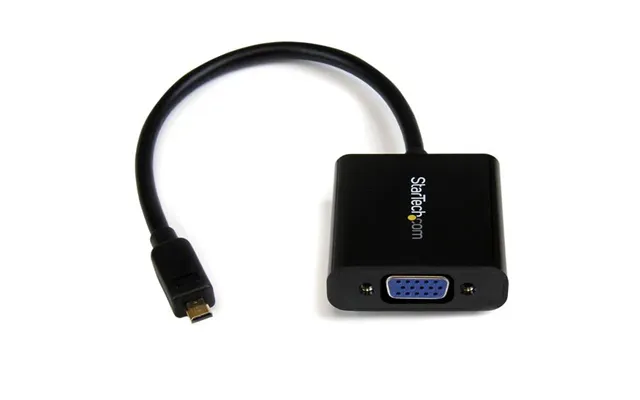
If you’re mixing different devices, stock a few adapters: HDMI to DisplayPort in a pinch, audio extractors when you need to feed a soundbar separately, and USB hubs that deliver steady power to capture cards and webcams. A powered USB hub minimizes the chance of dropouts, especially if you’re running multiple high-draw devices. And yes, a spare HDMI cable tucked in a drawer has saved many a movie night.
Think about what you’ll add in the next year. If you plan to upgrade to a next-gen console or a 4K high-refresh TV, choose cables and switches that won’t bottleneck your system later. Keep lengths conservative, buy once for quality, and pick gear with clear indicators so you know what’s happening at a glance. A few smart choices now mean fewer headaches when you expand your setup.
The fastest way to separate hype from value is to compare offers across multiple retailers. A UK price-comparison site like ZoneOffer lets you scan “Popular Offers,” filter by features, and size up a “price list” so you can spot genuine savings. Focus on essentials first: the right input and output standards, the number of ports, and whether the device supports the features you actually use. Then weigh the extras like remotes, EDID controls, or bundled accessories. If you see bundle deals, add up the parts—sometimes a slightly pricier kit is actually cheaper than buying pieces separately.
Timing also matters. Big events, new console or TV launches, and seasonal sales can shake loose excellent discounts. If you can wait a few weeks, watch price trends and set alerts. This approach beats impulse buying and stretches your budget further.
Spec sheets can look like alphabet soup, so here’s the quick take. HDR formats like HDR10 and Dolby Vision boost colour and contrast; keep them if you care about cinema-quality viewing. VRR and ALLM help gaming feel smooth and responsive. eARC sends high-quality audio from your TV back to a soundbar or receiver. For capture cards, “pass-through” protects your on-screen experience while recording separately. For projectors, resolution and brightness work together, and throw distance tells you how far the projector needs to sit from the screen. When in doubt, match your gear to the features you actually use, not the buzzwords that sound shiny.
In a broad category like “Video – Other,” expect fast-moving deals on HDMI switches, splitters, capture cards, converters, webcams, and lights. Price lists tend to cluster around good-better-best tiers. Entry-level options cover everyday needs on a tight budget, midrange steps up build quality and consistency, and premium stacks in top-spec formats and professional reliability. When you compare offers, factor in warranty terms, return-friendly retailers, and packaging that protects delicate electronics. For creators, a reliable device that performs every time is cheaper in the long run than a bargain that flakes when the record light goes red.
You’ll also see deals on accessories that seem minor but make daily use better, like right-angle HDMI adapters, cable management kits, and mounts that declutter your living room or desk. On a comparison platform, it’s easy to line up the essentials and add the little extras that keep everything neat and reliable.
Budget is perfect for first-time setups, guest rooms, and casual use. Midrange is the comfort zone for most people—sturdy builds, reliable performance, and sensible features. Premium is for enthusiasts and pros who need top-tier stability and advanced formats. Be honest about your use case and pick the lane that matches it. A well-chosen midrange device often outclasses a premium one you don’t fully use, and a good budget pick can carry you farther than you think.
The “Video – Other” category is where your setup becomes effortless. With the right mix of switches, splitters, capture cards, converters, webcams, lights, stabilisers, and cables, you’ll enjoy sharper images, smoother gameplay, and cleaner streams. The key is to focus on the features you’ll use, match every link in the chain to the same standard, and compare offers across multiple UK retailers using a trusted price-comparison site like ZoneOffer. Do that, and you’ll build a setup that looks pro, feels simple, and costs less than you’d expect.
| Video - Other | Price | |
|---|---|---|
| Bayonetta | £ 4,42 | |
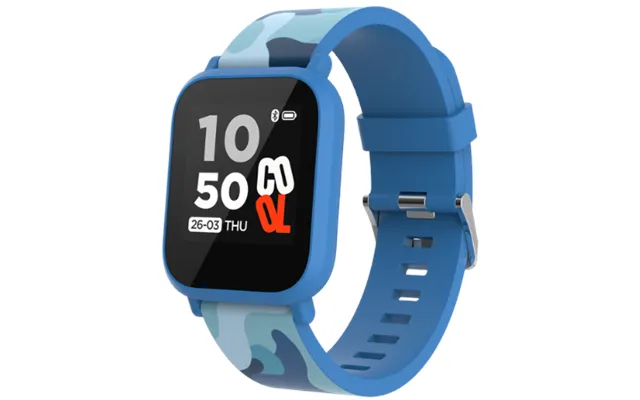
| Canyon My Dino Kw-33 Smartwatch - Blue | £ 10,98 | |
| Xinweiqing Electronic Watch Health Monitoring 123 Sports Modes Heart Rate Data Smart Watch Smart Watch Digital Stuff | £ 21,06 | |
| Cables Direct Hd8k-swb12 Video Switch Hdmi | £ 26,41 | |
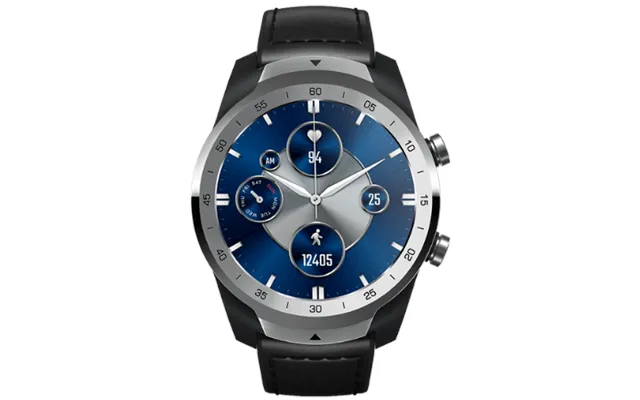
| Ticwatch Pro S 2021 Smartwatch - Silver | £ 120,43 | |
| Samsung If015e Transparent Mesh Led Indoor | £ 2.510,33 | |
| A50-031 With Md75 And Mount Kit | £ 3.551,21 | |
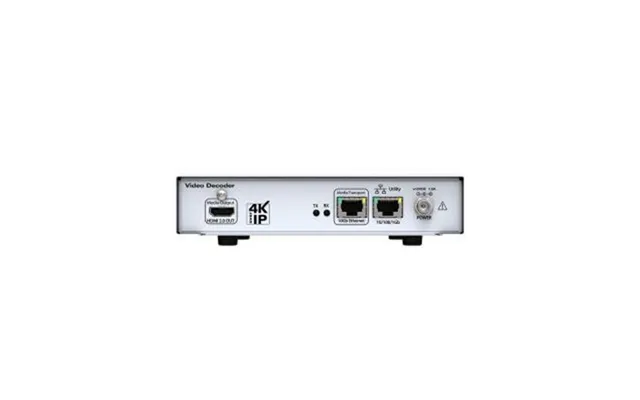
| Zeevee Z4kmp24 Video Servers Encoder | £ 4.854,66 | |
| Smart Technologies Qx286-v2-p-5a Interactive Whiteboard 2.18 M 86&quo | £ 6.251,92 | |
| Samsung Ia016b Led Indoor | £ 57.404,96 |