All categories
Business & Offices
Electronics & Media
Fashion & Accessories
Groceries & Essentials
Health & Personal Care
Home & Living
Kids & Family
Sports & Outdoors
Search in ZoneOffer

Loading...
Think of a key card entry system as your front-line guardian that never forgets a face, never loses a key, and never sleeps. Instead of juggling traditional keys, users tap a small card, fob, or even a phone to a reader to unlock doors. Behind the scenes, a controller checks permissions, records the event, and decides whether to grant access. Simple on the surface—sophisticated under the hood. Whether you’re securing a family home, a rental, an office, or a small hotel, key card entry systems give you the control and convenience that metal keys simply can’t match.

In the UK, interest in these systems is booming because they strike a balance between strong security and day-to-day ease. They’re scalable, relatively straightforward to install, and—thanks to competitive deals you can compare online—more affordable than many people expect. If you’re scanning “popular offers” or browsing a “price list,” you’ll notice kits that bundle readers, controllers, cards, and sometimes locking hardware. That makes it easier to get up and running without hunting for every component separately.
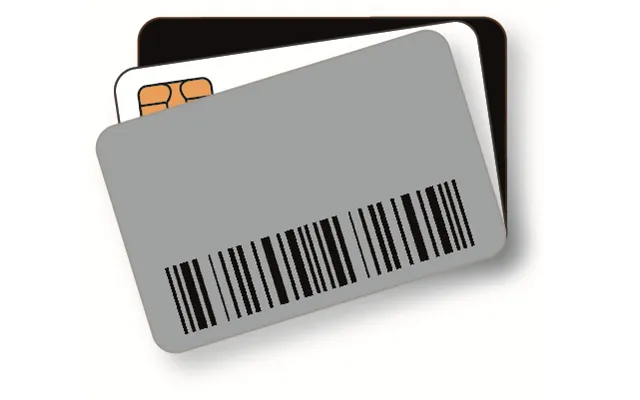
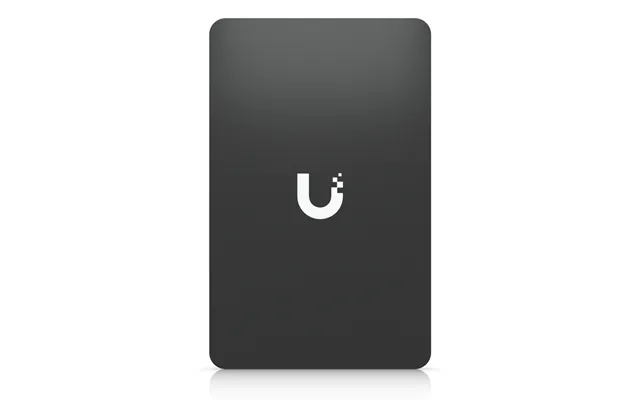
Most modern systems use RFID (radio-frequency identification). You’ll often see “proximity” readers that recognize a card or fob within about 1–2 inches. That short read range is intentional—it reduces the risk of accidental reads and keeps access focused. The card contains a tiny chip and antenna that broadcasts a unique ID when powered by the reader’s field. The controller checks that ID against your access rules—who can enter, when, and where—and then unlocks the door if approved. It happens in a blink, but there’s a lot of smart logic behind that click.
For everyday environments—shared offices, small retail sites, apartment blocks—RFID proximity cards are a sweet spot. They’re affordable, durable, and easy to replace if someone misplaces one. You can also assign different permission levels: a cleaner might have access after hours, while staff may have weekday access. That level of control is miles ahead of traditional key-cutting.
Prefer to tap with your phone or smartwatch? Many newer systems support NFC credentials alongside standard cards and fobs. Instead of a plastic card, users load a secure pass onto their mobile device. It’s quick to deploy—no waiting on card printing—and it’s easy to deactivate remotely if a device is lost. Plus, people rarely forget their phones, which makes access more consistent and cuts down on “I lost my card” moments.
Mobile credentials can also boost user satisfaction. If you’re managing a flexible workspace or short-term holiday let, offering contactless phone access feels modern and frictionless. It’s a small detail that can make a big difference in reviews and repeat bookings.
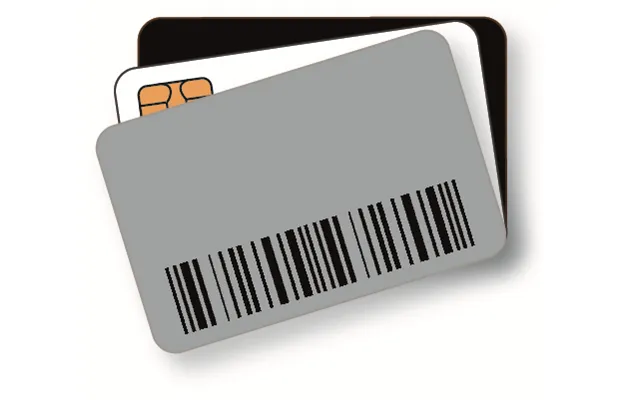
Magstripe cards—think hotel keys from a few years back—still exist, but they’re fading in popularity. Why? They’re more prone to wear and demagnetization, and they’re less secure than today’s RFID/NFC options. If you’re starting fresh, it’s hard to justify magstripe unless you’re replacing like-for-like in a legacy environment. For long-term value and security, proximity or smart cards generally win.
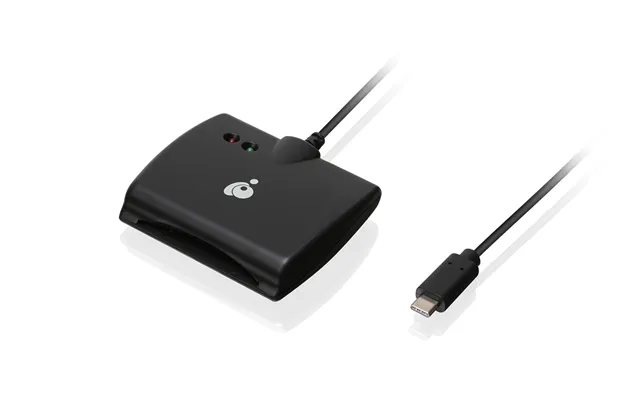
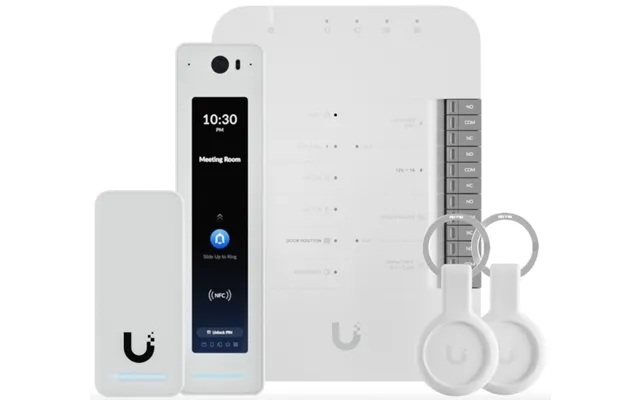
The reader is the part you tap; the controller is the brain hidden in a secure area. Some systems combine both for simplicity, but separating them is often more secure because an attacker can’t just pry off a reader and reach the logic. When browsing offers, check whether the kit includes standalone readers (best for a single door) or reader-plus-controller setups (better for multi-door scalability).
Also look for multi-technology readers that accept both cards and phones. That dual support gives you flexibility if your needs evolve—say, you later decide to add mobile credentials for frequent visitors and maintain cards for long-term staff.
Electric strikes replace the strike plate on the door frame, holding the latch until power tells it to release. Maglocks (electromagnetic locks) mount on the door and frame, holding the door closed with a strong magnetic force until de-energized. Which is better? Electric strikes often look more “normal,” integrate nicely with existing latches, and remain locked if power fails (when configured fail-secure). Maglocks are strong and simple but typically require a proper exit device and careful compliance with life-safety rules, plus a reliable power setup.
Choosing between them can come down to door type, fire regulations, and your desired fail state. For external doors, many prefer electric strikes. For internal doors needing strong hold and regular releases (like labs or storage rooms), maglocks can be a strong choice when properly installed.
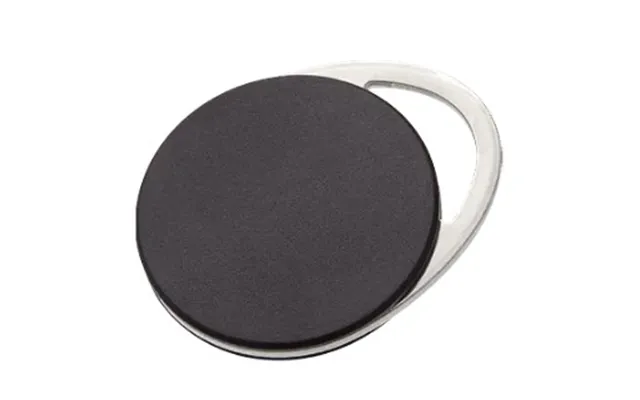
Cards are classic, especially if you want to print a logo or photo ID. Fobs are compact and harder to bend or break, making them great for everyday carry on a keyring. Wristbands shine in gyms, pools, and healthcare where hands-free is best. Technically, they all do the same thing: present an ID to the reader. Pick the form factor that users will actually carry without fuss—convenience boosts compliance.
Good management software is the difference between a secure system and a headache. Cloud dashboards make it simple to add users, schedule access, and view logs from anywhere. On-premises software can be more hands-on, but some organizations prefer it for data control. Either way, look for clear activity logs, easy user onboarding, and role-based permissions. Audit trails matter—when something happens, you’ll want proof and timestamps in seconds, not hours.
If you’re tired of spare keys and lockouts, adding a reader to your front or side door can be a game-changer. Many residential-friendly kits integrate with smart home platforms, letting you automate lights or cameras when doors open. Want your cleaner to enter only on Tuesdays between 10 a.m. and 2 p.m.? Set it once and forget it. If a card goes missing, you revoke it instantly—no locksmith call, no rekeying, no drama.
For small teams, key card systems reduce friction and boost accountability. You’ll know who accessed which area and when—handy for compliance, HR, and simple peace of mind. Co-working managers love being able to grant temporary passes to day users or meeting attendees, then let them expire automatically. It’s access control tuned for flexible work.
Hotels, B&Bs, and holiday lets can level up guest experience with simple, time-bound credentials. Send a mobile pass before check-in; let it expire at checkout—no key handovers or lockboxes. It’s slick, secure, and guest-friendly. Plus, audit logs help resolve disputes and improve accountability across housekeeping and maintenance teams.
Schools, clinics, and care facilities need layered access: public zones, staff-only areas, storage with controlled substances, and so on. Key card systems make it easy to tune permissions, restrict sensitive rooms, and generate audit trails. In environments where safety and traceability are paramount, this control is invaluable.
Logging every entry attempt—granted or denied—gives you clarity when something’s off. If a door was opened at 2 a.m., you’ll know by whom. Scheduling adds business logic: time-limit a contractor’s access to weekday afternoons or allow overnight cleaning staff without granting full-day access.
You might start with one door today and expand to five next year. Systems that scale without a rip-and-replace save money and hassle. Check how many doors a controller supports, and whether you can add more controllers under one dashboard. Future-you will be grateful.
What happens during a power cut? Ideally, you’ve got battery backup on core components, plus a fail strategy (fail-safe or fail-secure) that aligns with safety and security priorities. If you’re using maglocks on an exit route, make sure egress is never compromised. Battery-backed power supplies help keep everything humming until mains returns.
External readers face rain, wind, and the occasional elbow. Look for sturdy housings and tamper detection. For outdoor gates and perimeter doors, a robust reader with a tightly sealed enclosure is worth its weight in gold. Also, pick cards and fobs designed to withstand daily knocks—bending, drops, and pocket life are real tests.
UK organizations are mindful of privacy and data handling, especially when storing logs tied to individuals. Choose systems with secure encryption, clear data retention settings, and the ability to restrict admin roles. Protecting access logs is as important as protecting the door itself. Good software makes that easier.
Let’s talk money. Entry-level single-door kits with a basic reader, controller, cards, and a power supply often start around £150–£300. Mid-range multi-door setups with smarter software, mobile credential support, and stronger hardware frequently land in the £400–£900 per door range, depending on features. Enterprise-grade solutions, heavy-duty locks, and advanced integrations can go higher, especially with professional installation.
How do you get the best value? Compare bundles carefully. Some include electric strikes, while others assume you’ll source locks separately. Factor in the total cost: readers, controllers, locking hardware, power supplies, cabling, cards/fobs, software subscriptions, and installation. A cheaper reader may end up more expensive if it forces you to buy proprietary cards or a premium software license later. Look for transparent pricing and clear upgrade paths so you don’t outgrow your system in a year.
Before you touch a wire, confirm the door’s construction and swing, the latch type, and the strike. Wooden doors with standard latches often suit electric strikes nicely; metal doors may need specific strike models. Check door thickness—most residential doors are around 1–3/4 inches—so you pick readers and hardware that sit flush and look clean. A neat install isn’t just pretty; it’s harder to tamper with.
Access control wiring isn’t rocket science, but it rewards planning. Readers typically use low-voltage cabling; many installers favor 18 AWG or 22 AWG for runs of typical length. Keep high-voltage lines away from low-voltage runs to reduce interference. If using a maglock, ensure you’ve got a reliable power supply and a proper exit device, like a request-to-exit button or motion sensor, as required by regulations. Battery backup is a smart add-on for continuity.
Once hardware is mounted and powered, the fun begins—programming. Good software lets you add users in minutes, assign them to groups, and set schedules. For small teams, batch enroll cards to keep admin time low. If you’re running guest access, create time-limited credentials that expire on their own. Test thoroughly: run a few denied and granted scenarios to confirm logs, alarms, and door behavior match your expectations.
Treat credentials like keys—because they are. Maintain a quick process for deactivating lost cards and onboarding new users. Label spare cards discreetly (never with the door or site name) and store them securely. If you’re using mobile credentials, encourage screen locks and remote device wipe where possible.
Install readers at a comfortable height—around chest level suits most people—and avoid locations that can be easily shielded or pried at. Consider readers with built-in tamper detection that triggers an alert if someone tries to remove or open the housing. Small details like secure mounting and armored cabling can deter opportunistic attacks.
Keep firmware and software updated. Vendors often patch vulnerabilities, improve performance, and add features. Schedule backups of access logs and configurations so you can restore quickly if a controller fails. If you’re on a cloud platform, verify the vendor’s uptime commitments and data protections, and keep admin accounts guarded with strong passwords and, ideally, multi-factor authentication.
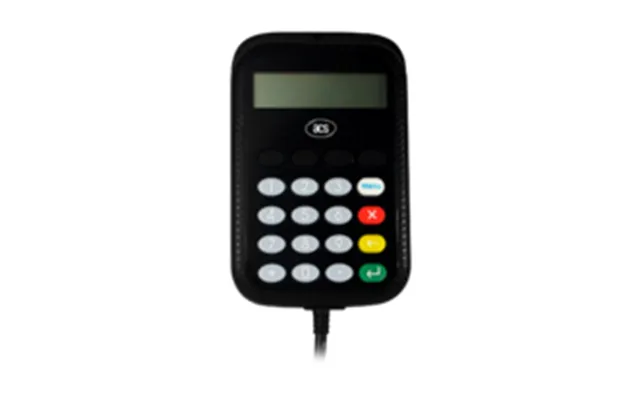
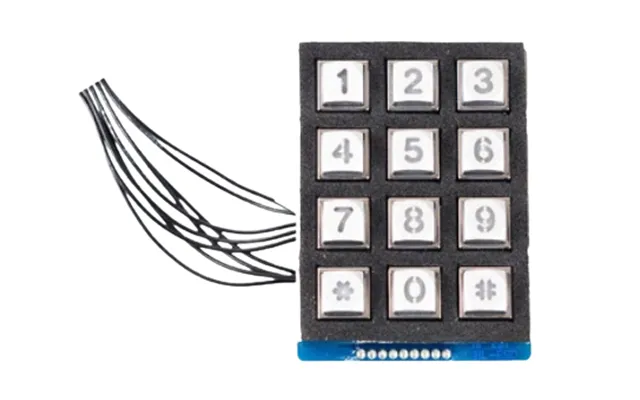
Key card systems play nicely with others. Adding a keypad gives you a backup method—handy if someone forgets a card. Biometrics (like fingerprint readers) tighten security for high-risk zones, though they demand careful privacy handling. A video intercom at the main entrance can combine visual verification with remote unlock—great for deliveries and visitors without credentials.
Beyond basic NFC, some systems support wallet passes that feel just like boarding passes—tap to enter, revoke remotely when you’re done. Wearables can be ideal in environments where cards are awkward: think gyms, pools, or clinical settings where hands-free is safer. The more options you offer, the smoother daily life becomes for different users.
When browsing a price list or popular offers, specs tell a story—if you know what to look for. Does the reader support both cards and phones? Are controllers expandable? Is the software license per door, per user, or a flat annual fee? Does the kit include an electric strike, or will you need to buy one separately? Ask those questions up front to avoid surprise costs.
It’s easy to compare hardware prices and forget the rest. Add up credentials (cards/fobs), software subscriptions, installation, training, replacements, and potential call-outs. Over two or three years, the “cheaper” choice sometimes costs more in downtime or admin headaches. Consider warranty length and support responsiveness; a solid warranty can pay for itself the first time something hiccups.
If you’re securing several doors, multi-door kits can be cost-effective. Look for consistent readers and shared controllers to simplify cabling and management. Buying in one go often nets better per-door pricing and keeps your ecosystem unified—easier for training, easier for troubleshooting, and cleaner for reporting.
A small design studio installs a two-door system: one reader at the main entrance, one for the equipment room. Staff get fobs; freelancers receive mobile passes that expire after their project ends. Schedules restrict equipment room access to business hours, and audit trails help track who borrowed a camera last. The result? Fewer lost keys, fewer “who has access to what?” debates, and stronger oversight without heavy admin.
In a short-term rental, the host ditches lockboxes in favor of time-limited mobile credentials. Guests love the convenience, cleaners get scheduled access, and the host sleeps easier knowing doors lock behind guests and no physical keys are floating around. One upgrade, many wins.
Cards not reading? First, check the simple stuff: is the reader powered, and are you presenting the card within 1–2 inches? If multiple cards fail, verify the controller’s connections and look for a tripped power supply. Doors failing to release could point to wiring on the strike or maglock, or an access schedule that’s blocking entry. Logs are your friend—denied reasons often tell you exactly what’s wrong (expired credential, wrong door group, outside allowed time).
Intermittent issues? Inspect cabling for kinks or compression, especially where doors swing. For outdoor readers, check gaskets and seals after storms. Keep a few spare cards and a test fob on hand to quickly isolate whether the problem is the user’s credential or the hardware itself.
Before you click “compare” on that short list, run through this mental checklist. Do you want mobile credentials as well as cards or fobs? Are you choosing electric strikes or maglocks, and does the kit include the hardware you need? Is the software cloud-based or on-prem, and what are the ongoing costs? Can you scale from one door to several without replacing the whole system? How easy is it to add and remove users, and do you get clear, exportable audit logs? If you can answer yes to the features that matter to you, you’re on the right track.
Key card entry systems bring modern, flexible security to homes, businesses, and hospitality properties across the UK. They’re convenient, scalable, and—when you compare offers carefully—surprisingly cost-effective. From proximity cards to mobile credentials, electric strikes to maglocks, and standalone readers to cloud-managed controllers, you’ve got options that fit nearly any door and budget. Focus on core features like audit trails, scheduling, and durability, plan your installation thoughtfully, and keep software and credentials well managed. Do that, and you’ll enjoy a smooth, secure access experience that makes everyday life easier and safer.
| Key Card Entry Systems | Price | |
|---|---|---|
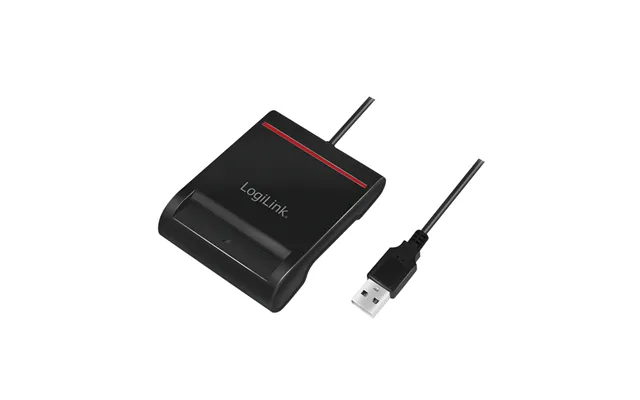
| Acs Apg8201-b2 Smart Card Reader Indoor Usb Usb 2.0 Black | £ 35,30 | |
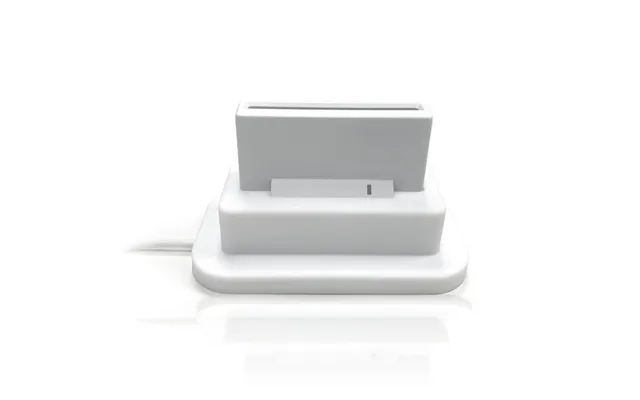
| Adesso - Contact | £ 37,50 | |
| Yale Keyfob | £ 58,49 | |
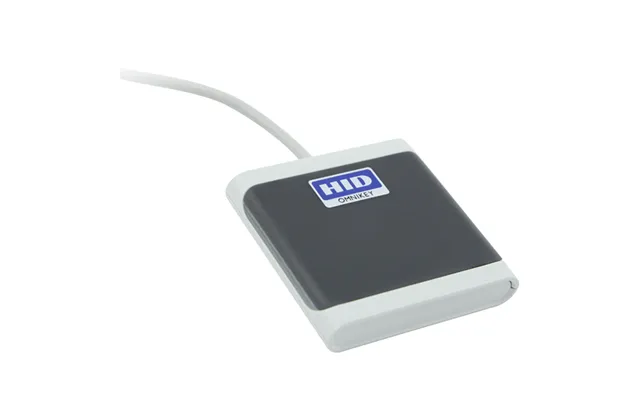
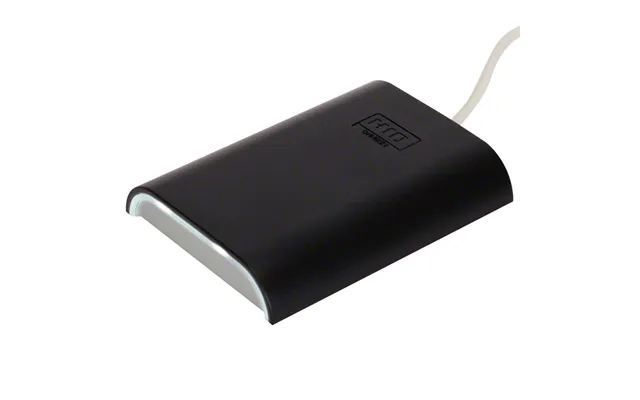
| Hid Identity Omnikey 5427 Ck Smart Card Reader Indoor Usb Usb 2 | £ 110,- | |
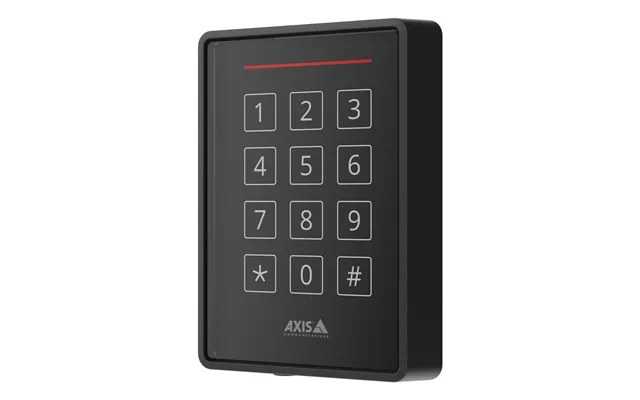
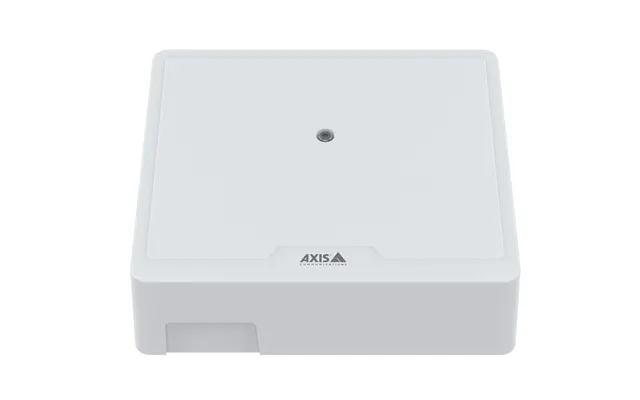
| Axis 02145-001 Rfid Reader Black | £ 373,50 | |
| Axis 02145-001 Rfid Reader Black | £ 373,50 |