All categories
Business & Offices
Electronics & Media
Fashion & Accessories
Groceries & Essentials
Health & Personal Care
Home & Living
Kids & Family
Sports & Outdoors
Search in ZoneOffer

Loading...
Even in a world where apps can do anything, a basic calculator remains one of those tiny, reliable tools you reach for again and again. They're fast, simple, and don't nag you with updates. Whether you're balancing a budget, checking a receipt, or helping a kid with homework, a basic calculator gets the job done without the learning curve of a smartphone or a graphing machine. Think of it as the pocketknife of stationery—compact, dependable, and surprisingly versatile.
A basic calculator typically performs fundamental arithmetic: addition, subtraction, multiplication, and division. Many models add a few handy extras like percentage, memory functions, and a square-root key. They usually sport a single-line LCD display and a layout that feels familiar the first time you hold one. If you want something straightforward, battery-powered or solar-assisted, and light enough to slip in a backpack, a basic calculator is often the perfect pick.
Most basic calculators have displays that range from about 1.2 to 2.5 inches wide, and they weigh between 2 and 6 ounces, so they're easy to carry. Battery life is typically measured in months or years rather than hours, and solar models can run for years with intermittent indoor light. Keep an eye on button size and tactile feedback—good keys are like good shoes; you hardly notice them until they aren't right.
Not every calculator is built the same. Knowing which type suits your needs can save cash and frustration.
These are the go-to devices for everyday math: receipts, simple invoices, and basic homework. They often include percent keys, memory storage, and a clear key for quick resets. If you mostly do simple arithmetic, this category is all you need.
Stepping up in complexity, scientific calculators handle functions like sine, cosine, tangent, logarithms, and exponents. They're essential for high school and college STEM courses. If your life involves trigonometry or algebra, consider a scientific model instead of a basic one.
These are the heavy lifters—think of them as compact computers for math. They plot graphs, handle advanced equations, and are often required for higher-level math courses. For everyday tasks they’re overkill, but for engineering or calculus students they’re indispensable.
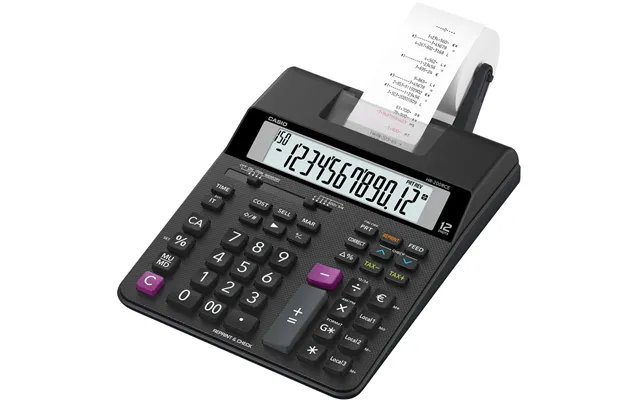
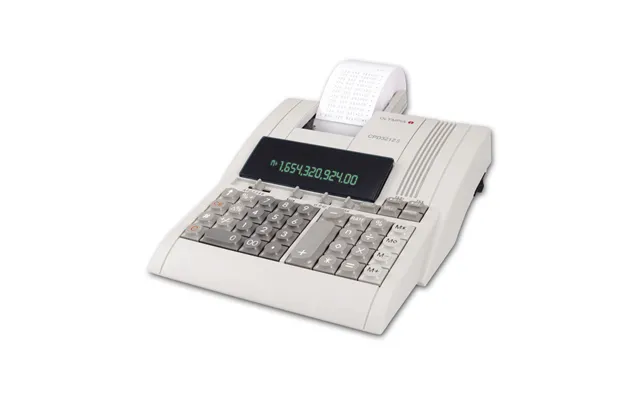
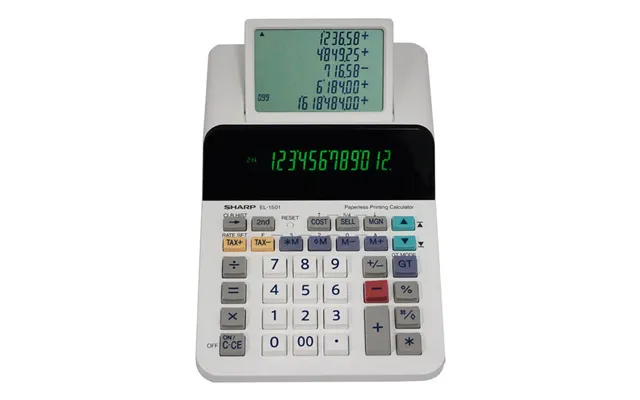
Designed for office and accounting use, printing calculators output numbers on a paper roll. They’re ideal for bookkeeping and audits where a physical receipt trail matters. Expect larger footprints—often 6 to 10 inches across—and weights from 1 to 3 pounds, but they reward you with convenience and record-keeping.
When scanning product lists or deals, focus on features that matter to you. Here are the essentials to consider before you click “buy.”
Go for a display that’s at least 1.5 inches wide if you want better readability. Larger digits reduce errors and eyestrain. Some models offer angled displays so you can see numbers clearly on a desk—handy if you spend long hours working on calculations.
Solar-only models are eco-friendly and great for steady indoor light, but battery-backed models keep working in low light. Hybrid units with both solar cells and battery backup provide the most reliable performance, lasting months to years on a single battery depending on use.
Look for keys with a slightly concave surface and a firm press. Cheap, spongy keys slow you down. A well-spaced layout reduces fat-finger errors—especially important if you do long data entry sessions.
Memory keys (M+, M-, MR) let you store subtotal values without paper, while a percentage key speeds up tax and discount calculations. Even on a basic model, these small conveniences make a big difference if you use a calculator daily.
Below are some categories and the kind of models that typically top the list in each one. While brand names and model numbers change every year, the features and value points remain steady.
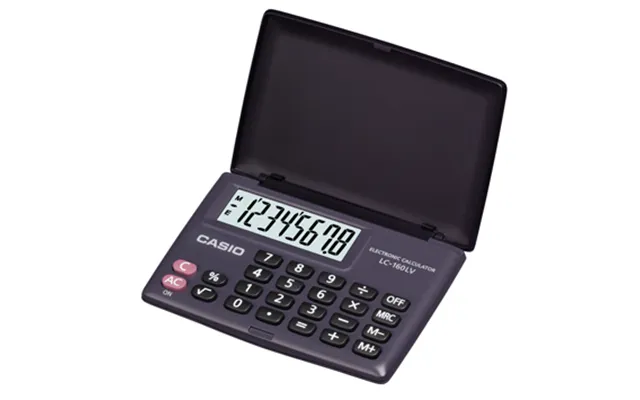
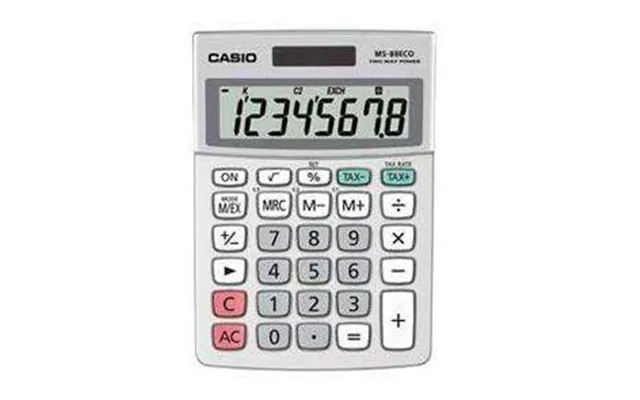
For shoppers on a tight budget, look for a compact, solar-assisted basic calculator with a clear LCD and reliable key action. These cost-effective units usually measure about 4 to 6 inches long and weigh only a few ounces—perfect for tossing into a bag.
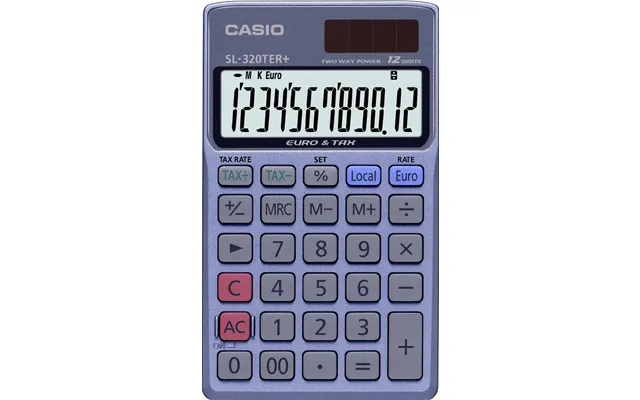
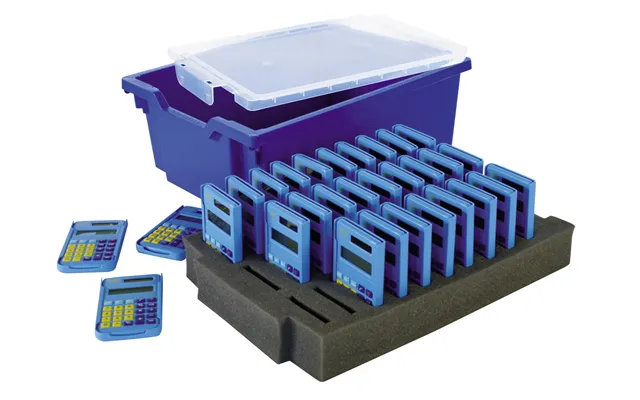
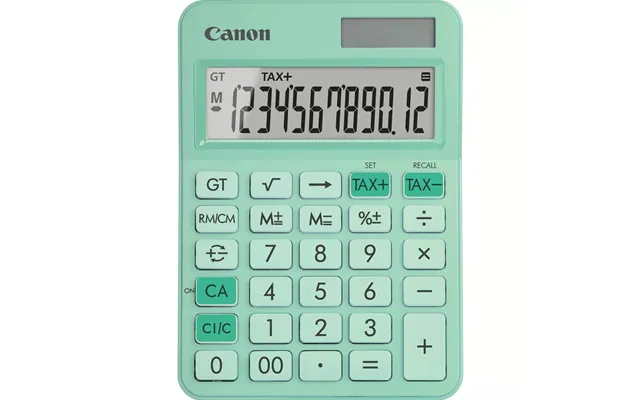
Students need durability and clear displays. Choose a model with a protective cover, slightly larger keys, and up to 12 digits on the screen so you can handle large figures. A solar/battery hybrid is a smart choice so the calculator won’t die during study sessions.
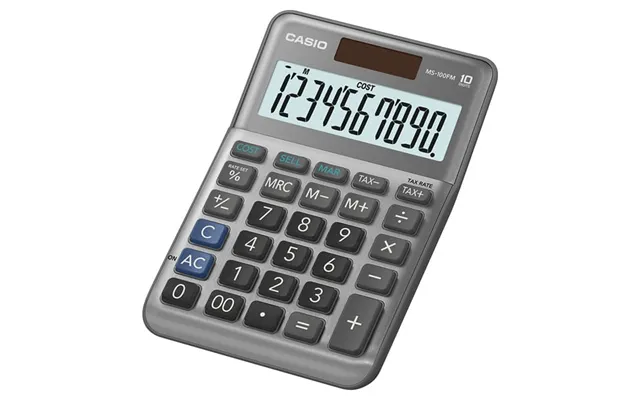
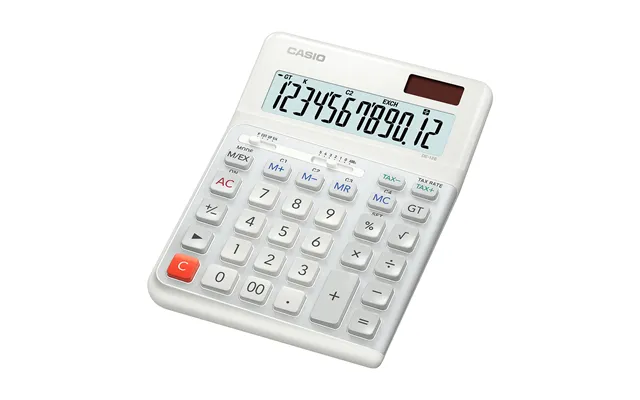
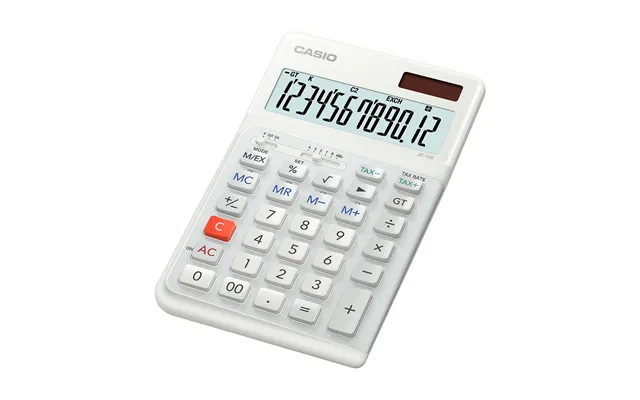
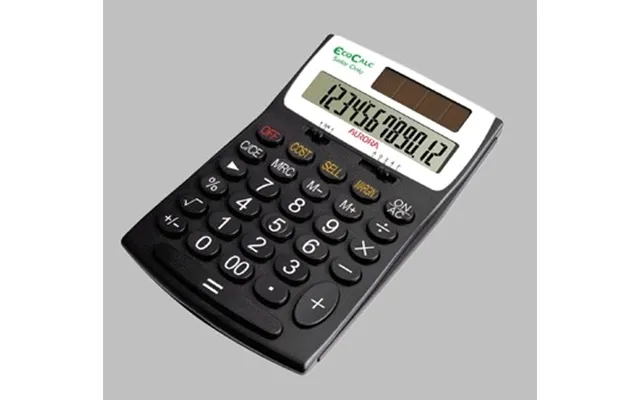
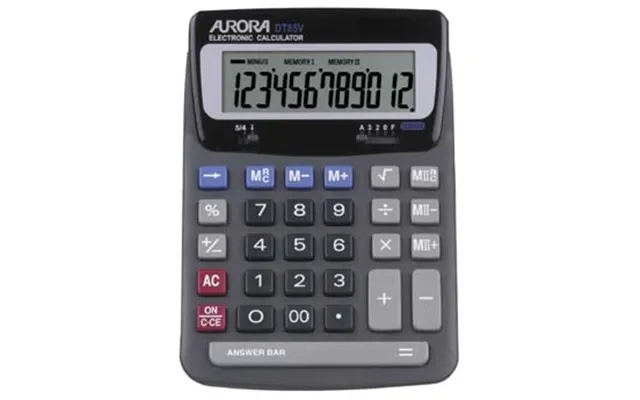
For office use, a desktop or printing calculator with robust keys and a tilted display is ideal. These often include tax and cost/sell/margin keys and are built to withstand heavy data-entry tasks. Expect larger dimensions—often upward of 8 inches across—but the trade-off is speed and comfort during long runs of calculations.
Smart shopping beats impulse buys. Use comparison tools to scan multiple retailers and see price trends. Pay attention to bundles that include cases or extra batteries—sometimes a slightly higher price offers better long-term value. Also, seasonal sales and school-time promotions often include basic calculators at steep discounts.
Consider warranty, shipping, and return options. A cheap model that needs replacing every year can cost more over time than a slightly pricier, durable unit. And don’t forget to factor in any accessories you'll want, like hard covers or spare batteries.
Caring for a calculator is easy, but a few habits will extend its life. Wipe the keypad gently with a soft cloth, avoid spilling drinks near the device, and remove the battery if you plan to store the calculator for months. For solar models, keep the solar panel clean so it can harvest light efficiently.
If your calculator uses replaceable batteries, keep a spare on hand. When replacing batteries, avoid mixing old and new ones. Dispose of used batteries properly—many local stores accept them for recycling.
Solar-powered calculators reduce battery waste and energy usage, making them a greener choice for classrooms and offices. Some manufacturers also offer recycled plastic models or recyclable packaging. If you care about footprint, check product descriptions for materials and eco-friendly claims.
Small extras can make a basic calculator feel premium. A protective slipcover prevents scratches, especially if you carry the calculator in a backpack. A desk clip or stand can convert a pocket calculator into a comfortable desktop companion. For those who do lots of paper work, consider a small notebook that lets you jot down running totals instead of printing everything out.
A slim pouch or case helps prevent key damage and keeps the display free of scratches. Choose one sized for your model—most basic calculators fit in a pouch about 6 by 4 inches. If you carry multiple tools, a small organizer with separate compartments keeps items tidy and easy to access.
Ask yourself: are you hitting limitations? If you regularly need square roots, trigonometry, logs, or statistical functions, it’s time to upgrade to a scientific calculator. If you’re handling payroll, inventory audits, or invoices that need a physical record, a printing calculator or a desktop model will save time and reduce errors. Upgrading isn't admitting failure—it's choosing the right tool for the job.
Before you buy, run through this quick checklist: display size and digit count, power source, key quality, memory functions, protective case, and warranty. Compare prices across multiple sellers and look for user reviews that mention durability and accuracy. A short checklist keeps you focused and prevents buyer’s regret.
How often will I use the calculator? Do I need portability or a stationary desk model? Am I buying for a child, a student, or a professional? The answers guide you to the right features without fluff.
Phone calculator apps are handy, but they come with distractions and battery-drain risks. A physical calculator offers tactile feedback and a distraction-free interface. For exams and certain testing environments, a standalone calculator is also required. Think of the phone as a Swiss army knife—useful, but sometimes you want a dedicated tool like a basic calculator for precision and simplicity.
Watch for back-to-school and holiday sales, check refurbished models for big savings, and read recent customer reviews focusing on reliability and key wear. If you're buying for a classroom or office, bulk discounts may apply. Price-compare smartly and remember: a slightly higher initial cost can translate to lower cost per year if the calculator lasts much longer.
Basic calculators remain practical tools that blend simplicity, affordability, and reliability. Whether you need one for everyday math, classroom use, or as a dependable office companion, the right model is out there. Focus on display readability, power source, key quality, and the features you’ll actually use. Shop smart by comparing options and reading reviews, and you’ll have a tool that serves you for years—no app store required.
| Basic Calculators | Price | |
|---|---|---|
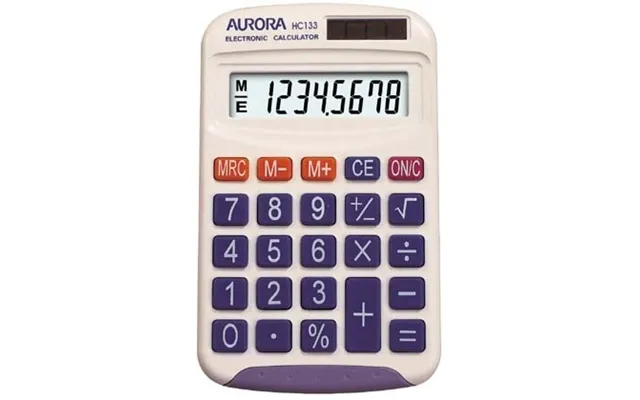
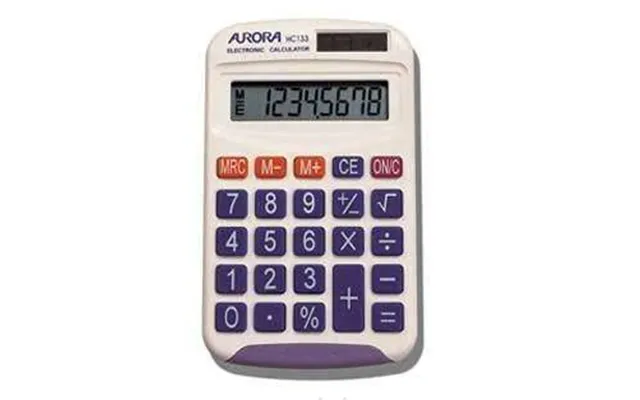
| Aurora Hc133 Calculator Pocket Basic White | £ 13,97 | |
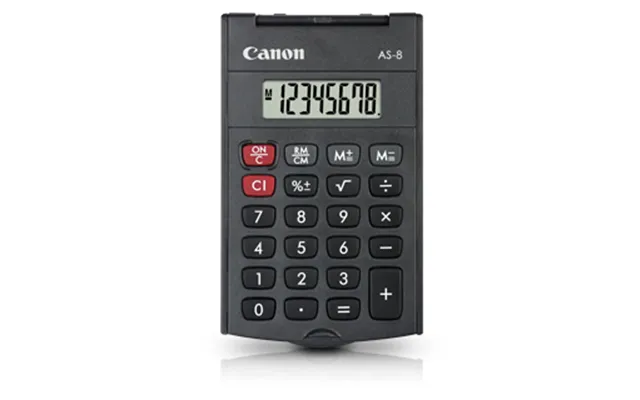
| Canon As-8 Calculator Pocket Display Grey | £ 14,58 | |
| Casio Sl-300sv Calculator Pocket Basic Silver | £ 16,03 | |
| Aurora Dt398 Desk Calculator | £ 17,09 | |
| Aurora Ec505 Calculator Desktop Black | £ 17,89 | |
| Aurora Dt920p Calculator Desktop Display Black | £ 18,42 | |
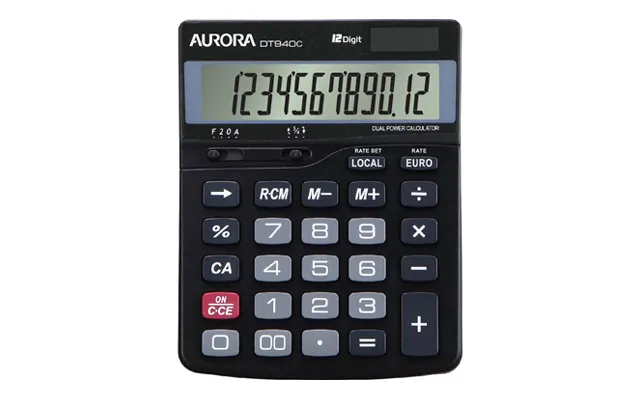
| Aurora Dt940c Desk Calculator | £ 18,48 | |
| Aurora Ec707 Calculator Desktop Black | £ 19,09 | |
| Sharp El-m335 Calculator Desktop Basic Pink | £ 25,98 | |
| Casio Hr-8rce Calculator Desktop Printing Black | £ 34,- |