All categories
Business & Offices
Electronics & Media
Fashion & Accessories
Groceries & Essentials
Health & Personal Care
Home & Living
Kids & Family
Sports & Outdoors
Search in ZoneOffer

Loading...
Think of transcribers and dictation systems as the secret assistants you never knew you could afford. Whether you're a journalist racing to capture an interview, a lawyer reviewing client notes, or a doctor updating patient records, these tools turn spoken words into searchable text, shave hours off admin work, and reduce errors. In a world awash with information, the right setup helps you stay focused on ideas while the tech handles the typing.
Not all transcription setups are created equal. Broadly, you'll choose among handheld digital recorders, dedicated dictation devices, foot-pedal-controlled transcription systems, and software-only speech recognition solutions. Each has pros and cons depending on portability, accuracy needs, and whether you're transcribing your own audio or outsourcing to a typist.
Handheld recorders from Sony and Olympus are rugged, portable, and perfect for interviews or field notes. They let you record in WAV or high-quality MP3, pin timestamps, and often offer simple noise reduction. If you travel a lot or prefer a lightweight tool that fits in your pocket, this is an excellent starting point.
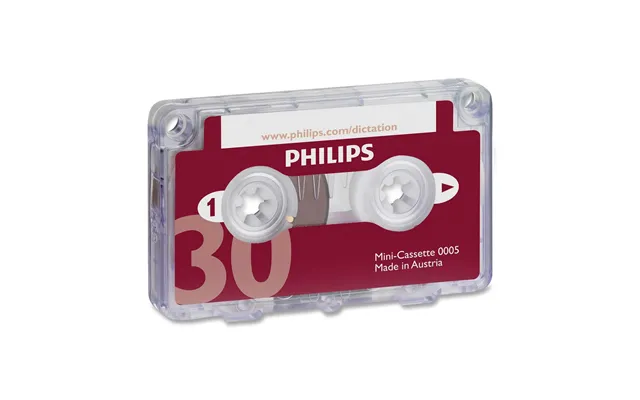
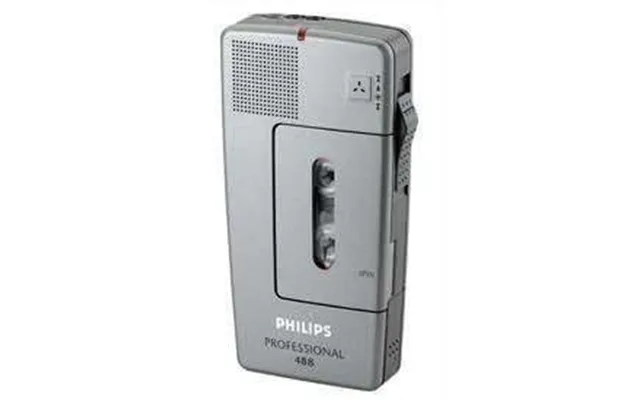
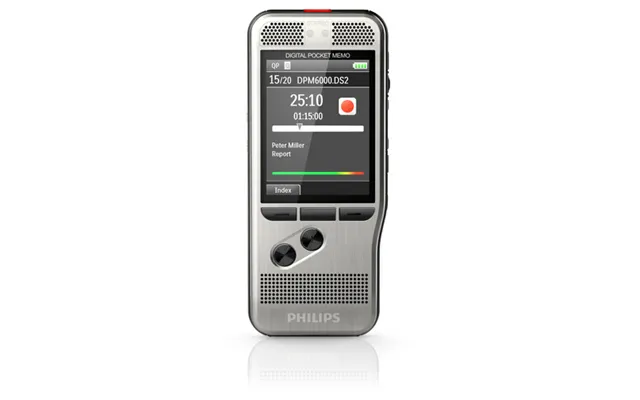
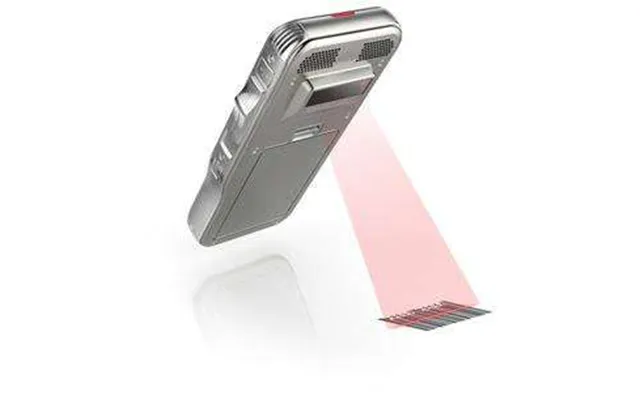
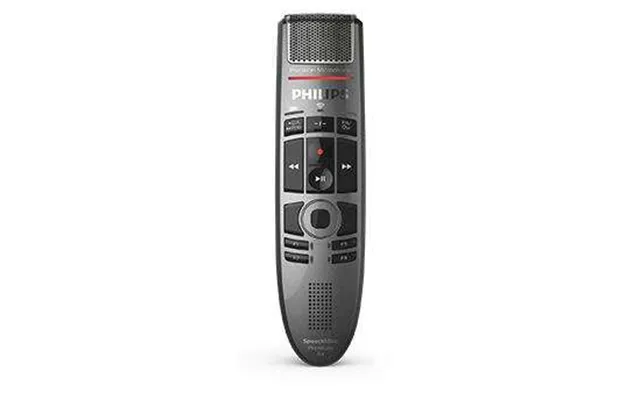
Devices like Philips Pocket Memo and advanced Olympus models focus on professional dictation workflows. They include features such as recorder-to-PC transfer, secure encryption for sensitive recordings, and built-in controls that align with transcription software. These are ideal for professionals who need reliable hardware designed for long-form dictation.
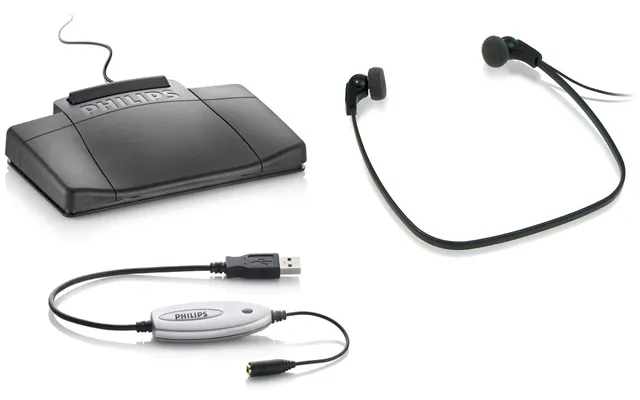
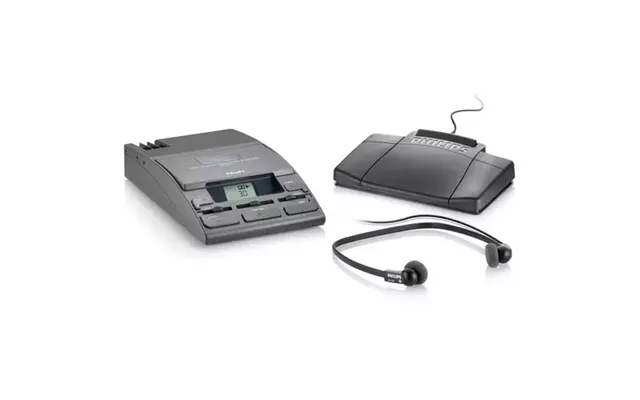
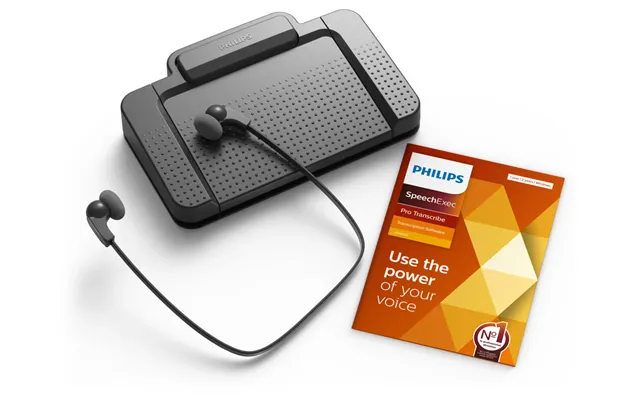
When accurate, hands-free control is essential—think legal and medical transcription—foot pedals paired with software like Express Scribe are the standard. The pedal plays, rewinds, and fast-forwards audio so typists can keep both hands on the keyboard. Combine one with a high-quality headset and you have a fast, efficient transcription station.
Speech recognition software has come a long way. Solutions such as Nuance Dragon or cloud APIs from major providers can produce surprisingly accurate drafts, especially when trained on a single speaker's voice. They're not perfect—background noise, accents, and multiple speakers still throw challenges—but for one-person workflows they can cut turnaround times significantly.
Wondering what to buy? Below are popular devices and services that professionals consistently recommend, along with what they’re best for. Think of this as your shortlist when you’re comparing options.
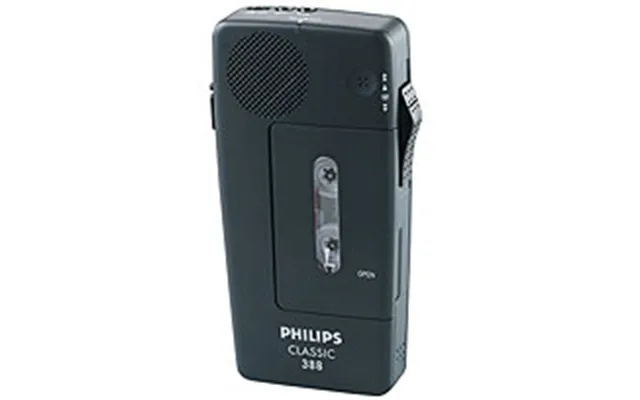
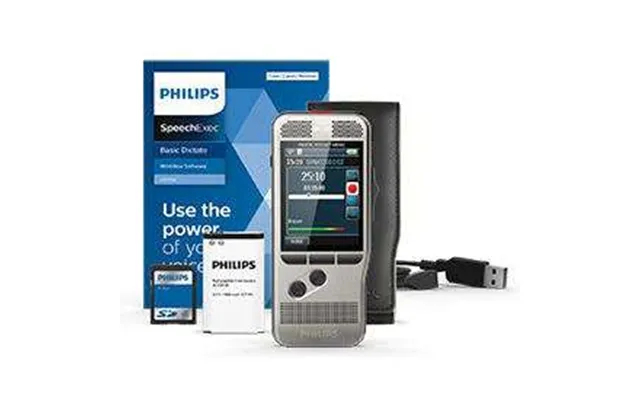
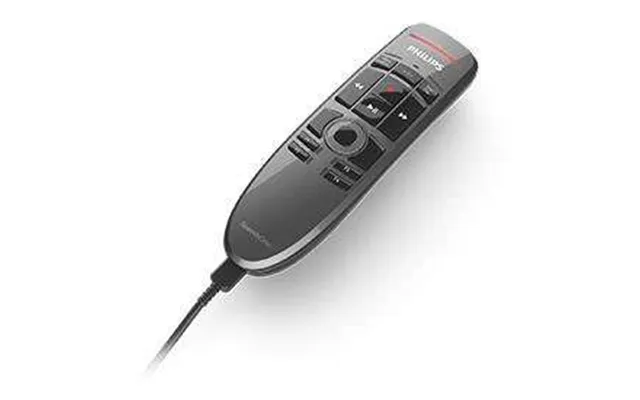
The Philips Pocket Memo line is a staple for professional dictation. It’s compact, offers straightforward controls for dictation and playback, and integrates smoothly with many transcription software suites. If you want a mix of portability and professional features, these devices are worth a close look.
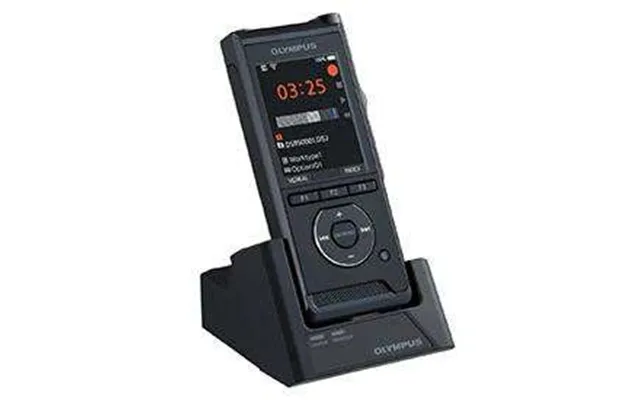
Olympus recorders, such as the WS series, are favored for battery life and ease of use. They capture clear audio in varied environments, making them excellent for interviews, lectures, and notes. Pair one with decent external microphones if you anticipate noisy or distant sources.
Sony’s ICD series offers solid performance at a friendlier price point. They’re ideal if you need reliable capturing without professional bells and whistles. For students, podcasters, or anyone starting out, these devices deliver good audio quality and long recording times.
Dragon remains one of the most accurate desktop speech recognition tools, especially when you train it to your voice. It integrates with word processors and medical/legal templates, making it a powerful option for professionals who want fast, hands-free documentation.
Accessories often make more difference than you’d expect. A few carefully chosen items will improve both speed and accuracy in transcription workflows.
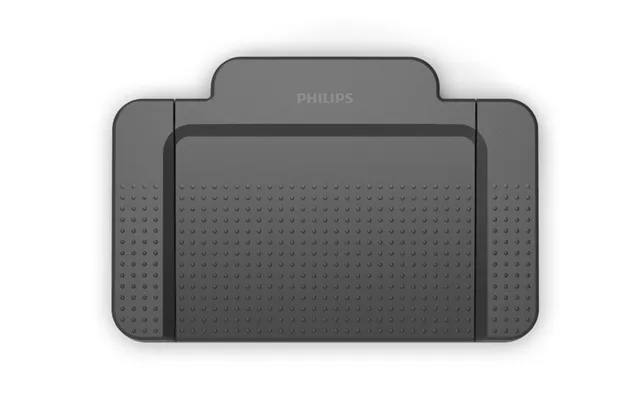
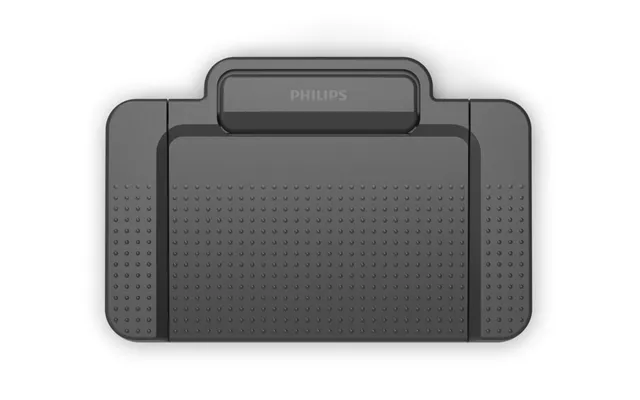
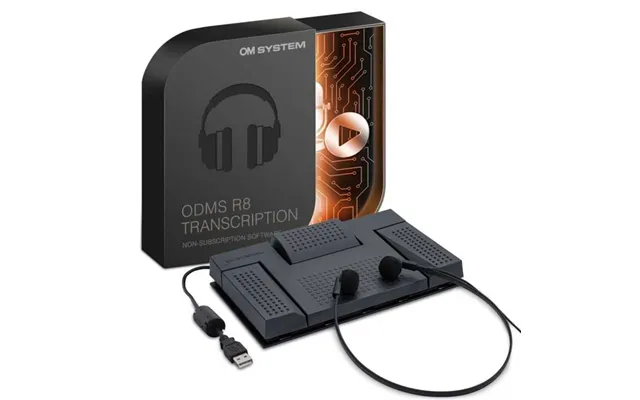
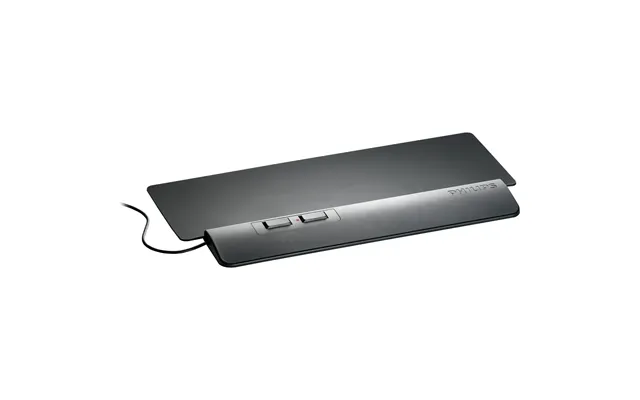
A durable USB foot pedal lets a typist control playback without lifting hands. Look for pedals with programmable buttons and comfortable pedals for long sessions. They’re inexpensive compared to the time they save.
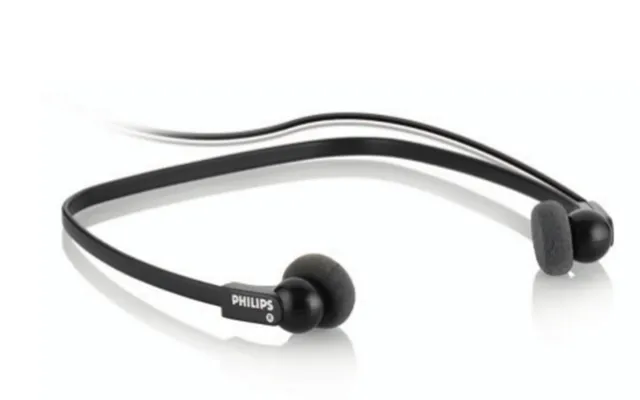
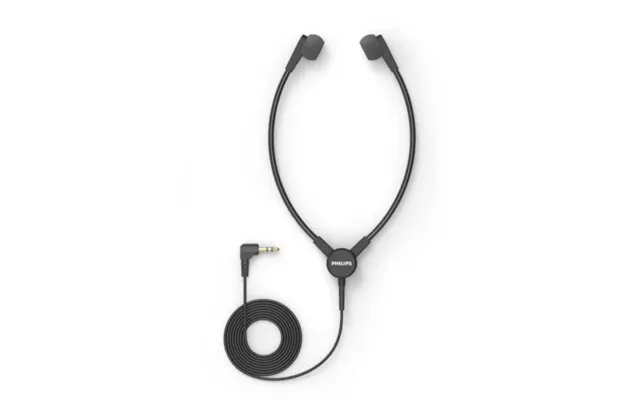
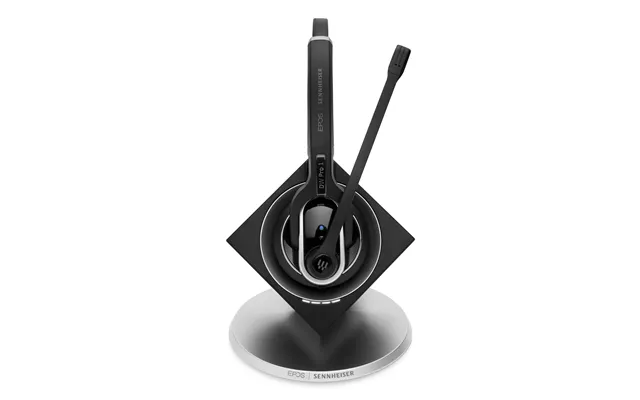
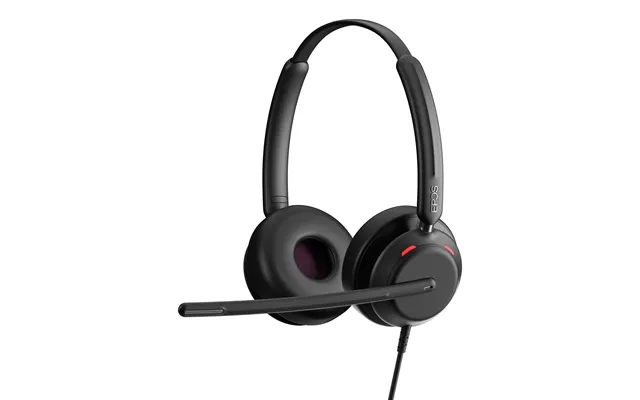
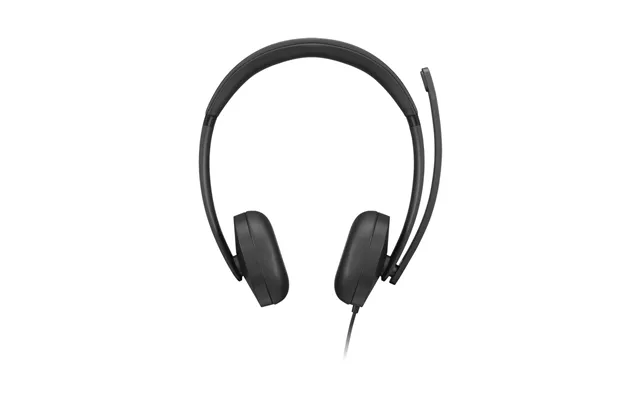
Clear audio makes easier work for both human transcribers and speech recognition software. Over-ear noise-cancelling headphones or closed-back studio headsets reduce distractions and allow you to pick up subtle speech cues, improving transcription accuracy.
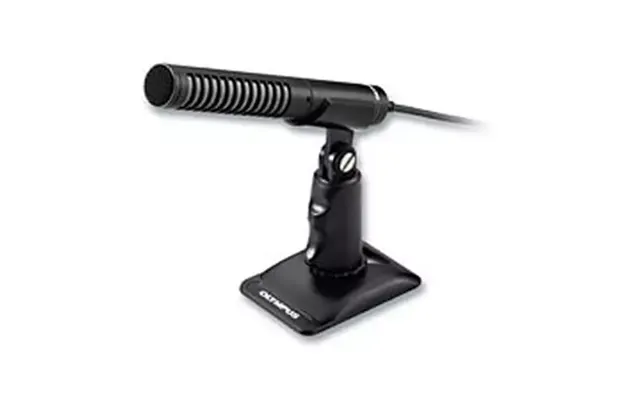
For interviews or dictation in noisy environments, an external shotgun mic or a lavalier (lapel) mic can dramatically improve clarity. These mics focus on the speaker’s voice and minimize background noise—think of them as a microphone with tunnel vision for speech.
Software is the backbone of efficient transcription. You’ll need tools for audio playback, speech recognition, and text editing that fit your workflow.
Express Scribe is a popular player for typists. It supports multiple audio formats, integrates with foot pedals, and offers variable-speed playback. If you work with professional typists or in-house transcription teams, this is a reliable hub for your audio files.
Cloud services can quickly turn audio into text, often via pay-as-you-go pricing. They’re handy for large batches or when you need a fast first draft. Just remember to check security features if you’re handling sensitive information.
Your industry shapes your priorities. Medical and legal transcription demand strict accuracy and often encryption for confidentiality, while journalists value portability and quick file transfer. Let’s break down needs by role.
In healthcare, accuracy and data security are non-negotiable. Look for devices and software that support encryption, meet regulatory standards, and integrate with electronic health record systems. Speech recognition tools trained on medical vocabularies can speed things up but pair them with human review when precision matters.
Legal transcription requires clarity and time-coded transcripts for depositions and hearings. Use foot pedals, high-quality headsets, and software that supports time-stamping. Secure transfer and storage of audio files are also critical, so prioritize encrypted workflows.
For journalists, battery life, portability, and quick upload features matter most. Devices that allow Wi‑Fi or USB transfer let you get files to editors fast. Consider cloud-based speech-to-text for initial drafts, but always verify quotes manually for accuracy and context.
Accuracy doesn’t always require new gear. Small changes in your process can produce big improvements in transcript quality.
Place microphones close to speakers, reduce background noise, and choose quiet rooms when possible. A simple analogy: a good recording is like a clean canvas—it's easier for the painter, or in this case the transcriber, to create detail when the background is uncluttered.
Encourage speakers to talk at a steady pace and to avoid talking over each other. Short pauses between topics help with accurate segmentation and make automated tools more reliable.
Many speech-to-text solutions improve as you use them. Spend time training the software with your voice, customize vocabularies with industry terms, and correct mistakes so the system learns. Over time this decreases editing work dramatically.
Investing in a transcription system should be about time saved and errors avoided—not just the sticker price. Think of hardware as a one-time cost and software subscriptions or cloud transcriptions as ongoing expenses. Calculate hours spent transcribing manually and compare that to the cost of devices plus time saved to estimate payback period.
Suppose you spend 10 hours a week transcribing at $25 per hour—about $250 weekly in labor. If a device plus software costs $1,000, you’ll recoup that cost in roughly four weeks once productivity gains are realized. That’s a quick return, especially for teams handling large volumes of audio.
A smooth setup reduces friction and keeps transcription flowing. Here are workflow ideas that professionals use to stay efficient.
Use a consistent naming system with dates and short descriptors so you can quickly find files. Store originals and working transcripts separately, and back up to a secure cloud or an encrypted external drive. Think of it as a recipe—consistent ingredients and steps yield predictable results.
For legal and medical work, templates and macros for common phrases, headers, and footers save time. Speech recognition software often allows custom commands that insert entire paragraphs or standard formatting, reducing repetitive typing.
Ask yourself what matters most: portability, security, accuracy, or budget. If you’re often on the move, prioritize lightweight recorders and cloud sync. If you handle confidential material, choose encrypted devices and secure transcription services. And if you’re trying to cut labour time, invest in high-quality speech recognition and commit to training it well.
Transcribers and dictation systems are more than gadgets—they’re productivity multipliers. Whether you opt for a durable handheld recorder, a professional dictation machine, a foot pedal setup, or a speech recognition workflow, the right combination can save hours, reduce errors, and keep your focus on high-value tasks. Match tools to your environment and budget, invest in a few key accessories, and refine your workflow. In short: pick tools that do the heavy lifting so you can concentrate on the work that matters most.
| Transcribers & Dictation Systems | Price | |
|---|---|---|
| Olympus Tp-8 Black Mobile Phone Smartphone Microphone | £ 28,07 | |
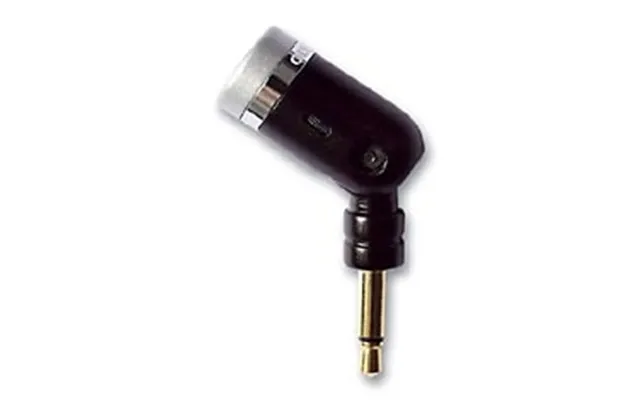
| Olympus Me-52w Nc Microphone | £ 29,06 | |
| Olympus Vn-541pc Internal Memory Black | £ 39,48 | |
| Soundcore Work By Anker - Portable Ai Voice Recorder | £ 119,99 | |
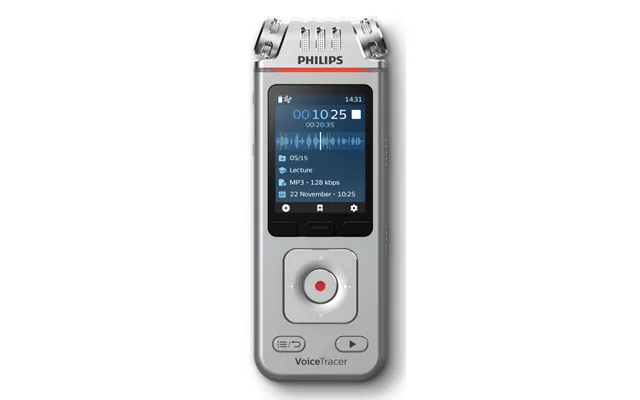
| Philips Voicetracer Black. Grey | £ 179,- | |
| Philips Lfh5220 Transcription Usb Kit | £ 219,30 | |
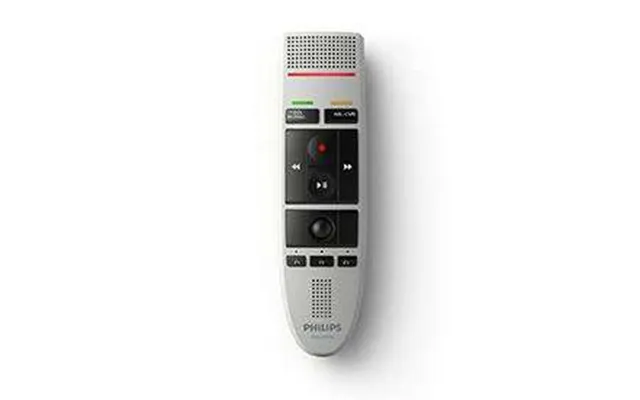
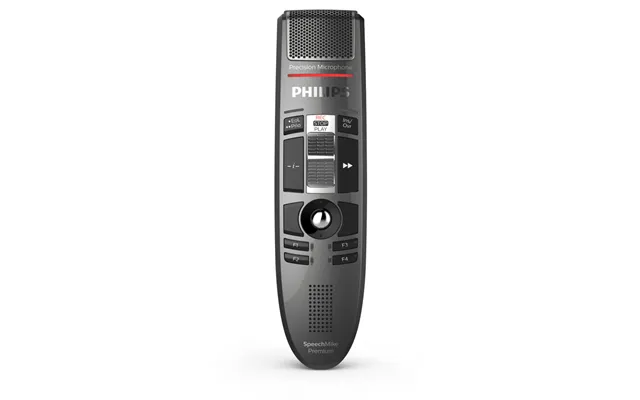
| Philips Speechmike Iii Pro Lfh3200 | £ 268,97 | |
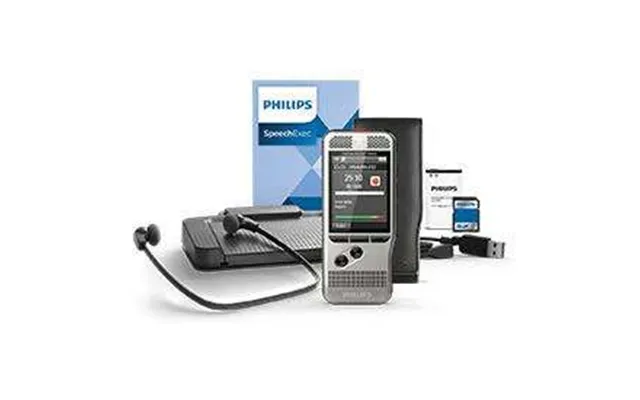
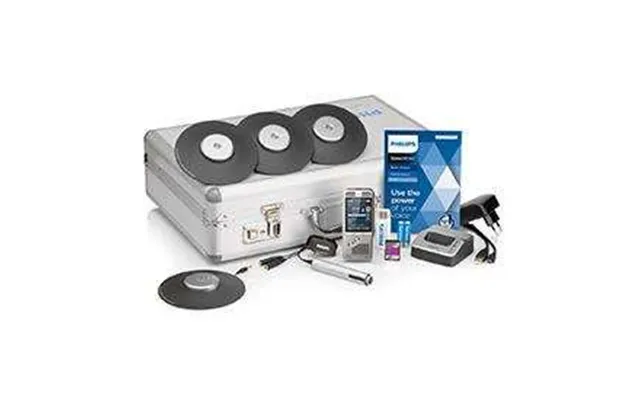
| Philips Lfh7277 Speechexec Pro 11 Transcription Kit And Software | £ 305,26 | |
| Philips Lfh7277 Speechexec Pro 11 Transcription Kit And Software | £ 331,33 |