All categories
Business & Offices
Electronics & Media
Fashion & Accessories
Groceries & Essentials
Health & Personal Care
Home & Living
Kids & Family
Sports & Outdoors
Search in ZoneOffer

Loading...
Ever felt chained to your laptop while giving a talk? A wireless presenter frees you to walk the room, make eye contact, and control slides with a flick of the thumb. These compact clickers combine slide advancing, cursor control, and often a laser pointer or highlighting feature to keep your audience focused. Whether you're pitching to clients, lecturing in a classroom, or running a webinar, the right presenter helps you feel confident and keeps the flow smooth.
Not all clickers are created equal. Before you buy, think about which features matter most to you. Do you need a long wireless range for large venues, a high-visibility pointer, or a rechargeable battery for frequent use? Below are the essentials to weigh.
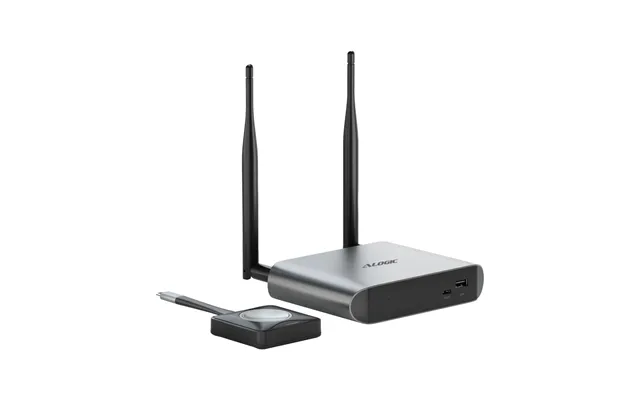
Most presenters connect via a tiny USB receiver that plugs into your laptop—plug-and-play simplicity that works across Windows and most Mac setups. Bluetooth models skip the dongle and pair directly, which is handy for devices with limited USB ports or if you want to connect to tablets and phones. Remember: Bluetooth pairing may require a few extra seconds the first time, while USB receivers typically just work instantly.
Range matters. For small meeting rooms, 30 to 65 feet is usually enough. For auditoriums or large lecture halls, look for models rated at 100 feet or more so your signal doesn't drop when you step away from the podium. A reliable connection prevents awkward pauses and keeps your focus on delivering your message.
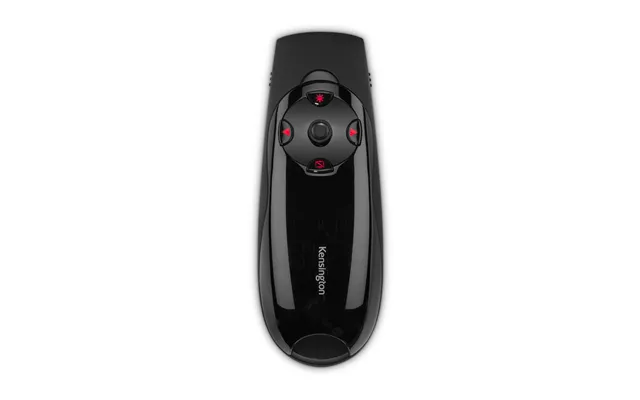
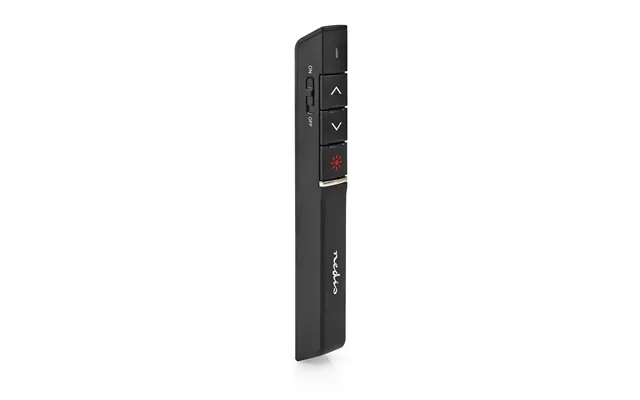
Simplicity is key. Too many buttons can be distracting, while too few can limit functionality. The most useful layout typically includes next and previous slide buttons, a blank-screen or black-screen button, and a laser or pointer toggle. Ergonomics count—choose a presenter that fits comfortably in your hand and lets you reach every control without looking.
Laser pointers remain popular because they're precise. Red lasers are common and visible in most indoor settings, but green lasers are noticeably brighter and easier to see in larger rooms. Some advanced presenters offer a digital highlighting feature that works inside presentation software, letting you spotlight content without a laser—handy when you're recording or presenting on camera.
There's a wide range of presenters on the market, from budget clickers to premium remotes with advanced features. Below are types and examples to help you pick the one that fits your needs.
Mid-range clickers often strike a great balance between price and performance. Look for models with a USB receiver, a comfortable form factor, and useful extras like a black-screen button and timer vibrate alerts. These are perfect for frequent presenters who don't need advanced software controls.
Premium presenters may include rechargeable batteries, customizable buttons, and advanced pointer modes like a green laser or spotlight function. They often pair via Bluetooth and include software for mapping buttons to keyboard shortcuts—ideal for professional speakers, trainers, and anyone who gives long or high-stakes presentations.
On a tight budget? There are plenty of affordable presenters that cover the basics: slide forward/back, laser pointer, and a compact receiver. These work great for occasional presenters, students, or anyone who wants a simple, reliable tool without bells and whistles.
These days you might present from a laptop, tablet, or even a smartphone. Most USB-receiver clickers work with PowerPoint and Keynote right out of the box. Bluetooth models pair with devices that support HID (Human Interface Device) profiles, which often includes modern laptops and tablets. If you use web-based tools like Google Slides, test the remote beforehand—some advanced pointer features may depend on local software or browser permissions.
Windows machines tend to be plug-and-play with most presenters. Mac users should verify compatibility, especially for presenters that rely on dedicated software for advanced features. On Macs, look for presenters that explicitly list macOS support or use standard keyboard shortcuts that Keynote recognizes.
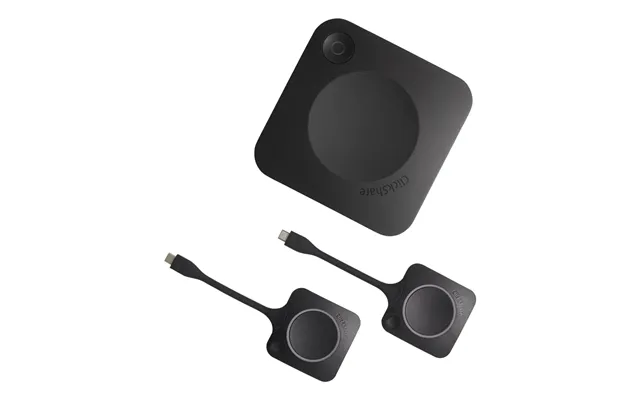
If you intend to use a tablet or phone, prioritize Bluetooth models or those that include a USB-C or Lightning-compatible receiver. For iPads and other tablets, make sure the presenter supports mobile presentation apps—this can save awkward moments when your remote doesn't control the slide deck as expected.
Battery performance varies widely. Some presenters use disposable AAA or AA batteries, while others include built-in rechargeable batteries charged via USB cable. Rechargeables are convenient and cheaper over time, but disposable batteries can be practical if you want to swap in a spare quickly before a session.
Expect anywhere from a few days of heavy use to several weeks of occasional use depending on battery type and feature set. Rechargeable presenters often provide battery indicators and quick charge capabilities—some offer enough charge for hours of use after just a few minutes plugged in. For disposable batteries, carrying a spare set is a simple insurance policy.
Use power-saving features like automatic sleep after inactivity, disable unnecessary LEDs, and turn off the presenter between sessions. If your model has a blank-screen function, avoid using it excessively as it can sometimes consume more power than simple slide navigation.
Owning a great presenter is only half the battle—knowing how to use it makes your presentation memorable. Here are practical tips to help you maximize your impact and minimize glitches.
Practice with the actual equipment you'll use during your talk. Rehearsing helps you get comfortable with button placement, timing vibrate alerts, and understanding range limits. It’s like trying on a pair of shoes before a marathon—you want to be sure they fit.
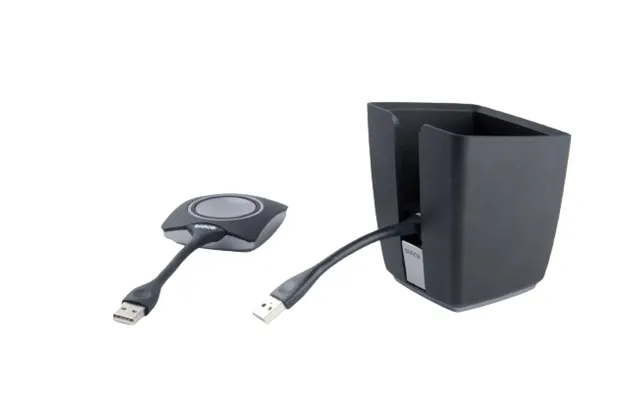
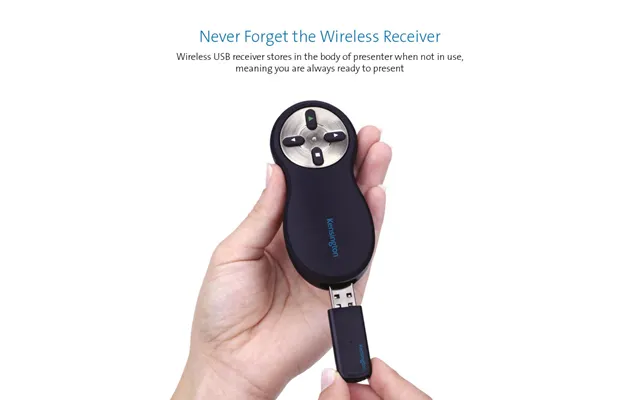
When using a USB receiver, keep it plugged into your laptop or a small USB extension so it doesn’t get accidentally pulled out. Many presenters store the receiver in the remote body when not in use—always check for it before you leave the room so you don’t misplace it.
Blanking the screen can be a powerful tool to refocus attention. Instead of rushing to the next slide, create a pause: blank the screen, ask a question, then reveal the next point. This simple trick buys you control over the room’s attention.
Your venue affects which features are essential. A classroom needs a different setup than an auditorium or an outdoor event. Consider the size of the room, ambient light, and whether you’ll be recording the session.
For intimate settings, a compact, budget-friendly presenter with a red laser is usually enough. Range is less of an issue, but portability and simplicity become priorities. Look for a slim profile that you can clip to a pocket or lay on a lectern without clutter.
Large venues demand a presenter with a long range, a bright green laser or digital spotlight, and rock-solid connectivity. Rechargeable batteries with long life and vibrate or audible timers help you manage long sessions without losing timing or energy.
If you present in professional settings, security and accessibility matter. USB receivers create potential clutter, and Bluetooth pairings may prompt access dialogs. Choose devices that respect privacy and offer features like tactile buttons or high-contrast indicators for accessibility.
If you're in a room full of devices, wireless interference can be a concern. Higher-quality presenters are designed to minimize interference and maintain stable connections at longer ranges. Testing your setup before the event reduces surprises.
For presenters with limited mobility or visual impairment, tactile buttons, larger controls, and clear feedback (like vibration or bright LEDs) make a huge difference. Check for models that offer these features if accessibility is a priority for you or your audience.
Prices for wireless presenters vary from inexpensive models under $20 to premium remotes priced over $100. Decide what features are essential for your use case: if you present daily, investing in a higher-quality option with rechargeable power and a long range pays off. If you only present occasionally, a simple budget model likely meets your needs.
Value isn’t always about the lowest price. Consider build quality, battery type, range, and extras like green lasers or app integration. A mid-priced model with reliable performance often outlasts a cheap alternative that might fail when you need it most.
Ready to pick a presenter? Here’s a short checklist to run through: confirm device compatibility, test range in a real room, check battery type and life, evaluate button layout, and read recent user reviews for real-world reliability. Treat your presenter like a small but vital tool—one that should make your life easier, not more complicated.
To summarize, choosing the right wireless presenter hinges on understanding how and where you present. Focus on connectivity, range, pointer type, and battery life. With the right clicker in hand, your delivery becomes more confident, your audience stays engaged, and your message lands with clarity.
Conclusion: A wireless presenter is a small device that can have a big impact on your delivery. Pick the features that match your presentation style and venue, test before showtime, and you’ll be ready to captivate any room.

| £ 3.460,85 |