All categories
Business & Offices
Electronics & Media
Fashion & Accessories
Groceries & Essentials
Health & Personal Care
Home & Living
Kids & Family
Sports & Outdoors
Search in ZoneOffer

Loading...
In a world obsessed with cloud everything, you might wonder if owning a physical computer server still makes sense. Short answer? Absolutely—especially for UK businesses that want control, predictable performance, and long‑term value. A well‑chosen server gives you low‑latency access to files, apps, and databases, keeps sensitive data on your own premises, and can be tuned to your exact workloads. And here’s the kicker: with smart comparison shopping, you can land enterprise‑grade hardware at prices that used to be reserved for massive IT budgets.
Whether you’re running a small office network, spinning up virtual machines for client projects, or building a home lab to sharpen your skills, the UK market is brimming with options. From compact towers that are quiet enough for a side room, to dense 1U rack units purpose‑built for virtualization, there’s a fit for every workload. Price‑comparison platforms like ZoneOffer help you scan the market fast, so you can make confident, wallet‑friendly choices without hopping between dozens of tabs.
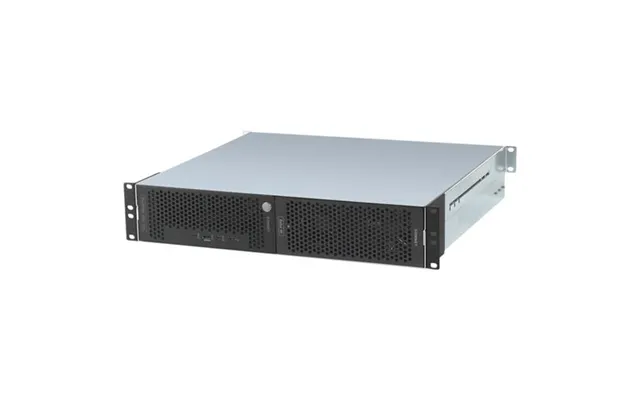
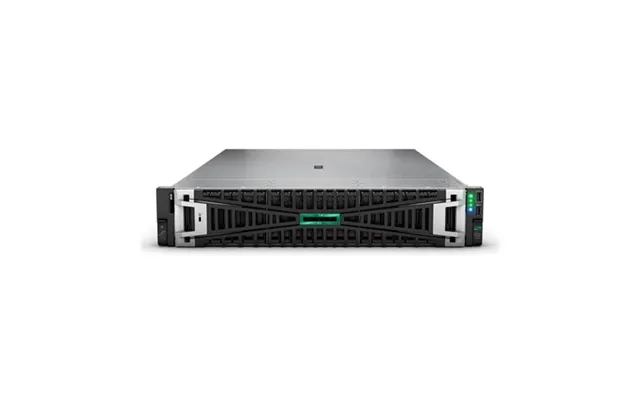
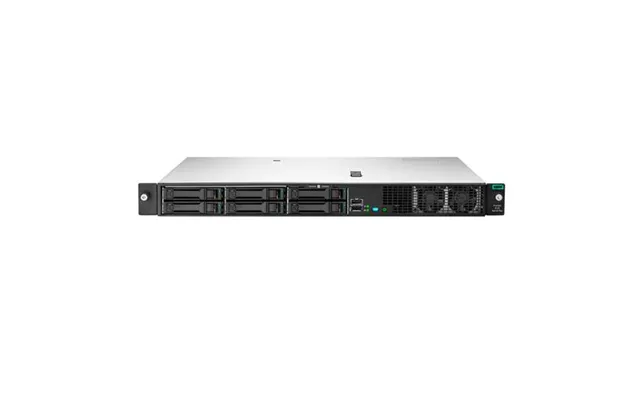
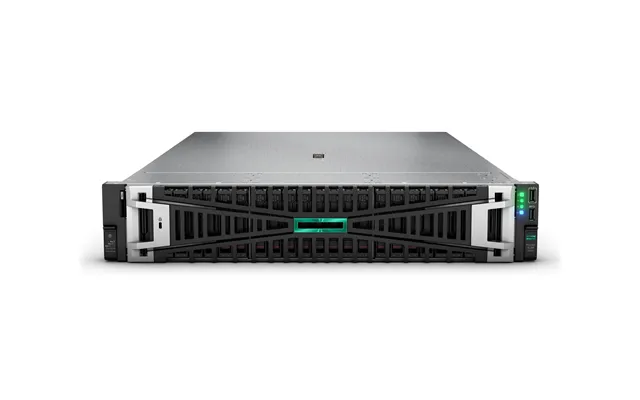
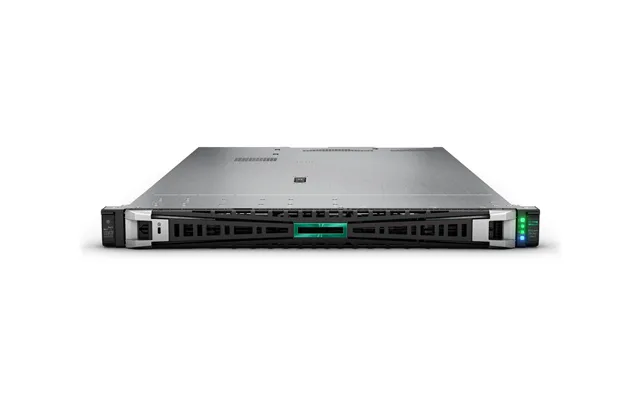
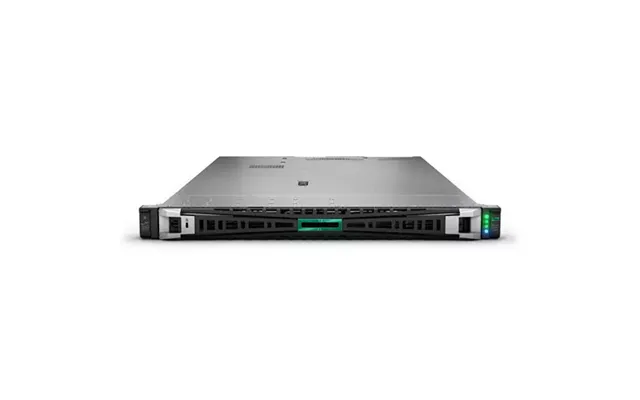
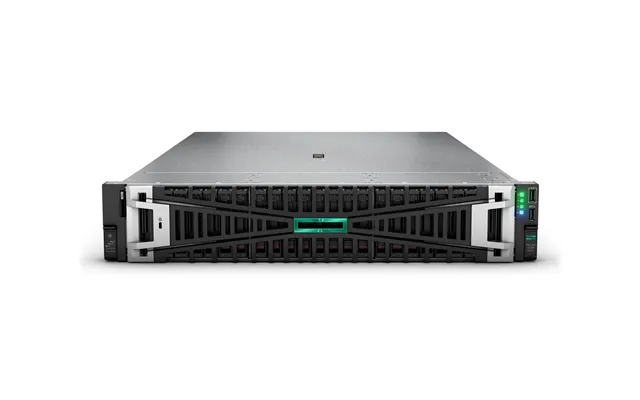
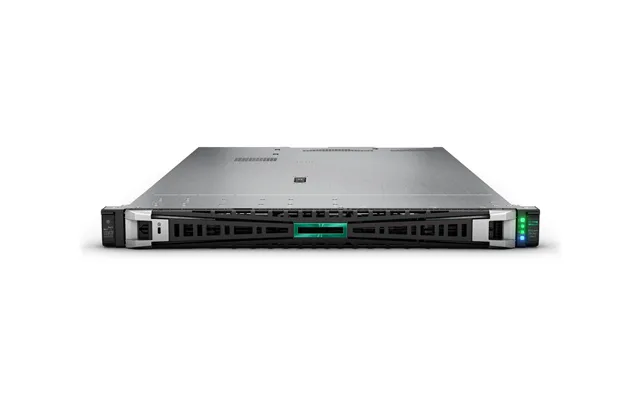
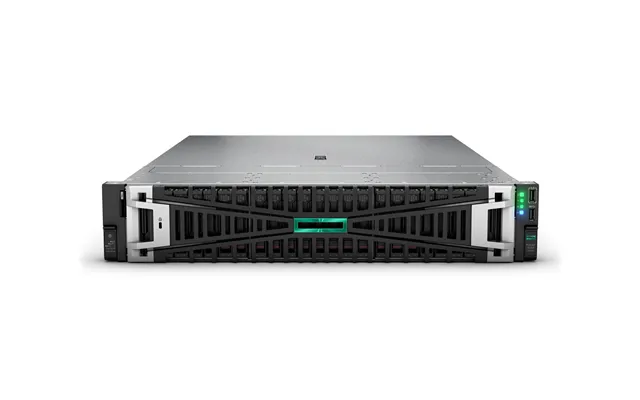
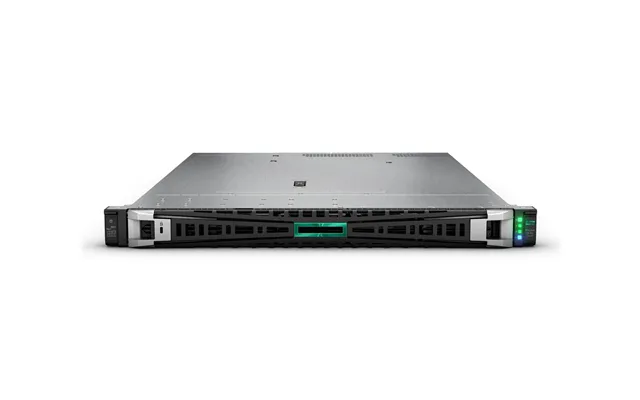
Rack servers slide into a 19‑inch rack and come in heights like 1U, 2U, and 4U. If you’re new to racks, 1U equals about 1.75 inches in height. The appeal here is density and modularity: you can stack multiple servers, switches, and a UPS in one tidy frame. Need to add compute or storage as your business grows? Just add another chassis and plug into your top‑of‑rack switch. These are fantastic for virtualization clusters, web hosting farms, and database applications that benefit from plenty of drives and expansion.
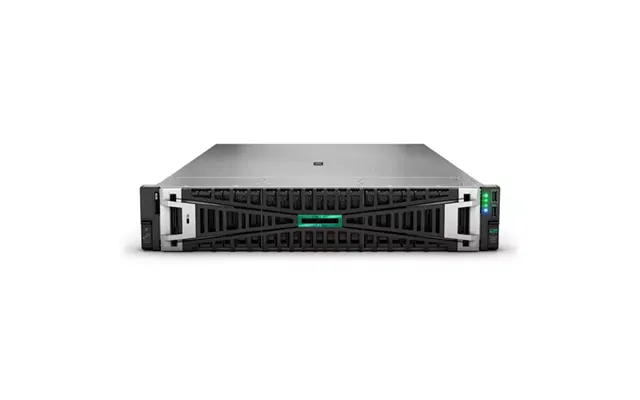
The trade‑offs? Rack servers tend to be louder and expect strong, front‑to‑back airflow. Plan for clear intake and exhaust space—leave a few inches at the front and back of the rack—and consider a dedicated closet if you’re in a small office. If you’re after a sweet spot for versatility, 2U models often deliver better cooling and more drive bays than ultra‑slim 1U designs.
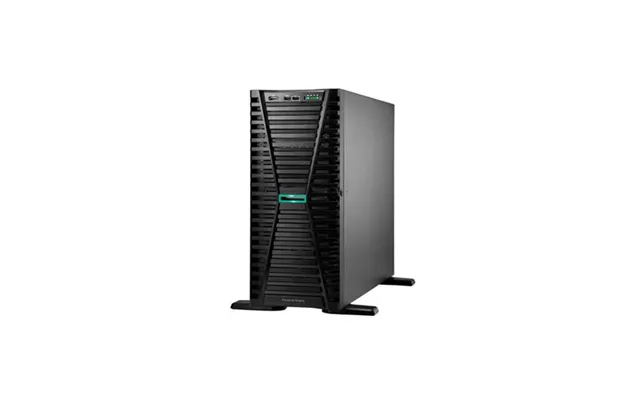
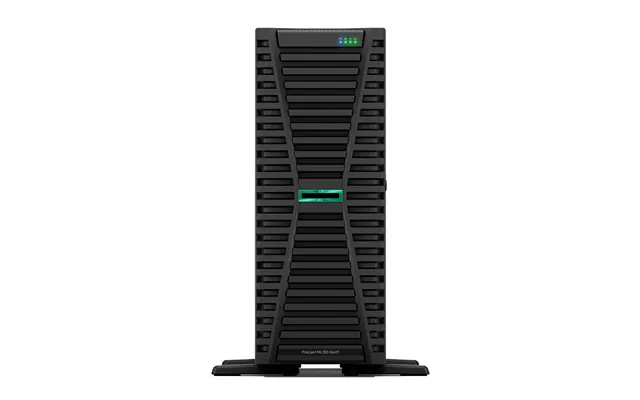
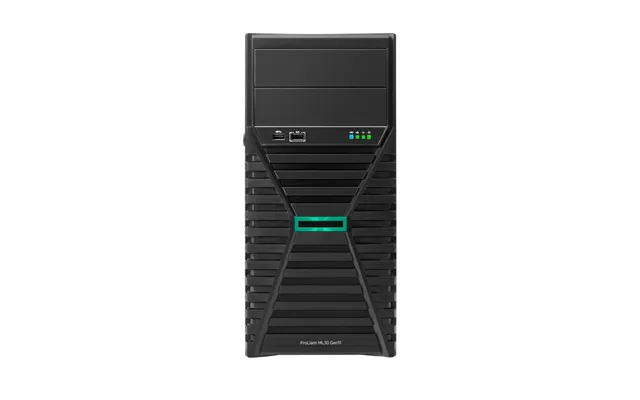
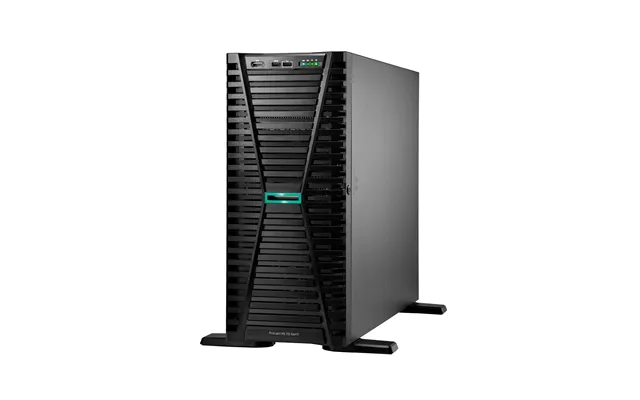
Tower servers look like oversized desktop PCs, and that’s the charm. They’re easy to place on a shelf, relatively quiet, and often come with several 3.5‑inch drive bays for bulk storage. If you’re running file and print services, a light database, or a handful of virtual machines, a tower server can be a cost‑effective foundation. You also get good serviceability—pop the side panel, add memory or a new RAID card, and you’re off.
Because tower servers don’t need a rack, they’re perfect for small offices that just want a dependable on‑prem box. Many models share DNA with their rack counterparts, so you still get features like hot‑swap drive bays, redundant power, and remote management—just in a more office‑friendly package.
Microservers and mini towers are compact systems designed for lightweight roles—think backup targets, light web services, or a lab box for learning Linux, containers, or virtualization. They often support a handful of 3.5‑inch or 2.5‑inch drives and modest memory capacity. For a freelancer or a small creative studio, a microserver can be an affordable starter, and you can always scale into a tower or rack system later.
The main limitation is expansion. If you anticipate rapid growth or need multiple PCIe cards, jump straight to a tower or a 2U rack server. But if you’re dipping your toes into self‑hosted services, a microserver is an easy win.
Dell’s PowerEdge family has a server for nearly every role, from compact towers in the T‑series to rack units in the R‑series. You’ll find strong component options, solid thermals, and management features like iDRAC for remote monitoring and maintenance. In the UK, the PowerEdge ecosystem is massive, which makes it easier to find spare parts, add‑ons, and firmware guides. It also means refurbished units are plentiful, so you can often score enterprise gear at surprisingly approachable prices.
Popular picks include 2U rack models with generous drive bays and flexible storage backplanes, which are perfect for virtualized environments and hybrid storage (mixing SSDs and HDDs). If your priority is quiet operation in an office, T‑series towers usually keep acoustic levels friendly while still offering redundant power and hot‑swap bays.
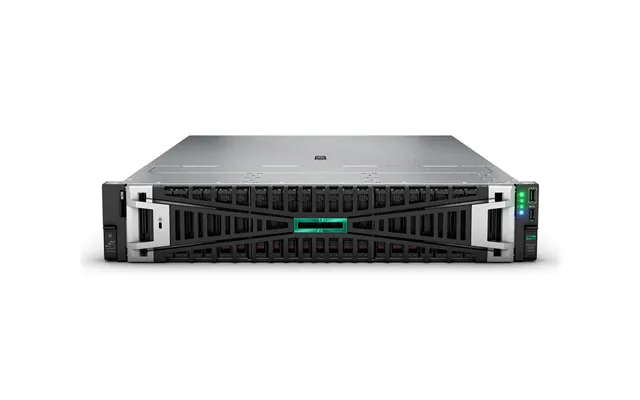
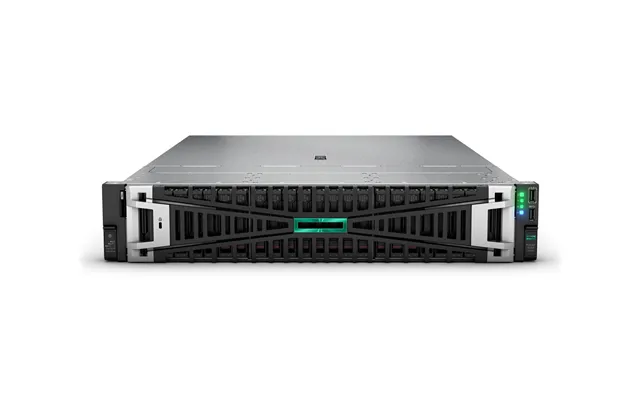
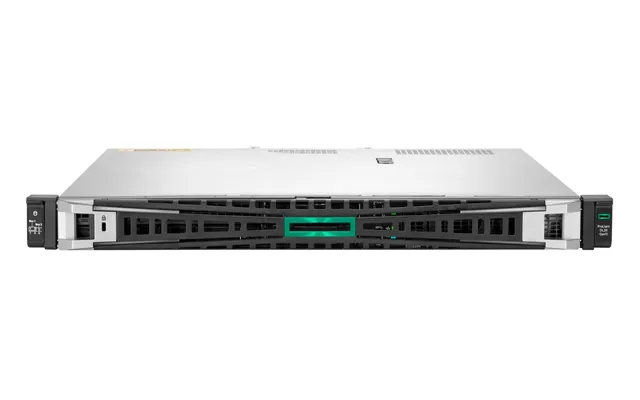
HPE ProLiant servers shine in reliability and lifecycle management. With iLO remote management, you can handle updates, monitor health, and troubleshoot without leaving your desk. The DL series (rack) is a staple in data centers, while ML series towers bring similar capabilities to office environments. If you’re planning mission‑critical workloads or want maximum peace of mind, ProLiant models are a strong contender.
HPE also has a deep portfolio of validated storage and networking options, which simplifies building a cohesive stack. It’s easy to standardize on one platform and then replicate known‑good builds across multiple sites.
Lenovo’s ThinkSystem line has earned a reputation for efficient thermals and value‑forward configurations. You’ll get enterprise management via XClarity, robust storage options, and a design language that’s easy to service. For businesses that want modern hardware without overspending on rarely used extras, Lenovo often delivers a smart cost‑to‑performance balance.
You’ll find both tower and rack options with a good spread of features—NVMe support, plenty of memory capacity, and expansion to match growth. If you’re migrating from older gear, Lenovo can be a smooth step up without sticker shock.
Supermicro is beloved by power users and integrators for its flexibility. With a vast catalog of chassis, boards, and backplanes, you can assemble exactly what you need—right down to airflow direction and a mix of 2.5‑inch and 3.5‑inch bays. White‑box builders often use Supermicro parts, so if you want a custom server tailored to your workloads, this path can be ideal.
The upside is control and often excellent value; the downside is that you’ll want to be comfortable with part selection and compatibility. If you’re not afraid to roll up your sleeves, the payoff can be huge.
For most business workloads, the number of cores, support for virtualization extensions, and memory bandwidth matter more than tiny differences in clock speed. Intel Xeon chips remain a mainstay with broad ecosystem support, while AMD EPYC offers impressive core counts and strong performance per socket. If you run container clusters, virtualization hosts, or databases, more cores can translate into smoother performance for concurrent tasks.
Planning ahead helps. If you think you’ll scale, choose a platform that supports higher‑tier CPUs in the same socket, or consider a dual‑socket system for painless growth. That way, you can start lean and expand when your user base or data grows.
Servers exist to be reliable, and ECC memory (Error‑Correcting Code) is a key part of that story. It detects and corrects common memory errors, which is non‑negotiable for critical apps and data integrity. For virtualization or databases, prioritize capacity: 64 GB is a healthy floor for a small host, 128 GB or more feels comfortable for heavier workloads, and going higher pays off when you consolidate multiple services onto one box.
Also consider memory channels. Platforms that offer more channels can unlock better throughput. Populate modules evenly across channels for best results—that alone can deliver a noticeable boost without spending an extra penny on CPU upgrades.
Storage strategy shapes user experience more than any other component. Use 2.5‑inch SSDs or NVMe drives for boot and high‑IOPS workloads (databases, VMs), then layer in 3.5‑inch HDDs for bulk storage and backups. A hybrid approach—SSD for speed, HDD for capacity—gives you the best of both worlds without blowing the budget.
RAID matters, too. RAID 1 mirrors for simple resilience, RAID 5 and RAID 6 bring parity for better capacity efficiency, and RAID 10 blends speed with redundancy. Pair a hardware RAID controller with battery or flash‑backed cache for safer writes, and test your backup restores regularly. That last step is the difference between an inconvenience and an emergency.
Start with at least two Ethernet ports for redundancy and management separation. If you move large files or run multiple VMs, consider faster‑than‑gigabit uplinks using SFP+ or similar options. The good news: many modern servers include modular networking, so you can add faster interfaces later without replacing the whole machine.
Don’t forget PCIe slots. Between RAID cards, network adapters, and accelerators, expansion headroom helps your server evolve with your needs. It’s much easier to grow into a flexible chassis than to shoehorn more capability into a cramped one.
If your primary need is centralized file storage, user authentication, and a few line‑of‑business apps, a tower server with mirrored SSDs (for the OS) and a set of 3.5‑inch HDDs (for data) is a solid formula. You’ll get quick response for everyday tasks and comfortable capacity for shared folders and archives.
Add a simple backup routine—local plus offsite—and you’ll check the boxes for resilience and compliance. The right setup can run quietly in a side room and churn along for years with minimal fuss.
For virtualization with platforms like Proxmox, Hyper‑V, or vSphere, memory capacity rules the day, followed closely by storage performance. Aim for SSD or NVMe tiers for VM disks and plenty of RAM to keep things snappy under load. With containers, you’ll appreciate fast storage and a CPU with generous cores to handle microservices without contention.
If uptime matters, consider two or more hosts and shared or replicated storage so you can move workloads during maintenance. It’s easier than ever to build a compact cluster that behaves like a larger environment.
Databases love low latency and lots of memory. Prioritize SSD or NVMe for the data and log volumes, and keep cold data on larger 3.5‑inch drives. ECC memory is essential, and redundancy—both at the drive level and across backups—shouldn’t be optional here.
Even a single 2U server with a healthy SSD tier can make reports fly, keeping teams productive and customers happy. Keep one eye on growth, and don’t be shy about oversizing memory if your dataset is climbing.
For media servers and backups, capacity is king. Large 3.5‑inch drives in RAID 6 offer good resilience and usable space. Add a small SSD cache to speed up frequently accessed files, and your users will feel the difference when scrubbing timelines or previewing assets.
Backup strategy matters more than raw capacity. Follow a 3‑2‑1 approach—multiple copies, different media, and at least one offsite. Your future self will thank you.
Buy new when you need the latest platform features, extended warranties, and vendor support that covers your entire lifecycle. If you’re deploying a core business system or must meet strict compliance guidelines, new gear gives you that clean, fully supported baseline and easier firmware alignment across components.
You’ll also benefit from modern efficiencies, quieter acoustics in towers, and up‑to‑date management tools. For some teams, that peace of mind is worth the premium.
Refurbished servers can slash costs while delivering tremendous capability. In the UK, the secondary market for enterprise gear is robust, so you’ll find popular lines from Dell, HPE, Lenovo, and Supermicro with tested parts and fresh warranties from refurbishers. If you’re building a lab, adding a secondary node, or deploying a file server that doesn’t need the bleeding edge, refurbished is a smart route.
Look for units that have been professionally cleaned, tested, and configured with new or warrantied drives. Reputable sellers are transparent about cosmetic wear and provide diagnostic reports for peace of mind.
Read the fine print. What’s included—rails, bezels, drive caddies, power cords? Are the drives new or recertified? Is the firmware current? You’ll also want to confirm details like the number of 2.5‑inch or 3.5‑inch bays, whether the backplane supports SSD and NVMe, and what RAID controller is installed. The little details determine upgrade paths later.
Finally, check the warranty period and what it covers. A fair warranty signals confidence in the refurb process and gives you a safety net while you put the system into production.
Servers deserve clean, stable power. A line‑interactive UPS can smooth out blips and give you time to shut down gracefully during an outage. Choose a unit with enough outlets for redundant power supplies, and leave headroom for a network switch and firewall. Mounting a UPS in the same 19‑inch rack as your servers keeps cabling tidy and maintenance simple.
Also consider surge protection and labeling. Clear power paths and tagged cords save headaches during late‑night maintenance or when someone needs to reboot a specific device fast.
Good airflow is table stakes. Rack servers expect front‑to‑back flow, so avoid placing them in closed cabinets without ventilation. Leave a few inches at the front for intake and at the rear for exhaust, and keep dust filters clean. For towers, don’t tuck them under a desk with blocked vents; give them breathing room on all sides.
If you notice fans ramping frequently, it’s a sign your server is running hot. Opening up blocked grills, re‑seating cables that brush fan blades, or moving the chassis to a cooler location can make a dramatic difference.
Rack servers can be loud, especially 1U units with high‑speed fans. Towers tend to be much quieter and better suited to a shared office. If you must run a rack server near people, consider a sound‑dampened rack or place the system in a closet with proper ventilation.
As a rule of thumb, the more drive bays and fans you have, the more attention you should pay to placement. Noise won’t bother your users if the server sits in a dedicated, well‑ventilated room.
Management controllers like iDRAC (Dell), iLO (HPE), and XClarity (Lenovo) let you monitor, update, and troubleshoot remotely—even if the OS is down. Once you’ve experienced it, you’ll never want to run production gear without it. Make sure the license tier you choose unlocks the features you need, like virtual media and full console access.
Separate your management network from user traffic and lock access down with strong authentication. It’s a small investment of effort that pays off when minutes matter.
Modern servers include security features like secure boot, signed firmware, and TPM modules. Keep firmware current and adhere to a standard update cadence. If compliance is part of your world, document your baseline and change control so you can prove the system is in a known‑good state.
Also, source drives and components from trusted channels. Saving a few pounds on grey‑market parts isn’t worth the risk to your data.
Backups aren’t optional, they’re insurance. Follow the 3‑2‑1 rule and test your restores on a schedule. Snapshotting VMs to fast SSD storage can speed recovery, while replicating to an offsite target gives you a safety net if disaster strikes your primary site.
Consider immutable backup options for ransomware resilience. It’s a powerful layer that keeps a bad day from becoming an existential crisis.
The UK market moves quickly, and prices can vary widely between sellers. Price‑comparison platforms like ZoneOffer help you scan live offers, sort by specs that matter, and avoid overpaying for features you don’t need. Build a shortlist, compare total configurations side by side, and watch for bundles that include rails, drive caddies, and helpful extras.
Once you narrow your options, check availability and lead times. A slightly pricier configuration that ships today may beat a cheaper one that keeps your project on hold.
Think beyond the upfront number. Factor in support, replacement drives, extra memory, network cards, and a UPS. Estimate what you’ll spend over the next few years, not just day one. A system with better thermals and easier serviceability can save countless hours—time you’d rather spend on your business, not hunting for drive sleds or fiddling with cramped internals.
Also consider licensing and maintenance windows. A system that supports streamlined updates reduces downtime and makes life easier for whoever’s on call.
Server prices often dip around product refreshes, fiscal year‑end sales, and seasonal promos. If you’re not in a rush, keep a shortlist and monitor trends. When a model line transitions to a new generation, the outgoing gear—still excellent—can become a bargain.
Refurbished options also ebb and flow. Watch for listings that include new storage or upgraded memory; the best deals sometimes come from balanced prebuilt configs rather than barebones chassis.
Start with a tower server that supports ECC memory and at least four 3.5‑inch bays. Use a pair of SSDs for the OS in a mirror, then add two or more large HDDs for shared files. Aim for 32 to 64 GB of memory if you’ll run a couple of lightweight VMs alongside file services. You’ll enjoy quick logins, snappy file access, and painless backups without the noise of a rack unit.
Add a line‑interactive UPS, label your power and network cords, and document a simple monthly maintenance checklist. That small bit of discipline will keep things smooth for years.
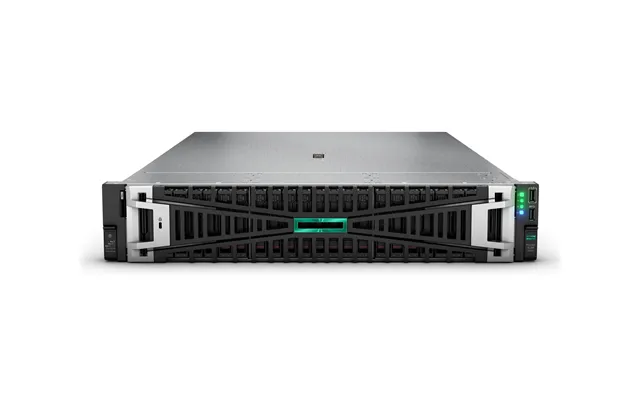
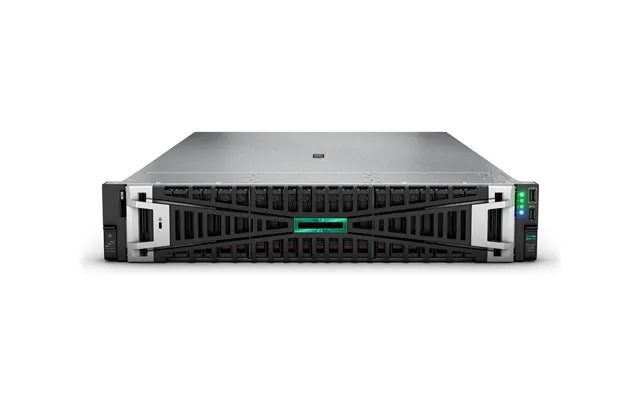
A 2U rack server hits a nice balance: solid cooling, multiple 2.5‑inch bays for SSD or NVMe tiers, and room for expansion. Choose a CPU with healthy core counts, load up 128 GB or more of ECC memory, and carve storage into fast volumes for VMs plus capacity tiers for file shares. Modular networking lets you add faster links as your data flows grow.
For resilience, consider redundant power and a hardware RAID controller with write‑back cache. If you plan on clustering, make sure your storage layout and network design match your failover goals from day one.
A used 2U rack server can be a phenomenal value for home labs. Populate it with 64 to 128 GB of ECC memory, a handful of 2.5‑inch SSDs for your hypervisor and VM storage, and a couple of larger 3.5‑inch drives for backups and media. You’ll have a platform that can juggle containers, VMs, and even small Kubernetes clusters without breaking a sweat.
Mind the noise and cooling. Park it in a ventilated closet or garage space, and give the chassis a few inches of clearance front and back to keep airflow steady. Your neighbors—and your ears—will appreciate it.
Choosing the right computer server is about matching form factor, components, and budget to your real‑world needs. Rack units bring density and scale, towers deliver office‑friendly power, and microservers serve as nimble starters. Brands like Dell PowerEdge, HPE ProLiant, Lenovo ThinkSystem, and Supermicro all offer excellent paths, and with smart comparison shopping you can unlock serious savings in the UK market. Focus on ECC memory, a balanced storage strategy, and remote management—you’ll feel those decisions every day in reliability and ease of use. Whether you buy new for long‑term support or go refurbished for standout value, the right server will quietly become the backbone of your business or lab. Make your shortlist, compare offers carefully, and build a system you’ll be proud to run.
| Computer Servers | Price | |
|---|---|---|
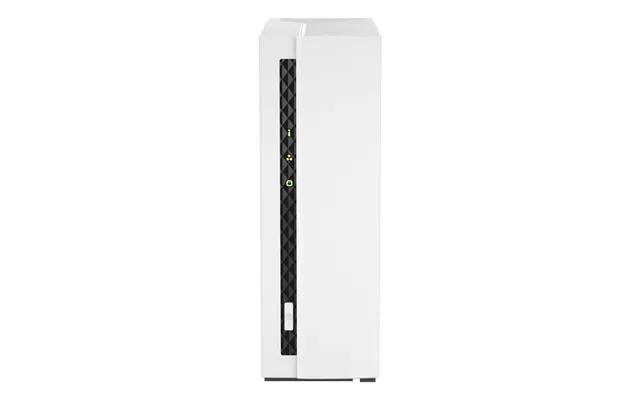
| Qnap Ts-133 Nas Storage Server Tower Cortex-a55 2 Gb Ddr4 0 Tb Qnap Tu | £ 166,16 | |
| Microsoft Windows Remote Desktop Services. 1u Cal. Lic Sa. Ovl Nl | £ 229,56 | |
| Microsoft Windows Server 2025 5 License S | £ 229,99 | |
| Microsoft Windows Server 2025 Standard 1 License S | £ 906,99 | |
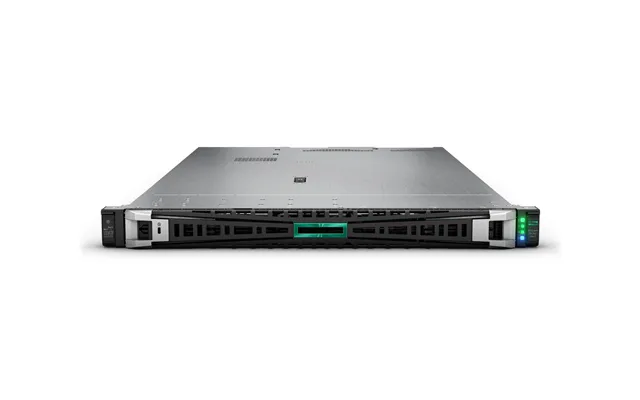
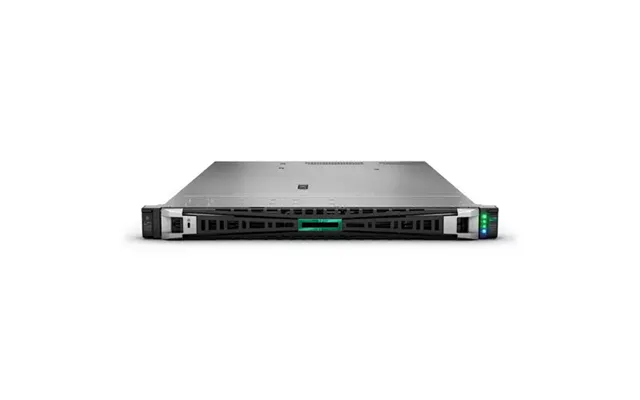
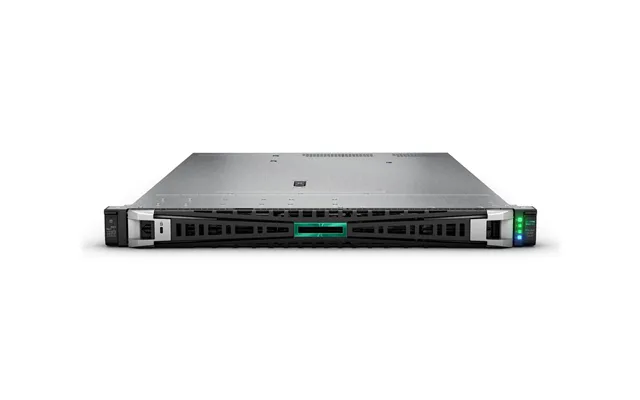
| Hpe Proliant Dl360 Gen11 4410y 2.0ghz 12-core 1p 32gb-r Nc 4lff 800w Ps Server | £ 2.420,72 | |
| Terra Terra Server 3030 G6 6337p 32 2x960 C | £ 3.585,42 | |
| Hpe Proliant Ml350 Gen11 4510 12-core 64gb-r Mr408i-o 8sff 2x960gb Ssd | £ 3.931,36 | |
| Opengear Om2224-24e-ddc-l Console Server Rj-45 | £ 5.845,34 |