All categories
Business & Offices
Electronics & Media
Fashion & Accessories
Groceries & Essentials
Health & Personal Care
Home & Living
Kids & Family
Sports & Outdoors
Search in ZoneOffer

Loading...
Interactive kiosks have quietly become the friendly face of modern service. Whether you’ve tapped a screen to order a burger, printed a ticket at a museum, or scanned a QR code at a hotel check‑in, you’ve used one. Think of a kiosk as a tireless team member: it greets every visitor, answers straightforward questions, takes payments, and never needs a coffee break. If you’re browsing popular offers or exploring a price list for interactive kiosks in the UK, you’re not alone—businesses of all sizes are moving fast to bring self‑service into their customer journey.
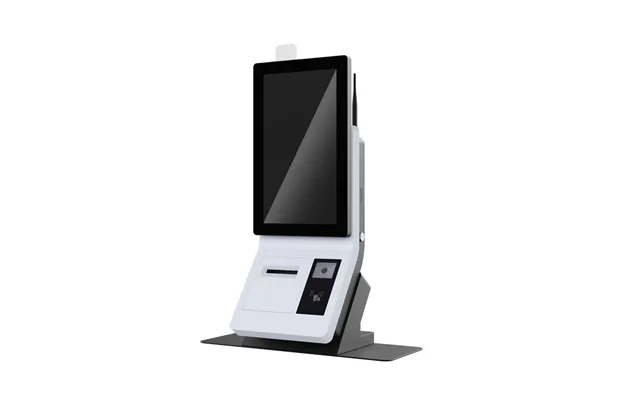
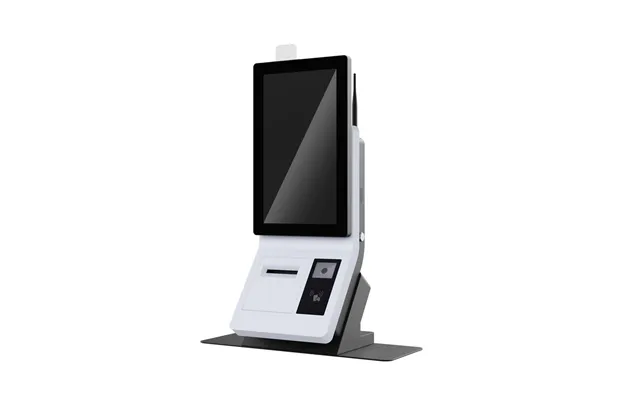
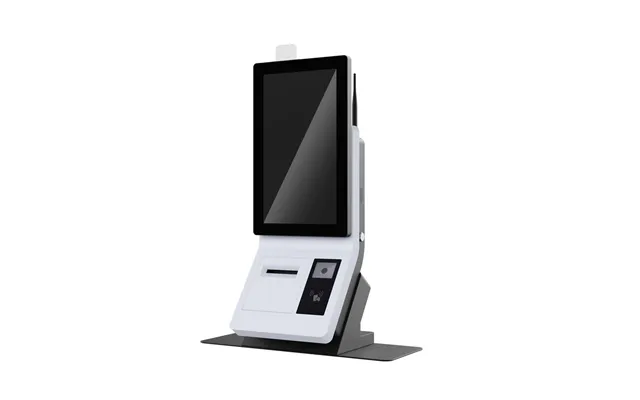
An interactive kiosk is a self‑contained touchscreen system that lets customers complete tasks without waiting on a staff member. It usually features a display, a touch interface, a compact computer, and optional extras like a receipt printer, barcode scanner, camera, or payment terminal. You’ll find kiosks in retail stores, quick‑service restaurants, hospitals, libraries, transit hubs, sports venues, universities—the list goes on. The magic lies in the software: clear menus, intuitive buttons, and smooth integration with your backend systems so the whole experience feels quick and natural.
Let’s be real: nobody enjoys waiting in line. Interactive kiosks shrink queues, free up staff for higher‑value tasks, and deliver consistent service every time. For the customer, a kiosk means control—it’s easy to browse options, customize orders, and check out without pressure. For the business, it’s a goldmine of insights, collecting anonymized data about usage patterns so you can improve service in the real world. And thanks to a growing ecosystem, you can compare top deals and popular offers in one place and make a smart decision without wading through a dozen brochures.
Speed is the headline benefit. A well‑placed kiosk trims wait times by guiding customers through the journey step by step. In a busy lunch rush or a box office spike before showtime, kiosks spread demand across more service points. Staff can then focus on complex questions, upselling, or keeping operations smooth. In other words, kiosks don’t replace hospitality—they reinforce it.
With smart prompts and clear visuals, kiosks encourage customers to discover add‑ons they might have missed. Extra toppings, extended warranties, priority seating—these suggestions feel like helpful nudges rather than pushy sales tactics. And because the interface is consistent, every customer gets the same fair, friendly guidance. That’s hard to guarantee at a busy counter when the line stretches down the hall.
Not all kiosks are created equal. Before you dive into comparison pages and price lists, it helps to know which type suits your goals. From sleek counter units to rugged outdoor stations, each category solves a different problem. Here’s a quick tour to help you narrow things down.
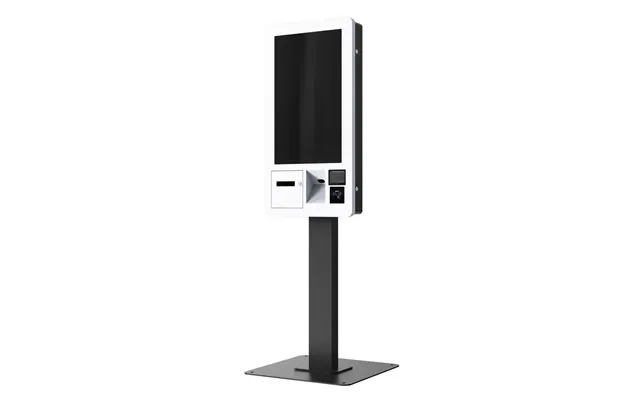
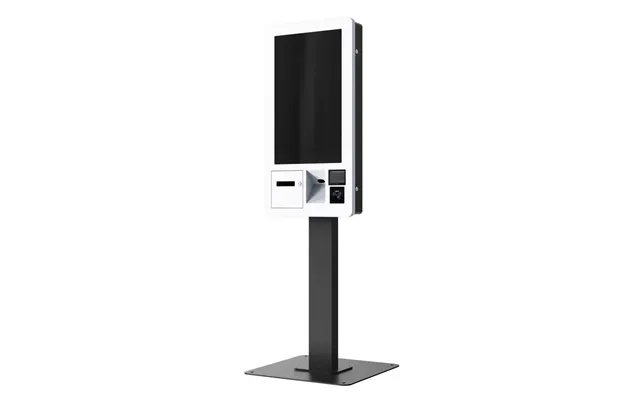
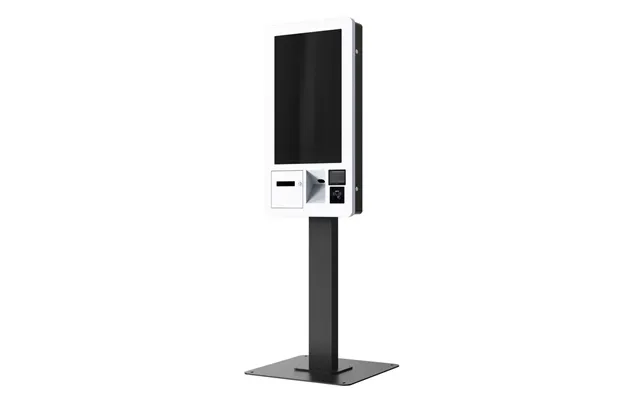
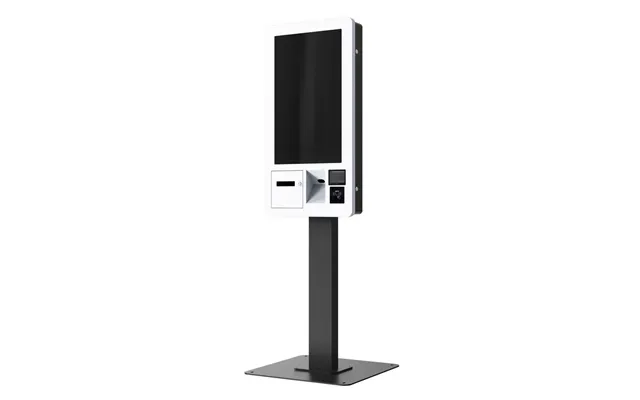
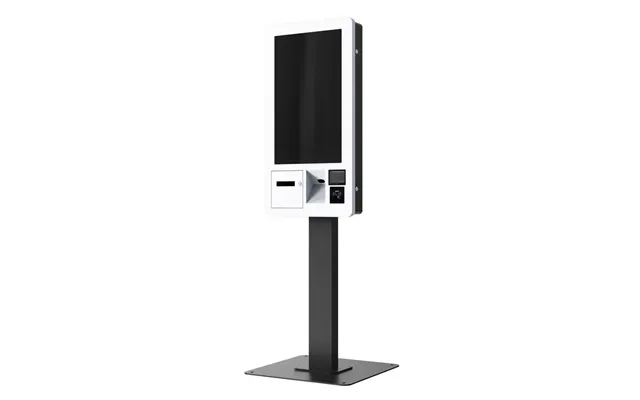
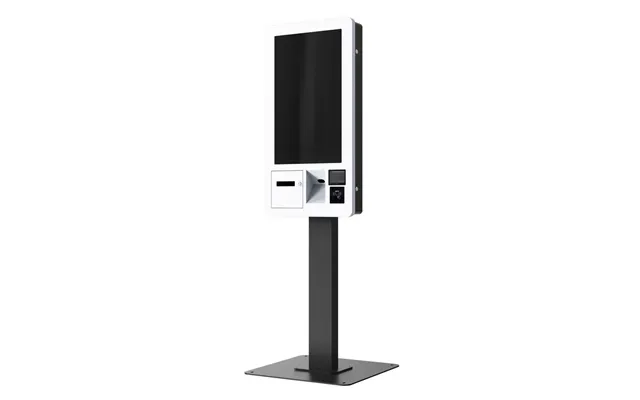
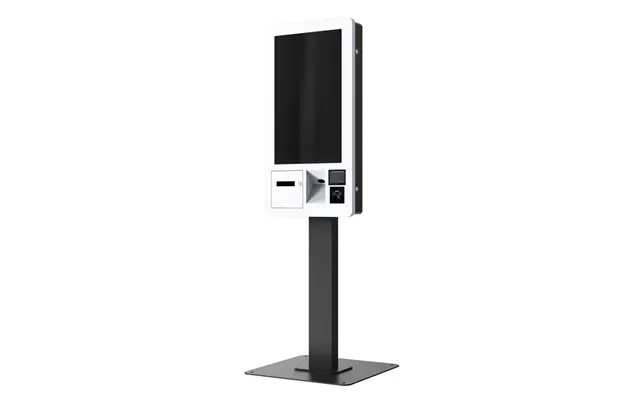
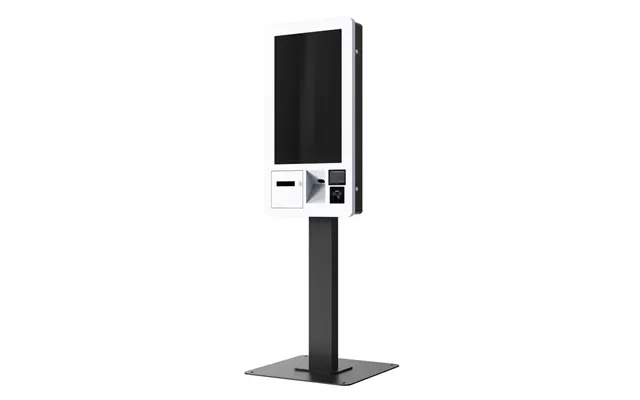
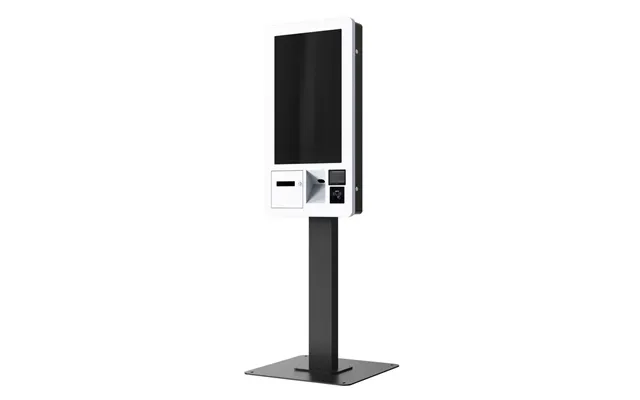
These are the stars of quick‑service restaurants and cafés. Typically featuring 21‑ to 32‑inch displays, they let guests browse menus, customize items, and pay on the spot. Wall‑mounted, freestanding, or counter‑top units are common, and you can integrate receipt printers, payment terminals, and even kitchen display systems behind the scenes. Ideal for busy lunch windows and late‑night crowds when lines can spike.
Perfect for malls, hospitals, campuses, museums, and city centers, these kiosks help visitors find their way with interactive maps, directories, and FAQs. Expect larger screens—sometimes 43 inches or more—for better visibility. Additions like cameras for video assistance or NFC readers for tap‑to‑save directions make them even more helpful. When placed strategically at entrances and junctions, they quickly become a visitor’s best friend.
Airports, cinemas, event venues, and clinics use these to move people through quickly. A barcode scanner, ticket or wristband printer, and ID reader are the usual extras. Some units include a small camera or microphone for customer support. The goal is frictionless flow: scan, confirm, print, and go. Staff can then focus on exceptions rather than every routine transaction.
These are built for secure, reliable transactions—think utility bill payments, permit fees, or transit passes. Security hardening, tamper‑evident locks, and encrypted payment modules are key. If you operate across multiple sites, remote management and reporting are must‑haves so you can spot issues and reconcile payments without rolling a truck to every location.
Outdoor units bring service to where your customers actually stand: parking lots, stadium entrances, transit stops, forecourts, and campus quads. These kiosks feature weather‑resistant enclosures, sunlight‑readable displays, high‑brightness panels, and reinforced glass. Look for tough finishes and components rated for wide temperature swings. It’s worth investing here—outdoor reliability pays for itself when lines are long and the weather doesn’t play nice.
Browsing popular offers is a great start, but features tell the real story. Your best kiosk is the one that fits your environment like a glove—bright enough for your lighting, fast enough for peak times, and secure enough for peace of mind. Here’s what to weigh up as you compare models.
Screen size drives usability. For menus and item browsing, 21 to 27 inches usually hits the sweet spot. For maps and directories, 32 inches or larger improves readability at a glance. Consider brightness if you’re near windows or outdoors—sunlight can wash out a dim screen. An anti‑glare coating and wide viewing angles help in open spaces where people approach from the side.
Capacitive touch (what your phone uses) offers smooth, precise control and supports multi‑touch gestures. It’s great for public spaces and attractive interfaces. Resistive touch can be used with gloves or a stylus and may be more forgiving in rough environments. If you expect heavy foot traffic and quick taps, capacitive typically wins for responsiveness and familiarity.
Under the hood, you’ll find compact PCs, Android units, or specialized controllers. The right pick depends on your software stack and integrations. If you’re running media‑rich content and analytics, lean toward higher‑end CPUs and generous memory. If your app is lightweight and cloud‑based, a smaller footprint device might be perfect—and friendlier to your budget and energy costs.
Think through the extras: a thermal receipt printer for orders, a 2D barcode scanner for QR tickets, a card reader for payments, an NFC module for tap‑to‑loyalty, or a camera for identity checks and video help. Cable management matters more than you’d think—tidy, secure routing prevents accidental unplugging and keeps the front of house looking sharp.
A strong, stable connection is non‑negotiable. Hard‑wired Ethernet is king for reliability, but dual‑band Wi‑Fi has its place for flexible layouts and pop‑up events. For security, look for encrypted storage, locked enclosures, BIOS passwords, and remote wipe capabilities. If the unit accepts payments, PCI‑compliant hardware and software should be baseline, not a bonus.
A kiosk that looks great on paper can become a headache if it doesn’t fit your space. Measure before you buy. Freestanding units need enough clearance to prevent bottlenecks; plan at least a few feet of approach space so lines don’t spill into aisles. Counter‑top screens should sit at a comfortable height so customers aren’t hunching or reaching—around chest to eye level for most adults. If you expect wheelchair users, choose models designed for accessible reach ranges and clear knee space. Cables and power outlets should be placed so you’re not running cords across walkways. It sounds simple, but these details separate a smooth, professional install from a daily annoyance.
Hardware grabs attention; software keeps the promise. Your app should be intuitive, fast, and forgiving. Clear buttons, readable type, and simple flows reduce errors and keep transactions short. If you’re integrating back‑office systems—POS, inventory, ticketing, or CRM—choose software that supports secure APIs and automatic syncing. And don’t forget digital signage mode for idle screens; that prime real estate can promote specials, events, or useful tips while the kiosk waits for the next tap.
Design for everyone, from first‑timers to power users. Use large targets, high‑contrast color options, and plain language. Support on‑screen keyboards and voice prompts where possible. If your venue is noisy, add on‑screen progress indicators and confirmations so customers know what’s happening at each step. Accessibility isn’t just compliance—it’s good hospitality.
Once your kiosks go live, visibility is everything. Remote dashboards let you track uptime, usage, and error rates. Content management tools allow quick updates to pricing, menus, or messages without a site visit. If a printer runs out of paper or a screen goes offline, alerts help you fix issues before customers even notice. Those little wins add up to reliable service and stronger sales.
Sticker price is just the start. Consider installation, maintenance, software licensing, support, and consumables like printer paper. Over a few years, a slightly pricier unit with stronger reliability and remote management can cost less than a bargain model that needs constant attention. As you compare offers and price lists, look for transparent breakdowns that include warranty terms and service options—you’ll thank yourself later.
Some vendors bundle everything into one package; others keep hardware, software, and support separate. Bundles can simplify purchasing and ensure compatibility. A modular approach can be more flexible if you already have a trusted software platform or payment provider. Decide what you want to control and what you’d rather outsource to specialists.
A kiosk sits at the front line of your operation. When it hiccups, you feel it. Strong warranty coverage and responsive support aren’t just nice extras—they’re business continuity. Look for options like advanced replacement, on‑site service, and phone support with short response windows. A few hours saved during a rush pays for itself many times over.
When you’re ready to narrow your shortlist, use a trusted comparison site to line up the latest popular offers and price lists side by side. A platform like ZoneOffer isn’t a store—it’s a comparison site that helps you evaluate multiple deals at once, so you can see which models, bundles, and service levels fit your needs. Define your must‑haves (screen size, peripherals, software) and nice‑to‑haves (finish, branding, extra accessories), then filter down. Watch for seasonal promos, multi‑unit discounts, and extended warranty packages that add real value without fluff.
Need inspiration? A boutique retailer can deploy a 24‑inch counter‑top kiosk to offer endless‑aisle browsing and click‑and‑collect. A museum can use a 32‑inch freestanding unit near the entrance for timed entry tickets and exhibit maps. A stadium can place rugged outdoor kiosks at gates for contactless ticket scanning and wayfinding. Even a small café can mount a wall unit near the door to split lines between dine‑in and takeout. Start with the customer journey: where do people hesitate, queue, or ask the same question? That’s your kiosk opportunity.
Plan installation like a mini‑project. Confirm power and data runs, verify mounting hardware, and test the software with real‑world scenarios before opening day. For maintenance, schedule regular checks: clean the glass, empty the receipt bin, update software, and verify that all peripherals are recognized. For hygiene, use screen‑safe cleaners and offer touch styluses where appropriate. Clear on‑screen prompts like “Tap to begin” and “Hold steady for scan” cut down on confusion and keep lines moving.
Kiosks keep getting smarter. Expect more AI‑assisted guidance, voice interactions for hands‑busy moments, and tighter links to mobile apps so guests can start on their phone and finish at a kiosk. Payment tech will continue to streamline checkouts with contactless options and better fraud controls. Displays will grow brighter and more energy‑efficient, and remote management will become standard, not a premium add‑on. Investing now doesn’t mean getting stuck—modular designs let you upgrade components and software as the tech evolves.
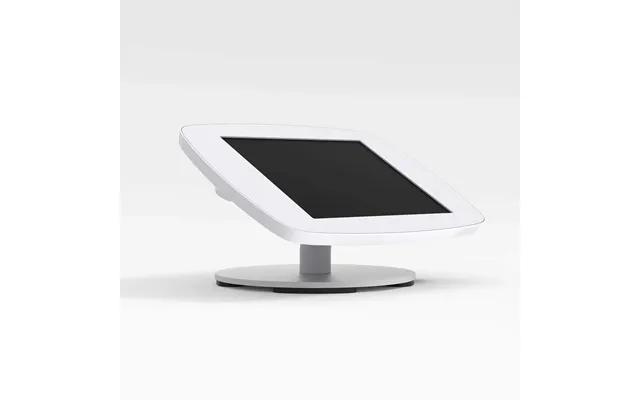
A great kiosk often relies on a strong supporting cast. Touchscreen monitors for staff stations, handheld barcode scanners for queue‑busting, compact receipt printers, and countertop payment terminals can all complement your self‑service setup. Floor stands and wall mounts help you place screens at the right height, while secure enclosures and privacy filters protect customer data. If your venue serves visitors across multiple languages, consider a simple language toggle button on the home screen—it can be the difference between confusion and a confident smile.
Design matters. A well‑branded kiosk acts like a mini storefront, extending your look and feel into the physical space. Use your brand colors sparingly for emphasis and rely on high‑contrast elements for readability. Place hero items or common tasks front and center. Keep copy short and direct; every word should earn its place. And don’t forget post‑transaction messages—thanking customers, offering a quick survey, or suggesting a loyalty signup is easier when the screen already has their attention.
Even the smartest kiosk benefits from smart staff. Train your team to introduce the kiosk, troubleshoot basic issues, and spot when a customer could use a hand. A simple welcome—“You can order here if you like; I’m right behind you if you need help”—goes a long way. After launch, hold quick huddles to share common questions and refine the flow. Kiosks and people aren’t rivals; they’re partners in great service.
Interactive kiosks have moved from novelty to necessity, helping UK businesses deliver faster service, clearer information, and smoother payments. The best part? You don’t need to guess. By comparing popular offers and studying a detailed price list on a trusted comparison platform, you can match features, support, and total cost to your real‑world needs. Start with your customer journey, pick the kiosk type that fits, and focus on software polish and reliability. Do that, and your kiosk becomes more than a touchscreen—it becomes the most dependable member of your team.
| Interactive Kiosks | Price | |
|---|---|---|
| Newline Db04 2.18 M 86 Black | £ 59,46 | |
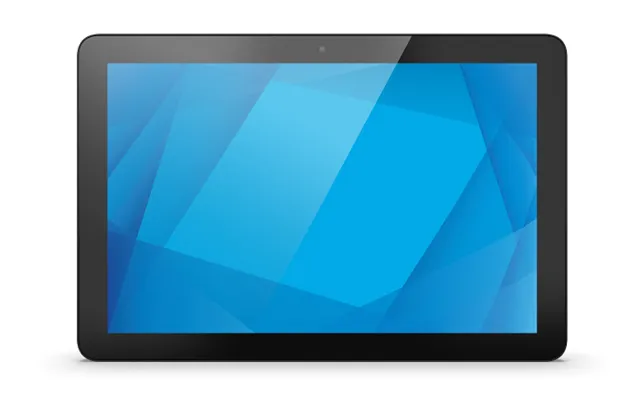
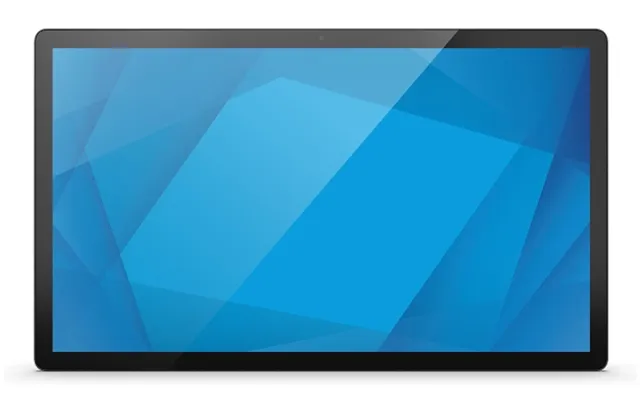
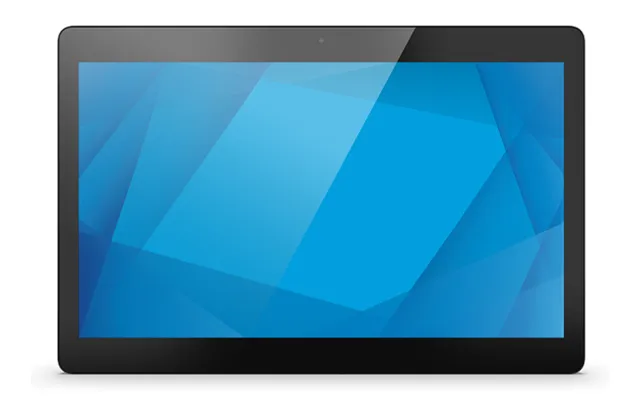
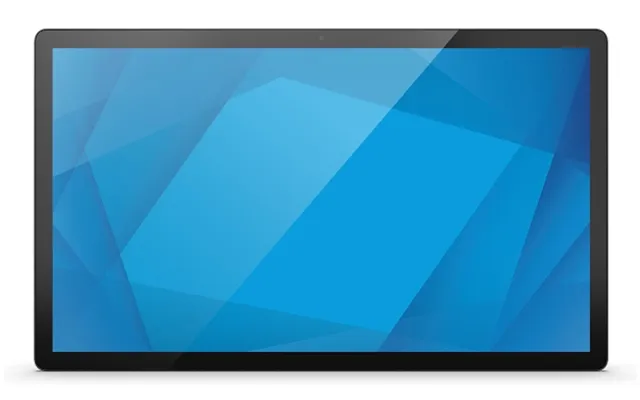
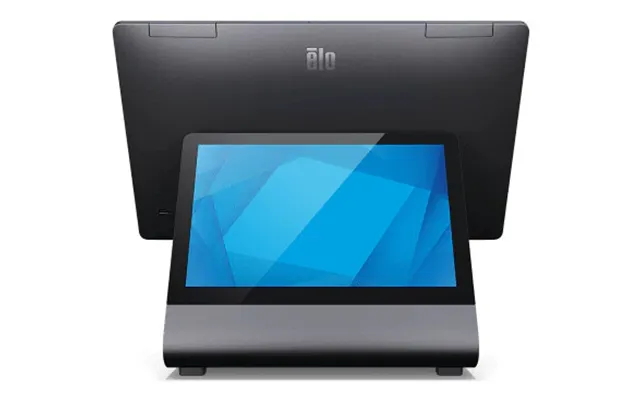
| Elo Touch Solutions I-series 4.0 Value. 10-inch. All-in-one Rk3399 25 | £ 553,33 | |
| Elo Touch Solutions I-series 4.0 Value. 10-inch. All-in-one Rk3399 25 | £ 553,33 | |
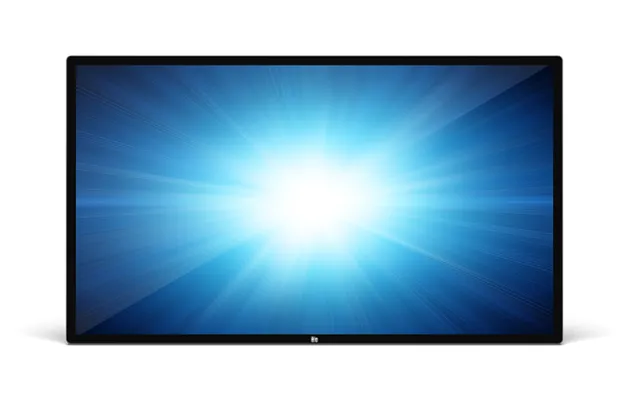
| Elo Touch Solutions 5553l Interactive Flat Panel 138.8 Cm 54 | £ 1.291,55 | |
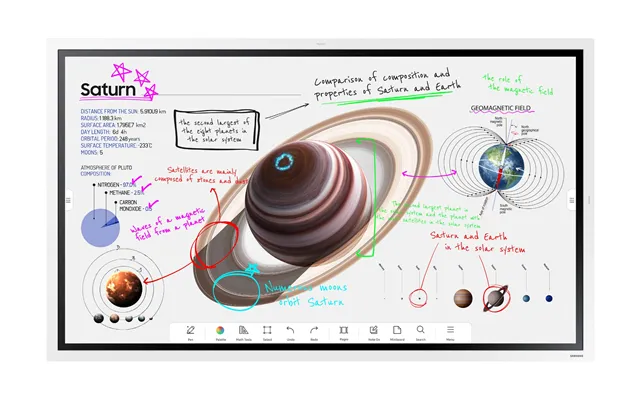
| Smart Technologies Sbid-mx275-v4 Signage Display Interactive Table 190 | £ 3.404,57 |