All categories
Business & Offices
Electronics & Media
Fashion & Accessories
Groceries & Essentials
Health & Personal Care
Home & Living
Kids & Family
Sports & Outdoors
Search in ZoneOffer
Loading...
When people say “memory accessories,” they usually mean all the handy add-ons that expand, move, or protect your digital storage. Think SD and microSD cards for cameras and phones, USB flash drives for everyday files, external SSDs and hard drives for backups, card readers and hubs to connect everything, and even RAM and NVMe enclosures that give your computer a second wind. In short, if it stores data or helps you move it efficiently, it belongs on your shortlist.
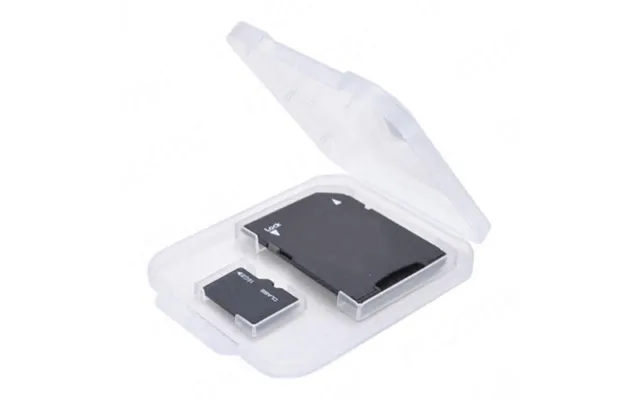
For most of us, the first stop is simple: SD and microSD cards for cameras, drones, and handheld consoles, plus USB sticks for quick file swaps between devices. These are the workhorses you toss in a bag without a second thought—tiny, reliable, and fast enough for day-to-day life. Whether you’re shooting 4K video or just moving class notes, the right speed and capacity make all the difference.

Memory accessories aren’t all about removable cards. A RAM upgrade can make a sluggish laptop feel fresher, while an NVMe SSD in a portable enclosure turns a spare internal drive into a blazing-fast portable solution. If your workflow involves big media files or lots of multitasking, these upgrades feel like going from a country lane to a freeway.
Choosing an SD or microSD card isn’t just about capacity; it’s about matching your device’s needs. Shooting 4K video on a mirrorless camera? You’ll want higher sustained write speeds. Expanding your phone’s storage? Look for cards designed for fast app performance. And for action cameras and drones, reliability under constant write loads is the real hero—dropped frames are a nightmare you can avoid.
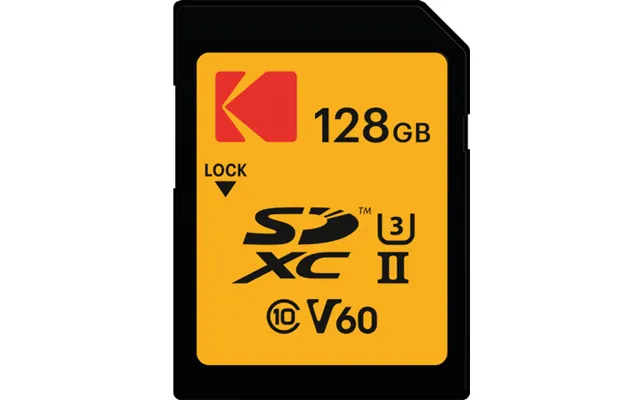
Speed ratings look like alphabet soup at first, but they’re simple once you map them to real use. U1 is entry-level; U3 is the baseline for 4K video. The V-class tells you minimum sustained speeds: V30 is great for 4K, V60 and V90 are tailored for high-bitrate and slow-motion video. For phones and tablets, A1 and A2 matter—A2 cards handle small random reads/writes better, making apps feel snappier. UHS-I vs. UHS-II refers to the bus interface; UHS-II cards and readers unlock much higher transfer speeds thanks to an extra row of pins. If your camera supports UHS-II, stepping up to it can slash transfer times.
For mirrorless cameras shooting 4K, a U3/V30 card is the sweet spot; filmmakers pushing high bitrates or slow-mo should look at V60 or V90. Drones often mirror those needs—steady, sustained writes are key. For Android phones, microSD with A2 support keeps app performance responsive. The Nintendo Switch favors microSD too; a reliable U3 card gives you faster load times and smoother updates, especially as your library grows.
If your camera can shoot RAW bursts at high frame rates or encodes 6K and 8K footage, you’ve likely encountered CFexpress or CFast. These cards are the performance kings, offering exceptional sustained write speeds and resilience under heavy workloads. They’re pricier, but if your livelihood depends on capturing every frame without a hiccup, the investment pays off on day one.
CFexpress comes in different types, and compatibility is everything. Many pro cameras use Type B, while some models from specific brands use Type A. Type C is rarer in the wild. The golden rule? Always check your camera’s slot type and recommended card list; even within the same brand, supported formats can vary. Pair the card with a matching high-speed reader to keep your ingest workflow fast.
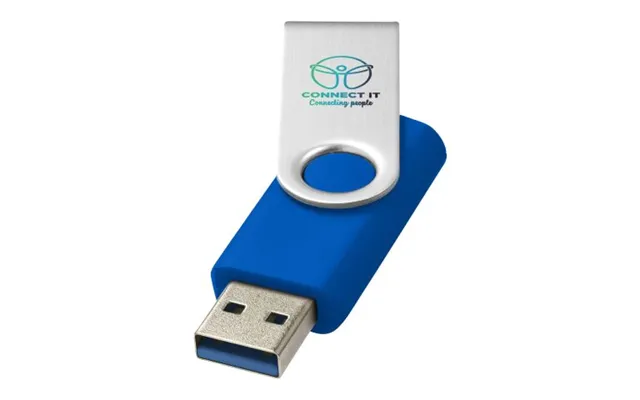
USB sticks are the pocketknives of storage—small, cheap, and endlessly useful. From moving presentations at the office to creating a bootable installer for your PC, a dependable flash drive is the little hero you’ll be glad you packed. The latest models rival entry-level SSDs for reads and offer robust encryption, so you can carry sensitive files with more confidence.
USB naming can feel like a riddle, so here’s the quick take. USB 3.2 Gen 1 (often called USB 3.0) tops out around 5 Gbps. USB 3.2 Gen 2 doubles that to 10 Gbps. USB 3.2 Gen 2x2 doubles it again to 20 Gbps. Translation? Faster interfaces mean zippier transfers, especially for large video files. Just remember: your computer’s port must match the drive’s capability to see the full speed.
If you carry private documents, look for drives with hardware encryption and optional PIN or biometric locks. For phone and tablet users, an OTG-compatible drive with a USB-C connector can make offloading photos effortless, no computer required. It’s like having a tiny, secure backpack for your files wherever you go.
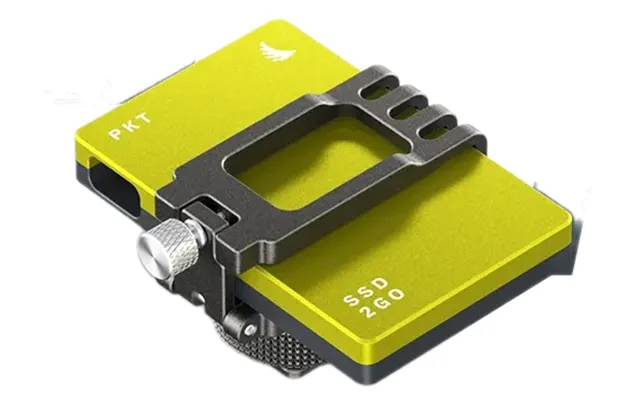
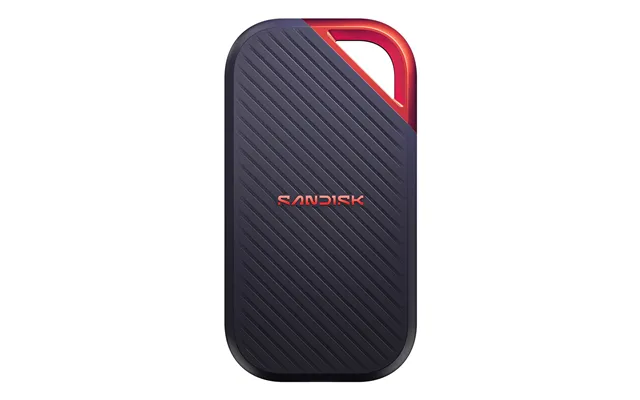
When you need to move or back up a lot of data fast, external drives are the way to go. External SSDs excel in speed, shock resistance, and size. HDDs win on price per gigabyte and mass storage. Whether you’re a photographer dumping a weekend’s worth of RAWs or a student archiving lectures, your workflow often decides which drive earns a place in your bag.
Pick an SSD when speed and toughness matter: editing on the go, frequent travel, or if your setup leaves drives hanging off a hub. SSDs shrug off bumps far better and fly through large file transfers. Go with an HDD when you need massive capacity for less money—think long-term backups, a movie library, or archived projects you rarely touch. Many creators use both: SSD for live projects, HDD for deep storage.
If your gear braves the outdoors or busy commutes, a rugged external SSD designed to survive drops from around 6 feet offers added peace of mind. Some drives also resist dust and splashes, which is handy when you’re shooting in uncertain weather or tossing gear into a crowded backpack. Add a padded case, and your portable storage will shrug off life’s everyday chaos.
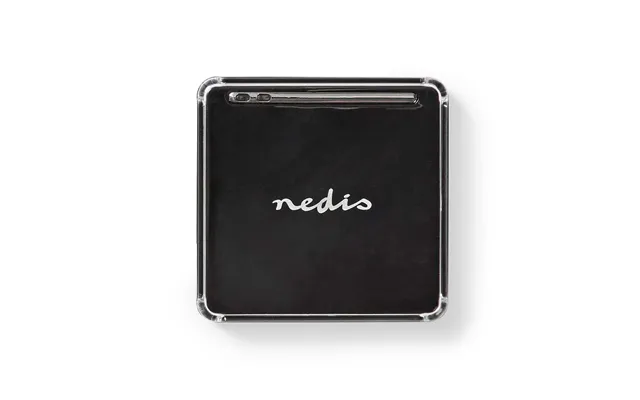
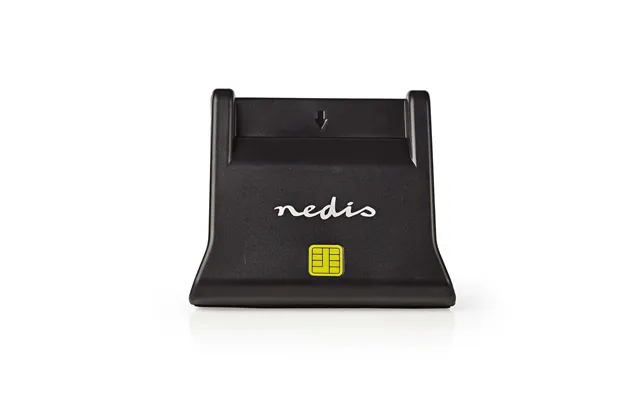
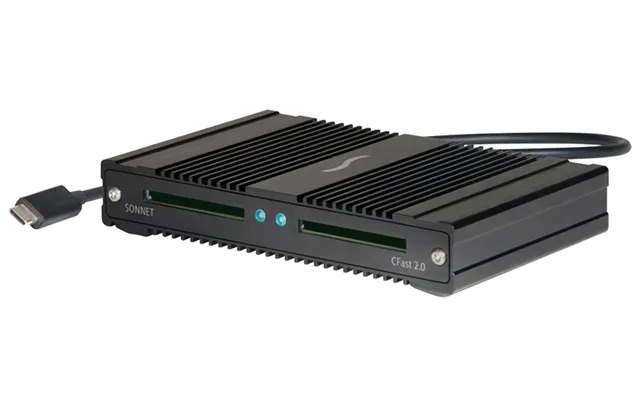
A fast card is only as quick as the reader you use. Pairing a UHS-II card with a basic UHS-I reader throttles your transfer speeds. A good reader, hub, or dock can streamline your entire workflow by consolidating ports, powering devices, and giving you high-speed lanes for your fastest cards and drives.
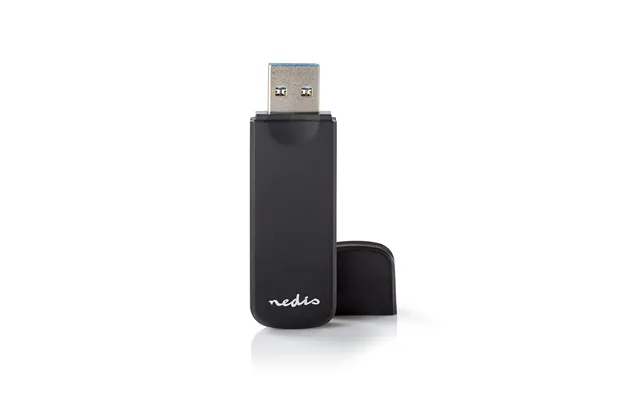
If you use multiple card types, a multi-slot reader saves time and bag space. For UHS-II and CFexpress, grab a reader rated specifically for those formats. That tiny choice can cut your import times dramatically—imagine trimming a coffee break’s worth of waiting to just a few sips.
Modern laptops lean on USB-C, while plenty of desktops still rock USB-A. Keep a compact adapter handy so your reader works everywhere. Also, don’t skimp on cables; a poor cable can quietly bottleneck performance. A short, well-shielded USB-C cable designed for high data rates can unlock the full speed your gear promises.
Before you replace a laptop or desktop that’s slowing down, consider an upgrade. More RAM helps with heavy multitasking, large spreadsheets, and creative apps. Swapping an old hard drive for an SSD—SATA or NVMe—can slice boot times and app launches so dramatically it feels like you bought a new machine. It’s one of the best-value improvements you can make.
RAM choices come down to compatibility. Laptops usually use SO-DIMM sticks, while desktops use full-size DIMMs. Newer systems support DDR5, which delivers higher bandwidth and improved efficiency; older ones stick with DDR4. Check your motherboard or laptop specs before buying—getting the right generation, speed, and capacity ensures a plug-and-play upgrade with real-world gains.
M.2 NVMe drives deliver blazing speeds for desktops, laptops, and even some gaming consoles. Look for drives that meet your device’s requirements for size and heatsink clearance, especially in tight spaces. If you’re adding storage to a console that supports NVMe, pick a drive that meets the official performance spec and keep an eye on thermals—some enclosures and heatsinks are engineered to fit those snug bays perfectly.
It’s easy to over- or under-buy. For phone storage and casual snaps, a 128 GB microSD can go a long way. Shoot 4K video or RAW photos? You may want 256 GB or 512 GB cards to avoid swapping mid-session. For external drives, 1 TB hits a nice balance for a travel kit, while creators wrangling big catalogs often prefer 2 TB or more. Plan around your biggest project, then add a buffer so you’re not constantly playing file Tetris.
Match capacity to your actual workload. A weekend wedding shoot? Budget for cards that hold the full event with redundancy. A semester’s worth of lectures and notes? One compact external SSD plus cloud sync covers your bases. Buying with your next three months in mind saves money and frustration.
Manufacturers love quoting eye-popping read speeds, but writes are what keep video rolling and burst photos flowing. For media work, prioritize sustained write speed ratings over peak numbers. Also consider queue depth and random performance for app-heavy tasks—especially if you plan to run apps from microSD or use portable SSDs as scratch disks.
Your overall speed is only as fast as the slowest link: card speed, reader capability, cable quality, and port bandwidth. A UHS-II card deserves a UHS-II reader, a USB 3.2 Gen 2 port, and a high-quality cable. If one of those falls short, your transfers will too.
Not all memory is created equal. Cards and SSDs designed for high-endurance tasks—like continuous video recording—are less likely to choke under pressure. Features like wear-leveling, power-loss protection, and robust controllers can make the difference between a smooth shoot and a corrupted card. For critical work, buy from reputable brands and keep backups rolling.
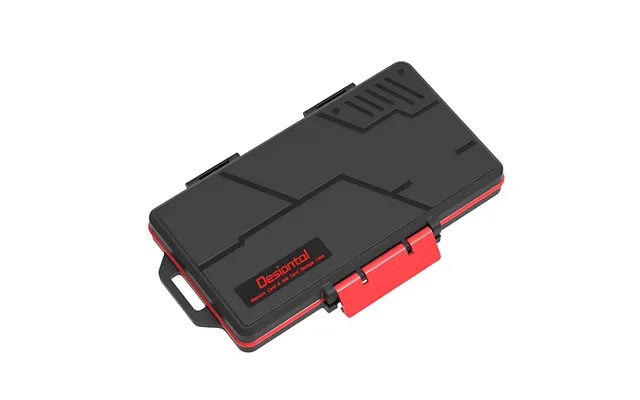
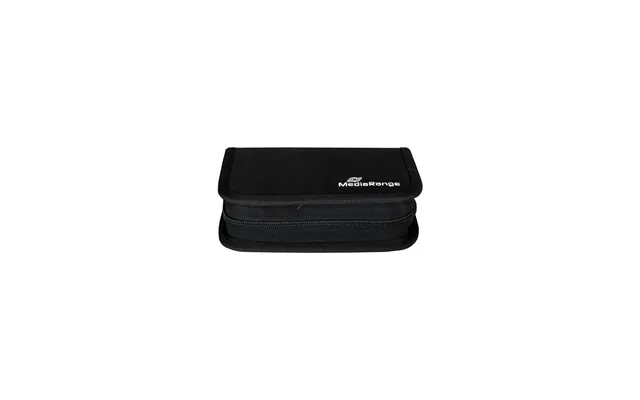
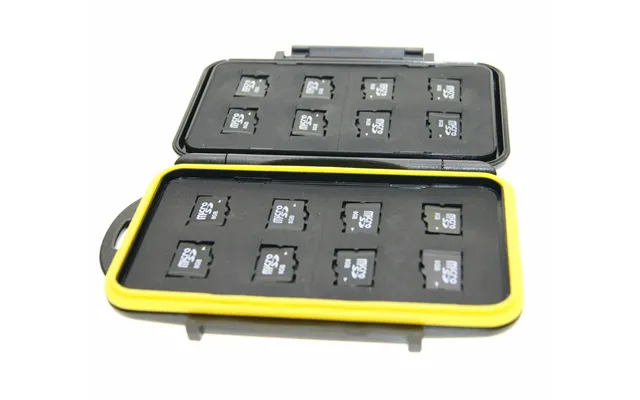
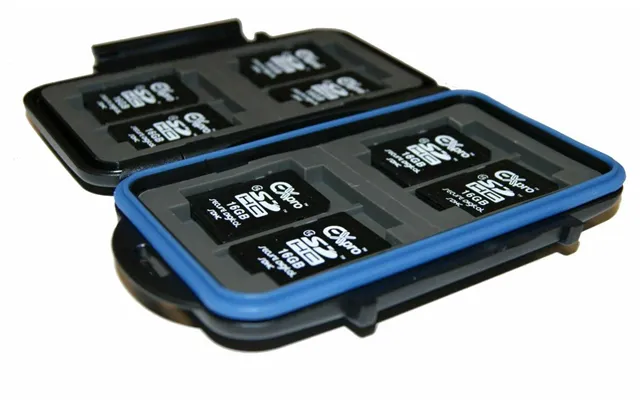
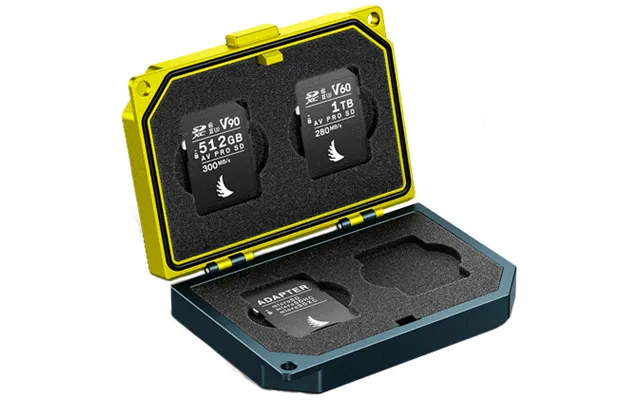
Electronics don’t love heat or hard knocks. Store cards in protective cases, avoid leaving drives in hot cars, and choose ruggedized gear if you’re frequently on the move. Some external SSDs include rubberized shells and reinforced ports—small details that pay off after a few trips.
A good storage strategy is like wearing a seatbelt—you barely notice it until it saves you. Keep an extra card or drive handy, duplicate your most important files, and format cards in-camera after safely offloading to minimize file system hiccups. A little routine maintenance prevents big headaches later.
exFAT is a great cross-platform choice for large files and broad compatibility across Windows, macOS, cameras, and TVs. NTFS is ideal for Windows-centric workflows and advanced permissions, while FAT32 is widely compatible but struggles with files over 4 GB. For cameras and action cams, formatting in the device itself is the safest route for stable performance.
Counterfeit cards can look convincing but fail under pressure. Stick to trusted sellers, check packaging and serials, and test new cards right away using verified tools to confirm capacity and speed. If something feels off—like unusually slow transfers or early errors—return it immediately. Your time and footage are worth more than a bargain gone bad.
Prices swing a lot across retailers, especially during seasonal promos and launch cycles. Use a comparison platform to line up capacities, speeds, warranties, and reviews side by side. It’s the fastest way to spot genuine value and avoid paying a premium for a flashy label that doesn’t match your needs.
The best deal isn’t always the sticker price. Watch for bundles that include fast readers, protective cases, or high-quality cables. Pay attention to warranty length and support—some brands offer longer coverage on pro lines. If you can, check price history to avoid getting caught by a temporary spike. A few minutes of research often nets a better drive and a better price.
Buying once and buying right is good for your wallet and the planet. Choose durable products with solid warranties, repairable enclosures, and firmware support. When a drive no longer meets your needs, repurpose it: put that old SSD in a USB enclosure and use it for backups. You’ll reduce waste and get more miles out of your gear.
A little housekeeping goes a long way. Label cards by camera or project, color-code storage by purpose, and keep a simple log. When you’re juggling multiple shoots or classes, clear labeling prevents accidental formatting and keeps your files flowing to the right place the first time.
For travel photography, pack two or three U3/V30 cards and a rugged 1 TB external SSD. For creators working with high-bitrate or slow-motion footage, V60/V90 or CFexpress cards plus a UHS-II or CFexpress reader will save hours. Students and office users can lean on a fast USB flash drive for daily bits and a 1 TB external HDD or SSD for weekly backups. Gamers benefit from NVMe storage and a roomy external drive for captures and mods. Tailor the kit to your real-world needs, and everything gets easier.
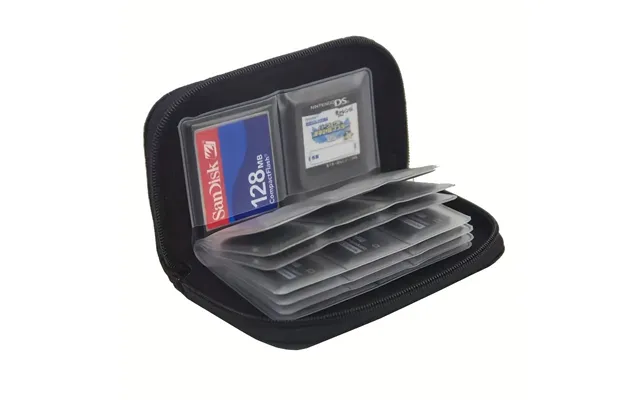
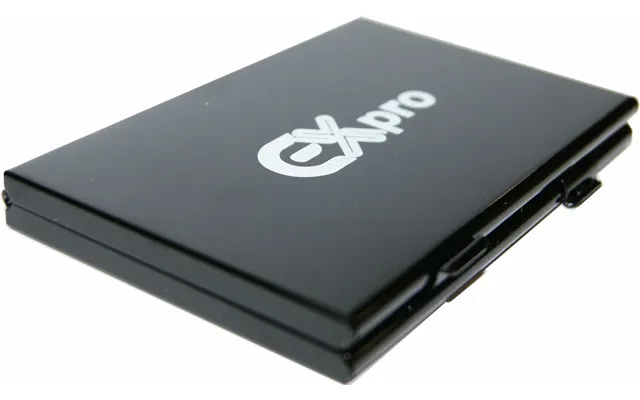
Small accessories make a huge difference: a slim card wallet, a short high-speed USB-C cable, a compact hub, and a spare reader. These are the everyday heroes that turn a tangled mess into a streamlined setup you actually enjoy using.
Memory accessories are the unsung backbone of modern tech, from casual snaps to commercial shoots and from school projects to studio edits. Get the basics right—capacity, speed class, and compatibility—then build a kit that matches how you actually work. With the right cards, drives, readers, and a smart backup plan, you’ll spend less time waiting on progress bars and more time creating, sharing, and enjoying your content. Ready to upgrade? Compare options across trusted retailers, match specs to your devices, and pick gear that’ll last the distance.

| £ 125,06 |