All categories
Business & Offices
Electronics & Media
Fashion & Accessories
Groceries & Essentials
Health & Personal Care
Home & Living
Kids & Family
Sports & Outdoors
Search in ZoneOffer

Loading...
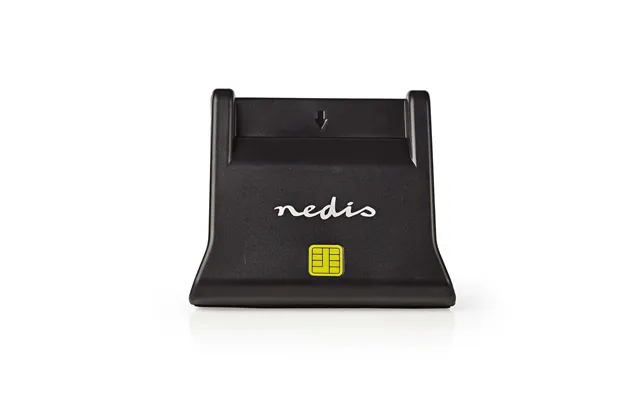
When you see a category like “Memory Accessories – Other,” it usually covers a broad family of handy gadgets that sit between your devices and your data. Think card readers for SD and microSD, CFexpress and XQD readers for pro cameras, NVMe and 2.5-inch SATA SSD enclosures that turn bare drives into fast portable storage, SATA-to-USB adapters for quick data rescues, write-protect tools for safe transfers, protective card cases, anti-static sleeves, and even RAM heat spreaders for desktop builders. In short, it’s the toolbox of modern digital life. If you shoot 4K, back up regularly, or juggle storage across phones, laptops, and consoles, these accessories are the quiet MVPs that save time, protect files, and stretch your budget.
There are dozens of formats, dozens of ports, and a dizzying range of speeds. A slick-looking reader or enclosure can be a bottleneck if it uses an older interface. That’s why it pays to compare options side-by-side, weighing features like UHS-II support, CFexpress Type B compatibility, or USB 3.2 Gen 2 throughput. Using a comparison site such as ZoneOffer lets you scan deals from multiple UK retailers, match prices with specs, and avoid guesswork. In a category where numbers genuinely matter, a bit of comparison shopping can save you both cash and time on every transfer.
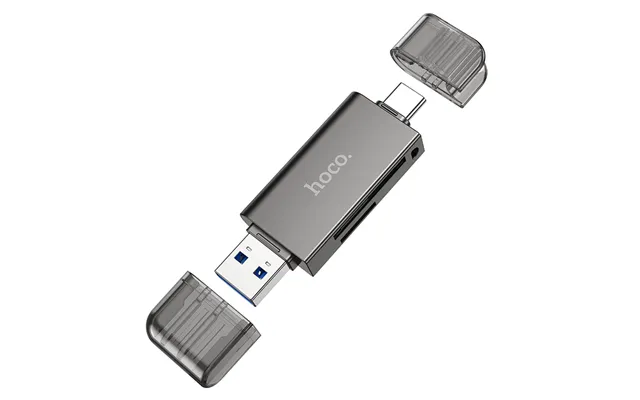
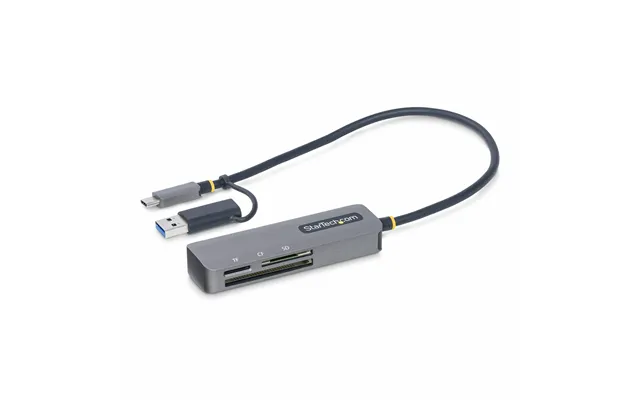
Not all card readers are equal, and the wrong choice can turn a blazing-fast card into a sluggish experience. If you shoot with SDXC cards labeled UHS-II or V90, make sure your reader explicitly supports UHS-II with the extra pins that unlock higher bandwidth. Photographers and videographers using microSD for drones or action cams should look for a reader with dual slots (SD and microSD) or a combo reader that supports SD, microSD, and CompactFlash styles. Bonus points if it includes both USB-C and USB-A cables so you can swap between modern laptops and older desktops without adapters.
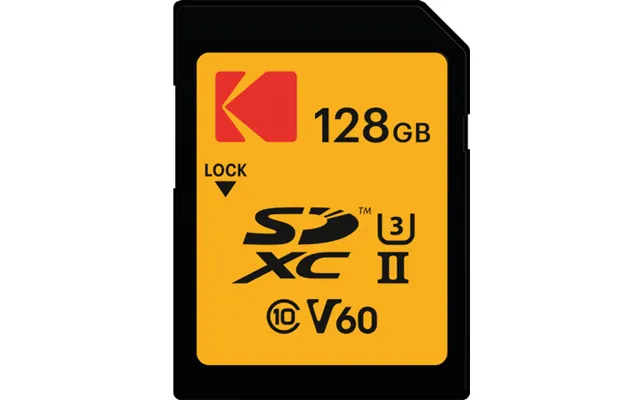
It’s easy to get lost in alphabet soup, so here’s the simple version. UHS-I cards are common and affordable; they’re fine for everyday photos and 1080p video. UHS-II cards add an extra row of pins for faster sustained speeds, essential for high-bitrate video or rapid RAW bursts. V-class ratings (V30, V60, V90) indicate minimum sustained write speeds, which matter more than peak speeds for video recording. If your reader doesn’t support the same standard as your card, you’ll leave performance on the table. Match the reader to the fastest card you own, so you’re futureproofed.
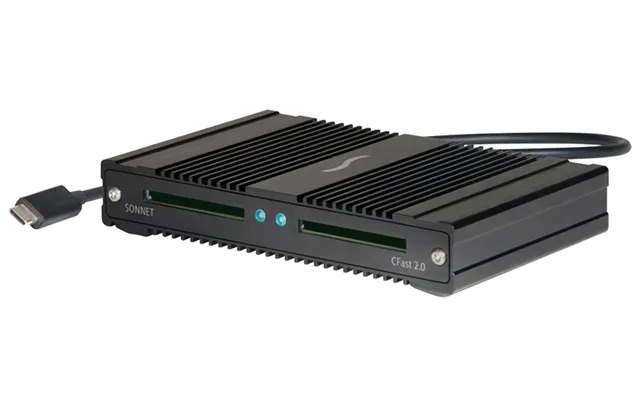
Step into pro territory and you’ll meet CFexpress, CFast, and XQD. CFexpress Type B dominates modern mirrorless cameras thanks to reliable, high sustained speeds. If you own or plan to own a camera that shoots 4K, 6K, or even higher bitrate footage, a CFexpress Type B reader with a fast USB-C interface is a smart buy. CFast still pops up in cinema cameras and recorders, while XQD lingers in certain DSLRs. If you touch any of these formats, a multi-format reader simplifies your kit and keeps transfers snappy.
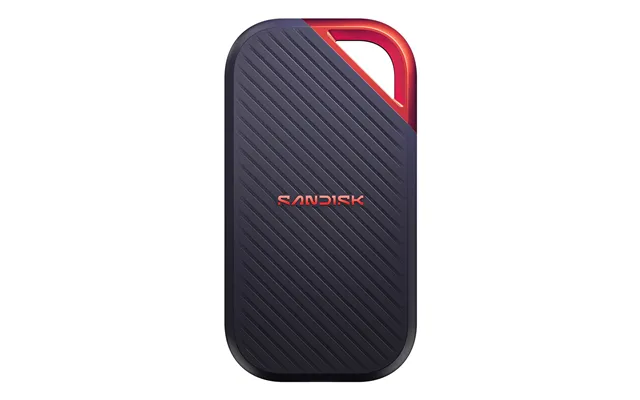
Why pay a premium for a branded external SSD when you can build your own? Pair an internal NVMe SSD with a quality USB-C enclosure and you’ll get a pocket drive that often rivals name-brand portables. Prefer something universal? A 2.5-inch SATA enclosure works with the countless SSDs and HDDs you may already own. These enclosures are perfect for fast backups, video editing on the go, swapping projects between machines, or salvaging data from an old laptop drive. The best part? You choose the capacity and the speed profile that fits your budget.
Start with the interface: USB 3.2 Gen 2 is a sweet spot for cost and speed, while some enclosures support higher bandwidth for even faster transfers if your system can handle it. Look for a well-ventilated or finned metal shell, because NVMe drives can get toasty during sustained writes. A good thermal pad inside the case makes sure heat moves into the metal body, keeping performance consistent. Tool-free designs are convenient for quick swaps, but a screw-secured model can be sturdier for travel.
A 2.5-inch SATA enclosure remains a brilliant value. If you’ve upgraded a laptop to an SSD and have the old drive lying around, drop it into an enclosure and you’ve got a spacious backup drive without buying new storage. Choose an enclosure with UASP (USB Attached SCSI Protocol) for snappier performance, and if you anticipate bumps and knocks, a shock-absorbing shell helps keep your data safe. For media libraries, game backups, and Time Machine-style archives, SATA still delivers reliable, affordable storage.
Need quick access to files on a bare 2.5-inch or 3.5-inch drive? A SATA-to-USB cable is the fastest way to plug in, mount, and migrate. Editors and IT pros swear by simple adapter cables for spot checks and urgent recoveries. If you regularly juggle multiple drives, a vertical docking station lets you slide in a 2.5-inch or 3.5-inch HDD or SSD without tools. Look for models with offline clone functions if you want to mirror a drive without powering up a computer—handy for upgrades and emergencies.
Upgrading your laptop or desktop storage shouldn’t feel like a surgery. Pair a SATA-to-USB cable with cloning software, copy your system to a new SSD, then swap the drives. For desktops, a dock accelerates big migrations. Verify that the adapter supports UASP for quicker transfers and that the power brick (for 3.5-inch drives) is included. When you’re done, that single cable or dock becomes your go-to rescue kit for friends and family who suddenly “lost” their files.
One accidental drag-and-drop can wreck a master card. That’s why write-protect accessories earn their keep. Some SD cards include a physical write-protect switch; others rely on hardware write blockers that guarantee your computer won’t alter the source media during ingest. If you do forensics work, handle client footage, or just want to be safe, a write blocker turns risky transfers into routine jobs. Add anti-static bags to protect bare SSDs and HDDs from electrostatic discharge when they’re out of a case. A little prevention beats a lot of recovery work later.
Speed is nice, but correctness is everything. Consider card readers and software workflows that verify file integrity during copy. Tools that calculate checksums make sure every bit arrives exactly as it left the card. It’s like scanning your luggage at both ends of a trip—tedious maybe, but you’ll sleep better knowing everything made it home intact.
Those tiny cards are easy to lose and easier to damage. A rugged, water-resistant case keeps SD and microSD cards organized and protected. Choose a case with clearly labeled slots so you can track which cards are fresh, in-use, or full. Many cases include rubber gaskets for splash protection and hard shells to shrug off drops. If you travel or shoot on location, a bright color helps you spot the case in a crowded bag or a dim studio.
Simple habits pay off. Label cards with a marker and a minimal code, stash full cards on one side of the case, and empty cards on the other. After copying, format in the camera you’ll use next to avoid file system surprises. Little tweaks like these turn chaos into clarity, especially when deadlines loom and every minute counts.
RAM rarely steals the spotlight, but stable memory keeps projects humming. If you build or upgrade PCs, heat spreaders and good airflow help high-frequency kits run smoothly. For compact cases with tight airflow, low-profile heat spreaders avoid clearance issues with big CPU coolers. Just remember: stability beats bragging rights. If your workload is mission-critical, choose memory that matches your motherboard’s qualified list and prioritize reliability over the last ounce of speed.
Mixing different RAM kits, even from the same brand and speed rating, can lead to odd glitches. When possible, buy a matched kit. If you must mix, keep timings conservative and test thoroughly. A few extra minutes with a memory test can save hours of head-scratching later.
Phones and tablets love storage too. USB OTG card readers let Android phones read SD and microSD cards directly for quick previews or transfers on the go. For certain tablets and phones, a USB-C reader makes a great travel companion—dump footage from a camera card to a portable SSD without opening a laptop. If you live in the Apple ecosystem, look for MFi-certified lightning accessories for older devices and native USB-C readers for newer models. It’s like carrying a tiny import station in your pocket.
Shoot with a mirrorless camera and travel light? A compact USB-C hub with an SD slot plus an SSD enclosure gives you a complete backup station in a jacket pocket. In the field, redundancy is king: import to your phone or tablet for a quick review, then copy to an external SSD for safekeeping. Two copies before you sleep is a healthy habit.
Card labels can look like a pilot’s dashboard. Here’s the quick decode. U1 and U3 refer to minimum write speeds; U3 is the baseline for demanding footage. V-class ratings (V30, V60, V90) fine-tune that for video; the higher the number, the better the sustained write performance. A1 and A2 ratings target app performance on phones—handy if you store app data on a microSD card. Then there’s the bus: UHS-I is common, UHS-II is much faster thanks to extra pins. Match your card to your camera, and your reader to your fastest card, or you’ll end up with a fast lane feeding into a single-file road.
USB 3.0, USB 3.1, USB 3.2—naming aside, the reality is simple. A modern USB-C reader or enclosure that supports at least USB 3.2 Gen 1 will handle most tasks quickly; USB 3.2 Gen 2 doubles the ceiling, helping with large media projects. If your laptop has a Thunderbolt port, some high-end enclosures tap that extra bandwidth. The bottom line: your slowest link—card, reader, cable, or port—sets the pace.
Before you click “buy,” compare the accessory’s headline specs with what you really need. Do you own UHS-II cards? Then a UHS-II reader is non-negotiable. Planning to repurpose an internal SSD? Verify the enclosure supports the right protocol (SATA or NVMe). Need to pull data from a 3.5-inch HDD? Make sure the adapter includes external power. Using a comparison site like ZoneOffer helps you stack price, features, and reviews side-by-side across UK retailers, so you can zero in on the best-value pick without hopping from tab to tab.
Counterfeit memory still lurks online. Stick with reputable retailers surfaced by trusted comparison platforms, cross-check model numbers, and read user reviews that mention measured speeds. If the price is wildly lower than the competition, proceed with caution. For mission-critical work, pay a fair price for authenticity—your files are worth it.
In card readers and memory accessories, certain names pop up again and again for good reasons. SanDisk, Lexar, and Kingston are strong in SD and microSD ecosystems. Pro-grade CFexpress readers often come from brands like ProGrade Digital and Sony. For enclosures and adapters, Sabrent, Orico, Plugable, Anker, and UGREEN offer a wide range that balances price and reliability. The best pick depends on your device lineup, but sticking with brands known for clean firmware, durable casings, and honest specs is a safe bet.
If you’re editing video daily, a pro-focused brand with verified sustained speeds pays off. If you’re traveling and need a compact, tough setup, look for ruggedized casings with aluminum shells and rubber bumpers. For home backups, an affordable SATA dock or enclosure from a value brand may be all you need. There’s no one “best” brand—there’s the best fit for your workflow.
Little habits make hardware last. Always eject drives and cards safely before unplugging. Format cards in the camera that will use them to minimize file system hiccups. Keep firmware updated on card readers and enclosures when the manufacturer provides utilities. For SSDs inside enclosures, ensure ventilation and avoid stacking hot devices together on your desk. And keep a spare cable in your bag; a flaky cable can masquerade as a failing drive and waste your afternoon.
If you bounce between Windows and macOS, exFAT keeps things simple for large files. For camera cards, follow the camera maker’s guidance—format in-camera for best results. When working with large video files on external SSDs, exFAT usually strikes the right balance between compatibility and convenience.
One classic mistake is assuming any reader can pull full speeds from any card. If you edit off external storage, that mismatch can cost hours each week. Another is underestimating heat; an NVMe enclosure without proper thermal design can throttle during a long copy, turning a sprint into a jog. Don’t forget cables: pairing a speedy enclosure with an old cable is like towing a trailer with a bicycle. Finally, avoid mixing RAM kits unless you’re ready to test thoroughly—instability can hide until the worst possible moment.
Buy for the fastest thing you own today, plus a small margin for tomorrow. If you plan to upgrade to UHS-II or CFexpress soon, pick a reader that handles it now. If your laptop only has USB-A, consider a reader with both USB-C and USB-A in the box so your next machine is covered. It’s a measured approach that keeps your kit flexible without paying for features you’ll never use.
Shoot events on weekends? A dual-slot UHS-II reader and a rugged card case streamline your ingest after long days. Work in IT? A SATA-to-USB cable and a universal dock let you recover files from almost any 2.5-inch or 3.5-inch drive. Traveling creator? A USB-C hub with SD plus an NVMe enclosure creates a pocket backup rig you’ll reach for every day. Home archivist digitizing old media? A 2.5-inch SATA enclosure breathes new life into drives you already own and makes backups painless.
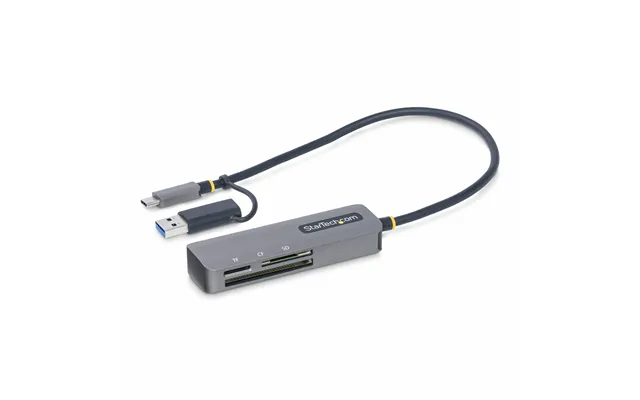
Spend on the bottlenecks. If your workload is card-to-computer, put budget into a great reader and a good cable. If you edit off an external drive, prioritize a solid NVMe SSD and a well-cooled enclosure. For occasional backups, a value SATA enclosure does the job. Think of your setup like a relay team: the slowest runner decides your finish time, so invest there first.
Memory accessories may not be glamorous, but they’re the gears that keep your digital life turning. Choose a reader that matches your cards, an enclosure that tames heat, a dock that simplifies upgrades, and cases that protect what matters. Compare features and prices across UK retailers using a trusted comparison site like ZoneOffer, and you’ll consistently land the best-value gear for your workflow. When every second and every file counts, the right accessories pay for themselves, one smooth transfer at a time.

| £ 125,06 |