All categories
Business & Offices
Electronics & Media
Fashion & Accessories
Groceries & Essentials
Health & Personal Care
Home & Living
Kids & Family
Sports & Outdoors
Search in ZoneOffer

Loading...
If your Wi‑Fi drops during a video call or your game lags at the worst moment, your router is probably the silent culprit. Upgrading to a modern wireless router can unlock faster speeds, stronger coverage, and smarter controls that instantly improve everyday life. The best part? With smart comparison across multiple retailers on platforms like ZoneOffer, you can snag serious deals on premium models without overspending.
Think of Wi‑Fi 6 as a busy multilane highway and Wi‑Fi 6E as the same highway with a brand-new express lane. Wi‑Fi 6 brings better efficiency and reliability using 2.4 GHz and 5 GHz bands. Wi‑Fi 6E adds the 6 GHz band, which is cleaner and less congested, perfect for high-speed, low-latency tasks like 4K streaming and cloud gaming. If you own 6E-compatible devices, you’ll feel the difference right away; if not, Wi‑Fi 6 is still a massive upgrade over older standards.
Hunting for the right router can feel like decoding alphabet soup. Here’s the practical approach: match your home size, device count, and internet speed to a proven model, then compare prices across trusted retailers using a comparison site such as ZoneOffer. Below are crowd-favorite picks that balance speed, coverage, and features—often available at compelling prices if you catch a seasonal sale.
The RAXE300 is a tri-band powerhouse that brings the 6 GHz band to your home without the eye-watering price of flagship units. Expect snappy throughput for busy households, a 2.5G WAN port for multi-gig internet, and slick app controls for setup. Coverage is solid for most medium to larger homes, hovering around 2,500 to 3,000 sq ft when placed centrally. If you want 6E speed without going all-in on a super-premium model, this is a savvy buy.
A longtime reviewer favorite, the RT‑AX88U blends gamer-grade performance with all-around versatility. Its 8 LAN ports, adaptive QoS, and strong parental controls make it a stable hub for streaming, work, and play. Coverage can comfortably handle around 3,000 sq ft with thoughtful placement. You also get AiProtection security and support for ASUS AiMesh, so you can add nodes later if you need to expand your coverage without replacing your main router.
If you want 6E on a sensible budget, the Archer AXE75 consistently overdelivers for the money. It’s tri-band, has WPA3 security, and its app is friendly for first-time users. Expect reliable coverage in the 2,500 to 2,800 sq ft range in typical wood-frame homes. Performance is fast enough for multiple 4K streams and low-latency video calls, and the combination of price and features makes it a frequent discount darling during deal events.
Built for gamers who hate lag, the GT‑AXE11000 throws serious hardware at your network: tri-band Wi‑Fi 6E, beefy QoS, and advanced game acceleration. If you run a gaming PC, multiple consoles, and stream simultaneously, this router is designed to keep frames smooth and ping stable. Coverage scales well in larger homes, often crossing 3,000 sq ft with the right placement. It’s premium, yes, but when deals surface, it becomes a compelling long-term play.
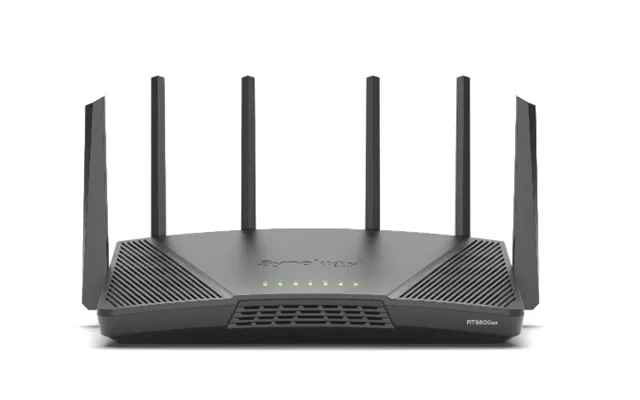
The RT6600ax is what you buy when you love control. Synology’s SRM software feels like a pro tool that’s still friendly enough for everyday users. You get strong parental controls, VLAN capabilities, rock-solid VPN options, and customizable threat protection. In real homes, coverage comfortably spans around 3,000 sq ft, and its tri-band Wi‑Fi 6 radios handle dense device loads gracefully. It’s a standout for remote workers and security-conscious households.
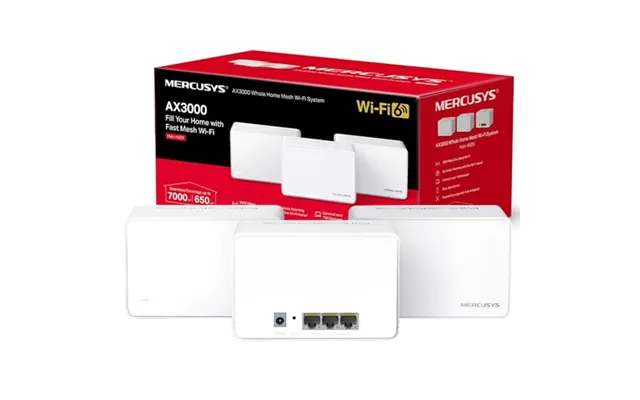
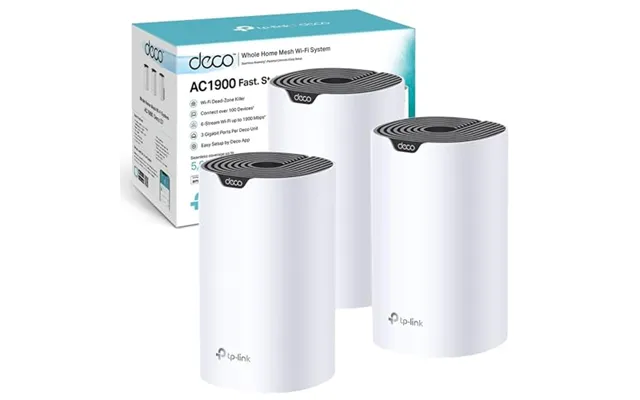
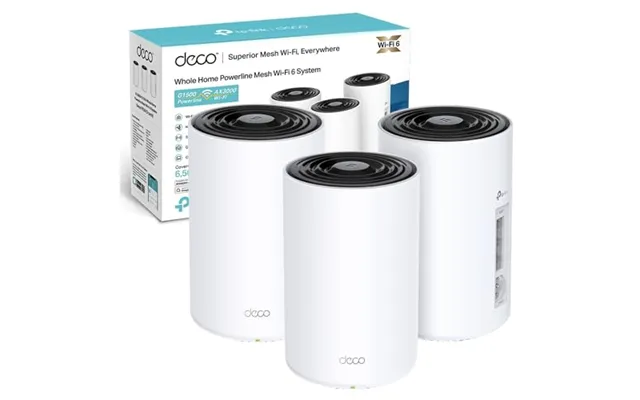
If your home sprawls across multiple floors or you have thick walls sapping your signal, a single router may struggle. Mesh systems use multiple units to create one seamless network, so you can roam from the living room to the bedroom without drop-offs. The trick is picking a system that balances backhaul speed and coverage, then placing nodes smartly for even signal across every room.
Eero Pro 6E is a crowd-pleaser for its painless setup and smooth roaming. A single unit can cover up to roughly 2,000 sq ft, and a 3‑pack can easily handle larger spaces around 6,000 sq ft depending on layout. The 6 GHz band gives your latest devices headroom to fly, while the app makes it easy to manage family profiles and guest access. It’s a top pick for people who want fast, fuss-free mesh that “just works.”
Nest Wifi Pro brings clean design and an easy app, perfect for anyone who values simplicity with decent performance. Expect coverage near 2,200 sq ft per unit, so a 2‑pack or 3‑pack can scale well to larger homes. It supports WPA3, has straightforward parental tools, and plays nicely with Google smart home gear. If you want set‑and‑forget stability along with respectable 6E speeds, this system checks the boxes.
When the brief says “no compromises,” the RBKE963 steps up. This flagship 6E mesh uses a dedicated multi‑gig backhaul to keep speeds consistent across your home. A 3‑pack can blanket up to around 9,000 sq ft, ideal for wide layouts, outbuildings, or thick walls. It’s pricey at full retail, but when multi‑retailer comparisons reveal a discount, it becomes the most future‑proof mesh you can install today.
Start with your internet plan and device count, then think about your home’s shape and materials. A small flat with a few devices? A midrange Wi‑Fi 6 router is probably perfect. A multi‑story house with smart gadgets in every room? Consider tri‑band or a mesh system. And if you have or plan to get multi‑gig internet, make sure your router has at least one 2.5G port so you don’t bottleneck your connection.
If your broadband tops out under 1 Gbps, any good Wi‑Fi 6 router with gigabit ports will keep up. If your service goes beyond 1 Gbps, look for a 2.5G WAN port (or better) to avoid speed caps. Multi‑gig LAN ports are handy for fast local transfers between a NAS and PCs. In short, don’t pair a race car connection with a bicycle chain router—ports matter more than most people realize.
A compact apartment typically needs one quality router placed centrally, ideally off the floor and away from large appliances. For homes around 2,000 to 3,000 sq ft, a strong dual‑band or tri‑band router should do fine. Cross 3,000 sq ft or add multiple floors, and mesh starts to make more sense. Remember, walls and metal can chew through signal—so placement and node count matter as much as the spec sheet.
Modern routers bundle WPA3 encryption, automatic updates, and threat protection tools that keep your family safer. Look for platforms with regular firmware releases and built‑in parental controls, such as app‑based time limits, content filters, and profile‑based device rules. Routers like Synology RT6600ax and ASUS models with AiProtection are standouts if you want robust, ongoing protection without annual fees.
Gamers should prioritize low latency and QoS features that prioritize traffic from a PC or console. Streamers benefit from tri‑band designs that keep 4K traffic smooth even when the house is buzzing. Smart homes with loads of IoT devices need stability and strong 2.4 GHz performance. If you need all three, a tri‑band router—or a mesh with a wired backhaul—can juggle everything without breaking a sweat.
You don’t need to spend a fortune to get great Wi‑Fi. Budget and midrange Wi‑Fi 6 routers now deliver speeds and features that were high‑end a few years ago. Watch for discounts on proven models, and remember that a smart placement in the middle of your home often beats a pricier router shoved in a corner by the modem.
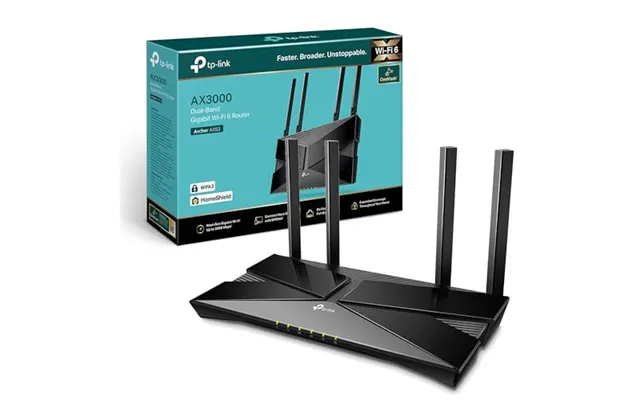
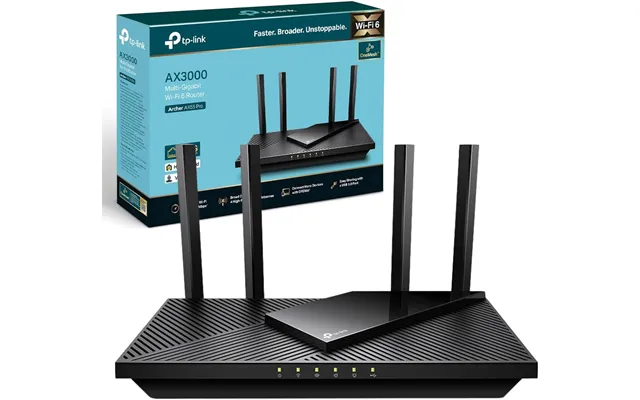
The Archer AX55 is a sweet spot for smaller homes, with enough horsepower for multiple 4K streams and video calls. Step up to the AX73 for better throughput and range, pushing comfortably near 2,500 to 3,000 sq ft with clear sightlines. Both offer easy apps, WPA3, and good parental features. During sales, they’re some of the highest‑value buys in Wi‑Fi 6, especially if you don’t need 6E right now.
For tightening budgets, the MR7350 delivers Wi‑Fi 6 stability at a friendly price and works with Linksys mesh if you expand later. If you’d like a taste of 6E without splurging on a flagship, the Hydra Pro 6E MR7500 is often heavily discounted. Both strike a sensible balance between speed, coverage, and simplicity, making them easy recommendations for family homes.
If you manage a home office, run a media server, or just geek out over network control, a prosumer router can be a game‑changer. Expect deeper VLAN features, robust VPN support, better logging, and multi‑WAN options. You’ll pay more, but during the right deal window, these devices can undercut business gear while delivering similar control.
The UDR pulls you into the UniFi ecosystem with an all‑in‑one router, switch, and access point that’s surprisingly approachable. Its controller software gives you insight most home routers can’t, from client analytics to traffic shaping. Coverage is solid for a medium home, and you can add UniFi access points to extend your network with enterprise‑style reliability. If you enjoy tinkering, it’s endlessly satisfying.
The RT‑AX86U Pro hits a near‑perfect balance of speed, latency, and features for gamers and power users. A 2.5G port, robust QoS, and AiMesh support make it versatile as both a main router and a node in a larger setup. It’s also a standout for streamers thanks to reliable 5 GHz performance. When it drops in price, it’s one of the best long‑term values you can buy.
Even the fastest router can stumble if it’s placed poorly or configured with the wrong settings. A few tweaks—like moving your router off the floor, choosing a cleaner channel, or wiring a backhaul—can transform your experience. Think of it like tuning an engine: the right adjustments unlock the speed you already paid for.
Place your router in a central, elevated spot, clear of thick walls and large metal appliances. Microwaves and cordless phones can interfere with 2.4 GHz, while neighbor networks pile onto 5 GHz and 6 GHz channels. Use your router’s app to scan for congestion and pick less crowded channels. If your home is long or L‑shaped, consider adding a mesh node halfway through the dead zone for balanced coverage.
If you’re setting up mesh, a wired backhaul between nodes is the secret weapon for full‑speed coverage. Run a Cat 6 or Cat 6a cable where practical—across a hallway edge or along a baseboard—keeping runs under reasonable household distances for neatness. Wired backhaul frees up wireless bandwidth for your devices and makes your network feel more like a high‑end, hard‑wired system.
Keep firmware updated for new features and security patches; most modern routers can auto‑update at night. Turn on WPA3 if all your devices support it; if not, use mixed mode for compatibility. Set up a guest network to keep visitors off your main devices, and enable parental controls to group kids’ devices with simple limits. These small steps add up to a safer, smoother network.
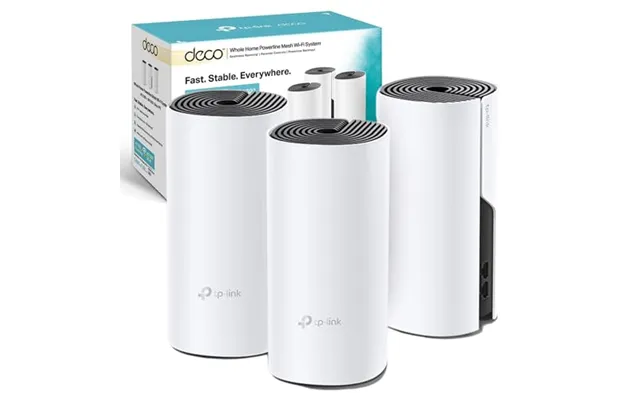
From budget-friendly Wi‑Fi 6 workhorses to cutting-edge 6E mesh systems, today’s wireless routers can elevate every stream, download, and game in your home. The key is matching your space, speed, and device count to the right model—then using a comparison site like ZoneOffer to spot the best price across multiple retailers. Whether you choose a single-router hero like the ASUS RT‑AX88U, a value 6E pick like the Archer AXE75, or a whole-home champion like Eero Pro 6E or Orbi RBKE963, you’ll feel the difference the moment your Wi‑Fi just works—everywhere you need it.
| £ 609,38 |