

Folder Tabs price list
Last updated Sunday, 18 Oct 2026



View 18 Offers







Loading...
Last updated Sunday, 18 Oct 2026
If you’ve ever lost an important document in a sea of manila folders, you know the small miracle a simple folder tab can perform. Folder tabs are the little protruding labels that let you identify and retrieve files in a snap. They turn chaos into clarity, helping you locate client files, invoices, or project notes without sifting through stacks. Think of them as signposts in a filing forest: one glance and you know exactly where to go. Whether you’re running a busy office, juggling a home project, or organizing school papers, folder tabs are one of those inexpensive tools that pay back in time saved and stress avoided.
Folder tabs are designed specifically to sit on the edge of folders, folders in hanging systems, or inside binders, which makes them different from flat sheet labels or sticky notes. They’re built to be visible when folders are stacked or shelved, usually extending 1/2 inch to 1 inch beyond the folder edge so text is visible at a glance. While a flat label might work on the front of a folder, folder tabs are optimized for indexing and quick scanning. If you want durable, easy-to-read organization, tabs are the specialized solution rather than a generic sticker.
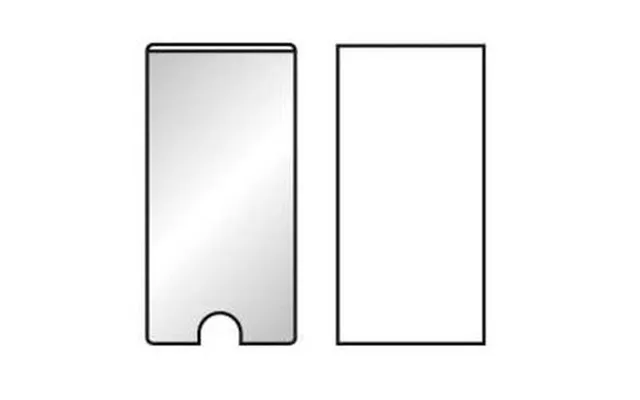
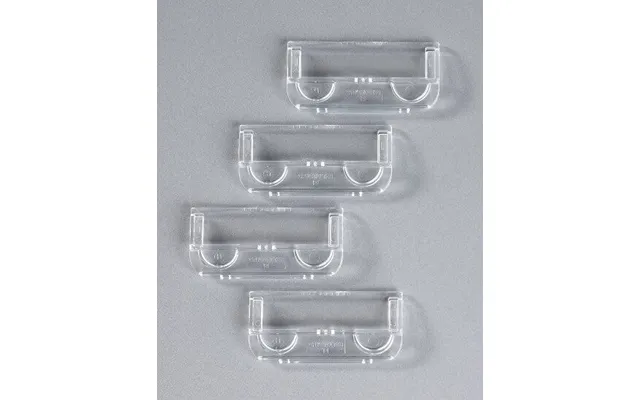
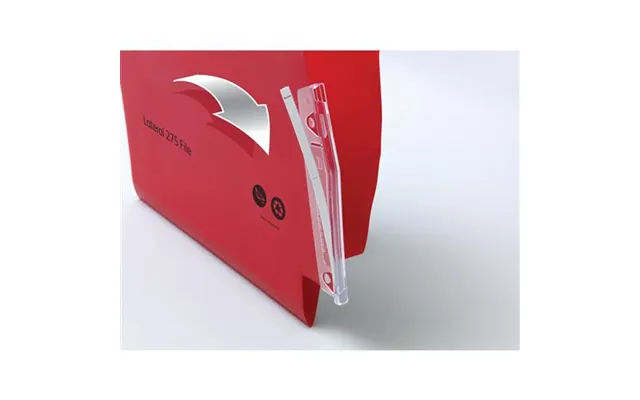
There are several styles of folder tabs you’ll encounter: cut tabs that come pre-attached, adhesive tabs that stick onto existing folders, insert tabs that hold a small paper index, and plastic clip-on tabs for heavy-duty use. Cut tabs are common in office supply boxes, adhesive tabs offer flexibility if you change your system often, and plastic tabs are excellent for repeated handling. Picking the right type depends on how often you’ll rearrange files, whether you need writeable surfaces, and your preference for permanent versus temporary indexing.
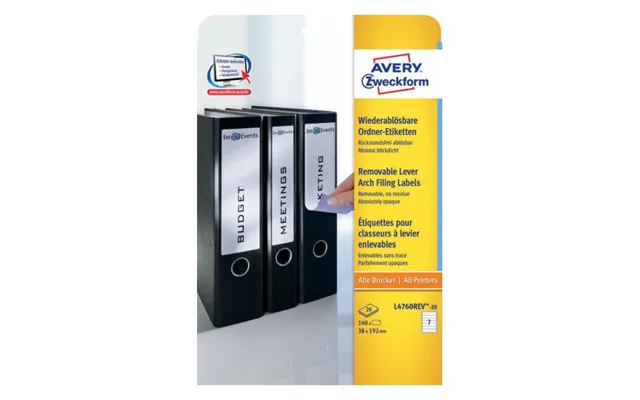
For people who love color, color-coded tabs are a lifesaver; they allow you to build visual categories like red for invoices and blue for contracts. Printable tabs are a smart choice if you want a professional, consistent look from a label printer or laser printer and often fit into existing tab pockets. Removable tabs use low-tack adhesive so you can reposition without tearing the folder, which is handy for projects that shift over time. Choosing among these comes down to balance: permanence versus flexibility, cost versus convenience.
Folder tabs are made from paper, plastic, or laminated materials. Paper tabs are cheap and recyclable but can degrade with heavy use or moisture. Plastic and laminated tabs resist smudging and tearing, which makes them ideal for frequently handled files or for archives that must last. If you’re labeling folders that will be moved frequently or kept in high-traffic areas, favor a more durable material even if it costs slightly more; the lifespan and legibility payoff is real. Durability is one place where a small investment saves headaches later.
Think of your working environment like weather: humid, dusty, or industrial conditions demand tougher materials. Plastic tabs are better for storage rooms or shipping departments where moisture might be present, while laminated paper tabs work well in a standard office. For archival or legal files that must remain legible for years, consider acid-free paper or poly-tabs that resist yellowing. It’s the same logic as choosing a raincoat for a storm — pick materials that match the conditions.
When shopping for tabs, size matters and it’s usually described in inches. Standard tabs extend roughly 1/2 inch to 1 inch beyond the folder edge, while the printable insert pockets might be 1 3/4 inches wide to accommodate a typed label. Tab height can range from 1/4 inch up to 1 inch depending on how much text you want to display. If your filing setup uses hanging files, keep an eye on tab depth so it doesn’t interfere with hangers. Always check dimensions in inches to ensure compatibility with your existing folders and shelving.
Don’t forget that larger tabs let you use bigger fonts and clearer headers, which are easier on the eyes when scanning many entries. If you plan to print labels, measure the printable area in inches and use a font size that remains legible from about one to two feet away. A cramped half-inch tab might force you to abbreviate, while a full-inch tab gives room for short words or department names. It’s simple: bigger canvas equals clearer communication.
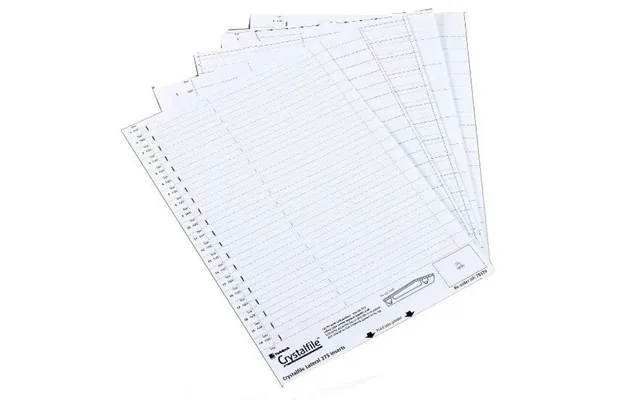
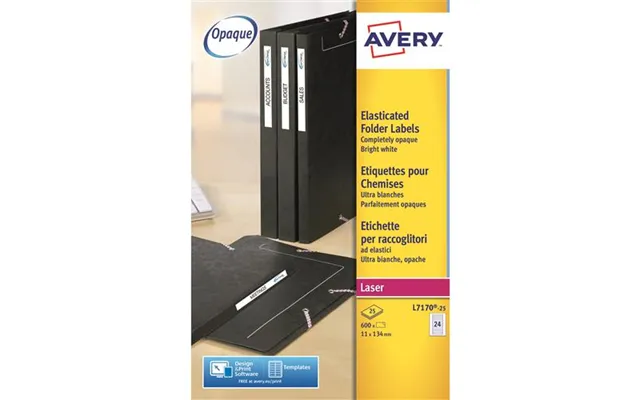
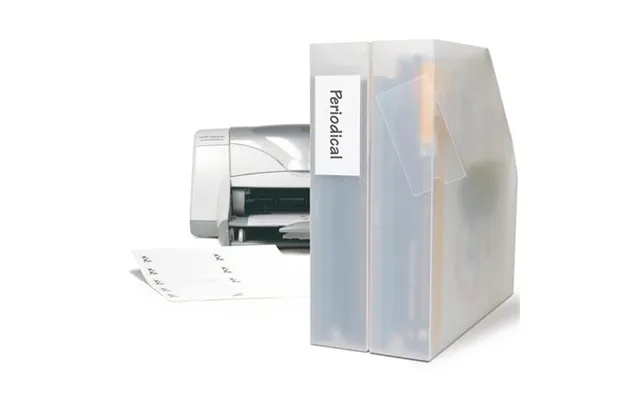
Handwriting tabs is fast and flexible — no printer setup required — and it works fine for short-term projects. But if consistency, a professional finish, or many labels are involved, printing wins. Label printers and laser printers produce crisp, uniform text that’s easier to read and tends to withstand wear. Thermal label printers are especially durable, with smudge-resistant text. If you’re using printable tabs, be sure the paper or plastic is compatible with laser or inkjet printers and test a sheet before committing to a large batch.
Label printers are compact, fast, and tailor-made for small tabs, producing adhesive-backed labels that are often water- and heat-resistant. Office laser printers handle larger runs and can print complex layouts, but they might require special label sheets to avoid jams. If you frequently update your filing system and need on-the-spot labels, a dedicated label printer is a worthy desk companion. For occasional bulk printing, a standard office printer with the correct label stock will do the job just fine.
Folder tabs don’t work in isolation — they’re part of a broader organization ecosystem that includes dividers, binders, index cards, and hanging files. Dividers with built-in tabs are perfect for binders, while reinforced tabs are designed for heavy business files. Index cards can become quick tab inserts when trimmed to size, and color-coded divider sets create a visual hierarchy for larger projects. Think of the tab as the headline, and the accessories as the supporting cast that make the headline stand out.
Consider items like multi-hole punches that fit divider tabs, binder pockets that protect documents, and quick-attach label holders that slide onto existing folders. For digital hybrids, QR code labels printed on tabs let you link to cloud documents, combining physical filing with digital access. Small investments in the right accessories multiply the usefulness of tabs and reduce time spent hunting for files. It’s like pairing a good map with a reliable compass — both make navigation smoother.
When choosing tabs, prioritize visibility, durability, compatibility, and ease of use. Visibility means choosing colors and font sizes that stand out; durability means materials and adhesives that won’t fail; compatibility checks that fit your folders and filing system in inches; ease of use covers removable versus permanent and printable versus pre-printed options. Also think about quantity — buying in bulk saves money if you use tabs heavily, but small starter packs are great for trial runs in a new system.
If sustainability matters to you, look for recycled paper tabs or options made with biodegradable adhesives. Some manufacturers offer post-consumer recycled content while maintaining reasonable durability. You can balance eco-choices with cost by using recyclable paper tabs for short-term projects and saving plastic tabs for long-term or high-traffic files. It’s like buying a reusable tote and using it when you need durability, while disposable bags are for temporary errands.
Color-coding is perhaps the most straightforward strategy: assign colors to clients, projects, or priority levels. Alphabetical tabs are classic for client lists, while numerical tabs work well for invoices or checklists. You can also adopt a hybrid: major categories in color and subcategories labeled alphabetically. Another strategy is date-based tabs for active months or quarters. The key is consistency: pick a system, document it, and use it across the office so everyone reads the same “map.”
Use sticky arrows for temporary re-prioritization, place QR code stickers that link to shared folders, or trim index cards to fit tab pockets for bespoke headings. For students, tabs can separate textbook notes by chapter; for creative teams, tabs can separate drafts, final files, and assets. When you treat tabs as flexible tools rather than fixed rules, you’ll discover hacks that save multiple trips to the filing cabinet.
Keep folder tabs readable by storing files in cool, dry places and using laminate or plastic tabs for humid environments. Replace faded or torn tabs promptly and clean hands before handling critical files to avoid smudges. If you use adhesive tabs, let the glue set for a few seconds to ensure full contact. Simple habits like straightening tabs in a drawer and rotating heavily used files to the front can dramatically extend their life and keep your system looking sharp.
For long-term archives, use acid-free tab materials and store files horizontally in boxes to avoid compression damage. Label the box with a master index stored both physically and digitally so future retrieval is painless. If you expect documents to be needed infrequently but reliably, choose robust plastic tabs and write labels in permanent ink or print durable labels that won’t fade. Archiving is like winterizing your garden: a small effort now prevents bigger problems later.
You’ll find huge variability in prices and pack sizes, so comparing options on a reputable comparison site helps you spot the best value. Look for comparison tools that show per-tab cost, material details, and compatibility info in inches so you can match tabs to your exact needs. Read product reviews and look for images that show tabs in real-world use; nothing beats seeing how a tab looks on a shelf before you buy. Smart shopping here reduces waste and frustration.
Start small: pick a couple of tab types and sizes to test with your most-used files. Add color-coding slowly and create a simple legend everyone can follow. Invest in a basic label printer if you expect ongoing changes, but try handwriting or printable sheets for low-volume needs. Above all, keep your system consistent and flexible enough to evolve. A neat, labeled filing system is less about perfection and more about making everyday tasks faster and less annoying.
Folder tabs are a tiny office upgrade that pays continuous dividends. With the right materials, sizes, and labeling methods, you’ll slice through clutter and find what you need faster. Whether you’re outfitting a small home office, streamlining an entire department, or archiving important records, tabs and labels are foundational tools for smarter work. Treat them as part of your workflow, and you’ll wonder how you ever managed without them.
Conclusion: Folder tabs are a low-cost, high-return investment in organization. Use durable materials for frequently used files, match tab sizes in inches to your folders, and consider printed labels for a professional look. With clear labeling strategies and a few complementary accessories, you’ll create a filing system that saves time, reduces stress, and scales as your needs grow.