
Calculator Accessories price list
Last updated Friday, Sep 18, 2026





View 14 Offers



Loading...
Last updated Friday, Sep 18, 2026
Think of your calculator like a reliable companion that handles the number-heavy chores you’d rather not do yourself. But even the sturdiest companion needs the right gear. Calculator accessories extend lifespan, improve accuracy, and make daily tasks faster and neater. Whether you use a desktop printing calculator for invoices or a compact solar model for quick totals, the right extras—cases, batteries, thermal rolls, or screen protectors—turn a basic tool into a professional setup. If you’ve ever had a key stick or lost a tape roll at crunch time, you know that small investments in accessories save time, frustration, and money.
Some accessories are universal must-haves: replacement batteries, protective covers, and thermal paper for printing models. Others are niche but essential depending on your workflow—think wireless adapters for wireless printing calculators, specialized keyguards for heavy use, and desktop stands that angle displays for easy reading. Keeping a well-chosen inventory means you won’t pause work hunting down supplies. It’s like stocking your kitchen with the right knives; once you have them, everything becomes easier and faster.
Cases guard against drops, dust, and spills. Soft silicone sleeves offer shock absorption without bulk, while hard-shell cases provide rugged protection for larger desktop or printing calculators. Look for cases with snug fit and raised edges that keep the screen safe—especially useful when you toss a calculator into a bag with folders or a laptop. For portable models, a case that tucks into a briefcase pocket and still leaves room for a notepad is ideal; dimensions are typically under 10 inches wide for compact units.
Batteries are one of the most overlooked accessories, but dead cells stop work cold. Many compact calculators use coin-cell batteries; larger or printing models often rely on AAs. Consider rechargeable AA packs with a dedicated charger for high-use environments to cut running costs. When shopping, check the battery life rating and whether the device supports solar backup. Carrying a spare pair of AAs or a fully charged rechargeable pack can be as handy as having a spare phone charger.
Scratched displays and faded keys reduce readability and slow data entry. Thin, clear screen protectors prevent scratches without affecting visibility, while silicone key guards reduce grime buildup and soften heavy keystrokes. For accounting teams that share devices, an easy-to-clean silicone overlay keeps oils and spills off the keypad. These simple items are inexpensive but highly effective at preserving both function and resale value.
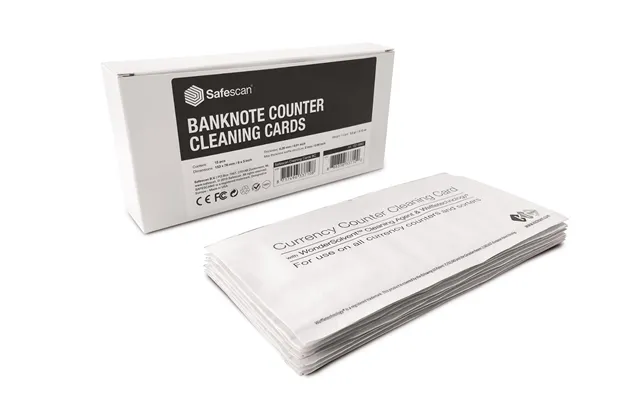
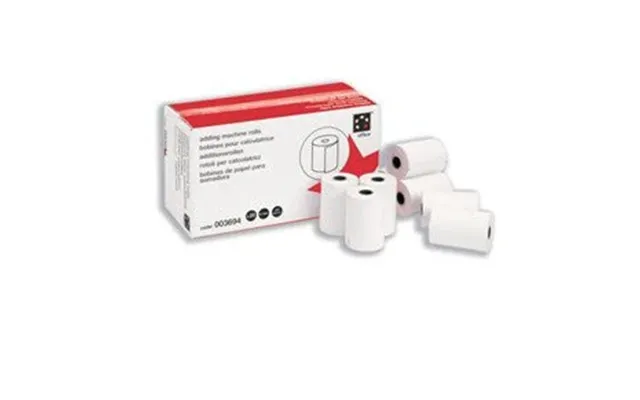
If you rely on printing calculators for receipts, invoices, or quick records, stock up on thermal paper rolls and ink ribbons in advance. Thermal rolls vary in width—commonly around 2 1/4 inches for desktop models—so double-check your device specs. Buying in bulk cuts cost per roll, and keeping a spare on the printer avoids mid-task interruptions. High-quality thermal paper also resists fading, which matters if you need printed records that last.
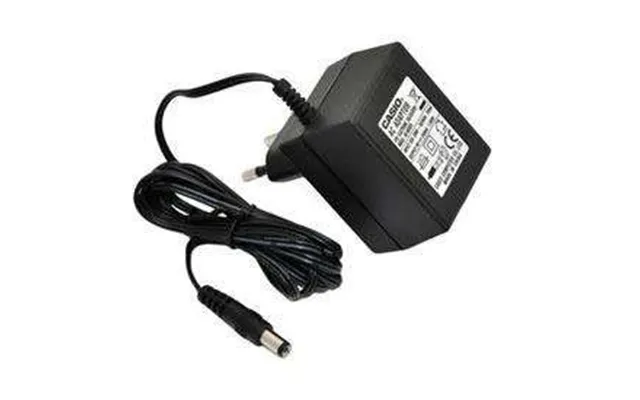
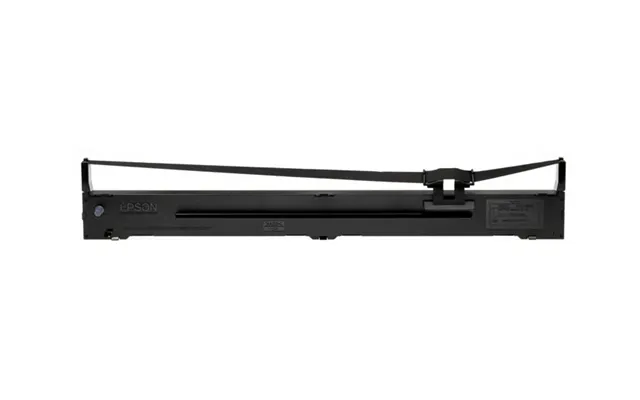
Printing calculators are workhorses in accounting and retail. Accessories that matter most here are high-capacity power adapters, paper holders, protective covers for the print head, and cleaning kits designed for thermal print heads. A stable under-desk cradle or non-slip pad helps keep heavy printing calculators from sliding. For businesses that print many receipts daily, investing in a supply of pre-cut thermal rolls and a spare ribbon is similar to keeping ink cartridges for a busy printer—essential to uninterrupted operations.
For portable and solar calculators, think lightweight and compact. A clip-on belt holster or a slim zippered pouch makes commuting and fieldwork simpler. Solar calculators benefit from occasional supplemental button-cell batteries for low-light conditions; a combined approach ensures you never lose power mid-calculation. If you frequently work outdoors, a small foldable shade that blocks glare or a matte screen protector can keep displays legible in direct sunlight.
Compatibility is the golden rule. Accessories must match your model’s size, power requirements, and port layout. Measure the calculator’s width and depth in inches before ordering a case or a screen protector. For batteries, check the exact cell type (e.g., LR44 coin cell or AA) and voltage requirements. For printing supplies, verify paper width and roll diameter so the roll sits correctly in the printer compartment. Think of compatibility like a tailored suit—off-the-rack is okay, but the right fit performs better.
Cheap accessories can be tempting, but they often wear faster, leading to replacements and higher long-term cost. Opt for trusted materials—silicone keyguards, reinforced nylon cases, or paper from reputable thermal manufacturers. For items like rechargeable battery packs and chargers, choose brands with safety certifications. A small upgrade in initial cost can pay back in reliability and fewer interruptions.
Use comparison sites and user reviews to learn about real-world performance. Look for comments on fit, durability, and whether replacement batteries actually match advertised capacity. Real users often reveal quirks: a case that blocks a charging port, or a tape roll that doesn’t sit flush. Reading a handful of honest reviews saves guesswork and reduces returns.
Some brands stand out for accessories: Fujitsu and Canon often have excellent printing calculator supplies, while Casio and Sharp offer durable cases and battery kits for their compact models. Third-party accessory makers also make quality items, especially for common models. Match accessories to brand-specific features—Casio key layouts differ from Sharp’s, and a universal case may not align keys or cutouts properly. When in doubt, choose accessories known to work with your exact model number.
If you manage a small office, buying accessories in bulk saves hassle and money. Order multiple paper rolls, spare batteries, and a couple of spare covers to rotate between devices. Store them in a labeled drawer or bin so staff can grab replacements quickly—think of it like a kitchen spice rack for your office tools: everything has its place for fast access when needed.
Regular cleaning and appropriate storage extend a calculator’s life. Use a soft brush or compressed air to remove crumbs and dust from keys. Wipe the body and screen with a slightly damp microfiber cloth; avoid harsh solvents. For printing calculators, follow manufacturer guidance to clean the print head and rollers periodically. Proper storage in a cool, dry place—away from direct sunlight—prevents melted keys and degraded plastics. These small habits keep devices reliable and accurate.
Remove batteries if you don’t plan to use the calculator for several months to prevent leakage. For rechargeable packs, avoid storing them fully discharged; aim for about 40–60 percent charge if possible. Keep spare batteries in a cool spot and away from metal objects that could short them. These practices reduce the risk of damage and ensure you can rely on the calculator when needed.
Sustainability is becoming an important factor in office purchasing. Choose rechargeable batteries over disposables, and look for thermal paper with minimal chemical coatings. Some manufacturers offer recycling or take-back programs for batteries and electronic accessories. Also, prioritize accessories with recyclable packaging and long lifespans—durability is one of the best green choices because it reduces waste over time.
Prices vary widely depending on brand and quality. Expect basic silicone cases and screen protectors to start at a few pounds apiece, coin-cell batteries in multi-packs to run under £10, and thermal paper rolls around £3–£10 each depending on quality and quantity. Premium rechargeable battery kits or third-party branded power adapters can cost £15–£40. If you buy in bulk, you’ll lower per-item cost considerably. Use comparison sites to scan offers and check user feedback before committing—this saves both money and disappointment.
Comparison platforms make it easy to scan multiple retailers, read verified reviews, and spot seasonal promotions. Look for sites that list detailed product specs—paper width in inches, battery type, and case dimensions—so you can match accessories precisely to your calculator. Sign up for deal alerts for the items you use most; a well-timed notification can save you a bundle when thermal rolls or battery packs go on sale.
Before clicking “buy,” run through a quick checklist: confirm model compatibility, measure your device in inches for case fit, check battery type and voltage, verify paper roll width for printers, and read at least three user reviews. Consider total cost—including shipping—and whether buying a two- or three-pack will be cheaper in the long run. Little confirmations here prevent common mismatches and returns.
Calculator accessories are a small investment with big returns: less downtime, longer device life, and smoother workflows. From protective cases and spare batteries to thermal paper and keyguards, the right accessories transform a simple calculator into a dependable office tool. Prioritize compatibility, durability, and reviews when shopping, and use comparison tools to find the best value. With a modest supply of well-chosen extras, you’ll keep calculations rolling and spreadsheets balanced without the last-minute scrambles.