All categories
Business & Offices
Electronics & Media
Fashion & Accessories
Groceries & Essentials
Health & Personal Care
Home & Living
Kids & Family
Sports & Outdoors
Search in ZoneOffer

Loading...
You might think that with everything going digital, paper would quietly disappear from offices and homes. But the truth is, paper still plays a huge role—contracts, invoices, mockups, printer stacks, and those irreplaceable handwritten notes. Handling paper efficiently keeps your workspace tidy, saves time, and protects sensitive information. Think of a well-organized office like a well-tuned engine: the right paper handling tools are the oil that keeps everything running smoothly.
When people say “paper handling,” they're really talking about a range of devices that cut, bind, shred, laminate, collate, and generally tame paper chaos. Below I’ll walk you through the most useful categories—shredders, trimmers and guillotines, laminators, binding machines, hole punches and staplers, paper joggers and stackers, and specialty items like corner rounders and booklet makers. Each device solves a real problem; knowing which tools suit your needs will save you both time and money.
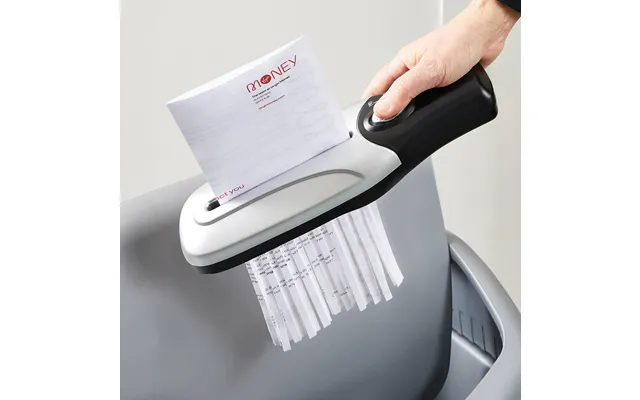
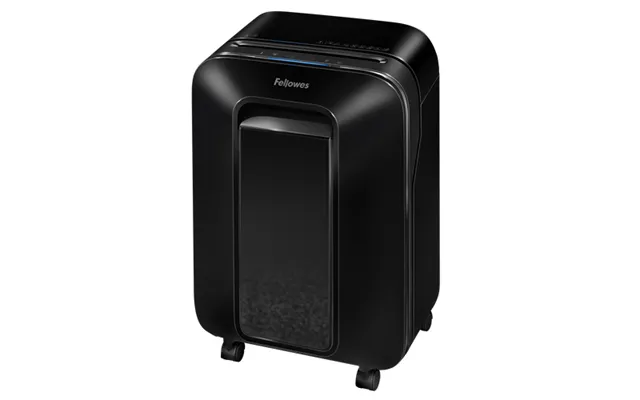
Shredders are essential if you handle confidential documents. You’ll find basic strip-cut models that slice paper into long ribbons, but cross-cut and micro-cut units are far better for security. For a small office, a cross-cut shredder that handles around 8–12 sheets at a time with a 7–10 gallon bin is a practical choice. For higher-volume needs, step up to industrial shredders that manage 20–30 sheets and larger bin capacities. Look for continuous run times measured in minutes and features like jam-proof technology and auto-reverse—these are real time-savers.
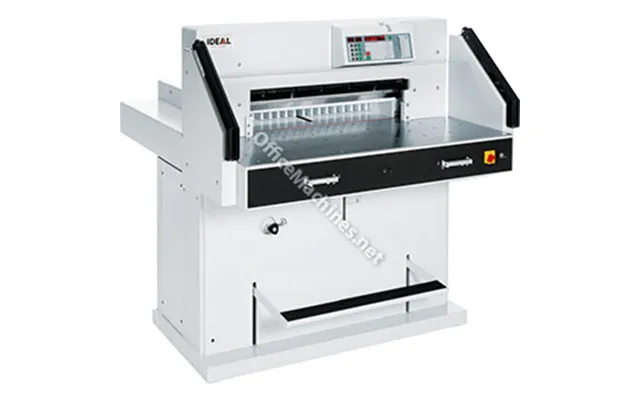
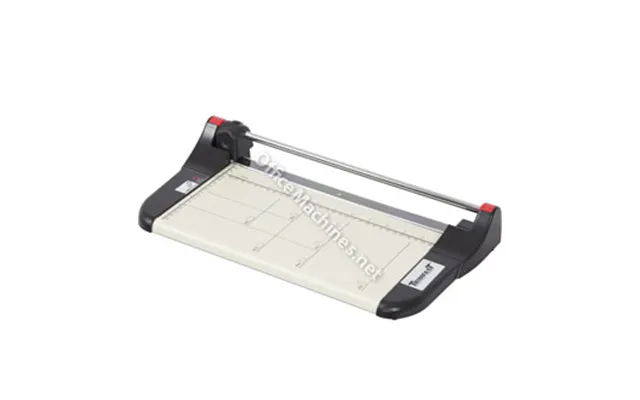
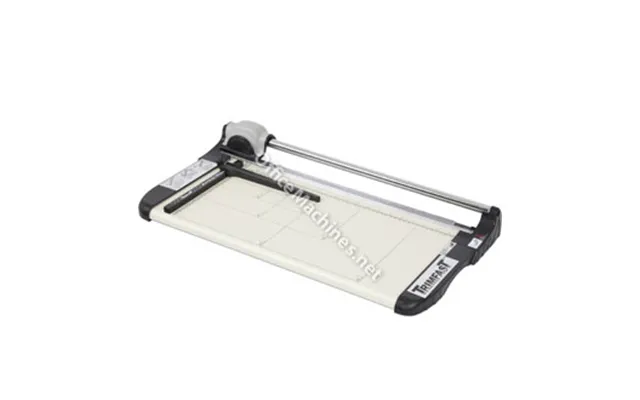
When you need a clean edge, a good trimmer or guillotine is worth its weight in gold. For light-duty tasks, a rotary trimmer that cuts up to 8–10 sheets at once and supports lengths of up to 12 inches is handy. If you’re trimming stacks frequently, a bench guillotine with a safety guard and a clamping foot that holds stacks steady is a better bet. Capacities are usually listed in sheets—10, 20, 40—and cutting lengths in inches. Always choose a model with a durable blade and a clear ruler etched in inches for accurate work.
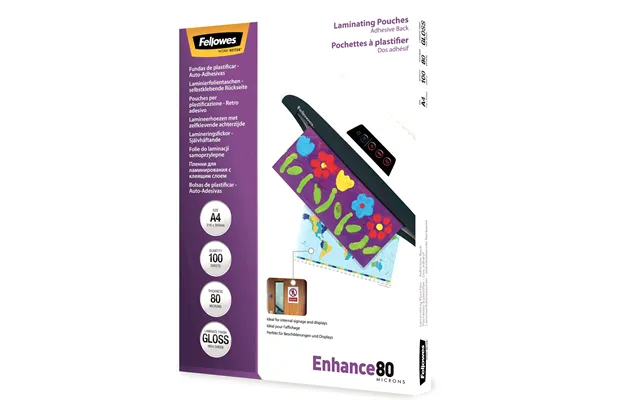
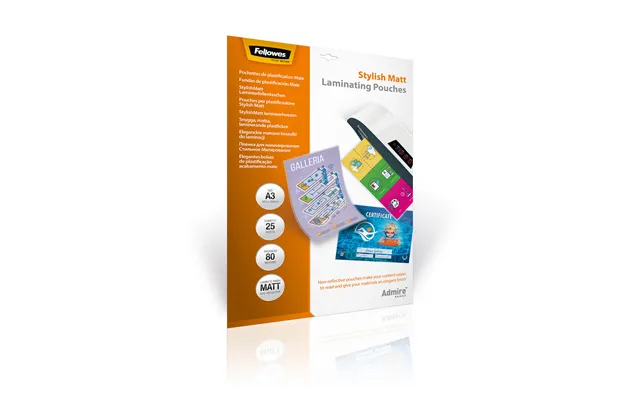
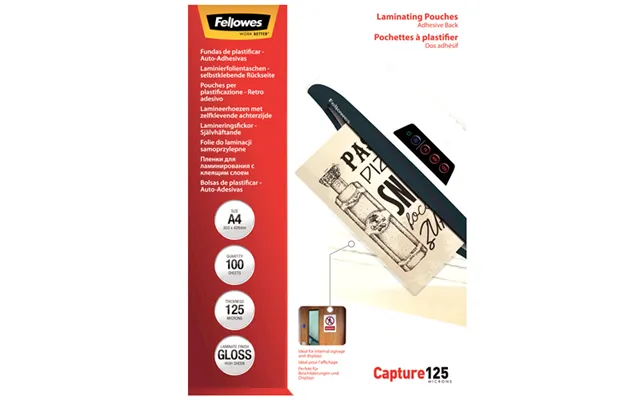
Laminating adds durability and a professional look to signs, menus, or giveaways. Laminators are often rated by warm-up time and speed in inches per minute (ipm). For a small office, an entry-level thermal laminator that reaches readiness in 3–5 minutes and laminates at about 12–16 ipm with 3-mil pouches is fully adequate. If you’re running a busy print area, look for higher throughput—20–30 ipm—and compatibility with 5-mil or 7-mil pouches for thicker, more durable results. Don’t forget reverse or jam-release functions; they save you when a pouch misfeeds.
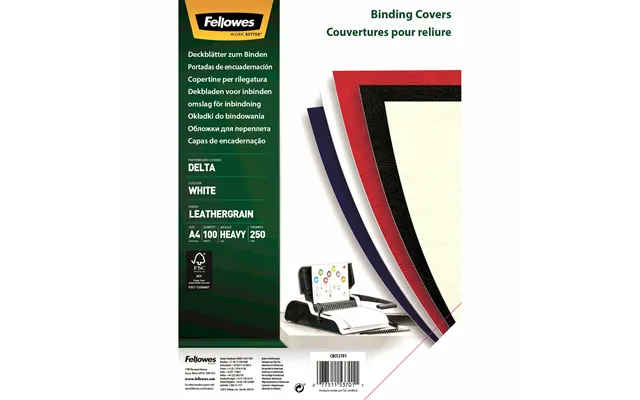
If you prepare reports, proposals, or training manuals, binding machines give a polished finish. There are several binding styles: comb binding, wire binding, coil binding, and thermal binding. Comb binders are great for editable documents—remove or add pages easily—whereas wire and coil bindings offer a sleeker, more permanent appearance. Capacity is usually given in how many sheets can be punched and bound; for instance, a tabletop comb binder might handle 20–30 sheets at a time and bind spines up to 1 inch thick, which accommodates roughly 150–200 sheets depending on paper weight.
Don’t underestimate the humble hole punch and stapler. They keep documents organized and fastened. A heavy-duty two- or three-hole punch that handles 20–40 sheets per stroke is a staple (pun intended) in busy offices. For fastening, manual staplers work for occasional use, but a high-capacity electric stapler that does 20–30 staples per minute can speed up large projects. Look for adjustable throat depth—measured in inches—so you can punch or staple near the margin or farther in for binding.
Paper joggers might sound obscure, but they’re a lifesaver when you need aligned stacks before binding or cutting. Joggers use vibration to straighten edges and remove air pockets; models show capacity in sheets and stack height in inches. Paper stackers and collators handle multiple trays and organize multi-page sets—a must for small print shops preparing mailings or multi-section reports. These tools reduce manual sorting time and improve consistency.
One of the most common mistakes is buying equipment that’s either too small or overkill. For a home office or micro-business, compact models shine: small shredders with 5–7 gallon bins, portable trimmers that cut up to 10 sheets, and light-duty laminators work well. For a small-to-medium office, consider mid-range machines—shredders that run 10–20 sheets, laminators compatible with 5-mil pouches, and comb or wire binders that handle 100–200 sheet totals. For high-volume or production environments, invest in heavy-duty, continuous-use equipment designed to handle stacks and long runtimes.



When you shop, ask yourself practical questions: How many sheets do I process daily? Do I need secure document destruction? Will I print booklets or large reports? Look for features like anti-jam systems, cool-down times (measured in minutes), duty cycles, and energy-saving modes. Also consider safety—guards, two-hand operation for guillotines, and certifications such as UL listing indicate safer operation. These details translate into reliability and peace of mind.
Paper handling equipment must match the materials you use. Standard laser or inkjet printing paper in 20-lb or 24-lb weights behaves differently than cardstock, glossy paper, or labels. Laminators handle different pouch mils; heavier card stock or thicker pouches require higher heat and pressure. Shredders often have trouble with staples, clips, or thick card stock—some commercial models handle staples and small clips, but always check the specifications. If you deal with a mix of media, aim for flexible machines that list compatibility in their specs.
For finishing touches, specialty tools elevate presentation. Corner rounders soften document corners with radii like 1/4 inch or 1/8 inch, giving a professional, safe finish. Booklet makers combine folding and stapling into one machine—great for newsletters or small catalogs. Label applicators speed up packaging or address labeling by applying pre-printed labels accurately and quickly. These niche devices are small investments that can significantly improve the aesthetics and efficiency of your outputs.
Treat your paper handling tools like you would a car: regular maintenance prevents breakdowns. For shredders, oil the cutting head periodically—manufacturers often recommend specific shredder oil and intervals, usually every few weeks of use. Keep cutting blades sharp on trimmers and guillotines; a dull blade causes ragged cuts and increases risk. For laminators, clean rollers with recommended cleaning sheets to prevent adhesive buildup. Simple habits—removing staples when possible, not overloading machines, and turning off devices when idle—go a long way toward longevity.
Most office paper machines are low-power devices, but they can still impact your energy bill if left on constantly. Many newer models feature auto-sleep or power-off modes that kick in after a period of inactivity. Also consider footprint: measure available counter or floor space in inches before buying. A wide laminator or a long guillotine needs a clear surface for safe operation; shredders with large bins require accessible clearance for bin removal. Measure twice, buy once.
Comparing models can feel like wading through a jungle. Start by listing your must-haves—sheet capacity, cutting length, pouch compatibility, and security level. Then compare specs side-by-side: sheet-per-minute rates, bin capacity in gallons, warm-up times in minutes, and warranty length. Read user reviews focusing on reliability and real-world performance. Comparison sites, product guides, and user forums are great resources to see how a device performs beyond the spec sheet. Think of it as test-driving before you commit.
It’s smart to splurge on components that affect long-term performance: durable blades, reliable motors, and reputable warranties. You can save on less critical items—basic hole punches, small desktop laminators, or entry-level staplers—if your usage is occasional. If your office frequently produces client-facing materials, prioritize quality in binding and finishing equipment; the presentation will reflect on your brand.
Different workflows require different toolsets. For a small real estate office, combine a cross-cut shredder for document security, a mid-sized laminator for signs, and a comb binder for client packets. A print shop benefits from a high-capacity guillotine, a heavy-duty booklet maker, a large laminator that handles 12–18 inch widths, and an industrial shredder for paper waste. Educational settings often need a mix of durability and affordability—rotary trimmers, simple laminators, and heavy-duty staplers usually do the trick.
If you’re into crafting, look for trimmers with grid guides in inches, corner rounders with small radii for a polished look, and thermal laminators that handle thinner pouches for custom cards and tags. Hobbyist laminators and small cutters are affordable and easy to store, perfect for weekend projects or small-batch runs.
Choosing the right paper handling equipment doesn’t need to be intimidating. Start with what you use most and pick machines that match your daily demands. Prioritize safety, maintenance, and a balance between cost and durability. With the right setup, your workflow will get faster, cleaner, and more professional—like turning a cluttered desk into a well-orchestrated studio.
Conclusion: Investing in smart paper handling tools pays off in productivity and presentation. Whether you’re securing confidential paperwork with a reliable shredder, creating polished reports with a binding machine, or protecting signage with a laminator, the right equipment streamlines processes and enhances professionalism. Take stock of your needs, compare features in inches and sheets, and pick tools that fit both your workflow and budget.

| £ 156,14 |