All categories
Business & Offices
Electronics & Media
Fashion & Accessories
Groceries & Essentials
Health & Personal Care
Home & Living
Kids & Family
Sports & Outdoors
Search in ZoneOffer

Loading...
Ever feel like the world of handheld tech is more than just phones and tablets? You’re right. “Handheld Devices – Other” covers a smart, fast-growing group of gadgets that sit between laptops and phones—think handheld gaming PCs, ultra-mobile PCs (UMPCs), e‑ink note-takers, portable scanners, and rugged field computers. They’re ultra-portable, surprisingly powerful, and tailor-made for specific tasks. Whether you want console-quality gaming on a train, scribble notes on a paper-like screen, scan documents in a coffee shop, or run field software in the rain, there’s a handheld for that. And when you compare deals across multiple retailers on a price comparison platform, you can spot the best value without the guesswork.
We’re living in the golden age of handheld computing. Chips designed for thin devices now rival older desktops, battery life keeps improving, and accessories like docks and compact keyboards make small devices feel big. If you’ve ever wished your backpack was lighter or your workflow more flexible, these handhelds are the missing piece. Better yet, with more models landing each year, competition drives prices down—exactly the kind of trend you want to watch using a comparison site that surfaces the strongest offers.
Let’s level-set. Portable consoles like dedicated retro handhelds are built for simple, instant fun. Handheld gaming PCs, on the other hand, run full desktop-class systems and play modern titles with advanced graphics. Consoles tend to be cheaper and more straightforward. PCs are more versatile, customizable, and powerful. Which one’s for you? If you want to tinker, mod, dock to a TV, and run a wide library of modern games, go PC. If you love pick‑up‑and‑play simplicity and nostalgic titles, go console. The good news: there’s a lot of overlap, and both sides have stellar choices right now.
Three names dominate the conversation for performance handhelds: Steam Deck, ASUS ROG Ally, and Lenovo Legion Go. The Steam Deck is a fan favorite for its library integration and accessible interface, and its 7‑inch screen makes it compact enough for daily commute sessions. The ROG Ally pushes higher frame rates in a sleek chassis that feels like a premium controller with a brain. The Legion Go is the big-screen option, with an expansive display that’s a joy for RPGs and strategy titles. All three support docking, external controllers, and storage expansion. When you compare prices across sellers, pay attention to bundles that include cases or docks—they can cut real costs once you add up the extras.
If “Saturday morning games” means pixel art and chiptunes for you, retro handhelds are a delight. Brands like Anbernic and Retroid Pocket make pocketable devices with classic layouts, crisp 3 to 5‑inch screens, and simple interfaces. They’re brilliant travel companions, especially on flights or bus rides where quick bursts of gaming beat long setup times. Look for models with sturdy buttons, good d‑pads, and bright displays that stay readable outdoors. Many also double as mini media players, so you can keep one device for podcasts, music, and games without draining your main phone.
UMPCs are the sleeper hit of the handheld world. They run full desktop-class software, slip into a coat pocket, and can dock at a desk in seconds. Imagine checking spreadsheets, editing documents, or even managing light creative tasks while traveling, then snapping into a dock at home to use a monitor and keyboard. That’s the UMPC life. They fill a gap that tablets and laptops miss: truly pocketable power with a real operating system and full application support. They’re perfect for professionals who need portability without sacrificing capability.
Leading the pack are GPD (with Pocket and Win series), OneXPlayer, and AYANEO. GPD’s Pocket devices offer tiny clamshell designs with built‑in keyboards that feel surprisingly usable after a day or two. OneXPlayer aims for bigger screens for clearer text and more comfortable multitasking. AYANEO blends premium touches with strong performance in a handheld-first form factor. When comparing, check the screen size (7‑inch is ultra‑portable, 8‑plus inch is easier on the eyes), and look for configurations with roomy storage if you handle large files. A travel-friendly dock can turn any of these into a credible desktop replacement.
For reading, long-form writing, and distraction‑free thinking, e‑ink devices are magic. They offer paper-like displays that are gentle on your eyes, even during late-night sessions. Beyond reading, many e‑ink devices now support precise stylus input for notes, sketches, and document annotation. If you’re juggling reports, manuscripts, or study notes, you might find that an e‑ink tablet makes you slower to distract and faster to finish. Think of it as a modern notebook that never runs out of pages.
Kindle is the household name for reading, and it’s hard to beat for a streamlined library experience. Kobo balances an open ecosystem with robust hardware across various screen sizes. Boox leans into productivity, offering note‑taking, file management, and flexible app support on larger screens. For reading‑only, smaller screens keep things ultra‑portable. For note‑taking, aim for a bigger canvas and a quality stylus. Compare offers that include a cover or stylus—they often save money versus buying add‑ons separately.
If paperwork is part of your day, a handheld scanner is a game‑changer. Imagine scanning receipts at your desk, a contract in a meeting room, or a page from a book in the library without hunting for a bulky flatbed scanner. Most handheld and pen‑style scanners pair with mobile apps for quick PDF creation and cloud upload. You can keep your documents organized in the moment rather than drowning in a pile later. It’s like carrying a tiny records office in your bag.
Look for scanners with clear optical quality, fast page capture, and dependable app support. Battery‑powered models with onboard memory keep you flexible if you’re away from a laptop. Pen scanners that convert printed text into editable digital notes can be a lifesaver for researchers and students. Accessories matter here: a slipcase protects optics, and a good cable ensures consistent transfers. When you compare pricing, double‑check if the software license you want is included or subscription‑based—it affects long‑term value.
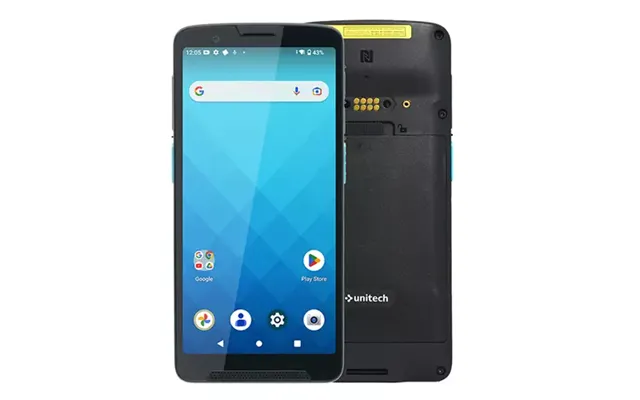
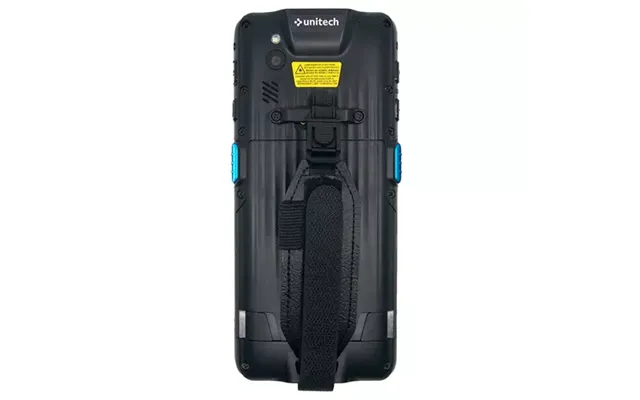
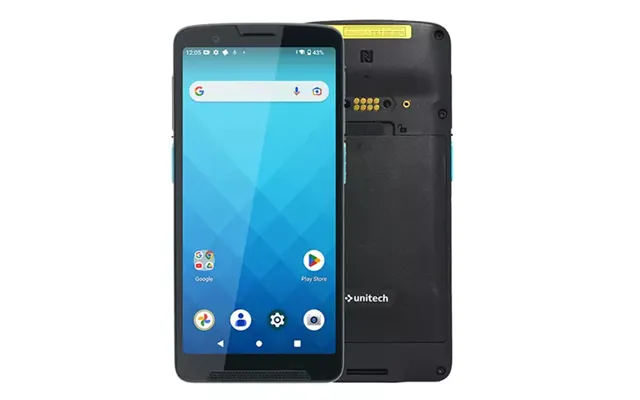
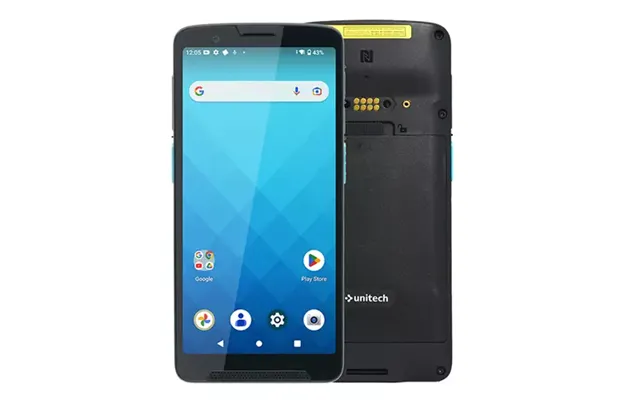
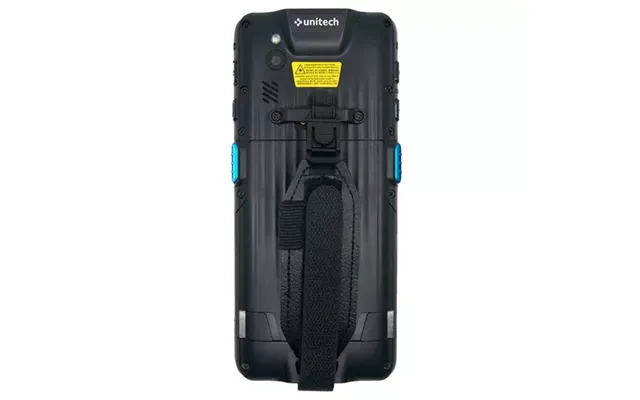
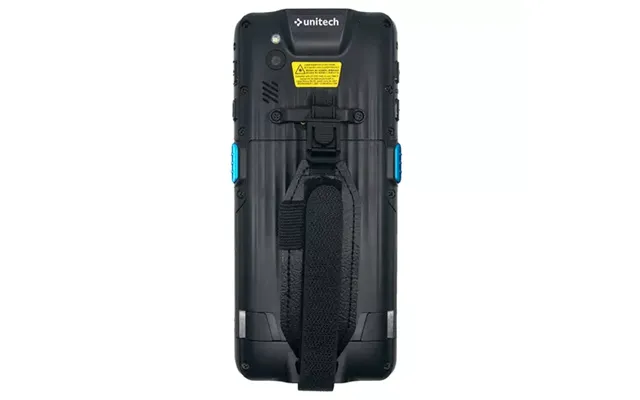
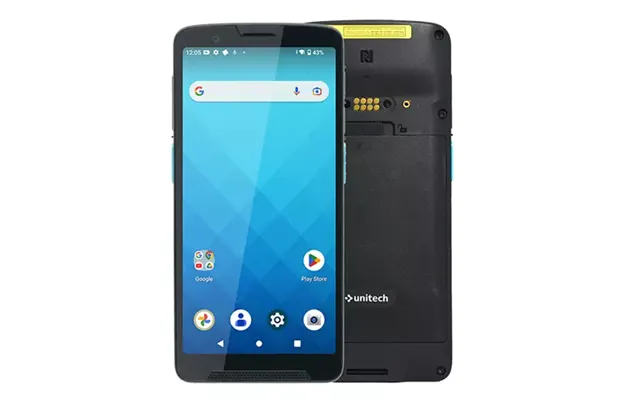
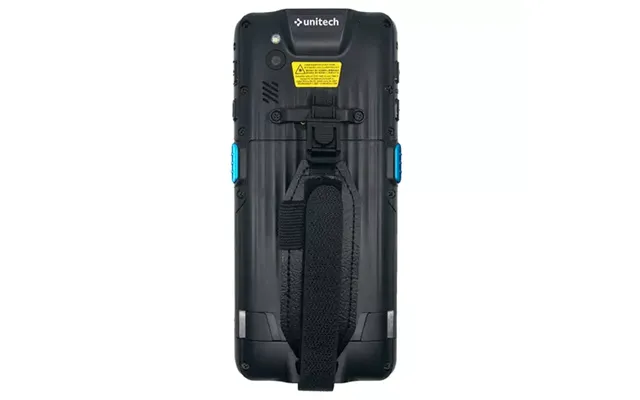
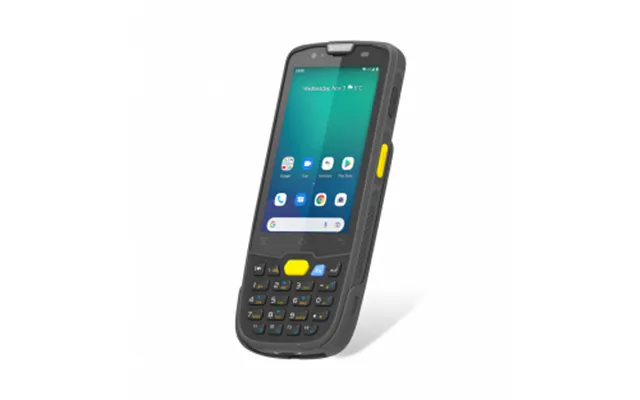
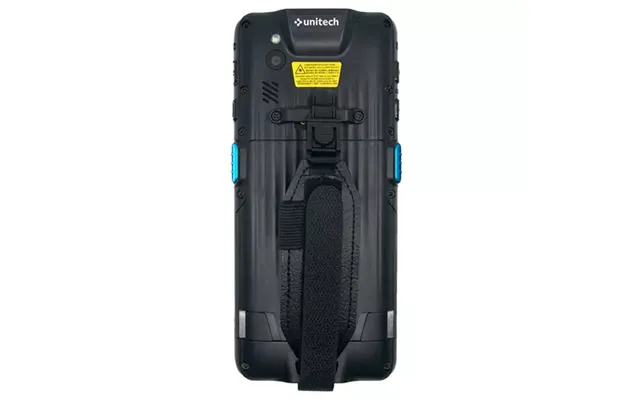
Construction sites, warehouses, delivery routes—some environments demand tough handhelds. Rugged devices are designed to handle drops, dust, and rain, and many run specialized apps for inventory, inspections, or mapping. They may include optional barcode readers, hot‑swappable batteries, and glove‑friendly touch. They’re not just tough; they’re smart, too. If your day takes you outdoors or into unpredictable conditions, a rugged handheld saves time and reduces equipment failures.
Focus on reinforced frames, sealed ports, bright screens that stay readable in sunlight, and long battery endurance. A lanyard or belt clip can be more than a convenience—less fumbling equals fewer drops. If you dock at a vehicle or a desk, look for solid cradles and mounts. For teams, centralized device management and replaceable batteries pay off. Bundle offers that include extra batteries or vehicle docks can be huge money savers over piecemeal purchases.
Specs can look like alphabet soup, so let’s make them easy. Start with the processor and graphics capability for gaming and heavy multitasking. Check RAM for smooth switching between apps. Make sure storage suits your library, and that it’s expandable if you plan to grow. Displays should be bright and sharp with good viewing angles. Connectivity makes life easier—fast Wi‑Fi, reliable Bluetooth, and a versatile port layout simplify everything from docks to controllers. Last but never least, battery life and charging convenience can make or break your daily experience.
Handheld gaming PCs and UMPCs rely on efficient chips that balance power and battery life. If you play modern games or edit media, lean into devices known for strong graphics and boost modes. Casual use? A modest chip is plenty and keeps heat down. The right performance profile is like choosing a car engine—you want enough torque for your road, not a dragster for a school run.
RAM determines how comfy your device feels when you have multiple apps open. For gaming or heavy browsing, more memory means fewer slowdowns. Storage should fit your media, files, and games, with room to breathe. If you can, pick models that support swappable microSD cards or easy external drives. Think of storage like closet space—you can never have too much, but smart organization helps just as much.
Screen size affects both comfort and portability. A 7‑inch display is ultra‑mobile; 8‑plus inches gives games and documents more room to breathe. Prioritize brightness and a comfortable resolution for long sessions. For gaming, responsive sticks and triggers matter as much as the panel. For note‑takers, a quality stylus with low latency keeps writing natural. If your device docks, consider whether the UI scales well on a big TV or monitor.
Real‑world endurance varies by how you use the device. Gaming draws more power than reading, and bright screens drain faster. Look for flexible power modes so you can tune for performance or longevity on the fly. Fast USB‑C charging is worth its weight in gold when you need a quick top‑up before a train ride. A compact power bank can turn a close call into a non‑event.
Modern handhelds thrive with the right ports and wireless standards. USB‑C simplifies charging and docking. A headphone jack is still handy for lag‑free audio. Bluetooth should be robust for controllers and keyboards. If you present often, native video output makes meetings smoother. Bottom line: the more flexible the I/O, the easier it is to build the setup you want at home, at work, or on the move.
A great handheld becomes outstanding with the right add‑ons. A dock turns it into a mini desktop. A travel stand makes streaming or calls hands‑free. A tough case keeps it safe in a backpack. Wireless earbuds or a wired headset give you crisp audio. A collapsible keyboard lets you type real emails without squinting. Accessories are the secret sauce that take a handheld from “cool gadget” to “daily driver.”
Protection is cheap compared to repairs, so start with a case that fits snug and doesn’t add bulk. A good screen protector guards against scratches without ruining clarity. Power banks are the safety net every traveler needs—match capacity to your usage and pick a compact model that won’t weigh you down. A short, sturdy cable and a slim wall charger round out a practical power kit.
Docks multiply your ports and make it effortless to pair a big screen, keyboard, and mouse. For gaming, an extra controller turns your handheld into a living room console in seconds. A foldable stand keeps your device upright on a tray table or café counter. These small additions add comfort without clutter, and they’re often bundled at a discount if you compare offers wisely.
Start with your day, not the spec sheet. Are you gaming at home and commuting? Reading for hours? Taking notes in meetings? Scanning receipts and forms? Once you map your routine, the right choice becomes obvious. Power users need strong chips and cooling. Readers want e‑ink and a comfy grip. Travelers need pocketable designs and reliable connections. Define your must‑haves and let everything else follow.
Pick a performance handheld with comfortable grips and responsive sticks. A 7‑inch to 8‑plus inch display is the sweet spot for visibility without bulk. Look for adjustable performance modes so you can push frames at home and save battery on the go. Dock support is a bonus for couch play. Extra storage keeps growing libraries happy—games are only getting larger.
E‑ink wins for long reading sessions and a distraction‑free vibe. If you annotate PDFs or journal, prioritize a responsive stylus and big enough canvas to keep your handwriting natural. A slim cover that doubles as a stand makes travel easier. Cloud sync keeps notes safe and accessible across devices without any extra steps.
A UMPC paired with a mini keyboard can handle real work in tight spaces. Add a handheld scanner to capture receipts and contracts on the move, and you’ve got a paperless workflow that’s faster than sorting a shoebox later. If you present, make sure your device can connect cleanly to hotel TVs or meeting room displays. Keep a small hub and a tidy cable set in your bag so you’re never stuck.
Prices swing a lot in this category, especially around new releases and seasonal sales. That’s why it pays to compare across multiple sellers rather than impulse‑buying from the first link you see. A price comparison site helps you scan today’s offers, spot bundles with real value, and avoid overpaying for accessories. Remember, the “cheapest” option isn’t always the best deal—sometimes a slightly higher price that includes a dock, case, and extended coverage ends up saving more in the long run.
Keep an eye on big sales events and launch windows when older models get marked down. Bundle deals can be excellent—especially on gaming handhelds and e‑ink tablets where cases, styluses, or docks are must‑haves. Don’t overlook refurbished units from reputable sellers; they’re a great way to stretch your budget if you’re comfortable with a device that’s been professionally checked and cleaned.
First steps matter. Update your device right away for the newest features and fixes. Set up power profiles that match your routine—one for performance, one for travel. Customize controls and sensitivity so games or apps feel natural. For note‑takers, create templates for meeting notes or study outlines. For scanners, set default folder names and cloud sync so every scan lands exactly where you expect.
Performance isn’t just about raw power; it’s about consistency. Keep firmware and drivers current. Tune fan and power settings to strike your ideal balance between speed and noise. Organize storage with clear folders and archive old files to keep things snappy. Backups are non‑negotiable—whether to cloud or external drives—so a lost device never means lost work.
Take care of a handheld and it’ll take care of you. Store it in a case, avoid extreme temperatures, and clean ports occasionally to prevent flaky connections. If your device supports it, dock gently and avoid stress on connectors. Treat batteries with respect—partial top‑ups are generally kinder than running from full to empty every time. Small habits add up to years of smooth use.
For performance handhelds, airflow matters. Don’t block vents, and consider a stand that lifts the device during long sessions. Use a soft cloth for the screen, and keep liquids far away. If buttons or sticks feel sticky, a careful clean brings them back to life. Above all, build a routine: charge before bed, pack your case the same way every time, and you’ll spend less time fiddling and more time enjoying.
“Handheld Devices – Other” is where the most exciting innovations in portable tech are happening. From powerhouse gaming rigs you can hold in two hands to paper‑like note‑takers, pocket PCs, and go‑anywhere scanners, these devices are built to fit your life rather than forcing you to adapt to theirs. The trick is matching the tool to the task and comparing offers across multiple retailers so you don’t leave money on the table. A comparison platform makes that easy—one page, many prices, clear choices. Decide what you need, check the deals, and grab the handheld that makes your days lighter, faster, and a lot more fun.

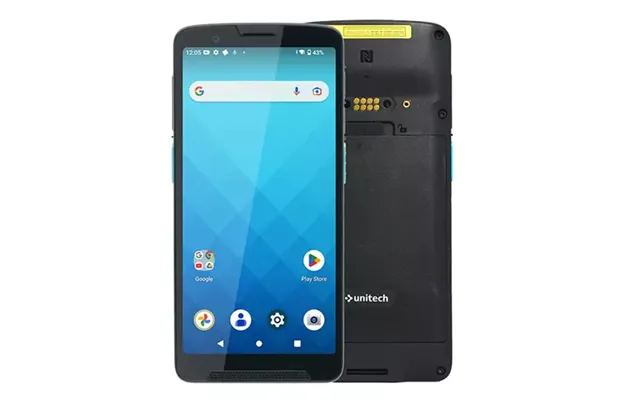
| £ 653,44 |
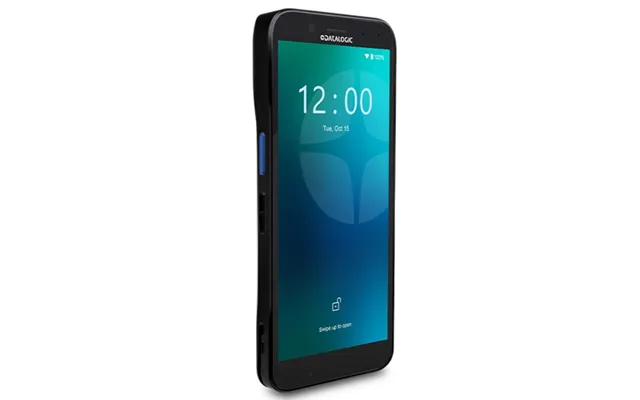
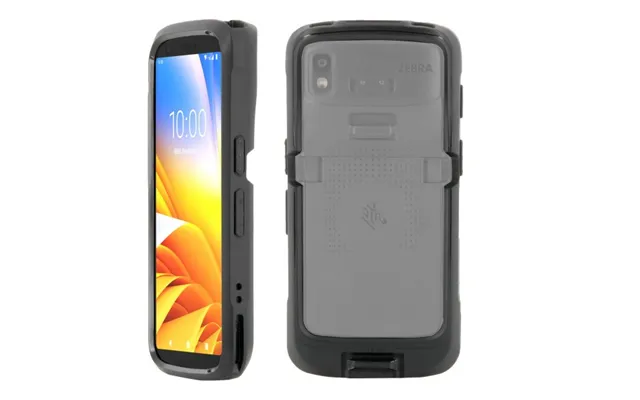
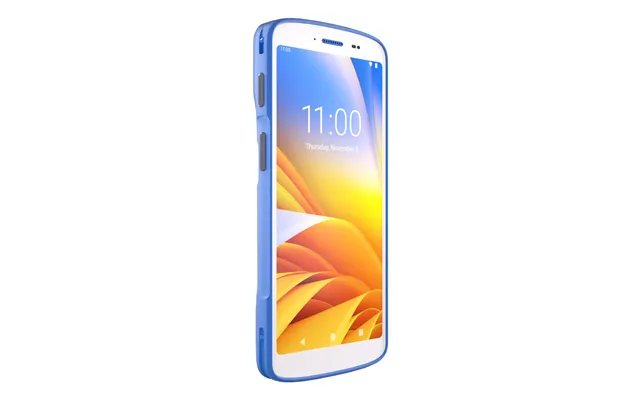
| Zebra Hc50 Handheld Mobile Computer 15.2 Cm 6 1080 X 2160 Pixe | £ 1.003,24 |