All categories
Business & Offices
Electronics & Media
Fashion & Accessories
Groceries & Essentials
Health & Personal Care
Home & Living
Kids & Family
Sports & Outdoors
Search in ZoneOffer

Loading...
Computer accessory sets bundle the essential add‑ons you need to work, play, or create—without the hassle of buying everything separately. Think of them as thoughtfully curated kits that can include a keyboard and mouse combo, a webcam with a microphone, a docking station with cables, or even full gaming packages with a headset and large desk mat. The big win? Convenience, compatibility, and a better overall price than purchasing each item one by one.
Whether you’re setting up a home office, optimizing a gaming battle station, or getting a student ready for lectures and late‑night essays, accessory bundles cut the decision fatigue. Many popular offers in the UK highlight crowd‑pleasing pairings—like wireless keyboard and mouse combos or streaming kits—and often add extra perks such as extended cables, wrist rests, or slim stands. If you’ve ever wished your setup came together like a neat puzzle, a computer accessory set is exactly that.

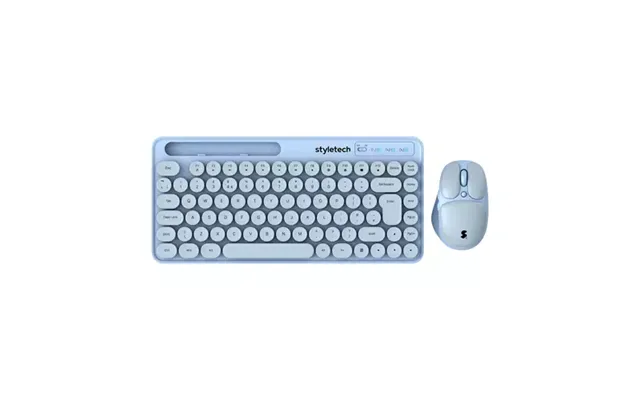
Bundles save you time and money. Instead of hunting down compatible gear piece by piece, a set gives you a matched pair—or trio—that works out of the box. You’ll often see a lower combined cost compared to separate prices, and the features are usually balanced for a consistent experience. For example, a keyboard designed with a mouse from the same brand will likely share wireless receivers or software, making setup painless and performance smoother.
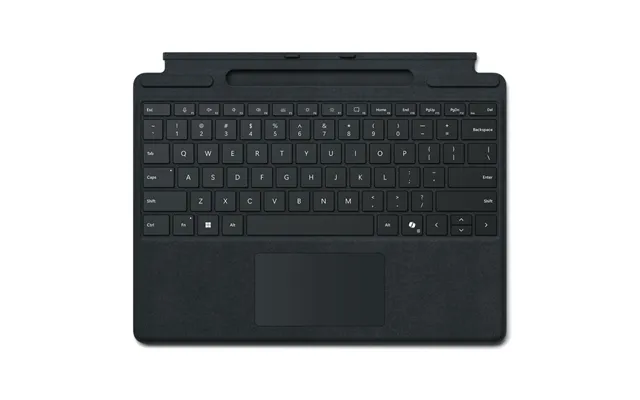
Another bonus is peace of mind. When a manufacturer—or a popular comparison platform highlights a set—it’s usually because those items play nicely together. That means fewer returns, fewer drivers to chase down, and fewer headaches. For many shoppers checking a price list or evaluating today’s popular offers, bundles hit the sweet spot between value and reliability.
The hottest picks in the UK tend to fall into a few clear categories: keyboard and mouse combos for productivity, webcam and microphone sets for video calls, docking station bundles for multi‑monitor laptop users, and gaming packages loaded with RGB flair. Each category focuses on core needs—speed, comfort, clarity, or connectivity—so you can match a set to your exact routine.
Browsing a computer accessory sets price list can feel like scanning a restaurant menu. Some deals are unbeatable, while others are just “meh.” The trick is to look beyond the price and weigh the features you’ll use every single day. A budget webcam and mic set might be all you need for online classes. A dock with multiple video outputs could transform how you use your laptop. And a mechanical keyboard bundle might be the upgrade that finally makes typing feel fun again.
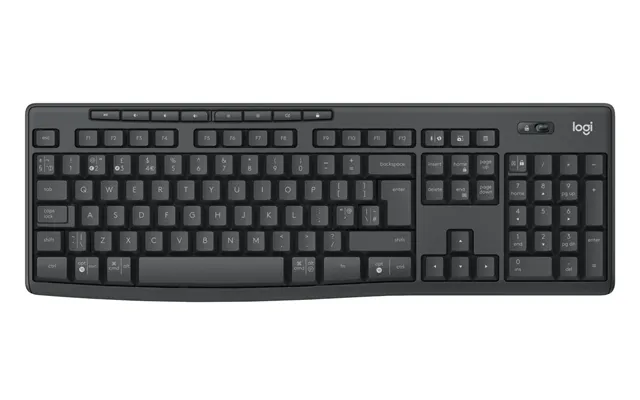
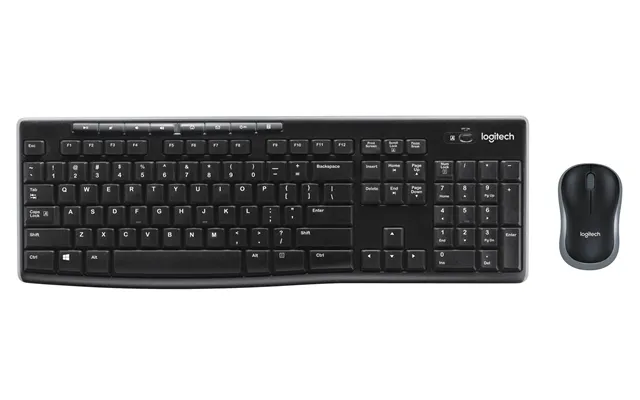
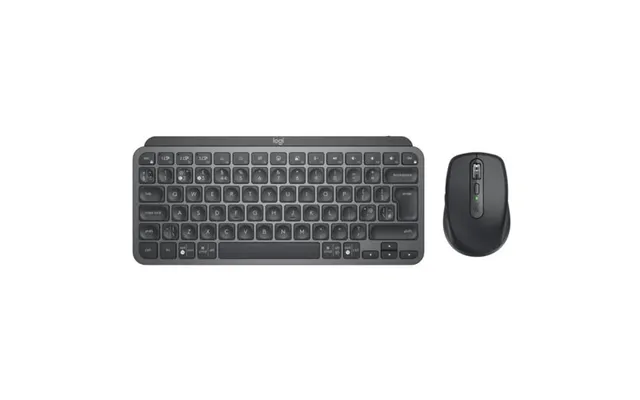
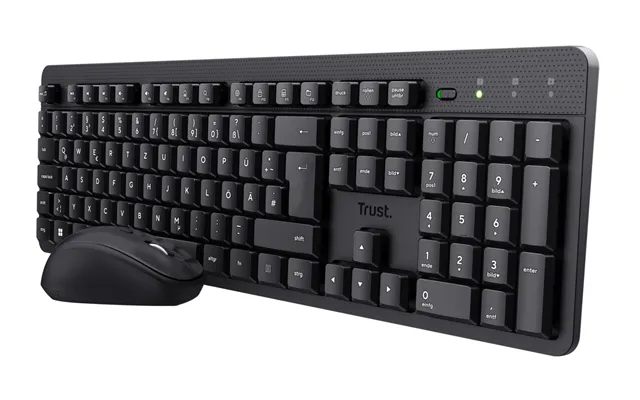
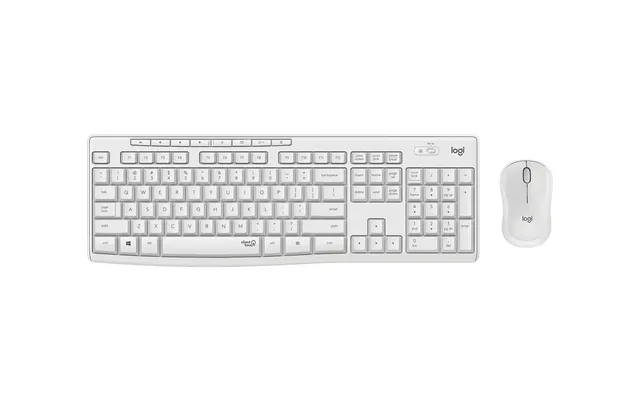
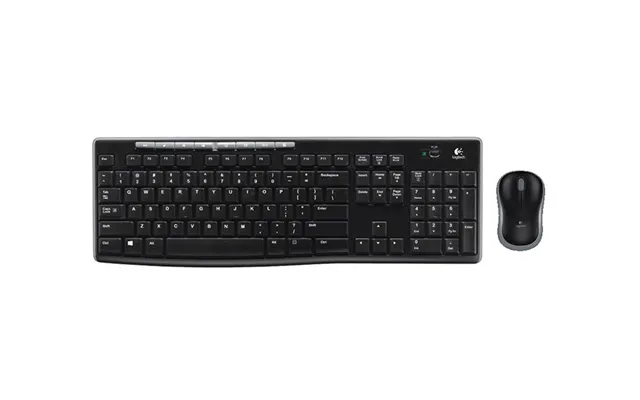
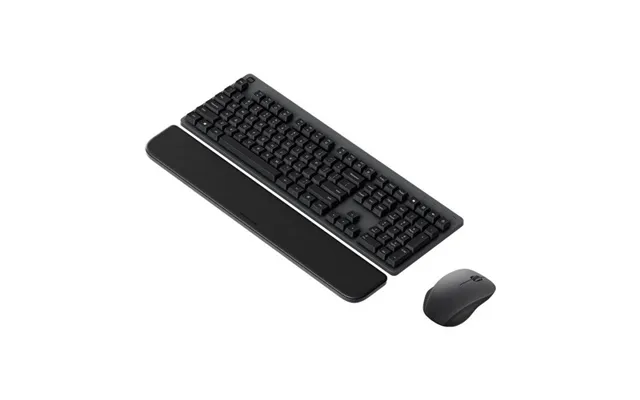
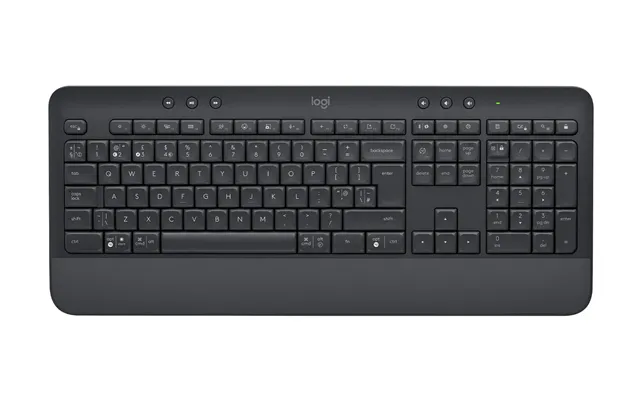
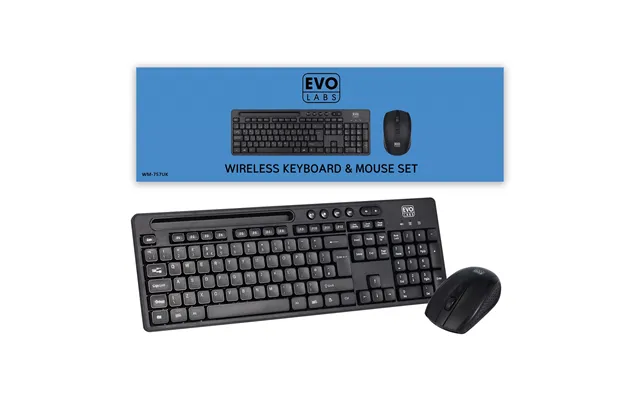
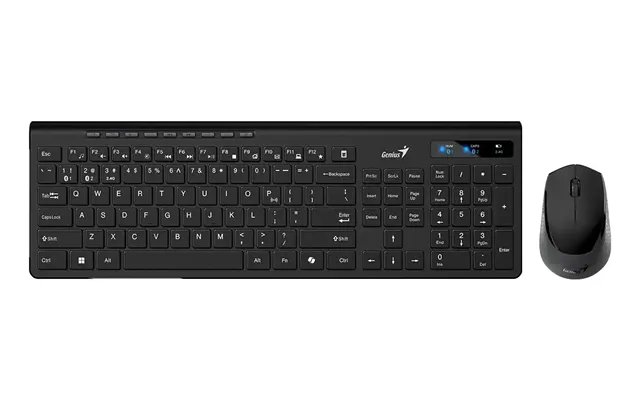
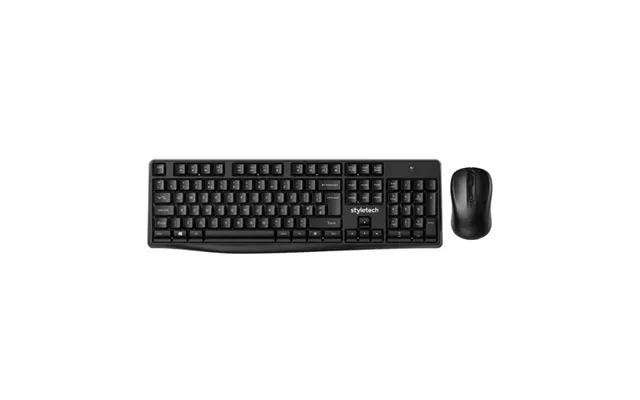
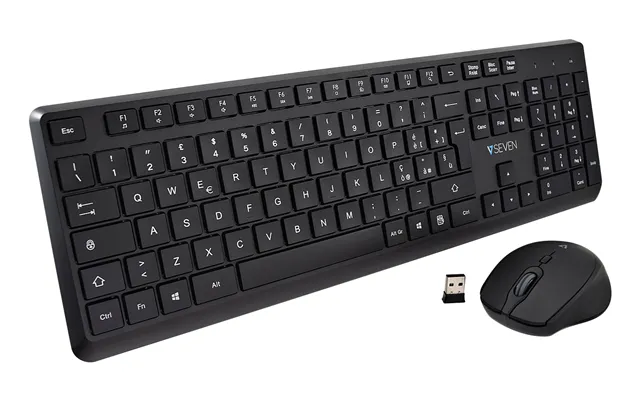
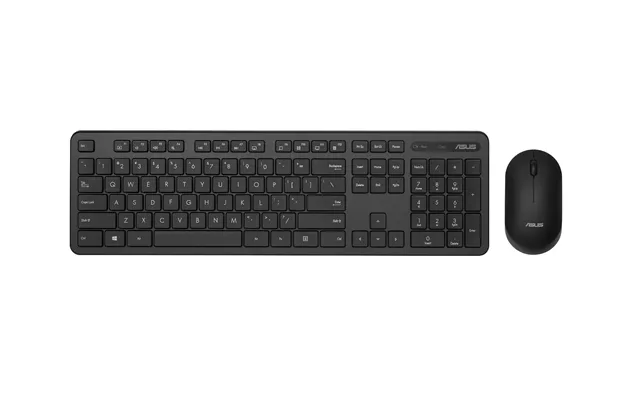
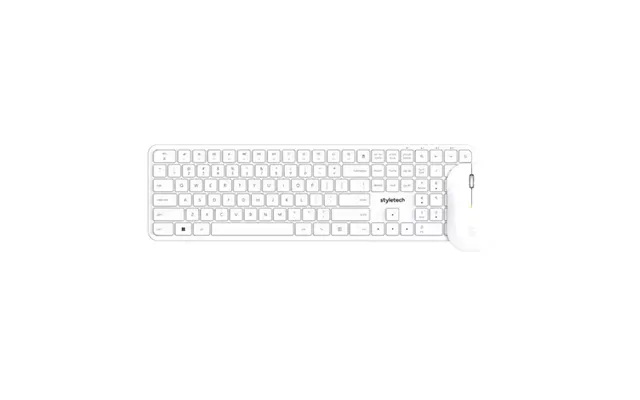
Keyboard and mouse combos are the backbone of most bundles. For productivity, look for quiet keys, an ergonomic layout, and a wireless connection that stays stable across a busy desk. A single 2.4 GHz receiver or Bluetooth pairing keeps things tidy. For gaming, a combo with anti‑ghosting keys, adjustable DPI on the mouse, and a sturdy build can make a huge difference. Mechanical switches—linear, tactile, or clicky—offer a distinctive feel and can boost both speed and accuracy.
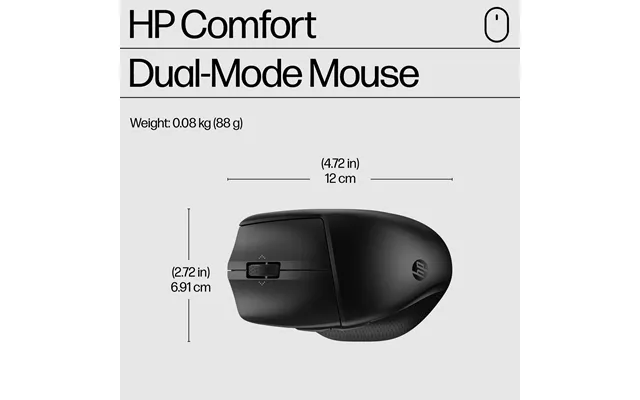
If you work long hours, an ergonomic split keyboard paired with a vertical mouse reduces strain on your wrists and shoulders. Compact keyboards are ideal for tight desks, freeing space for your mouse arm and improving posture. Some combos include a cushioned palm rest, low‑profile keys for quicker presses, and lightweight mice for fast, precise movements. If you’re after a clean desk aesthetic, a low‑latency wireless combo with reliable battery life is a standout pick.
Video calls should look sharp and sound natural, whether you’re on Zoom, Teams, or Slack huddles. A webcam and microphone set ensures your image is clear and your voice isn’t tinny. Look for 1080p or 4K video, a built‑in privacy shutter, and good low‑light performance. On the audio side, a cardioid mic or a noise‑reduction capsule helps isolate your voice from keystrokes and chair squeaks, giving you that professional edge on calls.
Some sets arrive with a small tripod, a pop filter, or a compact boom arm, which can make positioning a breeze. If you have a 24‑inch or 27‑inch monitor, check that the webcam clip handles thicker bezels. For a minimalist setup, a plug‑and‑play USB connection keeps things simple—no driver hunts needed. If you stream, consider a mic with onboard gain and mute, so you can make quick adjustments without diving into software.
Laptop users who crave desktop‑class convenience should consider a docking station set. These bundles often mix a USB‑C or Thunderbolt dock with essential cables—HDMI, DisplayPort adapters, and sometimes a long power cord—so you can plug in and go. If you’re running dual monitors, confirm the dock supports your displays’ resolution and refresh rate. A solid dock can transform a 15‑inch laptop into a full workstation feeding one or two 27‑inch monitors with room for peripherals.
Good docks do more than add ports; they simplify your day. One cable to your laptop and suddenly your keyboard, mouse, Ethernet, external drives, and speakers come alive. Want a clean desk? Pick a bundle with cable ties or a 6‑foot HDMI cable so you can route lines neatly behind your setup. If you shift between work and personal machines, a dock makes hot‑swapping fast and frustration‑free.
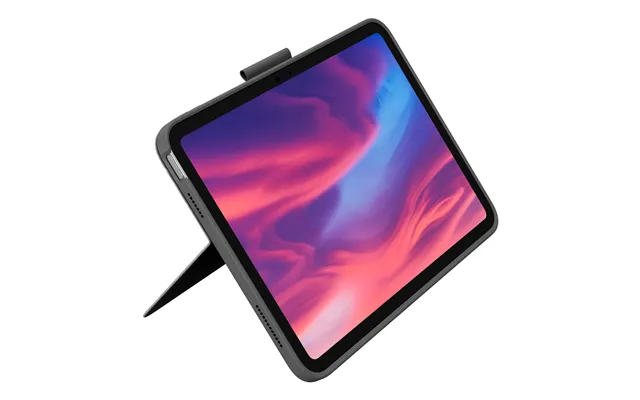
On the go? Travel kits bundle a slim Bluetooth keyboard, a compact mouse, a foldable laptop stand, and a small hub into one grab‑and‑go package. The best ones keep weight down and fit easily in a backpack while still delivering comfort and durability. Look for multi‑device Bluetooth pairing if you bounce between a laptop, tablet, and phone. A stand that lifts your screen a few inches helps with posture during long sessions at a coffee shop or on the train.
Extra touches matter when you’re mobile. A fabric carry case keeps everything together. A 6‑foot charging cable means you can reach a far wall socket. If you use a 13‑inch or 15‑inch laptop, make sure the stand’s lip and arms hold your device securely. Some kits also include a small travel mouse pad and a cable pouch, which can save you from the dreaded “bag spaghetti” of tangled cords.
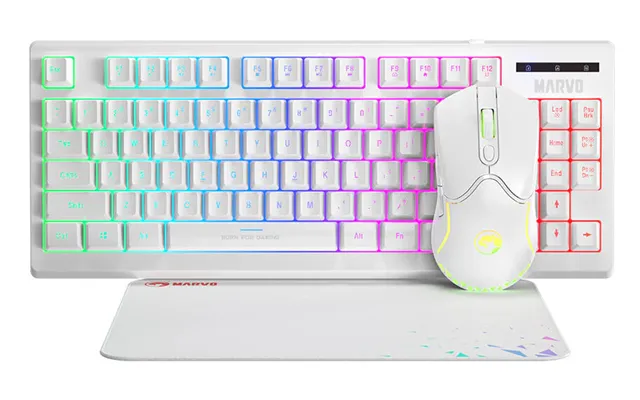
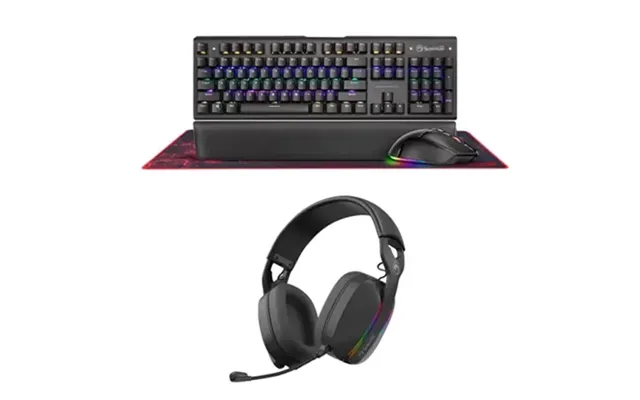
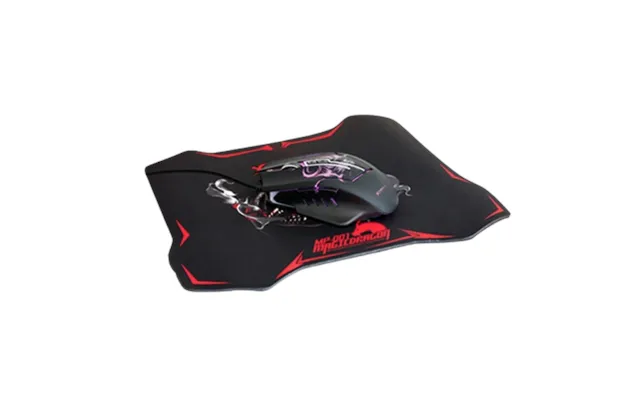
Gaming bundles are built for performance and flair. Expect a responsive keyboard, a high‑precision mouse, and a cushy headset with a clear mic. If you love fast shooters, a lightweight mouse with adjustable DPI and low lift‑off distance will feel instantly snappier. If you’re into MMOs or strategy, macro keys on the keyboard can give you shortcuts to complex combos. A large desk mat—think 35 inches wide—helps keep movements smooth.
Audio is half the experience. Look for headsets with large, around‑ear cups and drivers close to 2 inches in diameter for punchy sound and clean voice chat. A flexible, noise‑filtering mic keeps your callouts crisp. Many gaming sets sync RGB lighting across the keyboard, mouse, and headset, so you can match your rig’s theme. The best part? Bundled pricing means you can get everything dialed in without emptying your wallet.
If you type for hours, comfort is king. Productivity‑focused accessory sets often include an ergonomic keyboard with a gentle slope, a contoured mouse that supports the hand, and a wrist rest to reduce tension. Small changes—like moving your mouse closer or raising your screen—can spare you aches over a long day. Look for soft‑touch keycaps, quiet switches, and a stable frame that doesn’t flex under pressure.
A monitor riser that lifts your display by a couple of inches can align the top of the screen with your eyes, smoothing out neck strain. Some bundles include a laptop stand, which turns a 13‑inch or 15‑inch laptop into a comfortable main display when paired with an external keyboard and mouse. Bonus points if the set includes a gel wrist rest and a mouse pad with a smooth surface for precise tracking.
If you record videos, stream, or podcast, an all‑in‑one content bundle saves headaches. A typical set can include a broadcast‑style microphone, a desk boom arm, a pop filter, a capture card for cameras, and a ring light—often 10 inches or 12 inches across. This combo takes your sound and lighting from “okay” to “wow” in minutes. Pair it with a quiet, stable keyboard and a high‑DPI mouse for editing finesse.
Light placement is everything. Set your ring light slightly above eye level and an arm’s length away to avoid harsh shadows. A mic on a boom arm keeps it close to your mouth and out of frame. If you’re working with a 24‑inch monitor, confirm the mount fits cleanly. When reviewing a price list, prioritize audio quality first—nothing hurts watch time faster than muffled or echoey sound.
Cables and power gear are the unsung heroes of smooth computing. Cable‑focused sets might include 6‑foot HDMI and DisplayPort cables, a small USB hub, a USB‑C to USB‑A adapter, and a surge protector with solid joule ratings. These packs keep you prepared for new monitors, projectors, or dock upgrades without last‑minute store runs. Good cables reduce signal dropouts and can even improve clarity on high‑resolution displays.
A surge protector with spaced outlets makes room for chunky power bricks, and a couple of 10‑foot Ethernet and charging cables can reach wall ports comfortably. If your desk is against a wall, right‑angle connectors are worth their weight in gold, keeping everything tidy. When you’re comparing popular offers, check that the set covers your current needs and leaves headroom for future upgrades.
Start with your daily routine. Do you type a lot? Prioritize key feel and wrist support. On constant calls? Go for a webcam and mic pair with strong low‑light performance and noise reduction. Using a laptop with multiple external drives and displays? A dock bundle with the right video outputs will save you from adapter chaos. Also consider desk space—measure your available surface in inches and pick a keyboard size that leaves enough room for your mouse to glide.
Compatibility matters. Confirm your operating system support, whether that’s Windows, macOS, or ChromeOS. For wireless sets, check if you want Bluetooth, a 2.4 GHz USB receiver, or both. If you’re in a busy wireless environment, a dongle with strong interference rejection is a smart bet. Balance features against your budget, and factor in long‑term reliability—reviews mentioning sturdy build quality and responsive customer support can be invaluable.
Price lists can be crowded with specs, discounts, and flashy labels. To cut through the noise, focus on the features that matter most to your workflow. If a gaming bundle touts sky‑high DPI but skimps on build quality, that’s a red flag. If a webcam claims great resolution but lacks decent low‑light performance, you might end up looking grainy anyway. Genuine value feels balanced—strong performance, durable materials, and a fair price.
Popular offers often rotate, so timing can help. If you see a bundle at a price that aligns with recent trends, grab it. If the discount feels too good to be true, compare across multiple sources to confirm it’s not a short‑term price spike. Look for clear descriptions, transparent specs, and real‑world photos. Bonus items—like a long cable or a wrist rest—can tip the scales when two sets seem neck and neck.
Small setup tweaks deliver big comfort. Center your keyboard and place the mouse a few inches away to keep your shoulder relaxed. If you’re using a laptop stand, raise your screen until the top sits near eye level. Run a 6‑foot or 10‑foot cable behind the desk and secure it with clips to keep your space clean. For webcams, position them slightly above eye line; angle down gently for a flattering viewpoint.
On the software side, install companion apps for your keyboard, mouse, and mic to fine‑tune sensitivity, lighting, and profiles. Save presets for work, gaming, and creative sessions. If a dock is part of your set, label your cables so reconnecting takes seconds, not minutes. And don’t forget firmware updates—these can squash bugs, improve battery life, and unlock small delights you didn’t know were possible.
Quality materials and repair‑friendly designs go a long way. Look for sturdy keycaps, braided cables, and replaceable batteries where possible. A mouse with glide feet you can swap, or a keyboard with hot‑swappable switches, extends the life of your gear. If packaging includes reusable pouches or cable ties, that’s a practical bonus. Durable accessories don’t just feel better—they reduce waste and save you money over time.
Computer accessory sets are the fastest path to a polished, productive, and comfortable setup—without overspending or overthinking. Whether you’re chasing the best popular offers, comparing a detailed price list, or assembling your dream desk piece by piece, bundles bring harmony to your hardware. Start with your core needs, pick a set that nails the essentials, and enjoy the instant upgrade. From keyboard and mouse combos to creator‑ready mic and light kits, there’s a perfect match waiting—and it’s a lot closer than you think.

| £ 331,13 |
| Ms Base Package | £ 2.961,45 |