Cash Registers & POS Terminals price list
Last updated Thursday, Sep 3, 2026
View 28 Offers
Loading...
Last updated Thursday, Sep 3, 2026
If you’re running a shop, café, bar, or pop-up in the UK, a reliable point of sale is the heartbeat of your operation. From ringing up sales to tracking stock and reconciling cash, the right setup can turn daily chaos into calm. The good news? There are plenty of popular offers on cash registers and POS terminals, and comparing them side by side helps you spot real value fast. Whether you need a simple till or a fully loaded POS terminal with analytics and card processing, this guide breaks down the options, features, and trade-offs so you can buy with confidence.
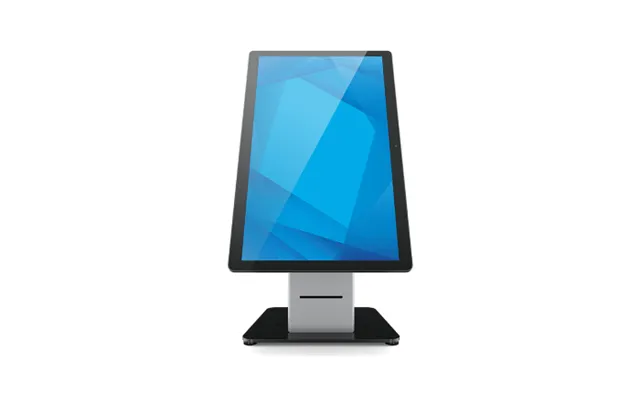
Think of a traditional cash register as a dependable pickup truck: straightforward, durable, and focused on ringing up sales and storing cash. A modern POS terminal is more like a hybrid SUV: it handles payments, tracks inventory, manages staff, runs reports, and integrates with your online sales. Your choice depends on what you sell, how you sell it, and how much you rely on data to drive decisions.
Classic cash registers shine when you want speed, simplicity, and low upfront cost. They typically include a keypad, receipt printer, and cash drawer, and they’re perfect for straightforward transactions in kiosks, market stalls, and small shops. You’ll usually get basic functions like product lookups, tax rates, and daily totals. If you operate with limited product lines and don’t need deep analytics, a reliable register can still be a smart pick.
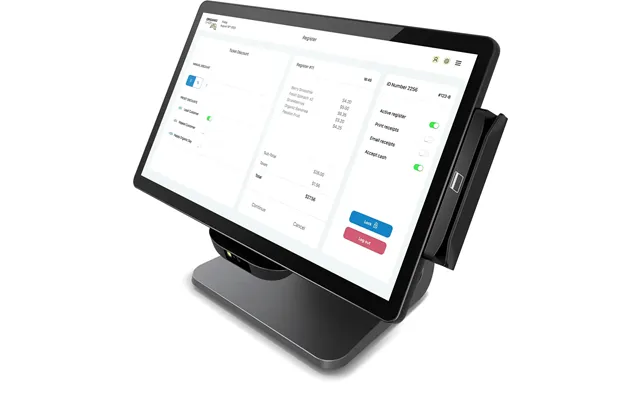
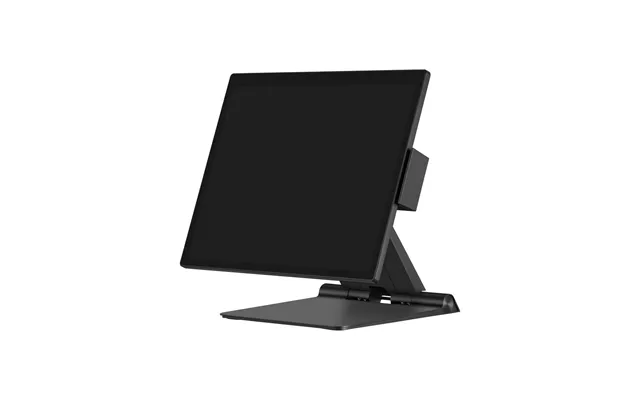
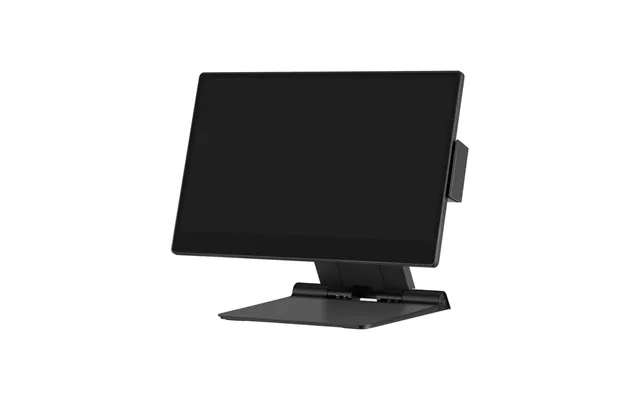
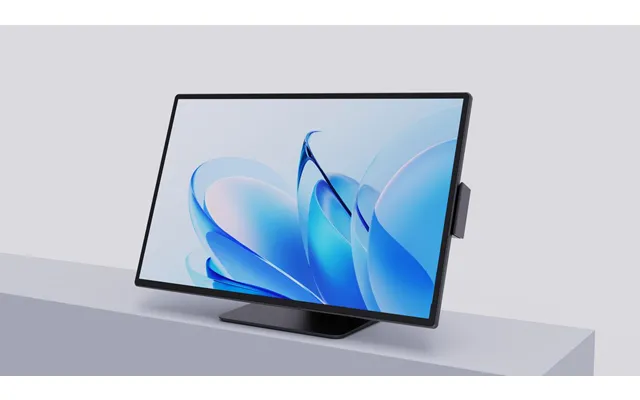
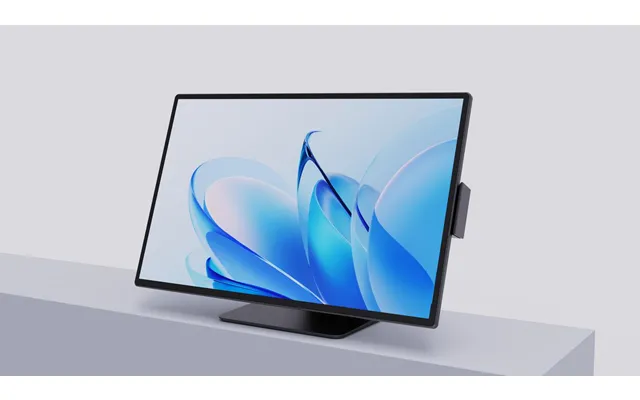
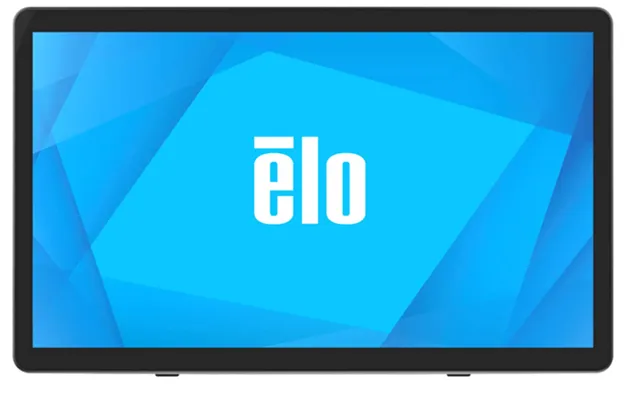
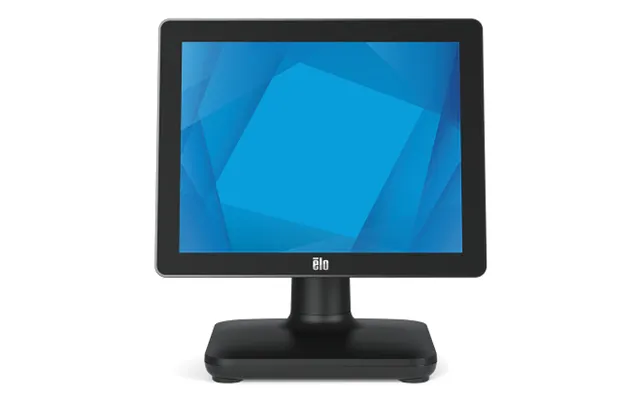
All-in-one POS terminals bundle a touchscreen, processing power, receipt printer, and sometimes a built-in card reader. They’re designed for fast checkout and tight integration across hardware and software. Expect features like real-time dashboards, automated end-of-day reports, and customer profiles. They suit retailers, hospitality, and multi-location businesses that want centralized control and scalable tools without cobbling together separate components.
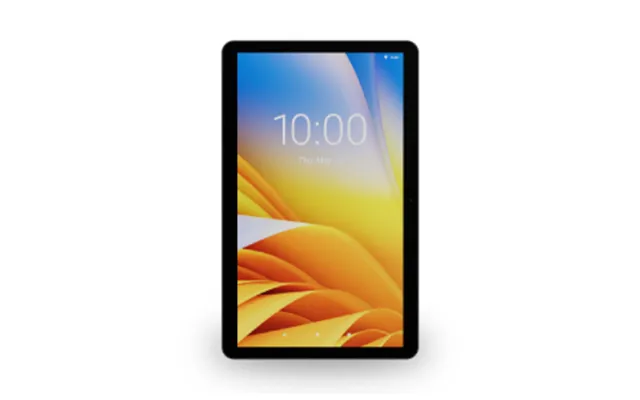
Tablet POS—often iPad or Android—pairs sleek hardware with cloud software. It’s portable, intuitive, and cost-effective, especially if you already own a tablet. Add a certified stand, a card reader, a receipt printer, and a cash drawer, and you’re set. The big draws are mobility and flexibility: take orders at the table, sell from a pop-up, or create a queue-busting station during rush hours. If you love the idea of updates and new features arriving automatically, tablet POS is hard to beat.
Hardware can make or break your day-to-day experience. Compare specs carefully, because the small details—screen size, print speed, scanner type—can save you minutes every hour and hours every week.
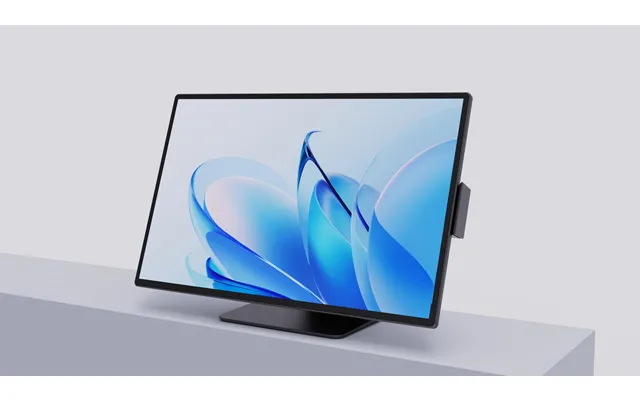

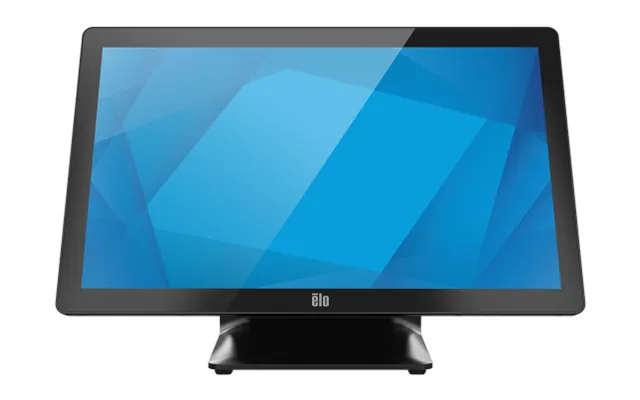
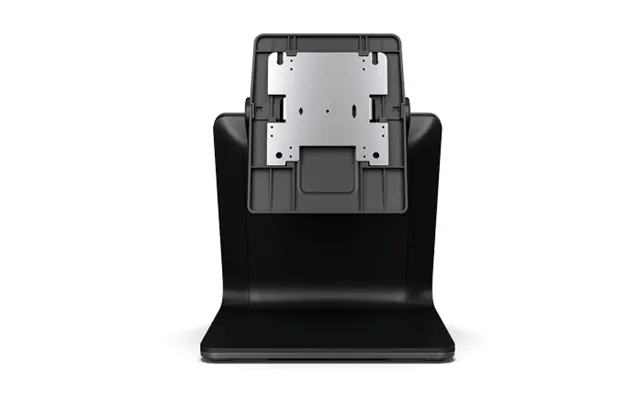
Touchscreens in POS terminals typically range from 10 inch to 15 inch. Larger screens make it easier for staff to find products quickly and reduce input errors. Look for scratch-resistant glass, tilt or swivel stands for ergonomic use, and brightness high enough to cut glare under strong lighting. If you have multiple staff at the counter, a screen with a generous viewing angle and sturdy base prevents wobble and accidental taps.
Thermal printers are the go-to for most modern setups because they’re fast, quiet, and low maintenance. Standard paper widths are roughly 2.25 inch and 3.125 inch, with the wider roll producing easier-to-read receipts and logos. Impact (dot-matrix) printers are slower but can print on multi-part paper—useful if you need duplicates for the kitchen or back office. If you’re in a high-volume environment, pay attention to print speed and auto-cutter reliability to avoid jams at peak times.
Handheld lasers are affordable and reliable for most retail barcodes, while camera-based scanners read damaged codes and QR codes more accurately. If you sell weighted goods, a POS-compatible scale that talks directly to your system speeds up checkout and reduces errors. Wireless scanners add flexibility on the shop floor, but check battery life and docking options before you commit.
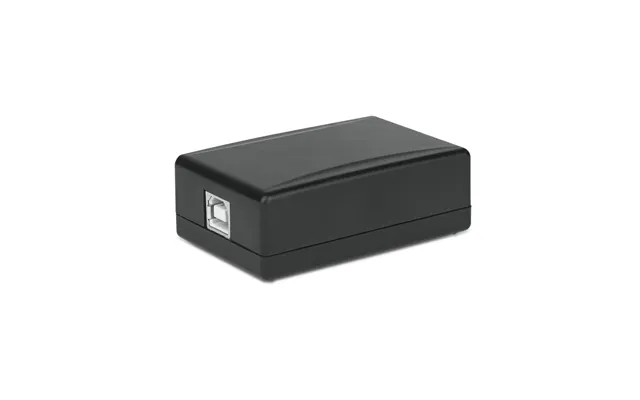
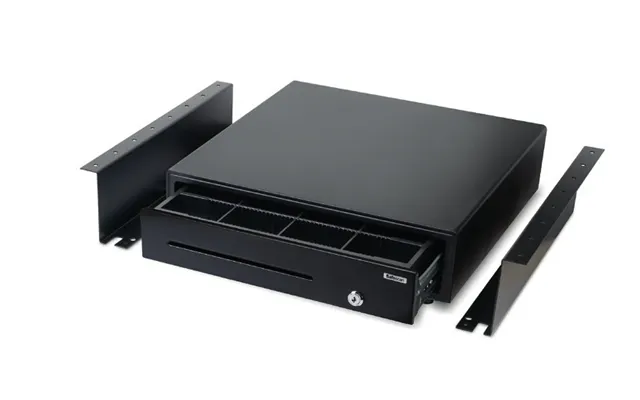
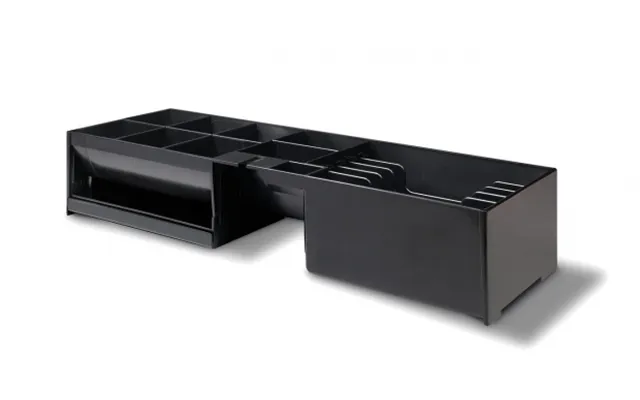
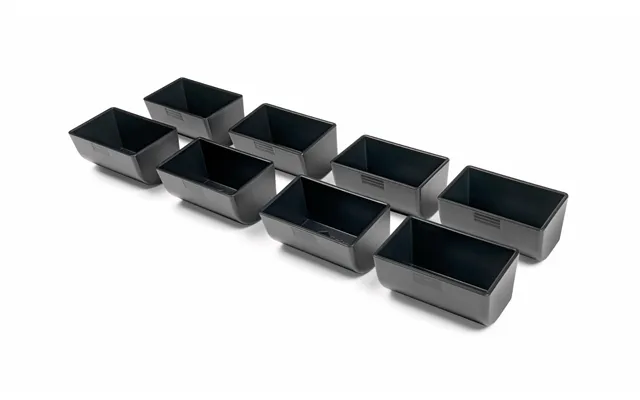
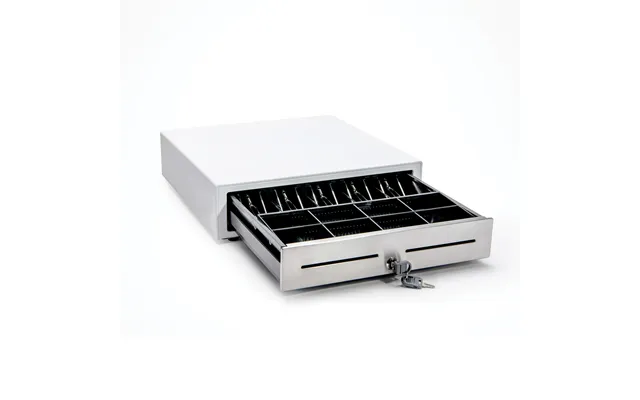
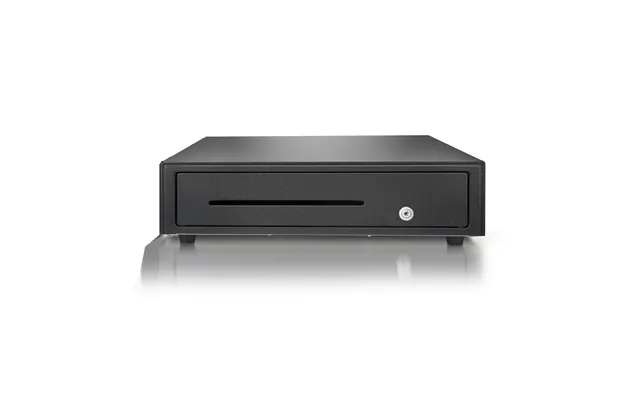
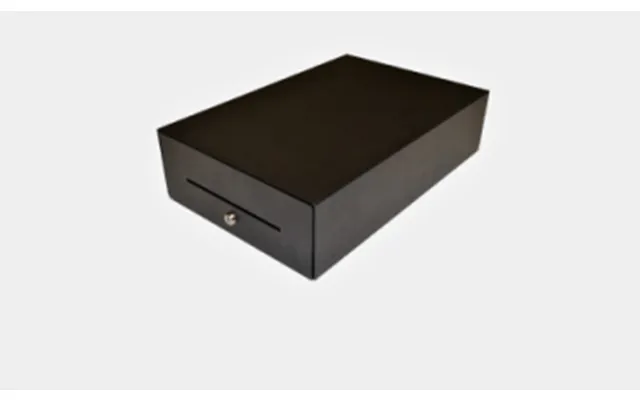
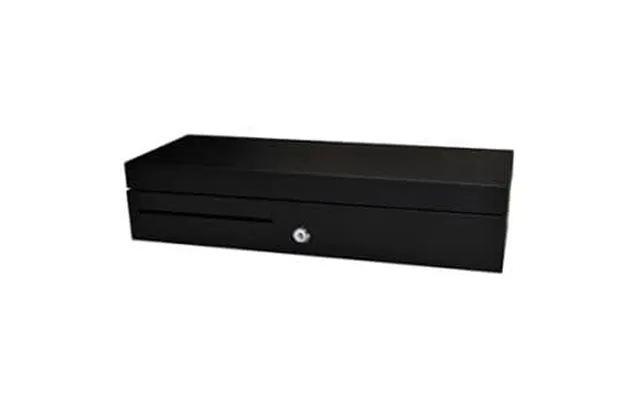
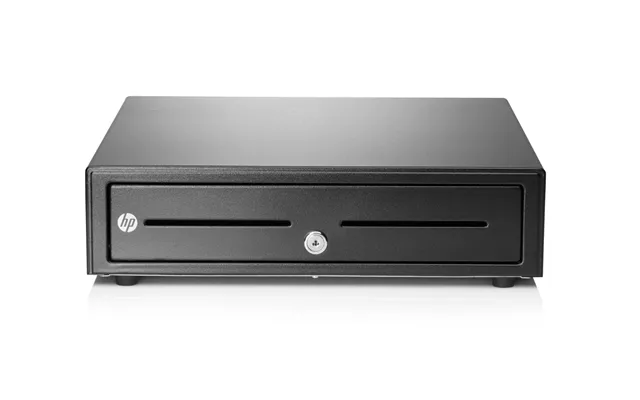
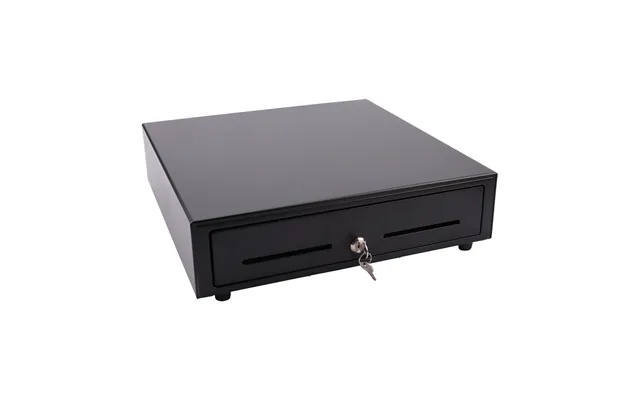
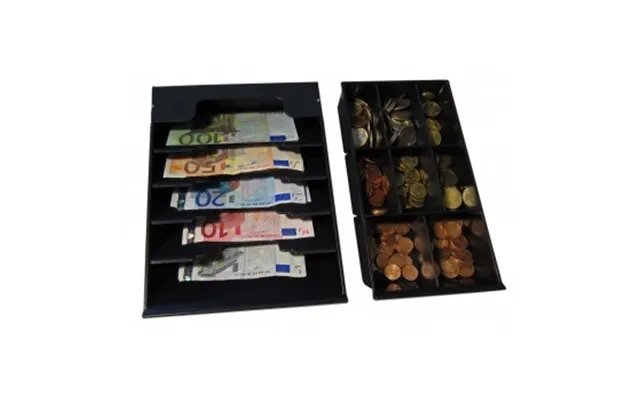
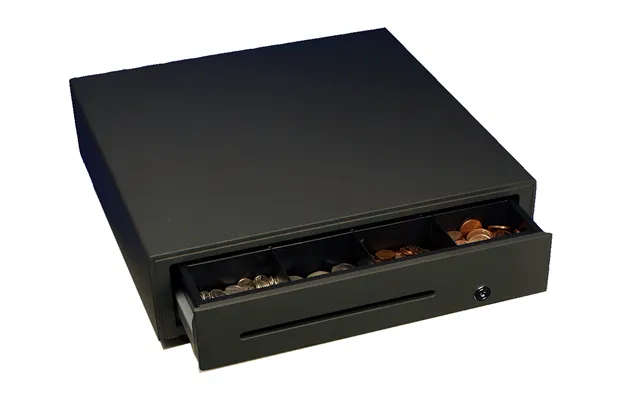
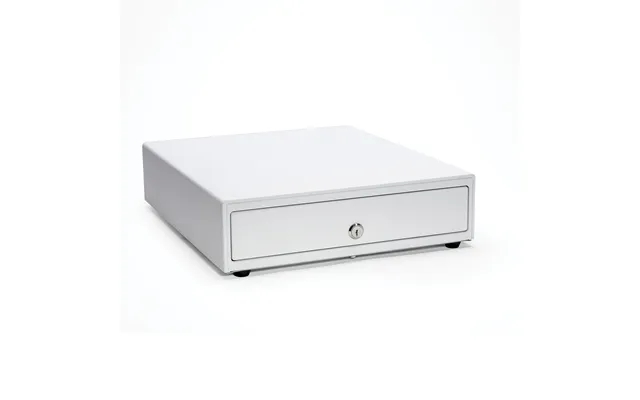
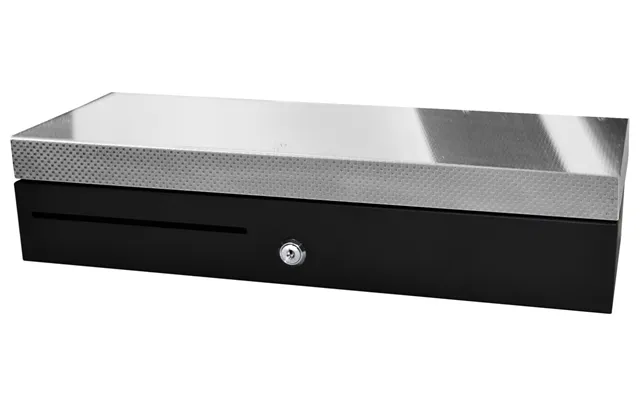
Sturdy, metal cash drawers with steel rails last longer and feel smoother during busy shifts. Look for lockable tills, adjustable coin trays, and cable management that doesn’t get in the way. If you count a lot of notes, consider a note counter or a cash-safe drop box under the counter to reduce risk. Smart cash drawers that record every open/close event can also help with accountability.
Software is the brain of your checkout. The best platforms help you sell faster, track stock accurately, and make smarter decisions with data. Before you fall for flashy interfaces, check how well the system handles the real-world tasks you face every day.
Look for variant management (size, color), low-stock alerts, vendor lists, purchase orders, and barcode label printing. If you run multiple locations, centralized stock and transfers are essential. For hospitality, ingredient-level tracking helps control food costs—understanding that selling one burger reduces buns, patties, and toppings in sync is a big win.
Solid reporting shows you top sellers, slow movers, margins, and staff performance. Daily, weekly, and monthly summaries should be clear enough to guide decisions at a glance. Bonus points for cohort analysis, basket size tracking, and custom dashboards. If your POS integrates with accounting software, your books reconcile faster and with fewer mistakes.
Role-based permissions keep sensitive screens locked down while giving staff the tools they need. Time clock features, till accountability, and approval workflows for discounts and refunds reduce shrink and improve oversight. If you pay commissions or tips, make sure the POS handles those cleanly.
Customers expect to tap and go. Your POS should accept major cards, contactless, and mobile wallets without drama. A smooth payment flow reduces queues, keeps customers happy, and lets you process more sales per hour.
Make sure your reader supports tap-to-pay, chip-and-PIN, and wallets like Apple Pay and Google Pay for fast transactions. If you run a busy café or bar, milliseconds matter—choose processors with quick authorization and receipts that print automatically when needed.
Internet blips happen. Choose a POS that can queue transactions offline and sync later. Dual-band Wi‑Fi, Ethernet failover, and optional cellular backups reduce downtime. If your setup is tablet-based, consider a dedicated router placement and a cable option for the receipt printer to keep things snappy and stable.
Security is non-negotiable when handling payments and customer data. Card transactions should be processed by PCI-compliant services, and your POS vendor should offer encryption and tokenization. User permissions, audit logs, and two-factor authentication help secure your back office. For cloud systems, ask about data residency, backups, and how quickly you can recover data if something goes wrong.
The “best” system is the one that fits your workflow. A boutique has different needs than a pub, and a market stall relies on mobility more than a large retailer. Use the scenarios below as a quick compass before you compare offers.
Speed is everything. Look for customizable product tiles with modifiers (milk options, add-ons), kitchen or barista printing, and tipping. A compact countertop or tablet POS with a small footprint keeps your counter uncluttered. If you run table service, table mapping and course firing are helpful upgrades.
Inventory and customer profiles lead the way. Variant management, barcode scanning, and integrated loyalty make it easy to upsell and personalize service. Gift receipts, exchanges, and click-and-collect workflows will keep shoppers happy. A 13 inch to 15 inch touchscreen gives staff enough space to navigate quickly without crowding the counter.
Tabs, age verification prompts, split bills, and fast reordering are must-haves. Durable hardware that stands up to spills and heavy use will save you headaches. A secondary customer display speeds up payments during peak hours and reduces order mistakes.
Portability rules. A tablet with a lightweight stand and a compact card reader lets you take payments anywhere. Battery life is crucial, so a high-capacity power bank or a reader with a charging dock pays for itself during long trading days.
Entry-level cash registers are wallet-friendly and reliable for simple sales. Step up to mid-range POS bundles and you’ll gain cloud reporting, inventory tools, and flexible payment options. Premium terminals deliver robust analytics, multi-location management, loyalty programs, and deeper integrations. Your total cost of ownership includes hardware, software subscriptions, payment processing fees, and accessories—so compare all of it, not just the sticker price.
New hardware comes with full warranties and the latest tech. Refurbished units can be excellent value if they’re professionally restored and backed by a warranty. Used equipment is cheapest but can be risky without proof of condition, compatibility, and licensing. If you buy pre-owned, check that the device supports current software versions and accessories like modern card readers and printers.
When you browse popular offers and a price list for cash registers and POS terminals, don’t just skim the headline price. Compare: what’s included in the bundle, the monthly software fee, the payment processing rate, and support coverage. A lower upfront cost can be offset by higher monthly fees, while a seemingly pricier bundle might include enough extras—like a premium printer or advanced reporting—to make it a better long-term value. Using a comparison site helps you see all the moving parts in one place, so you don’t miss fine-print charges or compatibility gaps.
While the best choice depends on your niche, some patterns are consistent. All-in-one POS terminals from reputable manufacturers offer robust build quality and integrated peripherals. Tablet-based systems shine for flexibility and rapid updates. Receipt printers from established brands are quiet workhorses, especially in the 3.125 inch category for crisp, branded receipts. When comparing, prioritize reliability, warranty terms, and how quickly you can get replacement parts or swap units if something fails during trading hours.
Small accessories deliver outsized benefits. A customer-facing display reduces disputes and speeds transactions. A cable management kit keeps your counter tidy and safe. Label printers improve stock control and shelf labeling. If you sell online as well as in-store, a barcode label system makes click-and-collect and returns far smoother. Finally, don’t forget a decent surge protector and an uninterrupted power supply to ride out short outages.
The right integrations eliminate double entry and keep your data flowing. Accounting links automate daily reconciliation and reduce errors. Ecommerce sync connects your catalog, stock levels, and orders between your online shop and store. Email and SMS integrations let you send digital receipts, request reviews, and nudge lapsed customers with targeted offers. If you run promotions, check that your POS supports discount rules, bundles, and loyalty without awkward workarounds.
A great POS is one your team actually enjoys using. Look for clean interfaces, logical product catalogs, and fast search. On the setup side, test your receipt templates, tax rates, and payment workflows before going live. Train your team with short, focused sessions: logging in, starting a sale, applying discounts, processing different payments, and handling refunds. A simple laminated cheat sheet by the till reduces new-starter stress and keeps queues moving.
Performance matters during the lunch rush or weekend crowd. Terminals with enough RAM and a solid processor keep screens responsive, while wired receipt printers and Ethernet connections reduce lag and dropped jobs. For support, prioritize vendors with clear documentation, quick replacement options, and responsive help channels. If your busiest hours are evenings or weekends, check that support coverage aligns with your trading hours.
POS is evolving fast. Expect more AI-driven insights that predict stock needs and highlight cross-sell opportunities. Customer wallets and QR-based payments will expand, while tap-to-pay on phones continues to simplify mobile checkout. Sustainability features—like digital receipts by default and energy-efficient printers—are becoming standard. Open APIs and app marketplaces keep your system flexible as your business grows.
Whether you use a simple cash register or a full POS, a clean, logical price list streamlines selling. Group items by category, use consistent naming, and keep modifiers clear. In a POS, set up favorites and seasonal menus so staff can find items in one or two taps. For discounted bundles or multi-buy deals, build them into your catalog so the system calculates pricing automatically—no mental math under pressure.
Add it all up before you decide. Consider hardware, software subscriptions, payment processing, paper and labels, training time, and potential downtime. If a bundle includes an extended warranty or on-site swap service, that might save a day of lost trading later. Transparent costs beat surprises every time.
Imagine a boutique using a 13 inch tablet POS with a 3.125 inch thermal printer and a wireless scanner. Staff scan items, apply loyalty rewards at checkout, and email receipts. Inventory updates in real time across the warehouse and the shop. Or picture a café with a compact all-in-one terminal, a kitchen printer, and a tap-to-pay reader: orders route straight to the barista, and the queue flows even at peak hours. In both cases, the right hardware and software combo unlocks speed and accuracy that a basic till simply can’t match.
List your must-haves and nice-to-haves, then map offers against that list. Request demos, test offline mode, and print a few receipts to judge quality and noise. Check how many devices each software license covers and whether you can add stations easily during busy seasons. Finally, confirm that accessories—like your chosen 2.25 inch or 3.125 inch receipt paper—are easy to source and priced sensibly.
Choosing between a cash register and a modern POS terminal comes down to how you sell today and how you plan to grow tomorrow. Cash registers win for simplicity and low cost; POS systems win for insights, integrations, and long-term efficiency. Compare popular offers carefully across hardware, software, payments, and support, and you’ll spot the deal that truly fits your workflow. When you align features with your goals—faster checkout, tighter stock control, smarter reporting—you turn your point of sale into a powerhouse that pays for itself, shift after shift.