All categories
Business & Offices
Electronics & Media
Fashion & Accessories
Groceries & Essentials
Health & Personal Care
Home & Living
Kids & Family
Sports & Outdoors
Search in ZoneOffer

Loading...
Hunting for a tablet that fits your life without emptying your wallet? You’re in the right place. Tablet computers have never been more versatile, and in the UK there are popular offers popping up all the time—often tied to seasonal sales, new model launches, or bundle promotions. Whether you’re after an iPad for creative work, an Android tablet for entertainment and note-taking, or a Windows 2‑in‑1 for productivity, this guide walks you through what matters, how to compare price lists smartly, and which devices deliver the best value right now.
Tablets hit a sweet spot between portability and power. They slip into a small backpack, wake instantly, and handle everything from streaming and reading to sketching and editing with ease. The app ecosystems are richer than ever, accessories are better designed, and prices range from under £100 to premium powerhouses. The cherry on top? Popular offers in the UK make high-end models far more attainable when you catch the right deal.
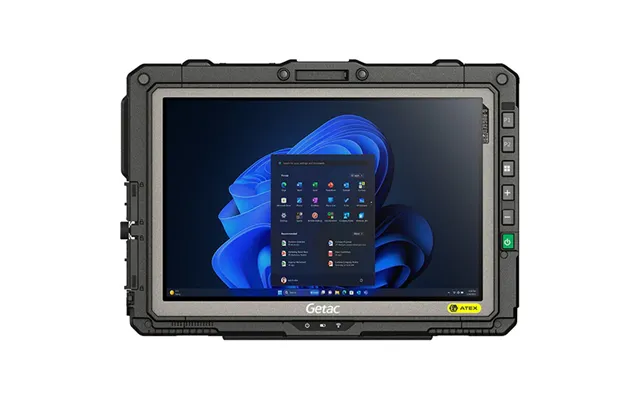
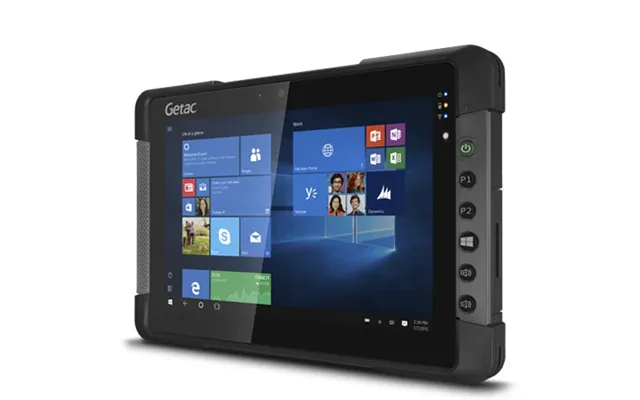
Curious about how to choose? Don’t worry—once you know the basics, reading a price list becomes less about guessing and more about matching real features to your lifestyle. Let’s make that decision effortless.
Buying a tablet isn’t just about picking a brand you recognize. It’s about getting the features that fit your daily needs—without overpaying for specs you won’t use. Think about what you’ll actually do with the device: stream movies, play games, take notes, sketch, edit photos, or even replace a laptop. Once your use case is clear, the rest falls into place.
If you want simplicity, stellar performance, and top-tier creative apps, iPadOS is the gold standard. iPads shine with long support windows and a rich accessory ecosystem. Prefer flexibility and customization? Android tablets offer a wide range of sizes and prices, plus excellent entertainment and multitasking capabilities. Need desktop-class software like full Microsoft Office or specific Windows apps? A Windows 2‑in‑1 is your best bet, essentially doubling as a thin laptop with a detachable keyboard.
Most tablets fall between 8 inches and 13 inches. Around 10 to 11 inches is the sweet spot for general use—big enough to multitask, small enough to carry everywhere. Artists and pros might prefer 12 to 13 inches for extra canvas space. Look for high refresh rates (like 120 Hz) if you want smoother scrolling and better stylus responsiveness. For movie lovers, OLED or similar high-contrast displays can be a game-changer, delivering deep blacks and vibrant colors.
Performance dictates how snappy your tablet feels, especially with multitasking or creative work. Apple’s latest iPad chips are known for laptop-level speed. On Android, flagship chips from leading brands offer excellent performance for gaming and pro tasks. Windows 2‑in‑1 devices are great if you need desktop software, though battery life and thermals vary by model. As for storage, 64 GB can feel tight fast; 128 GB to 256 GB is comfortable for most people, especially if you download media or work with large files.
All-day battery life is the goal. Many modern tablets comfortably last a full day of light to moderate use, but heavy gaming, video editing, or high brightness drains faster. Fast charging can save the day—some devices jump from low to usable in under an hour. If you travel or use your tablet constantly, consider picking up a compact fast charger and a durable cable to keep pace.
Wi‑Fi-only models are cheaper and fine for most people who use their tablet at home or where hotspots are available. If you plan to work on the move, a 5G model offers true freedom, though it costs more and requires a data plan. On ports, USB‑C is the norm across many tablets now, making charging and connecting accessories easier. Some premium tablets support external monitors, which can turn your device into a mini workstation.
Let’s match the right tablet to your needs. Instead of scanning endless price lists, zero in on the category that fits your lifestyle and compare popular offers within it. You’ll save time and avoid overpaying for features you won’t use.
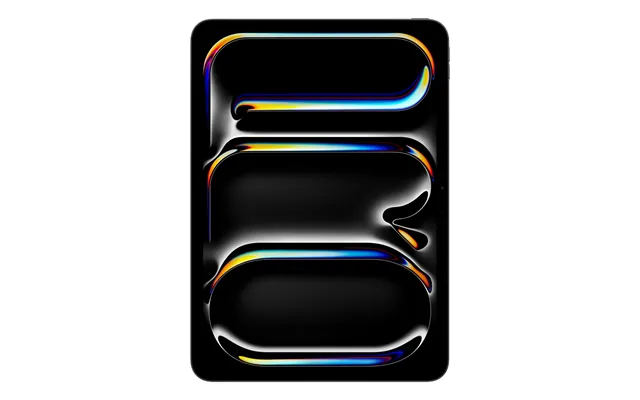
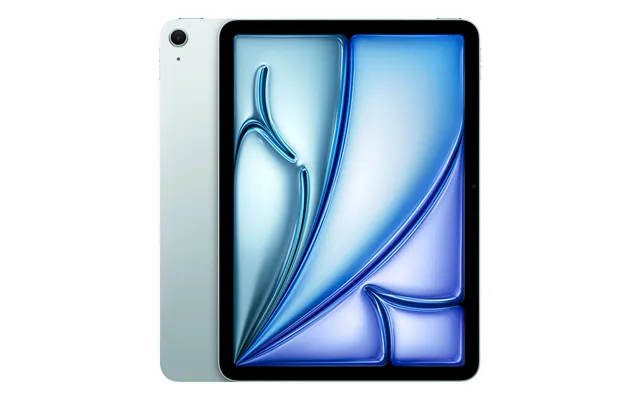
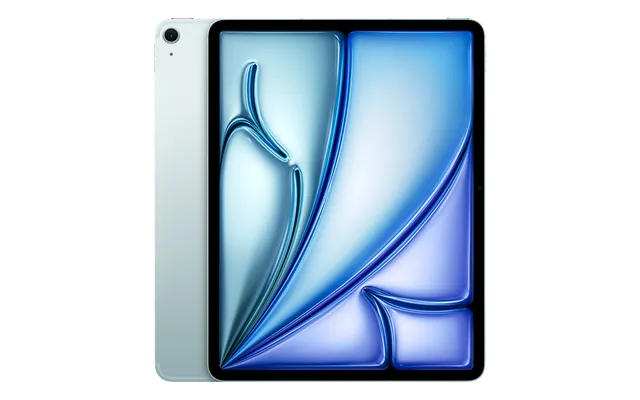
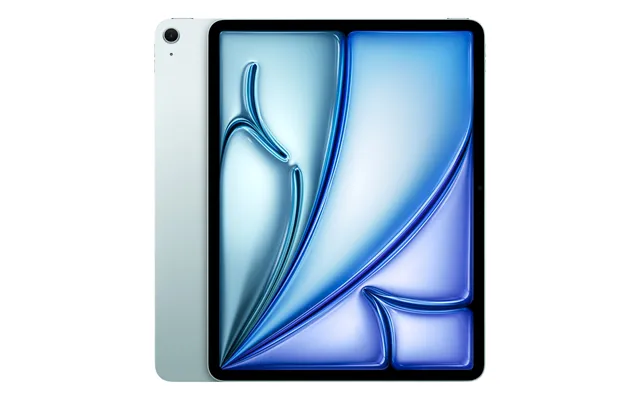
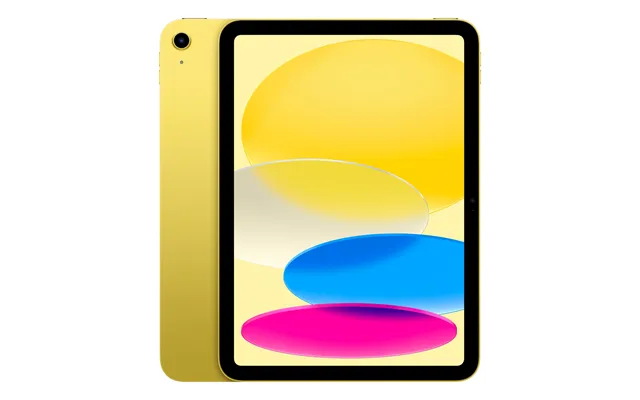
For a combination of performance, long-term updates, and app quality, iPads are a safe bet. The standard iPad is ideal for students, casual users, and families, with enough speed for note-taking, streaming, and light photo edits. The iPad Air steps things up for creators and professionals who want power for drawing, video editing, and multitasking without going full premium. If you’re chasing the absolute best performance and display quality, the iPad Pro is the top-tier choice, especially paired with a keyboard and Apple Pencil for laptop-like productivity.
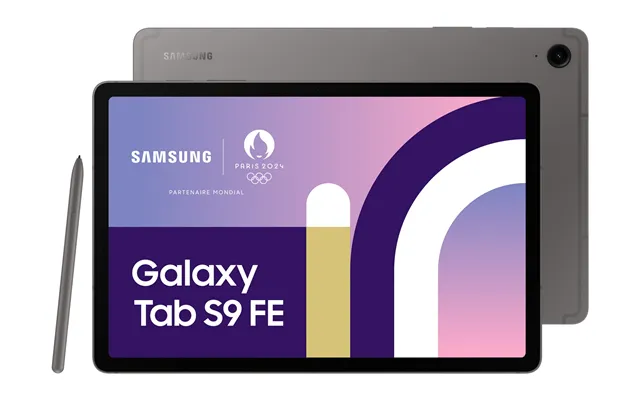
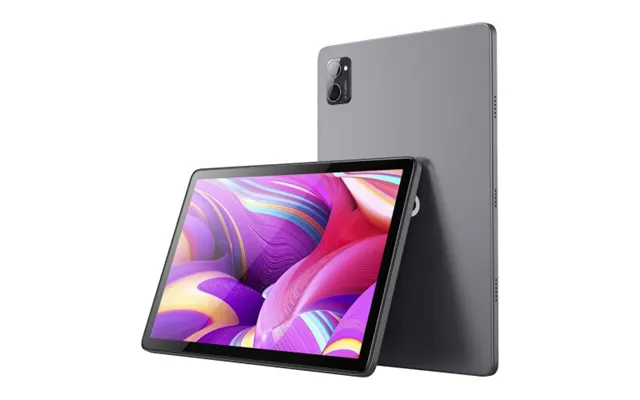
Android tablets shine for entertainment, value, and flexibility. Premium models like flagship Galaxy Tab devices deliver gorgeous displays and smooth performance, great for both work and play. The “FE” or midrange models often offer top-tier screens at more approachable prices. You’ll also find excellent value in midrange Android tablets from brands like Lenovo and Xiaomi—perfect for streaming, browsing, and schoolwork. For stylus fans, many Android tablets now include or support pens, making note-taking and sketching accessible without the premium price tag.
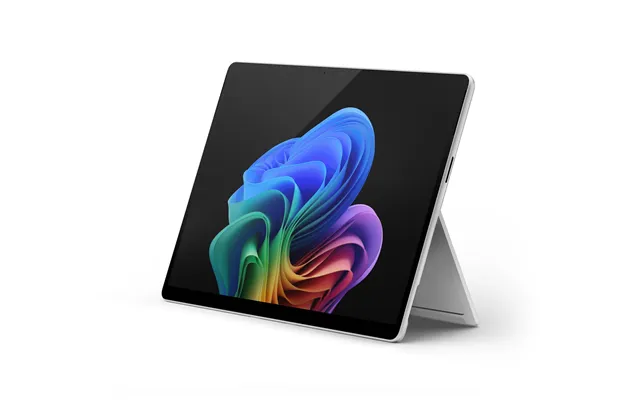
If your workload includes full desktop apps or you prefer the Windows environment, a 2‑in‑1 tablet with a detachable keyboard is a clever pick. Surface-style devices are designed to be ultra-portable while running real desktop software. They’re ideal for professionals, students in specialized courses, or anyone who needs the flexibility of tablet mode with the power of a laptop-like setup. Just be sure to factor in the keyboard cover and pen if you need them—they’re often sold separately.
On a tight budget? Entry-level Android tablets and Fire-branded devices are a solid way to browse the web, stream films, read, and keep kids entertained. These models are typically easy on the wallet and frequently featured in popular offers around major sale periods. While you won’t get flagship speed or premium displays, you’ll get plenty of punch for everyday tasks—especially if you stick to the latest generations.
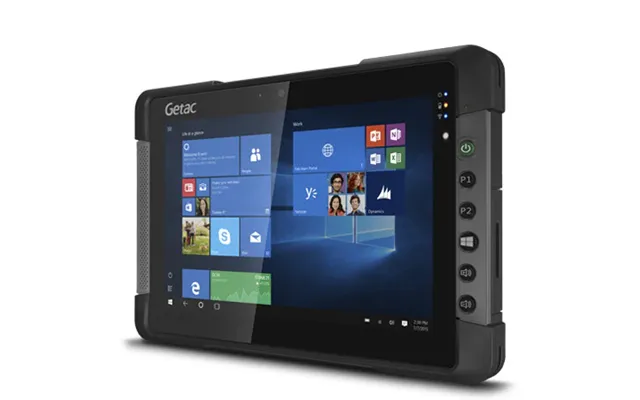
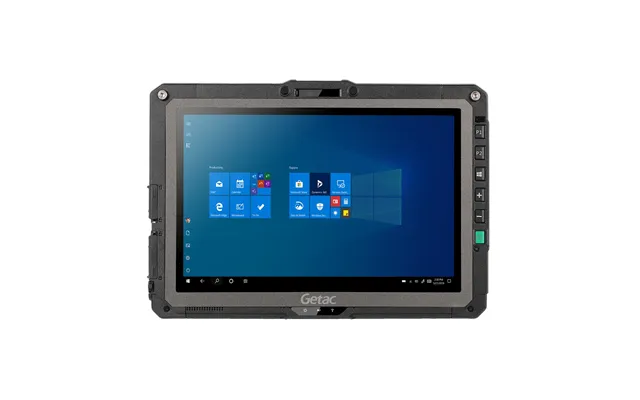
For children, look for rugged designs, robust parental controls, and curated content. Kid-friendly editions often bundle protective cases, screen time tools, and age-appropriate apps. Storage can fill up quickly with games and videos, so consider models with microSD expansion if you’re likely to download content for offline viewing. Also, a bright, durable screen and reliable battery make a big difference during trips.
Love fast-paced games and immersive streaming? Choose tablets with powerful chipsets, high refresh rate screens, and strong cooling. On Android, flagship models deliver smooth gameplay and vivid visuals. iPads are also stellar for gaming thanks to optimized apps and strong graphics performance. Don’t forget storage—big games and 4K downloads add up quickly, so aim higher if you’re serious about media and play.
Accessories turn a good tablet into your favorite device. The right keyboard, pen, and case combo can transform the way you work and play. Better audio can change the way you relax. And a proper screen protector? That’s the difference between a pristine display and a nerve-wracking scratch.
A detachable keyboard can make your tablet feel like a slim laptop, perfect for writing, emails, and productivity apps. If you plan to jot notes or draw, a compatible stylus is worth every penny—look for low latency and pressure sensitivity for a natural feel. Don’t skip a protective case and screen protector. Slim folio cases keep weight minimal, while rugged cases are great for commuting or kids.
Tablet speakers have improved a lot, but a good pair of wireless earbuds or a portable Bluetooth speaker can elevate music, podcasts, and movies. If you take calls or attend online classes, choose earbuds with effective noise reduction so your voice stays clear. Audiophiles might prefer over-ear headphones with high-quality codecs—just make sure your tablet supports them over Bluetooth.
Understanding price brackets helps you set expectations and quickly spot great offers. While exact deals shift, the tiers below can guide your search and make price lists far less overwhelming.
Expect basic tablets that handle streaming, reading, light web browsing, and simple games. You’ll often see vibrant HD screens and decent battery life, though multitasking can feel slower. These are great for travel, kids, or as a secondary device. Catch them during sales, and you may find bundles with cases or extended warranties baked in.
This is the value zone for most people. You’ll find faster chips, better screens, and improved builds. Midrange Android tablets and the standard iPad typically land here, delivering smooth everyday performance, good cameras for video calls, and compatibility with keyboards and pens. If you’re scanning a price list for the best bang for your buck, this bracket is where many of the UK’s popular offers sit.
Here’s where you get top-tier displays, high refresh rates, superior chipsets, premium materials, and the best accessory ecosystems. Think iPad Air, iPad Pro, flagship Galaxy Tab models, and Windows 2‑in‑1 devices. Professionals, artists, and power users will appreciate the headroom for creative apps, gaming, and multi-app workflows. These devices often receive longer software support, which can justify the upfront cost.
Scoring the best deal is part timing, part research. That’s why checking popular offers and comparing price lists across multiple retailers is so effective. You’ll see who’s bundling keyboards, which colorways are discounted, and whether last year’s model offers better value than the brand-new release. It’s a quick way to separate flashy marketing from genuine savings.
Comparison platforms compile live prices, historical trends, and seller promotions in one place. By scanning a price list at a glance, you can identify devices that dip below their usual rates or spot bundles that would cost much more separately. This kind of visibility helps you avoid overpaying and puts you in control of timing your purchase.
Prices often fall during seasonal sales, bank holiday events, back‑to‑school periods, and when new models launch. If you’re flexible, waiting a few weeks can translate into meaningful savings. Want an edge? Track prices over time, set alerts for your target models, and be ready to jump when you see an all‑time low.
Don’t sleep on refurbished tablets or last year’s models. When a new generation drops, previous-gen devices often tumble in price while still offering excellent performance. Certified refurbished options can include warranties and thorough testing, letting you enjoy premium features for far less. It’s a win-win for your wallet and for reducing electronic waste.
Verify the warranty, battery health, and return window. Confirm that accessories you need—like pens or keyboards—are available and compatible with the exact model number. Finally, check the storage capacity and whether the device supports expansion. A quick inspection of the seller’s ratings and customer feedback can offer extra peace of mind.
First boot? Take a few minutes to personalize and secure it. That small effort makes everything smoother long-term. You’ll thank yourself later when your tablet feels tailored and efficient from day one.
Enable a strong passcode or biometric unlock. Turn on automatic updates so you get security patches on time. Set up cloud backups for photos and documents, and consider a password manager for convenience and safety. If your tablet is shared, create separate profiles or use parental controls to keep content appropriate and private.
Still torn between platforms? Think about your other devices. If you own an iPhone and a Mac, an iPad delivers smooth continuity features that can’t be beaten. If you’re deep into Google or use a wide variety of devices, Android’s openness and value will appeal. If you need desktop-class software or a laptop replacement, a Windows 2‑in‑1 keeps everything under one roof with full app compatibility.
Creative pros frequently prefer iPad for industry-leading art, video, and music apps. Android offers great entertainment and productivity tools, plus the freedom to customize. Windows wins for specialized software, development tools, and enterprise needs. On longevity, iPads and premium Android tablets typically enjoy longer update cycles; Windows 2‑in‑1 devices follow PC-style support timelines.
Let’s match everyday needs to likely winners. For students, a midrange iPad or Android tablet with a keyboard is a fantastic note-taking and study companion. For binge-watchers, a tablet with a high-contrast display and big speakers turns the couch into a mini cinema. For commuters, an 8 to 10 inch device is easier to handle on the go. For creators, aim for a fast chip, a responsive pen, and a color-accurate display. For families, look for shared profiles, durable cases, and extended software support.
Unsure about storage? If you mostly stream and store in the cloud, 128 GB may be plenty. If you shoot or download high-resolution media and install large games, consider 256 GB or more—or pick a model with microSD support. Traveling without reliable Wi‑Fi? Download movies and playlists ahead of time and keep a compact power bank handy just in case.
Price lists can look like alphabet soup: model numbers, storage tiers, Wi‑Fi versus 5G, “FE” editions, and bundle notes. Start by filtering for your must-haves: screen size, storage, and operating system. Then compare mid-tier storage variants—these often hit the value sweet spot. Check whether the keyboard or pen is included, and factor that into the total cost. Finally, glance at historical pricing to see if the “deal” is actually a good one or just a standard discount.
Brands sometimes keep older models in the lineup at reduced prices. That can be great, but make sure you’re comparing apples to apples. A previous-gen “Pro” might outperform a current midrange model, or a “Fan Edition” could hit the right balance of features and price. Dig into display refresh rates, chip generation, and accessory compatibility before making your call.
Want your tablet to feel fresh for years? Keep it updated, clean, and protected. A thin case prevents scuffs; a tempered glass protector guards against scratches. Clear cached files occasionally, review app permissions, and delete what you don’t use. If your battery starts fading over time, tweak settings like brightness and background refresh to stretch more hours from each charge.
If your tablet struggles with current apps, battery life has dwindled, or you’ve outgrown its storage, it might be time to upgrade. But if the device still runs smoothly, a new accessory—like a better keyboard or stylus—can refresh your experience for far less than buying a new model. Sometimes a smart tweak is all you need.
The best tablet for you is the one that fits your life, not just the one with the flashiest spec sheet. By focusing on how you’ll actually use it—work, study, create, stream—and by comparing popular offers and price lists across the UK, you can snag a fantastic device at a price that feels like a win. Whether you lean iPad, Android, or Windows, the options have never been better. Pick your size, choose your ecosystem, and keep an eye on deals. Your perfect tablet is closer than you think.

| £ 2.310,94 |
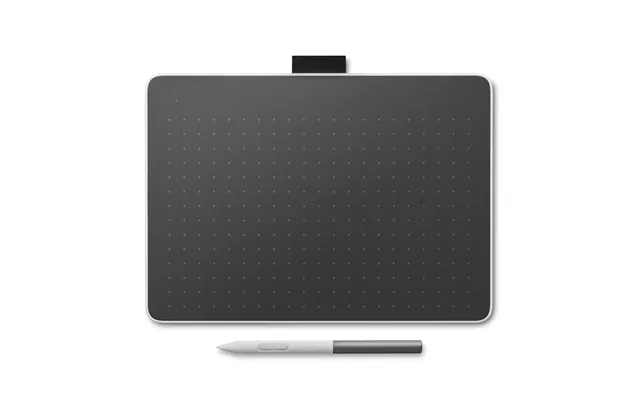
| Wacom Dth227k0b-st Graphic Tablet Black 476 X 268 Mm Usb | £ 4.939,20 |