All categories
Business & Offices
Electronics & Media
Fashion & Accessories
Groceries & Essentials
Health & Personal Care
Home & Living
Kids & Family
Sports & Outdoors
Search in ZoneOffer
Loading...
Ever feel like your printer eats more desk space than it should? You’re not alone. A well-chosen printer stand does more than hold a machine—it declutters your workstation, adds storage, improves workflow, and even protects your tech. Whether you’re outfitting a small home office or a bustling workplace, the right stand can turn chaos into calm and help your setup look intentional rather than improvised.

From compact desktop platforms to multi-tier rolling carts and cabinet-style units, modern printer stands are designed to be space-saving, durable, and surprisingly stylish. You can compare offers across retailers, weigh features side by side, and pick a solution that fits your printer, your room, and your budget without compromising on performance.
Still wondering if a dedicated printer stand is worth it? Let’s put it this way: would you rather shuffle papers and cables every time you scan, or have everything within arm’s reach, ready to go? A stand centralizes your print zone, adds storage for paper and cartridges, and keeps your device at a comfortable operating height. That means fewer trips across the room—and fewer aches from bending or reaching.
There’s also the issue of airflow and stability. Printers, especially laser models, need clear space around ventilation areas. A stand helps you maintain that breathing room and isolates vibration, so prints are cleaner and the machine runs more reliably. It’s a simple upgrade with outsized impact on comfort and productivity.
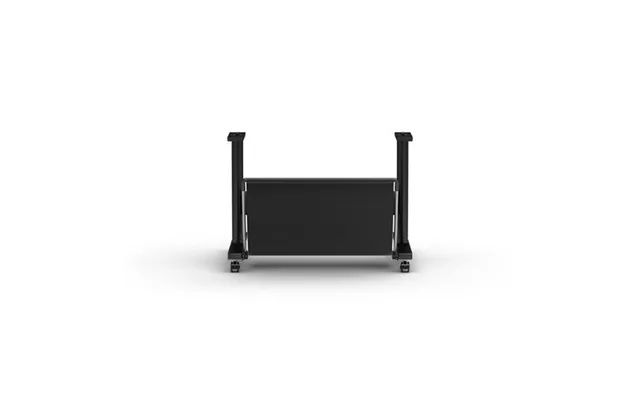
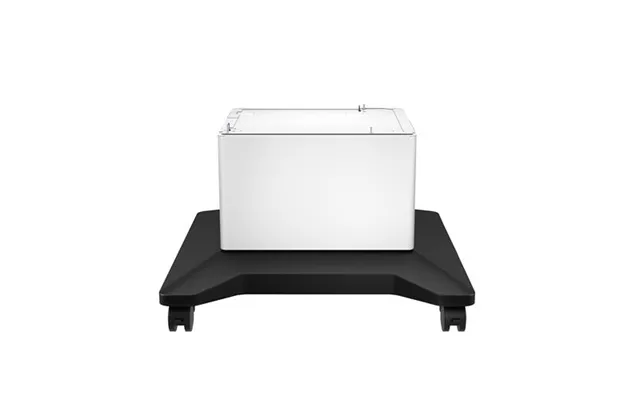
Not all stands are created equal. Your ideal pick depends on your printer size, available space, and how you work. Here are the most popular styles you’ll find when comparing offers and price lists for printer stands in the UK.
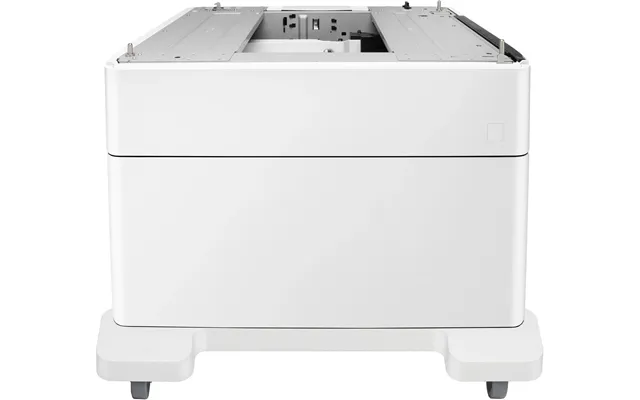
Designed to sit right on the desk under your printer, these stands lift the machine a few inches and usually include one or two drawers for paper, ink, and cables. If you’re tight on floor space and your printer footprint is around 15 to 20 inches wide, a desktop stand can be a tidy, low-cost fix. Look for a weight capacity that comfortably exceeds your printer’s weight, especially if you own a heavy-duty laser model.
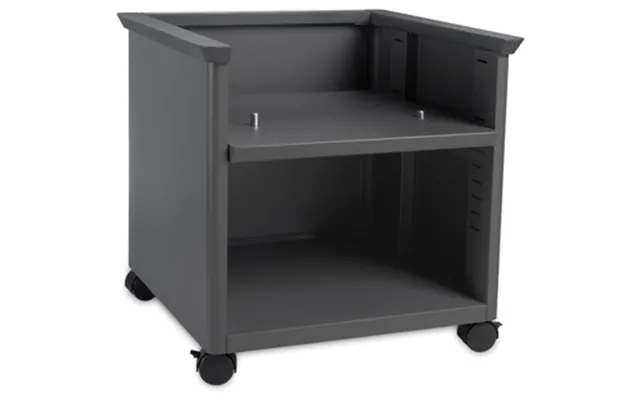
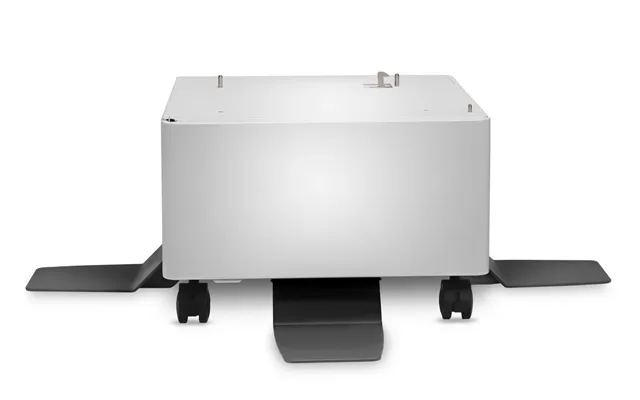
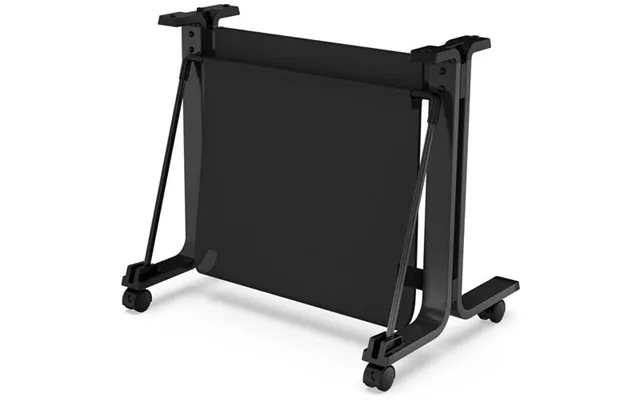
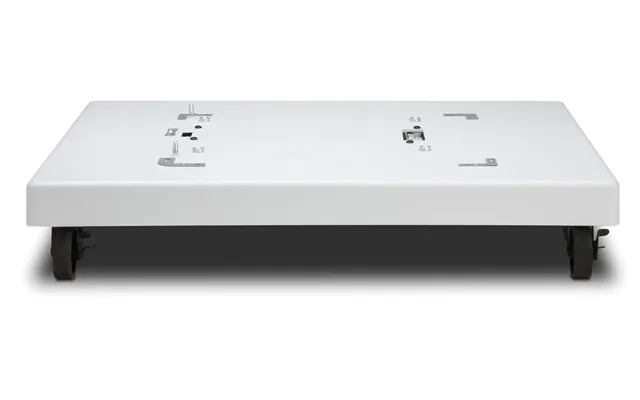
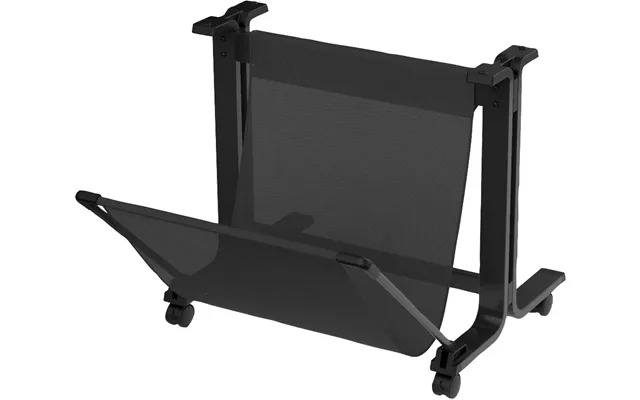
Need mobility and storage? Rolling carts offer two to three shelves and smooth-rolling casters (ideally two with locking brakes). They’re great for shared spaces, classrooms, or small offices where you may wheel the printer between rooms. A typical cart holds a printer on top with reams of paper, label stock, and supplies on lower shelves, making refills a breeze.
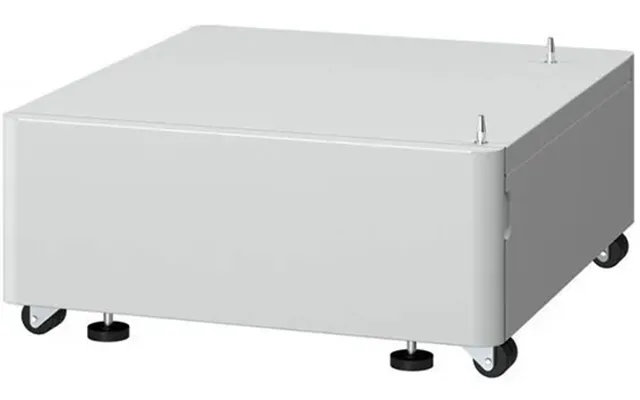
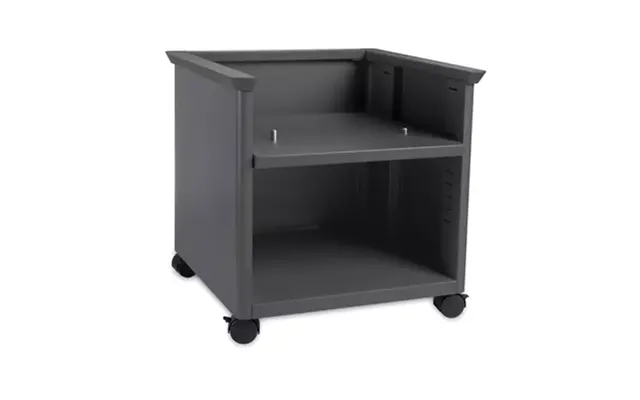
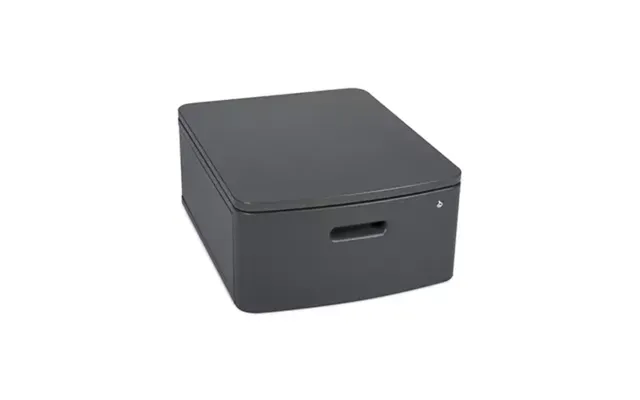
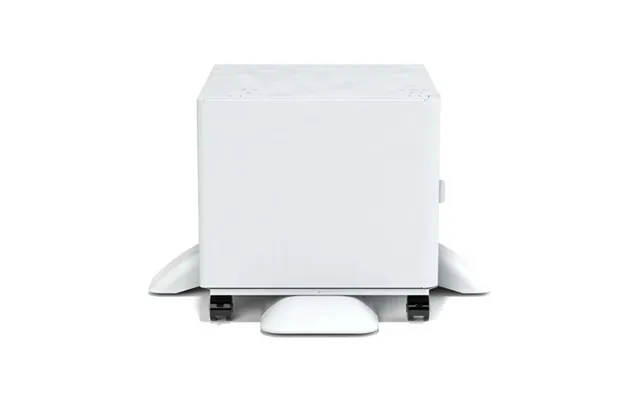
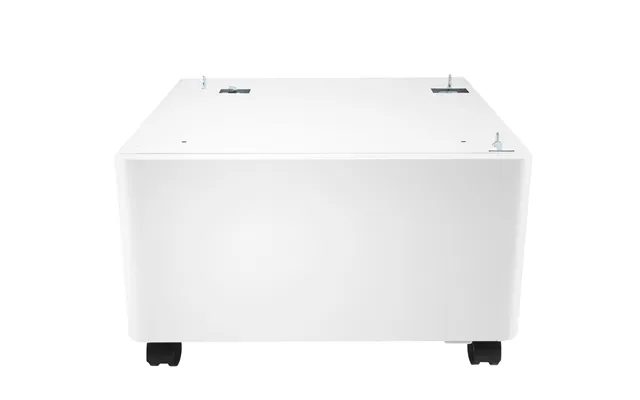
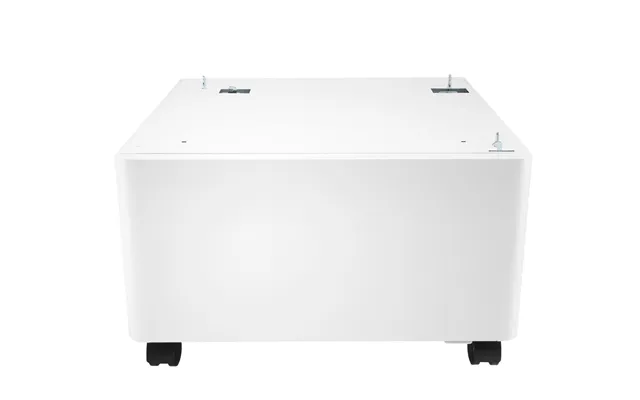
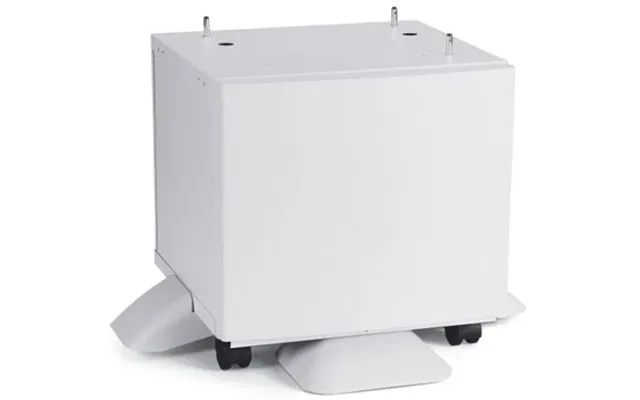
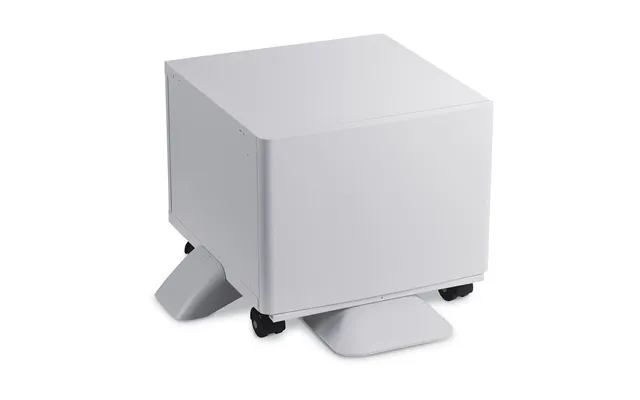
If you prefer a clean, furniture-like look, cabinet stands hide the clutter. Most offer a flat top for the printer, plus enclosed shelves or a locking door underneath. These are ideal for conference rooms or living spaces where aesthetics matter as much as function. Choose models with cable pass-throughs in the rear to keep power and data leads out of sight.
Got a tight corner to fill? Space-saving stands with triangular or narrow rectangular tops are made for awkward spots. Even small designs can fit a compact inkjet and a few reams of paper, especially if the stand is at least 16 to 18 inches deep. Just confirm door and tray clearance before you buy.
When you’re comparing options, a few specs matter more than price alone. Focus on build quality, size, and safety to make sure your stand supports your printer now and in the future.
Check the stand’s maximum load and give yourself a buffer. If your printer weighs 35 pounds, aim for a stand rated to at least 50 pounds. Extra margin protects against vibration, paper stacks, and the odd office lean. As for size, measure your printer’s footprint (width and depth) in inches and make sure the top surface beats both by at least 1 inch. That small overhang adds stability and makes it easier to manage cables without squeezing them.
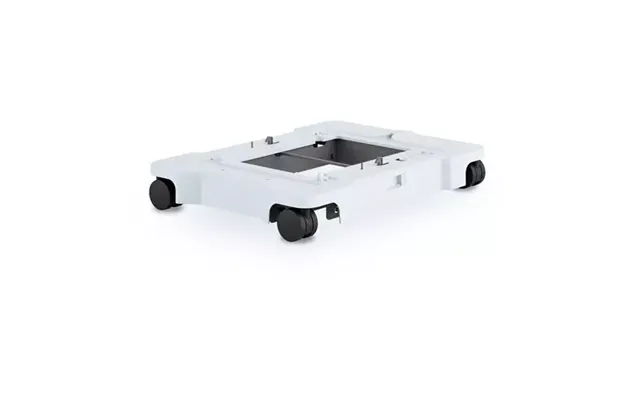
Rolling stands should include 4 casters, with at least 2 locking. Larger casters roll better on carpet and door thresholds. If you’re on plush carpet, look for wide wheels or consider a low-profile floor mat for easier movement. Non-rolling stands often include adjustable feet—handy for leveling on uneven floors.
Think through what you’ll store: reams of paper, toner, labels, envelopes, manuals, maybe a labeler or stapler. Two-tier designs are perfect for everyday needs, while three-tier carts offer room for bulk paper and mailing supplies. Shallow drawers keep ink and small items organized so they don’t migrate across your office like socks in a dryer.
Steel frames are strong, stable, and often support the highest weights—ideal for large laser printers. Wood and engineered wood (like MDF) bring a furniture-grade look that blends with cabinets and desks. Composite and plastic stands are light and affordable for smaller printers. Aim for a powder-coated steel or durable laminate finish for longevity.
Built-in grommets, rear pass-throughs, or simple clips go a long way in taming cable clutter. If you’re placing a stand near a wall outlet, check you have space for a surge protector and that cords won’t kink when you roll the cart. Some users mount a power strip to the back of a steel frame with zip ties—neat, safe, and out of the way.
Many stands are quick to assemble with a screwdriver and hex key. Look for clear instructions, labeled hardware, and pre-drilled holes. If you’re not handy, models with tool-free connectors or snap-fit shelves will make your life easier while still providing solid support.
Different environments place different demands on a printer stand. Here’s how to pick a design that fits your daily routine without compromise.
For a compact home office, a two-tier stand on wheels is often the sweet spot. Put the printer on top, paper and a few supplies below, and roll it under a desk when not in use if height allows. If your desk surface is premium real estate, a desktop stand with drawers gets the printer up and the clutter down.
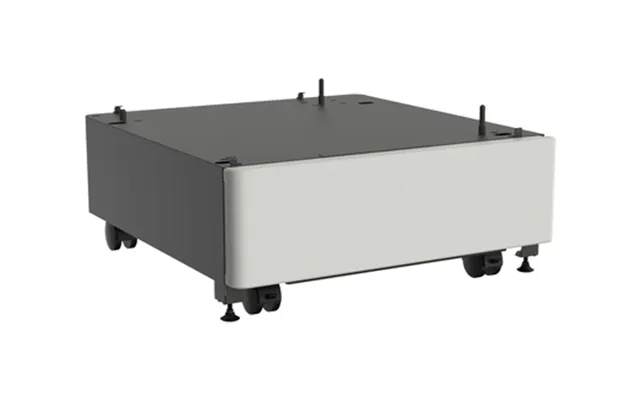
Running a shop, studio, or small office? A heavy-duty steel cart with a 75 to 150 pound rating is a safe bet for robust laser printers. Go for locking casters, deep shelves, and cable pass-throughs. If sensitive documents are in the mix, a cabinet-style stand with a locking door keeps supplies secure.
Mobility is king in shared learning spaces. Choose a rolling cart with large casters and a lip around the top shelf to prevent sliding. A mid-height design helps teachers or trainers access the printer without stooping, and extra shelves hold class sets of paper and worksheets.
For studios with multiple devices—label printers, scanners, laminators—a three-tier unit can turn one corner into a full print hub. Assign each shelf a purpose and label it, so everyone knows where supplies live. Your future self will thank you when deadlines get loud.
Before you click “buy,” grab a tape measure and a notepad. Good measurements save returns and headaches.
Measure your printer’s width and depth, then add at least 1 inch to both for the top surface. Check door swings and paper trays—many printers need front and rear clearance when trays extend or when the rear door opens for jam fixes. Allow at least 6 inches behind the stand for cables and airflow if your printer vents to the back.
If the stand will tuck under a desk or shelf, measure the opening height and compare it to the stand’s overall height. Leave 1 to 2 inches of breathing room so vibration doesn’t make the setup rattle. For desktop stands, make sure the output tray is still easy to reach without overreaching.
Weigh your printer or look up the manufacturer’s spec, then choose a stand with at least a 25% safety margin. For example, if your printer is 40 pounds, target a stand rated for 50 pounds or more. Add the weight of paper stacks if you plan to keep a full ream on the top shelf, too.
If you’ll roll the stand between rooms, measure door widths and thresholds. A slim cart under 18 inches wide glides through most interior doorways. Larger cabinet stands typically stay in one place—make sure the final position works before you assemble.
A printer stand can be both a tool and a piece of decor. Modern finishes span matte black steel, espresso wood grain, white laminates, and even rustic oak looks. Match your stand to your desk, shelving, or flooring to make it feel integrated, not bolted on.
If your printer vibrates, look for rubber feet, padded caster mounts, or a stand with a thick, rigid top panel. Heavier frames tend to dampen noise better. You can also add a thin rubber mat between the printer and the stand to reduce rattling without blocking vents.
You don’t have to overspend to get quality. The sweet spot for most home and small office users is a two-tier steel or wood stand with a 50 to 100 pound rating. If you’re supporting a large laser printer or plan to store bulk paper, the extra cost of a heavy-duty frame is worth it for stability and safety.
Entry-level stands deliver basic stability and light storage at a great price. Premium models add thicker materials, smoother casters, locking cabinets, and cable grommets. Consider long-term needs: a slightly pricier stand that handles future upgrades can save you from rebuying later.
Factor in accessories you might need, like a surge protector, cable clips, or a floor mat for rolling units on carpet. Those small add-ons keep your setup safe and frustration-free, and they extend the life of both the stand and your printer.
Assembly day doesn’t have to be a marathon. Lay out all parts, skim the manual, and tighten hardware in stages so everything squares up nicely. If your stand has adjustable feet, level it after the printer is in place to counter any floor irregularities.
Printers can spike power draw when warming up. A quality surge protector protects your device and other electronics on the same circuit. Mount the protector on the rear of the stand or place it on a lower shelf to keep the top surface clear and the look clean.
Label shelves for paper types—standard, letterhead, labels—so refills are foolproof. Route USB and Ethernet cables along one side using adhesive clips, and leave a gentle loop near the printer to prevent strain on ports. A tidy stand isn’t just pretty; it’s faster to use and easier to troubleshoot.
Printer stands are low-maintenance, but a little care goes a long way. Dust shelves regularly to protect moving parts in your printer. If you’re using a wood or laminate top, avoid harsh cleaners—mild soap and water on a cloth is plenty.
If your stand is on casters, clear hair and lint from the wheels every few months and check that locking brakes still bite. For fixed stands, confirm screws are snug twice a year, especially if the printer is heavy or the floor isn’t perfectly level. Address any wobble immediately for safety and print quality.
Not ready for a dedicated stand? You have options. A sturdy side table or a reinforced shelf can work if it meets weight and size needs. However, purpose-built stands usually offer better cable management and storage, plus safer load ratings.
If you use a standing desk, consider an auxiliary shelf or a slim rolling cart that parks beneath or beside the desktop without blocking legroom. Just keep the printer within easy reach of the paper tray and power switch—you’ll thank yourself during long print runs.
When browsing offers and price lists for printer stands in the UK, shortlist models that match your dimensions, weight needs, and storage goals. Then compare finer points: caster quality, shelf spacing, cable routing, and finish. Reviews can reveal assembly quirks and real-world stability that specs alone don’t show. Price matters, but reliability matters more when you’re printing on deadline.
Comparison platforms help you line up features and pricing from multiple retailers in one view. Use filters for weight capacity, number of tiers, materials, and casters to zero in on the right fit, then choose the best deal with confidence.
A printer stand is one of those upgrades you appreciate every single day. It clears space, tidies cables, and brings order to all the little pieces—paper, toner, envelopes—that tend to scatter. Whether you choose a compact desktop riser, a rolling two-tier cart, or a sleek cabinet, the best stand is the one that matches your space, supports your gear, and keeps your workflow smooth. Measure carefully, compare smartly, and pick a durable, space-saving design that looks as good as it performs.
| Printer Stands | Price | |
|---|---|---|
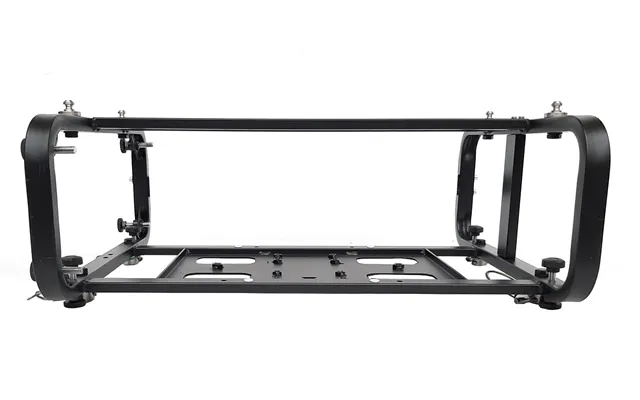
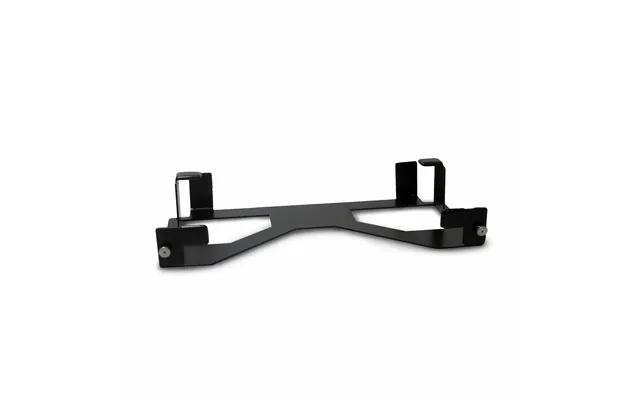
| Epson Elpmb84 Stacking Frame Black | £ 944,78 | |
| Epson Elpmb84 Stacking Frame Black | £ 944,78 |